After being announced at CES 2018, Netgear has followed through with adding HomeKit support to their Arlo Baby HD camera.
After being announced at CES, Arlo has added HomeKit support to baby cam through update
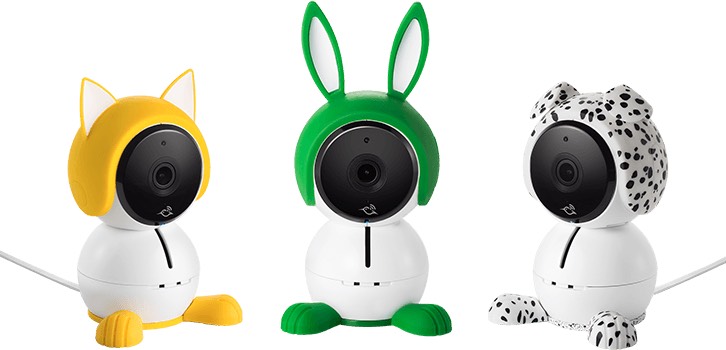
After being announced at CES 2018, Netgear has followed through with adding HomeKit support to their Arlo Baby HD camera.

Apple today released a short film, shot entirely on iPhone X, to celebrate Chinese New Year.
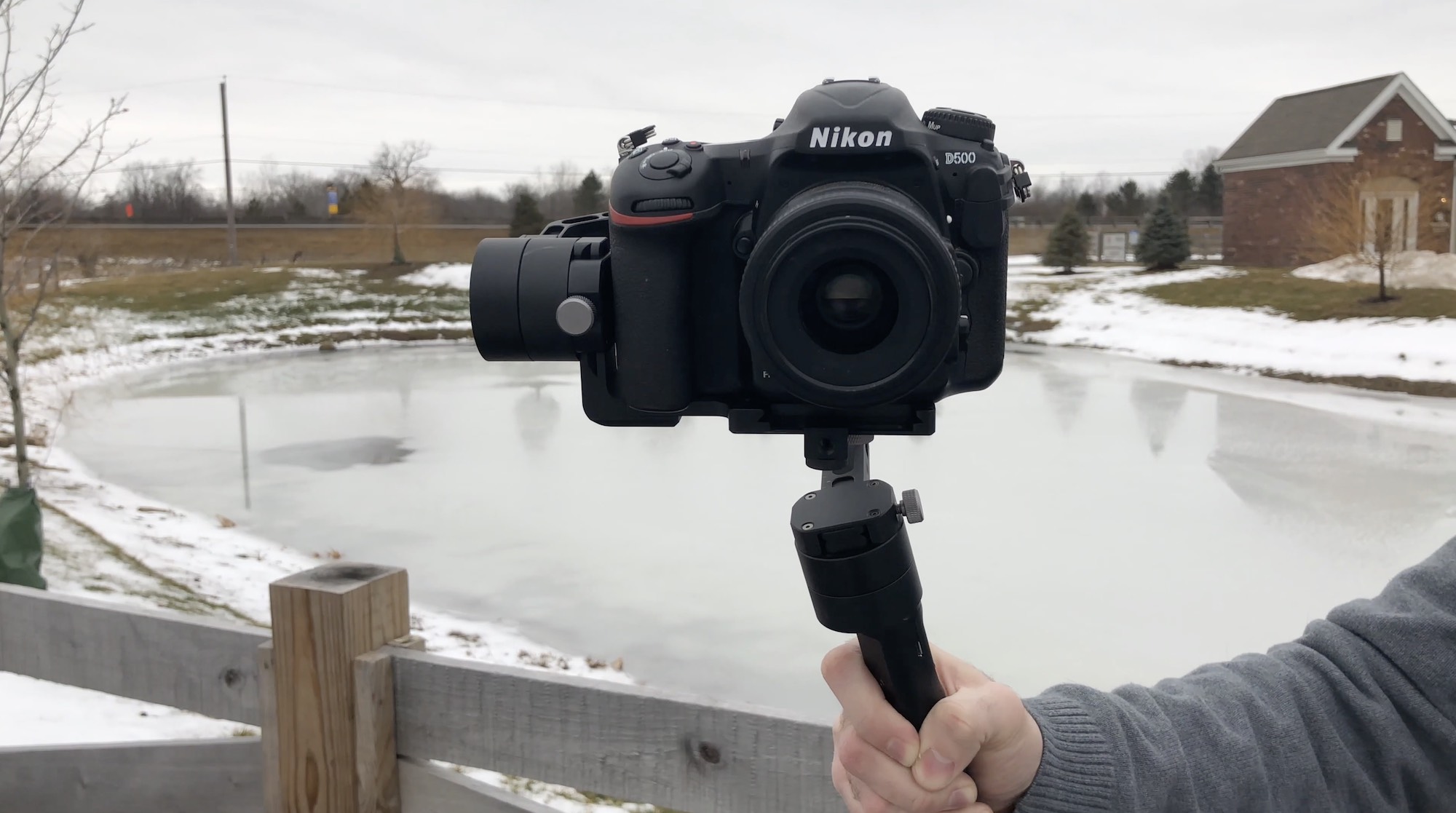
In the past, we've taken a look at countless gimbals for your iPhone, but some readers have been on the lookout for something a bit... bigger. We've gone hands-on with the Zhiyun Crane V2 gimbal that can handle anything up to a 3.9 pound DSLR.
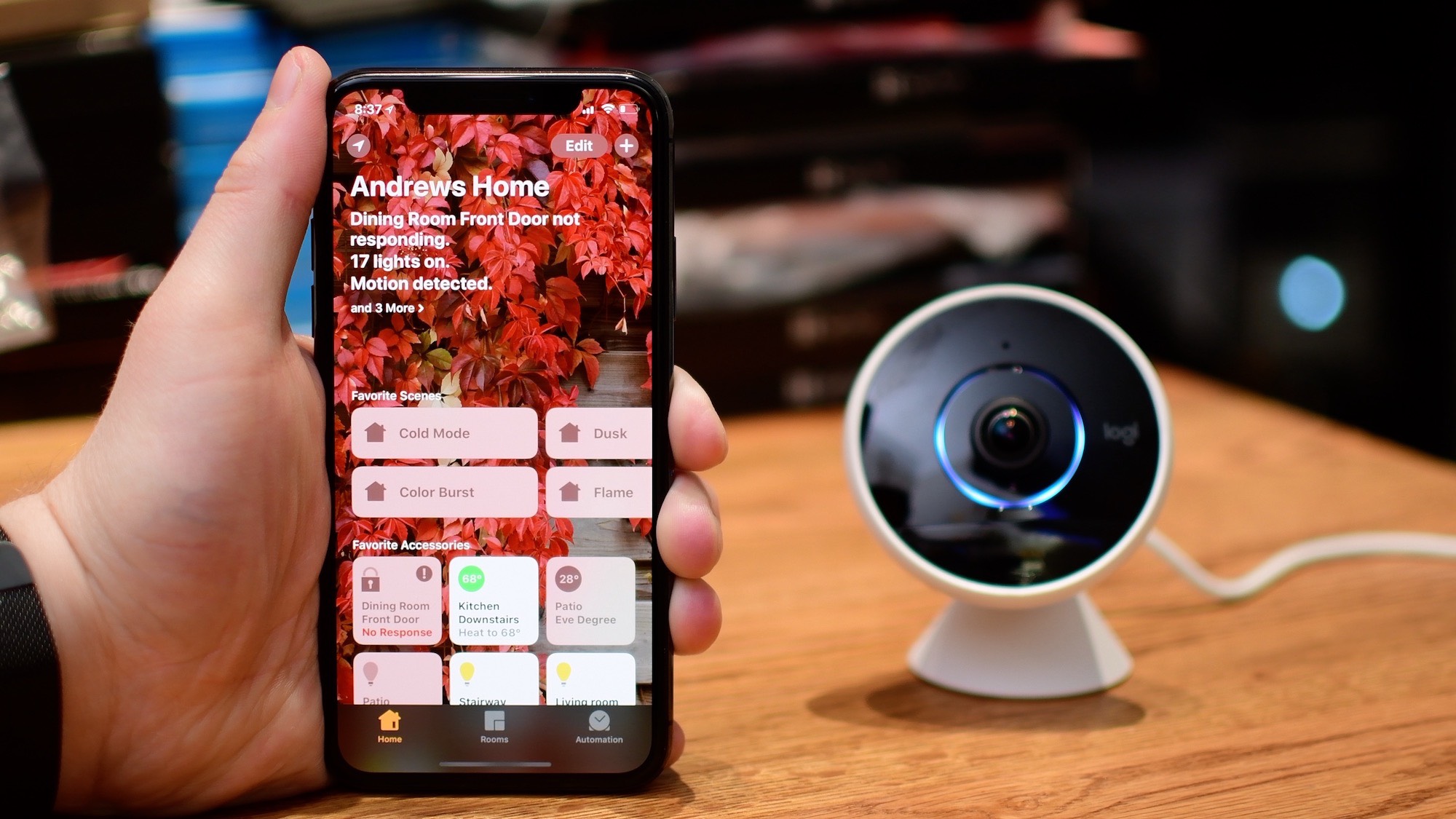
Logitech's latest update to the Logi Circle app has brought a new snapshot feature to its popular HomeKit-equipped Circle 2 camera. The accessory maker is also expanding its premium subscription service for homes with multiple cameras.
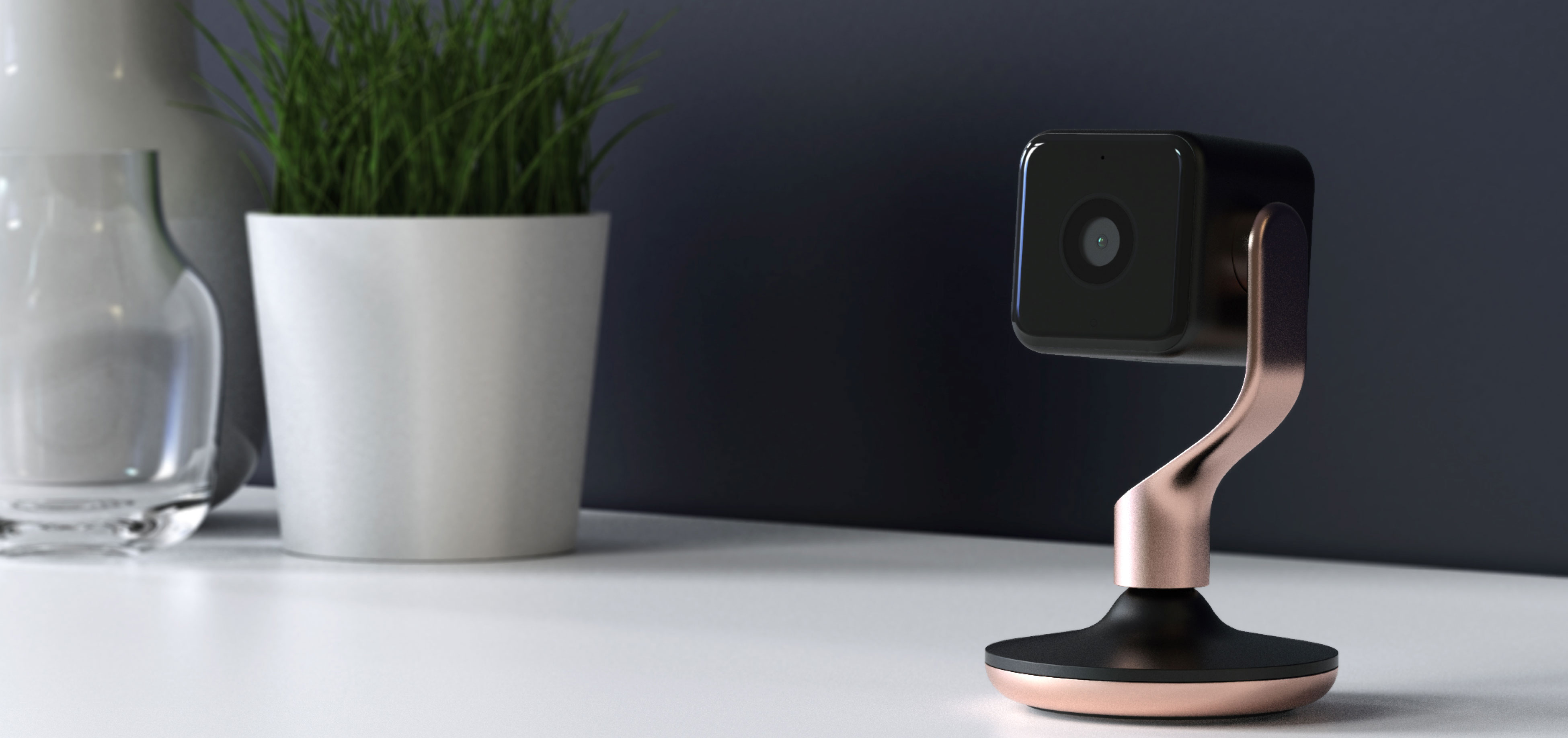
The UK smart home company Hive recently announced their latest product, a stylish home security camera known as the Hive View. We got to go hands-on with a wall of them over at CES and here are our initial impressions.
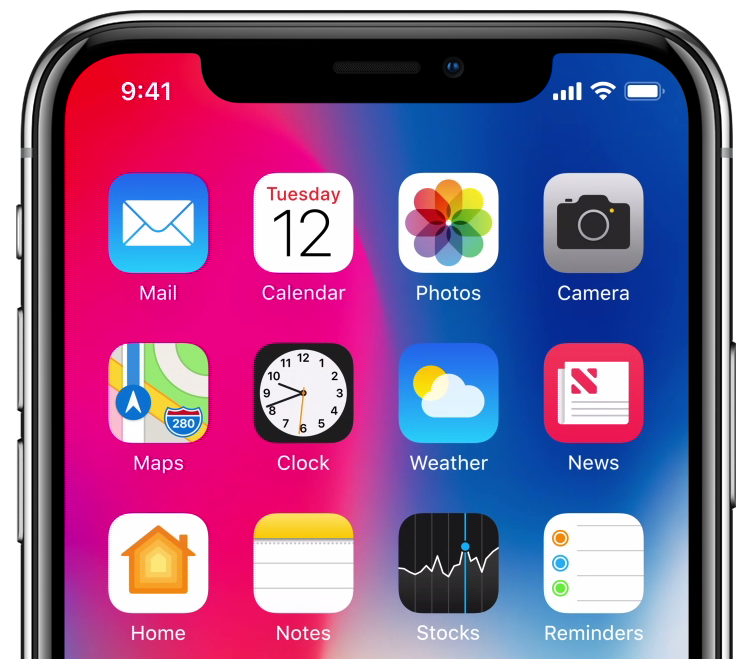
A sketchy rumor from South Korea alleges that iPhones coming in 2019 and beyond may feature a smaller notch as Apple may combine the FaceTime camera and the Face ID module.
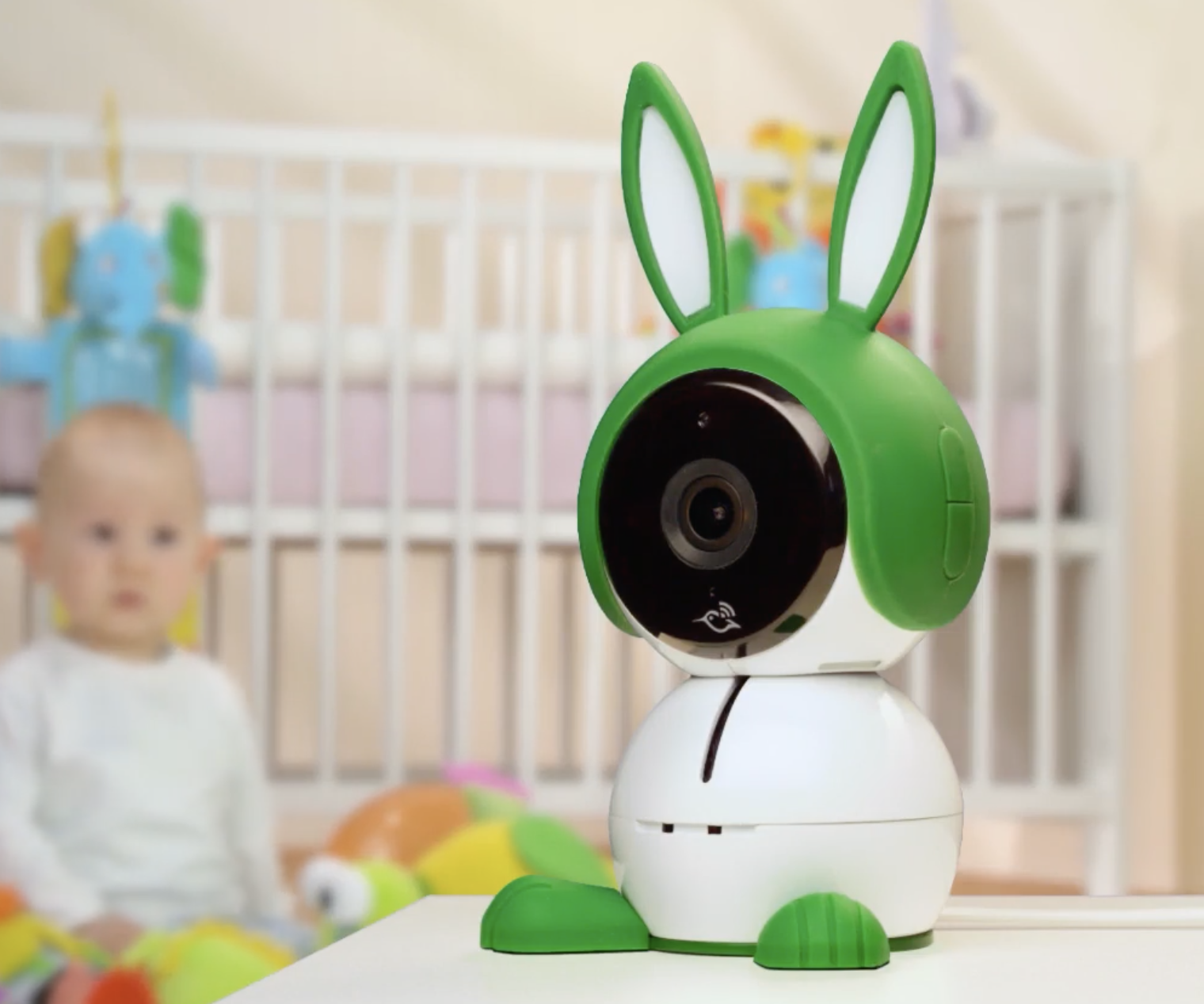
HomeKit support is coming to owners of Netgear's Arlo Baby Smart HD Monitor Camera via a firmware update later this year.
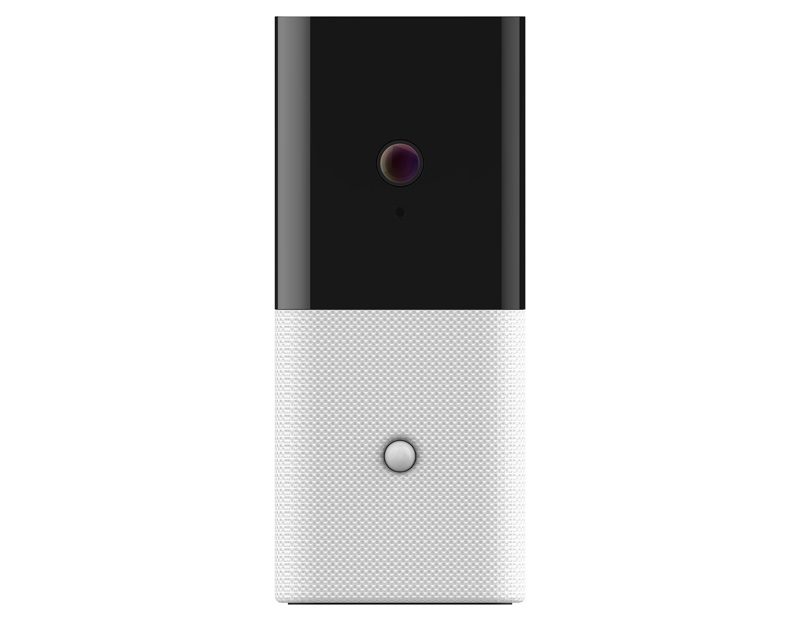
Abode Systems has announced the upcoming release of the iota, a new all-in-one security camera that is designed to integrate with many other smart home products, including Apple's HomeKit.

Available for under a hundred bucks, the new Canary View is an affordable home security camera that has many of the features found in the pricier Canary All-In-One range.
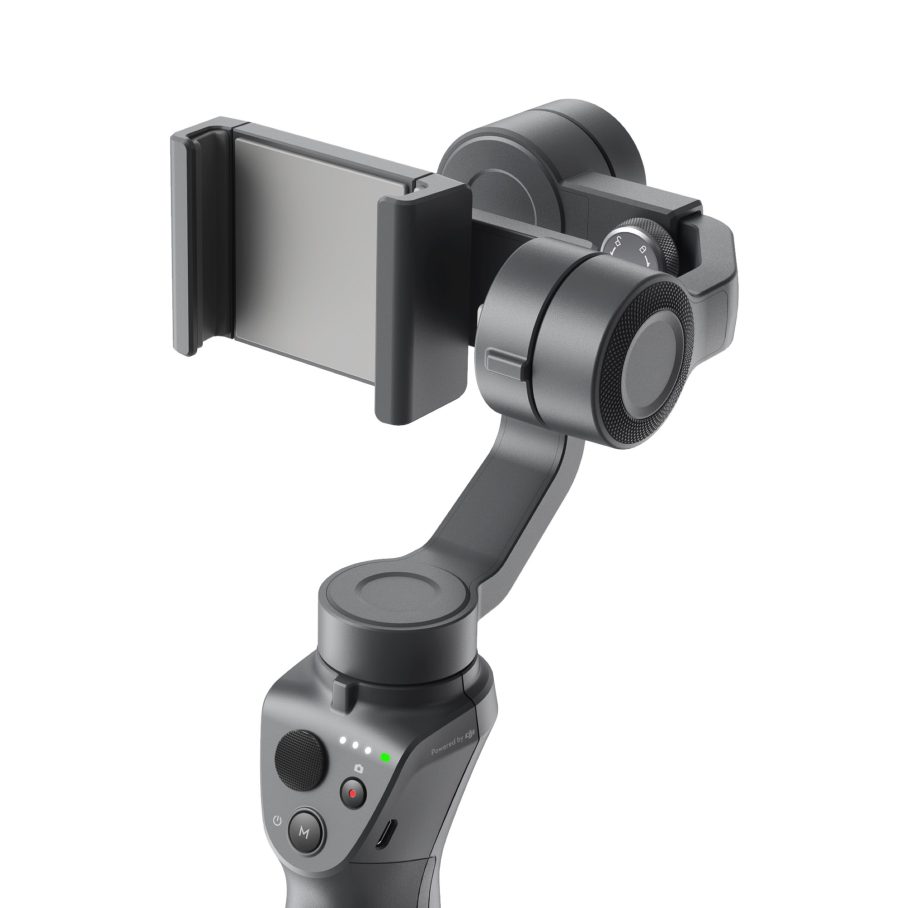
DJI has released a pair of new gimbals at CES 2018. The updated Osmo Mobile 2 and Ronin-S are significantly improved over previous iterations.
The UK smart home company Hive has released their latest product, a stylish home security camera known as the Hive View.
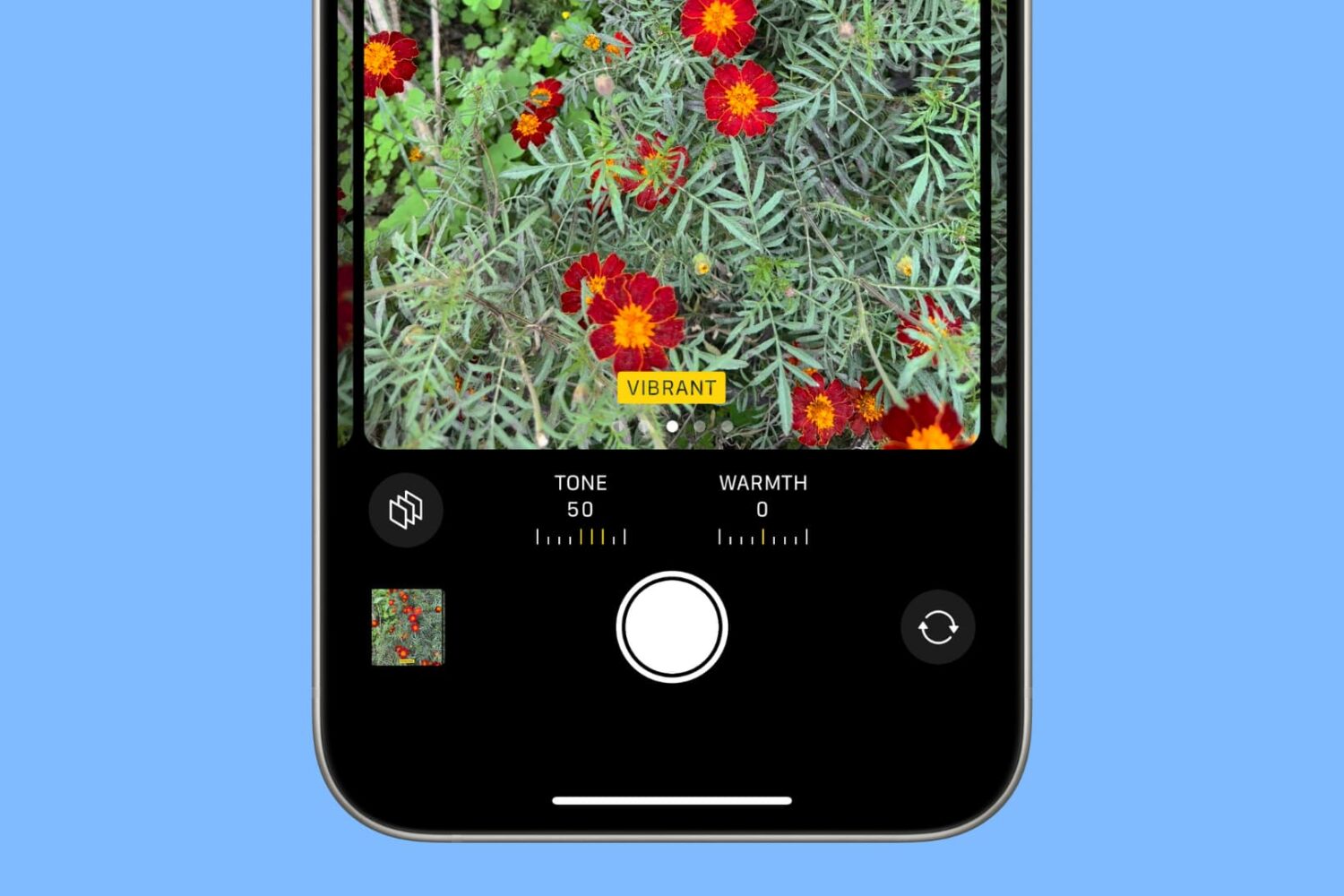
In this tutorial, we'll show you how to apply photo filters and Photographic Styles right in the iOS Camera app while you're framing your shot. You can select the desired look and take a picture with that effect already applied to the final image.