Is your iPhone not turning on? In this post, we discuss various reasons why this could happen and potential solutions to get you back into your iPhone or iPad.
What to do if your iPhone or iPad won’t turn back on
Is your iPhone not turning on? In this post, we discuss various reasons why this could happen and potential solutions to get you back into your iPhone or iPad.
Is your iPhone 17 or older getting too hot? This article discusses what happens when your iOS device overheats and how to solve this problem.
Apple's portable Mac notebooks like the MacBook, MacBook Air, and MacBook Pro are all powered by Lithium-Ion batteries, and these batteries don't last forever. They go through cycles as they're charged up and used over and over. After a number of cycles, batteries tend to lose their effectiveness at storing power, and will eventually need to be replaced.
If you have ever wondered just how close you are to needing a battery replacement in your Mac, then you'll be happy to know that macOS is actively monitoring your Mac's battery and can tell you with a quick keyboard shortcut, which we'll be discussing in this short information piece.
As our own Sebatien recently explained, force-quitting multitasking apps to save your iPhone's battery life is a terrible idea because A) Apple is giving developers proper tools to have their apps work efficiently in the background; and B) users should trust the operating system is effectively managing apps that aren’t active.
Today, Apple has confirmed that users should not force-quit apps frequently and has said that doing so won't help extend the iPhone's battery life at all.
Whenever I'm using my MacBook Pro, there are a number of third-party accessories I like to use to glorify my user experience based on what I may be using it for. In this piece, I'll share with you my five favorite accessories that I use with my 15-inch MacBook Pro with Retina display regularly.
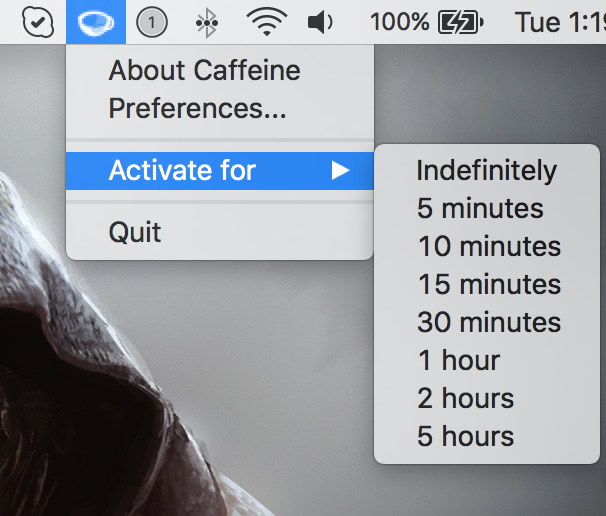
Yesterday, my colleague Anthony ran an informative tutorial that does a good job covering two ways to keep your Mac from sleeping, dimming or showing a screensaver: one is based on a little bit of Terminal magic and the other involves using a free of charge utility, called Caffeine.
As easy to use as Caffeine is, it suffers from not having been updated in years so it has some issues with OS X Yosemite and El Capitan.
Its icon, for example, is not Retina-compatible and looks odd in Yosemite's dark mode. That said, I want to share with you a pair of apps that one-up Caffeine at its own game.
If you're looking for the next cool app to install on your Apple Watch, look no further than MiniStats, a useful utility and statistics app for the iOS platform that's usually $0.99, but is currently free in the App Store.
This app lets you see various statistics about your iPhone usage on your handset itself, and even right from your wrist on your Apple Watch.
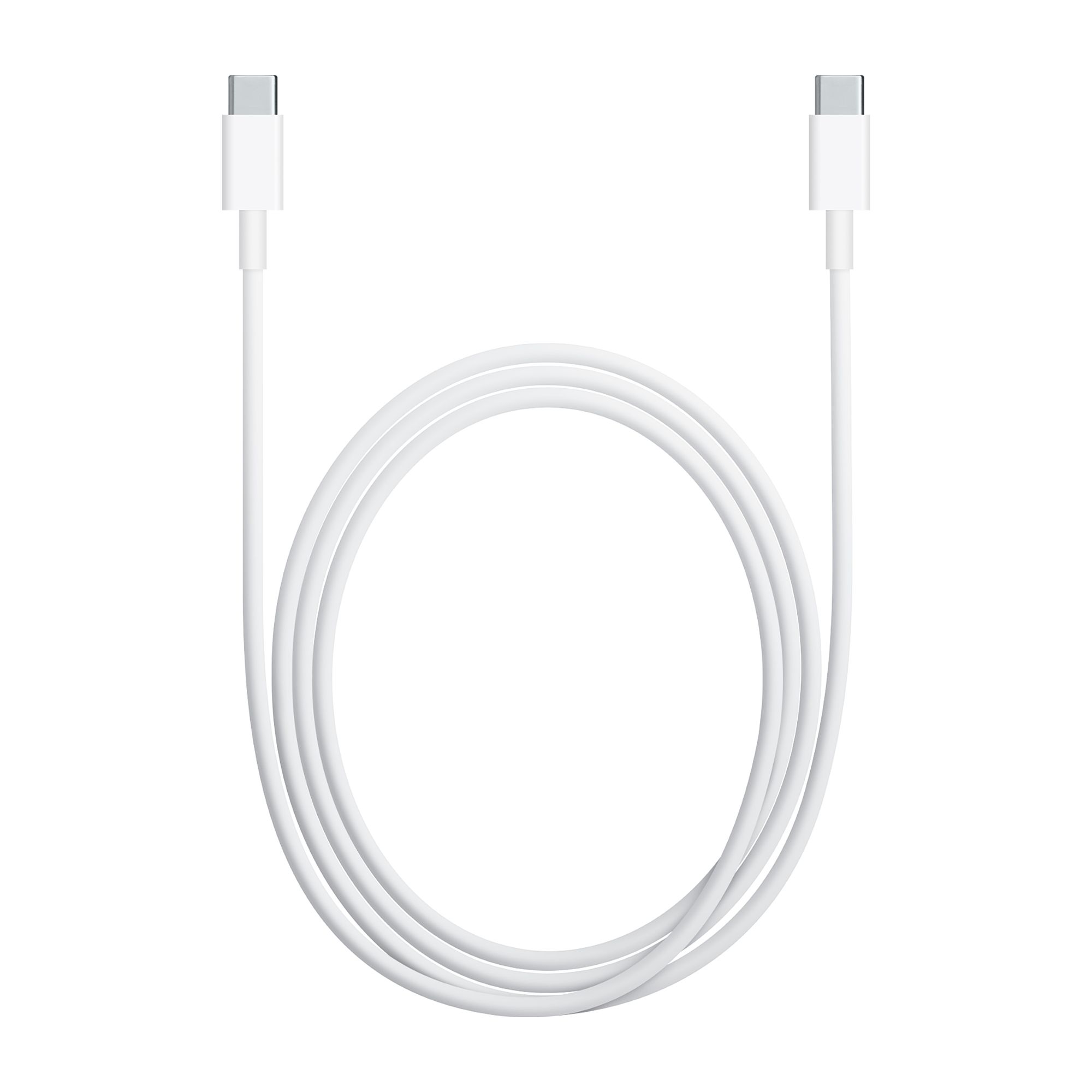
Apple on Friday announced a worldwide replacement program for a limited number of USB-C charging cables that were shipped with 12-inch MacBook with retina display units or sold separately through June of 2015. A design flaw in these cables may cause unexpected premature failure.
As a part of the program, anyone with an affected cable is eligible to gain a free replacement through Apple.
There are seemingly endless choices for iPhone accessories out there, and I've got to tell you, I go through iPhone accessories like candy. One day I like something I'm using, and another day I find it to be a nuisance and I end up leaving it at home and buying something completely different to suit my needs.
Regardless, there are still some accessories that I still use on a day-to-day basis, and in this piece, I'll show you my top 5 favorite iPhone accessories that I actually use on a daily basis and why.
According to The Guardian's technology reporter Samuel Gibbs, uninstalling Facebook's battery draining iOS app and accessing the mobile Facebook interface through the Safari browser can boost an iPhone 6s Plus's battery life by as much as fifteen percent.
Gibbs cited his own testing, which has revealed that Facebook's mobile application continues to drain the life out of an iPhone's battery even when it isn’t being actively used.
Apple is widely expected to announce a third-generation iPad Air at a March event in a few weeks time and the latest supply chain chatter has it that the device will come outfitted with an ultra sharp display boasting a 4K resolution, or nearly four times the pixels of Apple's current-generation 9.7-inch 2,048-by-1,536 pixel Retina display.
According to Taiwanese trade publication DigiTimes, it'll also have an improved battery life and feature four gigabytes of RAM versus the iPad Air 2's two gigs of RAM.
Low Power Mode is one of the new features of iOS 9 that allows you to keep your battery usage as low as possible throughout the day when you want to conserve battery life and you feel your battery level is getting to the point where you might not last until you can get to a charger.
Unfortunately, while most of us enjoy reaping the benefits of Low Power Mode, whether we have a low battery level or not, iOS automatically disables the feature when your device gets charged up enough, forcing you to go to the Settings app and re-enable Low Power Mode manually.
That's where a new free jailbreak tweak in Cydia's BigBoss repository called LowPowerMode is going to make your life a whole lot easier.