Apple

Watch the iOS 7 intro video here

About halfway through Apple's keynote today, Craig Federighi brought Tim Cook back up onstage for one of the biggest reveals in the company's history. It was the moment everyone had been waiting for: the preview of Apple's biggest iOS refresh to date, iOS 7.

Rather than jump right into listing new features and improvements, Apple chose to introduce the new software with a hardware-like introduction video featuring Jony Ive talking against a white background. And in case you missed it, Apple just posted it online...

New ad: ‘Designed by Apple in California’

Apple executives on several occasions during the just-finished WWDC keynote made note of both the fact that the new Mac Pro is being built in the United States and that the redesigned iOS 7 software and other apps are being conceived, designed and implemented by its team of engineers in California.

In fact, Apple's been proudly putting stickers on its products saying 'Designed by Apple in California' for years and has now even made a compelling new ad which focuses in its California design roots...

Apple announces iTunes Radio, coming this Fall

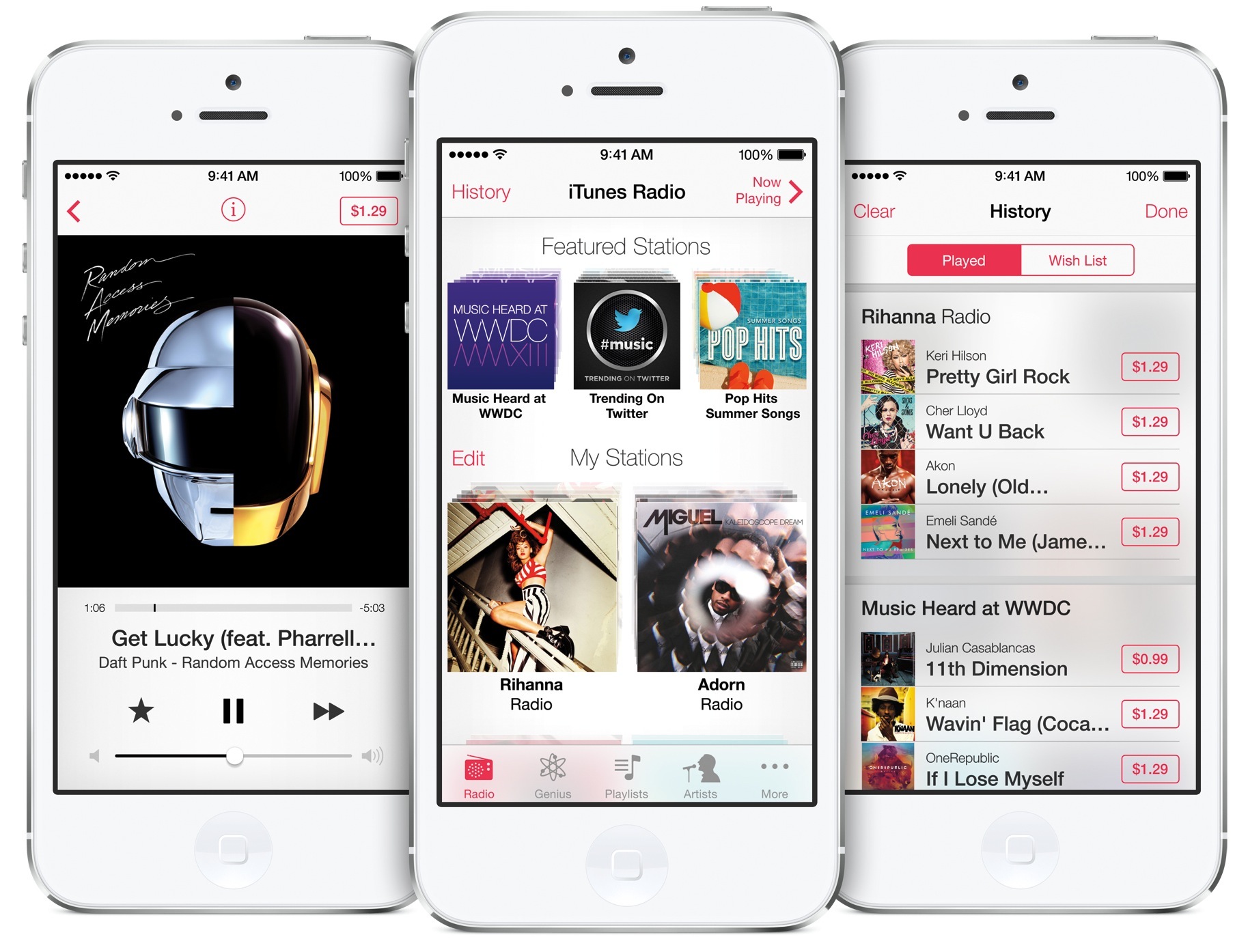
Ending months of speculation, Apple here at WWDC talked about its Pandora-like service, dubbed by the press iRadio. The company is actually calling it iTunes Radio and pitches it as a free Internet radio service that features over 200 stations and “an incredible catalog of music” from the iTunes Store. Built right into a redesigned Music app in iOS 7, iTunes Radio streams music for free, in exchange for ads.

The new service also gives you access to “first listen” premieres from top selling artists and other exclusives. Tim Cook called it "the best way to discover new music." Here's your fine print...

App Store gets auto updates and more in iOS 7

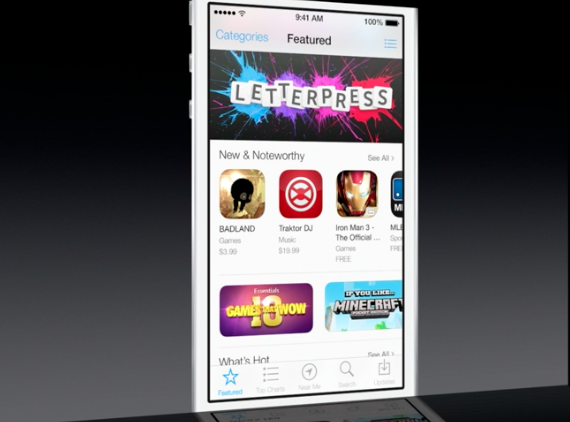
Folks hoping that Apple would make some changes to the dark-themed App Store in iOS 7 will be happy to hear their wish has come true. In line with the rest of the UI design changes in the new software, App Store is now flat, white and easier to read.

In addition to the makeover, the App Store also receives several enhancements in iOS 7. Perhaps the most compelling change is the fact that users can now opt to have their applications automatically updated. Keep reading for more on the update...

iOS 7 simplifies file sharing with AirDrop

In addition to Control Center, a new iOS 7 feature which puts often used Settings toggled just a swipe away anywhere in the system, Apple has also made it easier to send your files and documents to other iOS devices and Macs with AirDrop. As you know, Apple launched AirDrop on Macs with OS X Lion.

AirDrop talks to devices directly over Wi-Fi, without the need for an Internet connection or having to join a Wi-Fi network. In fact, the system is hassle-free in that you don't need to configure anything - it just works...

iOS 7 brings brand new Control Center with toggles

Now that Apple has formally announced a Jony Ive-ified iOS 7 ("it's like having a new phone, but one you already know how to use," said Tim Cook), executives here on stage at San Francisco's Moscone West are telegraphing the key features of iOS 7. One of such handy additions is an all-new Control Center. So, what does it do?

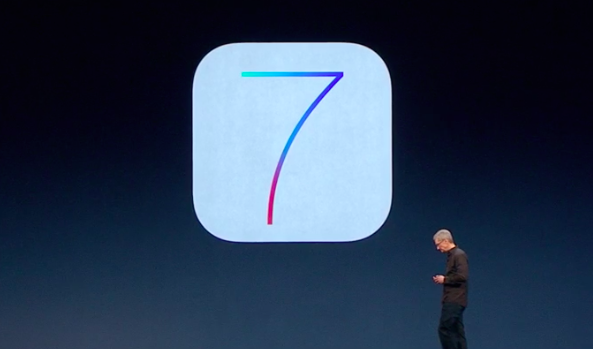
Apple introduces iOS 7

Tim Cook and company just took the wraps off of the next version of its mobile operating system, iOS 7. And as expected, it's by far the biggest update to the platform since the original iPhone launched back in 2007.

What's different? Everything. In line with previous reports and speculation, Apple has completely redesigned the OS from the ground up with an all new user interface and a slew of new features. And honestly, it looks amazing...

Apple bringing iBooks to Macs with OS X Mavericks

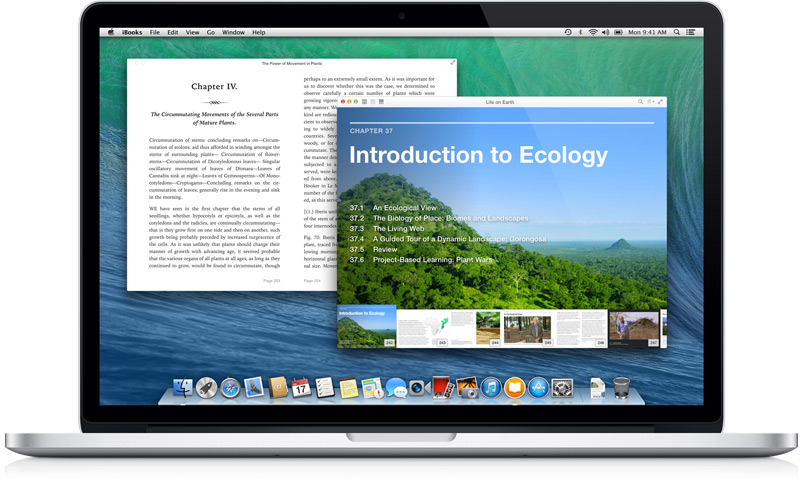
After 3 years of being an iOS-exclusive, Apple is finally bringing its iBooks Store (and app) to the Mac via its new desktop operating system OS X Mavericks—something that [no doubt] millions of iBooks users have been clamoring for for ages.

With the new Mac portal, users will be able to access their full iBook libraries, as well as browse the Store, all from the comfort of their computers. The bigger screen should provide a number of advantages for users—particularly students and teachers...

Apple shows off standalone Maps Mac app

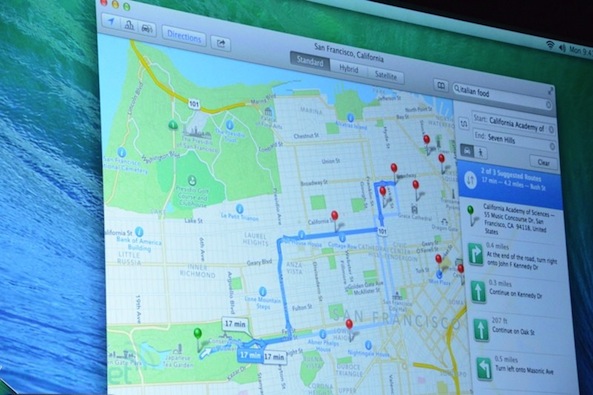
During the OS X Mavericks segment here at WWDC 2013, Apple's OS X head Craig Federighi announced a new native Maps app for the Mac. The standalone program takes advantage of core system enhancements in OS X Mavericks. The resulting experince is much more fluid, pleasing and responsive compared to what you had in Safari. One of the interesting features is the ability to send any location or route right from the Maps Mac app right to your iDevice’s Lock screen...

OS X Mavericks includes some major improvements to notifications

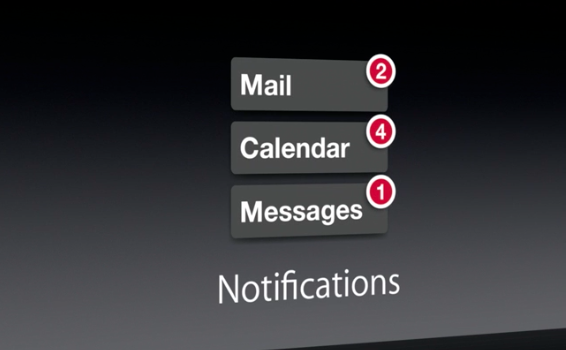
Good news Mac users. In addition to all of the cool stuff Apple has already outlined in Mac OS X Mavericks, the new software is also going to include a number of improvements to the way it handles notifications.

Easily the coolest thing about the enhancements is that you can now quick reply to notifications. This is something that iOS users have been clamoring for for years. Hopefully it's a sign of things to come.

More details after the fold...