Apple

New iPads now available for in-store pickup at some Apple Stores

Apple's latest iPads, the iPad Air 2 and iPad mini 3, are now available for in-store pickup at a growing list of retail locations in the United States, MacRumors reported Wednesday. Initially limited to Wi-Fi-only iPads and available for a limited number of retail locations that have received shipments, every Apple Store in the United States and abroad will provide personal pickup as soon as Apple catches up to demand for the new tablets.

If you are planning on purchasing one of the new iPads for in-store pickup, head over to Apple's US Online Store, choose your iPad model and check the bottom of the page: if personal pickup is available, you'll see the “Available for pickup” message. You can also click the “Check availability” link and enter your ZIP code to get a list of nearby stores that will let you pick up your iPad in person.

Google launches a different take on email: introducing Inbox by Gmail

Writing on the Official Gmail Blog Wednesday, Google announced immediate availability of a new email app for iOS and Android, Inbox. Available free of charge in the App Store on an invite-only basis, Inbox represents “a completely different type of inbox”. The app strives to surface the most relevant stuff that often gets buried and forgotten due to an avalanche of unwanted emails we get bombarded with.

Built by the Gmail team and “years in the making”, Inbox has been conceived to fit your life by keeping your emails organized to “help you get back to what matters”. That sounds much like Mailbox.

Jump past the fold for the full reveal.

Google’s Hangouts app is now iPhone 6-ready

Continuing its string of app updates adding native support for the iPhone 6 and iPhone 6 Plus screen sizes, Google on Wednesday issued a small update to its Hangouts messaging software for the iPhone and iPad, which now looks as you'd expect on the 4.7 and 5.5-inch iPhone 6 screens.

In addition to UI support for the new Apple smartphones, Hangouts 2.3 contains no other additions or improvements. The app is available free of charge in the App Store and requires iOS 6.0 or later.

Rovio’s Flappy Bird-inspired Retry launches globally

After soft-launching its retro-style arcade flying game inspired by the Flappy Bird craze in Canada, Finland and Poland, Retry by Rovio is now available internationally.

Released under Rovio's LVL 11 experimental label for internal games which don’t quite fit the overall Rovio brand, the addictive free-to-play download will have you thinking that “you’ve stepped into an 8-bit time machine and gone back to 1986″.

Amazon working to enable its Rewards Visa Card for use on Apple Pay

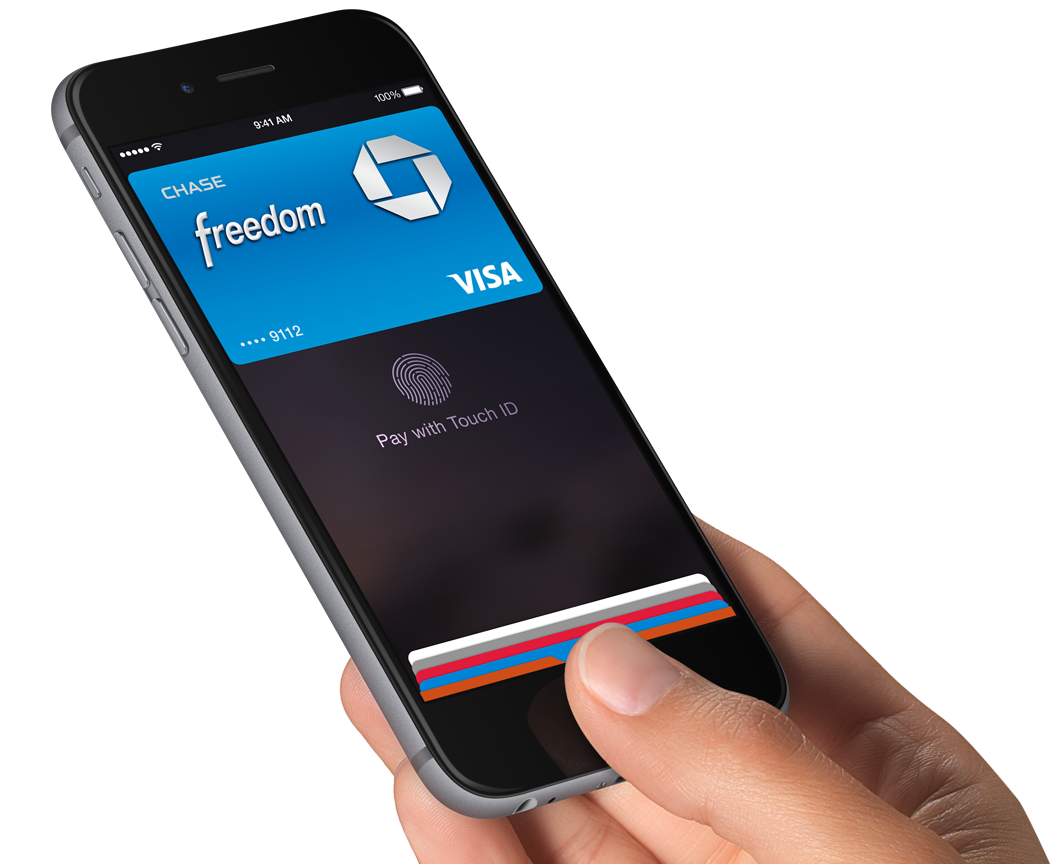
The online retail giant Amazon confirmed to GeekWire that it is in fact working to enable the Amazon.com Rewards Visa Card offered by Chase for use on Apple Pay, as MacRumors first noted on Wednesday. A spokesperson for the Seattle, Washington headquartered company did not specify when it would be available. This is a major development as Amazon is among the companies not supporting Apple Pay initially.

MasterCard promotes Apple Pay in TV commercials

MasterCard, one of Apple's launch partners for Apple Pay, has begun airing new television commercials during last night's Game 1 highlighting Apple's mobile payments service, which became available at more than 220,000 locations in the United States with the release of iOS 8.1 this Monday.

“Fans who use their MasterCard with Apple Pay are enjoying priceless surprises, even at the World Series,” the voiceover can be heard saying. And what exactly might those “priceless surprises” be?

How about tickets to the games and even “meeting a baseball legend” such as George Brett and other “once in a lifetime experiences”?

Jump past the fold to watch the ads now.

Fantastical gains fantastic iOS 8 Today widget, Interactive Notifications, Share extension and more

Flexibits on Tuesday issued a major update to its calendar, reminder and to-do replacement app, Fantastical for the iPhone and iPad. Now an iOS 8-only download, the new Fantastical 2.2 is fully optimized for some of iOS 8's headline new features.

It has an informative Today widget for your upcoming tasks, ability to create events in any application that supports iOS's multi-purpose Share menu, notifications that can be interacted with on the Lock screen, within the Notification Center and from the banner alert, and more.

This update is free to existing users. And to celebrate this major new release, good folks over at Flexibits have slashed Fantastical for iOS: the iPhone edition is now $3, down from its regular price of five bucks, while the iPad edition will run you $7 for a limited time, down from its regular asking price of ten bucks a pop.

Cannot activate iOS 8’s Text Message Forwarding and iPhone Cellular Calls? Here’s a fix.

As soon as iOS 8.1 hit two days ago, I immediately went about checking out a pair of new features I care about the most, Text Message Forwarding and iPhone Cellular Calls.

As a quick reminder, Text Message Forwarding lets me mirror text messages sent to my iPhone in the Messages app on the Mac or iPad. With iPhone Cellular Calls turned on, I can finally make and receive phone calls on my other Mac and iOS devices through my iPhone's cellular connection.

But something was amiss, or so I thought, because I just couldn't get either feature to work. While attempting to enable Text Message Forwarding, the system prompted me to enter a confirmation code my Mac was supposed to generated, but didn't.

Likewise, trying to enable iPhone Cellular Calls yielded a FaceTime error message saying my devices must use the same iCloud account, even though I was using FaceTime without any problems before.

Having spent a few hours restoring my devices as new, reseting network settings, changing settings on my router and checking the status of iCloud services, I eventually came to the same realization as did the other affected users: Text Message Forwarding requires you to use an email address and for iPhone Cellular Calls to work properly, FaceTime must be signed in with your Apple ID.

Tim Cook flies to China in response to iCloud phishing allegations

Apple's boss Tim Cook went to China to meet with a top Chinese government official in Beijing amid allegations of government-backed phishing attempts on users' iCloud accounts, according to a report by the state-run Xinhua news agency, relayed by Reuters Wednesday.

The meeting coincides with reports by GreatFire.org, a Chinese web monitoring group, alleging that the Chinese government sponsored man-in-the-middle attacks that redirected local users to a fake iCloud.com login page in an effort to harvest Apple ID user names and passwords.

Apple launches Maps Connect, a way for businesses to manage their Apple Maps listings

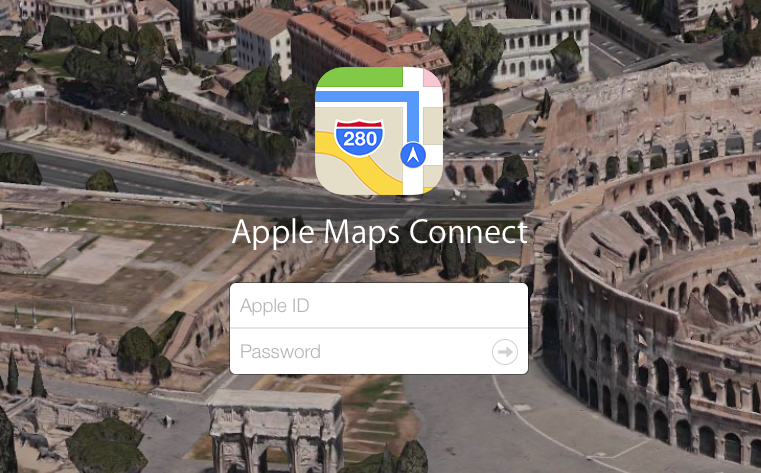
Apple has launched a new self-service portal for US businesses to add or edit listings within Apple Maps. Dubbed Apple Maps Connect, the portal aims to allow small business owners to ensure that their listings are up-to-date and accurate.

According to Search Engine Land, who has used the service, Maps Connect is free, and listings appear in Apple Maps on both desktop and mobile versions. You simply login with your Apple ID, and either create or claim your business listing.


GT Advanced reaches bankruptcy deal with Apple, selling furnaces to pay debt

GT Advanced and Apple have reached a settlement that will allow the two companies to part ways amicably, reports The Wall Street Journal. Under the terms of the deal, GT will be paying Apple back for its $439 million loan by selling off its 2,000+ furnaces.

The news surfaced during GT Advanced's bankruptcy hearing this afternoon—two weeks ago, the sapphire-maker filed for Chapter 11 bankruptcy protection. Low cash flow was cited as a reason for the filing, but few details are known about the circumstances.

IMDb app adds box office info, movie tech specs and a couple other features

Amazon-owned IMDb, the world’s largest collection of movie, TV and celebrity information, has a nicely done iPhone and iPad application available for free in the App Store that has just gotten a whole lot better in the latest version 4.5 release.

For starters, the software at last provides a bunch of useful technical specifications for movies such as the original aspect ratio, color, audio, runtime and what not.

Next, movie pages now include box office information giving you yet another indication of the movie's popularity — that's in addition to the previous data like review scores. Note that U.S. box office result data was previously available only via the app's Popular Charts feature.

If you want to write a plot for an obscure movie that lacks descriptions, or maybe add interesting trivia to a television show, you can now do so directly in the mobile app, without visiting IMDb's interface on the web.