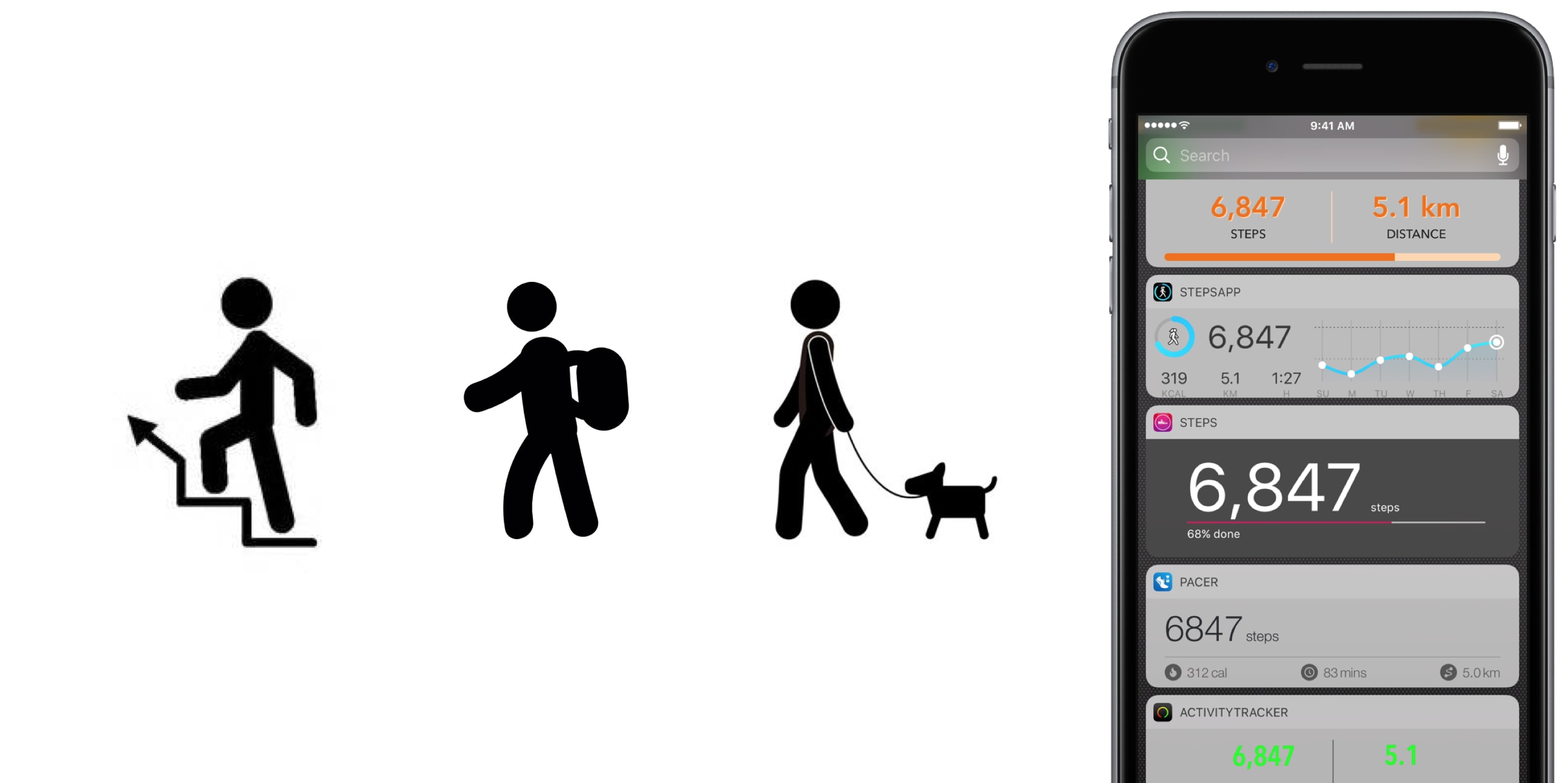
No matter the extend, or amount of joy we derive from it, until anti-gravity boots have been invented and immobilized humanity once and for all, we all have to walk. To work, from work, to run errands, to take the dog to the park, to pick up the kids, to the pub on weekends. Sometimes home on all fours after that. But it is also a loved activity for those seeking a healthy lifestyle or regular exercise. In any event, with your iPhone in the pocket, it is easier than ever to record, visualize, or even gamify your endeavors.
To do justice to the wide array of step trackers available, we have parsed the App Store with the aim to only pick apps standing out for at least one unique quality. The result is - hopefully - a small but diverse sample of the best step tracker apps that is representative of the larger flock of step counters, some of which you might argue should or should not have been included based on merit, features or simply personal allegiance.
If that’s the case, as always do let us and your fellow readers know in the comments. And now, without further ado, let’s get into our list of the best pedometer apps!
The best pedometer apps
Activity Tracker
We’re starting at the proverbial shallow end with Activity Tracker, meaning an app not too complex with respect to stats and analytics. Instead of drowning the user in numbers and tabs, Activity Tracker is a great candidate for those appreciating aesthetics and simplicity. A the same time, it manages to smartly condense the most important information about your activity and hide it in plain sight.
Activity Tracker records and presents your daily steps in a very familiar activity ring fashion, in addition logs flights, time, distance and also calories burnt, a giveaway other apps will already demand you go premium for. Moreover, the app icon badge can display your daily number of steps and a reasonable widget is being offered as well, certainly not the best among the pack but a nice to have all the same.
Finally, Apple Watch users are likely to appreciate the wrist implementation of Activity Tracker, as it bundles all the important information (steps, kcal, miles) in one quick glance. For more stats (hourly, monthly) and complete HealthKit integration you’ll have to upgrade to premium for $4.99. Either way, the basic app is a solid place to start your step counting journey.
• Device support: iPhone, Apple Watch
• Widget: Yes (Steps, Miles)
• Notable features: app icon badge, weekly goals, calories
• Cost: free ($4.99 premium)
Pacer
Pacer’s full name - Pacer: Pedometer plus weight loss and BMI tracker - more aptly encompasses the allrounder that this app really is. To its credit, it somehow manages to not stretch itself too thinly taking on step counting, weight monitoring, personal coaching, but also social challenges and group forums. Yet on the flip side, it can for sure be a little overwhelming to those seeking out a straightforward pedometer.
To flesh it out briefly, the free app boasts a regular step counter comprising steps, flights, distance and plenty of graphs (for both portrait and landscape orientation). More exclusively to Pacer, it also features stats for weight, BMI & blood pressure. Refreshingly, Pacer houses a free community of user groups, which can be joined for discussions and the hunt for shared goals. Public events can be attended as well, boosting morale as you sure don’t want to sit at the bottom of the participant's list.
Pacer offers a subscription based Pro service (at $3.99 per month) that covers a plethora of goodies such as a personal coach for exercise plans and weight loss, guided challenges, plus more personal stats. And as you would expect from a jack-of-all-trades app like Pacer, it packages a potent Apple Watch companion as well.
• Device support: iPhone, Apple Watch
• Widget: Yes (Steps, Cals, Time, Distance)
• Notable features: calories, public events, groups
• Cost: free ($3.99 a month)
Pedometer++
Pedometer++ dates back all the way to 2013 and the release of Apple’s M7 motion coprocessor. Back then, it spearheaded the new movement and was among the first apps to embrace the freshly-fitted piece of hardware. Because of that pedigree alone, we’d be remiss to ignore the application. Besides, it’s the only app (next to StepsApp) to equip you with a nifty iMessage chat extension for friendly banter between you and your friends.
Outside of that, Pedometer++ is a straight shooter, only asking for a daily step goal and taking over from there. Perhaps its biggest strength is the UI, managing to boil down all the information (steps, floors, distance, a color chart) of the tracker in one single page, all the while retaining a clean look. As a result, there is no learning curve with this tracker, no hidden gestures or buttons, no fear of missing out. Via settings, Pedometer++ can also make use of the app icon badge to display the current step count. In addition, the app earns its stripes through accessibility features such as a wheelchair mode and a switch for rest days.
In closing, Pedometer++ can be stripped off its ads for a small tip of $0.99, plus comes in conjunction with an Apple Watch app capable of timing and recording your walks.
• Device support: iPhone, Apple Watch
• Widget: Yes (Steps, Miles, Floors)
• Notable features: app icon badge, daily goals, wheelchair mode, rest days
• Cost: free
Stepz
Stepz most distinguishing feature is not its atrociously spelled name, but an emphasis on social and trophy hunting. The app has dedicated tabs for Achievements and Friends, each making clear where priorities lay during the development of Stepz. Fortunately, that gamble has paid dividends, as scoring and sharing achievements like ‘You have walked the length of the London Underground’ is actually a playful source of motivation.
At the same time, Stepz has been mindful with the implementation and ensured it doesn’t bleed into the core step tracking functions. The latter performs slightly above average amongst all apps featured, with rich and informative data, detailed graphs and an outstanding history tab for everything ever archived on your iPhone. To make sure they leave no stone unturned, an app badge switch and Lock screen widget (Steps & Distance) have been thrown into the bargain as well.
Suffice it to say that the dev team has done their homework on watchOS too, which for all intents and purposes wraps up the package nicely. For $0.99, you get to wipe the interface clean and remove all ads.
• Device support: iPhone, Apple Watch
• Widget: Yes (Steps, Miles, Progress)
• Notable features: app icon badge, daily goals, calories, achievements badges, friends
• Cost: free ($0.99 premium)
Steps
Steps not only beats Stepz to its grammatically sound name, but also broaches the concept of a step counter from an entirely different angle. Essentially, Steps is the cleanest, least pompous pedometer in our line up, so much so that the entire display can be reduced to a single number (your step count).
Under its surface, one tap will reveal distance and time travelled, a swipe up invokes a brief history of the previous three days, while a swipe to the left is utilized to set a daily steps goal. Believe me that we are not trying to shortchange the app, but with the exception of a daily update notification, this is practically it. And that’s precisely the sales pitch.
If you grow fond of the slim step counter, for $1.99 Steps complements its service with a calories tracker.
• Device support: iPhone
• Widget: Yes (Steps, Progress)
• Notable features: daily goals
• Cost: free ($1.99 premium)
StepsApp
StepsApp will tickle your fancy for various reasons, most likely though because of its breadth of customization abilities, especially with regard to your daily goals and notifications along the way. To give you an idea, you can flick on or off notifications for steps, calories, distance, time, weekly reports and an app icon badge. It additionally boasts the option to alter colors inside the app (limited until you go premium), which even redesigns the app's look on your iPhone's Home screen. Nice little touch there, StepsApp.
That is just the tip of the iceberg though, and the foundation is equally solid: the app sports a beautiful interface including a monthly calendar view akin to Apple’s own activity app calendar, interesting diagrams and submits one of the best widgets on iPhone any app in this roundup has to offer.
What’s more is that on Apple Watch, StepsApp's prowess (i.e. amount of data and breakdowns) comes close to rivalling Apple’s proprietary activity and exercise app, so much so that it can serve as a fully fledged outdoor GPS tracking device for walking and running. For $2.99, even more customization, Apple Health integration, and Apple Watch complications await.
• Device support: iPhone, Apple Watch
• Widget: Yes (Steps, Miles, kcal, Time, Graph)
• Notable features: app icon badge, various daily & weekly goals, app customization, calories, GPS tracking
• Cost: free ($2.99 premium)
Step Counter
Step Counter arguably tries to accomplish a little less at once, albeit rocking a design quirky enough to have earned a spot in our list. Unlike the majority of step trackers, Step Counter asks you to select a character and matching attire first, presuming that a personalized avatar is going to funnel extra inspiration and ultimately motivation.
Once completed, the app emulates a fairly plain step counter sans notable bells and whistles. Such being the case, you will get steps and distance measurements, plus gratis hourly breakdowns. Furthermore, step, calories and distance goals can be adjusted and notifications hooked up to help you meet them as you go. Contrary to what some freemium apps at first skimp on, Step Counter is fully integrated into HealthKit from the get-go.
Conversely, they too are guilty of holding back some items to sway you in the direction of the $1.99 in-app upgrade, most pertinently calories analytics and personalized goals. Irrespective of redeeming the entry ticket or not, Step counter does not come with an Apple Watch application or a tailor-made widget for your iPhone.
• Device support: iPhone
• Widget: No
• Notable features: personal avatar, hourly breakdowns steps and distance
• Cost: free ($1.99 premium)
Honorable Mention
Wokamon
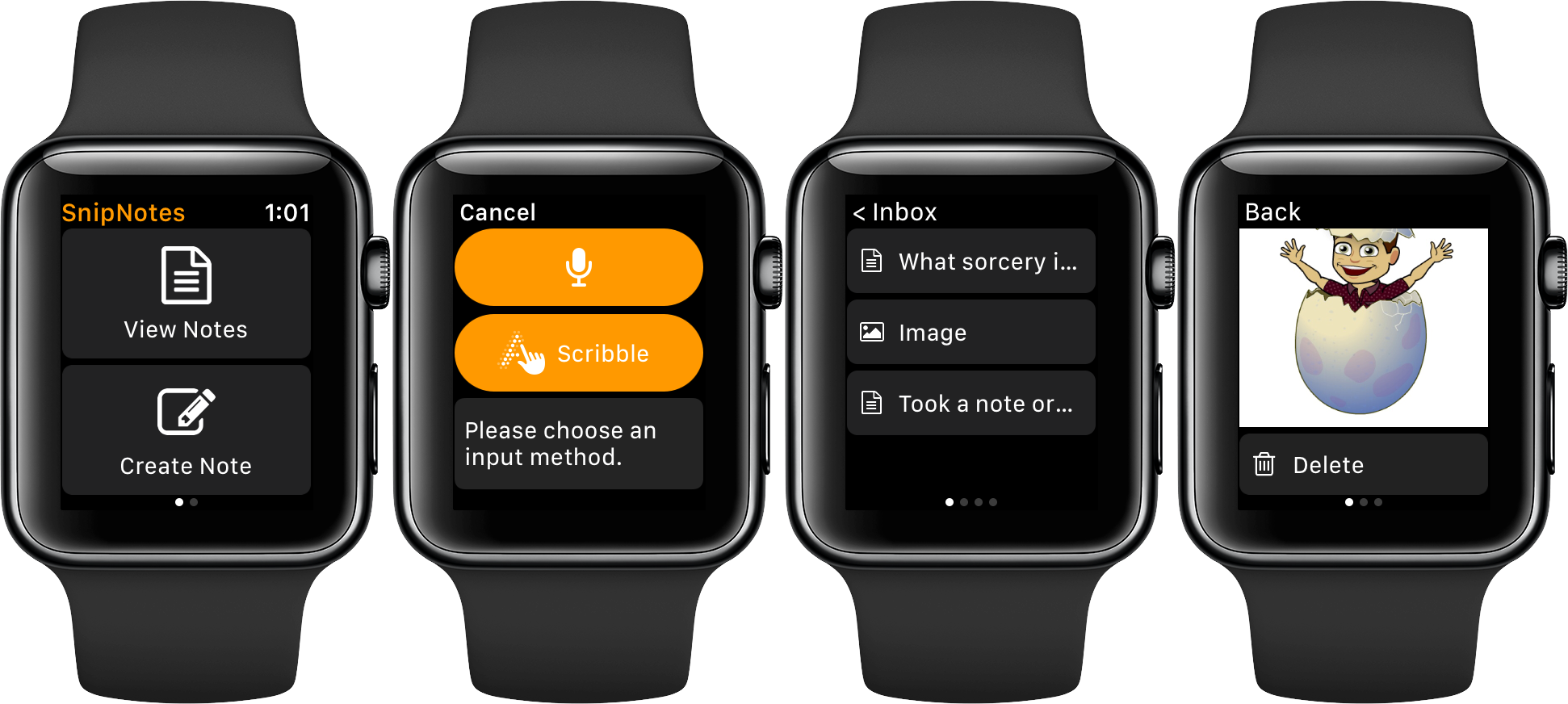
Before we draw the curtain on this, one final app for you to consider goes by the name of Wokamon. If the success of Pokemon Go has proven anything last year, it would be that above all else, gamifying walks is going to get certain people off the couch. If you are guilty of the need for instant gratification, Wokamon could be the one app closest to a regular step tracker appealing to you. Start by walking to hatch an egg, subsequently keep logging steps to grow and foster your digital pet. Wokamon even features a weekly breakdown of your steps, so by any standards it sure is a pedometer, if slightly whacky at that.
• Cost: free (in-app purchases)
Conclusion
It is easy to get lost in the vast ocean of pedometers out there, and in the likely event that you bank on an application not featured in our roundup, as mentioned earlier, don't hesitate to fill us in!
Apart from that, the time has come to download one of the iPhone apps for tracking steps above, put on some walkable shoes and rediscover the joys of the great outdoors!