AirDrop

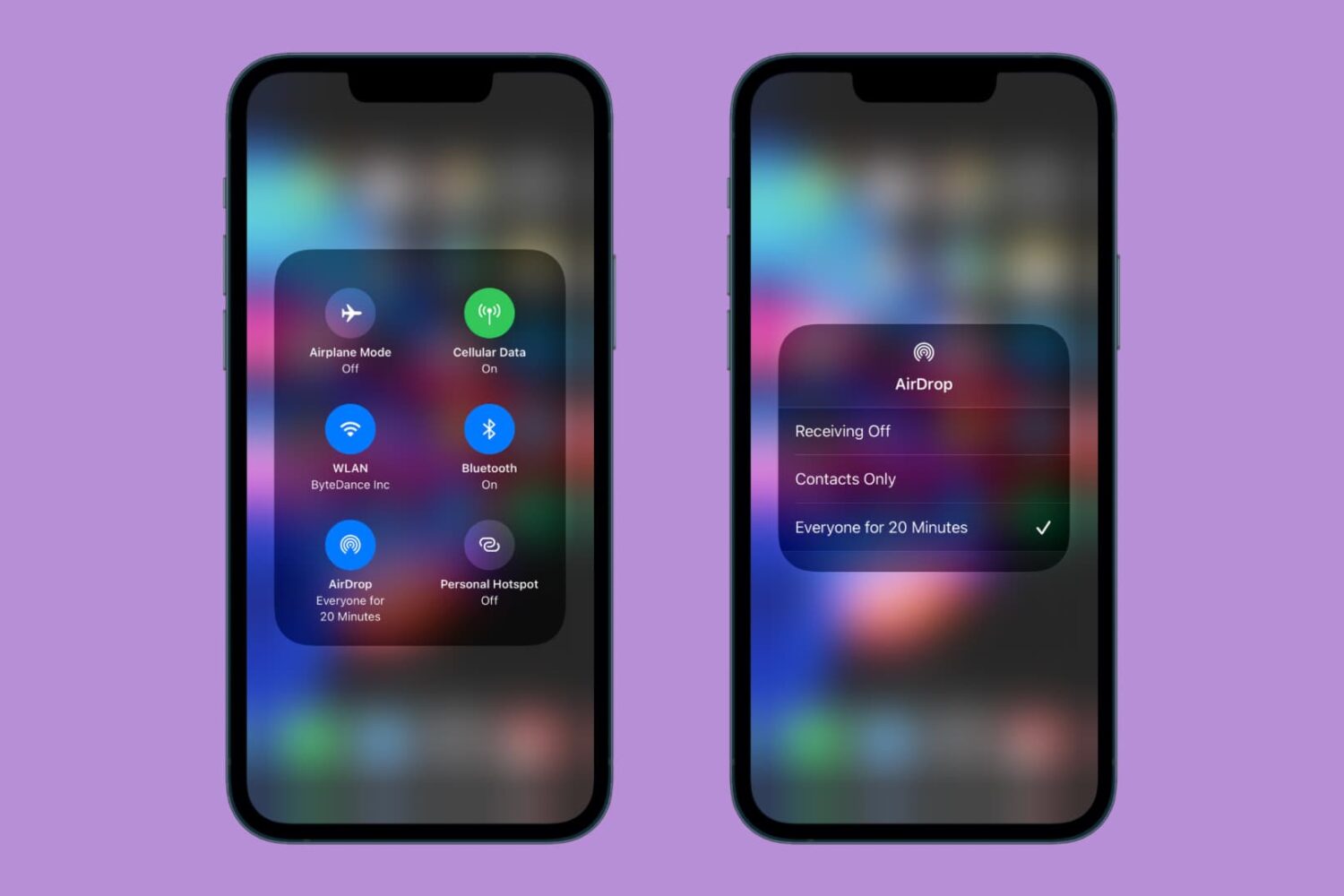
AirDrop16 brings flexible AirDrop functionality for the ‘Everyone’ setting on jailbroken devices

AirDrop16 examples.

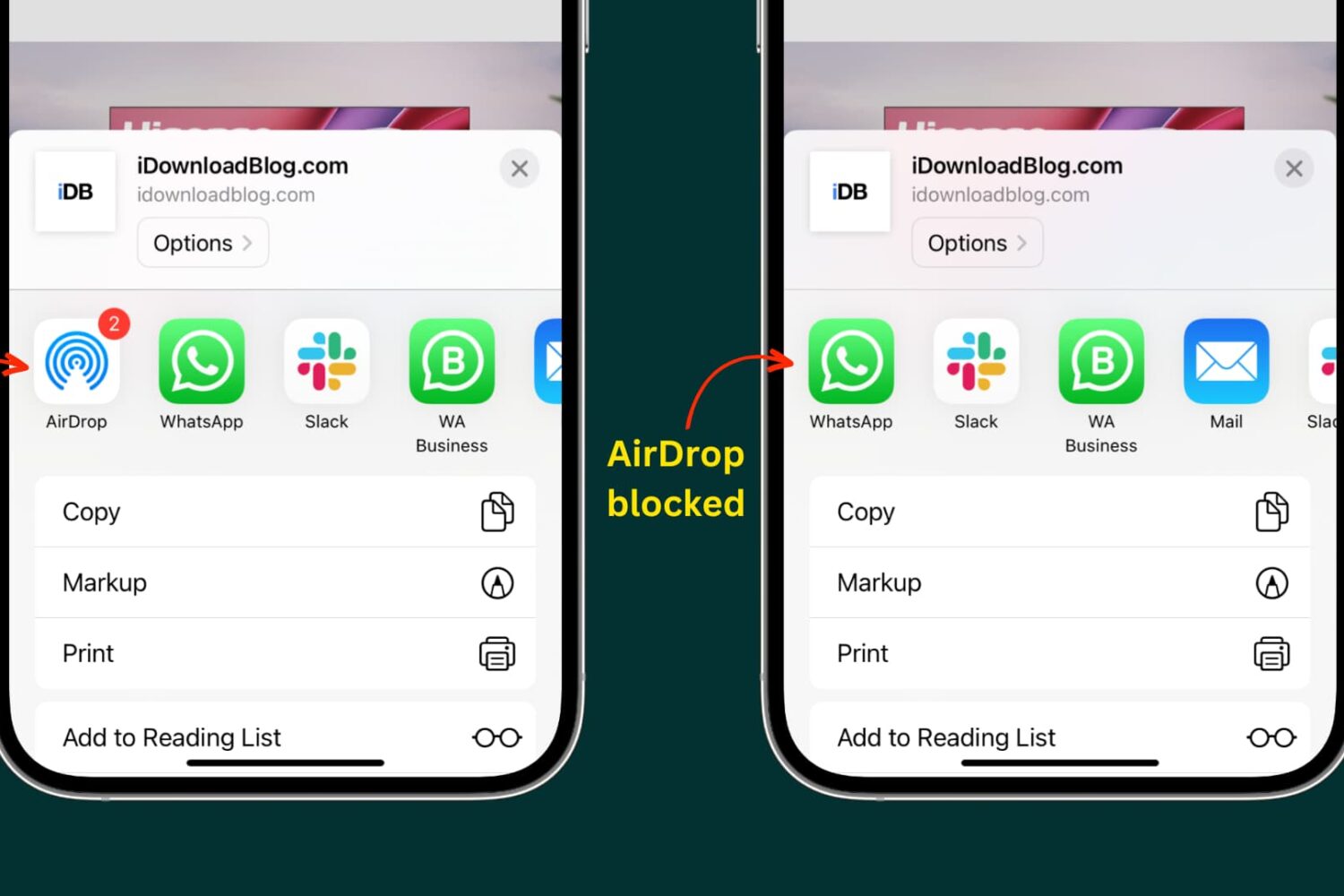
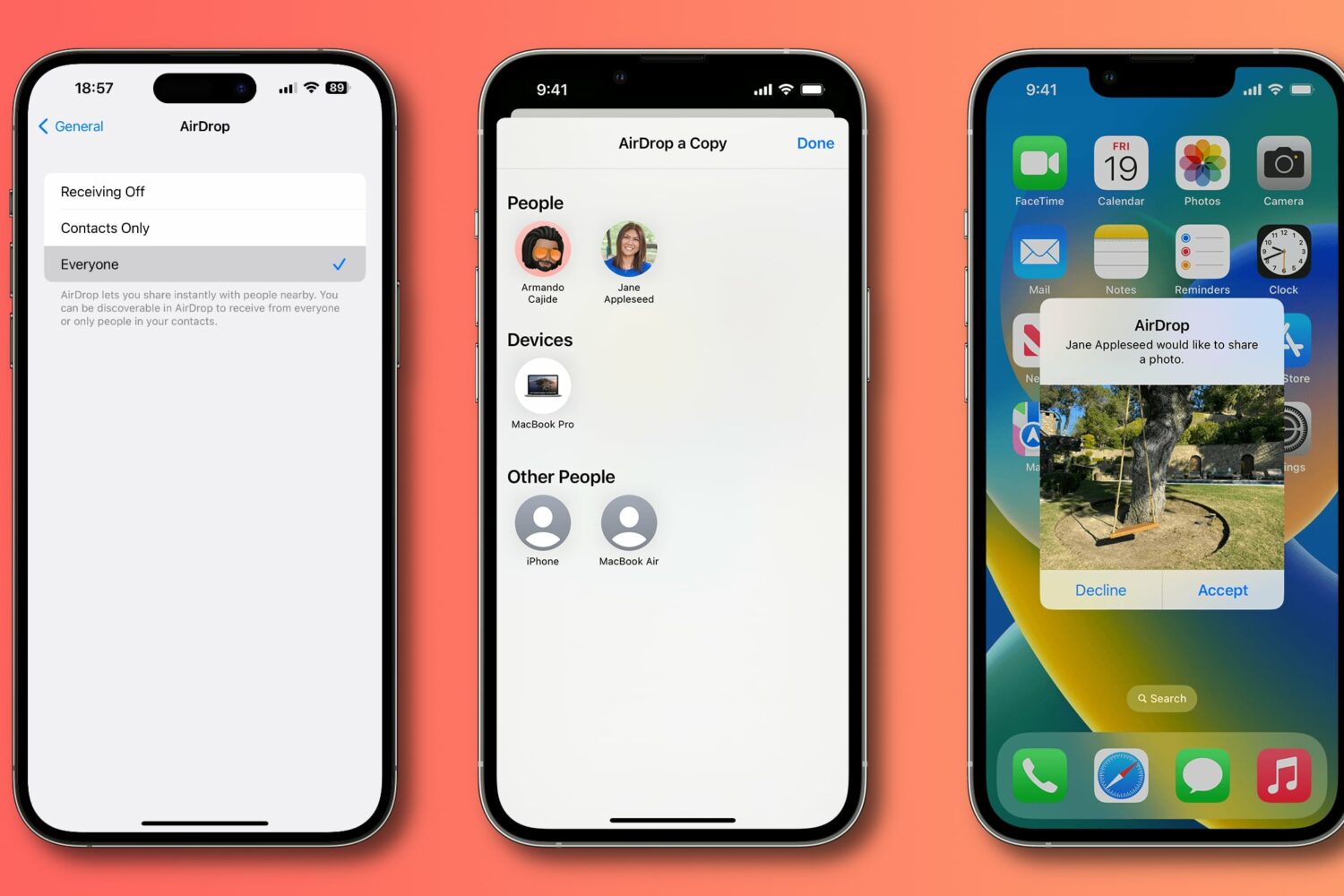
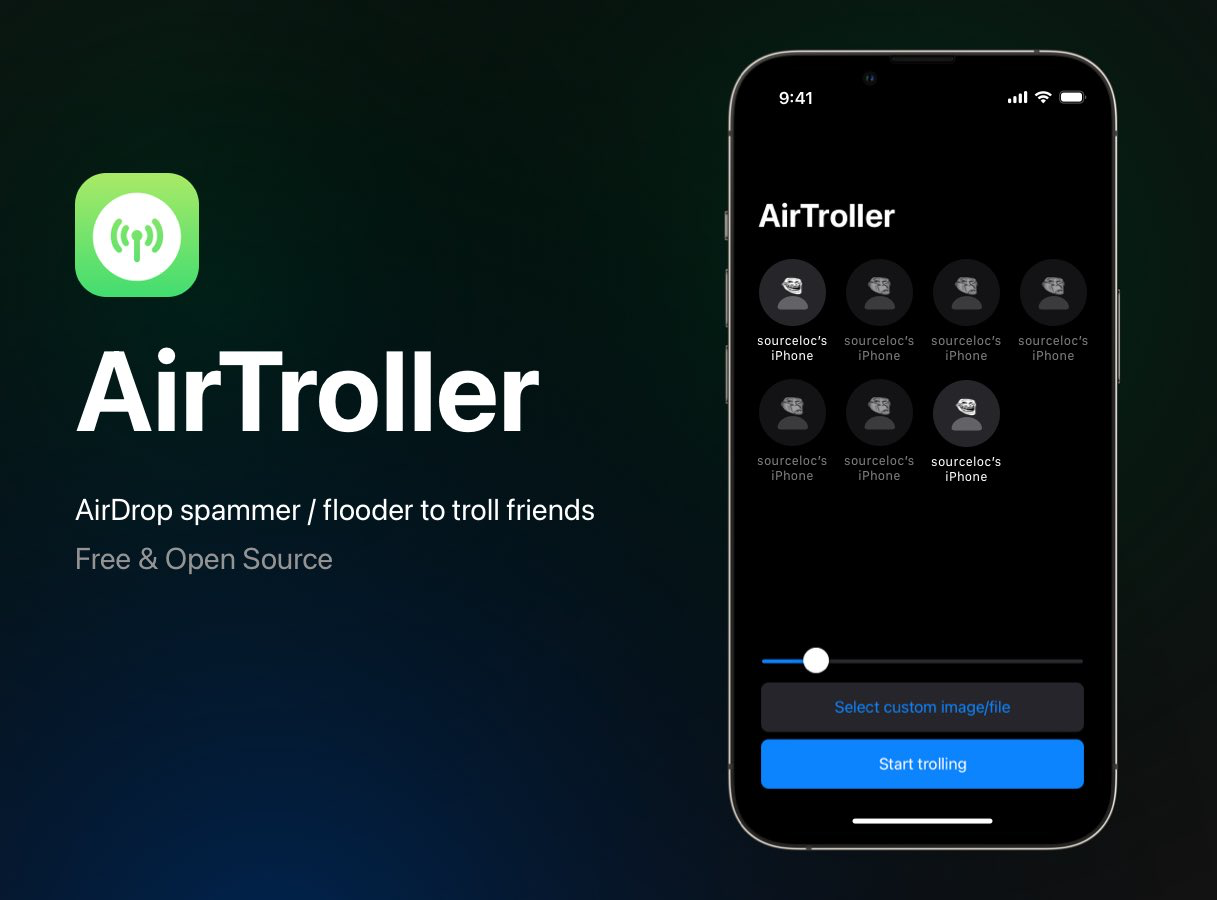
It can be convenient to use AirDrop to share files with other iPhone, iPad, and Mac users over a wireless connection, but you will only be able to share files with yourself or close friends unless you select the ‘Everyone’ AirDrop option, and we all know how unpleasant it can be to receive unwarranted AirDrop requests from strangers — just look at the annoyance that can be caused by prank tools like AirTroller.
Radio proximity security attack targeting up to iOS 13.5 detailed by Ian Beer

Matrix code hacked iPhone.

Accomplished security researcher Ian Beer, known for releasing a host of iOS exploits used by modern jailbreak tools, dropped a bombshell on Twitter late Wednesday evening after sharing a detailed blog post about a jaw-dropping radio proximity exploit affecting up to and including iOS and iPadOS 13.5.

The blog post summary goes on to explain that the hacker can remotely trigger kernel memory corruption through the execution of arbitrary code. Furthermore, it can force affected iOS and iPadOS devices in radio proximity to reboot with no user interaction needed or put privacy at risk by breaching user data or utilizing cameras and microphones without the user’s knowledge.  Scary indeed…

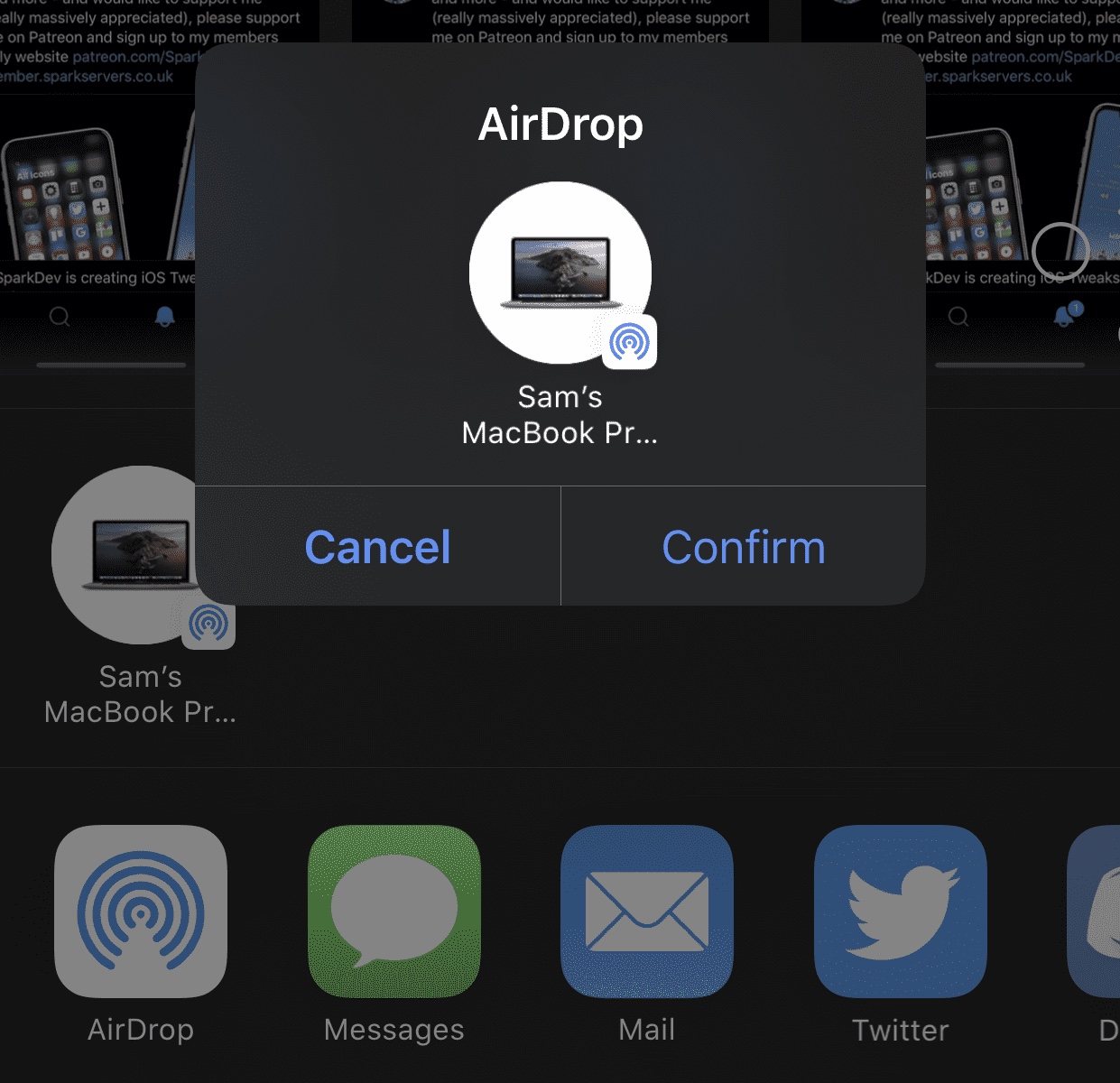
This tweak adds a confirmation dialogue to iOS’ AirDrop interface

AirDrop is one of the easiest ways to transfer files from one iOS device or Mac to another. On the other hand, some might argue that it’s just a little too easy to use. After just one tap, your file begins transferring to the recipient, whether that tap was intentional or not…

Enter AirDropConfirm, a newly released and free jailbreak tweak created by iOS developer SparkDev that aims to curb accidental AirDrop-centric file transfers by implementing a two-step confirmation dialogue into the AirDrop sharing interface.