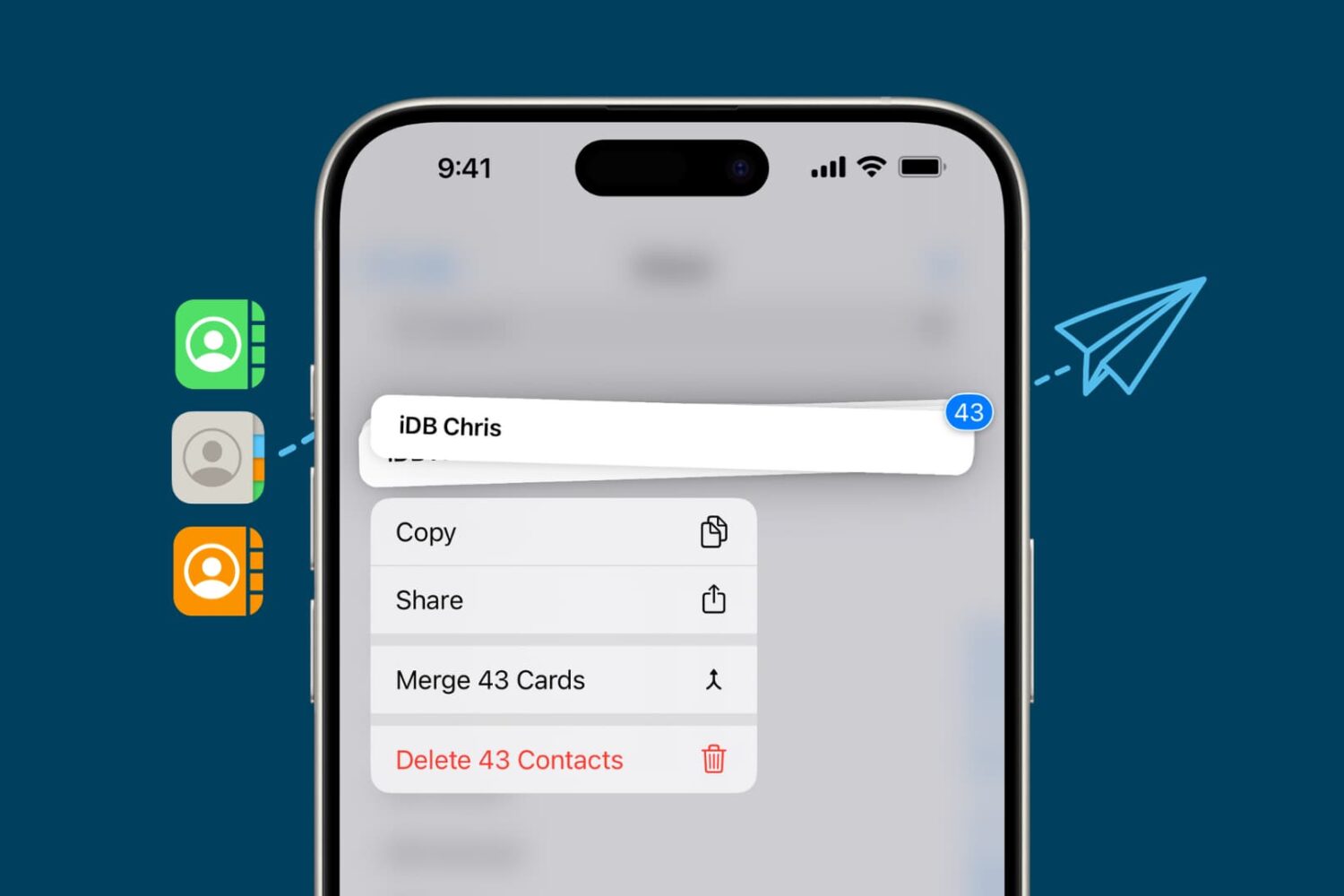
Learn about the AirDrop Contacts system, which requires a one-time verification code before sharing files with people who are not in your contacts.
How to use the AirDrop Contacts feature on iPhone and Mac

Learn about the AirDrop Contacts system, which requires a one-time verification code before sharing files with people who are not in your contacts.

Apple must implement platform changes for EU iPhone owners to enable third parties to create alternatives to AirDrop, AirPlay, Apple Watch, AirPods, and more.

Learn how to transfer large videos, documents, and other files from one Apple device to another over a USB cable using wired AirDrop.
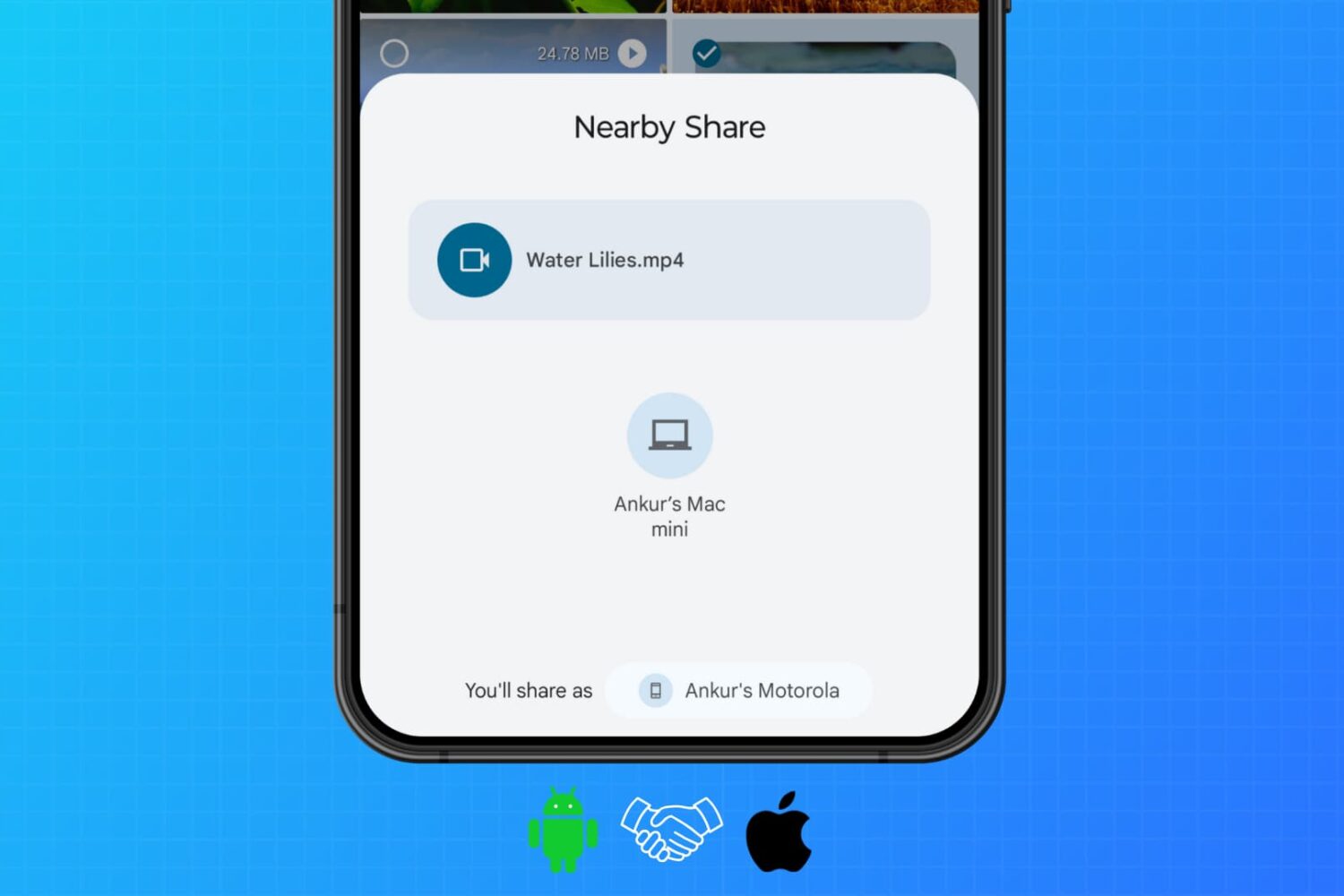
Learn how to use WarpShare and NearDrop apps to utilize Apple's AirDrop and Android's Nearby Share/Quick Share protocols to send photos, videos, audio, documents, and other files from your Android phone to your Mac.
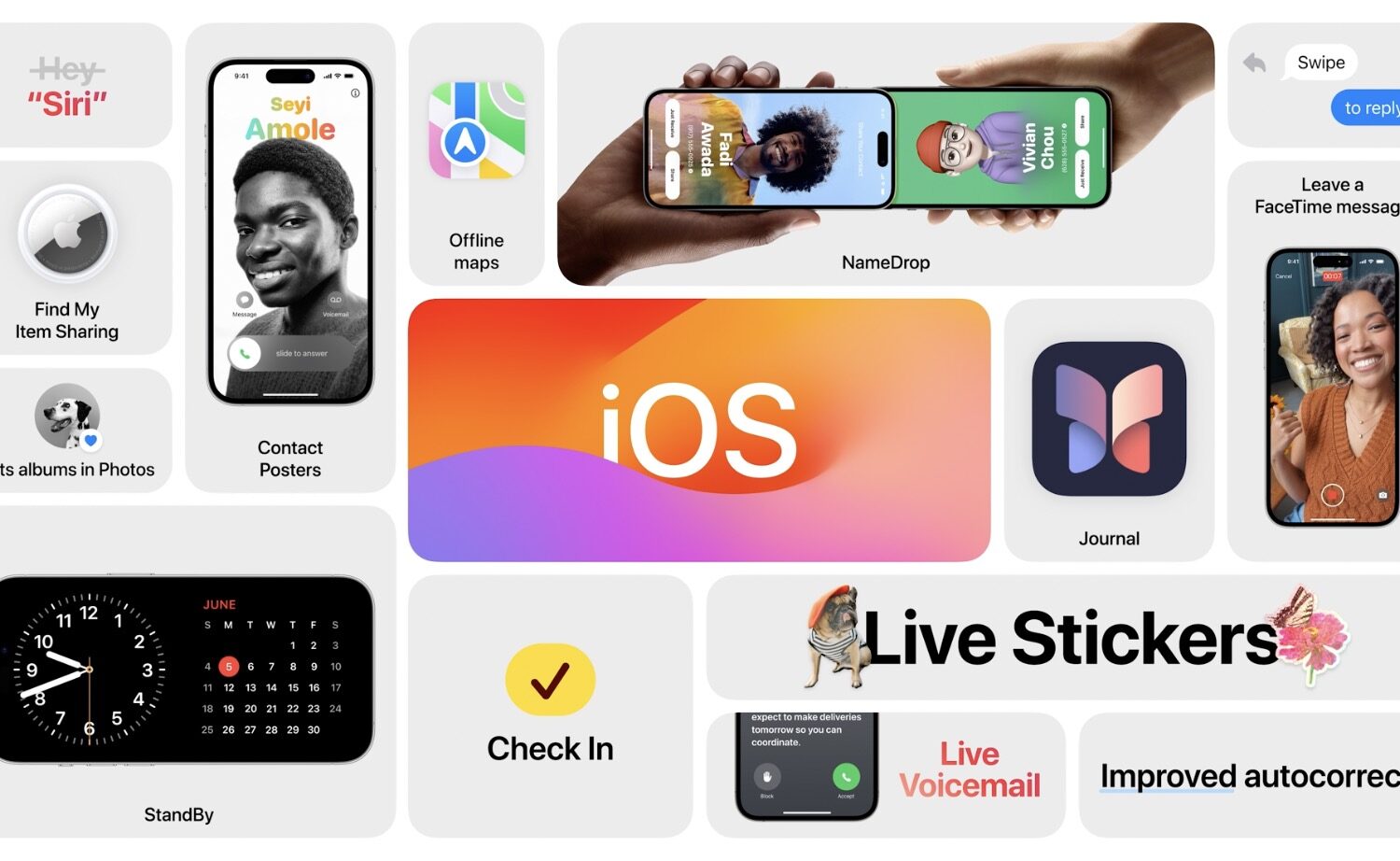
A new NameDrop-like feature in iOS 17.2 uses NFC to enable you to quickly share eligible Wallet passes by bringing two iPhones together.
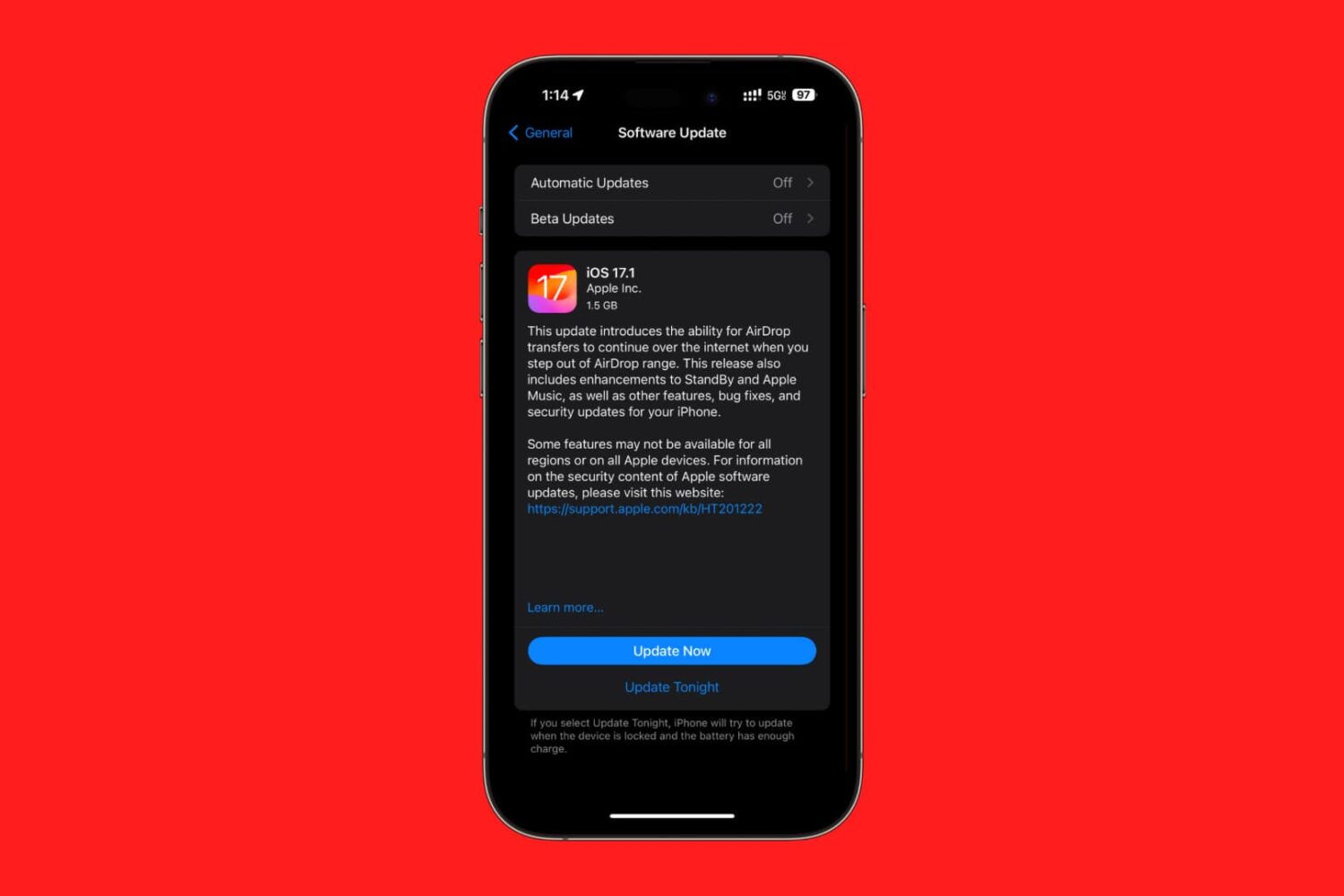
Apple on Wednesday officially released iOS & iPadOS 17.1, one day later than initially anticipated after many news outlets took a leak from a French regulatory group known as the ANFR during the iPhone 12 radiation concern debacle a little too seriously.
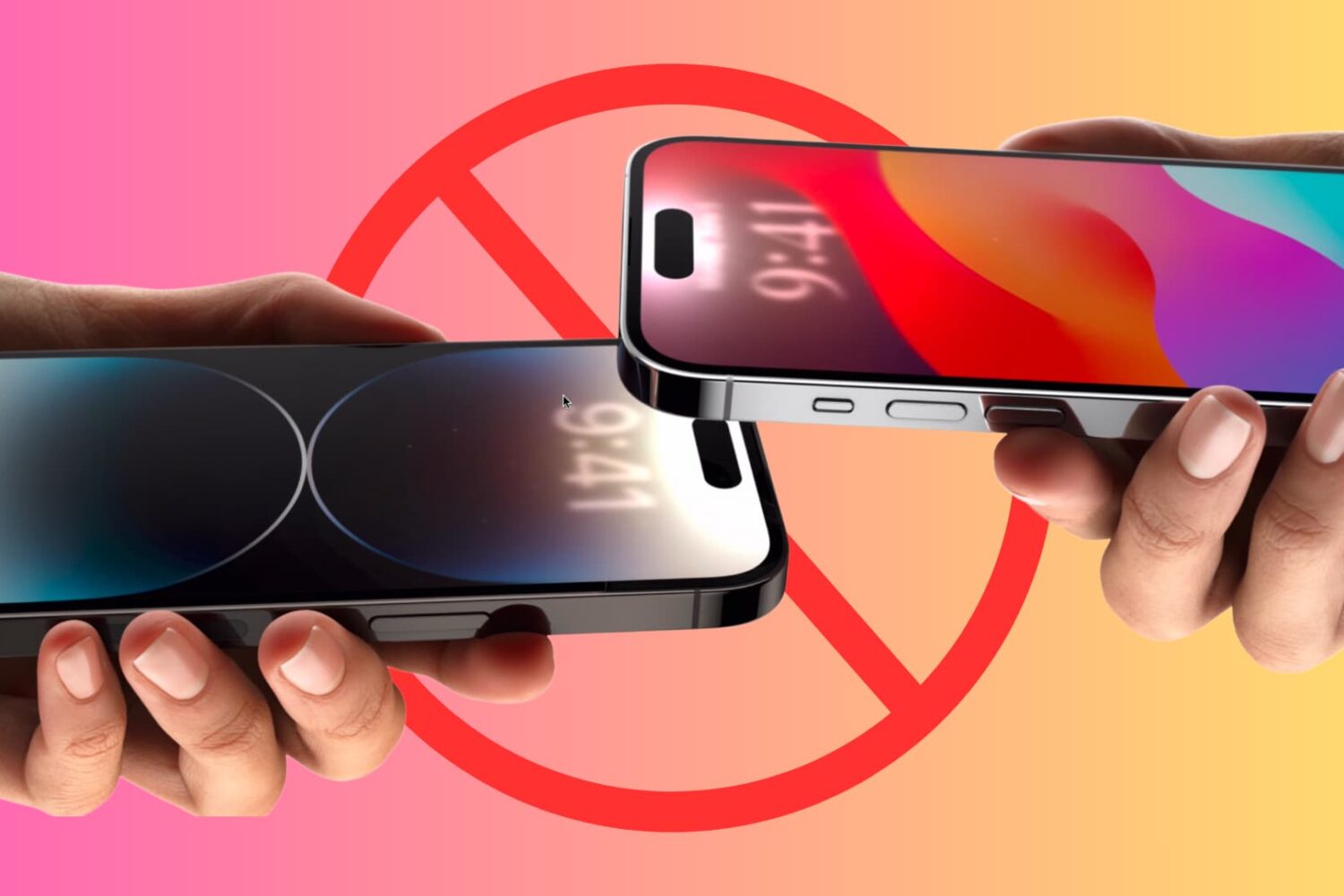
Learn how to prevent your iPhone from sharing data when you bring it near another iPhone.
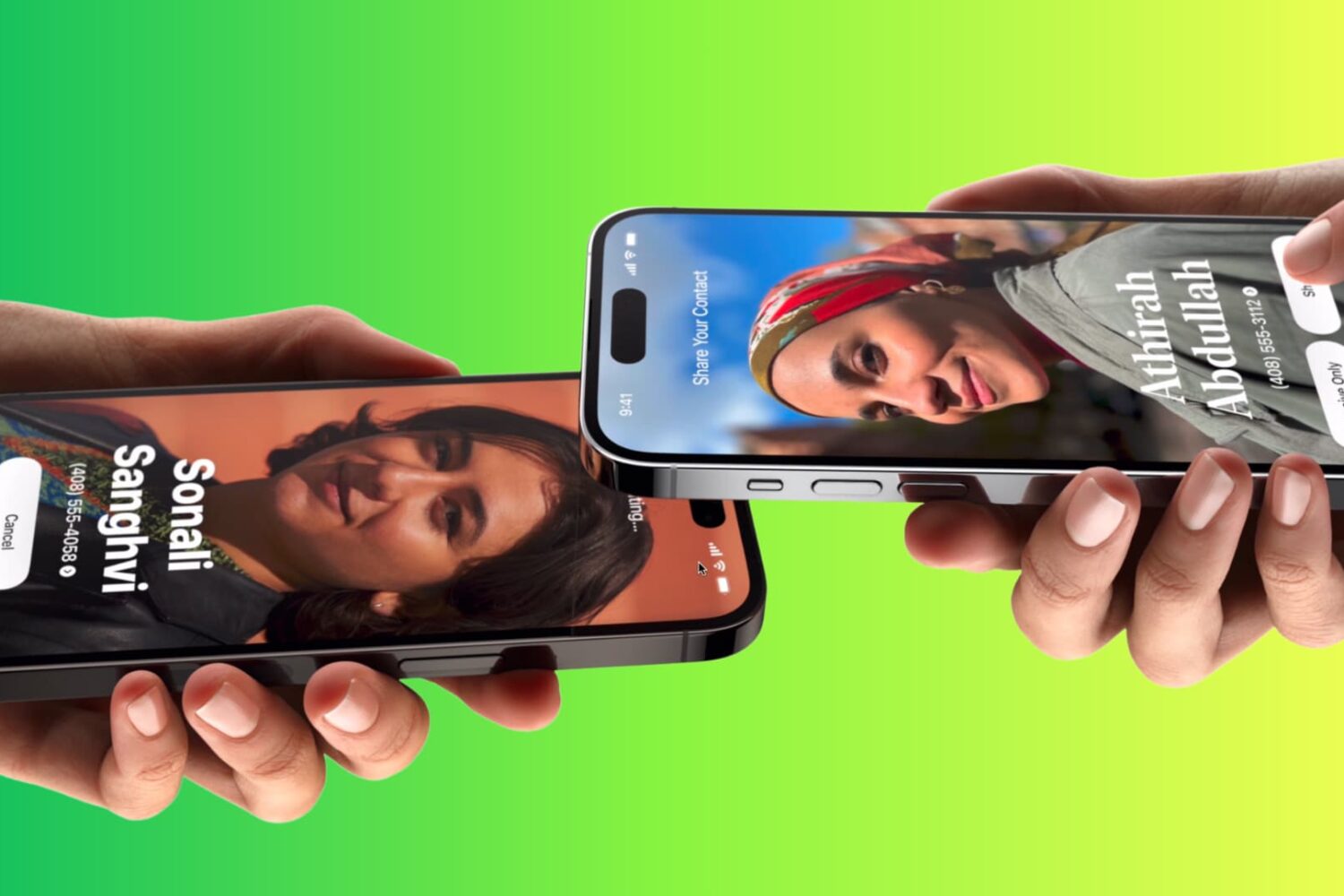
Learn how to use Apple’s NameDrop feature to send and receive contact information like phone numbers and email addresses between two iPhones.
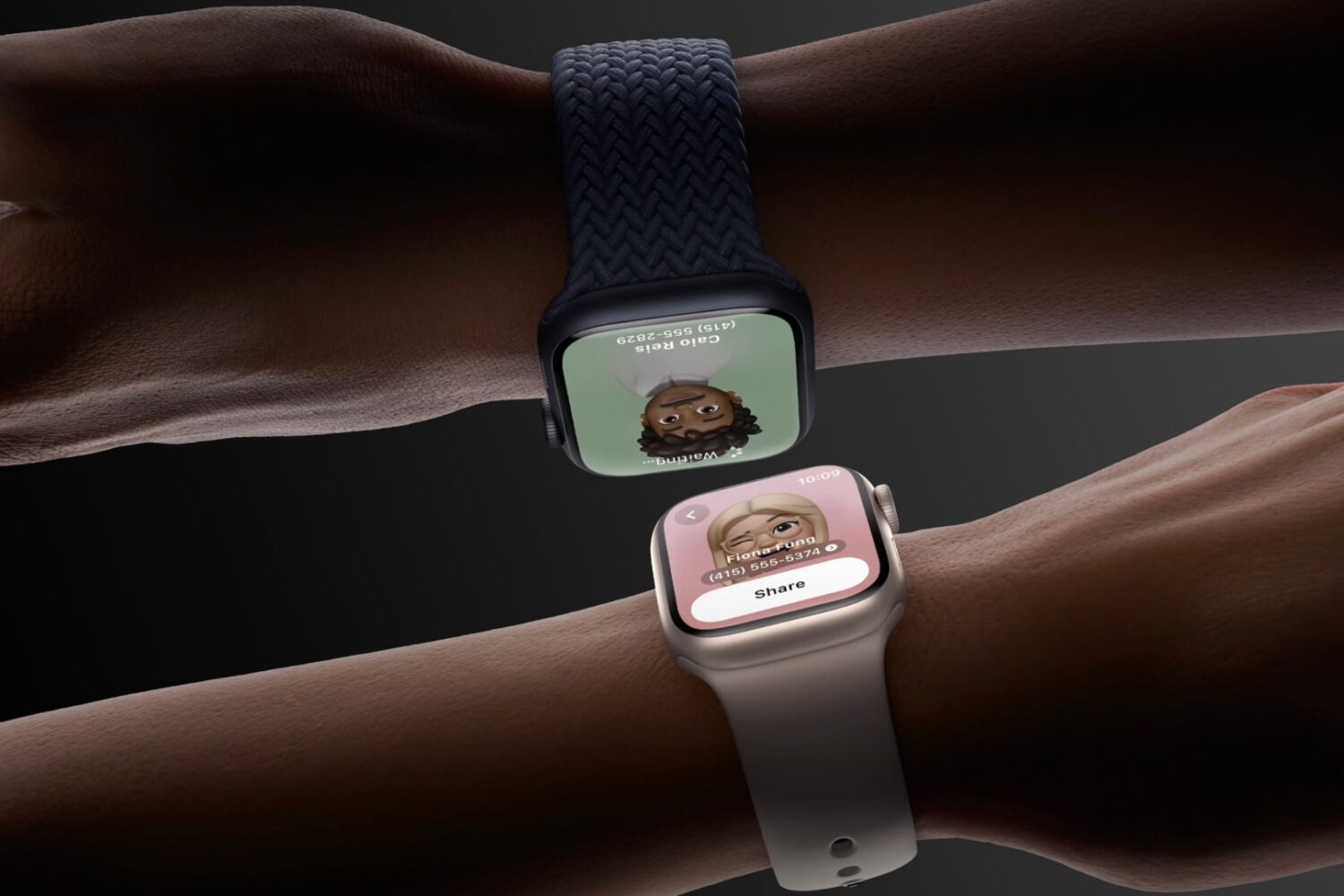
With watchOS 10.1, you can use NameDrop to share contact information between two Apple Watch devices or an Apple Watch and an iPhone.
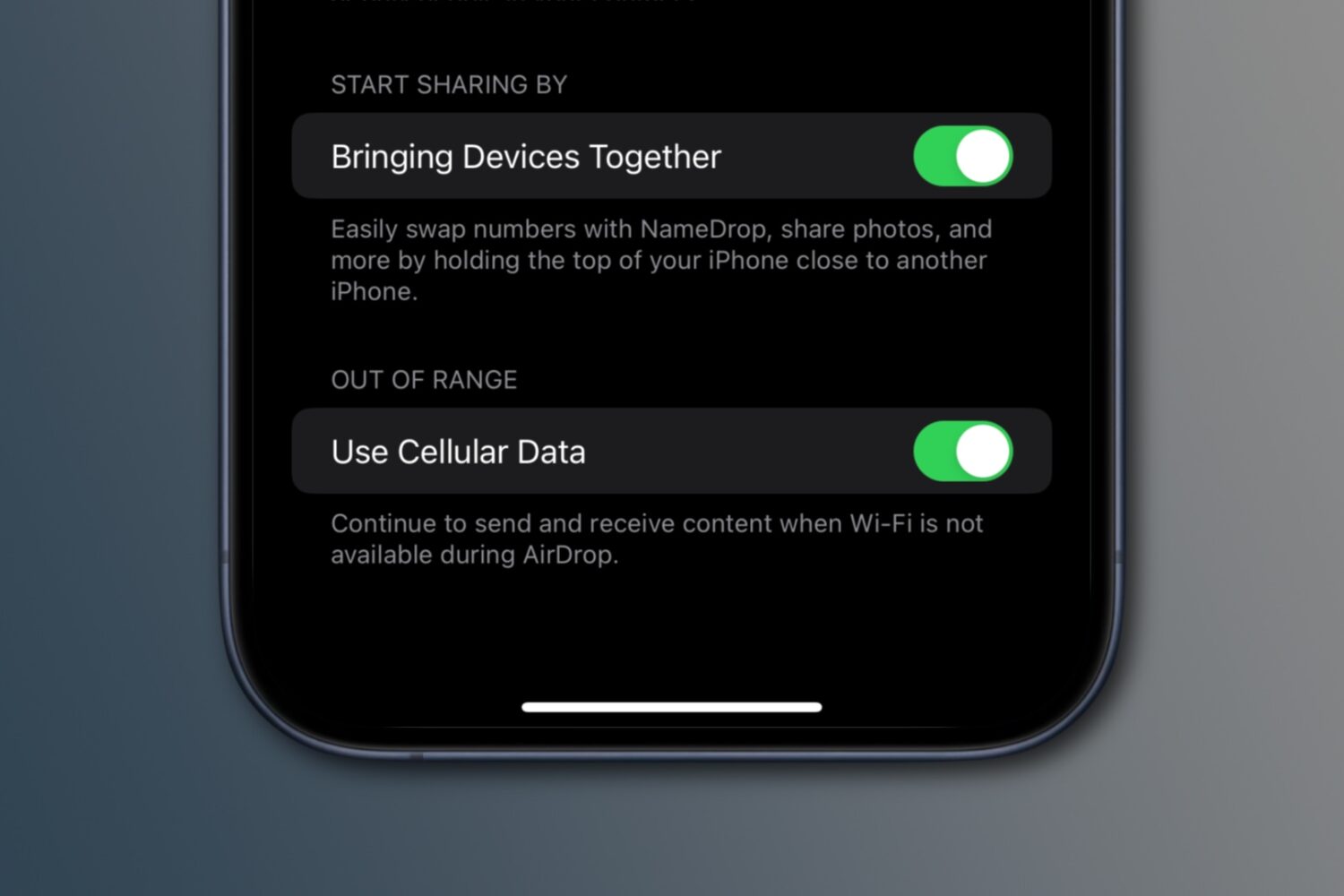
iOS 17.1 enables a new AirDrop feature to finish an in-progress file transfer via the internet, using your iPhone's cellular data, if Wi-Fi becomes unavailable.
We previously showed you an AirDrop-enhancing jailbreak tweak called AirDrop16 that enabled users to choose how long AirDrop would broadcast to ‘Everyone’ before falling back to a more secure setting, such as ‘Contacts Only.’