The Muzen OTR Wood is a Bluetooth speaker and radio that not only looks great, but helps support a great cause. Check out our hands-on video review to see how the minuscule speaker holds up.
Review: I love the look of the retro Muzen speaker & radio
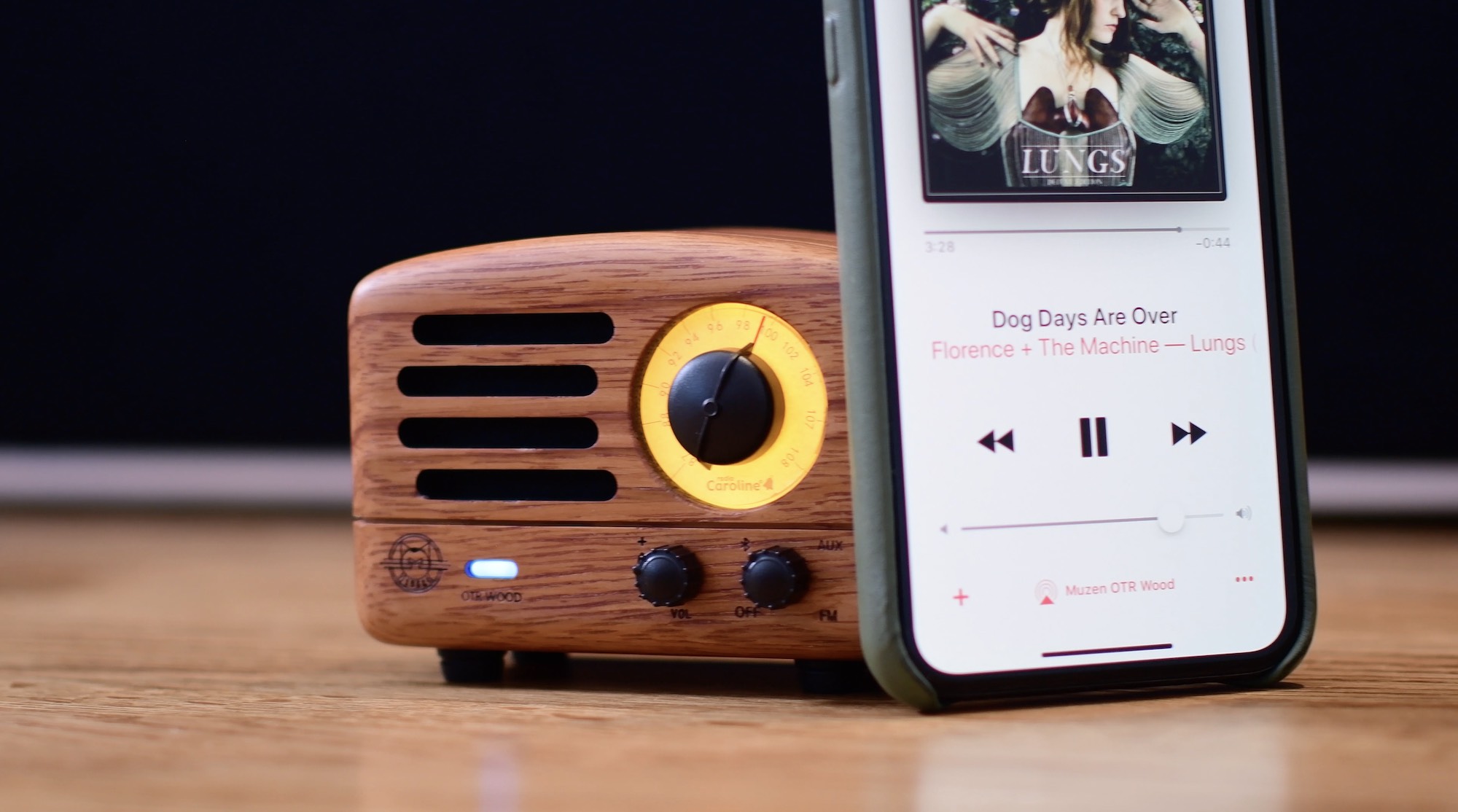
The Muzen OTR Wood is a Bluetooth speaker and radio that not only looks great, but helps support a great cause. Check out our hands-on video review to see how the minuscule speaker holds up.

The new Plux charger is an all-in-one charging stand and pad that can charge your iPhone, Apple Watch, and AirPods simultaneously, taking aim squarely at Apple's AirPower.
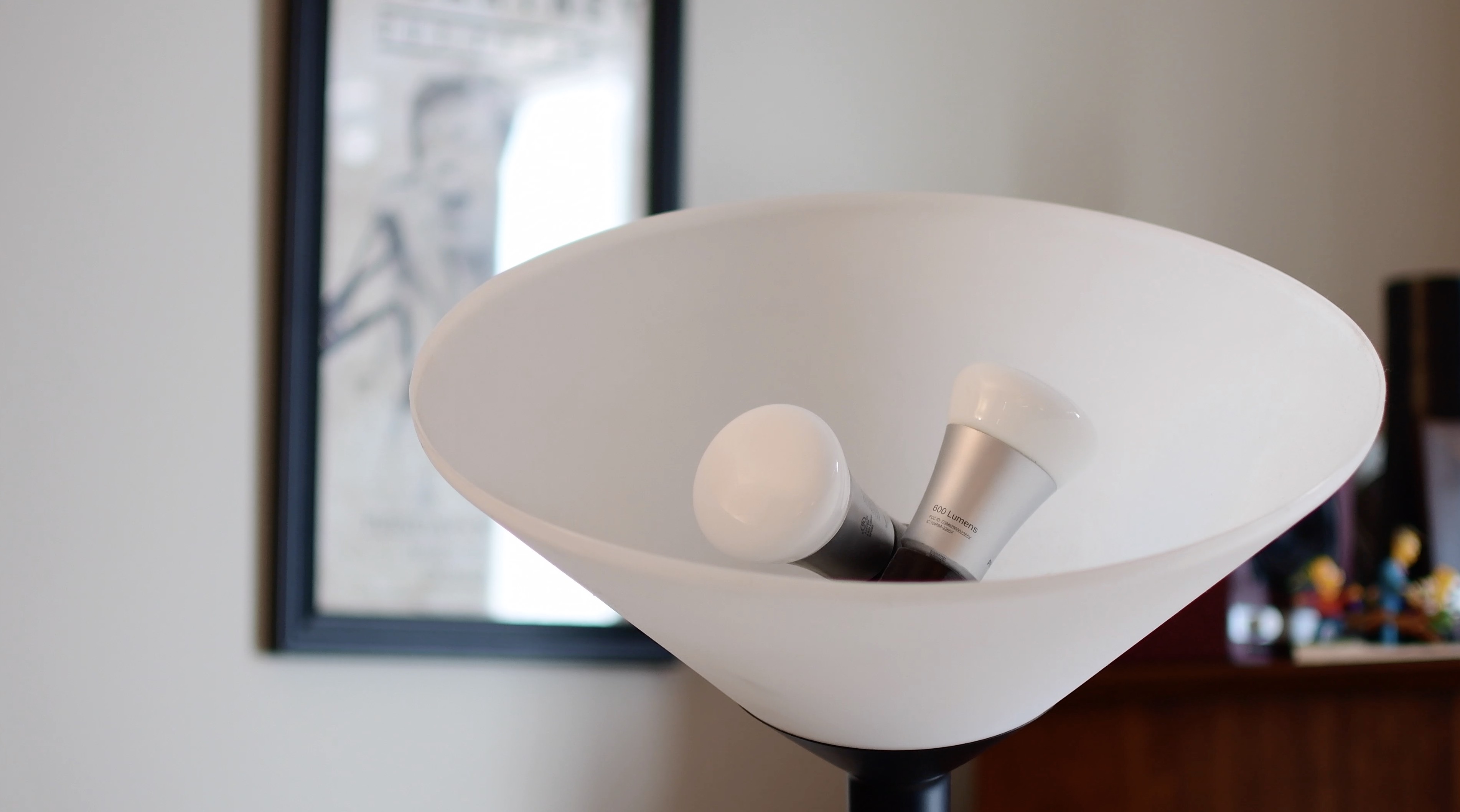
In the second entry to our HomeKit automation series, we take a look at the different grouping methods for accessories. This is especially helpful in lights or fixtures that utilize multiple bulbs.

In this tutorial, we'll guide you through the steps to download and install the latest software version on your HomePod using your iPhone, iPad, or Mac, so you can enjoy all the newest features on your smart speaker.

This tutorial shows you how to find the serial number and the current software version of your HomePod 1st & 2nd generation or HomePod mini.
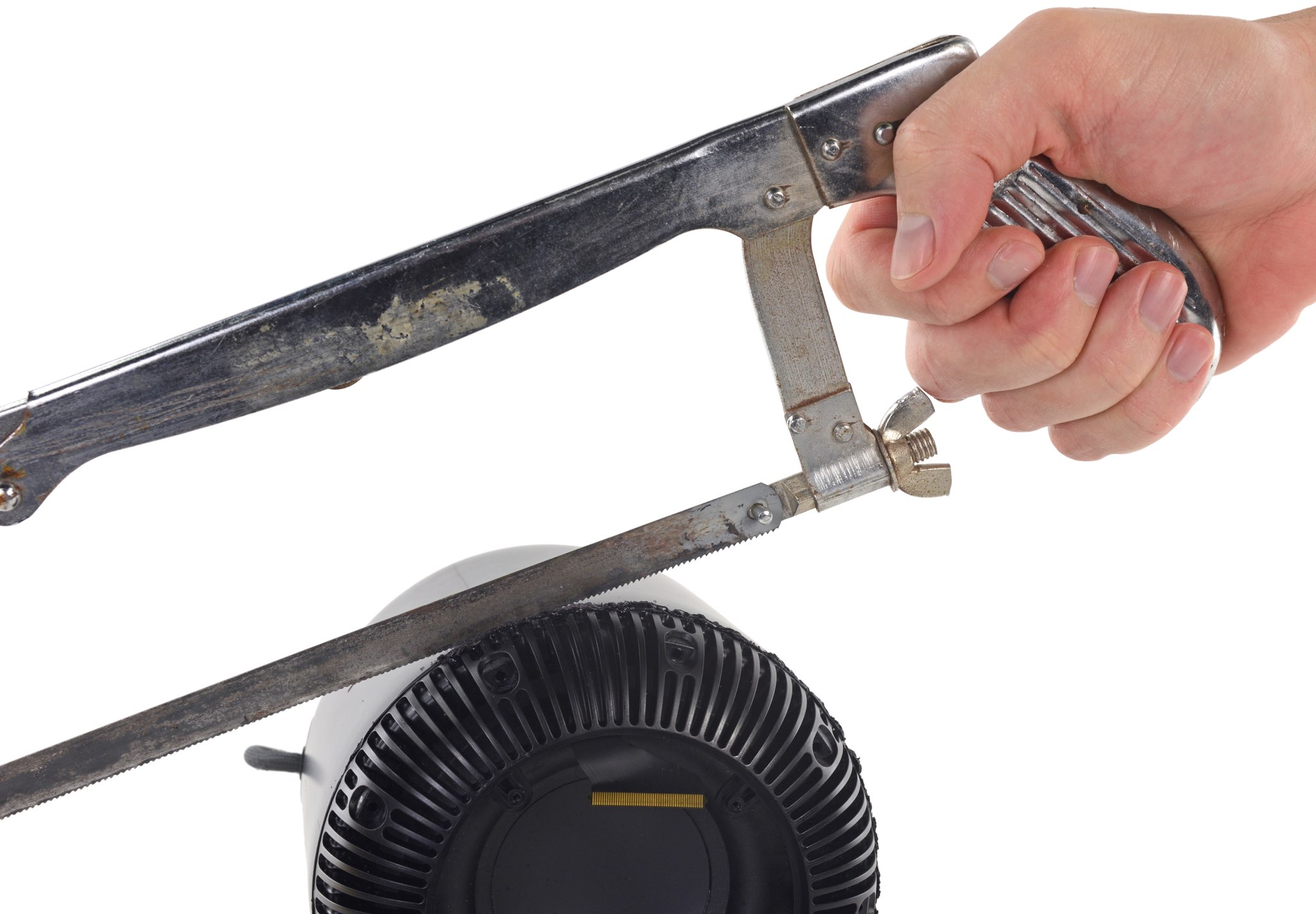
iFixit used knives and a hacksaw to pry open their HomePod so you don't have to.
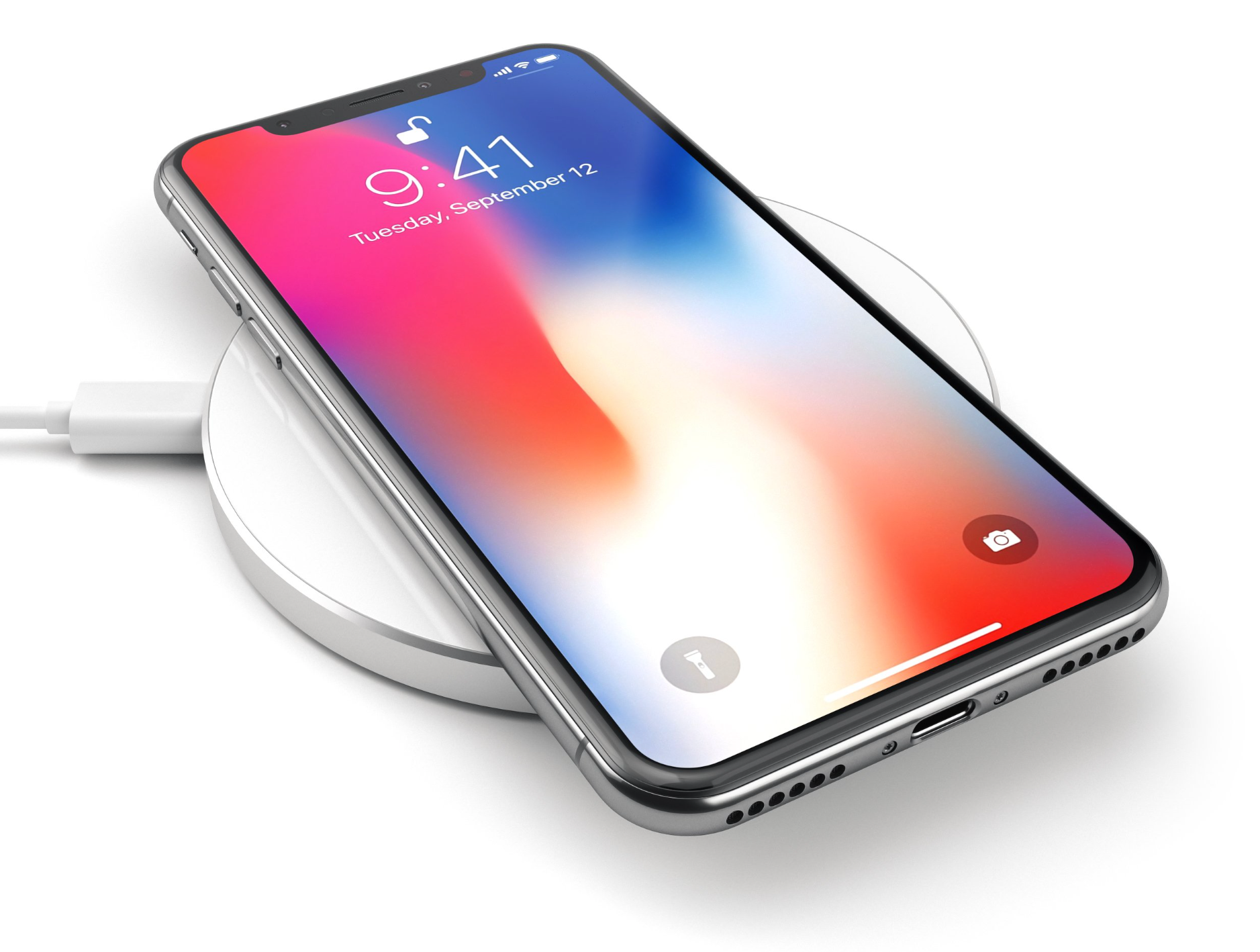
Since grabbing an iPhone X, I have also been enjoying the freedom that wireless charging provides. Yes, I know, pretty much every other handset has enjoyed wireless charging for several years. This isn't the place for carrying on about Apple always being last to market. I have been using the Satechi Aluminum Wireless Charger for a few months and welcome the ease-of-use.
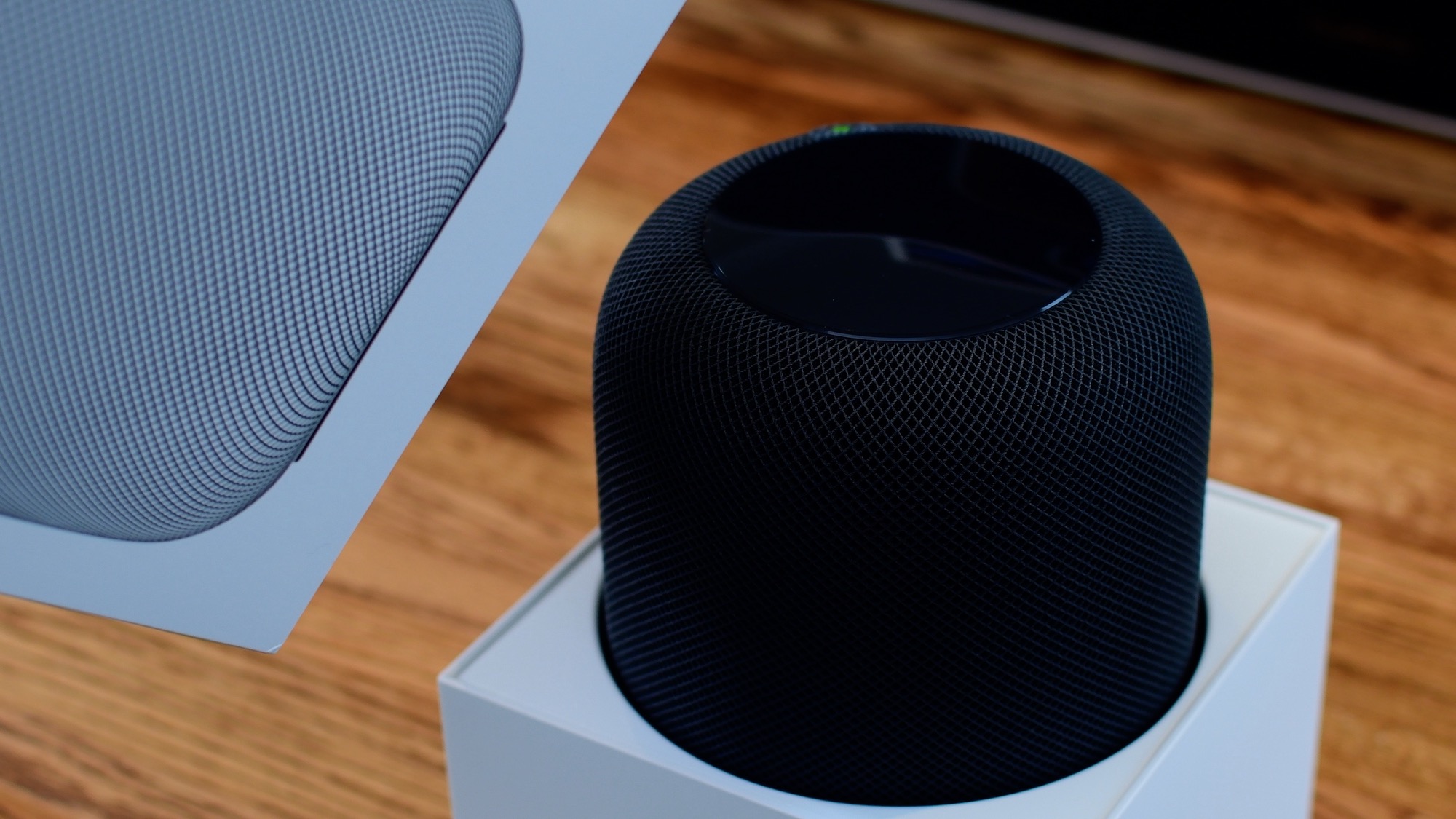
From connecting your HomePod to your Wi-Fi network to setting up Siri, this guide will walk you through the simple steps to get your HomePod up and running in no time, thanks to Apple's Automatic Setup feature.
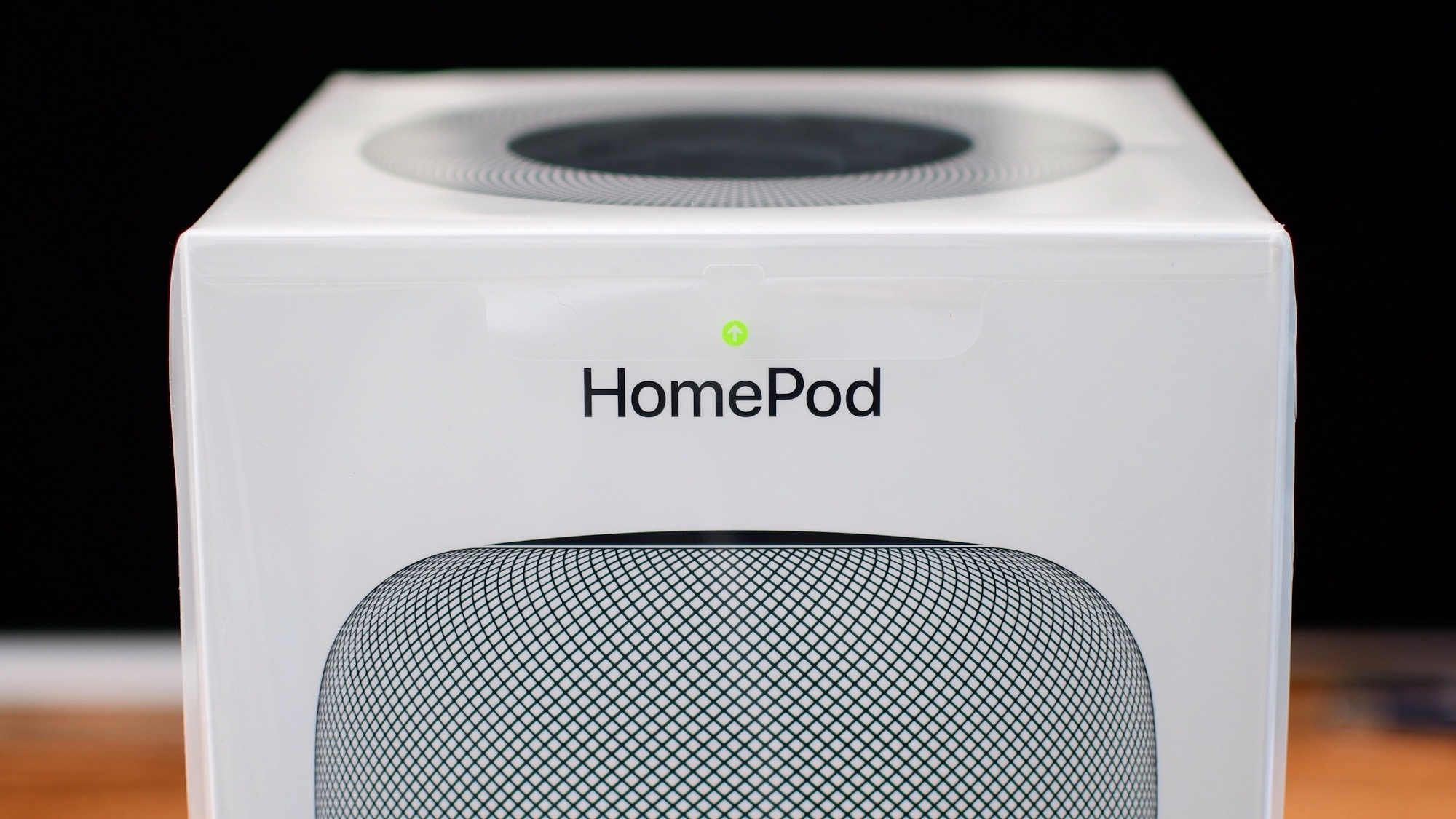
We got our hands on Apple's new HomePod today and were quick to unbox it, and gather our first impressions in our short and sweet hands-on video walkthrough.
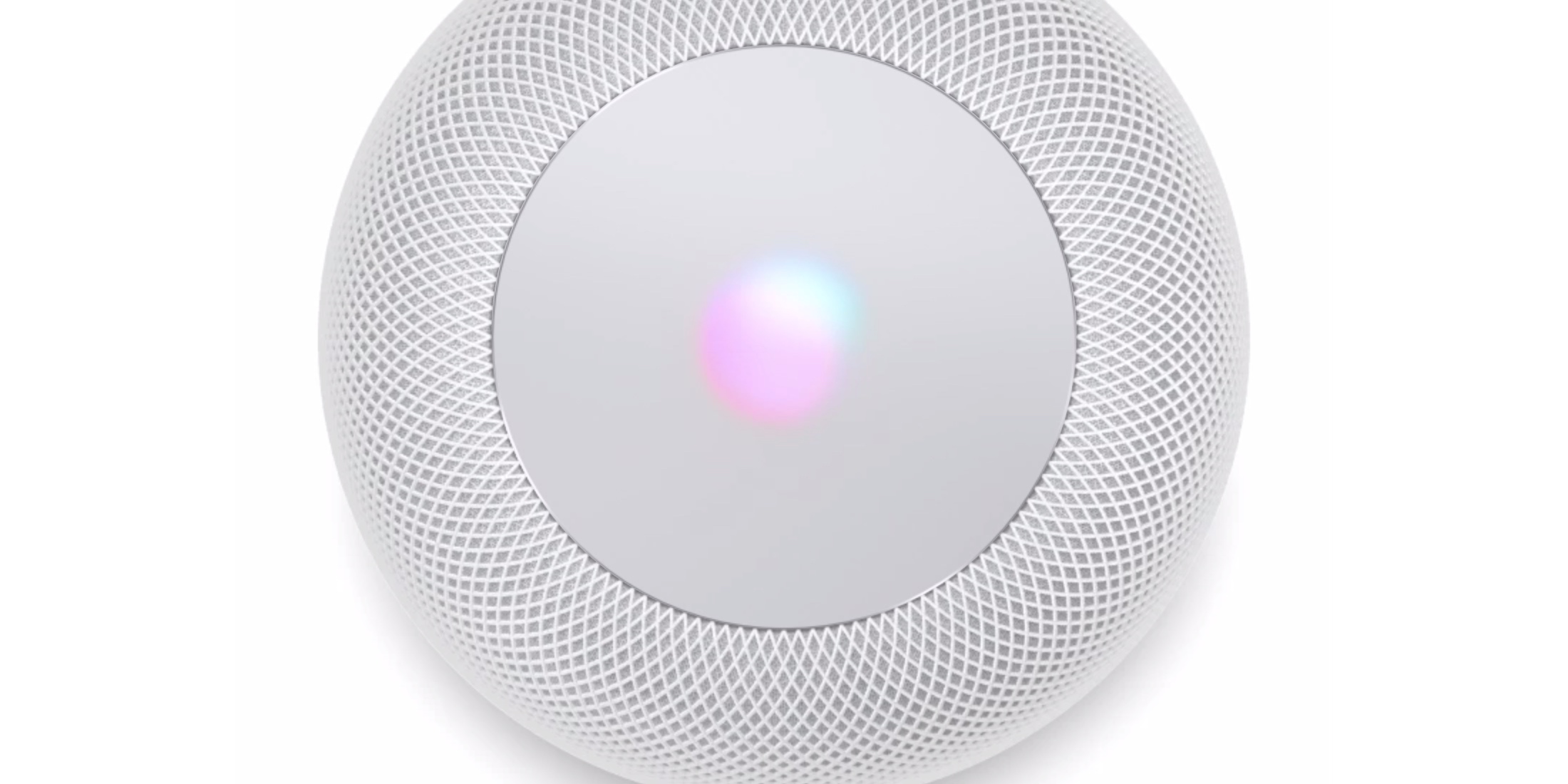
HomePod is here and competitors are taking notice.
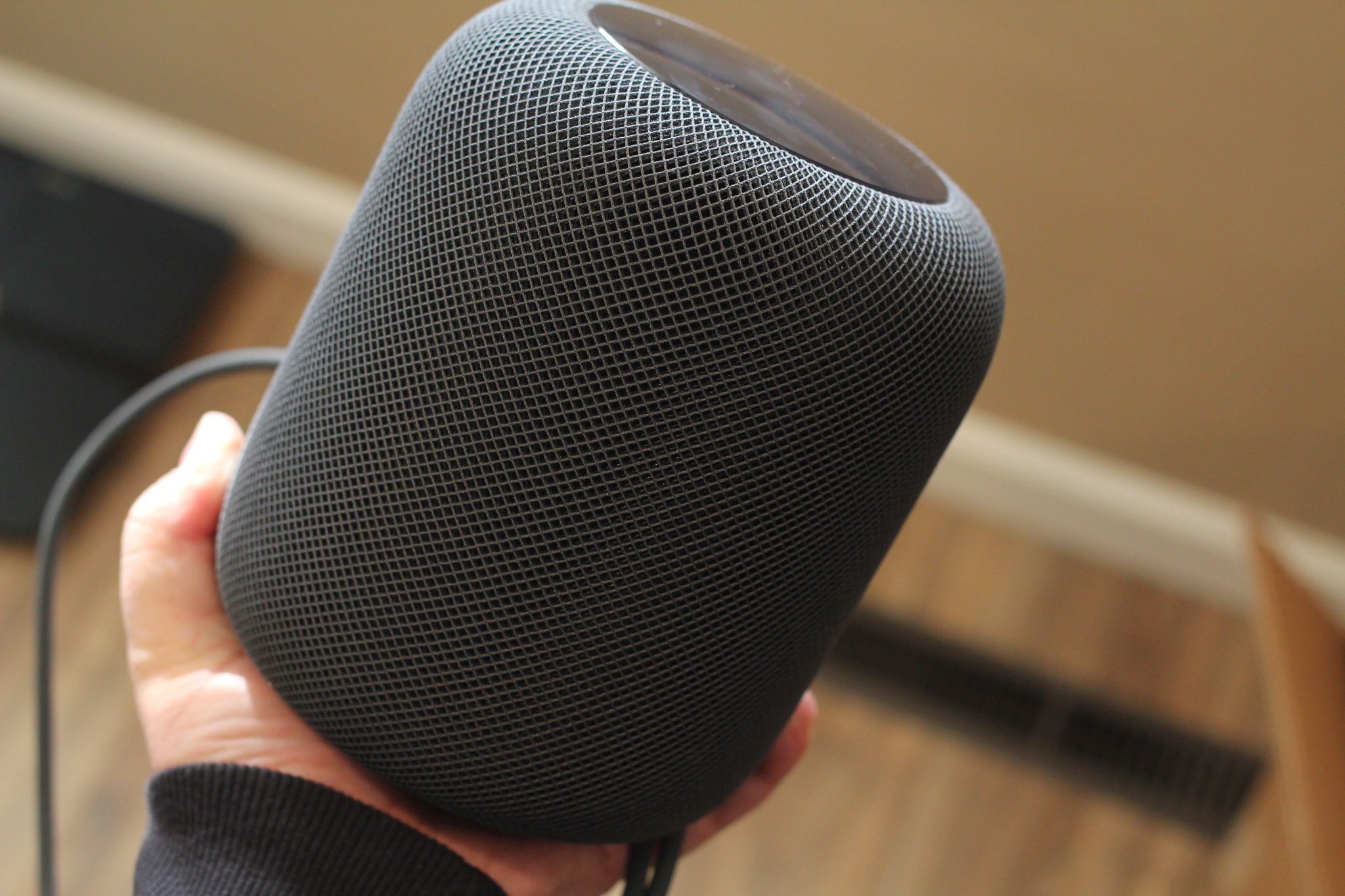
According to Apple's new online user guide, unlocking HomeKit security accessories like door locks through Siri on HomePod requires authentication using Face ID, Touch ID or a passcode on your iPhone, iPad or iPod touch in order to protect your privacy and security.
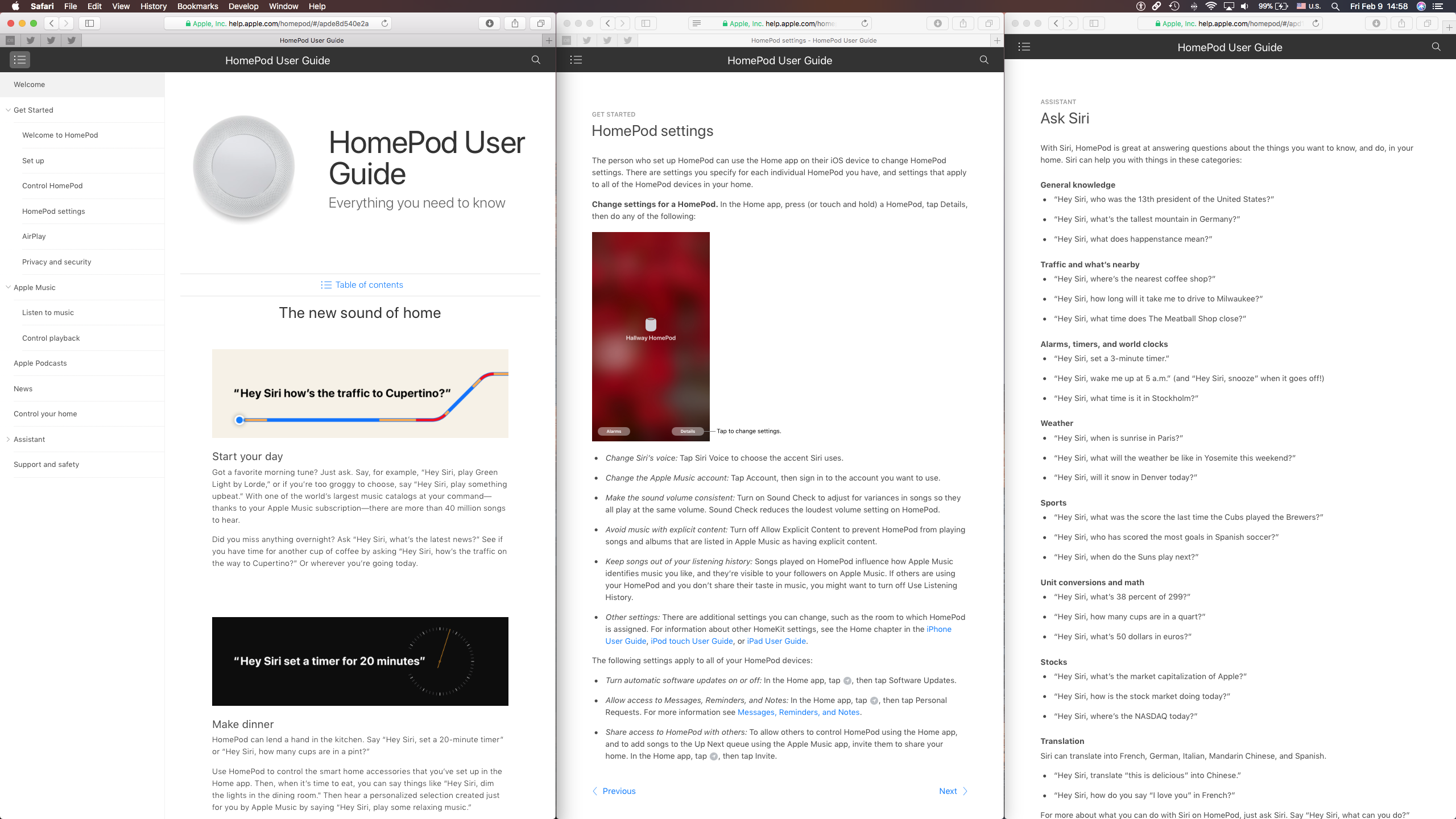
Following HomePod's arrival today, Apple started educating customers on what it can do with helpful videos through its Tips app and the official HomePod User Guide on the web.