Accessibility

JumpSkip lets you skip between music tracks with your volume buttons

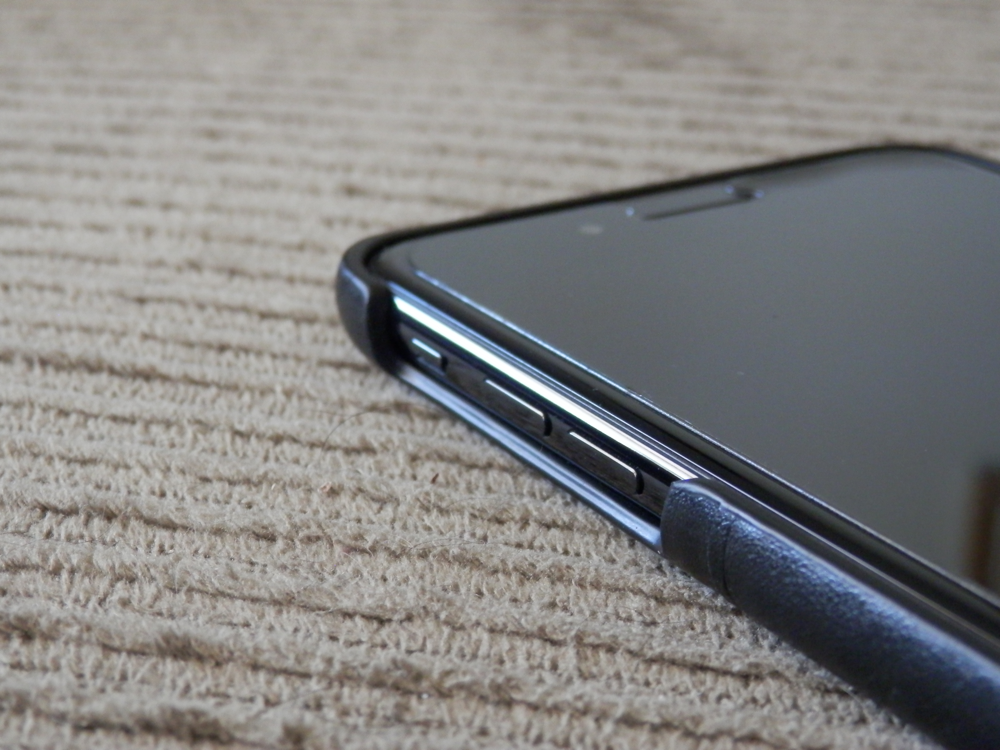
As you listen to music on your iOS device, you can move forward and back between tracks with the designated buttons in the Now Playing widget. But if your handset is in your pocket, then you can’t switch between tracks without first pulling the device out of your pocket.

JumpSkip is a new free jailbreak tweak by iOS developer Karimo299 that lets you move forward and back between music tracks without taking your device out of your pocket; instead, you can articulate specific volume button sequences to accomplish this task.

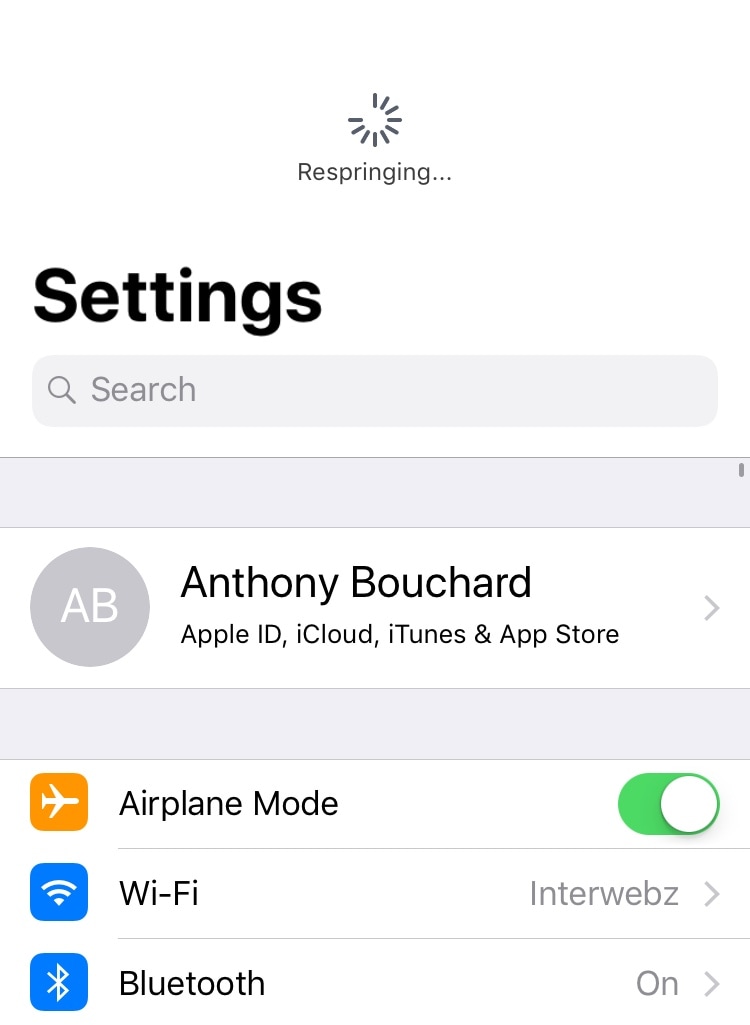
Respring your device by pulling down in the Settings app with Dragspring

Albeit released a very long time ago, one of my favorite utilitarian jailbreak tweaks of all time was PullToRespring because it made it incredibly easy for me to respring my jailbroken handset on demand.

For a while there, it seemed like tweaks of this nature became a thing of the past, but iOS developer ConorTheDev has breathed new life into the concept with the release of a new free jailbreak tweak called Dragspring.

Unlock the full potential of your iPhone’s native Photos app with PhotoManager

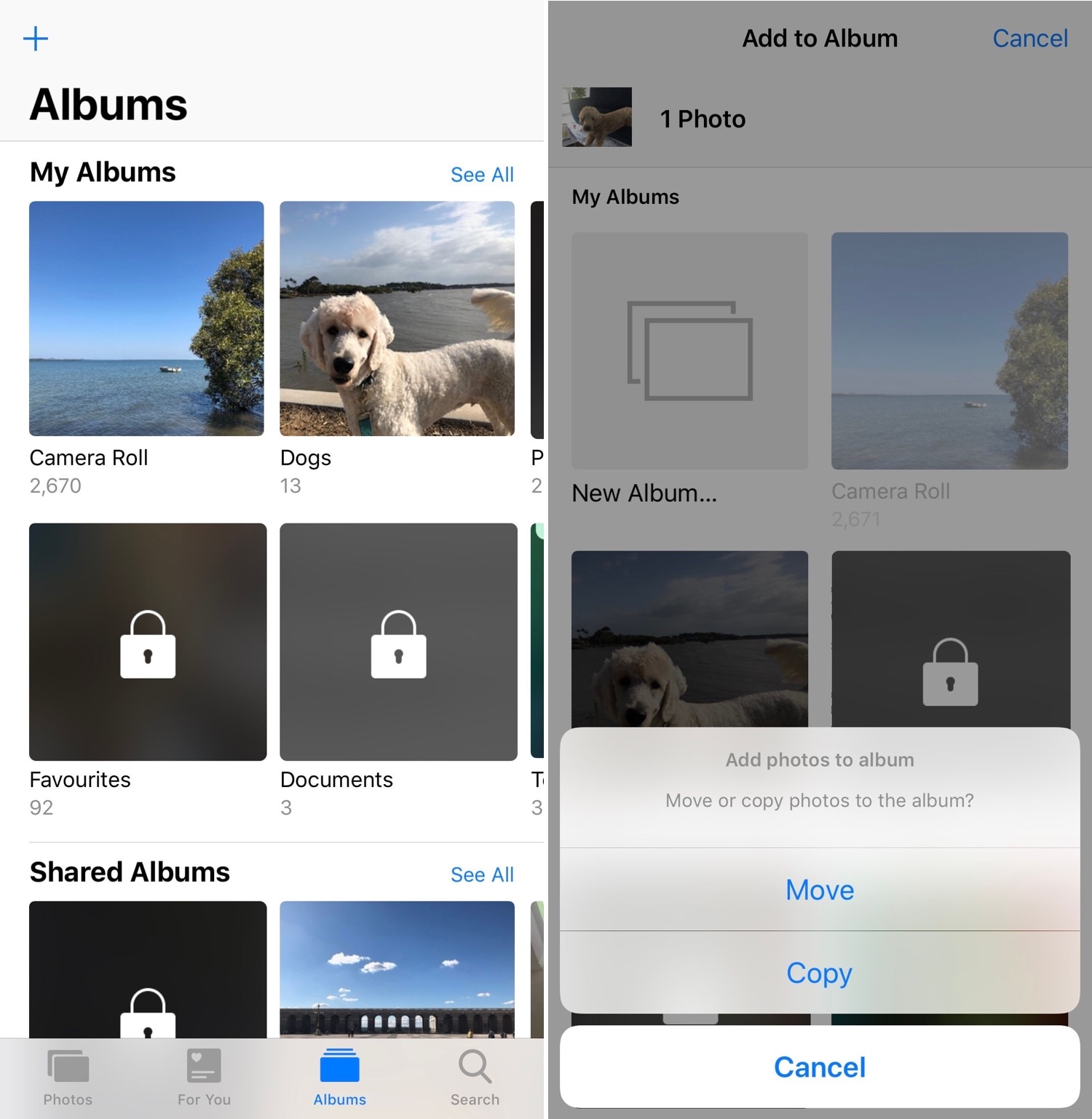
When you capture photographs with your iPhone’s camera or save images from the internet, they get saved directly to your Camera Roll where you can interact with them later. Unfortunately, Apple’s Photos app tends to be somewhat light on features, and this presents issues for power users.

PhotoManager (iOS 12) is a new jailbreak tweak release by iOS developer Frozen Penguin that spearheads an effort to solve this dilemma. It integrates a plethora of useful new features into the native Photos app, which presents users with more control over their files and albums.

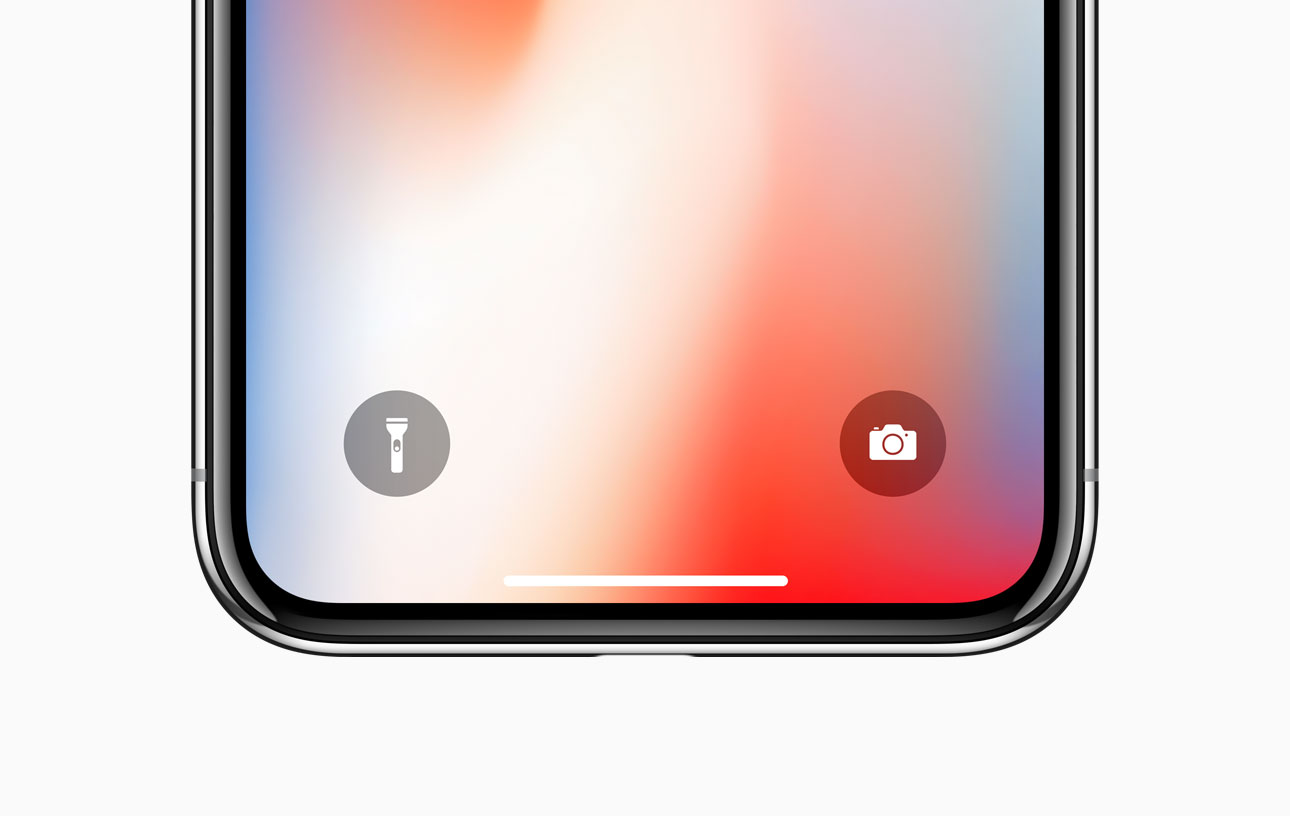
ShortcutEnabler brings iPhone X-inspired camera and flashlight shortcuts every handset’s Lock screen

If you own any of Apple’s notched handsets, such as the iPhone X, XR, XS, or XS Max, then you’re already familiar with the two small shortcuts that appear on the bottom left and right of your Lock screen for the Flashlight and the Camera.

These shortcuts are incredibly useful in a pinch, and yet Apple never thought to provide them for users of older, non-notched handsets. Fortunately, you can now change that with the help of a free jailbreak tweak called ShortcutEnabler by iOS developer NoisyFlake.

ActionBar brings a modernized text-editing interface to the iOS keyboard

When typing on any iOS device, you can perform text editing-related actions by tapping and holding on a string of text. Among the options you’re presented with are “Cut,” “Copy,” and “Paste,” among others. This interface and the means of interaction hasn’t changed much over the years, and many would argue that it feels antiquated.

Given the circumstances, iOS developer RestiveConch has just released a new jailbreak tweak called ActionBar that breathes new life into the process of interacting with these actions by integrating them all into the keyboard interface itself, as shown above.

Sleeper augments your iPhone’s native alarm interface with much-needed features

The alarm feature found in your iPhone’s native Clock app is particularly useful when you need to wake up at a specific time every morning, but it doesn’t take a rocket scientist to say that Apple could make iOS’ alarm interface a bit more intuitive.

iOS developer Joshua Seltzer recognized some of the inadequacies that are present in the iPhone’s native alarm interface, and to help combat those shortcomings, has just released a new jailbreak tweak called Sleeper in Cydia.

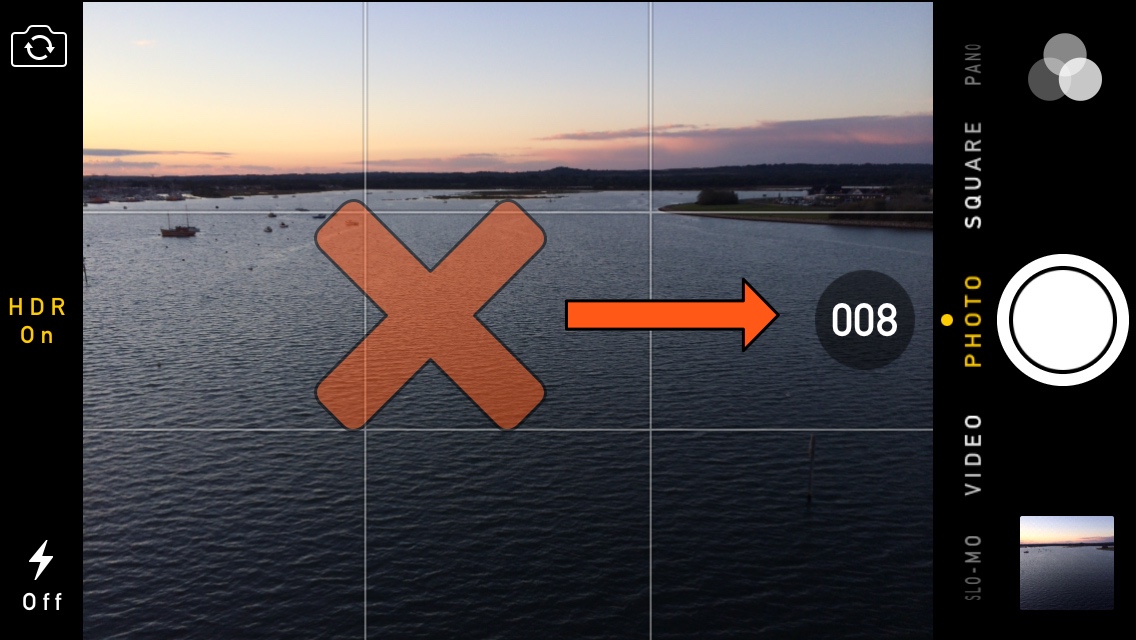
Disable burst mode in the iPhone’s Camera app with NoBurst

Your iPhone is more than a phone – it’s also a powerful point-and-shoot camera that comes out of the box with a ‘Burst Mode’ built-in that can capture a multitude of photographs in rapid succession.

Burst Mode can be incredibly useful, except when it’s not, and if you happen to find yourself accidentally burst-shooting your camera shutter more often than you’d like, then you may take a liking to a new free jailbreak tweak called NoBurst by iOS developer iCraze.

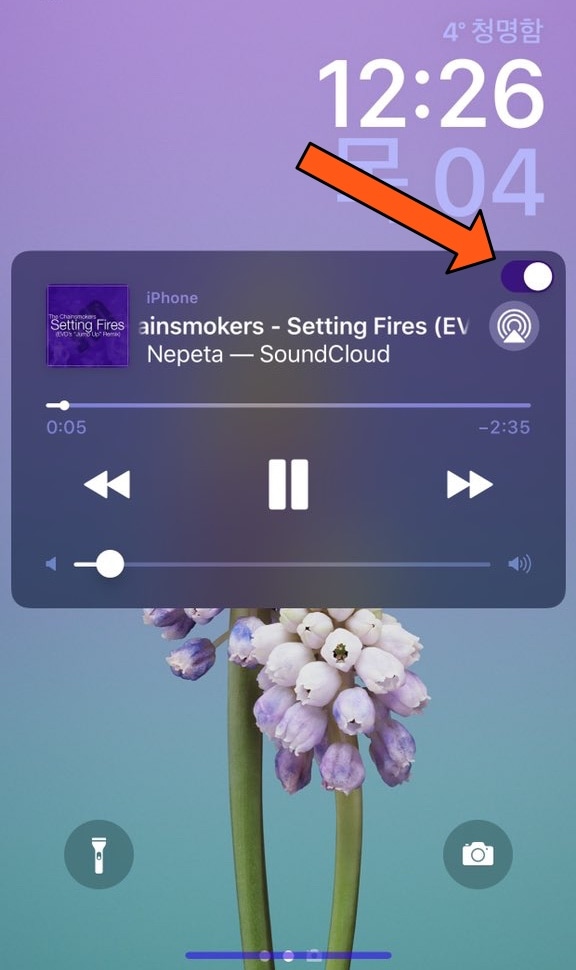
MusicLocker prevents accidental taps and swipes on the Now Playing widget

Whenever you listen to music on your iPhone or iPad, a Now Playing widget appears on the Lock screen so you can see a visual representation of the song’s information and interact with playback controls as needed. Unfortunately, having this widget on a touch screen interface tends to result in accidental actions, such as unwanted pausing, scrubbing, or skipping.

iOS developer PeterDev recognized this problem first-hand on a device of his own and created a new free jailbreak tweak called MusicLocker in an effort to solve the problem once and for all.

Add an application drawer to your jailbroken iPhone with Vesta

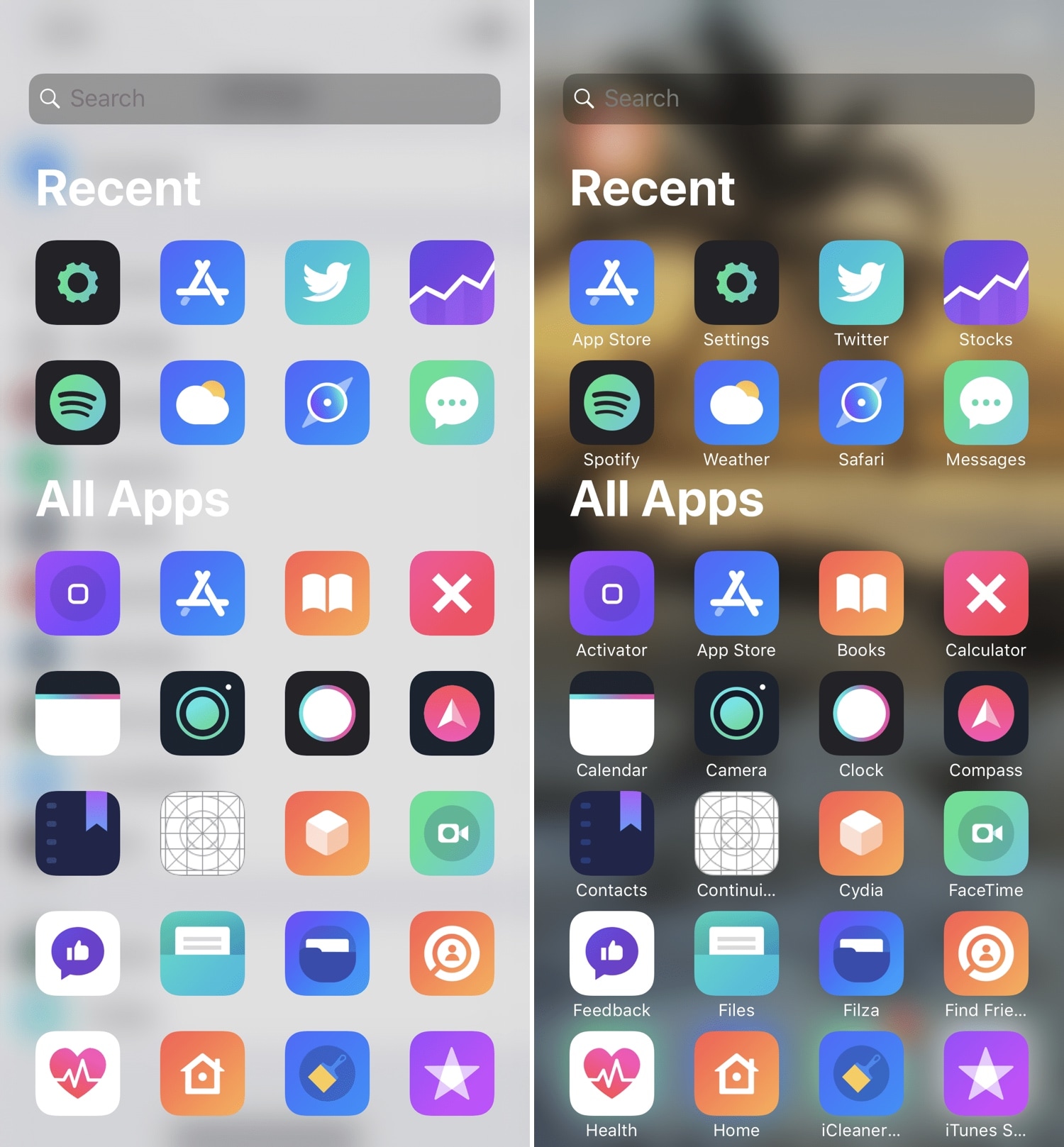
If you’ve ever used an Android handset before, then you might be familiar with the App Drawer where you can access any of your installed apps from one place. iOS has never sported an App Drawer-like feature out of the box, and this prompted iOS developer SparkDev to create a new jailbreak tweak called Vesta to bring one to the iOS platform.

Vesta is easily invoked with any of the built-in gestures or with Activator, and as depicted in the screenshot examples above, the Vesta interface is divided into two sections – one that displays some of your recently-used apps, and another that displays all your handset’s installed apps in one convenient place with no Home screen pages or folders to get in your way.

NoIdleTimer negates the Lock screen’s lockout timer if your device is charging or playing music

Apple designed your iOS device’s Lock screen to go back to sleep after a predefined timeout period, and while this can be useful for battery savings in certain circumstances, there are some instances where this might be irrelevant or where you may favor performance over battery life.

For that reason, iOS developer Nepeta came out with a new free jailbreak tweak called NoIdleTimer that lets you disable the Lock screen’s automatic lockout period so long as certain conditions are met.

Modulus brings a slew of useful new modules to Control Center

Making the Control Center interface modular was perhaps one of the greatest things Apple ever did to improve the iOS experience. On the other hand, Apple left a few things out of the interface from the start and hasn’t yet opened the platform to third-party developers for custom toggles and shortcuts. With that in mind, it certainly pays off to have a jailbreak.

A new jailbreak tweak called Modulus by iOS developer LaughingQuoll brings a slew of new third-party modules to the Control Center interface, and at first glance, each of the new modules seem to be rather impressive.