Accessibility

HapticVolume brings haptic feedback to your volume buttons

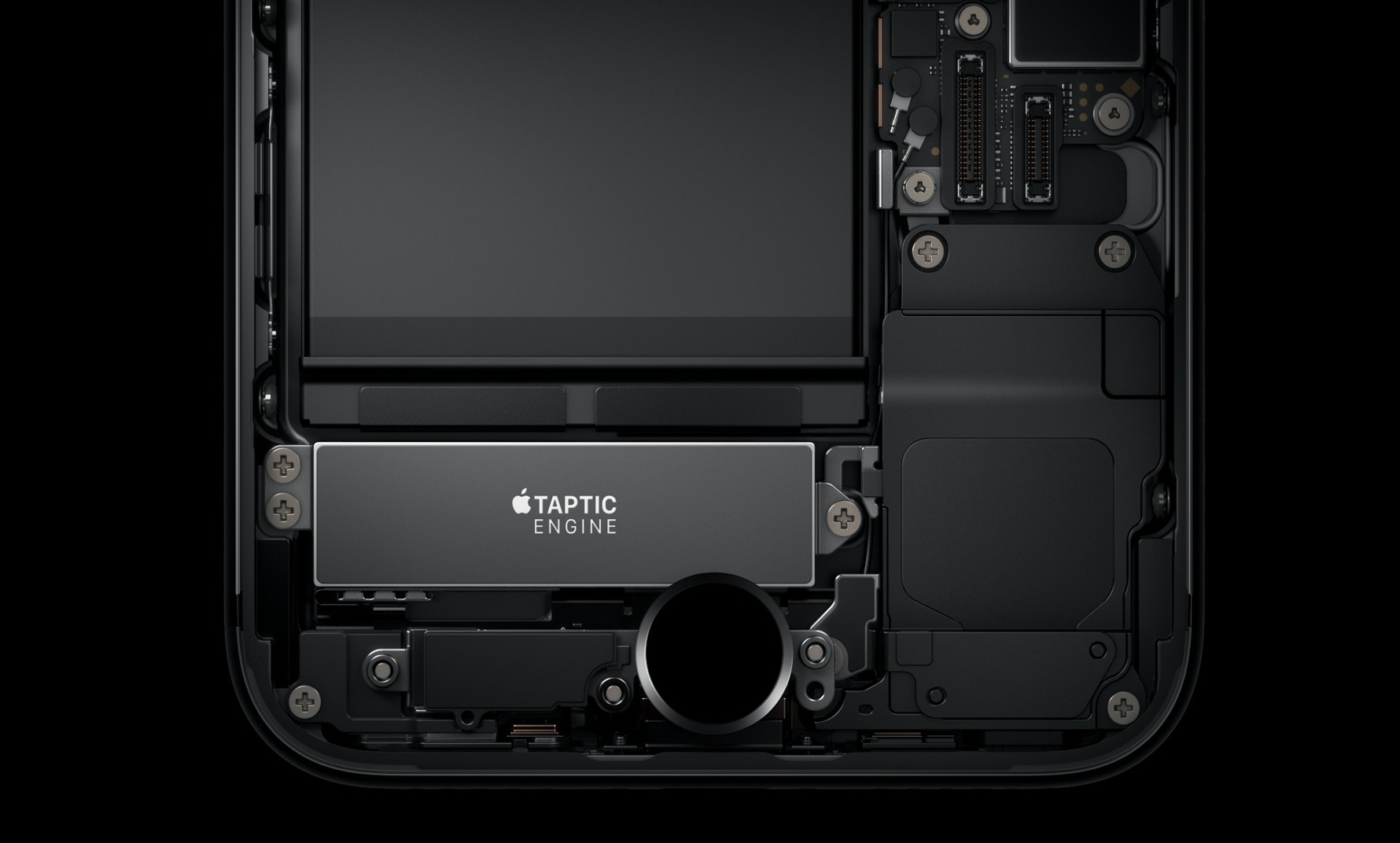
Those who know me best also know that I have a soft spot for jailbreak tweaks that give my iPhone simple haptic feedback capabilities. For that same reason, I’m excited to share the news about a free release called HapticVolume by iOS developer MayBeMe.

In a nutshell, HapticVolume compels your iPhone to exhibit a tidbit of haptic feedback whenever you depress either of the volume adjustment buttons on the side of your device.

HomeList ports watchOS’ List View-based Home screen to iOS

Apart from some minor modifications over the years, the iPhone’s Home screen has remained ultimately unchanged since the first iteration of iOS; it’s still comprised of a grid of app icons that fill ‘pages’ on your Home screen. But what if we told you that you could replace this with something entirely different?

HomeList is a new jailbreak tweak released by iOS developer Blake Boxberger that takes a watchOS-style approach to organizing your Home screen’s bevy of applications. With it, you can scroll vertically through an alphabetically-sorted list of apps instead of paging from left to right through a traditional grid:

This tweak lets you know when your iPhone will finish charging

Sometimes when I’m in a rush to go somewhere, I’ll plug my iPhone into a power source or set it on my Qi wireless charging stand while getting ready to juice it up as much as I can beforehand. But I’ll be the first to admit that waiting for the battery percentage to rise while charging can be a daunting process, especially since iOS doesn’t provide any sort of ETA for a full charge.

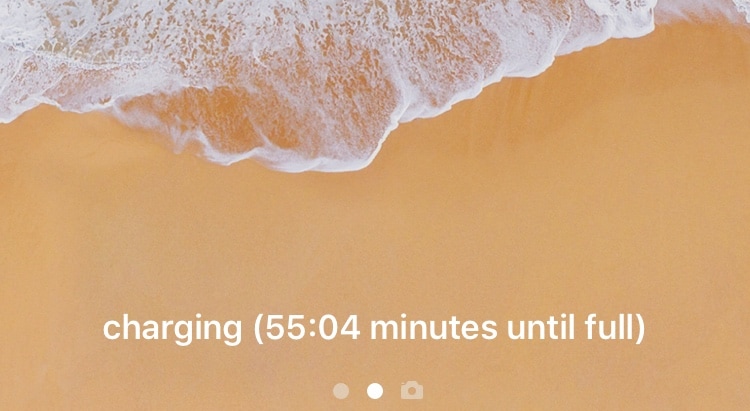
Here to change that is a new free jailbreak tweak called Remaining Charge Time by iOS developer Teun Strik, which adds a charging remainder to the bottom of the Lock screen whenever your handset is charging to let you know (approximately) how long you’ll need to wait before it’s done.

AutoInvert automatically toggles Smart Invert based on your display brightness level

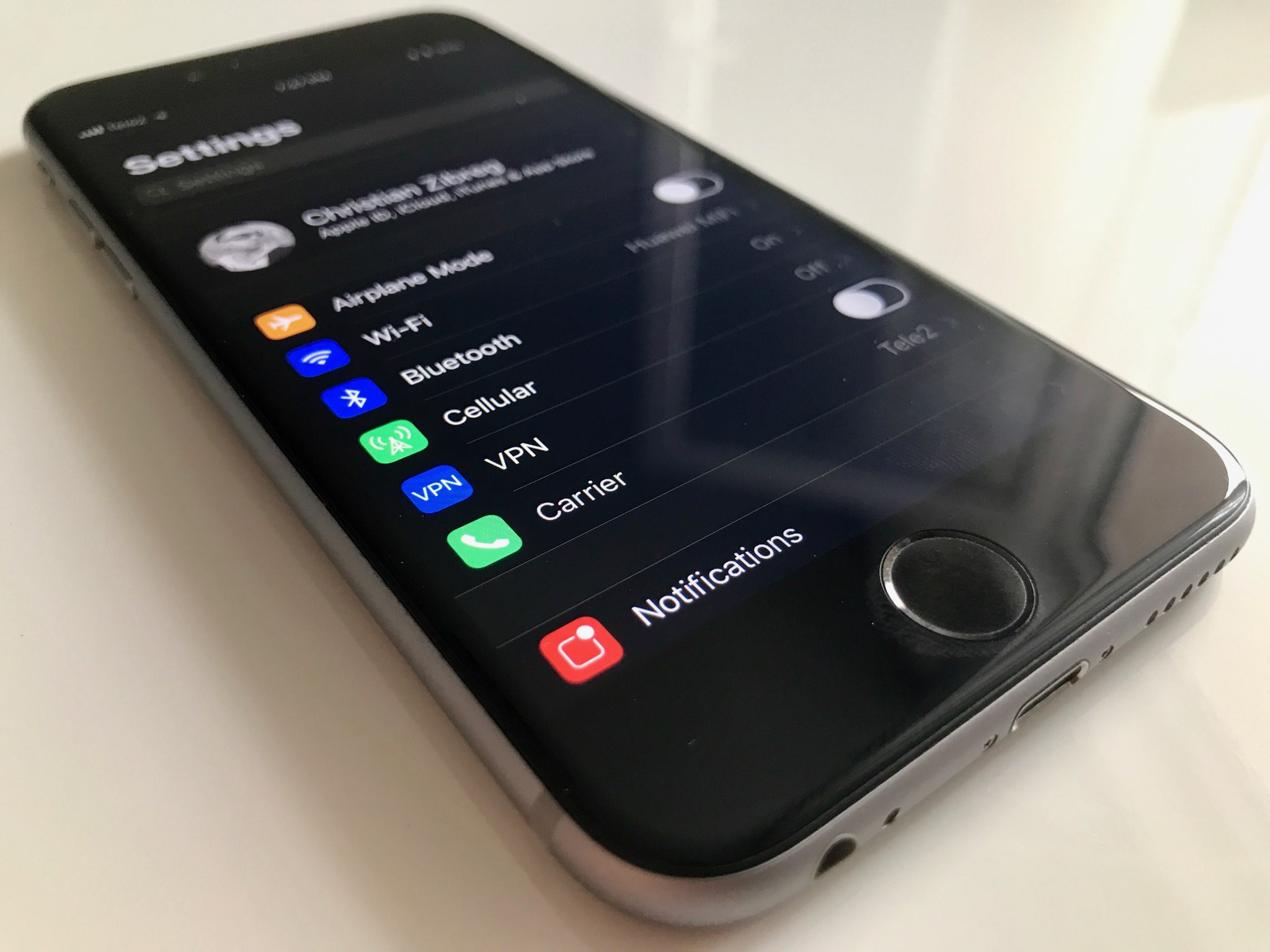
A hidden accessibility feature on your iPhone called Smart Invert lets you enjoy a Dark Mode-like experience on your handset on demand, but you still need to invoke it manually if you wish to use it.

With that in mind, iOS developer Cole Cabral has just released a new jailbreak tweak in Cydia called AutoInvert that automatically facilitates your handset’s Smart Invert feature based on your current display brightness level.

VideoSwipes adds swipe gesture controls to iOS’ native video player

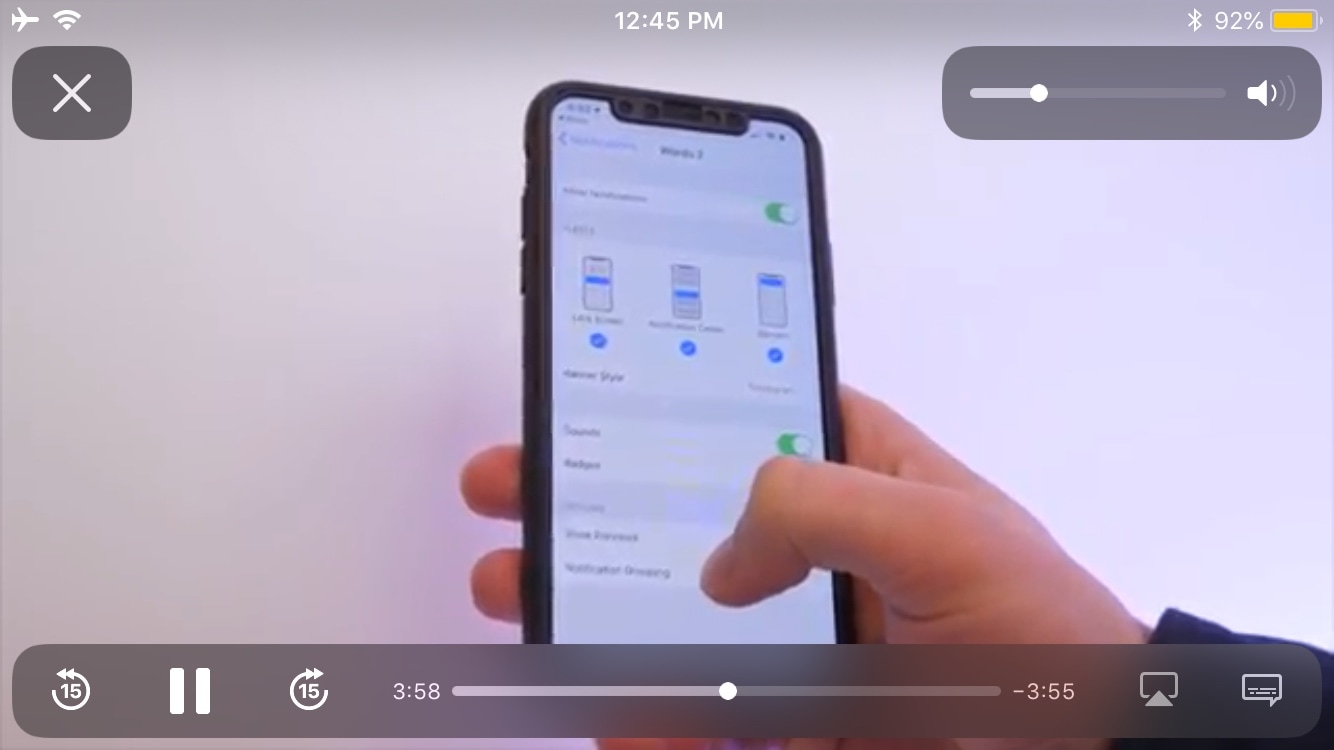
The iOS platform sports a gorgeous native video player interface, but as you might come to expect from Apple, those good looks aren’t coupled with the oodles of functionality that you might find on other platforms such as swipe gesture-based controls.

In response to this apparent shortcoming, iOS developer AnthoPak has just released a new free jailbreak tweak in Cydia called VideoSwipes, and just as the name implies, this tweak brings swipe gesture-based controls to iOS’ native video player.

Augment iOS’ native power down interface with ModernPower

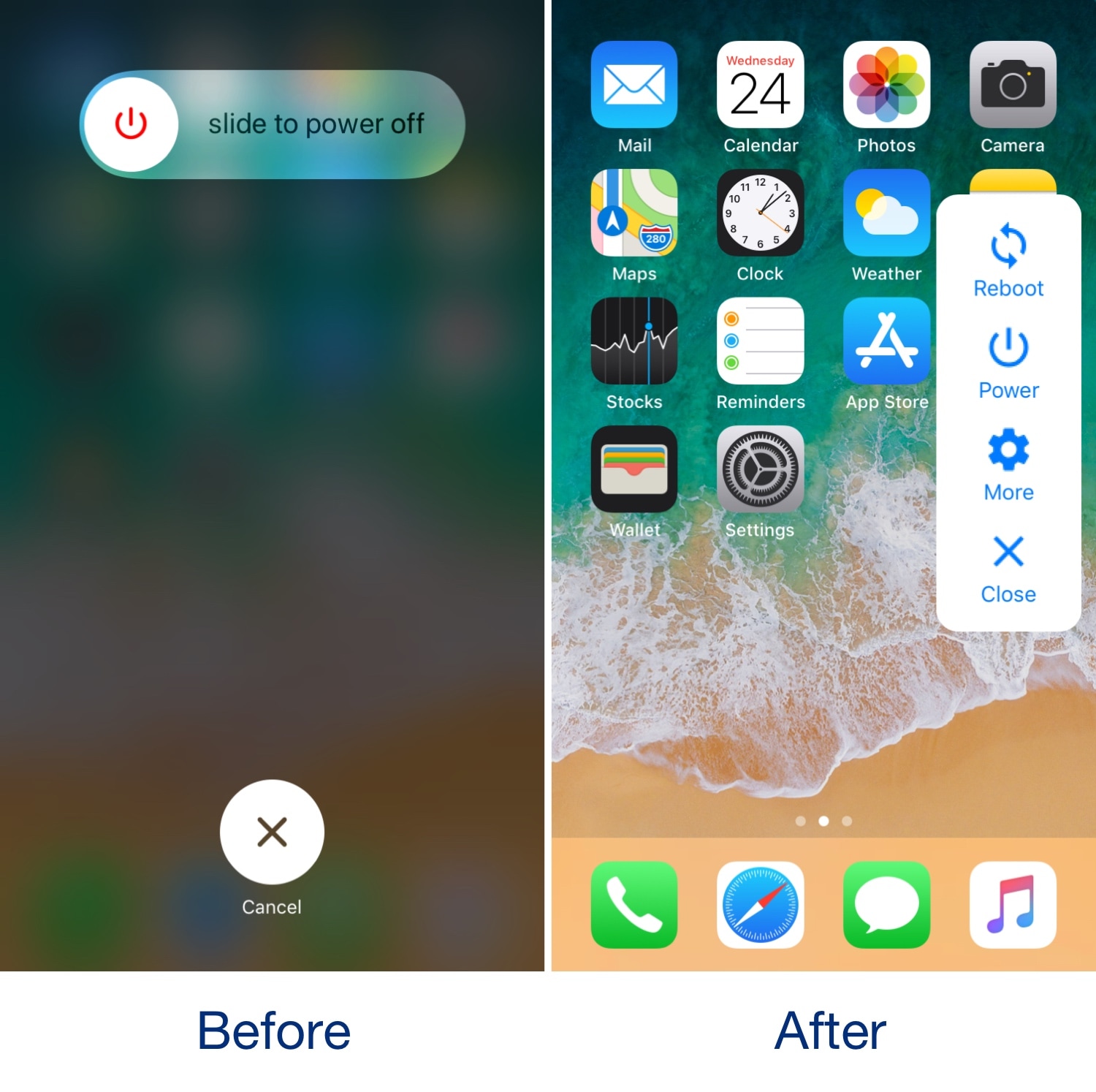
Pressing and holding a certain button sequence on your iOS device (the sequence varies depending on the device) invokes the power down menu from which you can easily turn your handset off. Unfortunately, iOS’ native power down menu has an ongoing reputation for being somewhat ‘featureless.’

In an attempt to change that, iOS developer conorthedev released a new free jailbreak tweak called ModernPower, which gives iOS’ native power down menu a modern facelift and supercharges it with additional features that you won’t find out of the box on a stock device.

InstaLauncher helps you launch any app on your device in a jiff

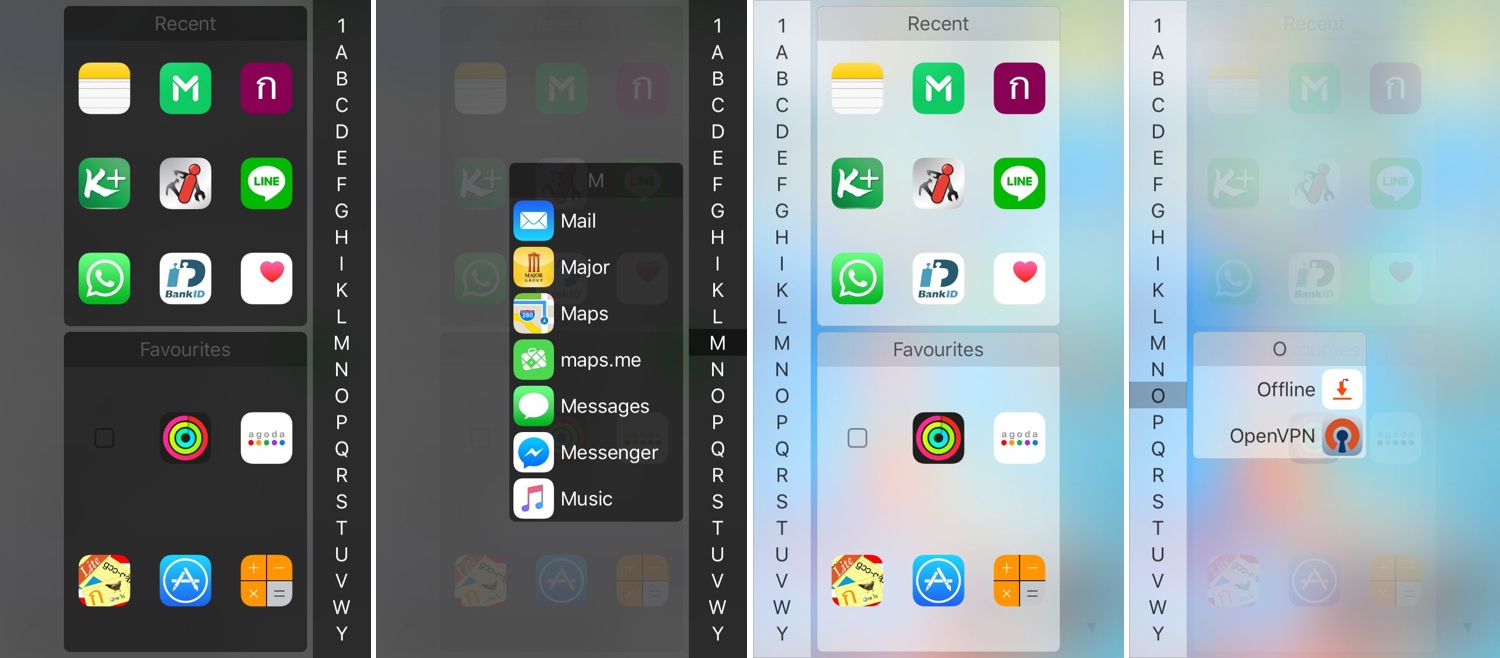
One of my favorite parts about jailbreaking over the years has been installing custom app launchers that make accessing my apps easier. There haven’t been that many tweaks of this nature in recent memory, and that’s why I’m excited to show you the rebirth of a classic jailbreak tweak dubbed InstaLauncher by iOS developer Jonathan Winger-Lang.

InstaLauncher has been around for several years, but it was just recently re-released with full support for the latest Electra and unc0ver jailbreaks encompassing iOS 11 and iOS 12. Those who remember the original tweak should see InstaLauncher for what it is: a tweak that lets you launch any app on your device in a jiff without having to scour multiple Home Screen pages.

Improve your iPhone’s multitasking capabilities with PullOver Pro

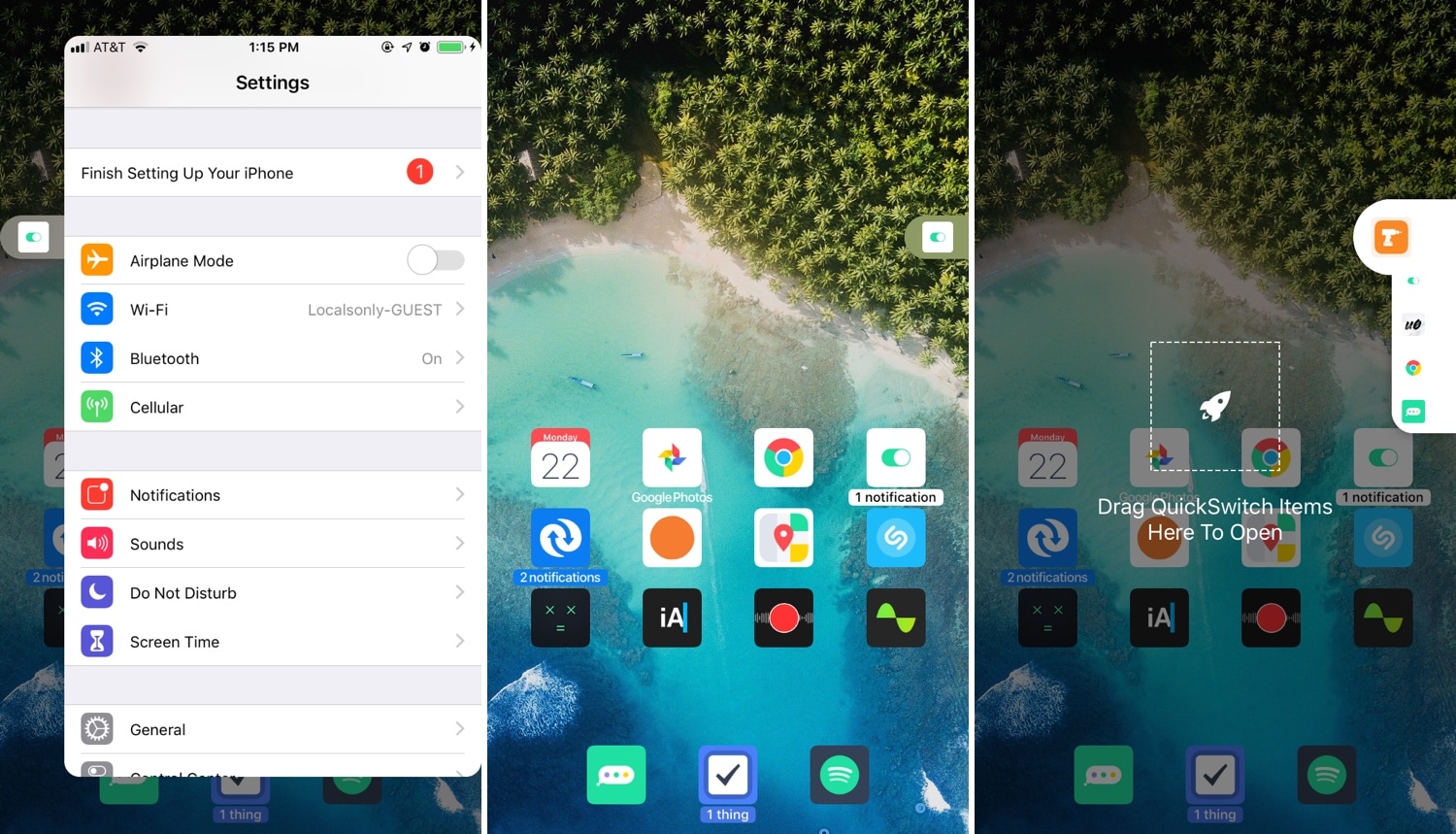
Multitasking is something that the iOS platform has always fallen short on, and that’s precisely why we’re excited to talk to you about a newly-released jailbreak tweak called PullOver Pro by iOS developer c1d3r.

As you might’ve noticed from the screenshot examples above, PullOver Pro is exactly what it sounds like. The tweak adds a small grabber to the side of your display that you can interact with to gain quick access to your favorite or most recently-used apps.

DNDAllow lets you configure Do Not Disturb on a per-app basis

iOS’ native Do Not Disturb feature is immeasurably useful for those instances when you don’t want to be disturbed by phone calls, social media, and text messages. On the other hand, that doesn’t always mean you want all your apps to be silenced.

DNDAllow is a new free jailbreak tweak by iOS developer Karimo299 that lets you designate Do Not Disturb on a per-app basis, effectively letting you receive notifications from specific apps even when your iPhone’s Do Not Disturb mode is toggled on.

Konban replaces the Today page with your favorite app

The Today view is an integral part of iOS that contains all your favorite widgets for a quick glance at app-centric information. As cool as it is, the fact remains that not everyone uses the Today view as Apple intended, leaving a lot of wasted space on your Home screen.

If you’re one of many who thinks that the Home screen’s Today view would be more useful if repurposed for something else, then you might take an interest in a new free jailbreak tweak called Konban by iOS developer Nepeta.

Augment iOS’ Do Not Disturb feature with LeaveMeAlone

I use Do Not Disturb mode all the time, because, like anyone else, there are times when I simply don’t want to be bothered by my smartphone. On the other hand, Apple’s Do Not Disturb feature is implemented in such a way that it can be an annoyance in and of itself.

LeaveMeAlone is a new free jailbreak tweak by iOS developer Karimo299 that resolves some of these problems by making Do Not Disturb less of a distance. More specifically, it does away with iOS 12’s annoying Do Not Disturb banner and moves the Status Bar icon beneath the Lock screen’s date and time indicator, as shown above.

Snapper 2 augments your iPhone’s screenshot-centric capabilities

Apple stepped up how iOS handles screenshots in some of the latest iterations of iOS, but that’s not to say it’s perfect. With that in mind, we can usually expect that the jailbreak community will respond with a solution whenever Apple leaves anything to be desired, and that’s precisely what happened in this particular instance.

Snapper 2 is a jailbreak tweak by iOS developer Jonathan Winger-Lang that augments iOS’ screenshot handling with a whole trough of new features, including sticky screenshot previews and privacy protection, among other things.