Use this simple trick to make your Mac’s Dock hide and show instantly without any delay or system animation.
How to set Mac Dock to hide and show instantly with no delay

Learn how to master your Apple devices with our comprehensive tutorials. From iPhone and iPad to Mac, Apple Watch, AirPods, and more, our expert guides will help you unlock the full potential of your Apple products. Discover new features, tips, and tricks each day to enhance your user experience.
Use this simple trick to make your Mac’s Dock hide and show instantly without any delay or system animation.
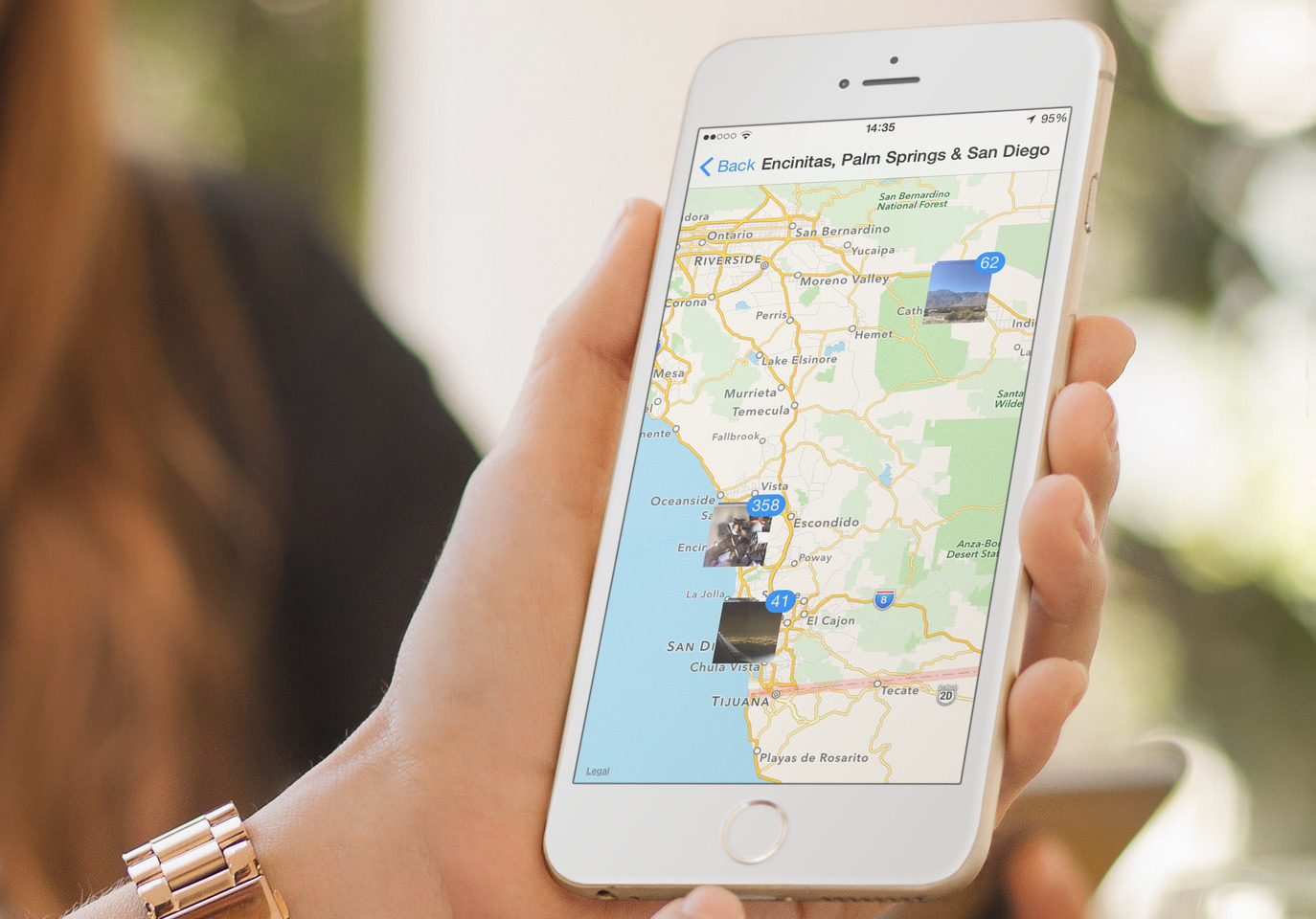
Learn how to view places on a map where you shot photos with your iPhone, so you can visualize and relive these locations, track your travels, and more.

One of the things that I appreciate about Windows is the ability to view previews of running apps by hovering your mouse cursor over an app in the Taskbar. OS X doesn't natively allow you to do such a thing, but it's nothing that HyperDock—a $9.99 purchase from the Mac App Store—can't handle.

In the previous podcast basics post, we talked about some of the preliminary steps that need to be taken before proceeding with creating a podcast. Those steps involved finding the right subject, format, hosts, etc.
Now that you have a good idea about the subject you'd like to podcast about, the show format, the co-hosts, and the scheduling, it's time to start thinking about your podcast hardware. I like to include location as a part of the hardware, because the location where you record your podcasts can play a huge role in how the end product sounds.
In this post, I'll talk about what hardware I use for podcasting, along with other general recommendations on hardware. If you're still mulling about the subject, or co-hosts, then I urge you to read part I of this series; it covers the stuff you should consider before even getting started.
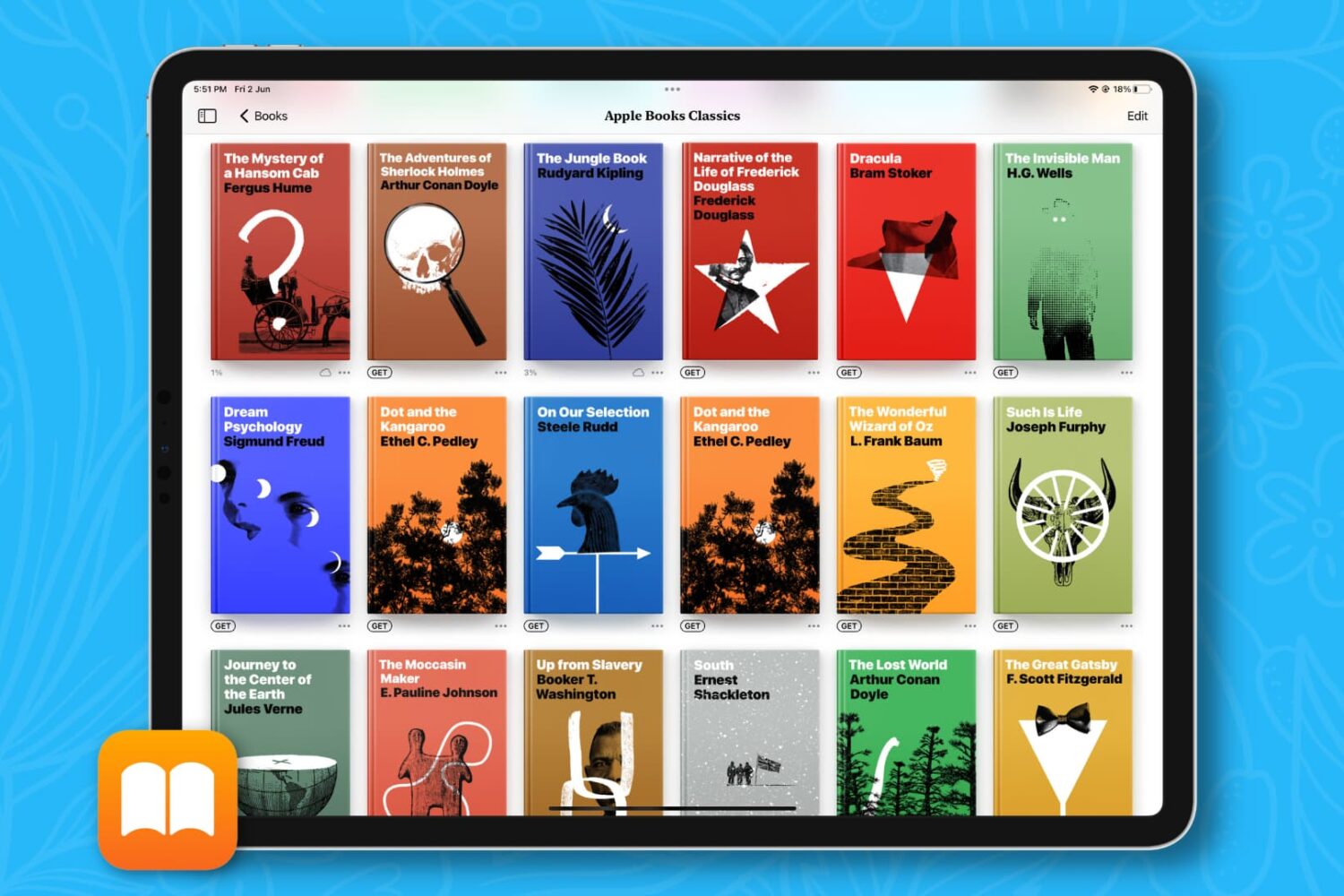
Learn how to remove books, PDFs, and audiobooks from the iPhone or iPad Books app to free local space and clean up your library.
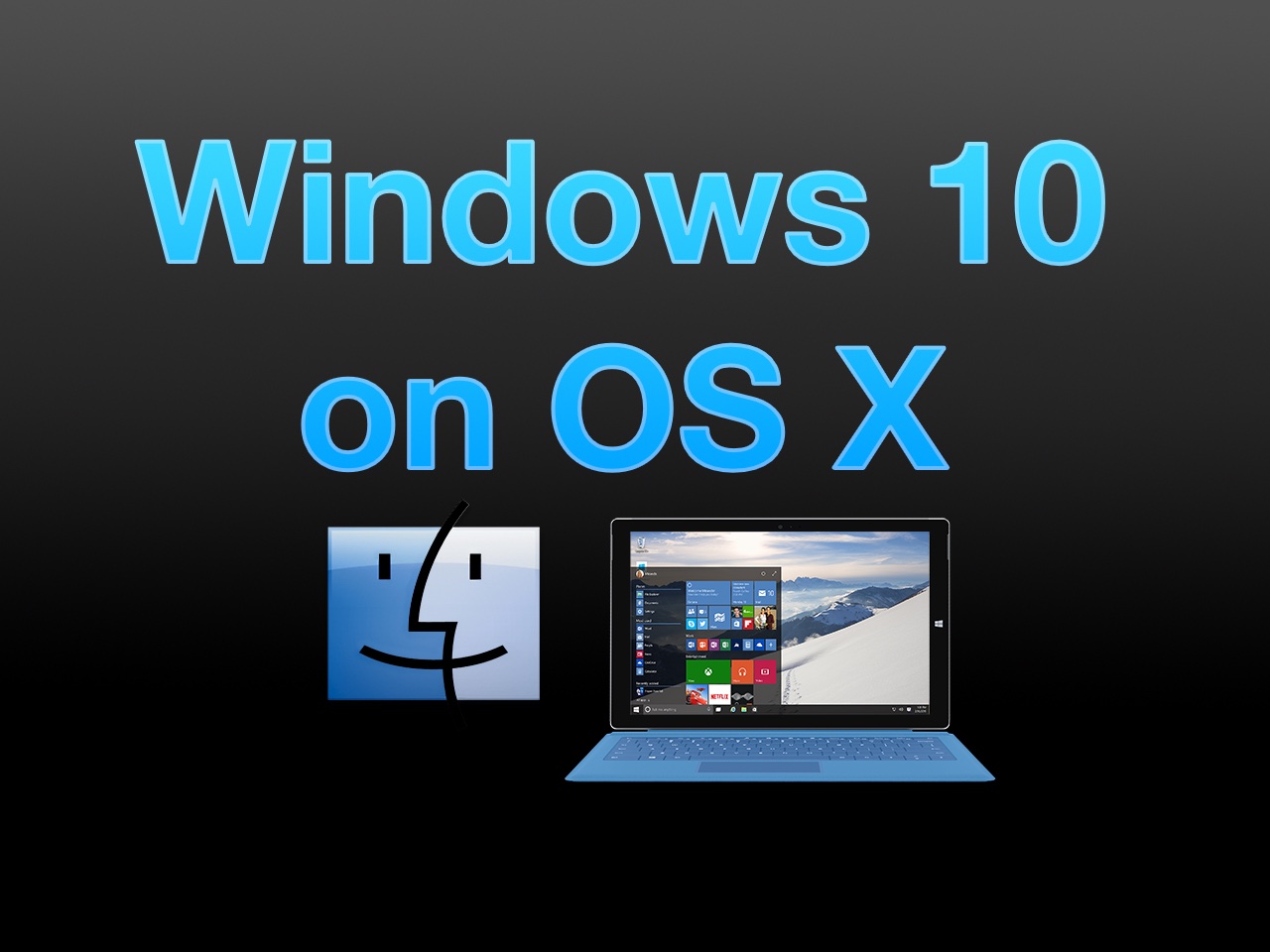
The Windows 10 Technical Preview is now available for free download and trial, but just because you're on a Mac doesn't mean you have to be left out of the fun. Windows 10 brings new features to the table like Cortana voice assistant integration, improved multitasking, and more.
In this full tutorial, I'll show you how to install Windows 10 Technical Preview on your Mac using VMware Fusion. In the video walkthrough, I show you how to install Windows 10 on your Mac in less than 15 minutes.
Last week, we recorded episode 92 of Let's Talk Jailbreak and episode 66 of Let's Talk iOS. That's 158 episodes under our belts, or over three years of shows if each show was spread out on week-to-week basis. While I wouldn't dare claim to be the supreme podcast expert, I can say that I have learned a lot as both shows have grown from humble beginnings.
Podcasting isn't exactly rocket science, but it does take some effort to make a show sound decent. My goal has always been to simply create the best sounding show that I possibly can within reason. That reason includes, of course, money, equipment, environment, and the podcast participants.
At the end of the day, a podcast will only sound as good as your worst piece of equipment, software, mixing technique, or participant. The goal should be to make everything sound good enough to where you'll derive satisfaction from the end result.
In this first part of my podcasting basics series, I'll talk about what it takes to get your podcast off the ground. In subsequent entries, I'll discuss the equipment we use, the software we use, the techniques we employ, and other tidbits along the way.

Whether you need to create a local backup file of your contacts for safekeeping or transfer them to another non-Apple platform, here’s how to easily export your iCloud contacts using a web browser.

It is now possible to jailbreak iOS 8.1.2 using a Mac, and this has been confirmed by iDownloadBlog. Up until this point, no Mac option existed for jailbreaking iOS 8.1.2, but that is no longer the case. A new tool entitled PP jailbreak for Mac has surfaced, allowing Mac users to enjoy what Windows users have been enjoying for some time now. Inside, we have a tutorial that shows how to jailbreak iOS 8.1.2 using OS X with the PP jailbreak for Mac.
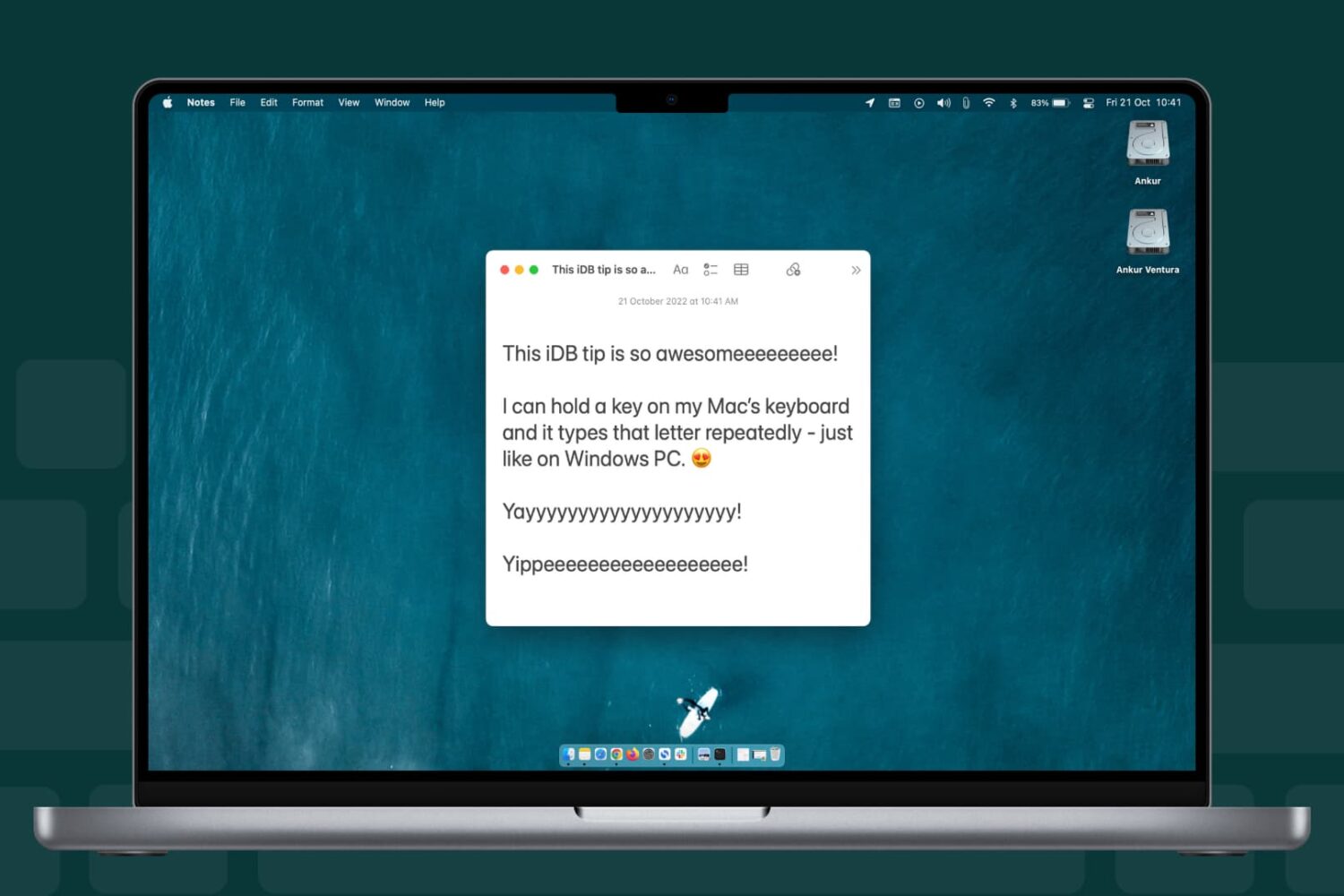
Learn how to change whether the character typed in a text area on your Mac repeats faster or slower when holding down a keyboard key.
Anyone who has used a Mac for more than a minuscule amount of time has more than likely come across Quick Look, the pop-up window that is invoked with a press of the space bar when a file or folder is highlighted on the desktop or in Finder. Quick Look's usefulness becomes evident when file names aren't descriptive enough by allowing users to view the contents of many different types of files without having to open them in a full-fledged application like Pages for documents or Preview for images.
By default Quick Look can only display a static view of a file that only grants users a peek at the contents without any real function. Imagine, however, being able to copy a document's text without having to open it in TextEdit or Pages. This is incredibly useful in a variety of situations, from dealing with templates to Word documents to code snippets, where having multiple applications and documents opened shouldn't be necessary for copying from one location and pasting to another. The good news is that this functionality is completely possible and perfectly easy to enable.

Although The Interview won't be screened in most theaters around the country, you can still show your support for this over-hyped movie by watching it online. The movie is available for rent or purchase right now from several places, including, YouTube, Google Play, and Xbox.
If you have an iPhone, iPad, or Apple TV, this is the best way to watch The Interview.