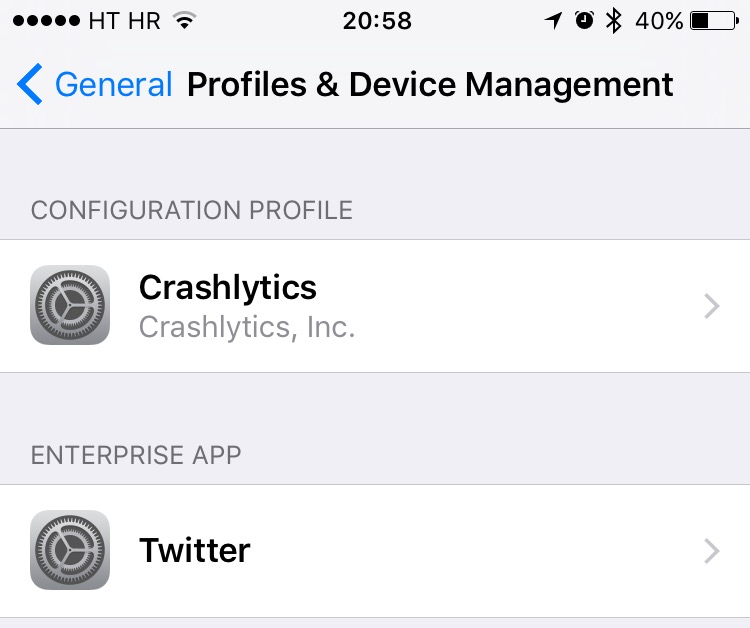
Back in March 2013, security firm Skycure found that some configuration profiles on iOS pose a major security vulnerability because they use root certificates that might allow harmful software to bypass Apple's sandboxing rules and install on your iPhone, iPod touch or iPad.
Apple has since removed a few apps from the App Store that were found to install root certificates which could allow monitoring of data.
Still, the fact remains that configuration profiles could be exploited to compromise SSL/TLS security solutions. If you have a configuration profile installed on your device that's no longer use by apps, you should delete it in order to make sure your data remains protected.
In this tutorial, we're going to demonstrate how easy it is to delete iOS configuration profiles that are no longer needed, thereby increasing your security.