Learn how to restart your iPhone or iPad without using the Power or Volume buttons, which is handy when the physical buttons start malfunctioning.
How to restart iPhone or iPad without using physical buttons

Learn how to master your Apple devices with our comprehensive tutorials. From iPhone and iPad to Mac, Apple Watch, AirPods, and more, our expert guides will help you unlock the full potential of your Apple products. Discover new features, tips, and tricks each day to enhance your user experience.
Learn how to restart your iPhone or iPad without using the Power or Volume buttons, which is handy when the physical buttons start malfunctioning.

As reported recently on iDB, Luca Todesco has decided to solve the certification problems which have plagued the most recent Pangu release for 9.2-9.3.3, by making public a web-based tool for re-activating the jailbreak.
After doing some testing and research it seemed appropriate for a more in-depth discussion of the tool, along with a walkthrough, in order to address some of the more technical questions surrounding this latest development in the jailbreaking scene.

Find out which third-party apps on your iPhone can work with Siri and let you do things just by using voice commands.
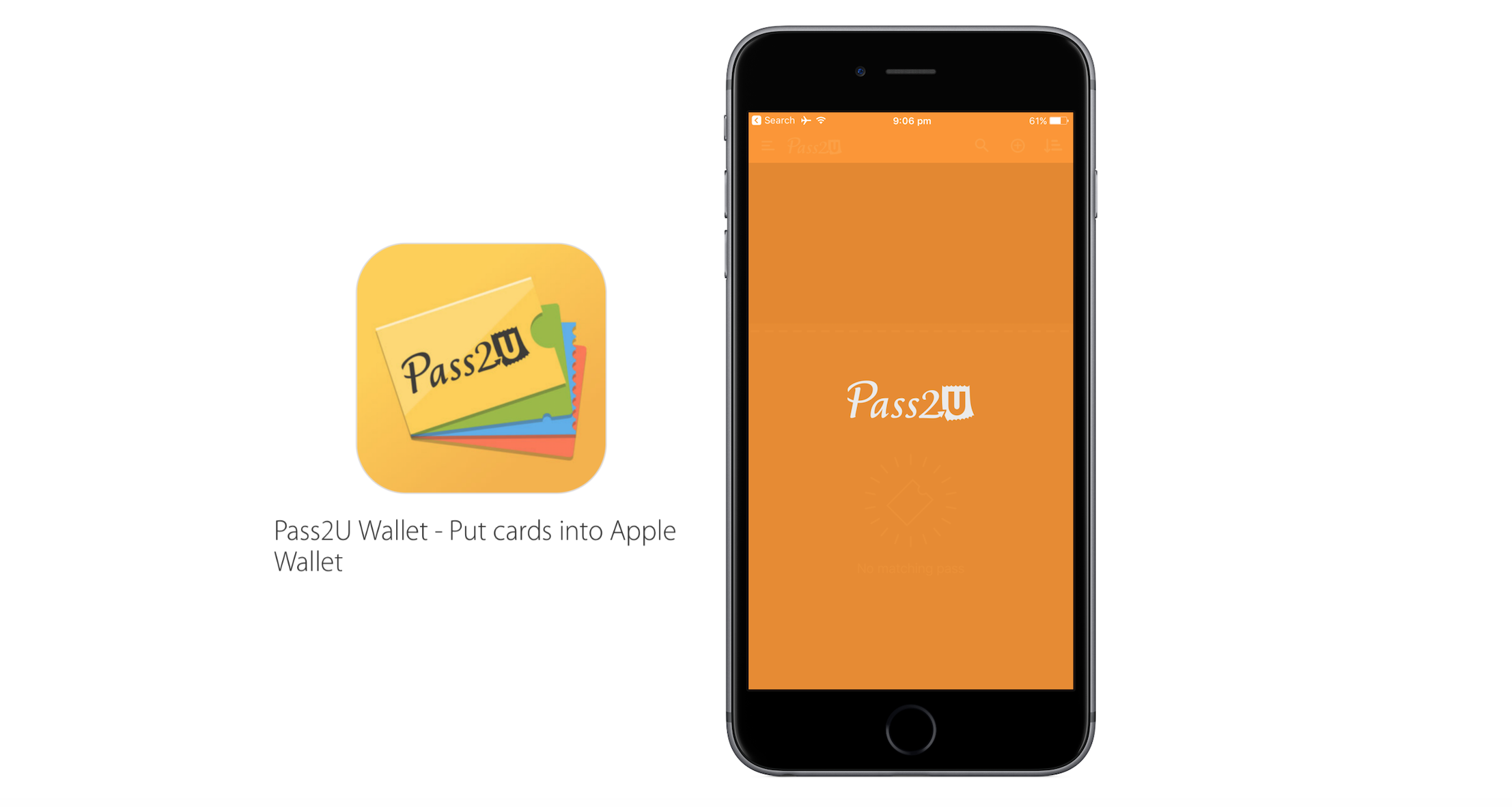
Based on the continuous growth of Wallet for ticketing services and Apple Pay, Apple’s bid to render cards and printouts a memory of the past has come a long way. Wallet makes handling and storing any type of ticket considerably simpler, which is why it is easy to get irritated today when presented with no other delivery option but an old-school paper pass. Thankfully Apple and other retailers are increasingly swinging towards the digital platform, but there are still countless cases where you just cannot add a ticket or voucher to your Wallet - even though it would make life so much easier.
Pass2U Wallet, a free app for iOS, taps into that need and conveniently bridges the gap. Just like Wallet itself it offers to scan hard copy barcodes in order to convert them to Wallet passes, however contrary to Apple’s Wallet it will practically work with any piece of paper imaginable. As such, Pass2U Wallet complements and enriches the stock Wallet app nicely, making sure you will be able to add anything you like to your iPhone’s Wallet. Find out more about the app in our review below.

Did you accidentally delete an important note on your Apple device? Worry now, as it’s easy to recover them using your iPhone, iPad, Mac, or from iCloud.com.

Learn how to stop people you’re not friends with from showing up in your Facebook chat and adjust settings to prevent them from showing up again.

Many jailbreakers will be familiar with the program TinyUmbrella, which has traditionally been one of the best ways to save SHSH blobs for their iOS devices onto their Macs for safekeeping. What SHSH blobs are, their function, and how to save them is outside the scope of this article, (I will put something together soon on this), but suffice to say that saving these blobs is of some importance to many jailbreakers and that TinyUmbrella has been the go-to application for doing so for a long while.
Whilst the application was updated as recently as August by its creator Semaphore, many Mac users (myself included) have noted that the new version, 9.3.4, gives an error on launch and cannot be used at all. This guide will walk you through the fix to get your umbrella back up again on Mac, so you can carry on wishfully saving those blobs.
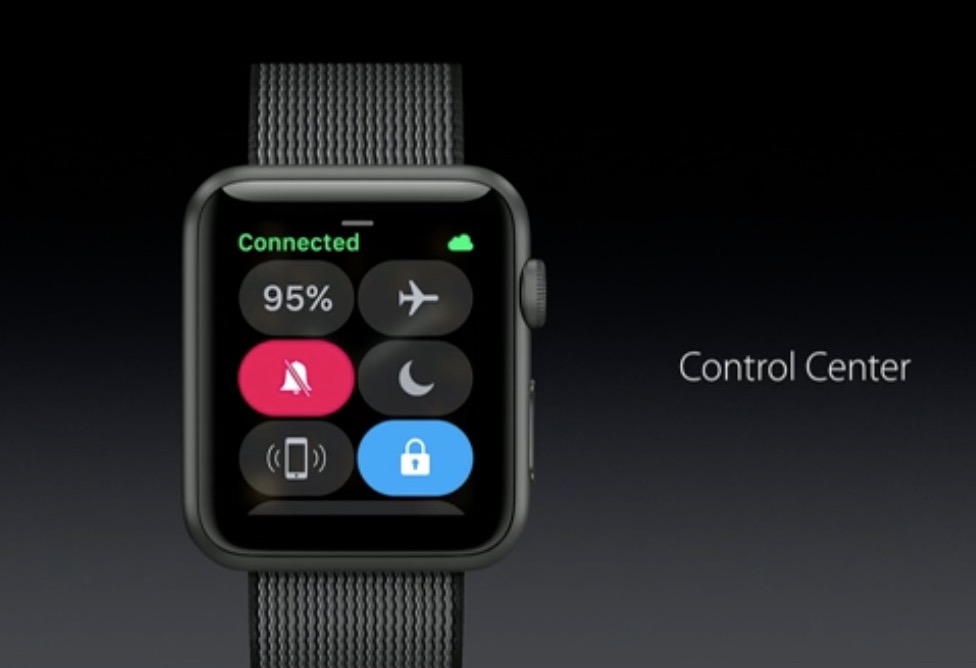
If you are not closely tracking every subtle interface change that Apple puts into practice on iOS, macOS or watchOS, it is likely you have entirely lost sight of a smaller feature or setting before. This is because, in short, Apple likes to relocate and thereby slowly supplant features no longer withstanding the test of time. With watchOS 3, the complete renovation of the operating system and reinvention of the Side button on top of it has had a similar ripple effect for numerous older features.
Power Reserve mode has become one of such cases, a feature still of much use despite the improved battery performance on Apple Watch Series 1 and 2. It used to be as easy as holding down the Side button and swiping to activate Power Reserve, but mind you, nothing is permanent with Apple and it has been silently relocated since. In case you have been caught napping on Power Reserve, let's quickly fill you in on how to deploy the potential life saver on the latest watchOS.
The AirDrop file transfer protocol, introduced with Mac OS X Lion and iOS 7, is a fast and convenient way to transfer files between Apple devices. The current version of the service is interoperable between iOS and macOS, but requires both Bluetooth and Wi-Fi to be active in order to work. It also requires Mac OS X Yosemite or newer and a hardware model from 2012 or later.
However, the version of AirDrop that shipped as standard with OS X between 10.7 (Lion) and 10.9 (Mavericks), whilst unable to send files to iOS devices, works without Bluetooth and on Mac models going back as far as 2008. Luckily, alongside the newer version, this legacy mode is still included on all Mac models to date, and as this guide will show, can be modified to have an even broader functionality.

We've already covered how to completely prevent partitions from mounting under macOS, but sometimes you want a partition mounted and ready to use but still want the benefit of it not cluttering up your desktop. For example, many people want their Time Machine partition constantly mounted and backing up throughout the day but don't need it to be visible at all.
Finder's preferences allow for hiding all volumes from the desktop but offer no control on a volume-by-volume basis. Therefore, we'll show you how to use the Terminal to hide mounted volumes on a case-by-case basis.

Find out how to download Netflix movies and TV series to watch on the go, and what to do if downloading fails on your iPhone, iPad, or other devices.
