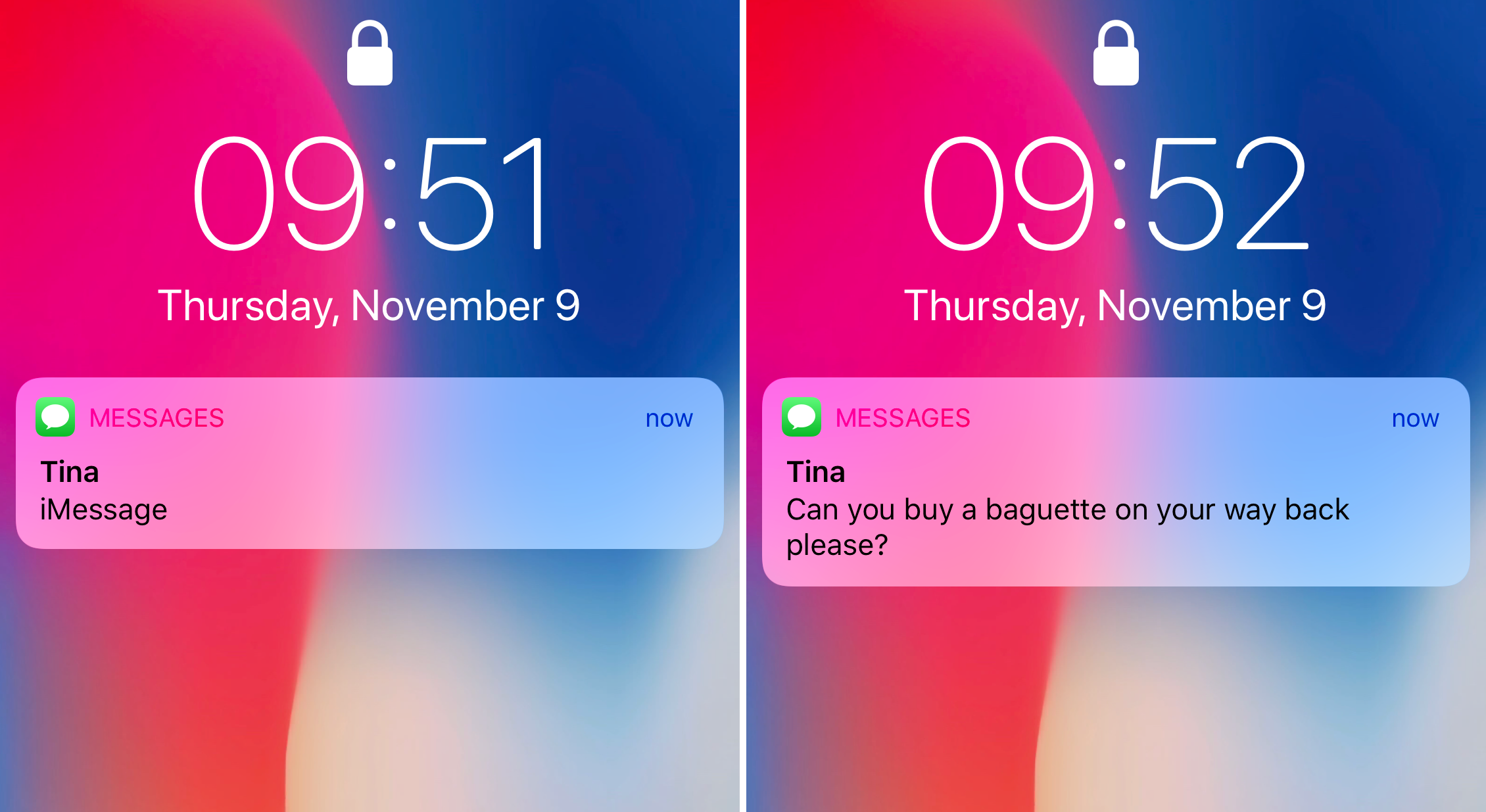
Learn how to always show previews for messages, calls, and other app notifications on your iPhone Lock Screen without having to authenticate with Face ID first.
How to always show notification previews on iPhone Lock Screen
Learn how to master your Apple devices with our comprehensive tutorials. From iPhone and iPad to Mac, Apple Watch, AirPods, and more, our expert guides will help you unlock the full potential of your Apple products. Discover new features, tips, and tricks each day to enhance your user experience.
Learn how to always show previews for messages, calls, and other app notifications on your iPhone Lock Screen without having to authenticate with Face ID first.
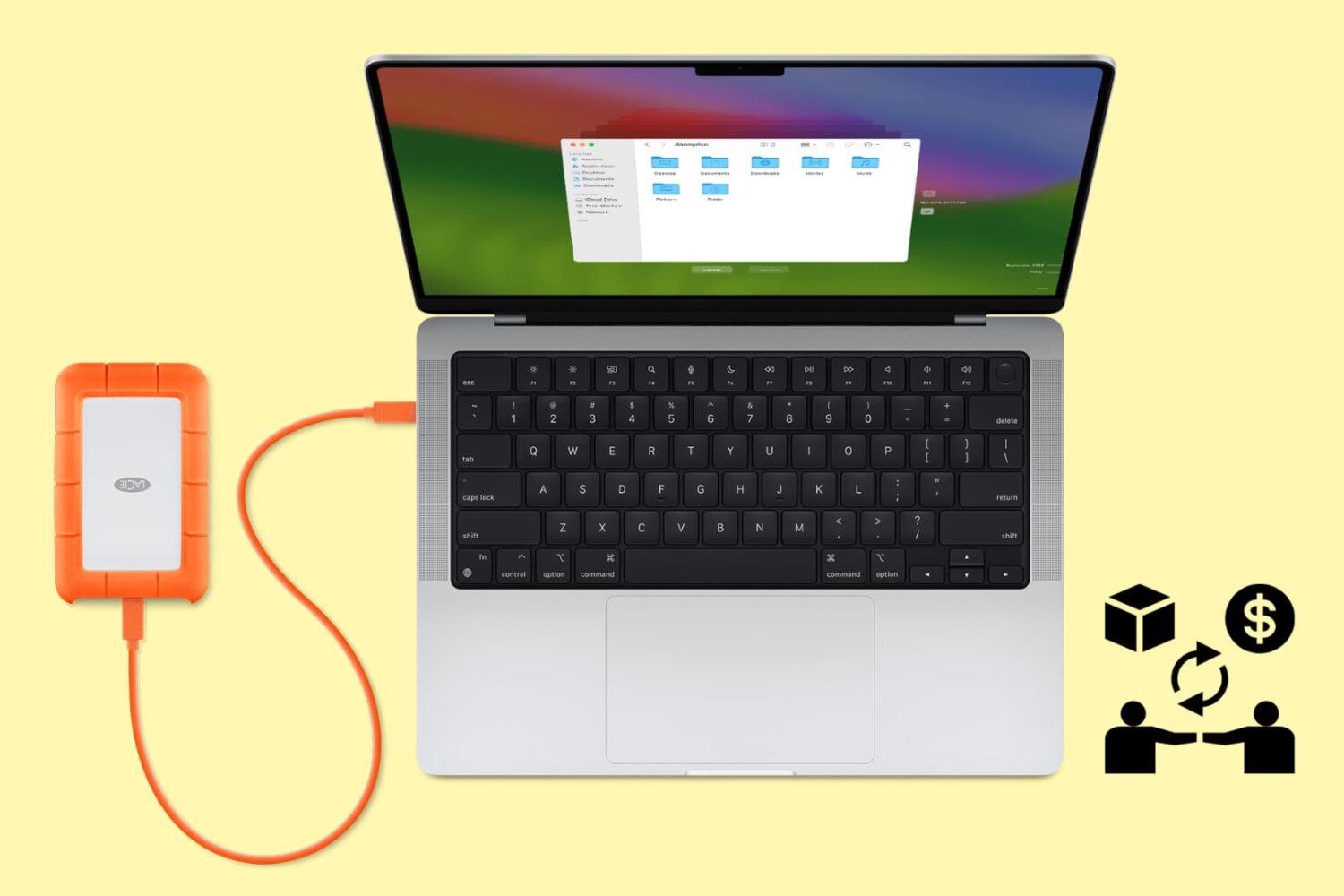
Follow these tips before handing over your Mac notebook or desktop to a new owner or sending it to Apple for trade-in to ensure your personal data is erased and Activation Lock is removed.
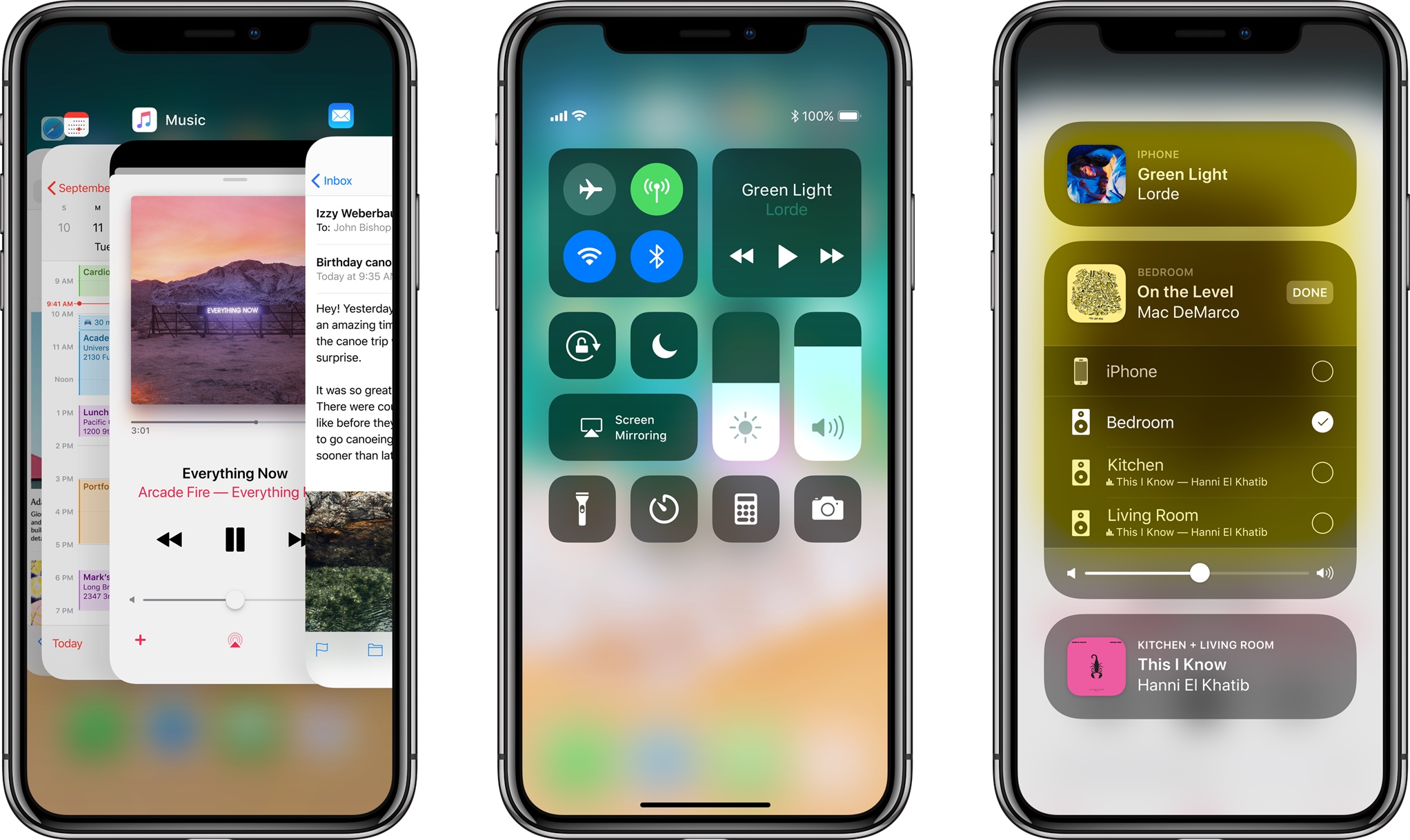
Because it lacks a Home button, Apple's iPhone X requires users to perform an upward swipe from the bottom edge of the display to get to their Home screen.
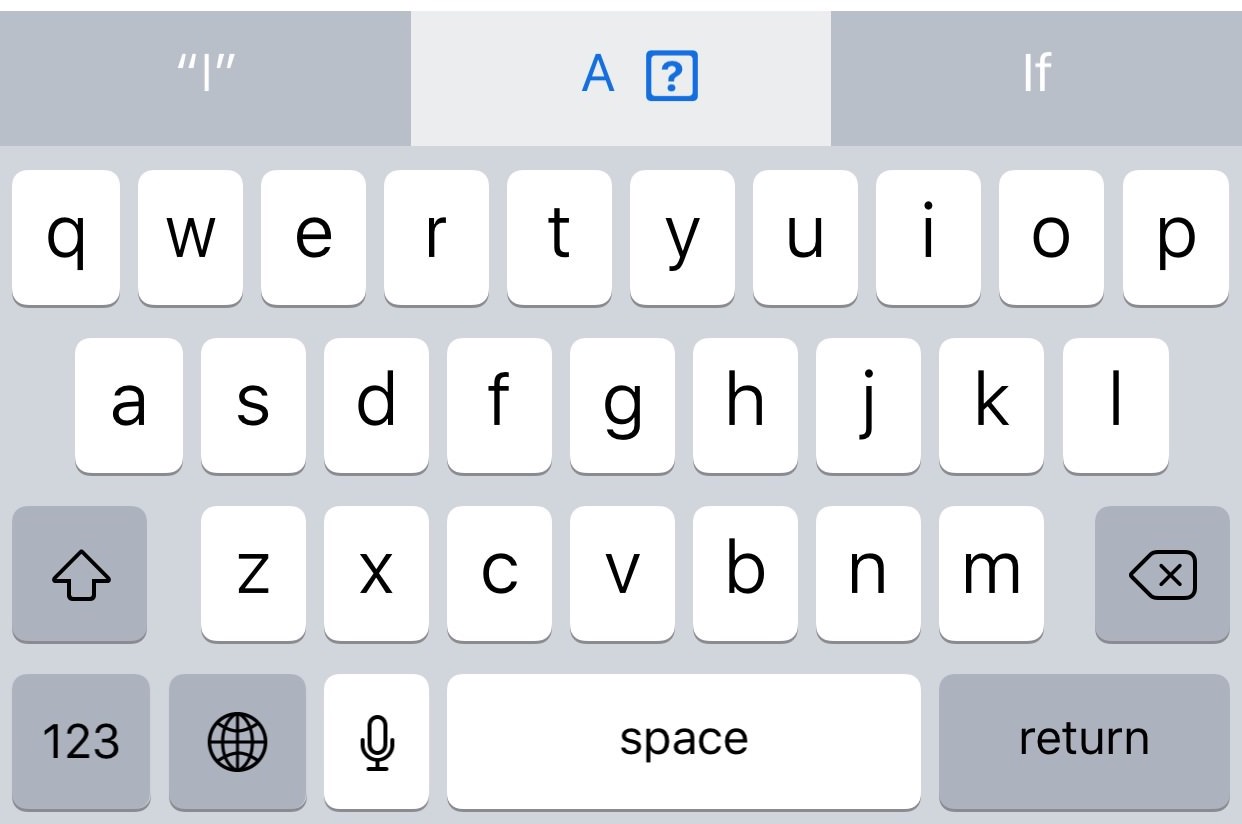
A new Apple support document published two days ago recommends a temporary workaround solution for a weird auto-correct bug in iOS 11.1 where typing the letter "i" can replace it with the uppercase letter “A” and a question mark symbol.
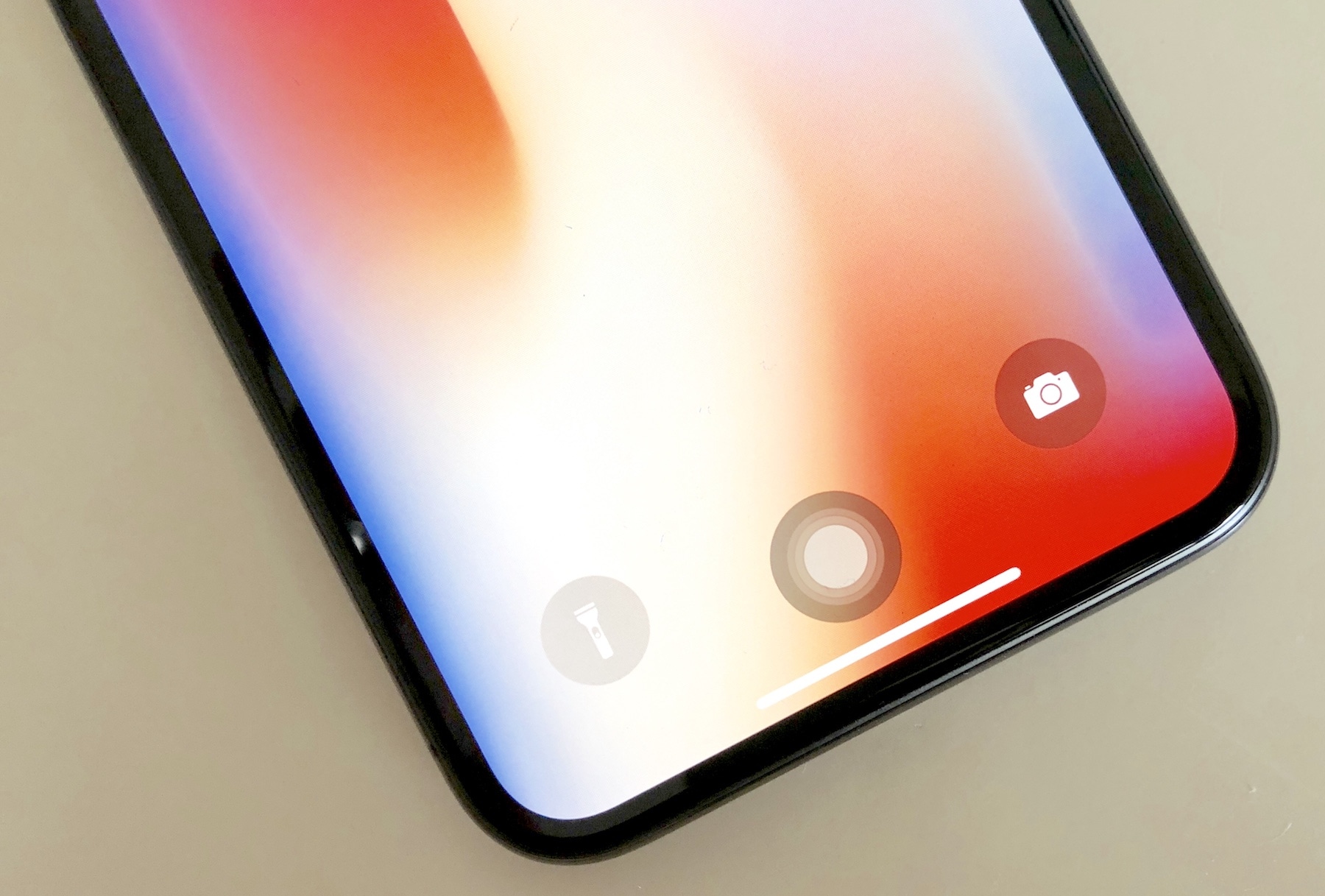
Do you already miss the good old Home button on your shiny new iPhone XS? If so, you have several options ahead of you. You can either suck it up and live with it, return your iPhone XS, or replicate the Home button by using the AssistiveTouch accessibility feature to replicate the functions of the Home button.
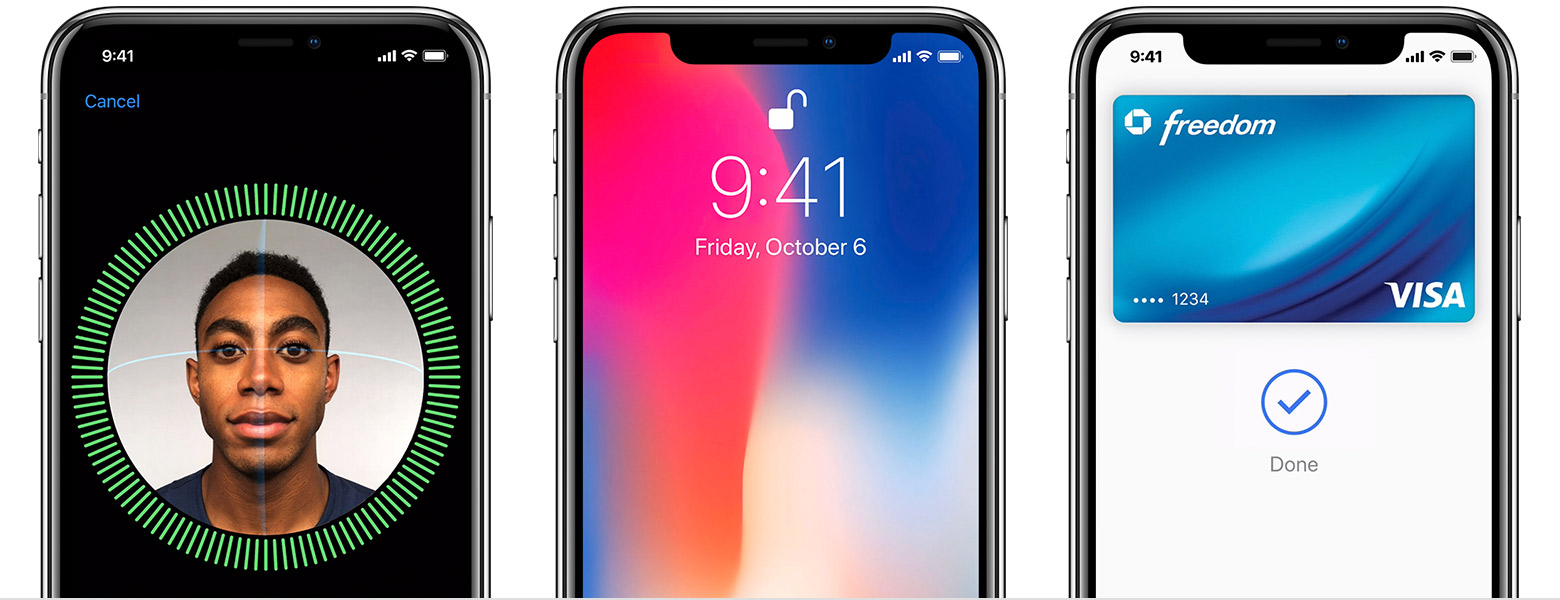
In addition to releasing a detailed Guided Tour video covering some of the iPhone X basics, including navigating without a Home button, using Apple Pay, Animoji and more, the company published a set of support documents and tips for using the device.

Apple on Friday published a Guided Tour video through its official YouTube channel, highlighting the biggest iPhone X changes in terms of navigation, Face ID, Apple Pay and more.
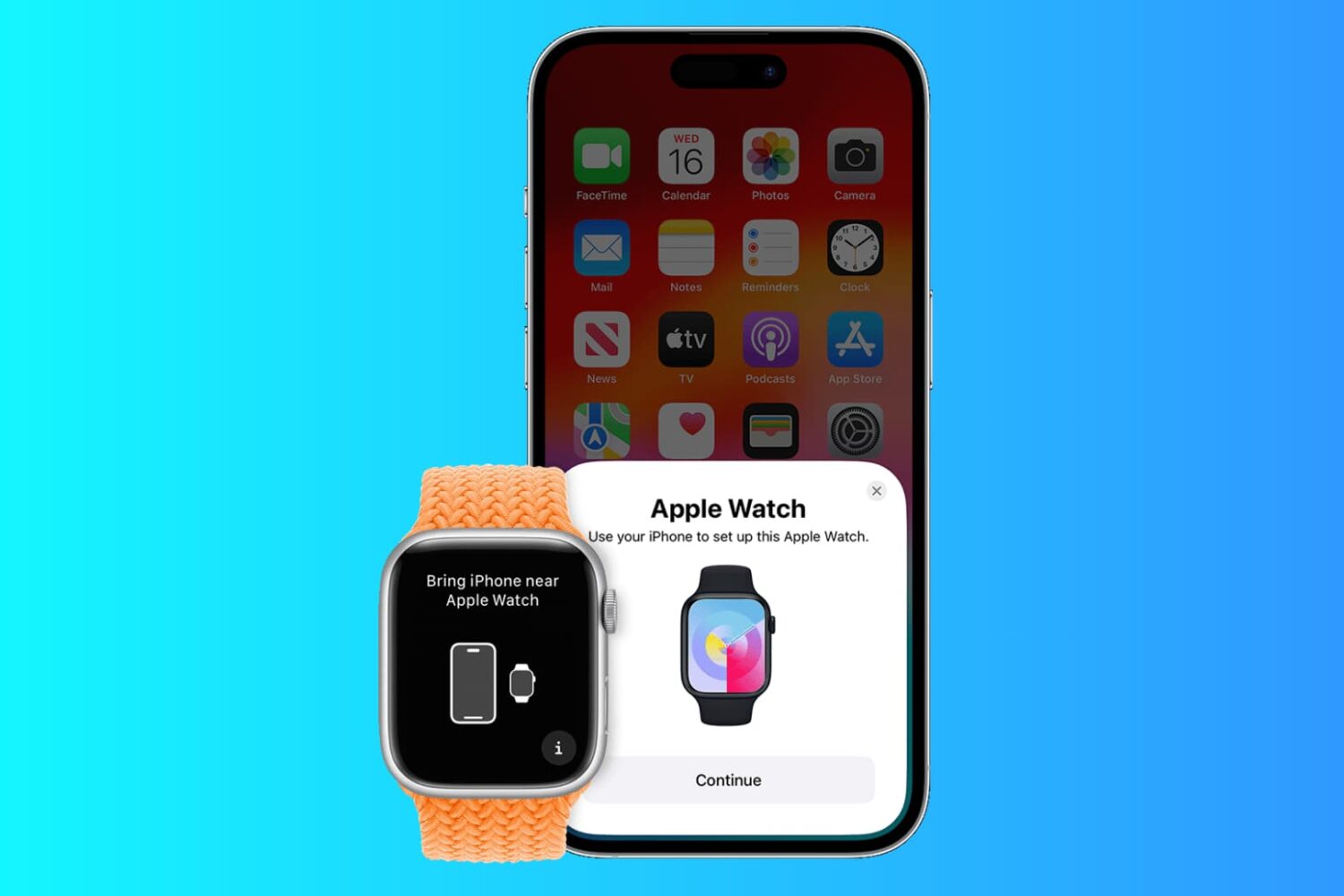
In this post, I'm going to show you how to pair an existing Apple Watch with a new iPhone and make sure you don't lose any data in the process.

In photography, there is no limit to when you can photograph. The best time to photograph is when you have a vision in your mind and a camera in your hand. That being said, there are certain times and locations that are more photo-friendly than others.

Instagram users can add a short bio to their profile to tell the world a little bit about themselves, but all text entered into the bio field is left-aligned in the Instagram app by default. If you’re like many others frantically attempting to find a way to center your Instagram bio, then we have you covered.
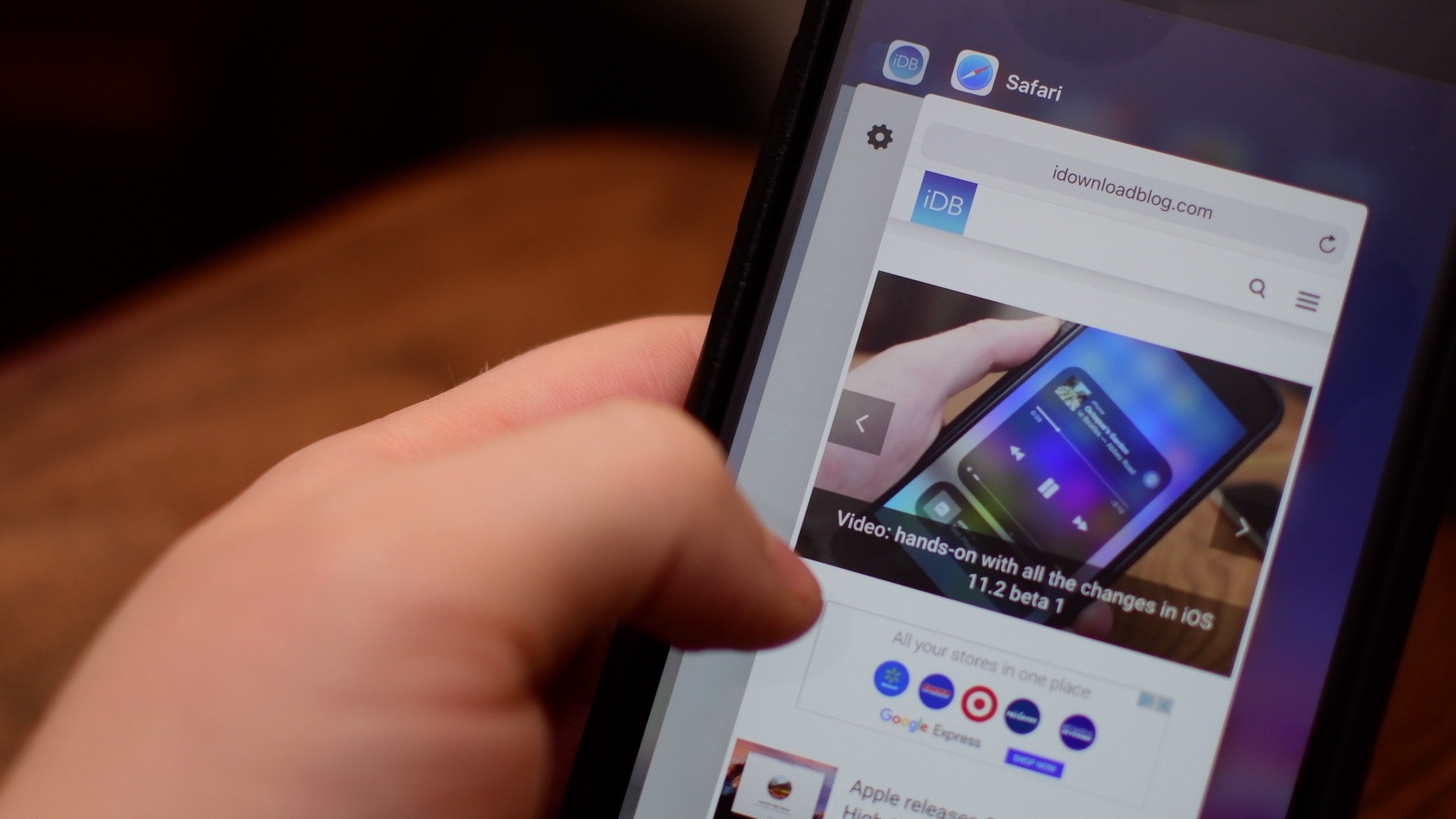
Pretty much everyone is familiar with the iOS app switcher, Apple's multitasking view on iPhone, iPad and iPod touch traditionally invoked by double-pressing the Home button.
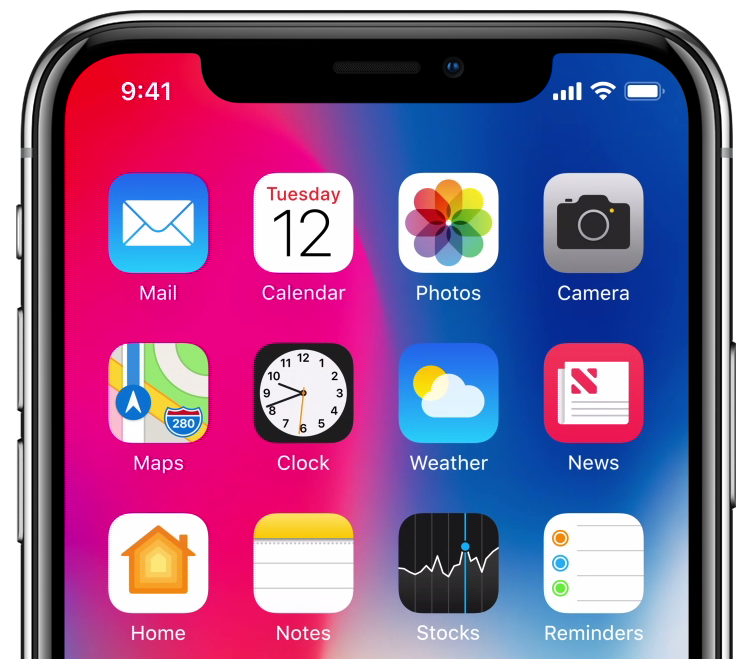
According to a newly released iPhone X first impressions article from Steven Levy at Wired.com, the default settings for Lock screen notifications have been adjusted for the iPhone X.