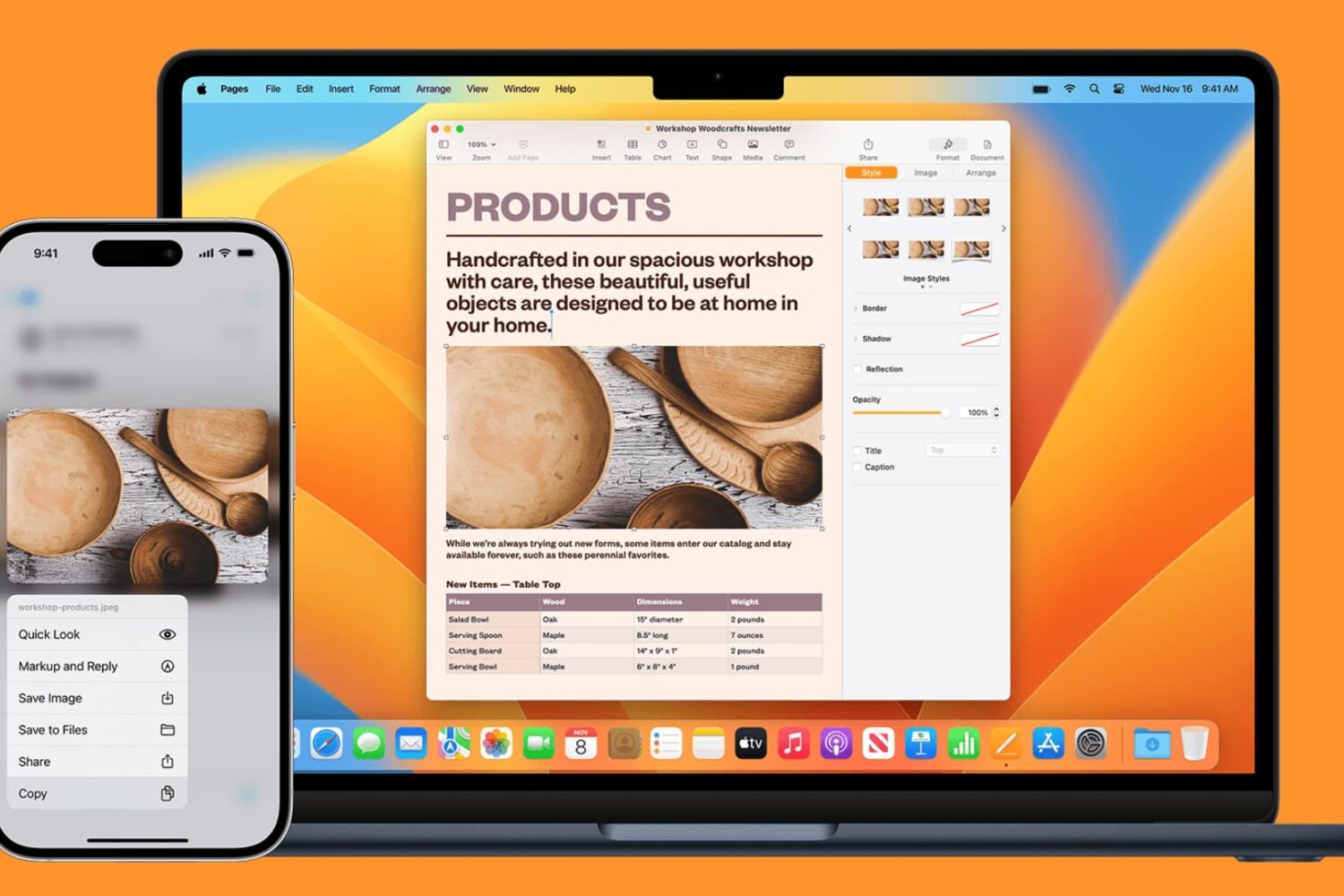
Learn how to seamlessly copy and paste text, images, links, and files across your iPhone, iPad, and Mac using Universal Clipboard.
How to copy and paste across iPhone, iPad, Mac with Universal Clipboard
Learn how to master your Apple devices with our comprehensive tutorials. From iPhone and iPad to Mac, Apple Watch, AirPods, and more, our expert guides will help you unlock the full potential of your Apple products. Discover new features, tips, and tricks each day to enhance your user experience.
Learn how to seamlessly copy and paste text, images, links, and files across your iPhone, iPad, and Mac using Universal Clipboard.
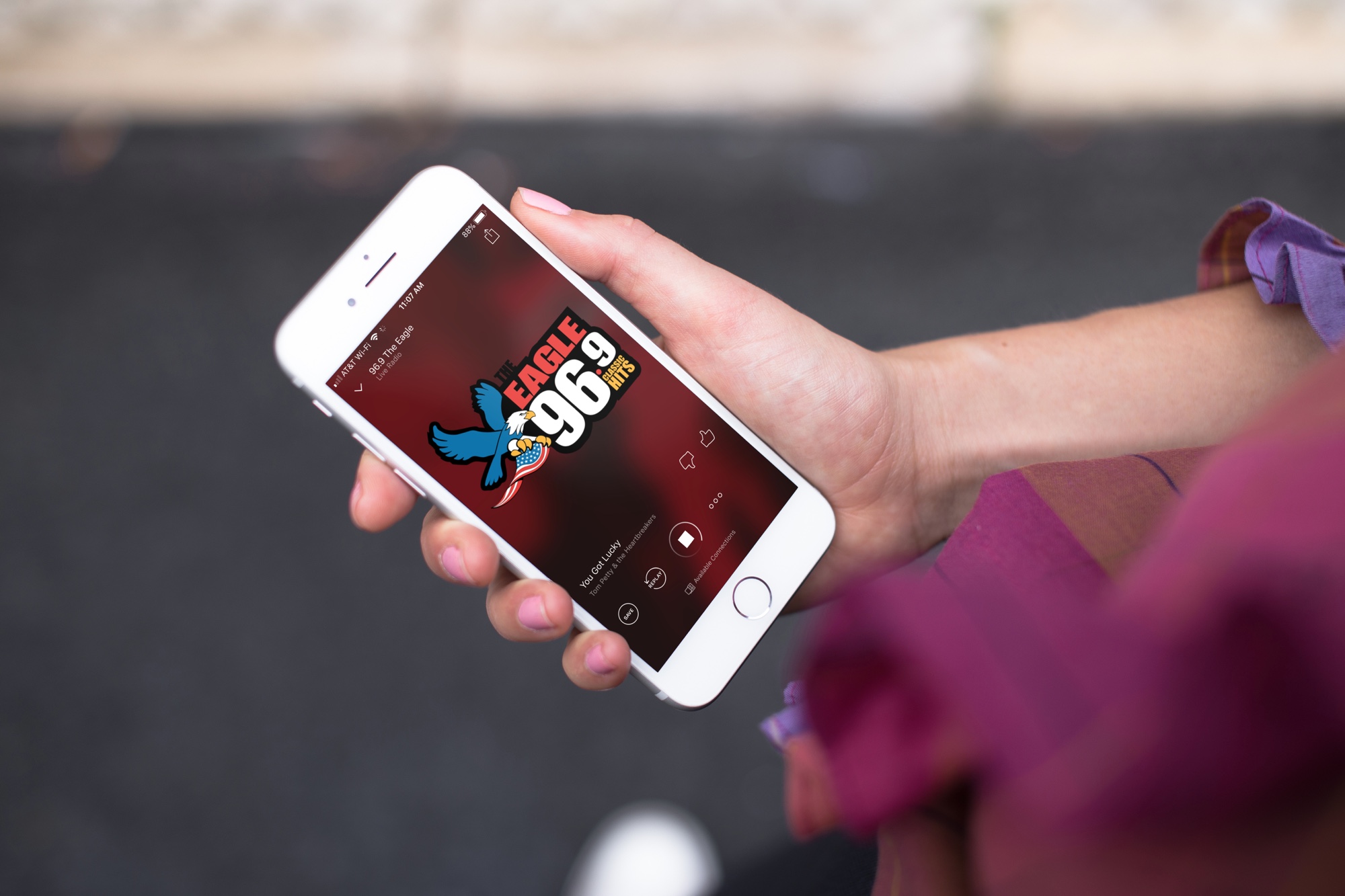
Excited to tune in to classic FM radio stations for music, news, sports, and beyond? Discover how you can easily access FM radio directly on your iPhone.

Did you just get a new iPad? Explore these useful tips designed to maximize your iPad experience, enhancing productivity and efficiency for swift and comfortable usage.
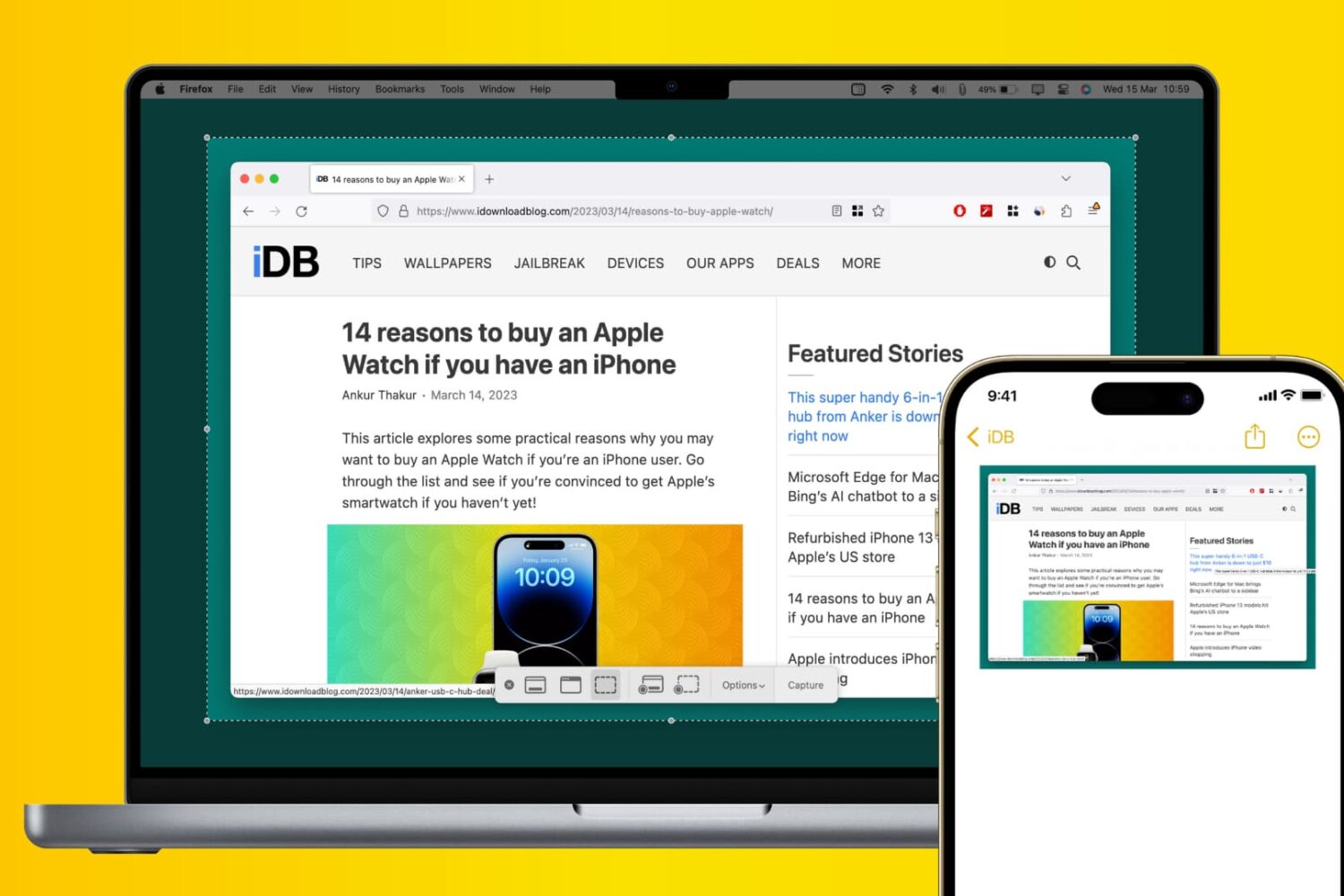
Learn how to use Apple’s Universal Clipboard to copy and paste Mac screenshots into iPhone apps like Notes, Mail, or social media to boost your productivity.

Learn how to make your iPhone or iPad open web links in Chrome instead of Safari if you prefer Google’s browser over Apple’s built-in option.
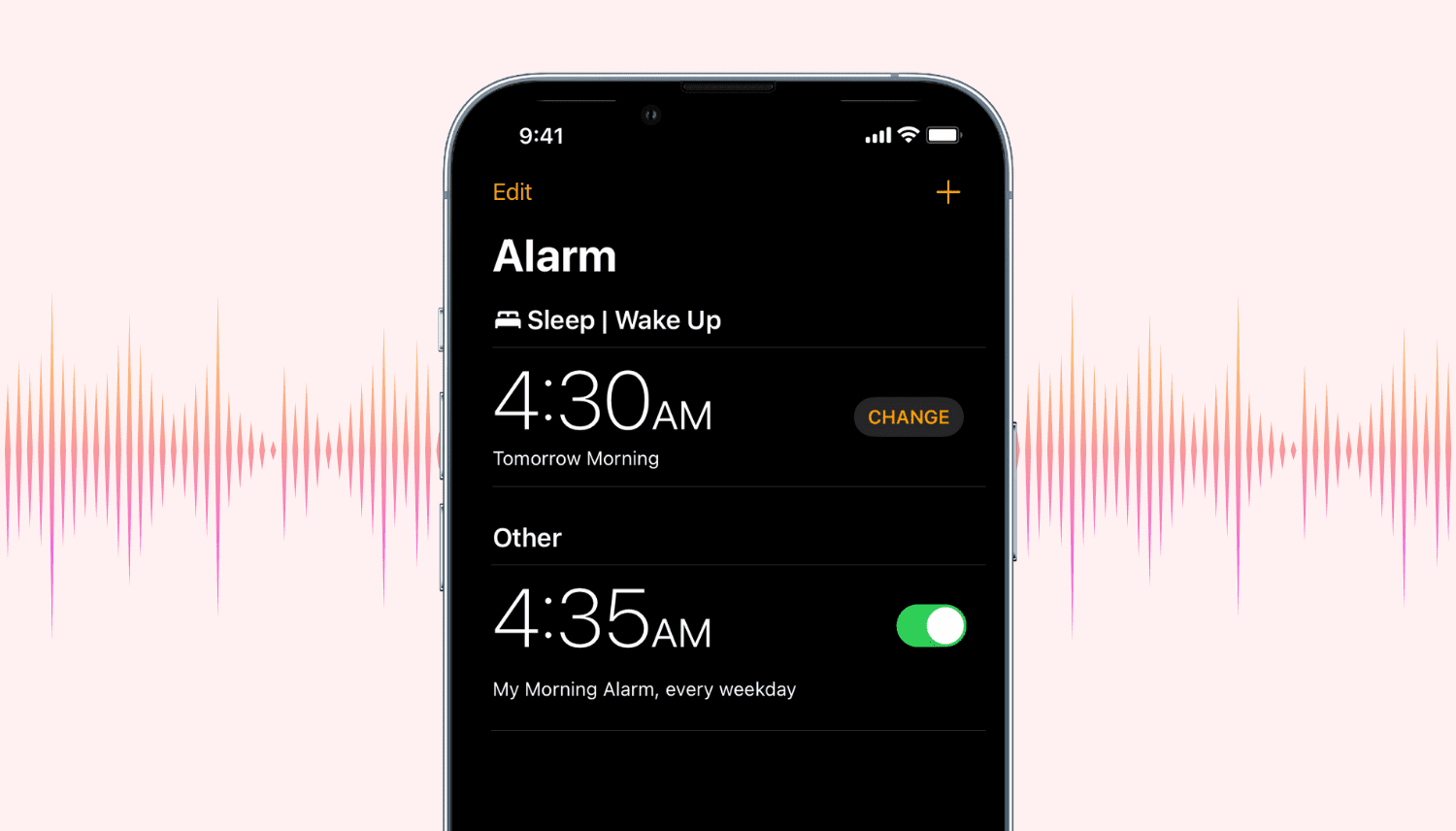
Find out how to quickly increase or decrease the alarm volume on your iPhone, iPad, or Mac.
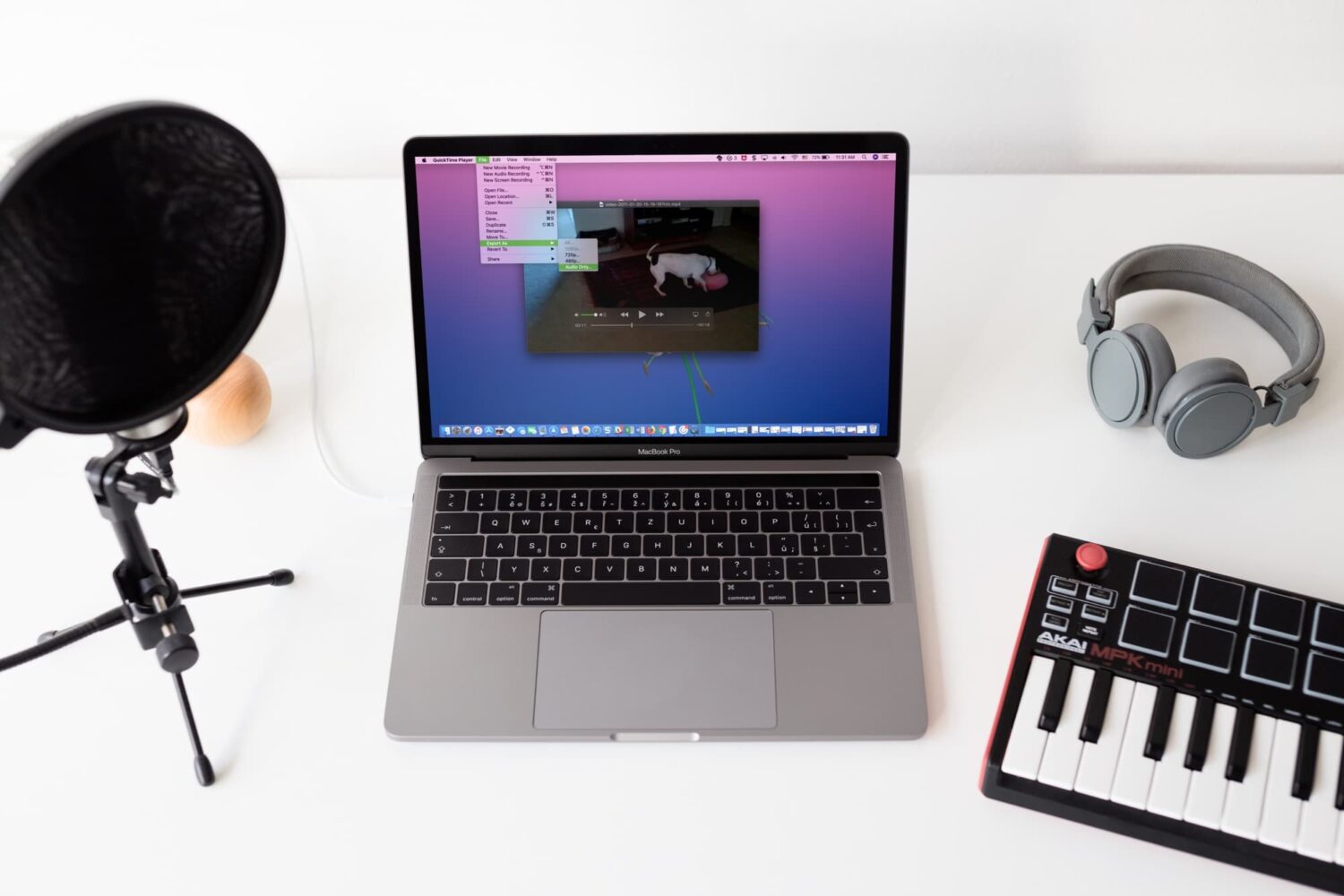
Check out four free methods to extract an audio track from a video clip on your iPhone, iPad, or Mac and save it as a separate file in the MP3 or M4A format.
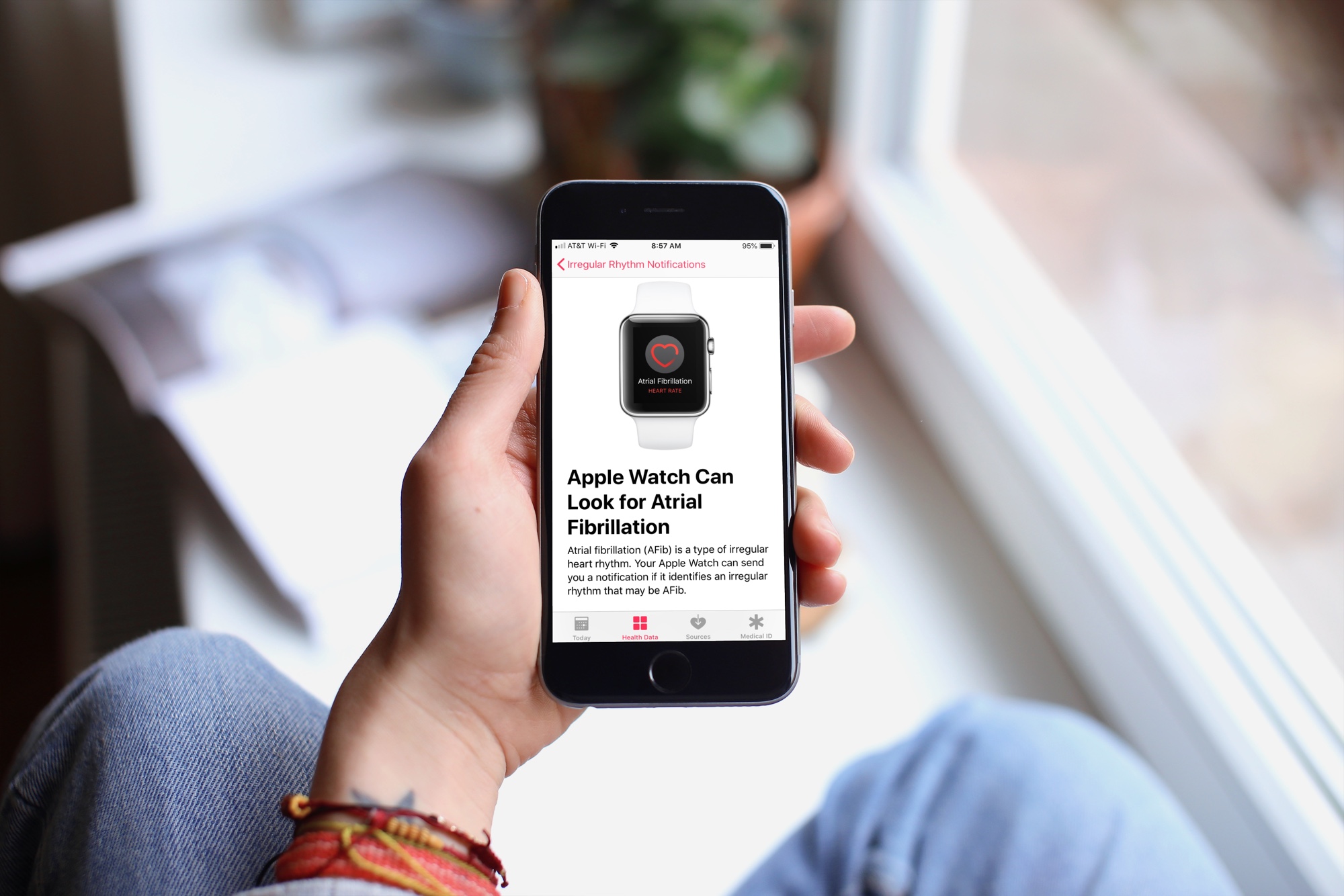
Learn how to configure irregular heart rhythm notifications on your Apple Watch, which is the first step in identifying a heart condition called atrial fibrillation (AFib).
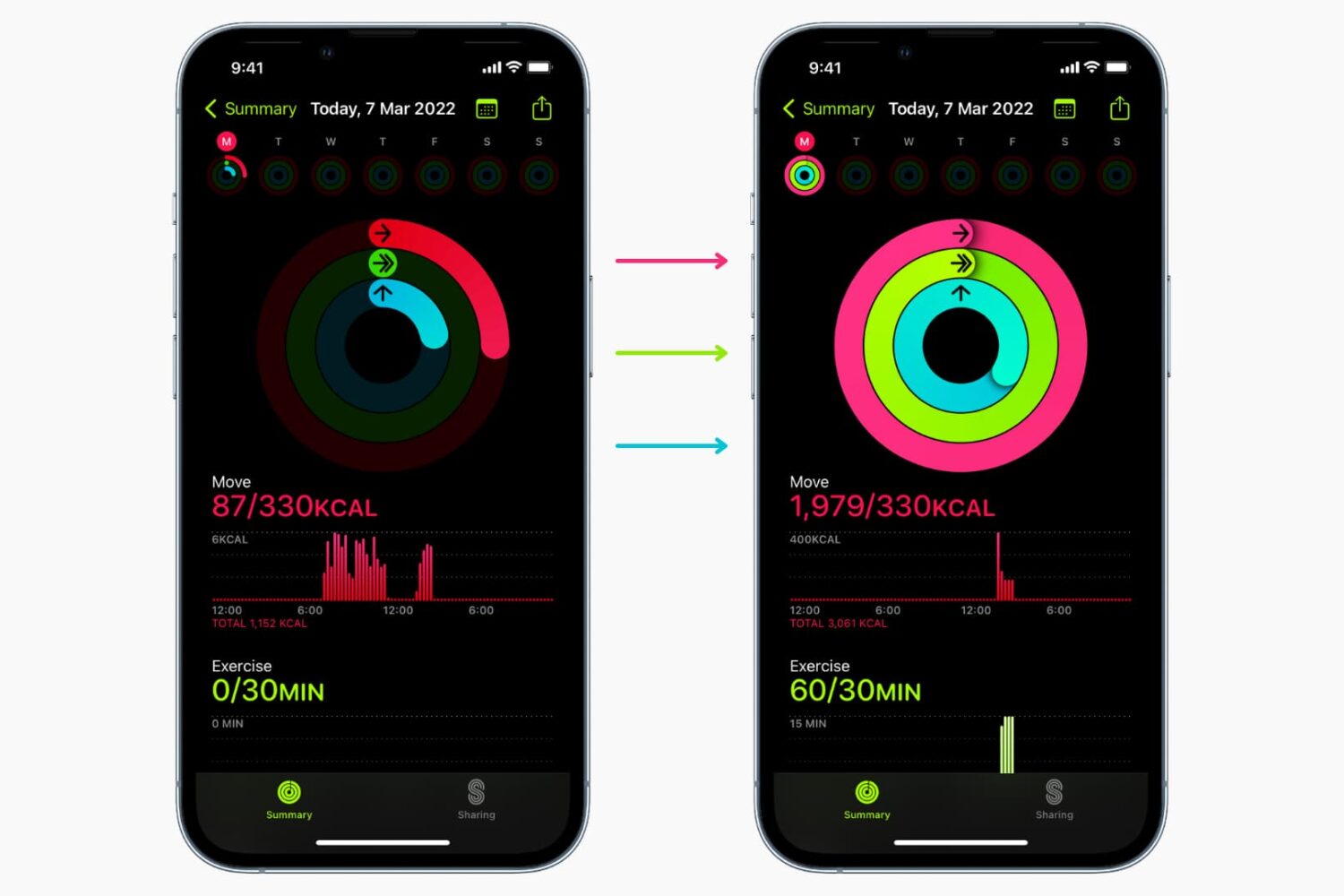
Learn why and how to close all three rings in the Activity and Fitness apps on your Apple Watch and iPhone by manually adding data to it.
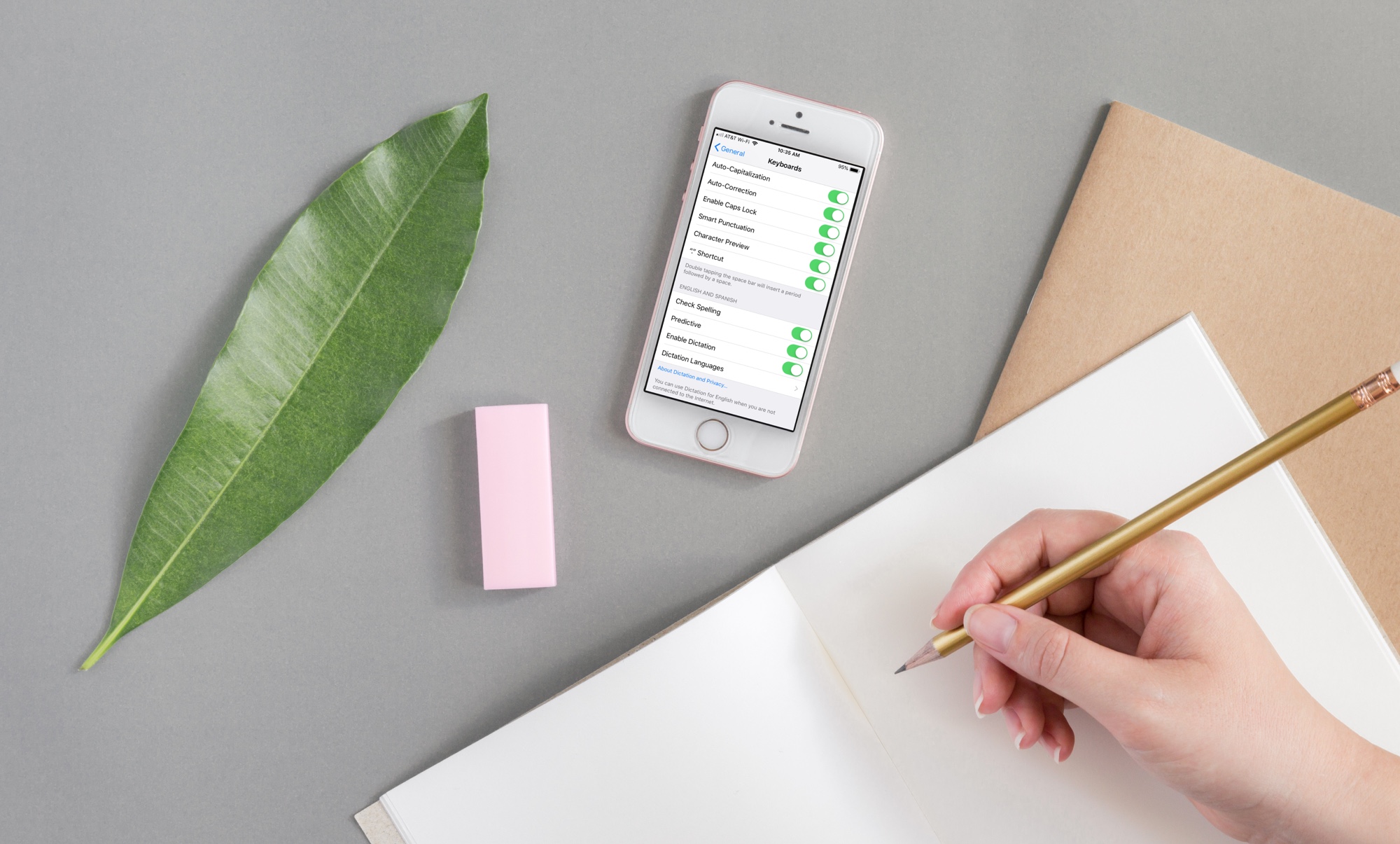
If you need to write in another language that you also speak yourself, using spell check in that other language is convenient for avoiding errors.
Here’s how to use a different spell check language on iPhone, iPad, and Mac.
If you use Apple's Shortcuts app for iOS automation and would like to turn on or wake up your Apple TV and its connected TV set on demand, we have just the right shortcut for you.
