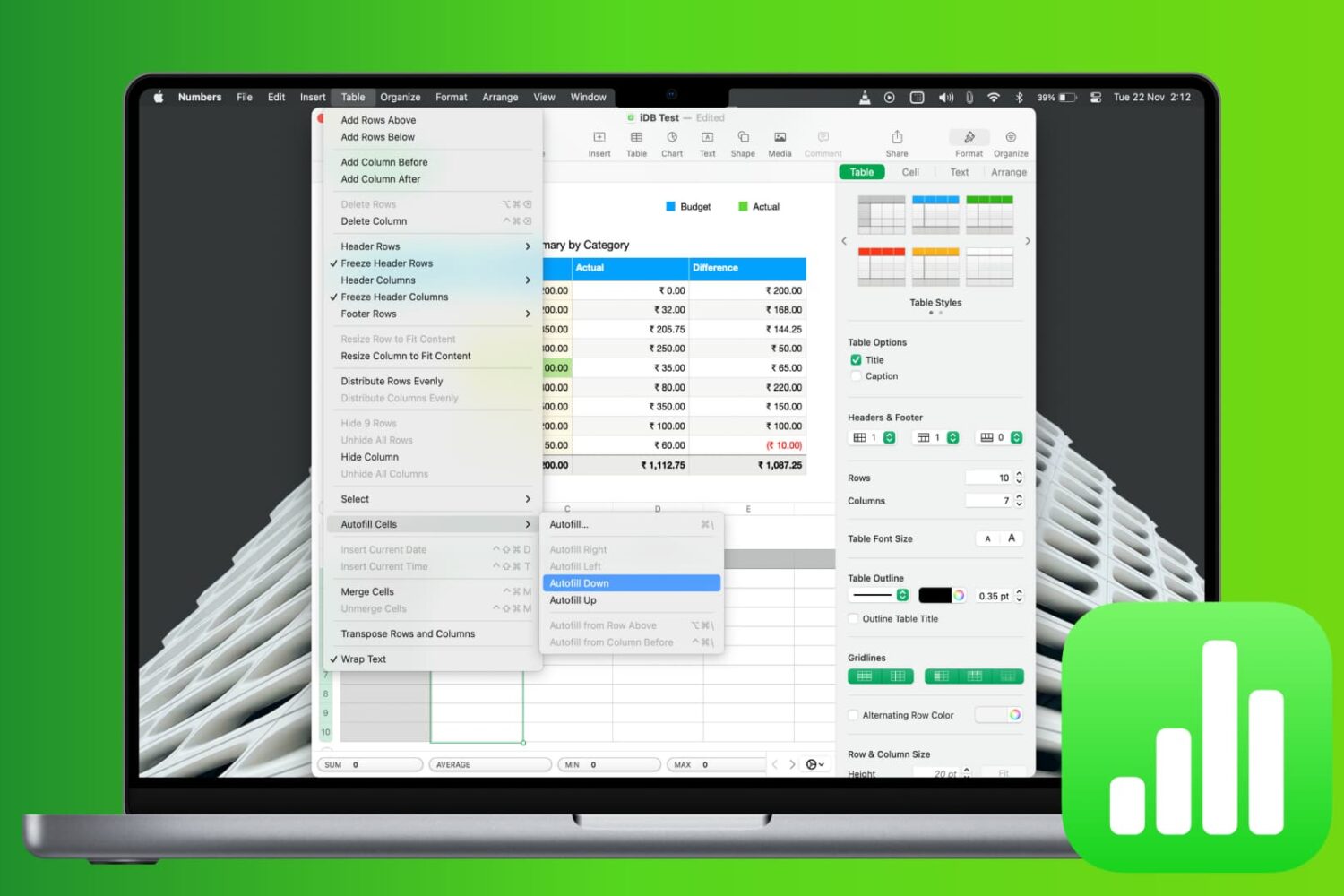
Learn how to save time and reduce errors by using the Autofill feature in the Apple Numbers app on Mac to fill cells with and without dragging.
How to fill down cells using Autofill in Numbers app on Mac
Learn how to master your Apple devices with our comprehensive tutorials. From iPhone and iPad to Mac, Apple Watch, AirPods, and more, our expert guides will help you unlock the full potential of your Apple products. Discover new features, tips, and tricks each day to enhance your user experience.
Learn how to save time and reduce errors by using the Autofill feature in the Apple Numbers app on Mac to fill cells with and without dragging.

At Apple’s March media event, a new subscription service was announced called Apple News+. This service is part of the News app and gives subscribers access to over 300 magazines, newspapers, and publications.
If you’re ready to jump on board and check out magazines like People and National Geographic Magazine along with newspapers like The Wall Street Journal and the Los Angeles Times, here’s how to subscribe to Apple News+ on iPhone or iPad.
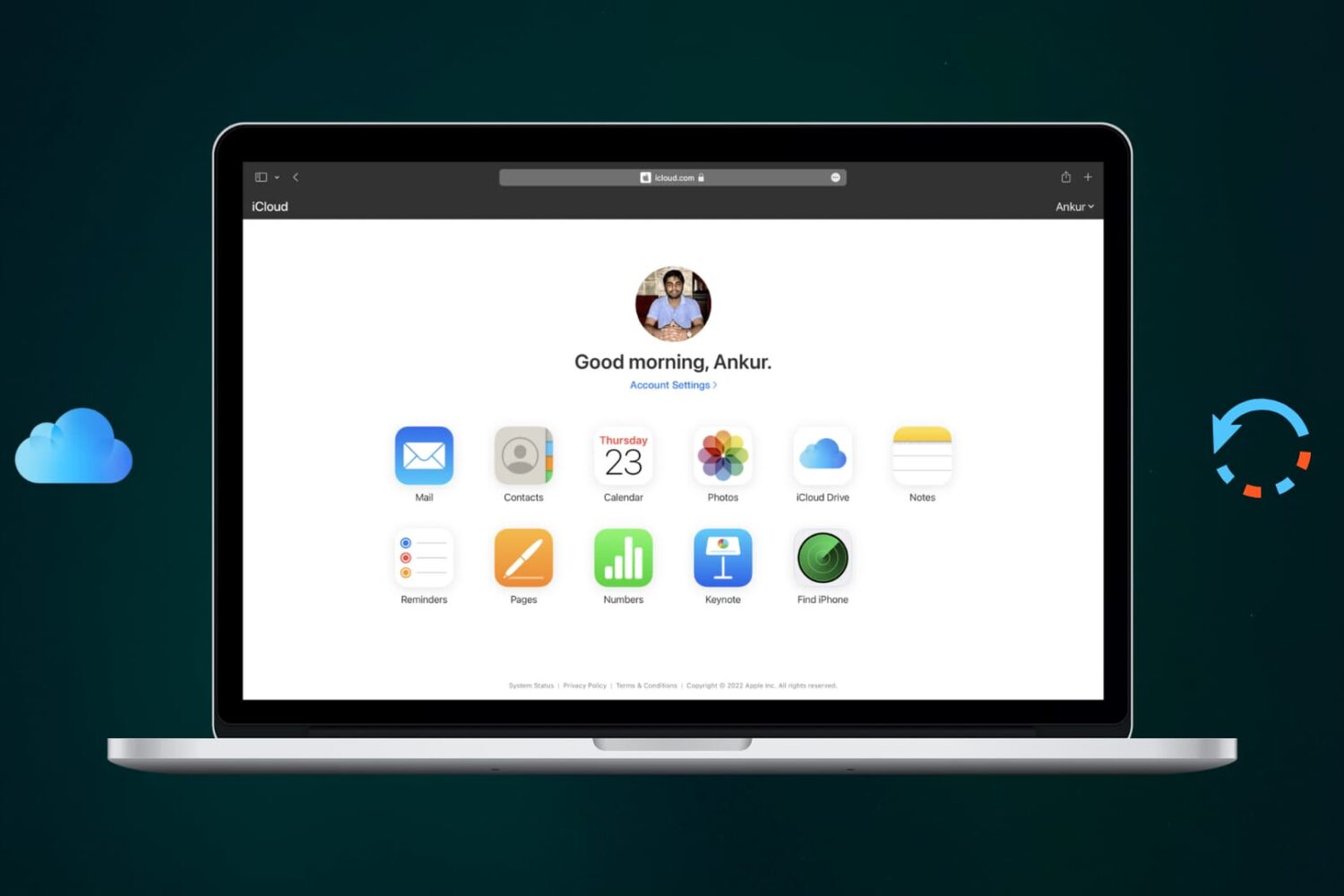
Learn how to recover recently deleted files from iCloud Drive that you may have trashed accidentally or still need.

Learn how to hide the Today View and Spotlight Search from your iPhone or iPad Lock Screen to secure your app widgets or prevent accidental interactions.
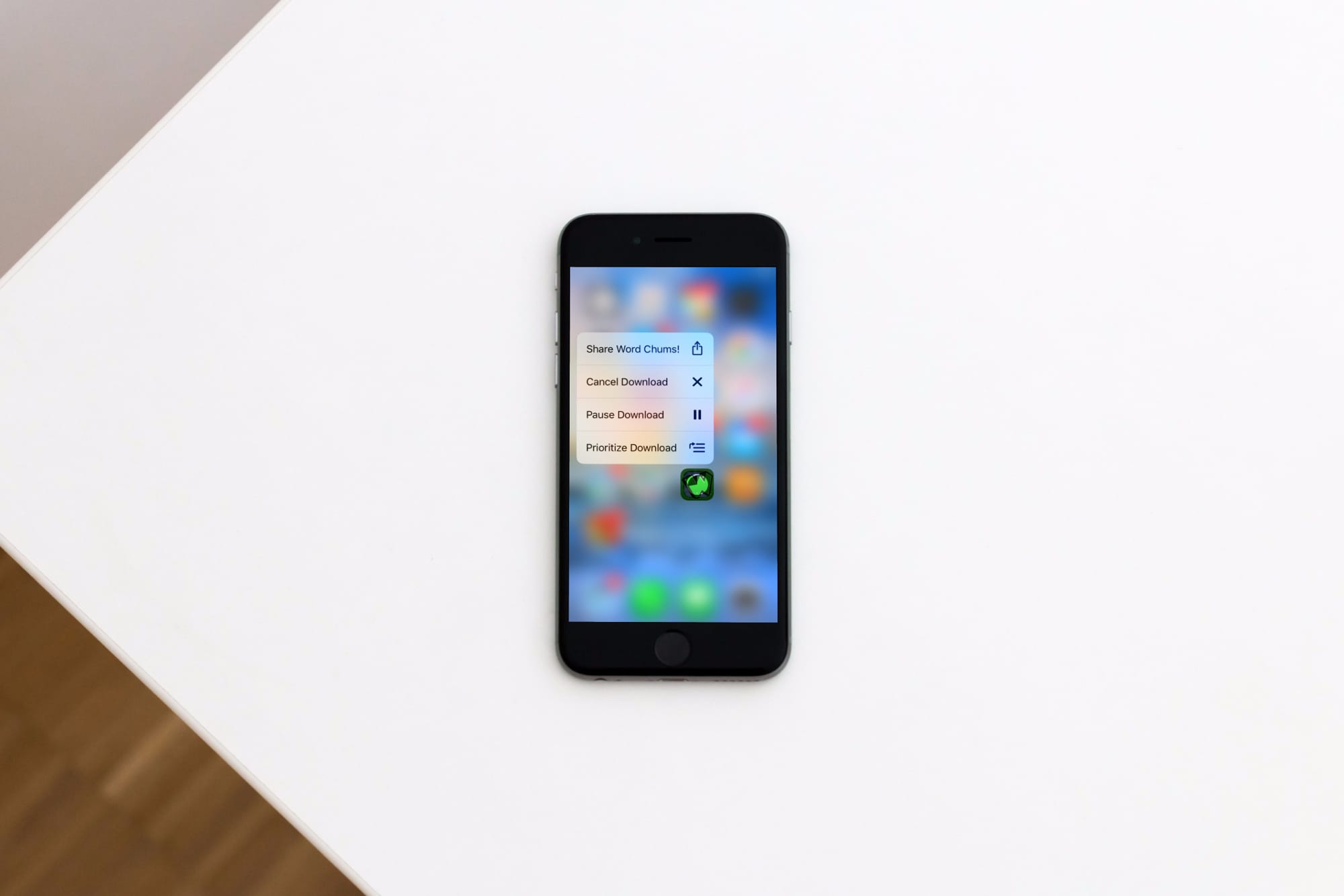
Learn how to prioritize app installations on your iPhone or iPad to speed up specific app downloads or updates from the App Store so the ones you need most finish first.
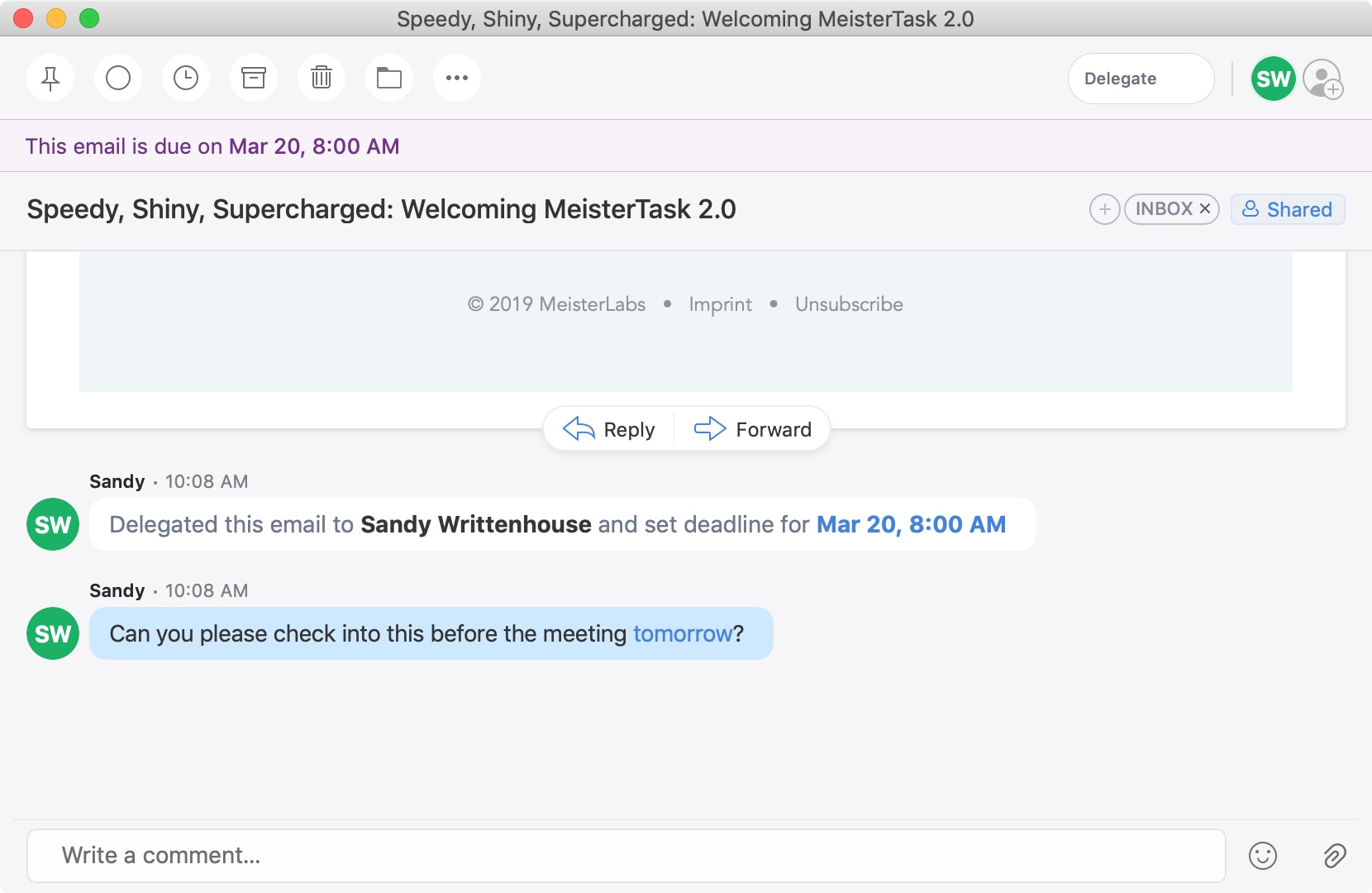
A recent update to the Spark email application brought a cool new feature. You can now delegate emails to your team or employees on iPhone, iPad, and Mac. Along with assigning emails to others, you can set due dates and times and keep track of what’s pending and completed.
This is a great new feature if you use Spark for business but is also handy for personal situations. You might want to delegate an email to a family member or friend like reminders for bills due, appointments made, or travel plans.
If you’re interested in this convenient feature, we’ll show you how to delegate emails in Spark to assign tasks to others.
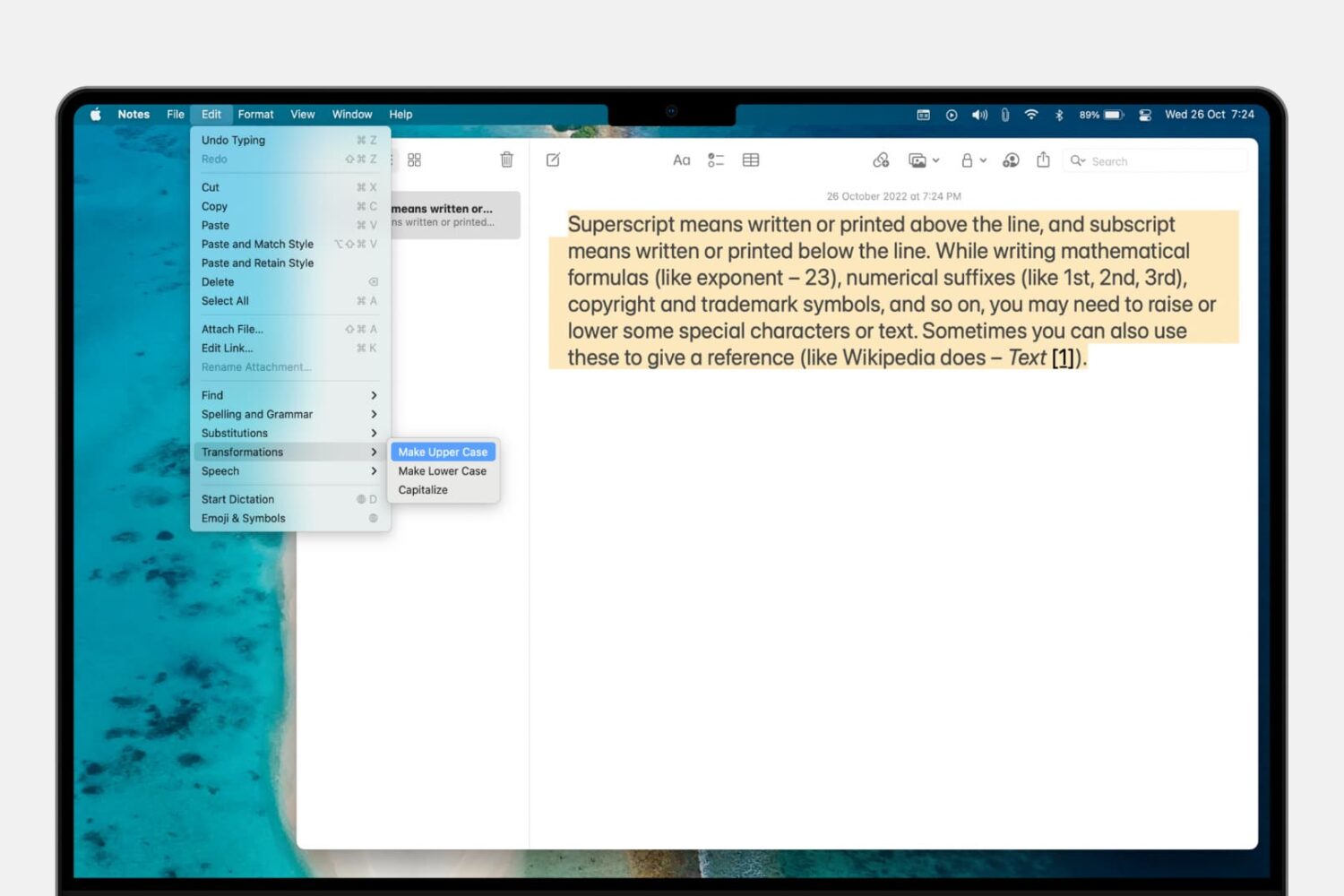
Learn how to convert a piece of text on your Mac from uppercase to lowercase letters instead of manually retyping all caps as small letters and vice versa.
Inexplicably, Apple's Reminders app to this date has not bothered to offer us an option to delete all of the completed reminders at once. It should, at the very least, be able to remove completed items after a set number of days, but even that isn't allowed. Basically, you're left with two choices—either, joy, delete completed reminders manually, one by one, like an animal; or, leverage the power of scripting and iOS automation to your advantage like a boss.
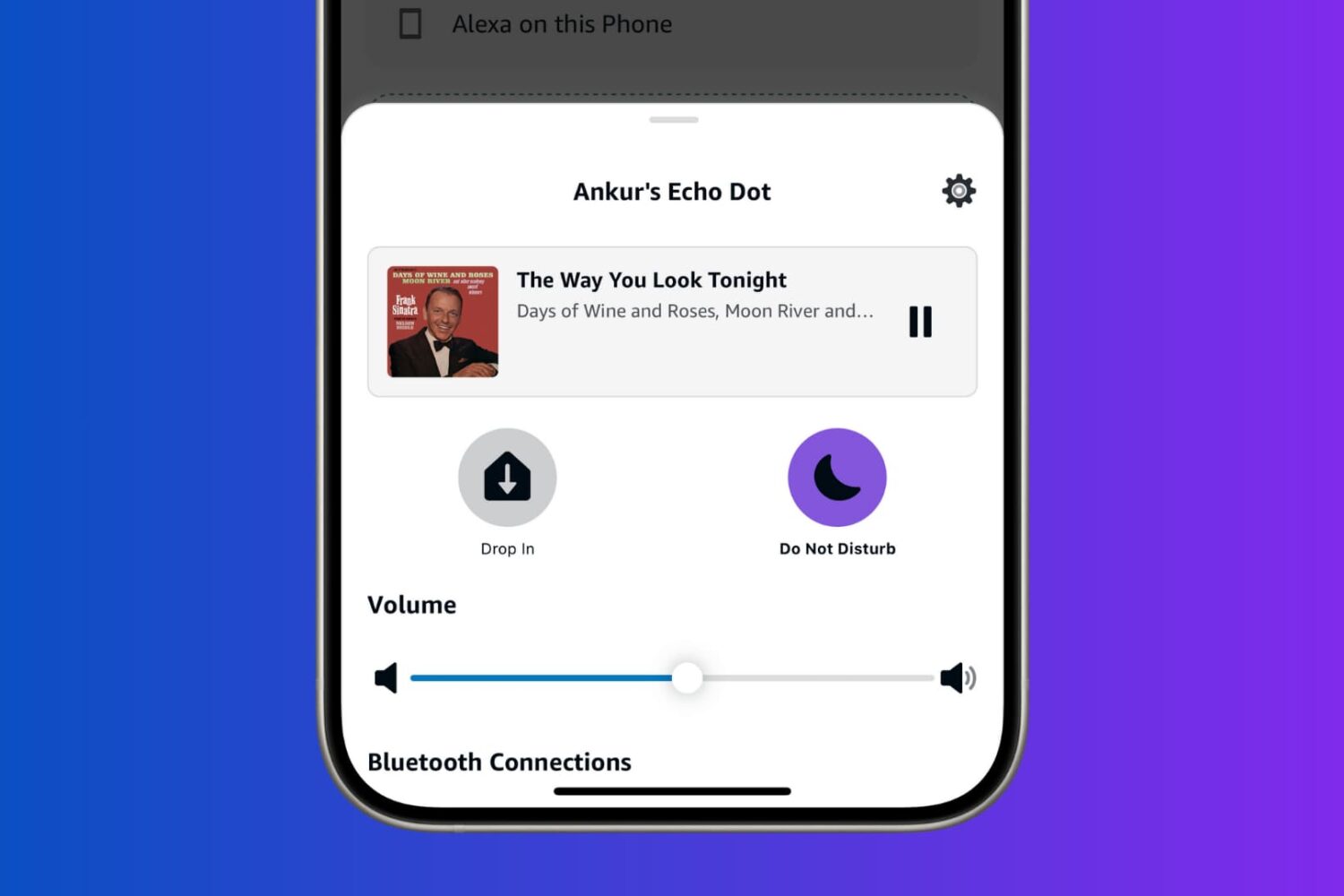
Learn how to turn on Do Not Disturb for Alexa on your Amazon Echo to prevent calls, messages, drop-ins, and other alerts from bothering you.

Find out how to manage your Apple Music subscription on your mobile device, computer, or the web if you need to change or cancel your Apple Music plan.
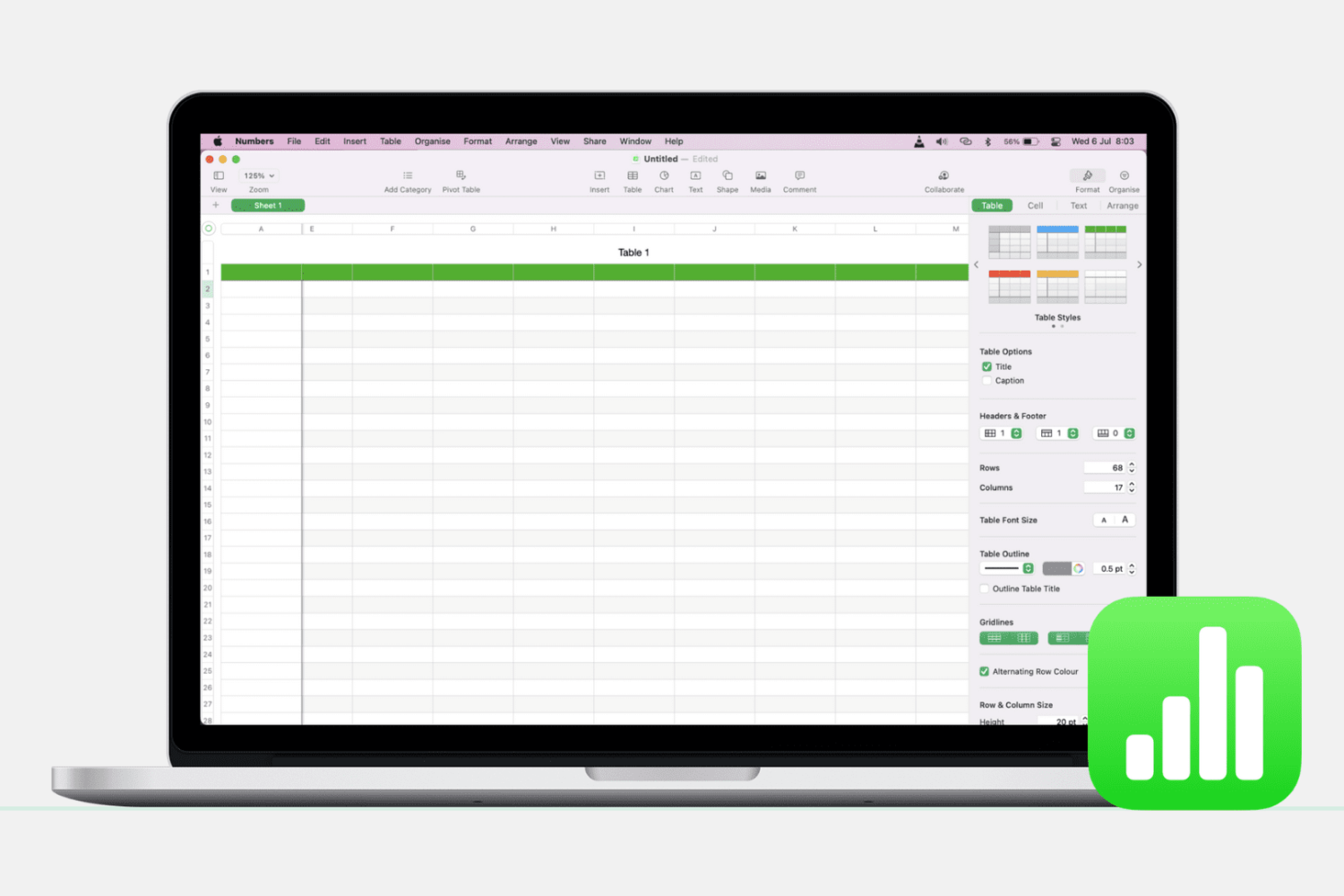
Learn how to add, delete, hide, and move columns and rows in the Apple Numbers app on Mac to better organize your spreadsheets.
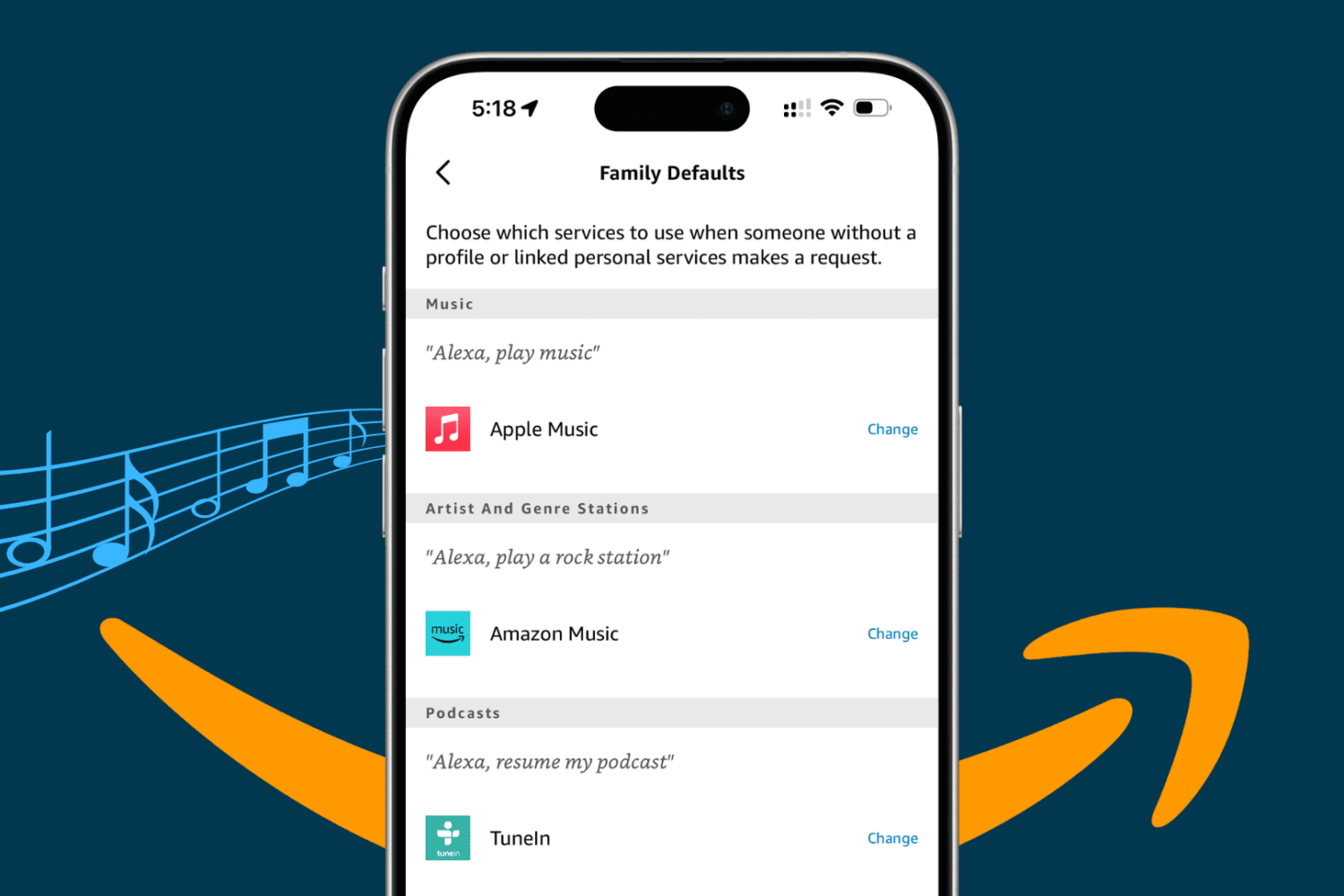
Take your Alexa music experience on the Amazon Echo smart speaker to the next level by adding specific services to it, playing them with voice commands, and setting a preferred streaming platform as the default.