Learn how to protect your Apple Pages, Numbers, and Keynote documents with a password on the iPhone, iPad, and Mac to keep your files secure and private.
How to password protect Pages, Numbers, Keynote documents

Learn how to protect your Apple Pages, Numbers, and Keynote documents with a password on the iPhone, iPad, and Mac to keep your files secure and private.
While you may work and create your spreadsheets in Numbers, there may be a time when you need one of those documents in the Microsoft Excel file format.
You can easily export spreadsheets into different formats for viewing and editing with other applications. Here’s how to convert a Numbers file to Excel on Mac, iPhone, and iPad.
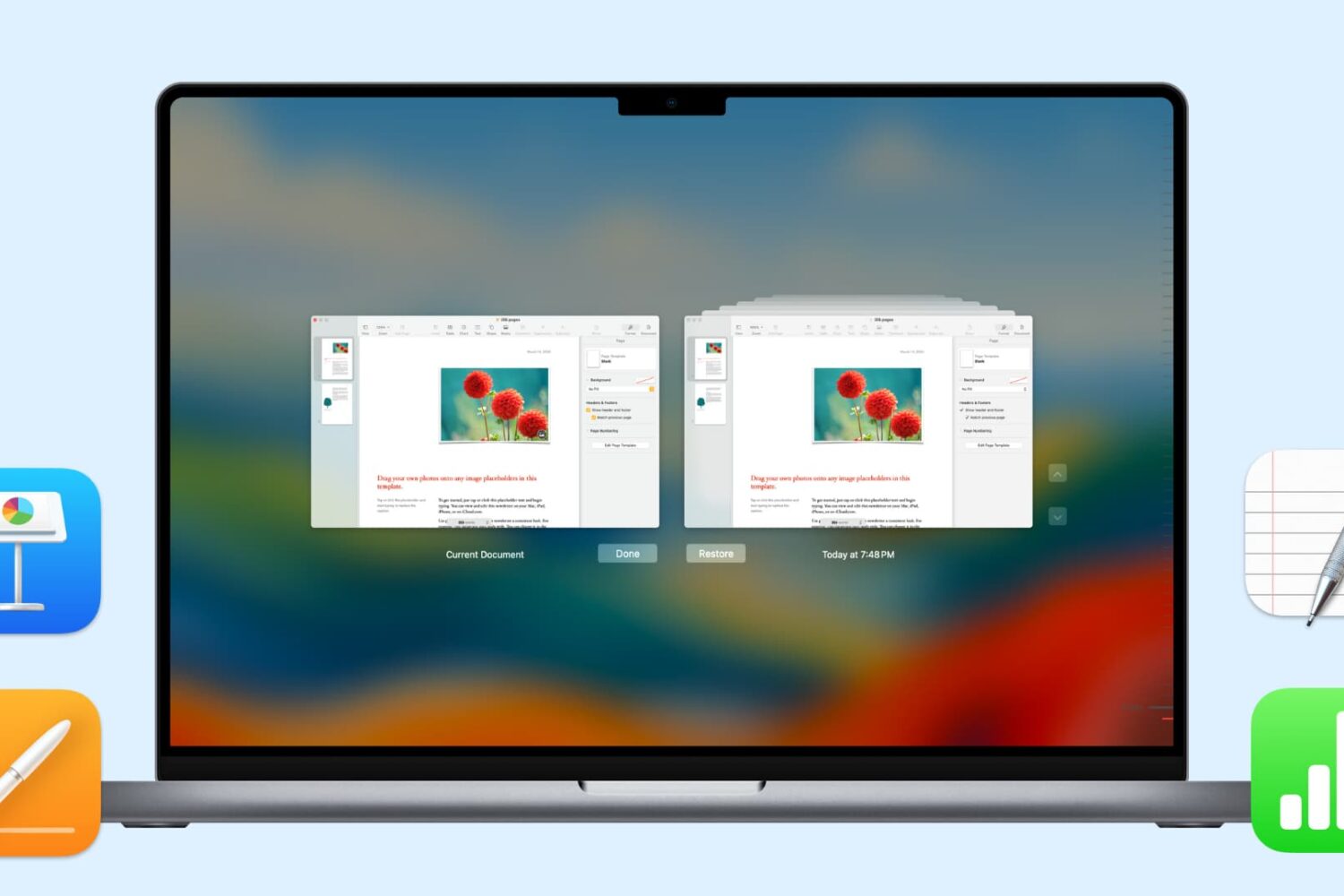
In this handy tutorial, we’ll show you how to browse and restore previous versions of documents in Pages, Numbers, Keynote, Text Edit, and Preview on your Mac.

When you get that shiny new iPhone or iPad, you’re going to spend some time getting it just how you want it. One place you’ll likely begin is with the App Store. Whether it’s games or apps that tickle your fancy the most, you’re going to grab them. What comes with downloading the games and apps you want is enough space for them all.
So, why waste space on apps that you will never, ever use when you need it for those you want to use every day? Here’s how to quickly save over 2 GB of storage space on your new iPhone or iPad.
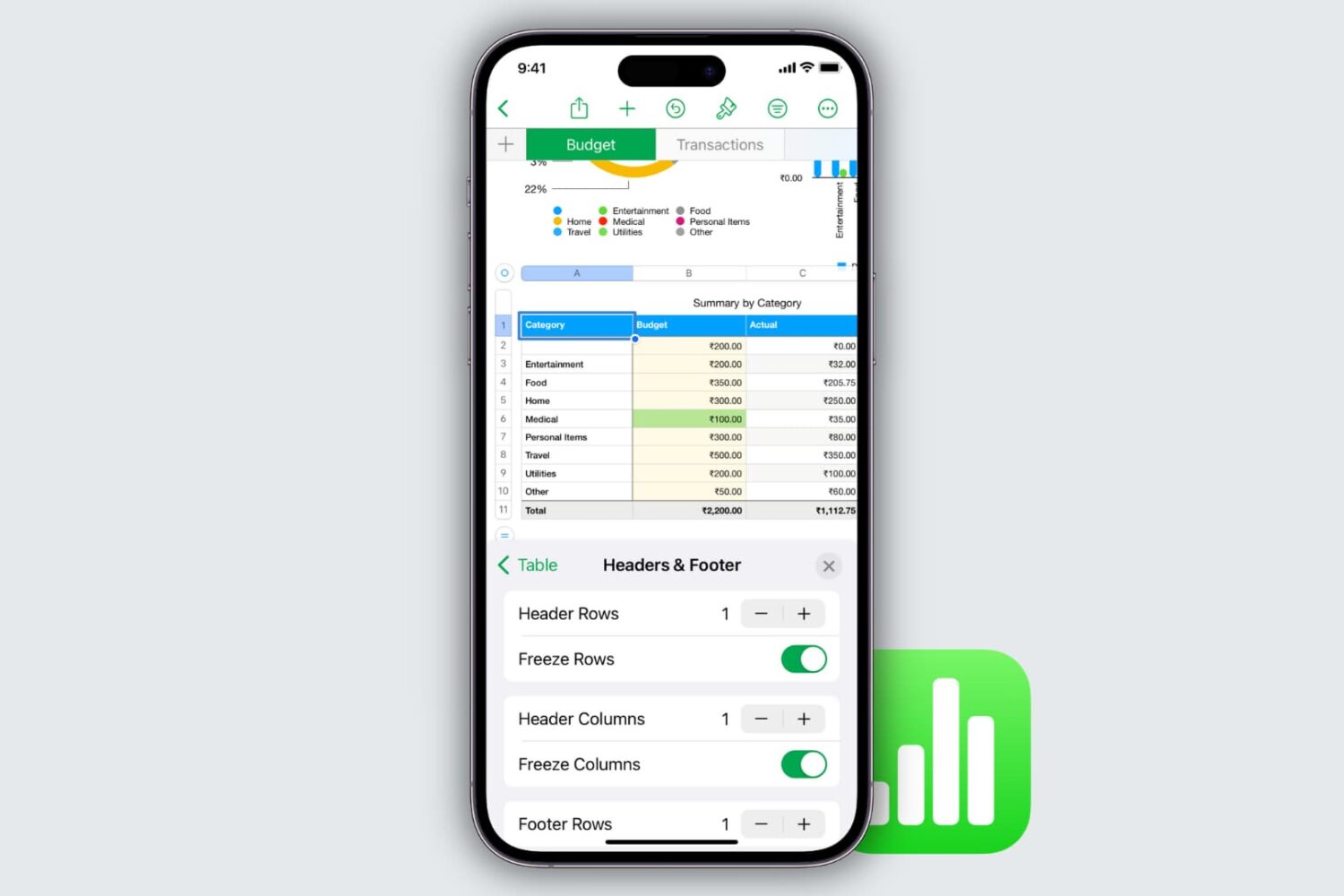
Learn how to freeze columns and rows in the Apple Numbers app on your Mac, iPad, and iPhone to keep important data in view as you scroll.
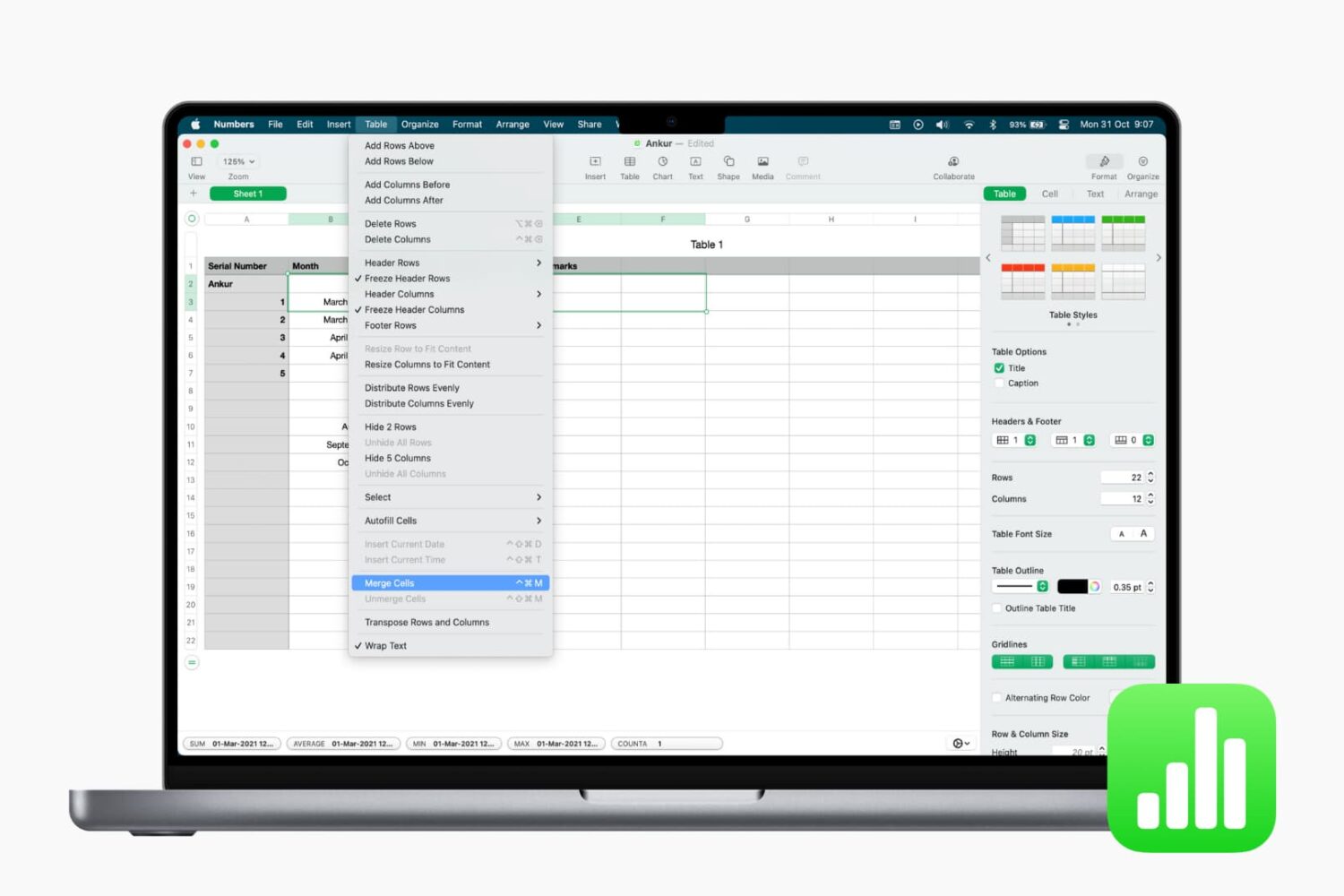
Learn how to merge cells in the Apple Numbers app on your iPhone, iPad, and Mac to combine multiple columns, rows, or adjacent cells into one.

Learn how to quickly convert rows to columns and columns to rows in your spreadsheet in the Apple Numbers app on iOS and macOS if you want to format the table differently.
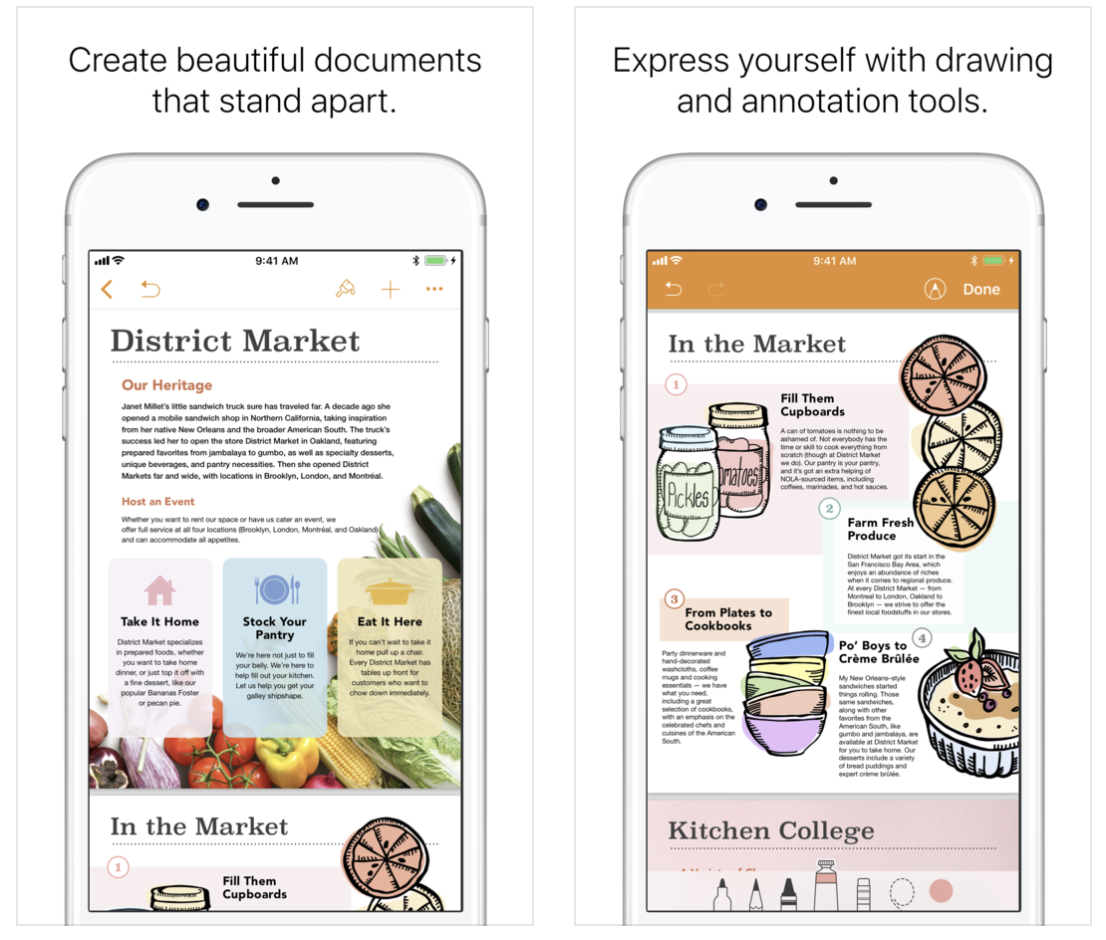
Apple on Thursday issued an update for its suite of iWork apps on iOS. Keynote, Pages and Numbers have all been updated to version 4.1, and the releases include a number of new features and improvements. Among the changes are a new on-page audio feature the allows you to record, edit and play clips and the ability to use Apple Pencil to select and scroll. Check out the full change logs below.
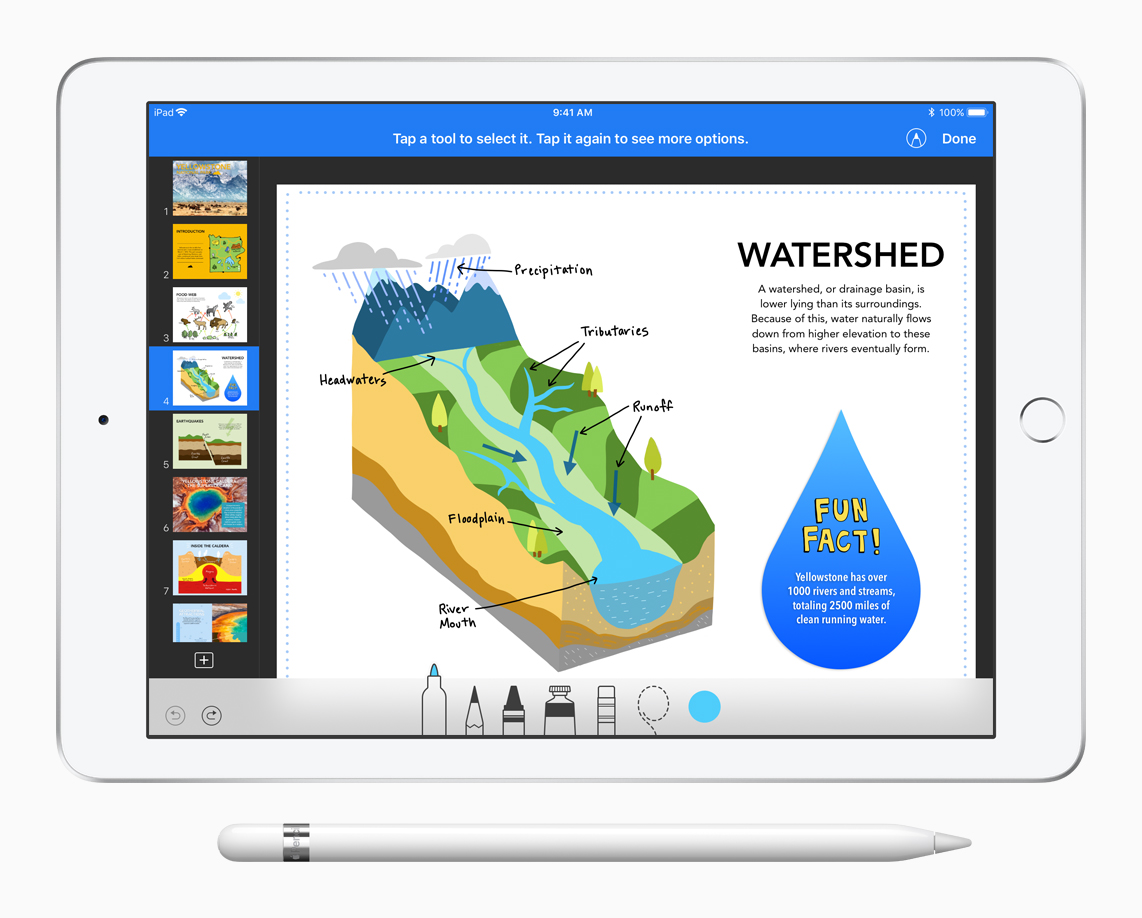
Apple's iWork productivity apps for iOS and macOS—Pages, Numbers and Keynote—were updated Tuesday morning with a bunch of really cool, compelling new features, as promised.

Apple's iWork productivity suite was updated today on Mac App Store and App Store with several new editing features and other improvements available across iPhone, iPad, iPod touch and Mac devices.
For starters, Pages, Numbers and Keynote for Mac, along with their iOS counterparts, now come with a brand new library of over 500 professionally drawn shapes that you can readily use in your documents, spreadsheets and presentations.
Across all the iWork apps, users can now reply to comments and join threaded conversations, making collaborative editing even easier than before, while new auto-correction and text replacement options save time while typing.
In Numbers, the new Insert Stock Quote feature and the Stock and Currency functions let you get data from the previous market day’s close. Keynote now lets you scroll like a pro on your Mac's trackpad with new pan and zoom options and your presenter notes can be edited while displaying slides in Light Table view.
Here's the full list of new features, fixes and enhancements in Pages 6.2, Numbers 4.2 and Keynote 7.2 for Mac, iPhone and iPad listed in release notes accompanying these downloads:
What's new in Pages 6.2 for Mac Enhance your documents using a library of over 500 professionally drawn shapes Reply to comments and join threaded conversations Add linked text boxes so text easily flows from one place to another New auto-correction and text replacement options save time while typing Export documents as fixed layout ePub books Change margins, headers, footers and paper size while collaborating Improved support for Hebrew and Arabic languagesLearn more about the new Pages for Mac features on Apple's website.
What's new in Numbers 4.2 for Mac Enhance your spreadsheets using a library of over 500 professionally drawn shapes Reply to comments and join threaded conversations Support for print preview in collaborative spreadsheets New auto-correction and text replacement options save time while typing The Insert Stock Quote feature and the Stock and Currency functions now return data from the previous market day’s closeLearn more about the new Numbers for Mac features on Apple's website.
What's new in Keynote 7.2 for Mac Enhance your presentations using a library of over 500 professionally drawn shapes Reply to comments and join threaded conversations New auto-correction and text replacement options save time while typing Scroll anywhere with new pan and zoom options Edit presenter notes while displaying slides in Light Table view Improved support for Hebrew and Arabic languages The Stock and Currency functions now return data from the previous market day’s closeLearn more about the new Keynote for Mac features on Apple's website.
What's new in Pages 3.2 for iOS Enhance your documents using a library of over 500 professionally drawn shapes Reply to comments and join threaded conversations Add linked text boxes so text easily flows from one place to another New auto-correction and text replacement options save time while typing New page thumbnail view allows you to easily navigate your document Export documents as fixed layout ePub books Change margins, headers, footers and paper size while collaboratingLearn more about the new Pages for iOS features on Apple's website.
What's new in Numbers 3.2 for iOS Enhance your spreadsheets using a library of over 500 professionally drawn shapes Reply to comments and join threaded conversations Support for print preview in collaborative spreadsheets New auto-correction and text replacement options save time while typing The Insert Stock Quote feature and the Stock and Currency functions now return data from the previous market day’s closeLearn more about the new Numbers for iOS features on Apple's website.
What's new in Keynote 3.2 for iOS Enhance your presentations using a library of over 500 professionally drawn shapes Easily rearrange your slides with the new Light Table view Edit presenter notes while viewing slides Reply to comments and join threaded conversations New auto-correction and text replacement options save time while typing Improved support for Hebrew and Arabic languagesLearn more about the new Keynote for iOS features on Apple's website.
These apps used to be paid downloads, but Apple recently made them free for all users.
Grab Pages, Numbers and Keynote for free from Mac App Store.
Pages, Numbers and Keynote for iPhone and iPad are available free on App Store.

As first spotted by Juli Clover of MacRumors, Apple has made the GarageBand and iMovie apps as well as the iWork suite available free for all users. In the last few years, since 2013, only people who bought a new iPhone, iPad, iPod touch or Mac device were allowed to download these apps at no additional charge. Starting today, new hardware purchase is no longer required to get these apps.
Apple's productivity-focused iWork apps—Pages, Numbers and Keynote for iPhone, iPad, iPod touch, Mac and iCloud.com— were updated this morning with a bunch of new features, including new editing capabilities across iOS, macOS and the web and the ability to quickly open password-protected documents using Touch ID. Pages, Numbers and Keynote for iOS are available free from App Store.
Pages, Numbers and Keynote for Mac are available via Mac App Store. Web-based versions of these apps are accessible via a desktop web browser at iCloud.com.