Learn about five simple ways to remove or rearrange icons in your Mac menu bar to declutter and customize it to your liking.
How to remove or rearrange icons in Mac menu bar
Stay up-to-date on the latest Mac news, and tutorials. Get expert tips and tricks to optimize your Mac’s performance and learn about the latest Apple products and software updates. Discover the best Mac apps and accessories to enhance your user experience.
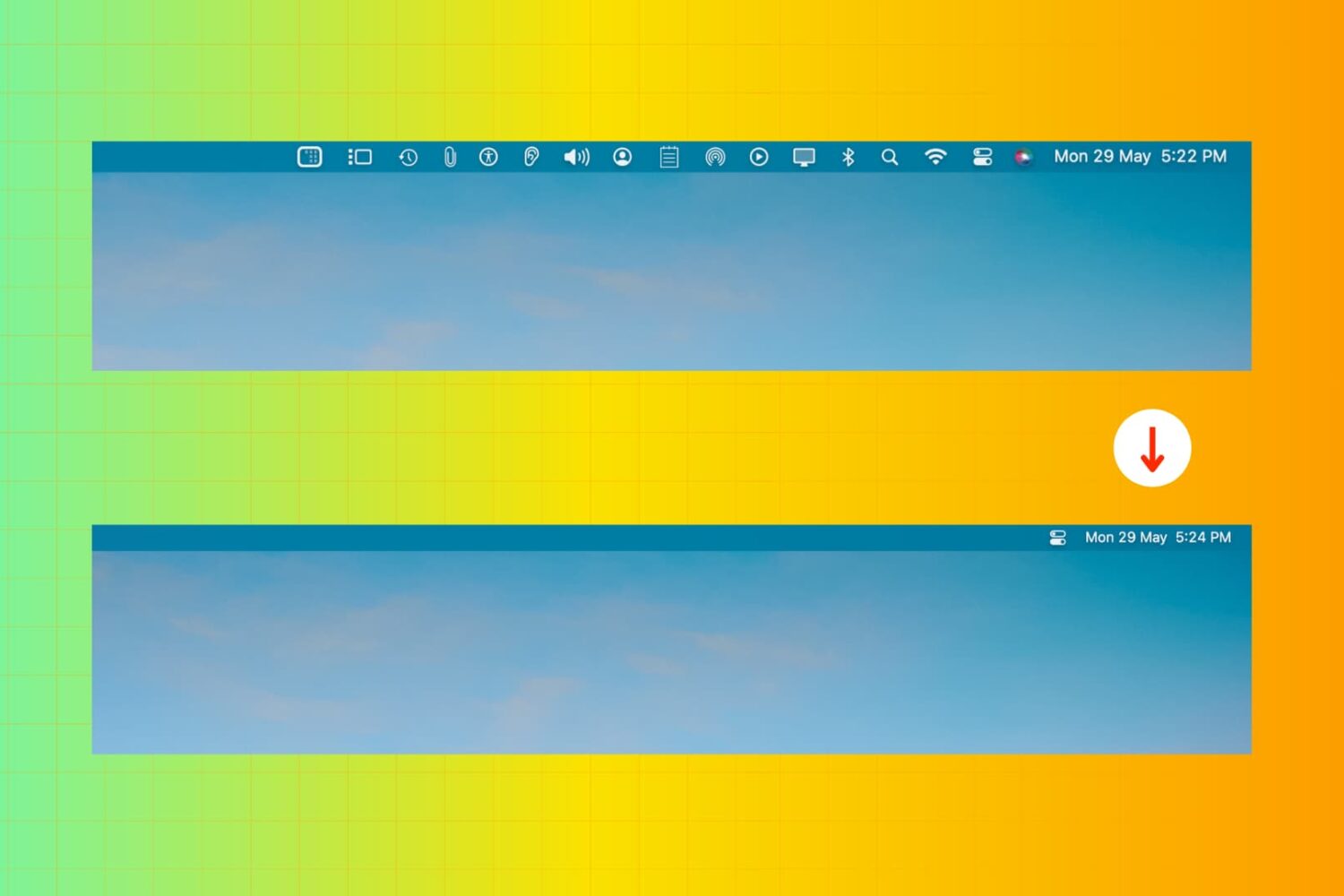
Learn about five simple ways to remove or rearrange icons in your Mac menu bar to declutter and customize it to your liking.
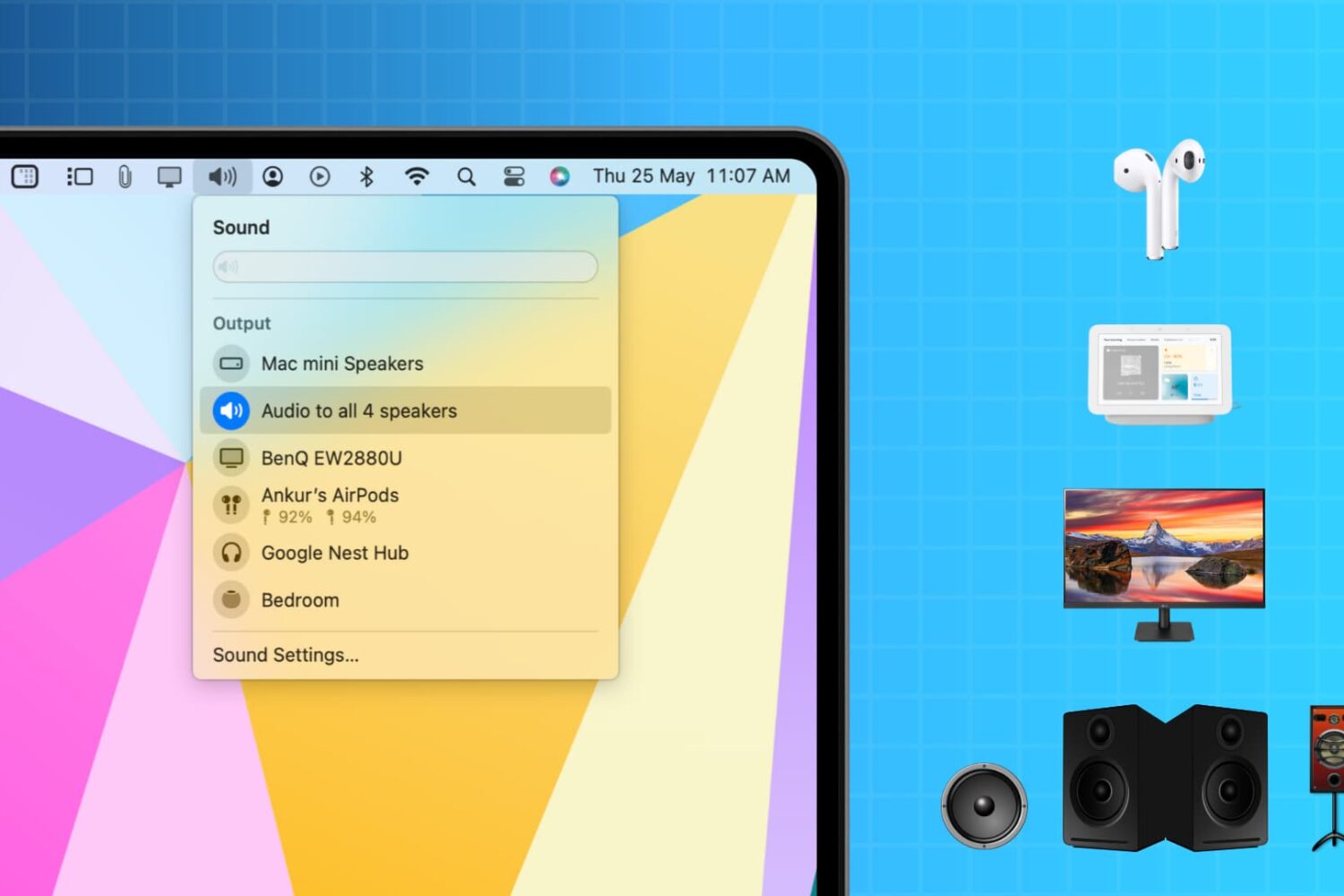
Learn how to output audio to multiple wireless or wired speakers and headphones simultaneously from your Mac to create an immersive sound experience.
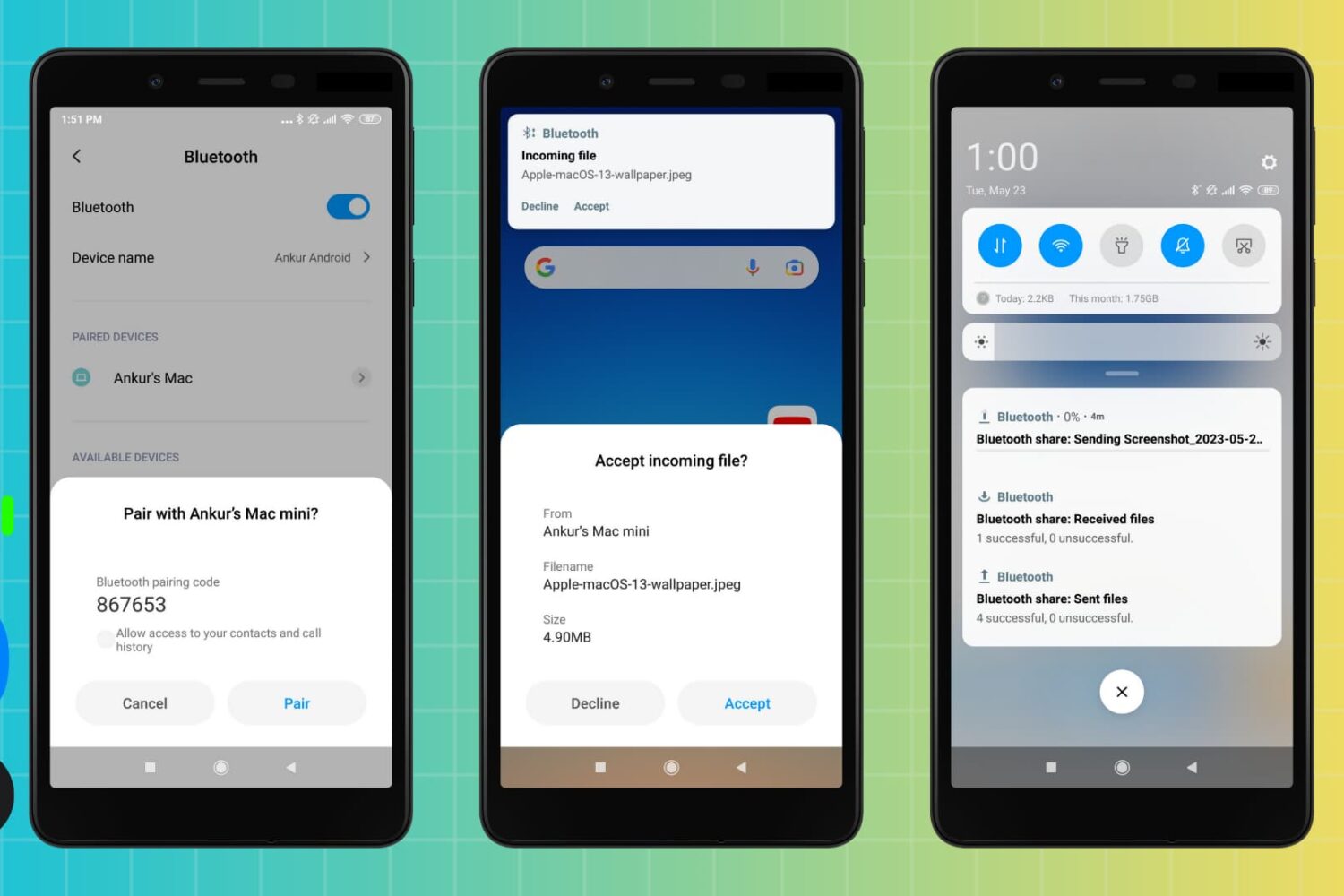
You can use Bluetooth to transfer files between an Android phone and a Mac, and vice versa. But if Bluetooth file transfers fail, the troubleshooting steps below will help you fix the problem and get your file sharing up and running again.
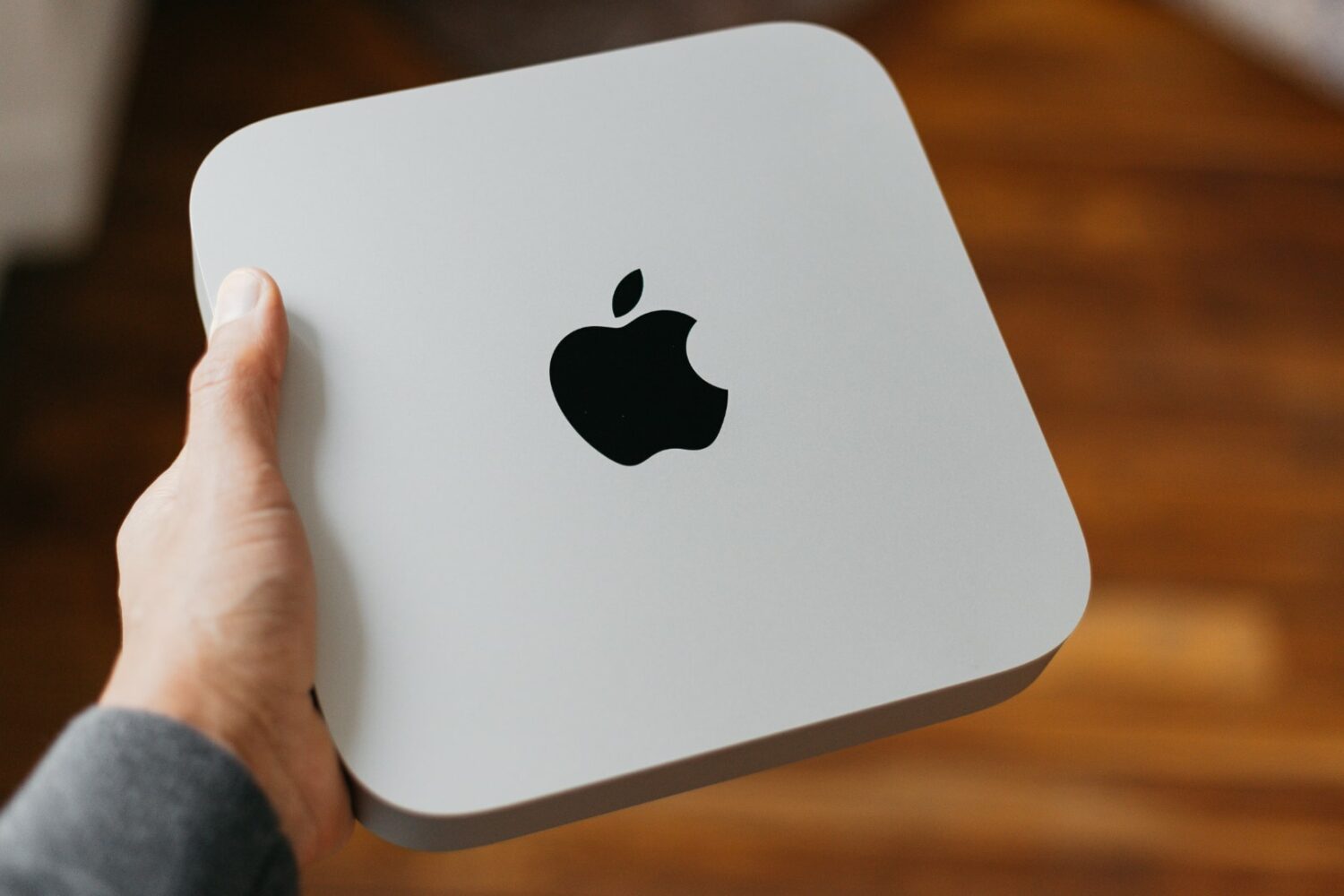
Apple began selling refurbished M2 Mac mini just four months after it launched though better deals might be available through other sellers.
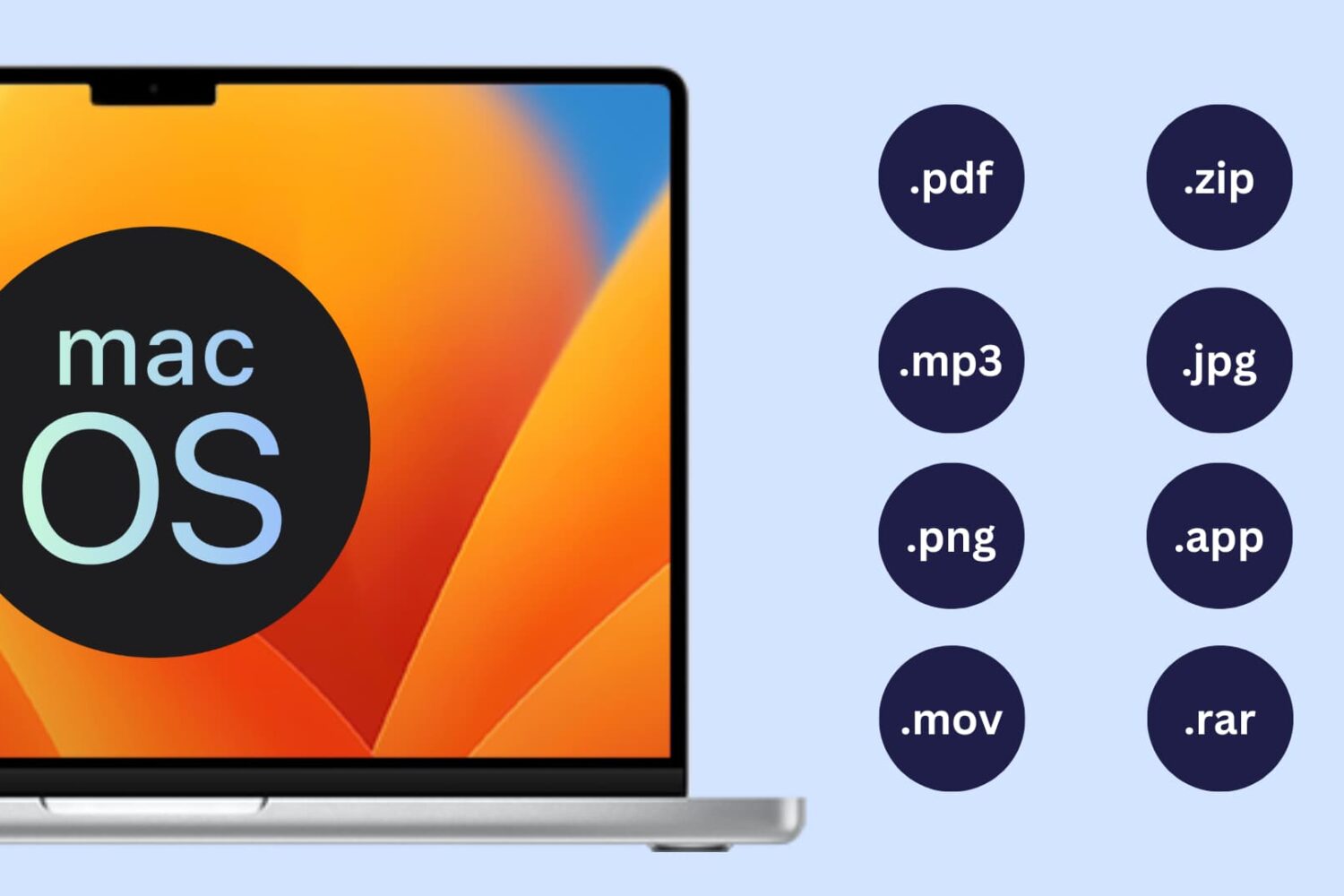
Learn how to show or hide file extensions in macOS so you can quickly identify file types and better understand what kind of file you’re working with.
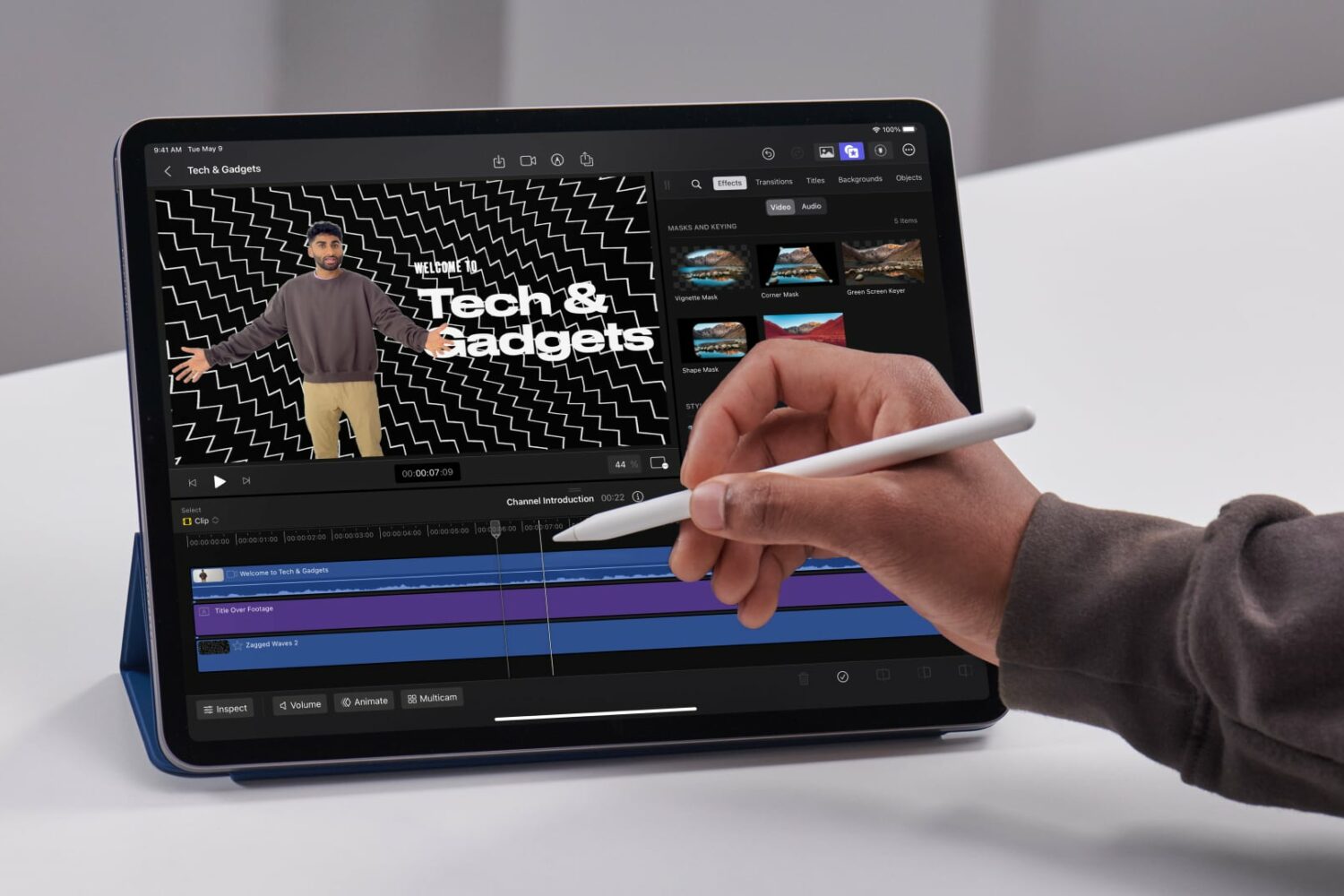
A subscription is required to use Final Cut Pro and Logic Pro for iPad, but the Mac versions of these apps have remained one-time purchases. For now…
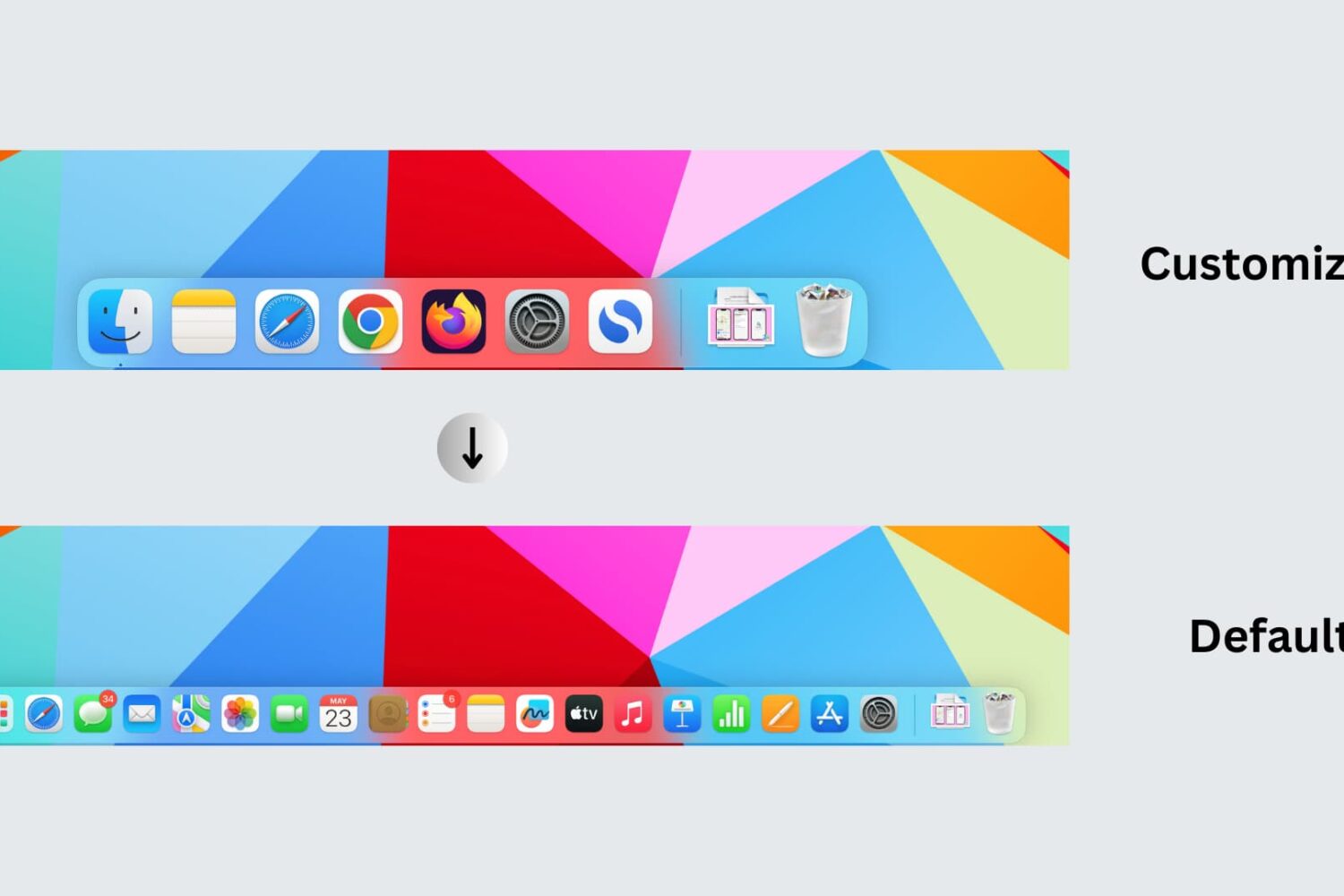
Learn how to reset your Mac’s Dock to its default settings, restoring the built-in Apple apps and settings that appear on it when you first set up your computer.
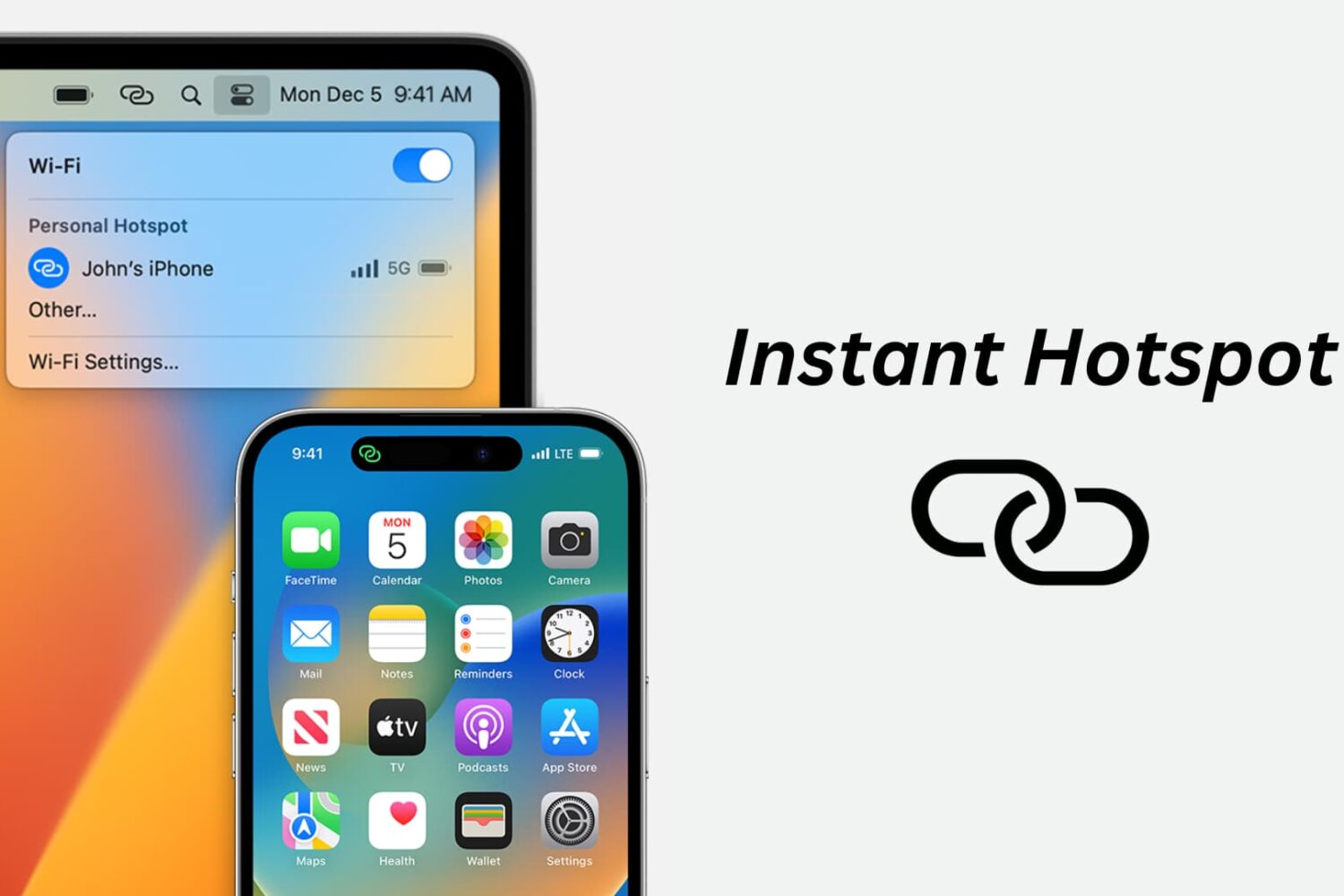
Learn how to use the Instant Hotspot feature to share your iPhone’s cellular data as an internet hotspot that other devices can connect to via Wi-Fi.
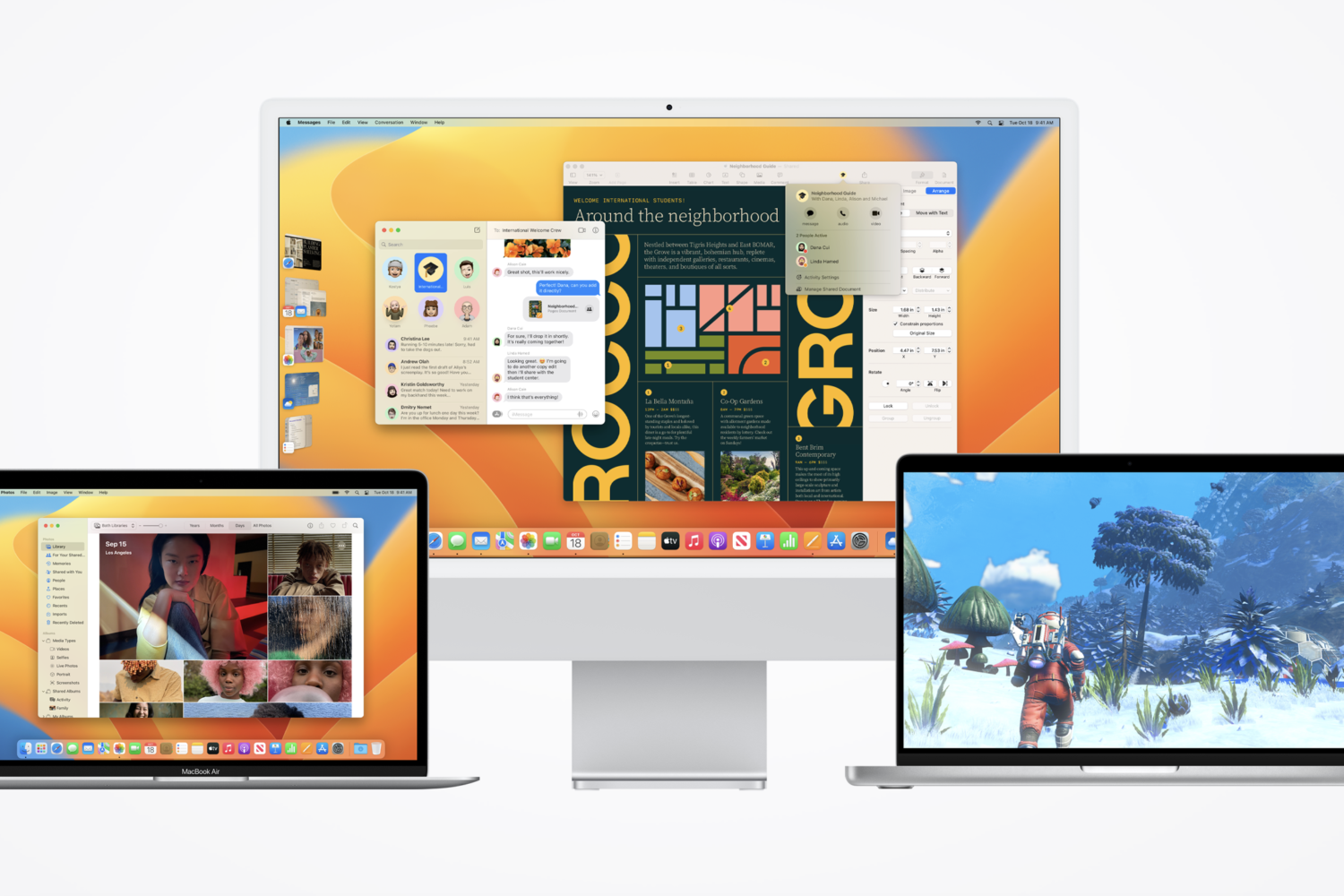
The macOS Ventura 13.4 release notes confirm sports-focused News app enhancements, along with fixes for Bluetooth, Screen Time, Auto Unlock, etc.
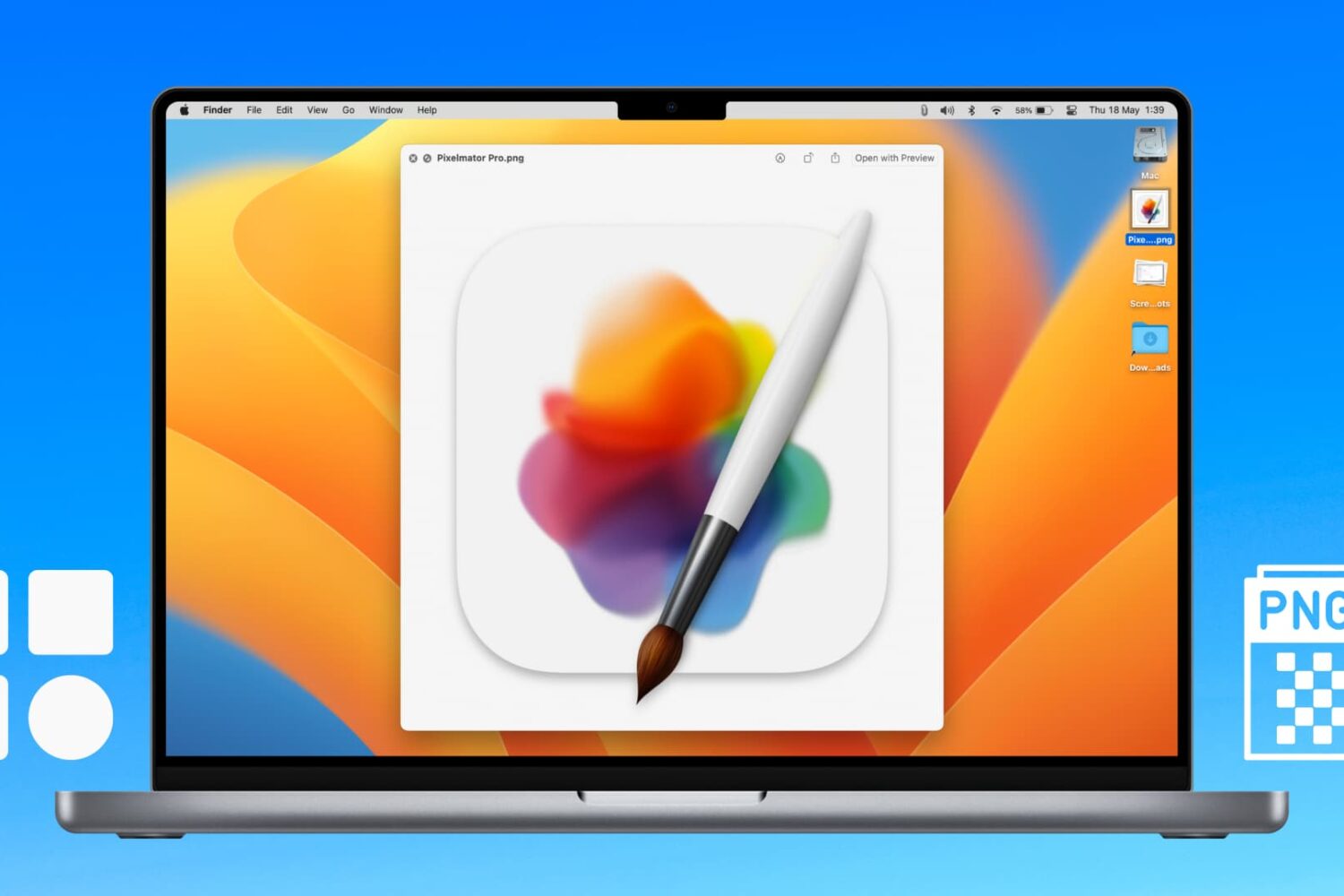
Learn how to extract icons of a Mac app and save them in ubiquitous bitmap image formats such as PNG, JPG, and more.
Learn what to do if you cannot access your iCloud emails or send and receive emails using your iCloud account on your iPhone, iPad, Mac, and web browser.