Did the GarageBand app crash midway while you were recording? In this tutorial, we’ll show you how to recover your recording if GarageBand has crashed on your Mac.
How to recover your recording if GarageBand crashes

Stay up-to-date on the latest Mac news, and tutorials. Get expert tips and tricks to optimize your Mac’s performance and learn about the latest Apple products and software updates. Discover the best Mac apps and accessories to enhance your user experience.
Did the GarageBand app crash midway while you were recording? In this tutorial, we’ll show you how to recover your recording if GarageBand has crashed on your Mac.
Every now and then, you may run into an issue with Final Cut Pro X where a file doesn't successfully import. Due to this, the media that you're working with in your project is still referencing the location where the file originally was (i.e. SD Card, Camera HDD, etc.).
When this happens, and you try to share/export a project, you'll receive an error message that says "This item cannot be shared while it is still referencing media on the camera."
To fix this problem, you'll need to reimport your footage from the original source using the File menu. It's fairly straightforward, but it's not exactly obvious as to what you should do when you first encounter this issue. Inside, we'll show you the error message and the quick fix in our brief video tutorial.
Apple on Tuesday launched a new 15-inch MacBook Pro model with Force Touch trackpad, Intel's faster fourth-generation Haswell chip and other features
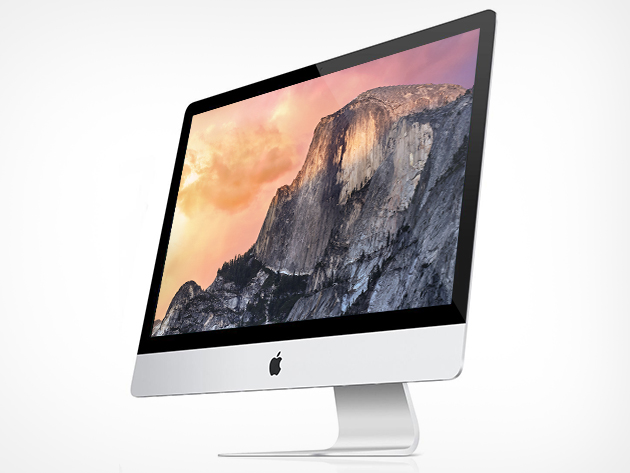
In addition, the Cupertino firm has refreshed its 27-inch iMac with 5K Retina screen while making the system more affordable than before.
The new baseline iMac configuration has a slower 3.3GHz chip (previously 3.5GHz) and the traditional 1TB hard drive instead of the Fusion drive. More importantly, it now starts out at just $1,999, a much appreciated discount from the previous asking price of $2,499. In addition, the top-end iMac configuration is now available at a lower price of $2,299.

Developer Aspyr Media, in partnership with 2K and Firaxis Games, today announced that a new expansion to Sid Meier’s Civilization: Beyond Earth, titled 'Rising Tide', will be arriving on Mac, Windows and Linux later this year.
The expansion pack is currently in development for Mac and Linux operating systems and is scheduled for release in autumn 2015.
Rising Tide will enhance Beyond Earth experience with a variety of new gameplay capabilities, adding more choices and diplomatic options and providing “near limitless” ways to create a new future for humanity on an alien planet.

Learn how to automatically open images in the app of your choice instead of using Preview as the default photo viewer on Mac.

Both OS X and Linux development of the Oculus Rift virtual reality headset has been put on hold as the team focuses on a strong launch of the Windows version of the product, the company has confirmed in a blog post today.
While Oculus focuses its energies on a “high quality consumer-level VR experience at launch across hardware, software and content on Windows,” they want to “get back to development for OS X and Linux” but “don't have a timeline” yet, said Atman Binstock, Chief Architect at Oculus and technical director of the Rift.
As you might imagine, I take tons of screenshots on a weekly basis for work. Instead of connecting my iPhone to my Mac and importing screenshots manually, or instead of using AirDrop, I simply use Photo Stream to do the grunt work.
Photo Stream allows me to access any photo taken with my iPhone, including screenshots, directly from the Photos app on my Mac. Just a few seconds after taking a picture with my iPhone, the photo appears on my Mac. This is great for quickly grabbing iPhone screenshots, and it even allows you to easily access screenshots taken on the Apple Watch.
In this post, I'll show you how I set up a simple Smart Album to separate screenshots—Apple Watch screenshots included—from regular photos.

MacID, a cool app by developer Kane Cheshire that lets you lock and unlock your Mac using Touch ID on your iPhone, or your passcode, is now available on the Apple Watch.
If you want to unlock your Mac right from your wrist, and own an Apple Watch, you should grab the new MacID 1.2 for iPhone, a $3.99 download from the App Store. You can even use the Apple Watch app to see what's playing on iTunes or Spotify, and start screensavers on your Mac.

FileMaker, Inc., an Apple subsidiary, on Tuesday announced a brand new version of its Mac productivity app along with a redesigned iPhone and iPad application. FileMaker 14 is the first major update since FileMaker 13, which released in December of 2013.

Developer Flexibits has updated its popular calendar, reminders and to-do alternative, Fantastical 2 for Mac, with more than a dozen new features, enhancements and bug fixes. The app now includes a new-look birthday event interface and has added a pending invitations section to view all incoming invitations in one place.
You can now drag text from other apps to quickly create an event and drag items from OmniFocus, which also creates a related event.
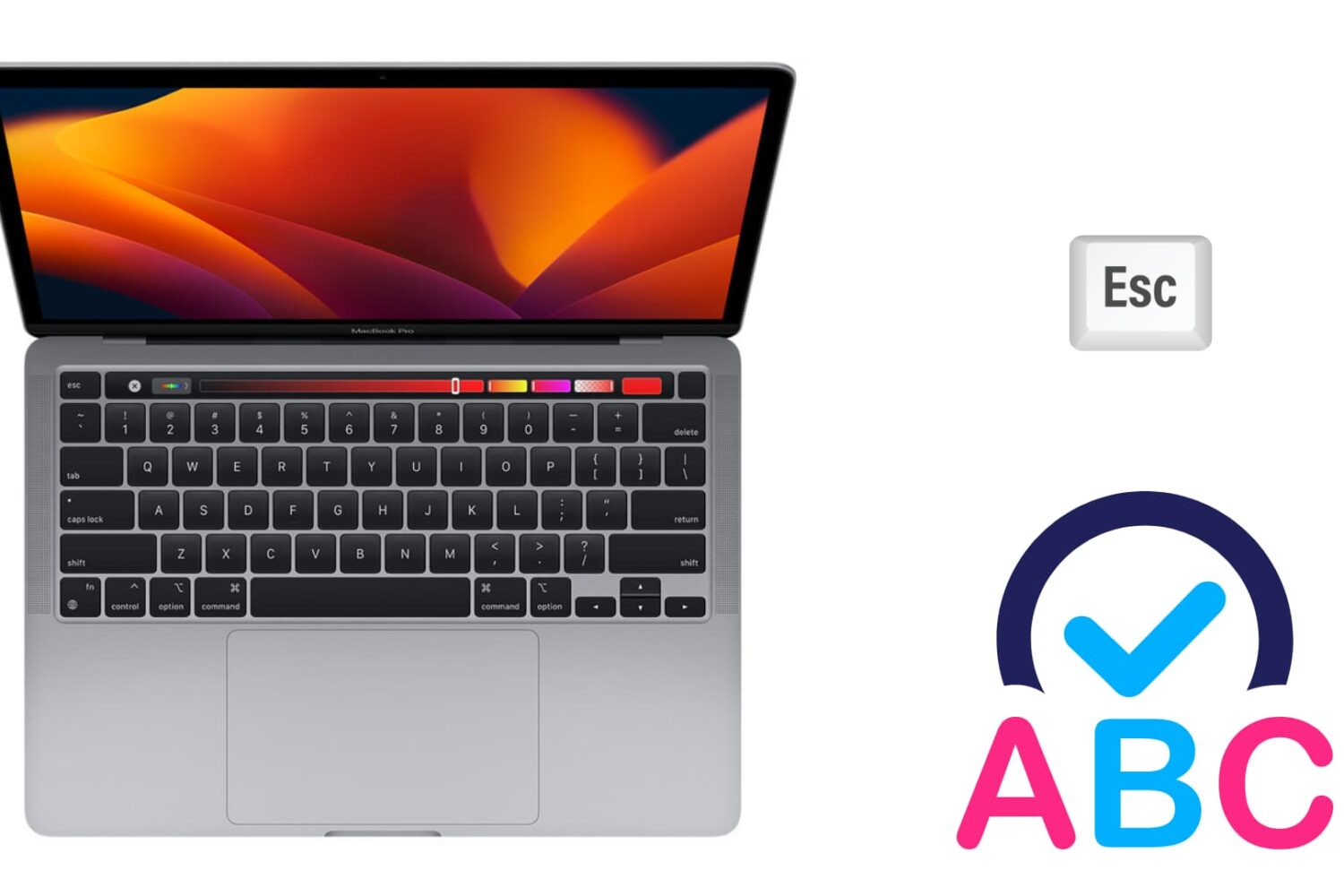
There are two ways to dismiss an autocorrect suggestion. There is the obvious one, which lets you use your mouse pointer to reject the autocorrection, and there is a keyboard shortcut that's actually much quicker to use, especially when you're currently typing.
In this brief post, we will show you how to swiftly ignore the autocorrect suggestion on your Mac using an easily accessible keyboard action.

Apple this afternoon released Safari updates for Yosemite (8.0.6), Mavericks (7.1.6), and Mountain Lion (6.2.6). The new versions include fixes for multiple memory corruption issues in WebKit, which Apple says could lead to arbitrary code execution or unexpected application termination when visiting a maliciously-crafted website.