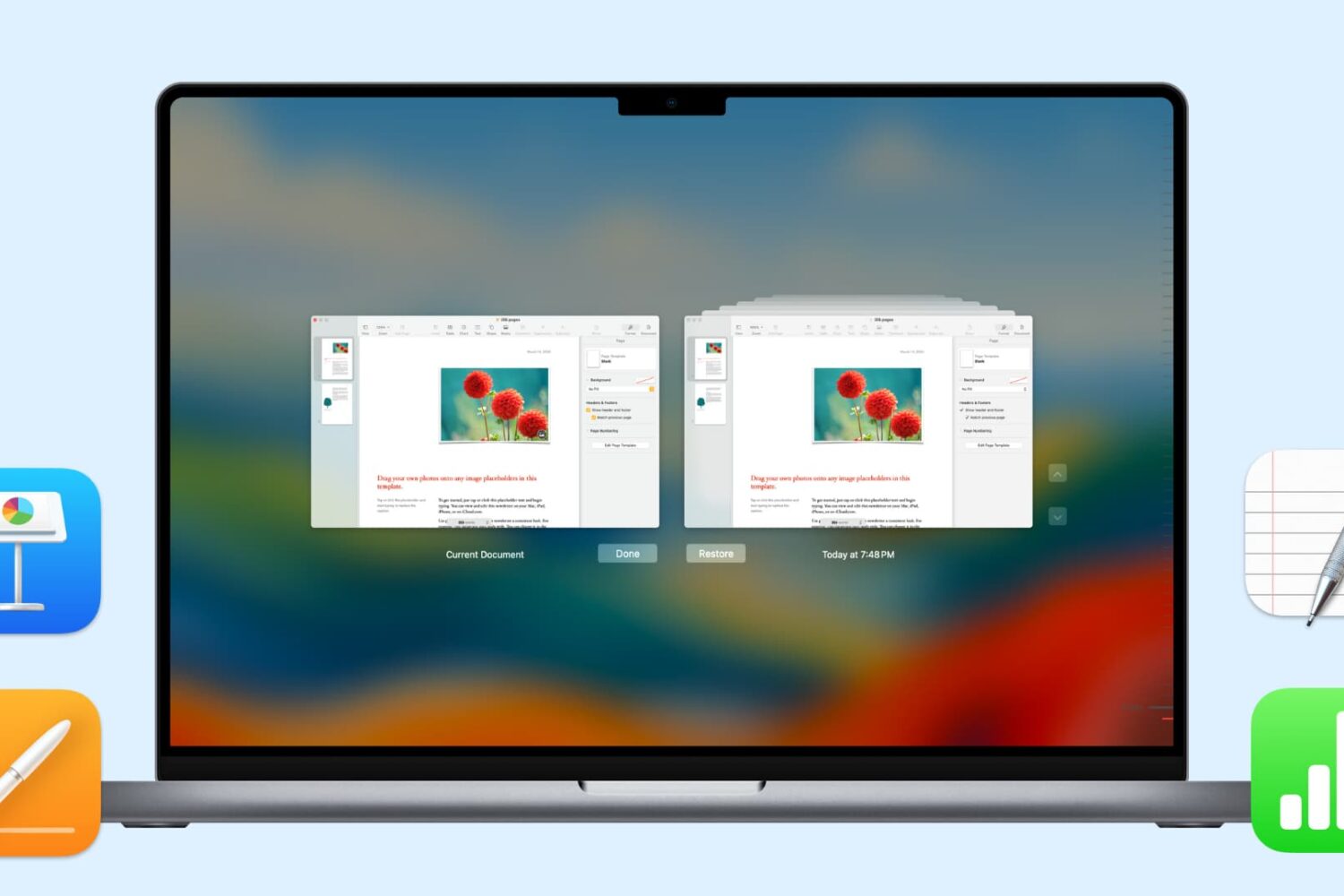
Learn how to create and use Presenter Notes in the Apple Keynote app on Mac, iPad, and iPhone to help you remember what you need to say or emphasize important points during your presentation.
How to work with Keynote Presenter Notes on Mac and iOS
Stay up-to-date on the latest Mac news, and tutorials. Get expert tips and tricks to optimize your Mac’s performance and learn about the latest Apple products and software updates. Discover the best Mac apps and accessories to enhance your user experience.
Learn how to create and use Presenter Notes in the Apple Keynote app on Mac, iPad, and iPhone to help you remember what you need to say or emphasize important points during your presentation.
If you work with people in different time zones, scheduling remote meetings can get difficult. You may be in the eastern time zone, with others in the Pacific, European, or Asian time zones. To make this a bit easier, the Calendar app gives you a way to plan for various locations. Here’s how to add and use time zone support for Calendar events.
The Automator tool on Mac might be intimidating to some users, but it can be a very handy app. You can create automated workflows, actions, or applications that help you perform tedious tasks. Along with that, there are some tasks you can do with it that are just plain neat.
Here are 10 cool things you can do with Mac Automator.
The free, open sourced Windowed app is a handy browser that lets you upload content to Instagram, view posts and manage your accounts, all from your Mac or Windows PC desktop.
The Dock is an important part of your Mac. It holds the applications you use most often so that you can open them with a click. It can also contain those you currently have open, display badge icons for app notifications, and let you move things to the Trash easily.
So, configuring the Dock to your preference is a key piece to its effectiveness.
You can make some adjustments to the Dock in your System Preferences like location of the Dock, animations for minimizing windows, and changing the size of the icons.
But, if you would like to do just a little bit more with your Dock without having to toy with Terminal, then take a look at Dockey. Dockey is an application that lets you customize your Dock quickly and here’s what it has to offer.
Some Mac models include the second-generation Apple T2 Security Chip, and in this tutorial, we'll show you how to check if your Mac has this or not.
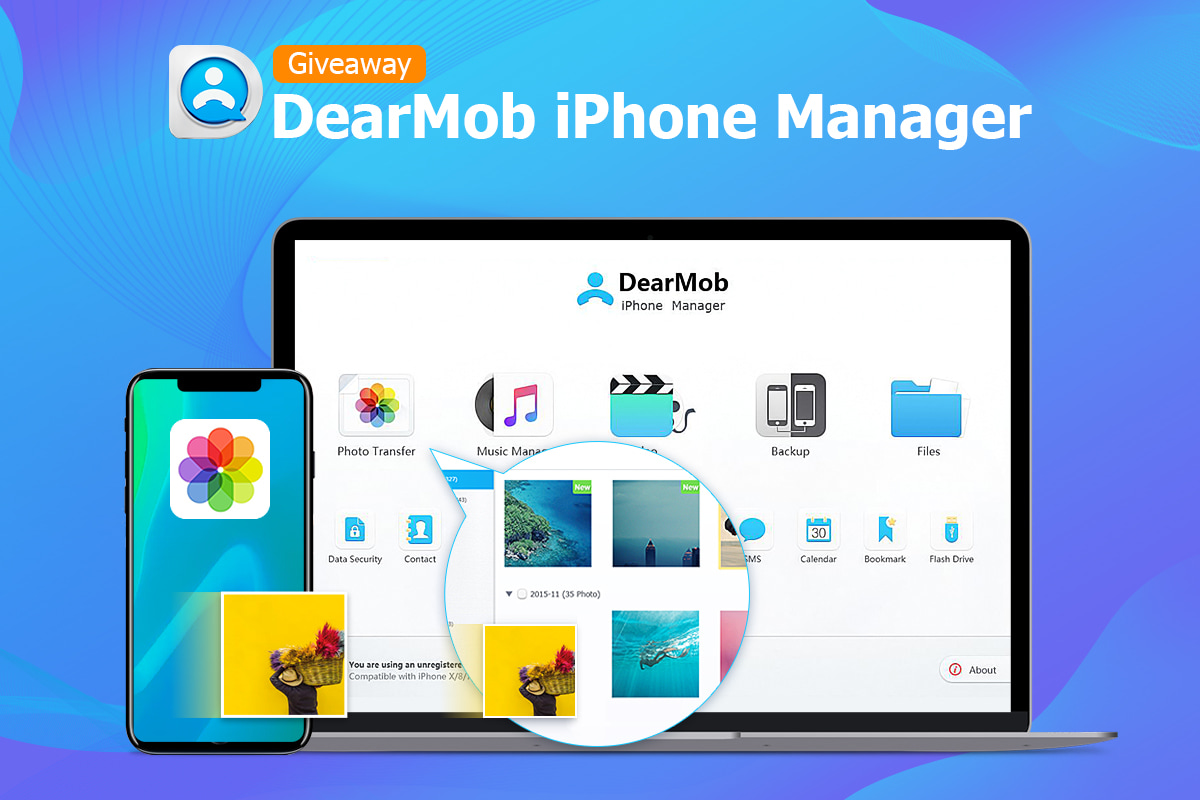
5KPlayer by DearMob is a media player and streamer with over seven million downloads that solves all your audio and video problems. It's a mixture of a free HD video player that supports foreign video formats like MKV, a music player, a DLNA and AirPlay-enabled media streamer and a media downloader that makes multiscreen playback easier than ever.
Apple's recent Macs include enhanced built-in audio devices, according to Rogue Amoeba who are well-known audio specialists and creators of quality audio software for macOS and iOS.
Learn how to merge all windows in Safari for Mac if you'd like to use tabbed browsing in a single window instead and instantly declutter your desktop.
Apple today announced the Compressor 4.4.2 app alongside the major Final Cut Pro X 10.4.4 update which itself brought out support for third-party workflow extensions.
Apple on Thursday announced a major new update to Final Cut Pro X, bringing third-party extension support to the professional video app, plus other new features and enhancements.
If you like switching back and forth between Light Mode and Dark Mode on your Mac but get tired of going through the process to do so, there’s an easier way.
In just a few minutes, you can create and add a Light/Dark Mode switch to your Mac Dock. It’s super simple, and here’s how.