Jailbreak

Check out the most comprehensive jailbreaking coverage on the internet, including the latest news, apps, tweaks, and detailed tutorials about everything jailbreak.

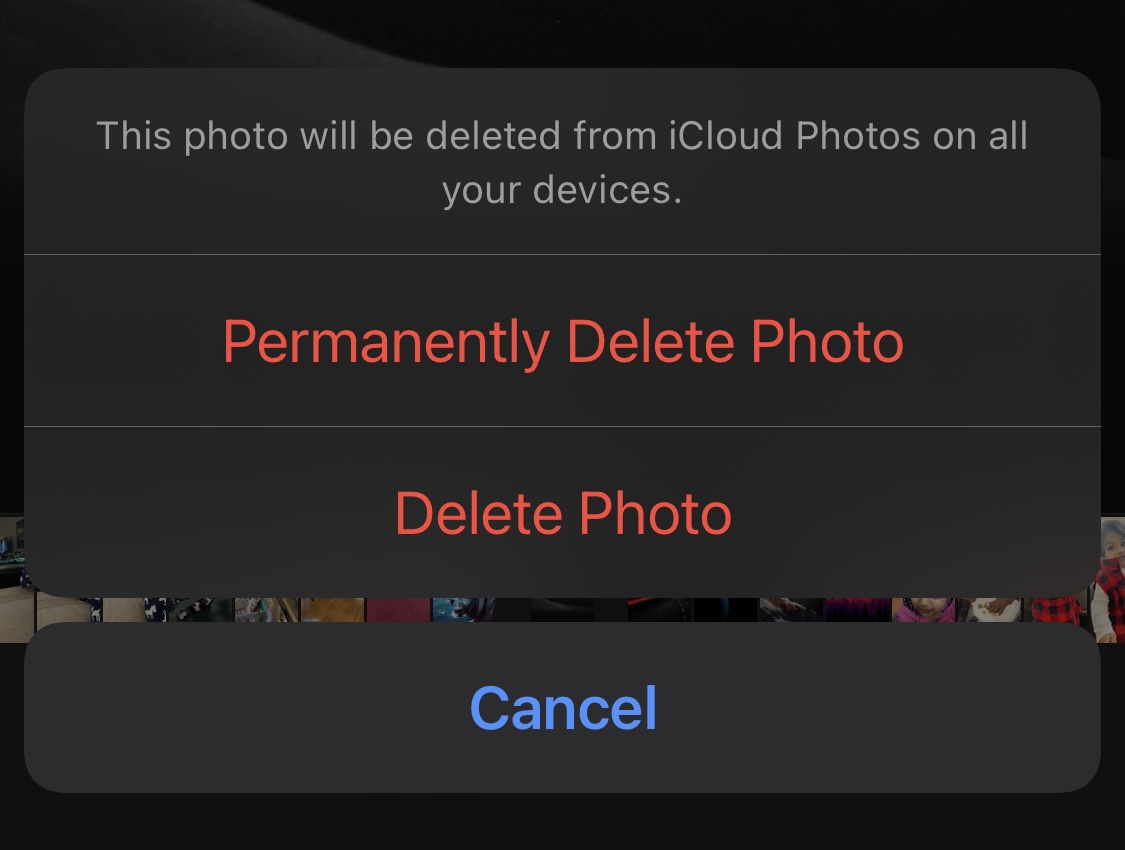
This tweak makes it easier to permanently delete photos and videos from your iPhone

Oh wow, I just love the Photos app’s Recently Deleted album — said no one, ever.

Apple incorporated the Recently Deleted album into the Photos app to help prevent users from accidentally deleting important photos or videos with a single tap. In essence, the two-step process allows you to go back and restore something you’ve deleted. But if you’re not clumsy, then this two step process can be more cumbersome than it is useful.
MsgSwap makes it easier to share Photo Library media in Apple’s Messages app

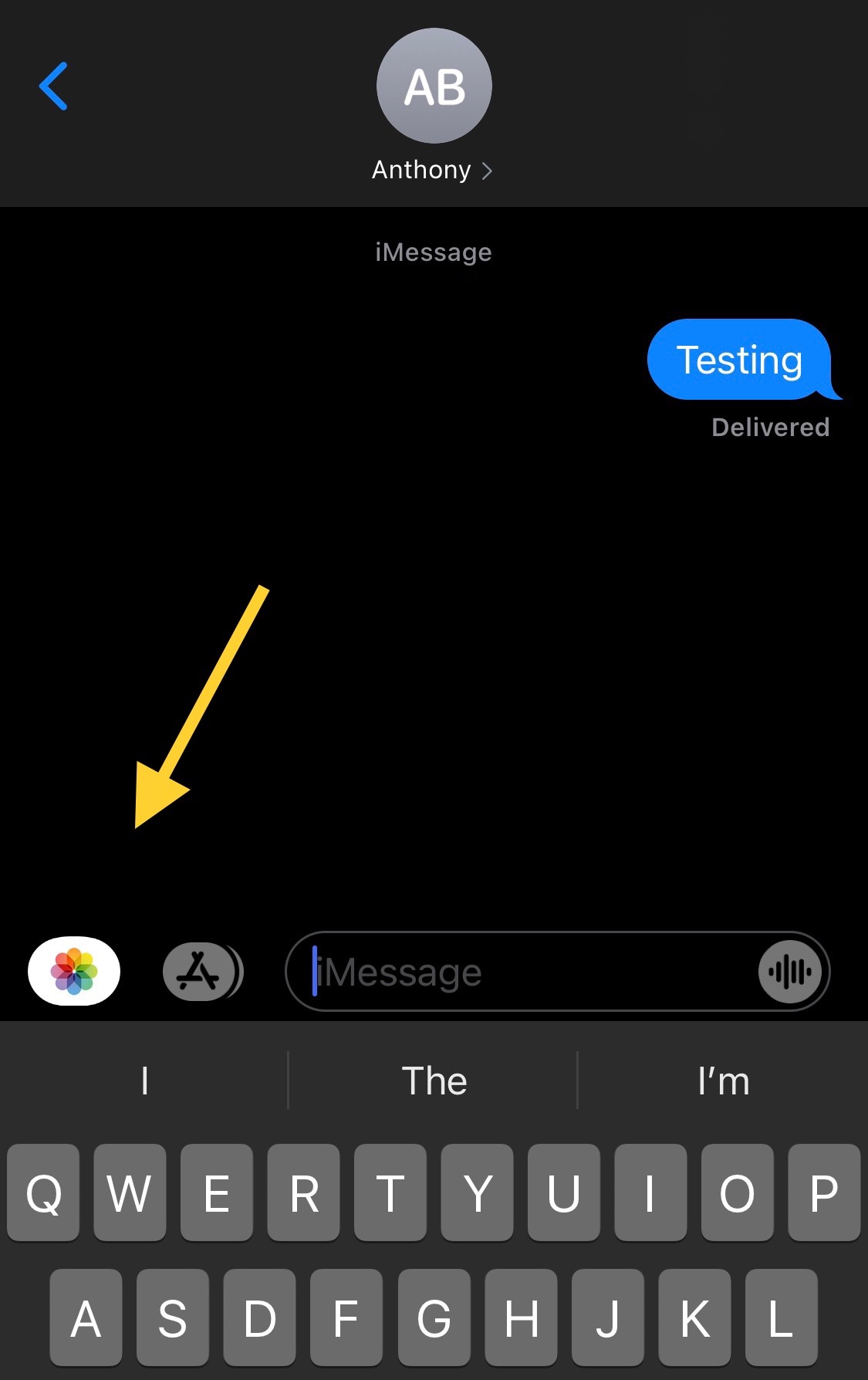
One of my biggest pet peeves when using Apple’s Messages app to send Photos to contacts via iMessage or MMS is that you have to jump through hoops just to open the Photo Library picker.

Users will either tap on the Camera shortcut and then launch their Photo Library from the ensuing Camera viewfinder interface, or they’ll tap on the App Store button to view installed iMessage extensions and visit the Photo Library via the dedicated Photos button.

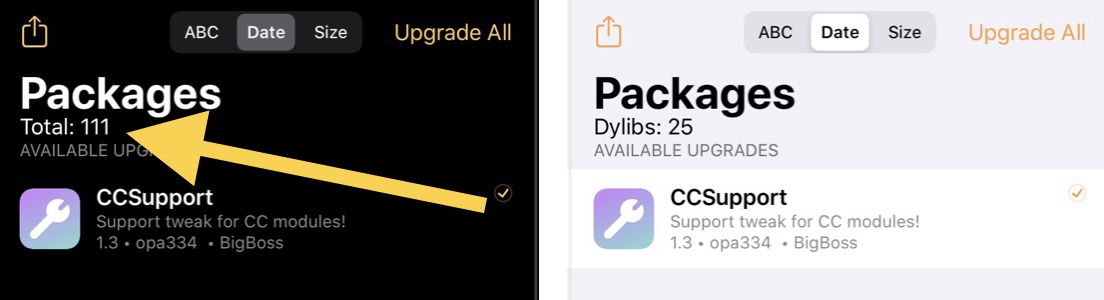
StripeCount displays the number of installed packages in Zebra

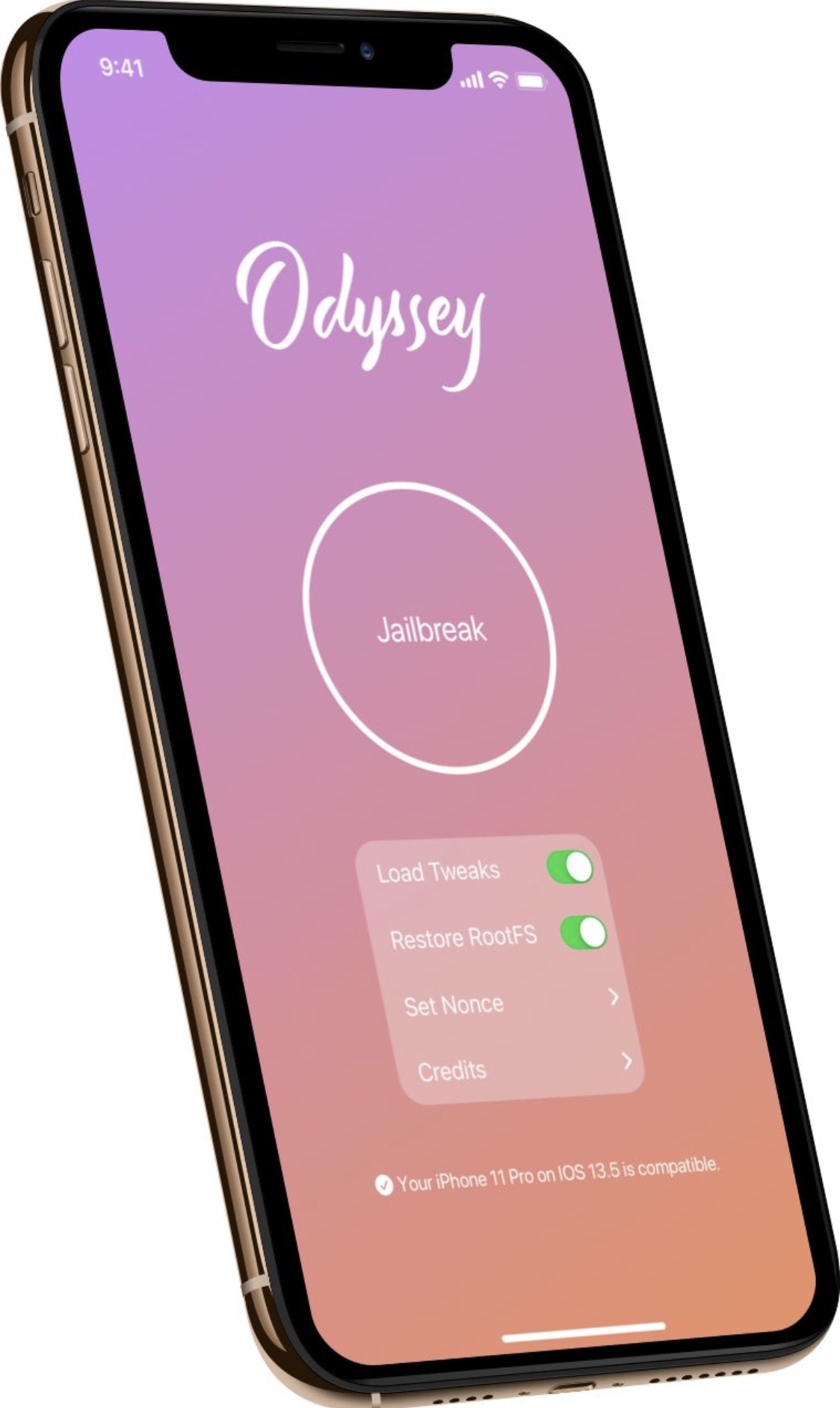
Although Cydia is the default package manager for the checkra1n and unc0ver jailbreaks, Sileo is the default package manager for the Chimera, Odyssey, and Odysseyra1n jailbreaks, it’s not uncommon for jailbreakers to install an alternative package manager such as Zebra.

Zebra is a great option for anyone looking to try a lightweight and third party package manager, but one thing I wish it did out of the box was display how many installed packages I had.

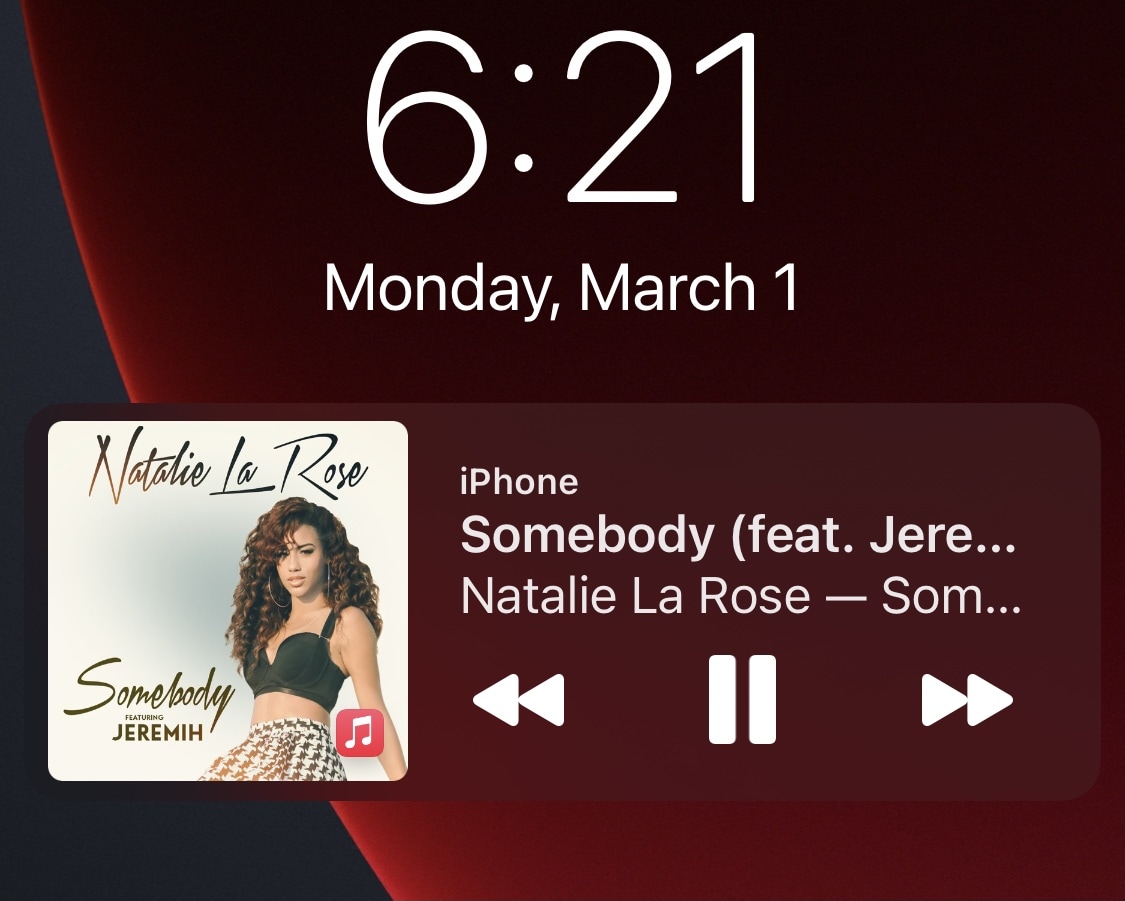
Vinyl shrinks iOS’ oversized Now Playing widget and makes it more customizable

I’ve got nothing against the iPhone’s Now Playing widget; after all, it’s a convenient tool for controlling media playback from the Lock Screen without going through the process of unlocking your device and launching the Now Playing app every time you want to make a small adjustment.

Praise aside, I also agree with anyone who says that the Lock Screen’s Now Playing widget is larger than it needs to be, and that’s one reason why I’m excited about a new and free jailbreak tweak release dubbed Vinyl by iOS developer Lightmann.

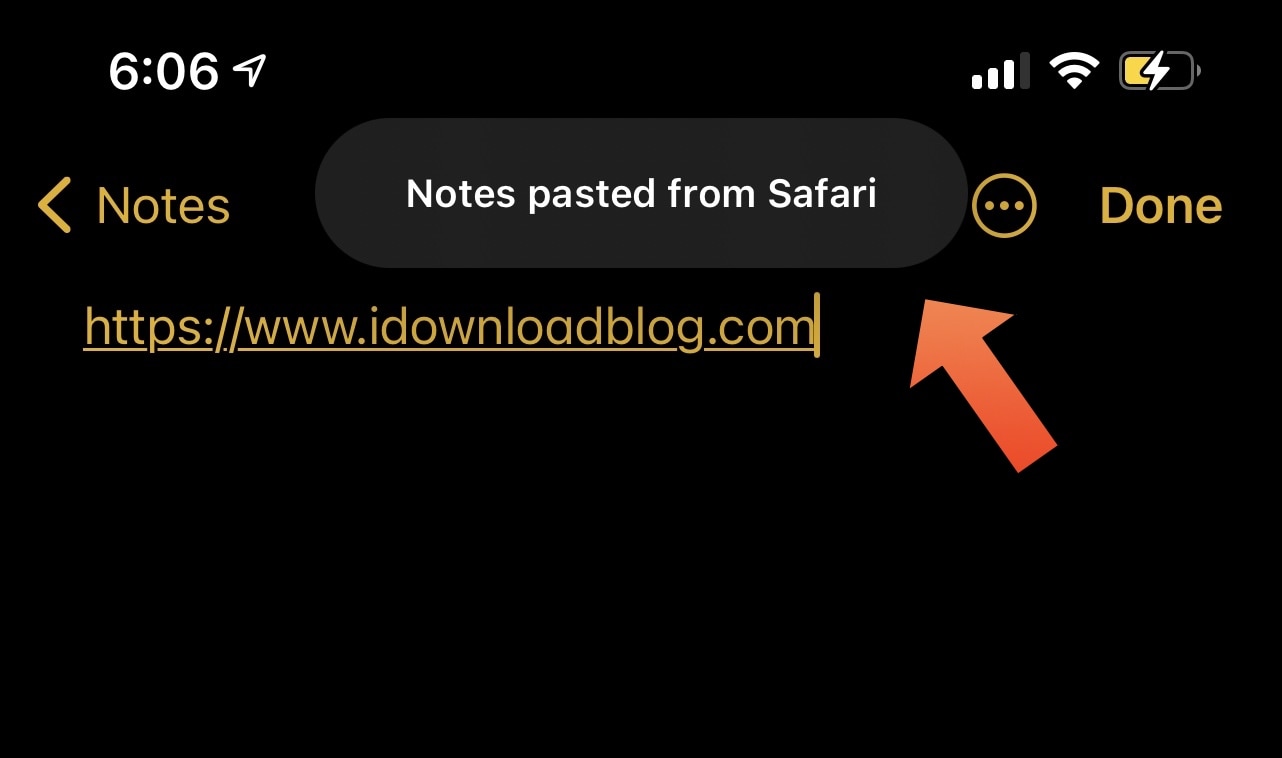
This tweak hides iOS 14’s Paste Tips when pasting content from another app

Upon updating to iOS or iPadOS 14, you probably noticed that the operating system automatically displays a prompt at the top of the screen whenever you paste something into an app that you copied or cut from a different app. For this piece, we’ll refer to those prompts as Paste Tips.

Some people enjoy the Paste Tips because it alerts the user to potentially unwanted clipboard access, but others may find it to be somewhat of a nuisance, especially if they do a lot of copying or cutting and pasting. Those in the latter boat may appreciate a newly released and free jailbreak tweak dubbed DisablePasteTips by iOS developer Netskao.

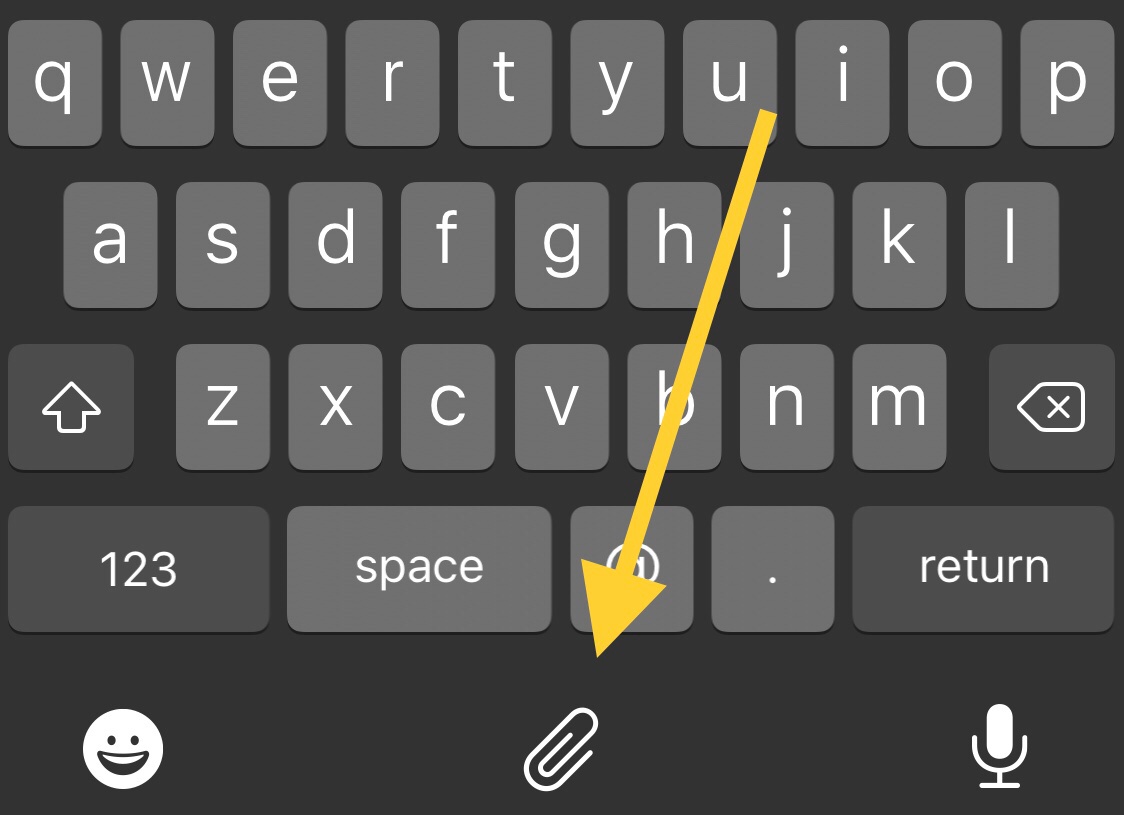
CopyKey makes it easier for jailbreakers to paste text via the keyboard

Anyone who does even the least amount of text editing knows just how important the ability to copy, cut, and paste text is. Unfortunately, the process tends to be cumbersome and time consuming on the iPhone.

Those taking advantage of a jailbreak, including the recently updated unc0ver tool with respect to iOS 14, are likely to appreciate the convenience and satisfaction of a newly released and free jailbreak tweak dubbed CopyKey by iOS developer Chr1s.

Jailbreakers can have more control over network connectivity with SmartNetwork 2

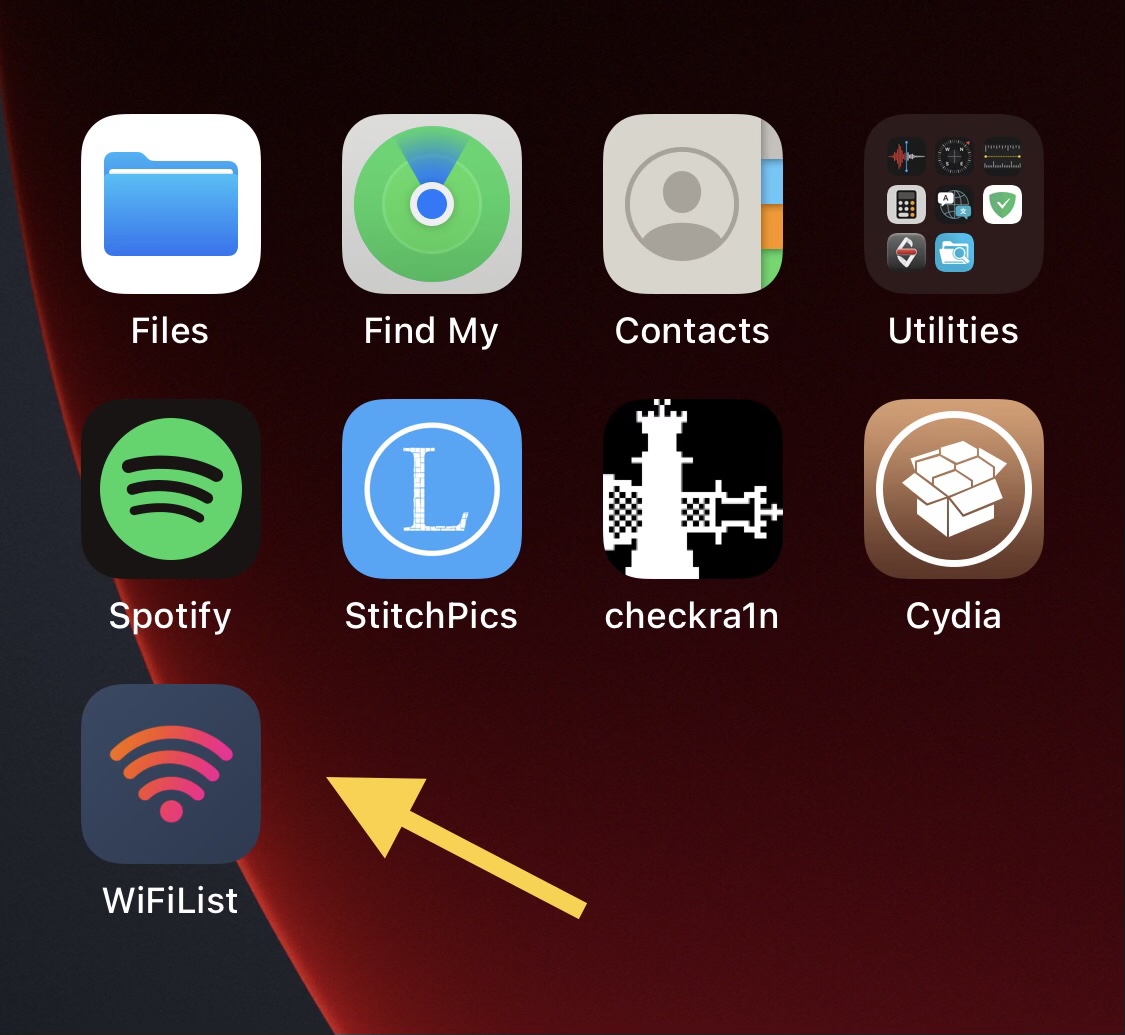
SmartNetwork iOS 15-16 WiFiList app.

Just last year, we showed you a jailbreak tweak called SmartNetwork by iOS developer Elias Sfeir, which allowed pwned iPhone and iPad owners to enjoy more granular control over their wireless networks — far more than what you’d expect from Apple out of the box on a stock handset.

Now that iOS & iPadOS 14.0-14.3 can be jailbroken on all devices by way of the unc0ver jailbreak, it’s not too surprising to see that many of these tweaks are being re-released with iOS & iPadOS 14 support. SmartNetwork is no different, although the branding has been changed to SmartNetwork 2 and a plethora of new features have been added since we last went hands on with it.

Unc0ver updated to version 6.0.1 with iOS 14-centric bug fixes and improvements

The unc0ver jailbreak has received its first minor update after initially picking up support for iOS & iPadOS 14.0-14.3 this past weekend, a feat made possible by a custom kernel exploit that drew heavy inspiration from the recently released cicuta_verosa exploit by @ModernPwner.

In the latest update, dubbed version 6.0.1, unc0ver received bug fixes and performance improvements to address some of the issues reported by users within the first 48 hours of the tool being available to the general public.

HomePlus Pro lets jailbroken iOS 14 users customize the Home Screen’s layout

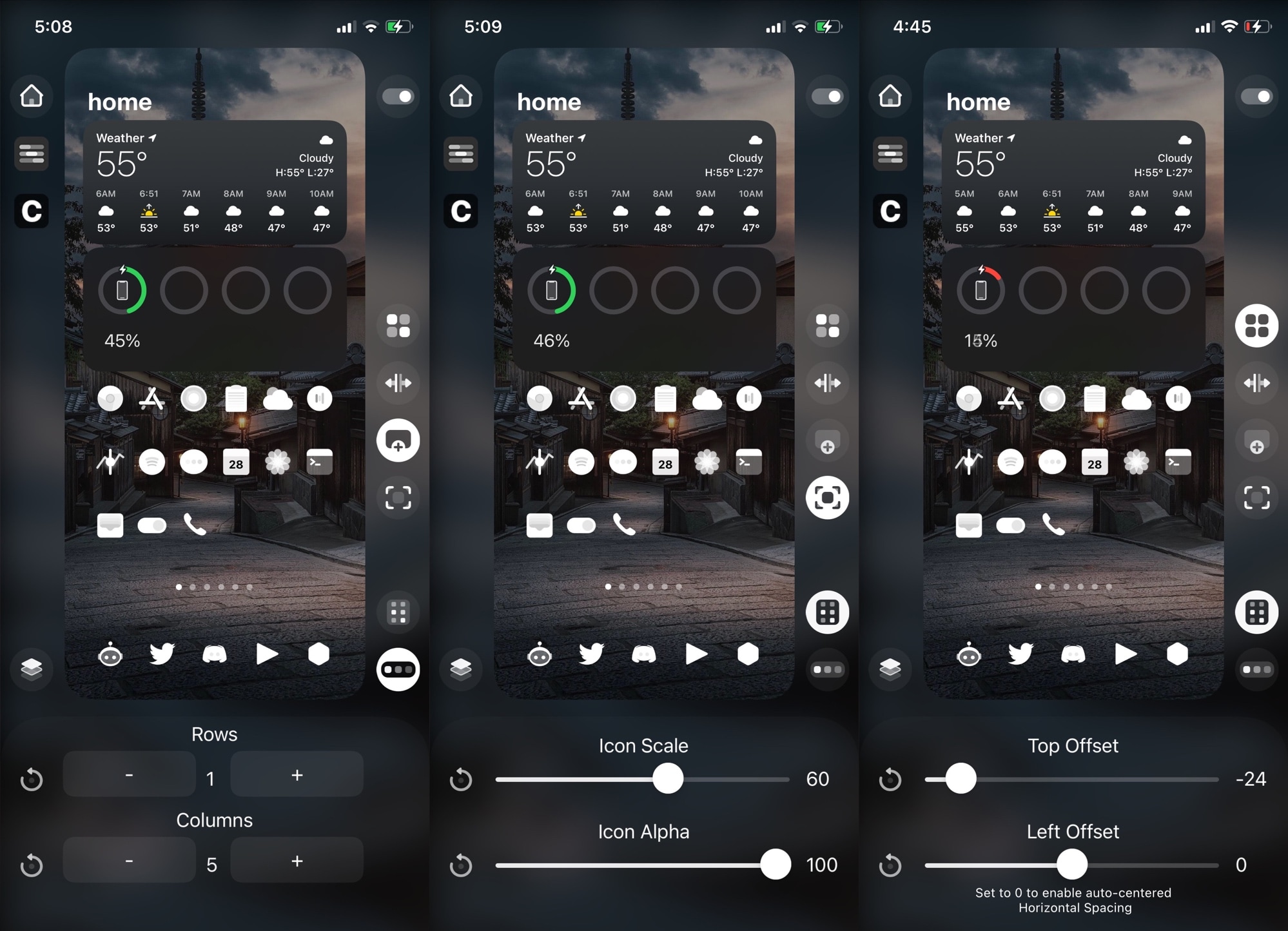
Longtime jailbreakers will remember that one of the most popular pastimes would have been customizing the Home Screen layout with an arbitrary number of rows and columns to fit the growing number of apps we use on our handsets these days. Some  liked higher app icon density on each page, while others preferred to lighten things up.

Last year, iOS developer Kritanta released HomePlus Pro, which offered granular Home Screen layout customization on demand for jailbroken iOS 13 devices. Now that unc0ver has picked up support for iOS 14.0-14.3, it may not come as much of a surprise that HomePlus Pro is available for jailbroken iOS 14 devices as well.

Add a splash of color to the iOS 14 Home Screen’s Dock with ColourMyDock

If you just jailbroke your iPhone or iPad on iOS or iPadOS 14 with the newly updated unc0ver jailbreak tool this past weekend, then you might be interested in finding some jailbreak tweaks to get your handset customization off to an acceptable start.

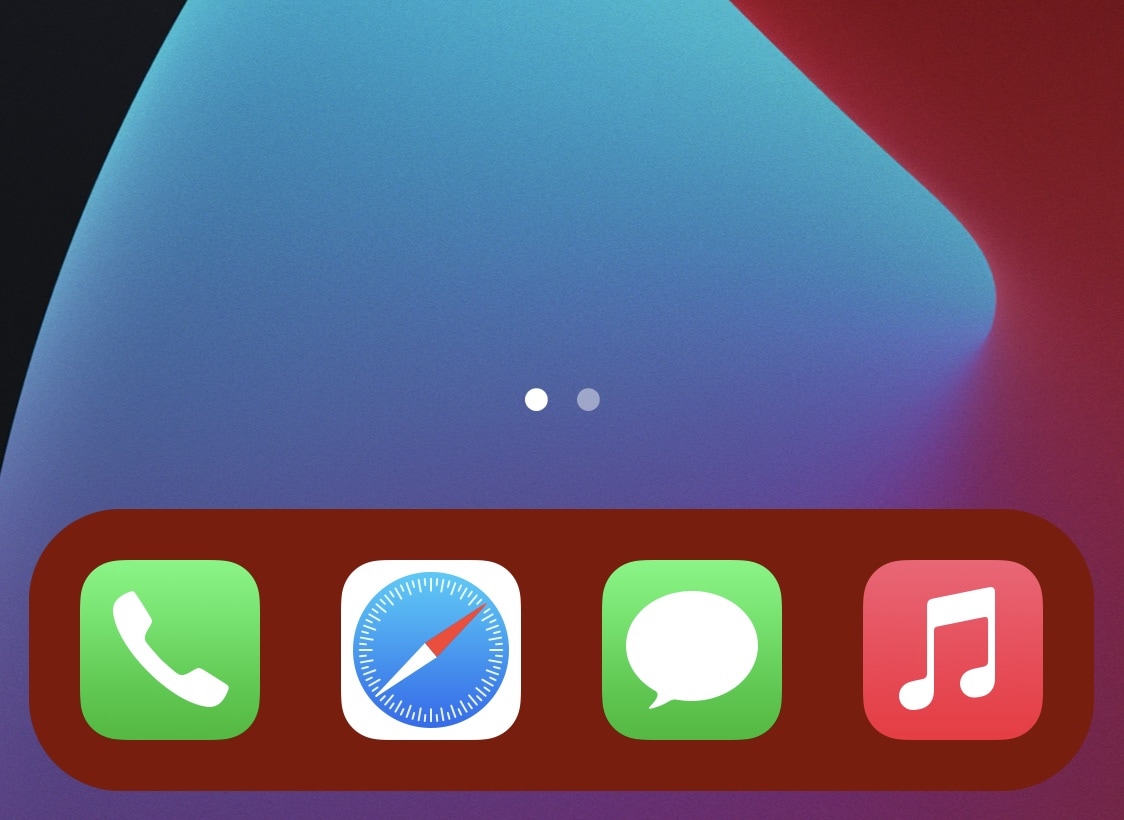
With that in mind, we’ll take this moment to recommend a newly released and free jailbreak tweak dubbed ColourMyDock by iOS developer TitanD3v, which allows jailbreakers to colorize their Home Screen’s Dock color with ease.

This tweak lets jailbroken iPadOS 14 users enjoy widgets anywhere on the Home Screen

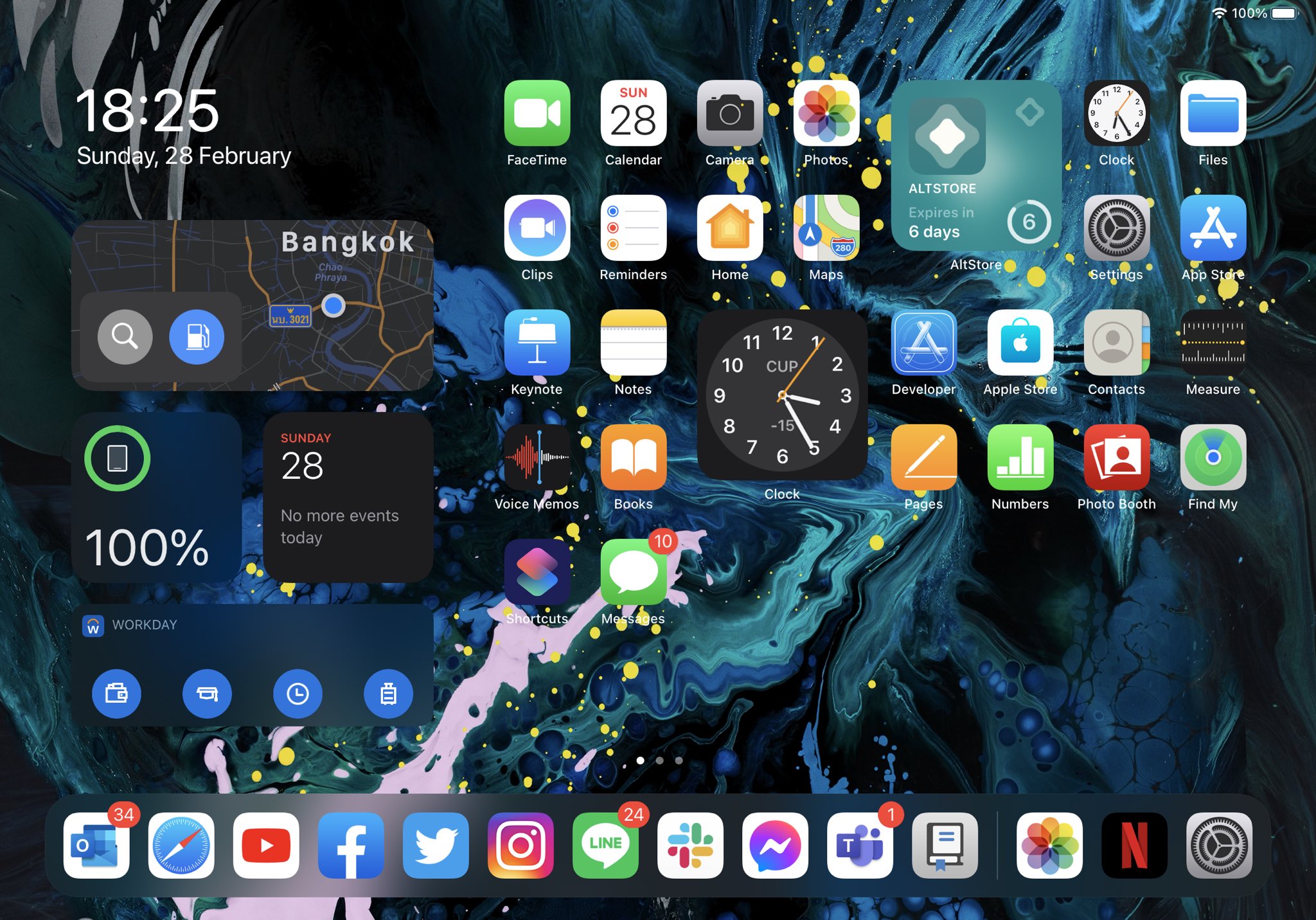
Enable widgets on the iPad’s Home Screen.

One of the things I really love about iOS 14 on my iPhone is that I can finally add widgets to any page of the Home Screen. Apple did a beautiful job on making the widget user experience very responsive and fitting those widgets into an otherwise cluttered screen of app icons.

Sadly, the same user experience can’t be appreciated on the iPad, as iPadOS 14 doesn’t let users have widgets on individual Home Screen pages. Instead, widgets are limited to the Today view, just as they always were on iPadOS 13. Bah humbug!