Ahead of tomorrow's education-focused event, the Apple Events app for tvOS has been updated with Apple Pencil-like sketch and stylized logo matching the official invite.
Apple Events app updated ahead of Field Trip education event
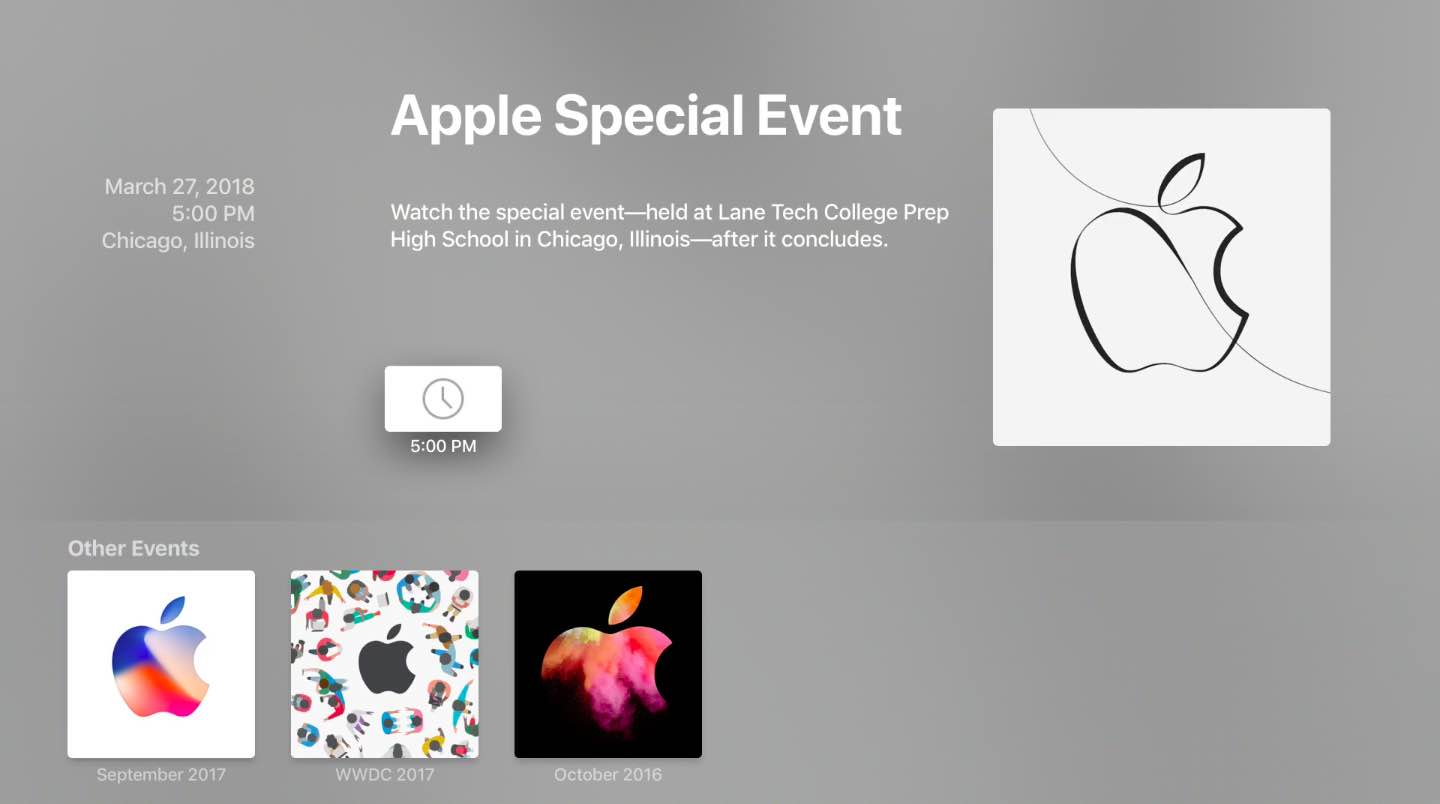
Ahead of tomorrow's education-focused event, the Apple Events app for tvOS has been updated with Apple Pencil-like sketch and stylized logo matching the official invite.

This week's edition of our Apps of the Week roundup features a new Reddit client with an interesting twist, an app that helps you speed-read long text, and a pixel-perfect coloring book. And as always, we've selected two great new games for you to check out.

Making backups for your iOS devices regularly prevents unbearable data loss, but that’s not always an easy job to do. Wouldn’t it be great if you can back up your iOS devices wirelessly and automatically? How about being able to move around your music, photos, contacts, messages or any other data you want?

Instagram is making some important changes to its feed, the company announced today.

In this step-by-step tutorial, we’ll show you how to split a panoramic picture into squares and post the entire image to an Instagram carousel from your iPhone or iPad.

Check out the quick steps to add hashtags and other Instagram account links to your profile bio section that lead to their corresponding pages.
Not only does Instagram limit your Stories to 15 seconds each, it also prevents you from using videos older than 24 hours or landscape videos without being cropped automatically.
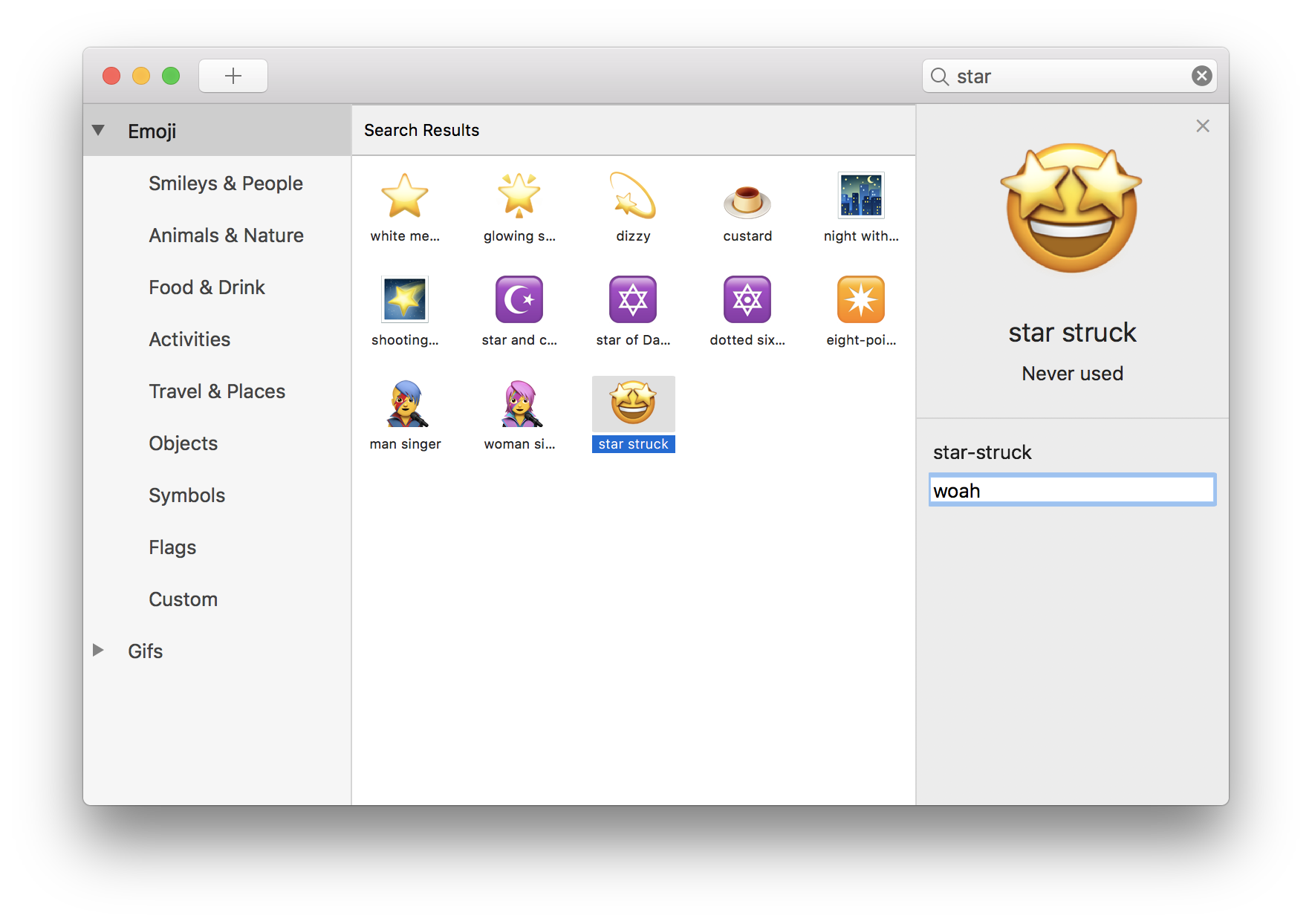
macOS's emoji interface is somewhat clunky: you have to press Control (⌃)-Command (⌘)-Space to bring up the persistent emoji overlay, then search for the right emoji character.
This week's edition of our Apps of the Week roundup features an app that promises to help you sleep better, a no-fuss note-taking client, and a beautiful, intelligent task manager. And as always, we've selected two great new games for you to check out.
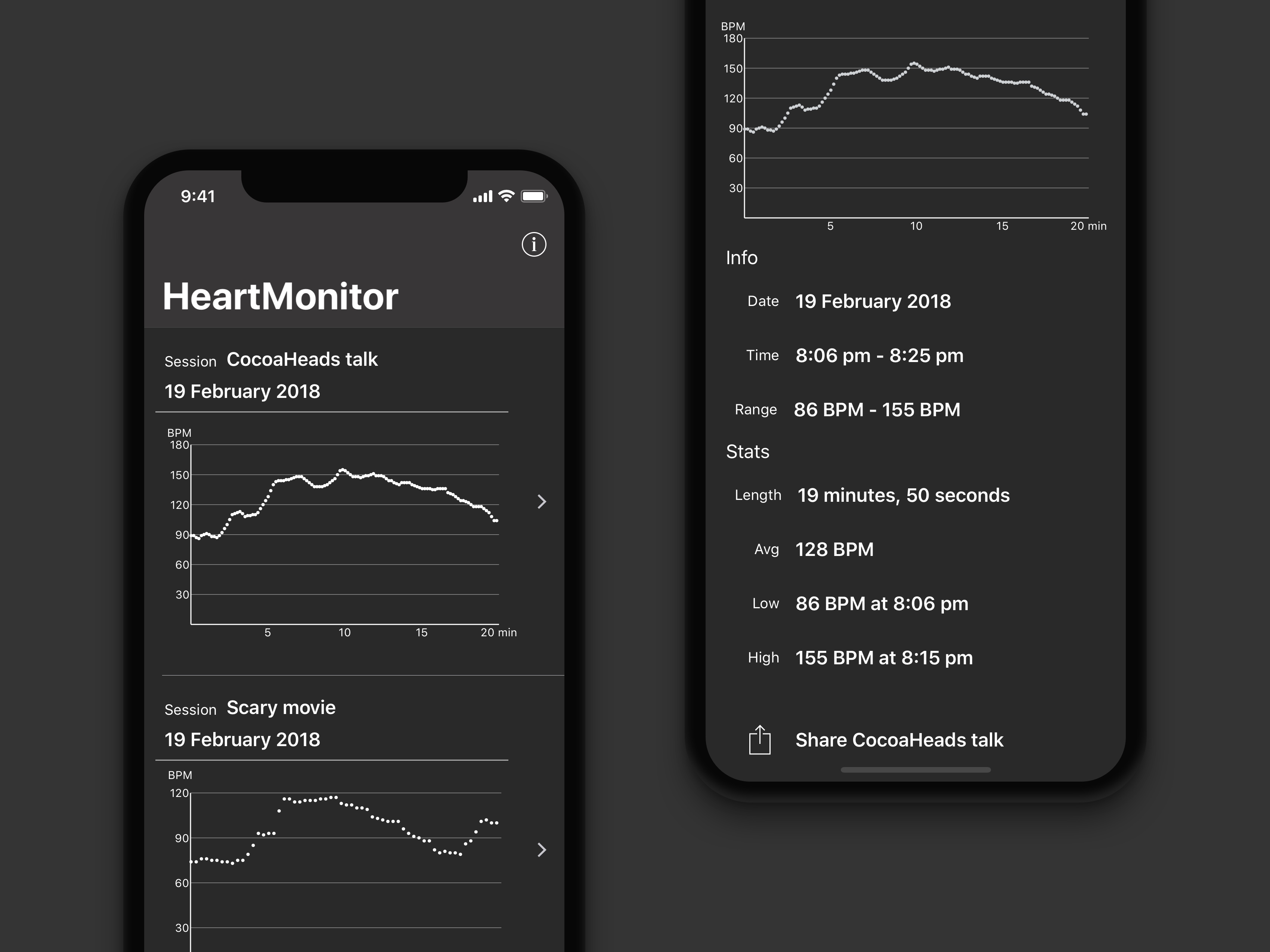
Due to power concerns, Apple Watch does not monitor your heart rates continually.
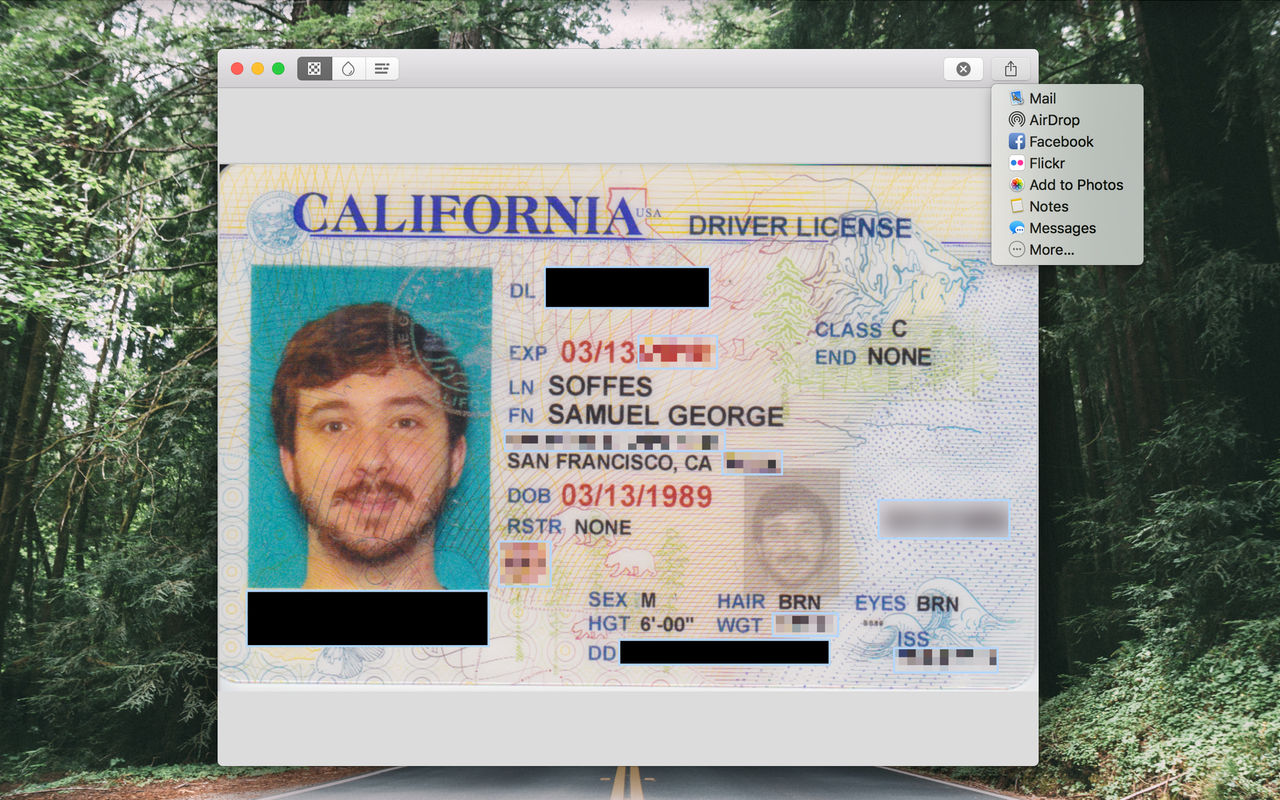
Apple provides iOS users with a handy Markup tool that makes it easy to annotate their photos and attachments, sign documents, cover up sensitive information and so forth.