Learn how to get a refund for purchases made with your credit or debit card using Apple Pay, and what to do if a merchant requires additional information.
How to get refunded for purchases made with Apple Pay
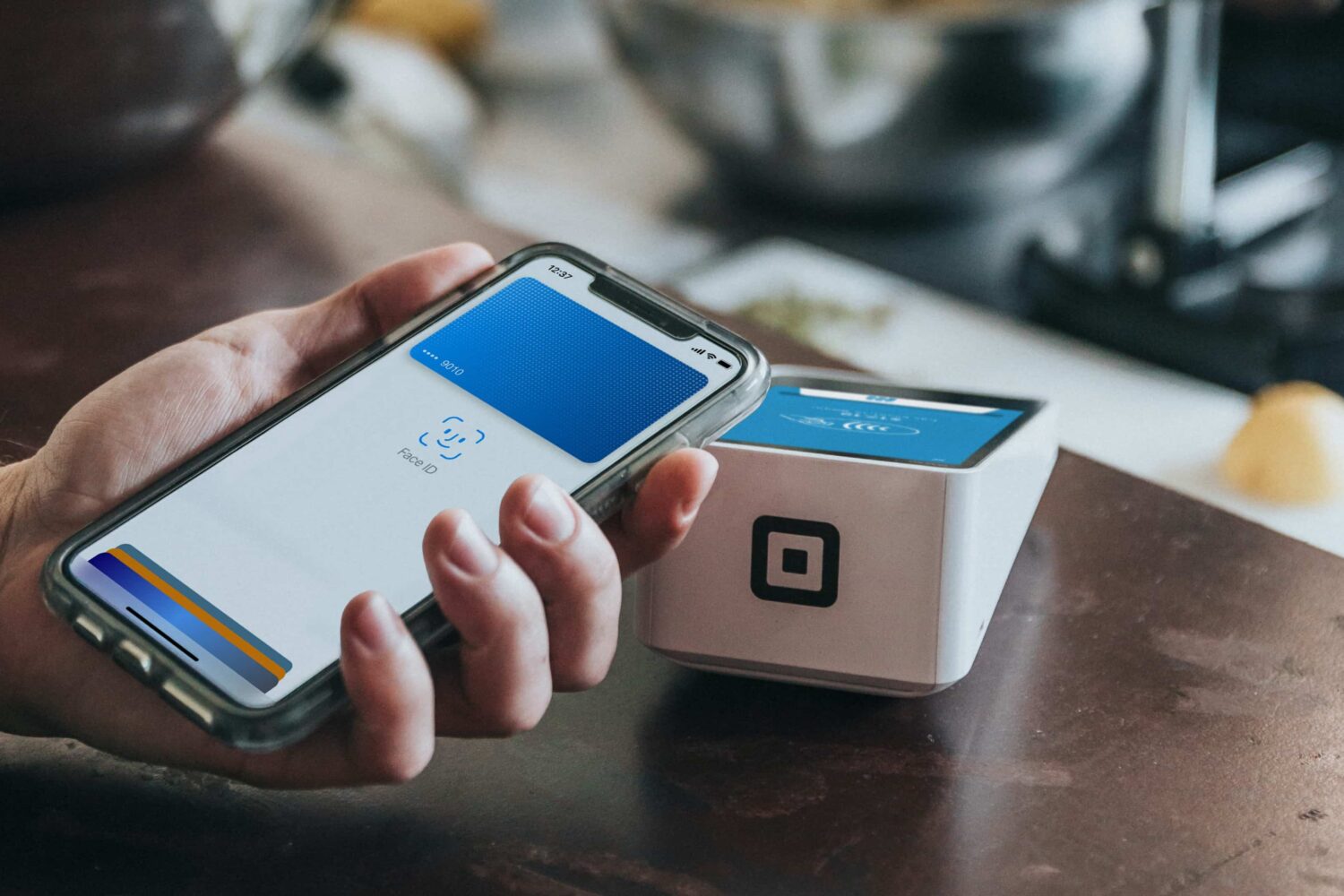
Learn how to get a refund for purchases made with your credit or debit card using Apple Pay, and what to do if a merchant requires additional information.
Learn about the new features and updated automation actions available in the Shortcuts app with iOS 16.3, iPadOS 16.3, macOS 13.2 and watchOS 9.3.

You can now create a WhatsApp avatar, enhance your Last Seen privacy, record video hands-free, use drag and drop on iPhone, and more.
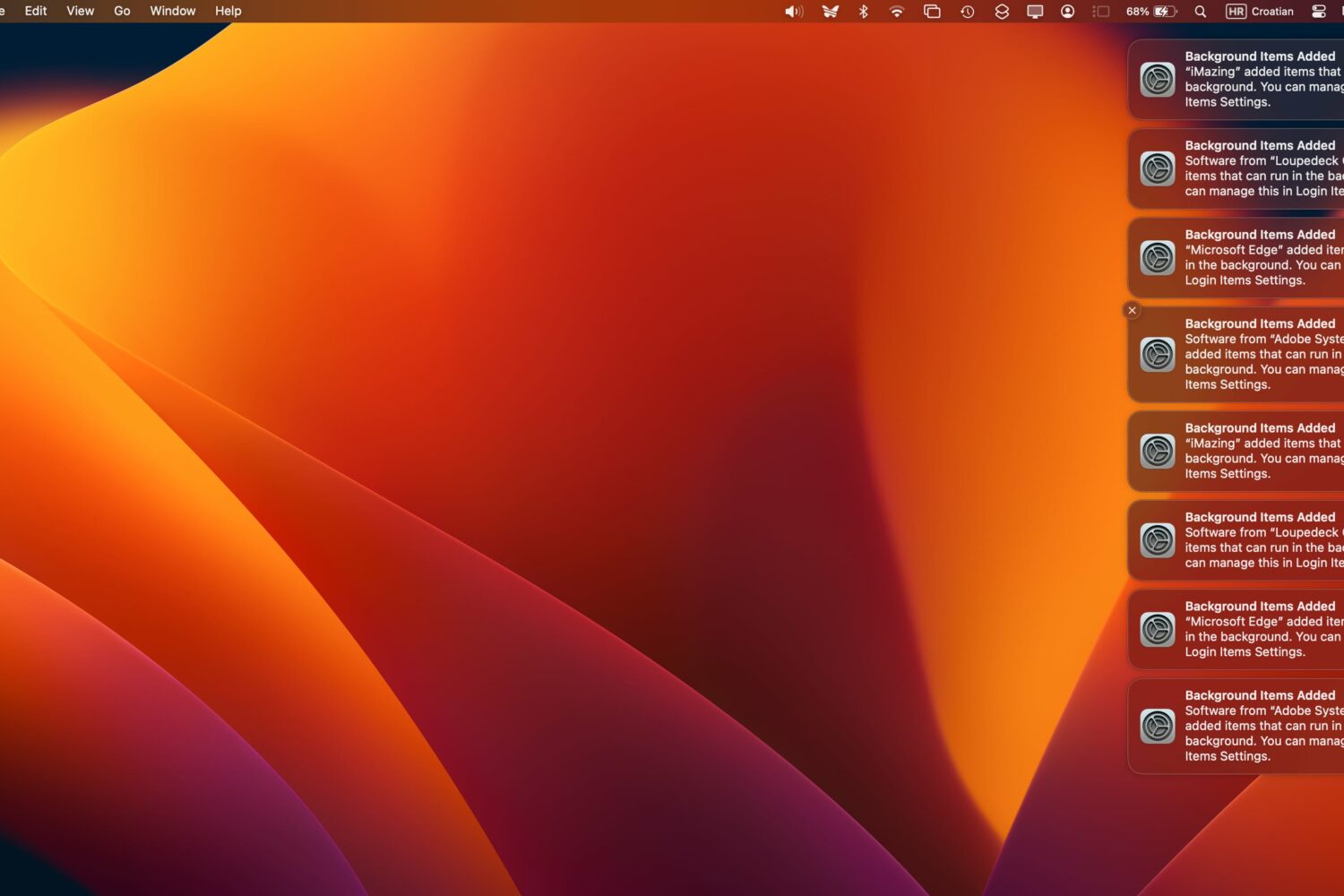
Are you greeted with a bunch of persistent “Background Items Added” notifications every time you boot your Mac or access the Login Items section in System Settings?
You're recommended to manually perform a Google Photos update to instantly resolve the constant crashing at launch on iPhones running iOS 16.3.1.
Release notes for iOS and iPadOS 16.3.1, macOS 13.2.1, watchOS 9.3.1 and tvOS 16.3.2 reveal bug fixes related to iCloud, Siri on HomePod and more.
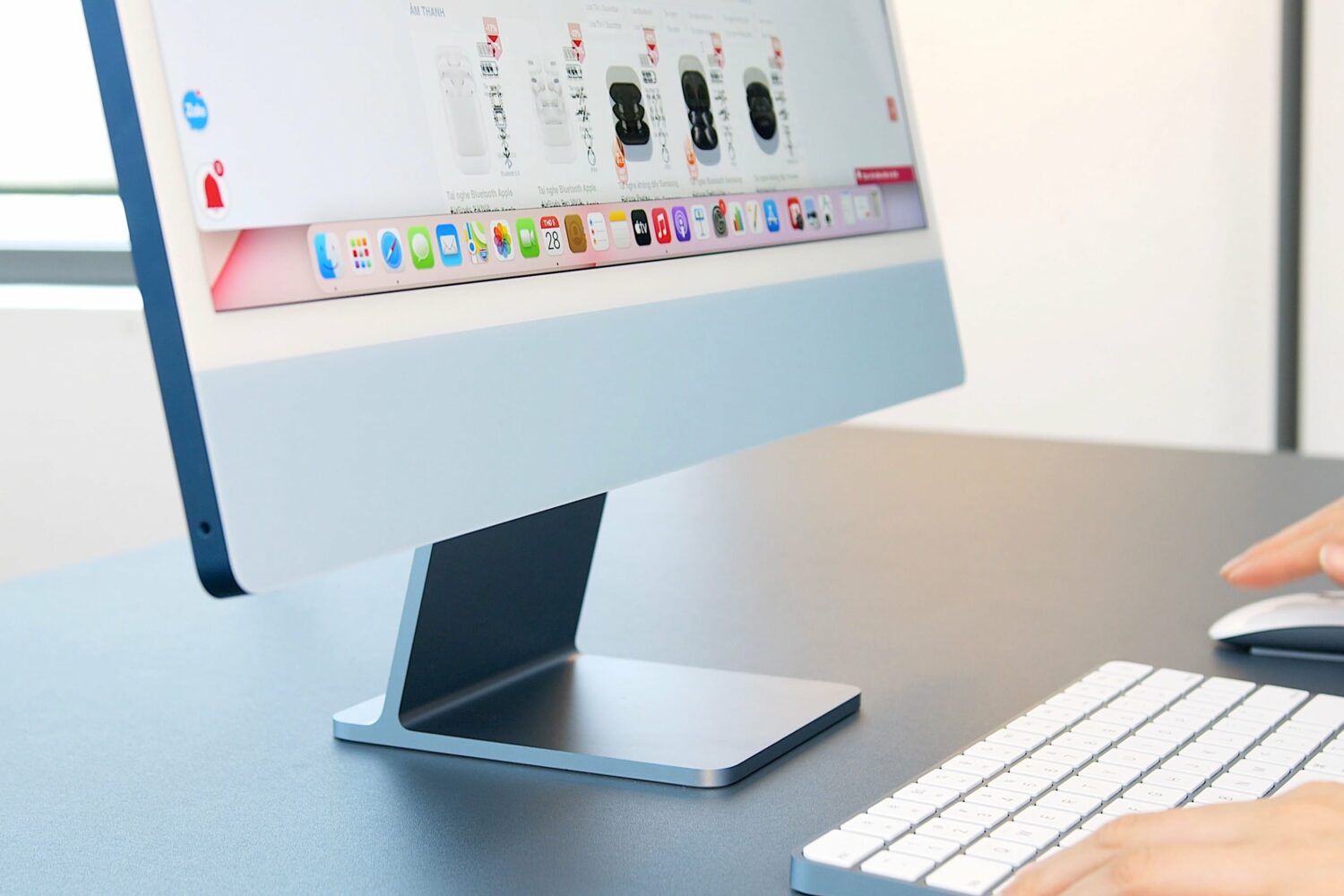
A Bloomberg reporter is optimistic that an updated 24-inch iMac powered by an unreleased Apple M3 chip could arrive before the end of 2023.

Apple has denied reports that an Apple Maps privacy bug was sharing people’s geographical location with third-party apps without permission.

Apple has provided steps to accept the new iCloud terms and conditions and update Apple ID settings without using a secondary device.

CarPlay support in Uber’s Driver app should promote safer driving as drivers can view and accept trips without using their phones.
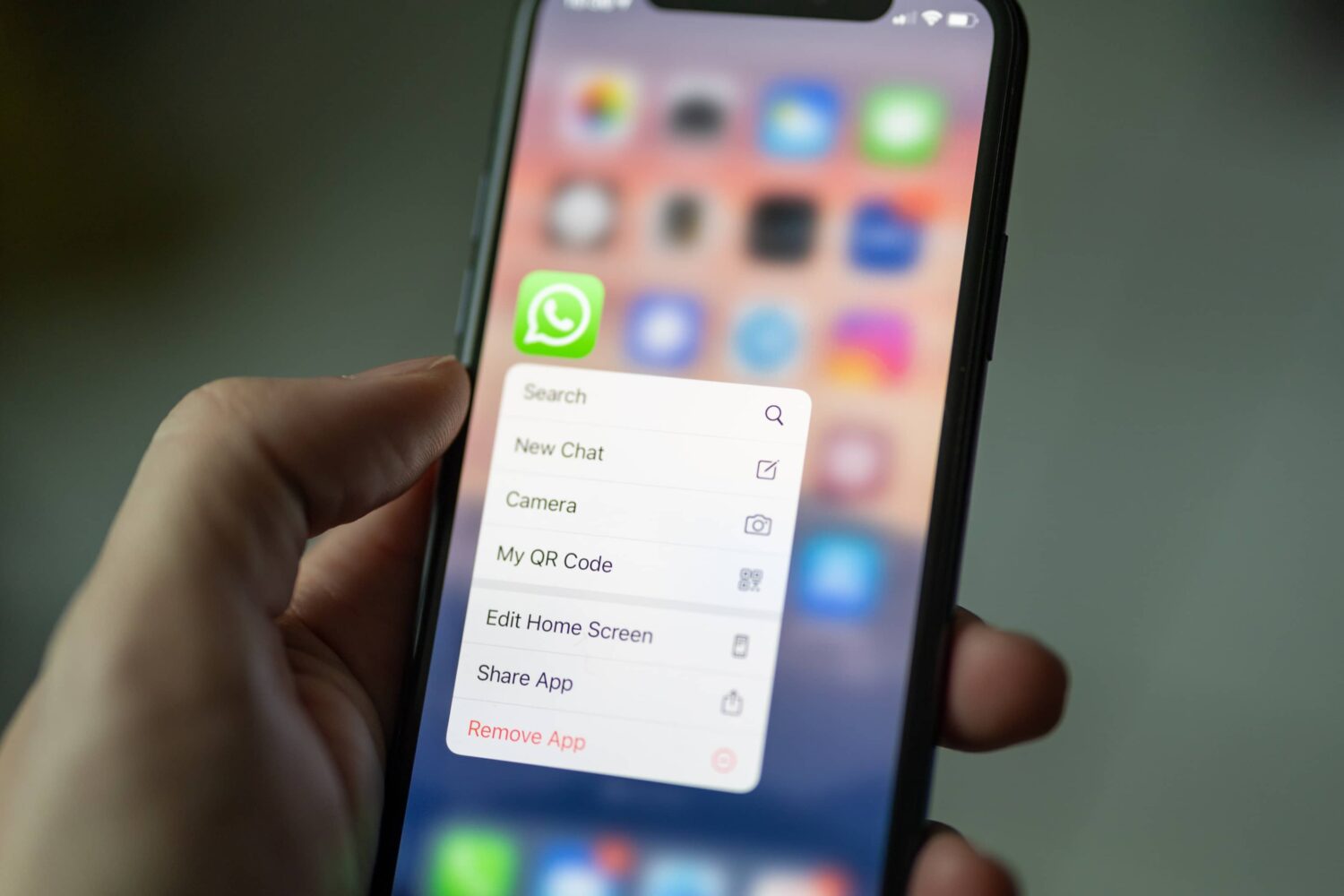
WhatsApp will soon let you transcribe voice messages into text. The Meta-owned app is also testing in-app camera improvements and call scheduling.

The new version also consumes less power and features more reliable call connections on Mac computers powered by the Apple M1 and M2 chips.