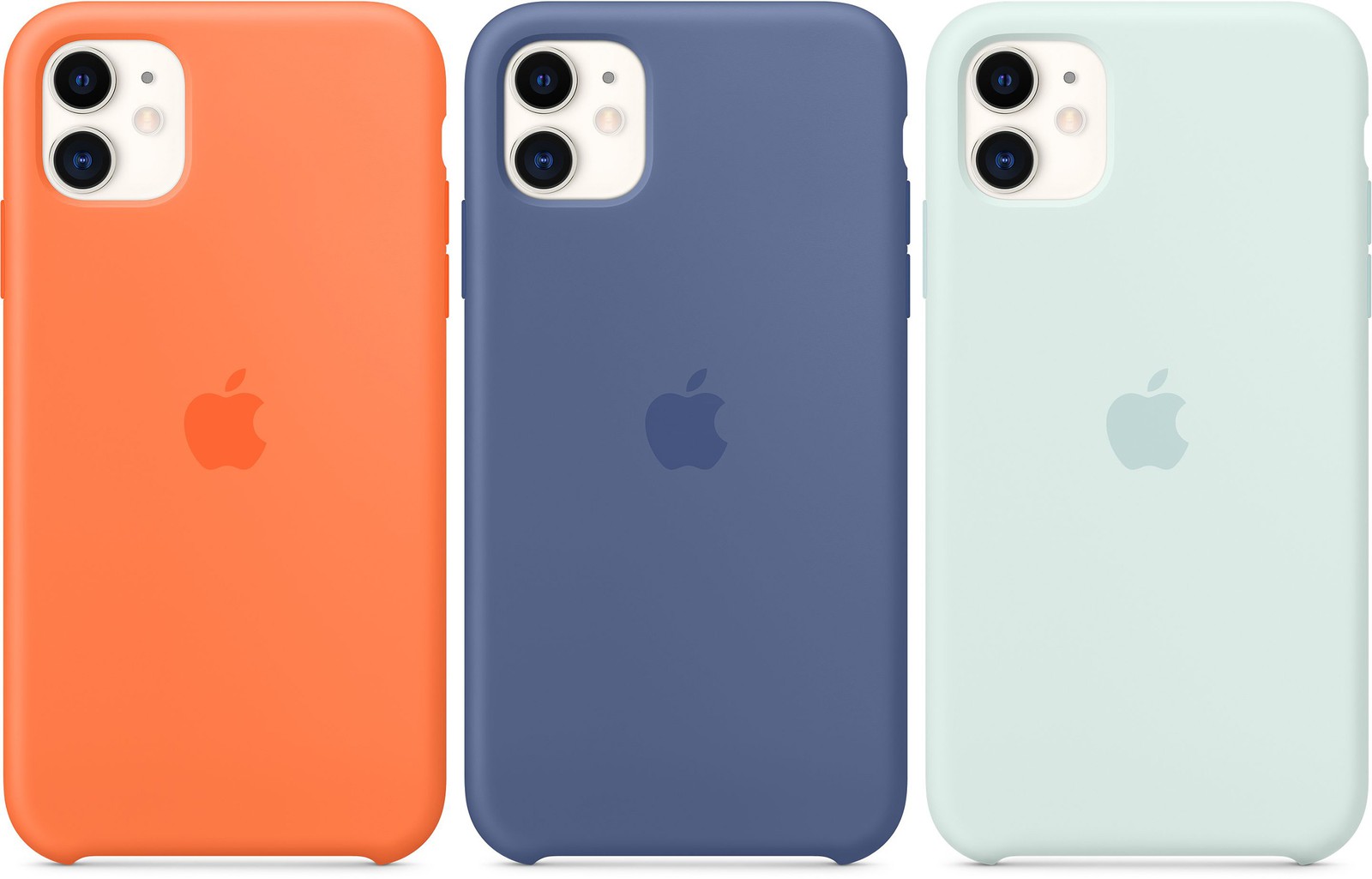
The company might replace its entire lineup of silicone accessories such as iPhone cases, Apple Watch bands and more with eco-friendlier products.
Apple might also supplant silicone accessories with eco-friendlier variants
Stay up-to-date on the latest Apple Watch news, and learn how to get the most out of your device with our comprehensive tutorials. From updates to features to troubleshooting tips, we’ve got you covered.
The company might replace its entire lineup of silicone accessories such as iPhone cases, Apple Watch bands and more with eco-friendlier products.
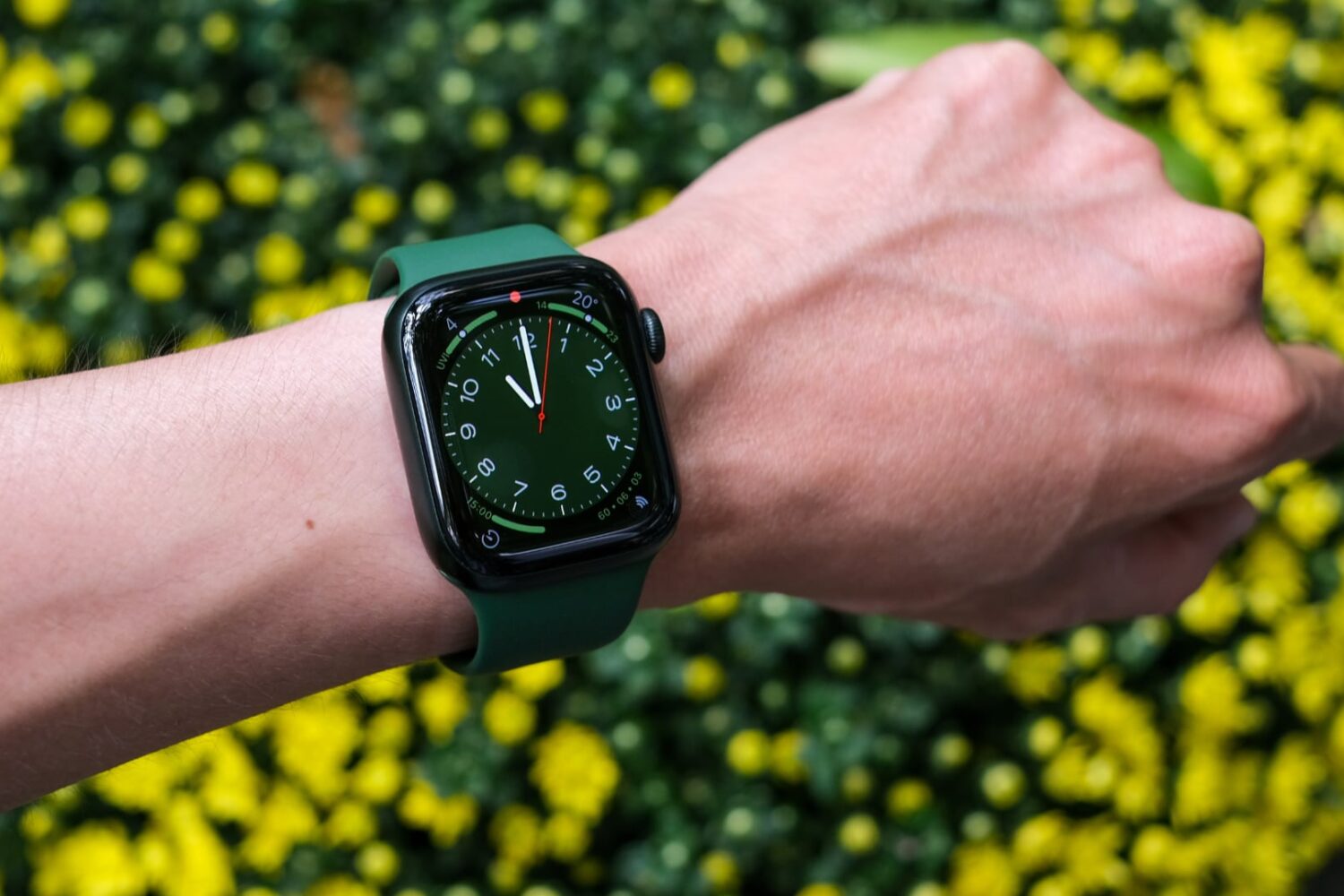
The Apple Watch Series 9 and the next Apple Watch Ultra will be powered by the upcoming S9 chip that will enable a much faster performance.
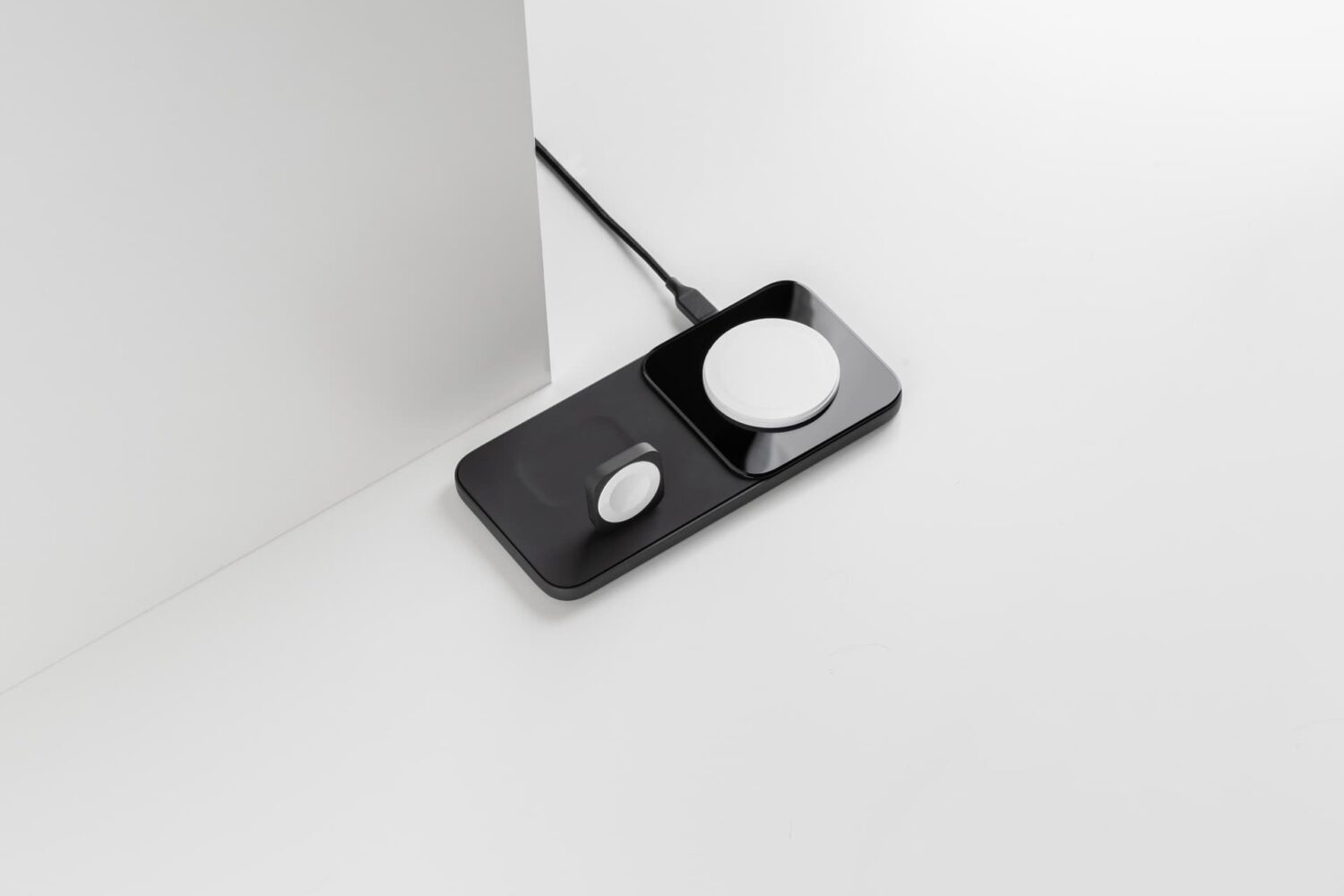
The Nomad brand has been on a roll recently, launching new products for all kinds of Apple devices ranging from beefy AC adapters to wireless chargers, to Apple Watch cases.
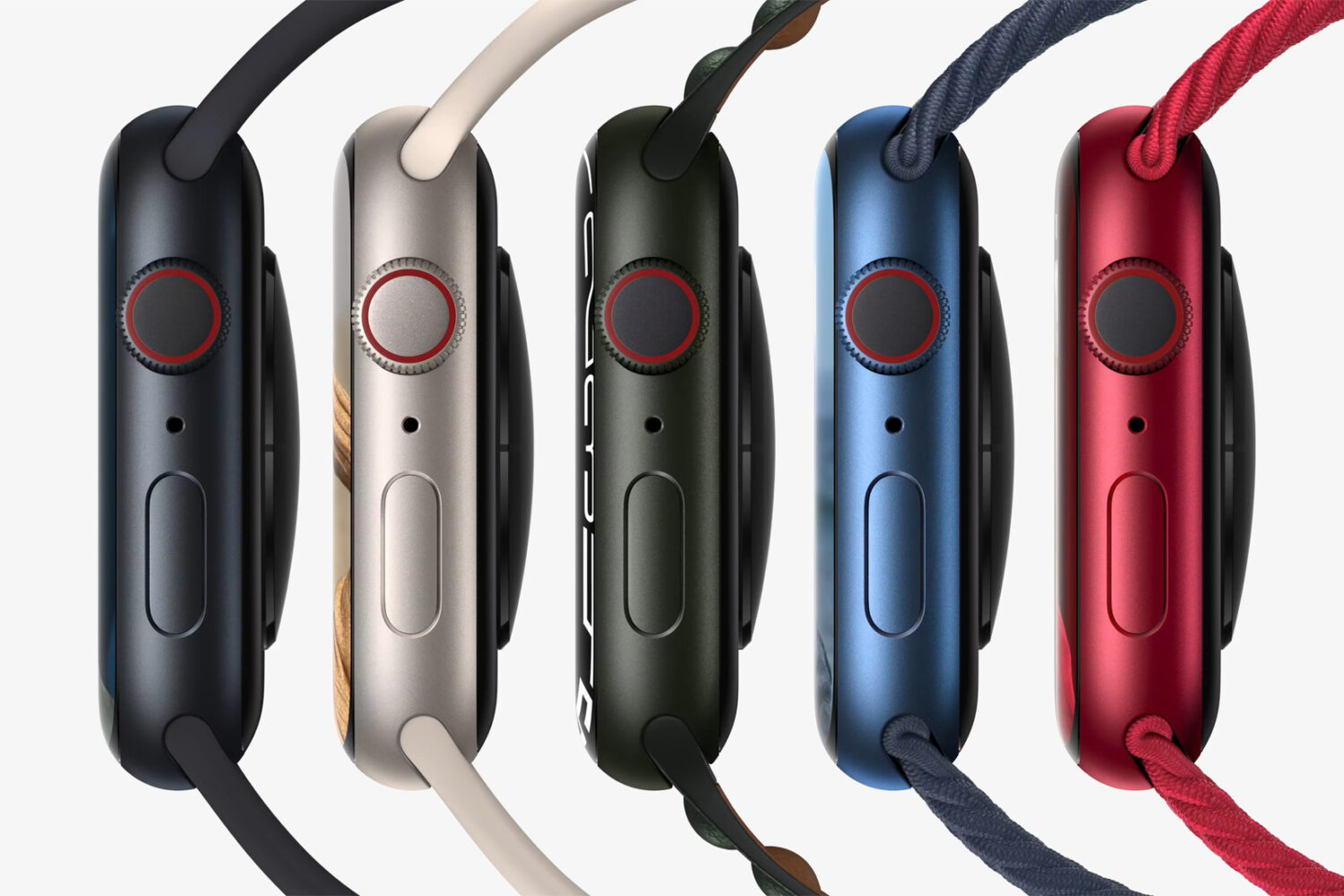
Apple is toying with the 3D printing technique for the manufacture of some of the parts for the upcoming Apple Watch Series 9 to streamline production.
The pre-taped event will be streamed online so fans can follow along with Tim Cook and Co. as they unveil the iPhone 15 lineup and new Apple Watch models.
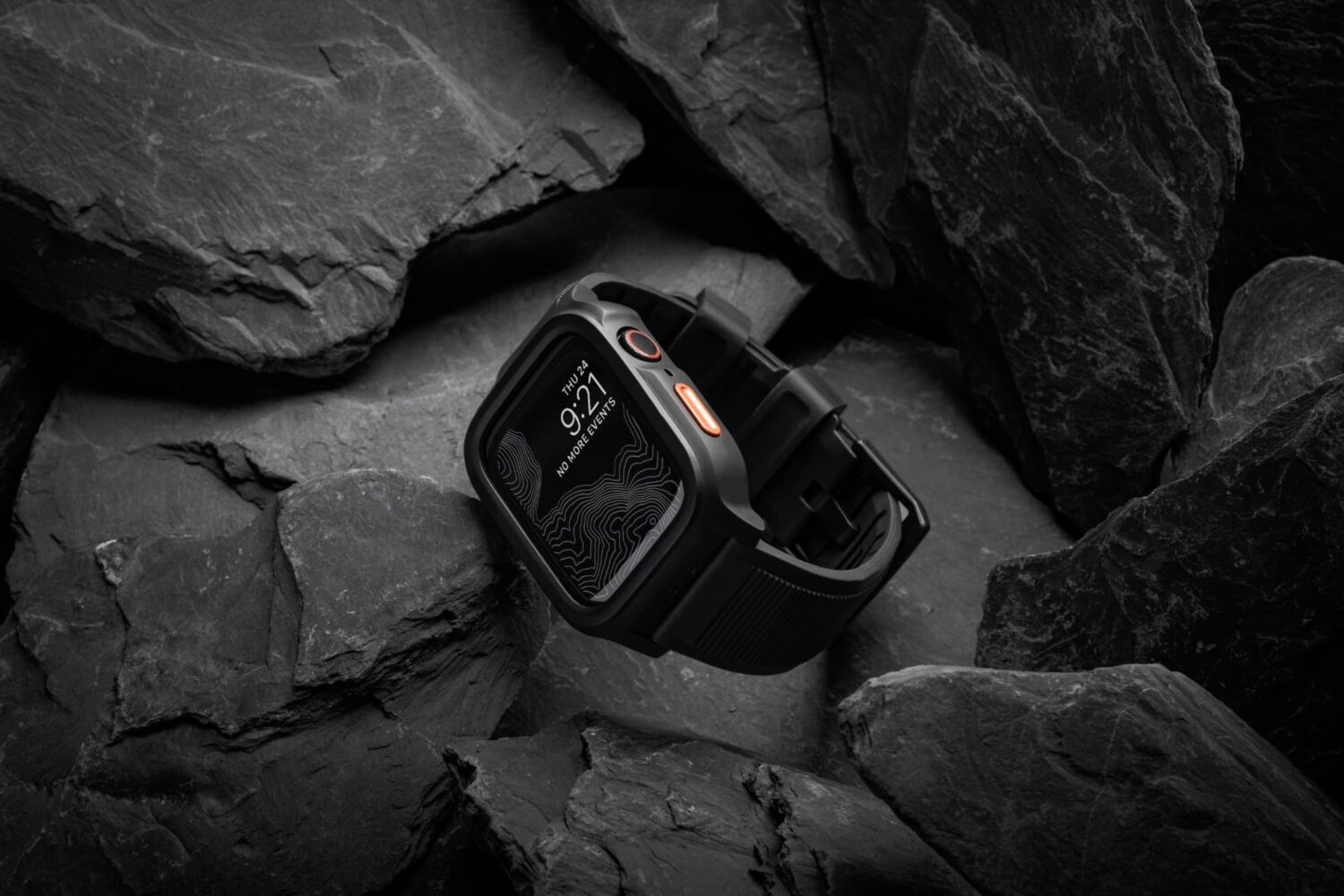
Nomad have been launching a ton of new products recently, and today, they’re excited to show off a brand-new Apple Watch-centric product dubbed the Rugged Case for Apple Watch.

The next Apple Watch fitness challenge has been scheduled for Saturday, August 26, letting you earn unique animated stickers for iMessage and FaceTime.
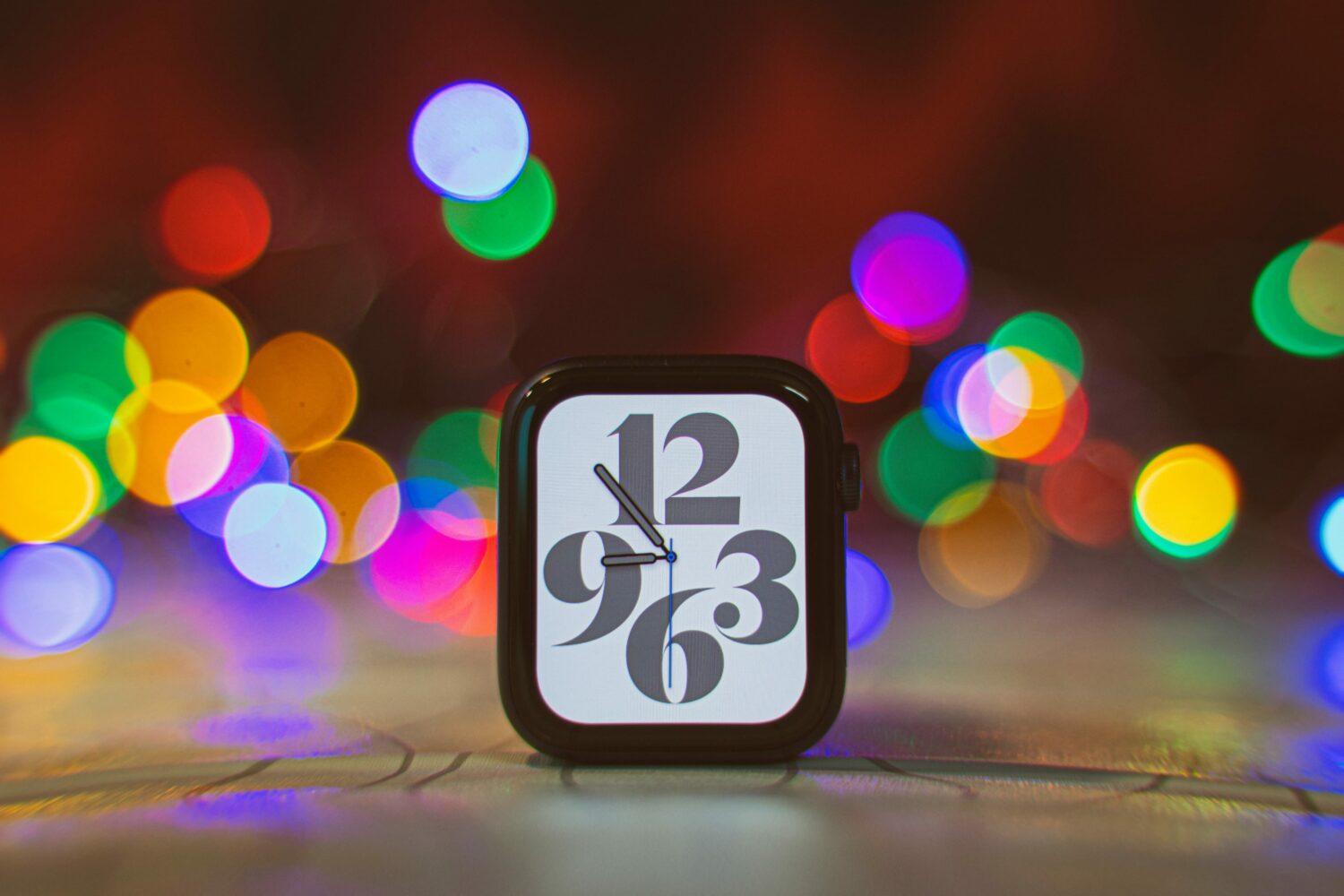
The watchOS 9.6.1 release notes mention fixing a bug preventing Apple Watch apps from tracking symptoms that are indicative of Parkinson’s disease.
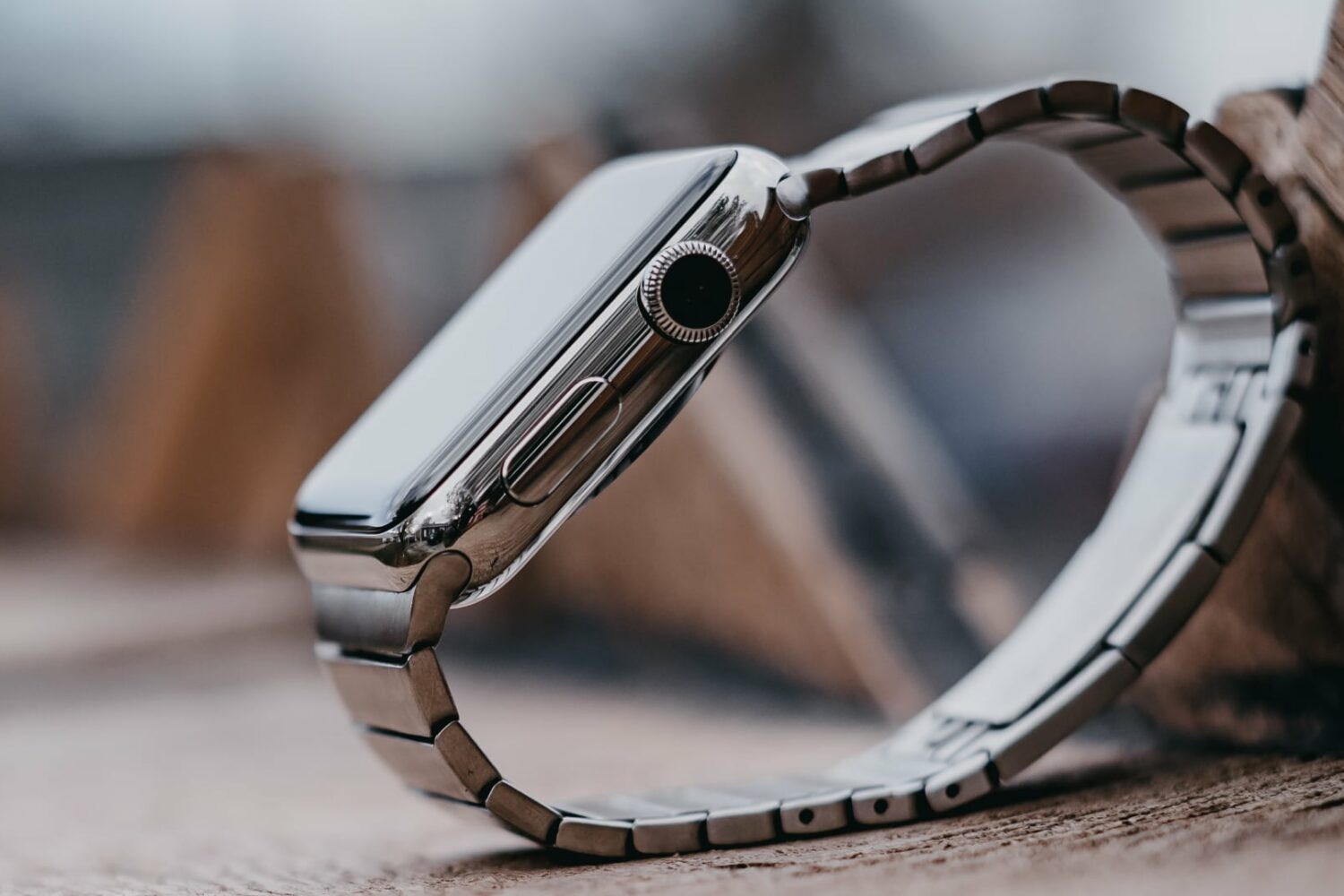
The tenth anniversary "Apple Watch X" could bring a major design change with the possibility of a new, simpler band-release mechanism based on magnets.
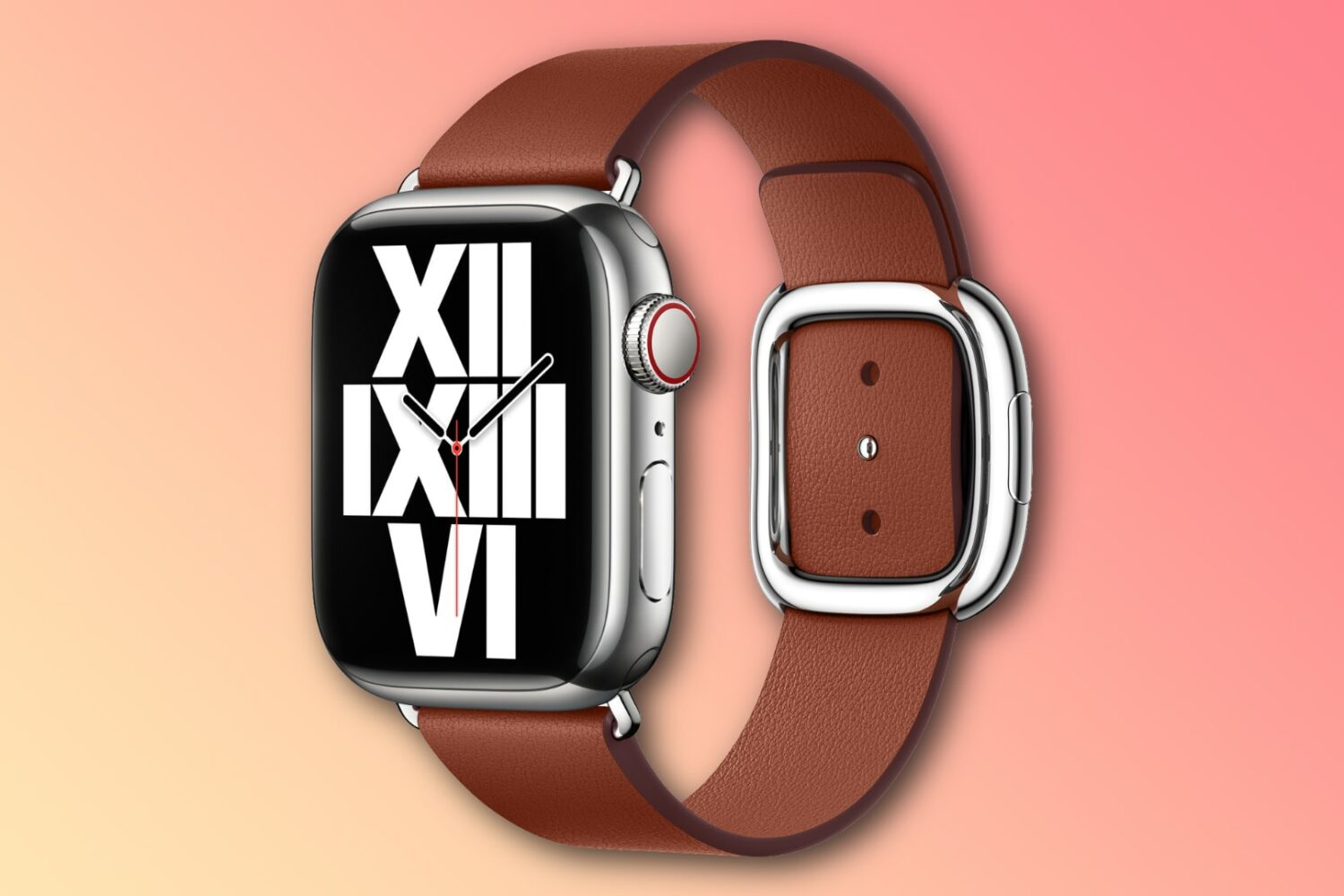
Apple has been tipped to release a new band with a magnetic buckle alongside the next Apple Watch models coming this fall.
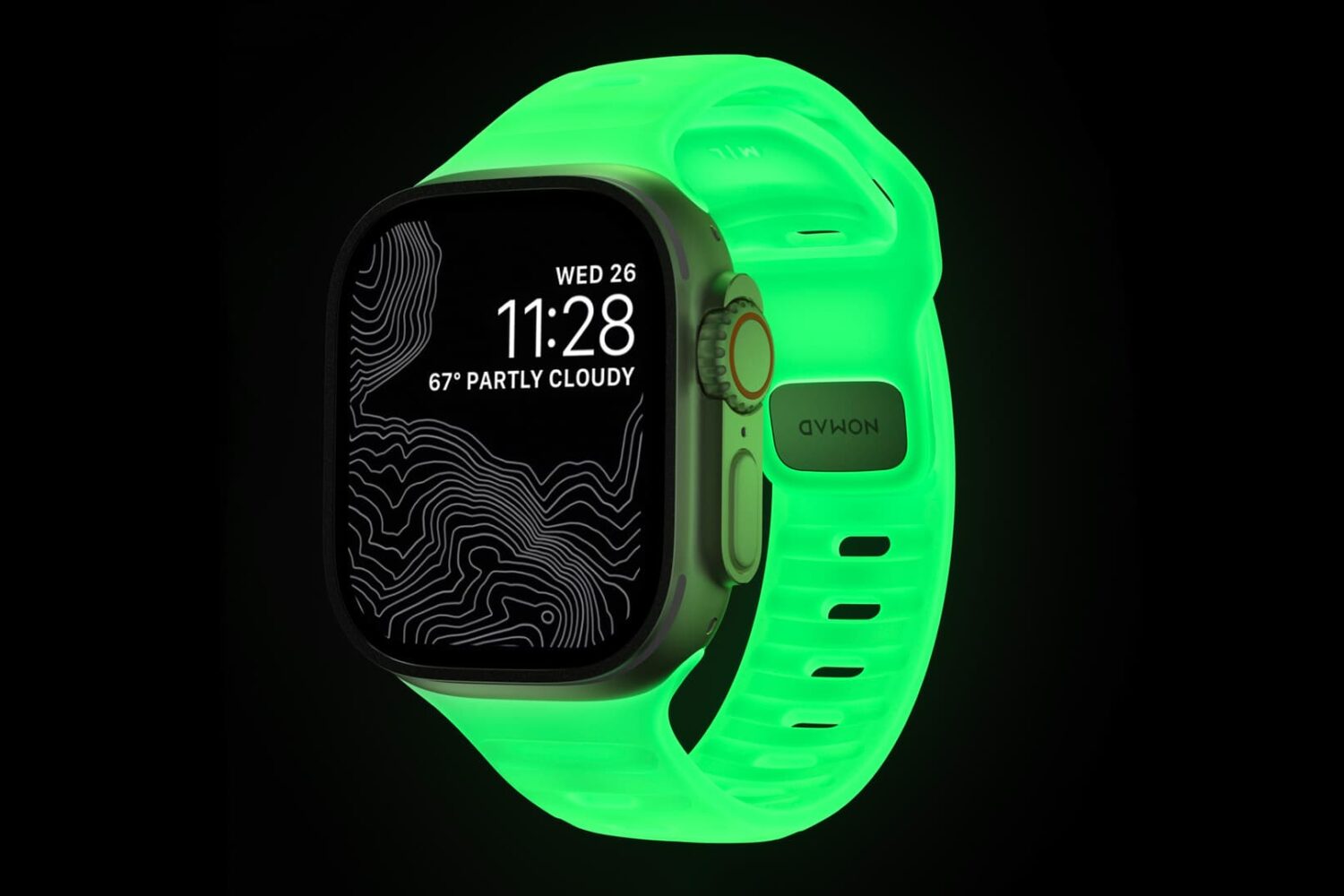
Our friends at Nomad are out today with yet another stimulating new color of the brand’s popular Sport Band for the Apple Watch. But unlike many of the previously available colors, this one sports a unique quirk: the ability to glow in the dark.
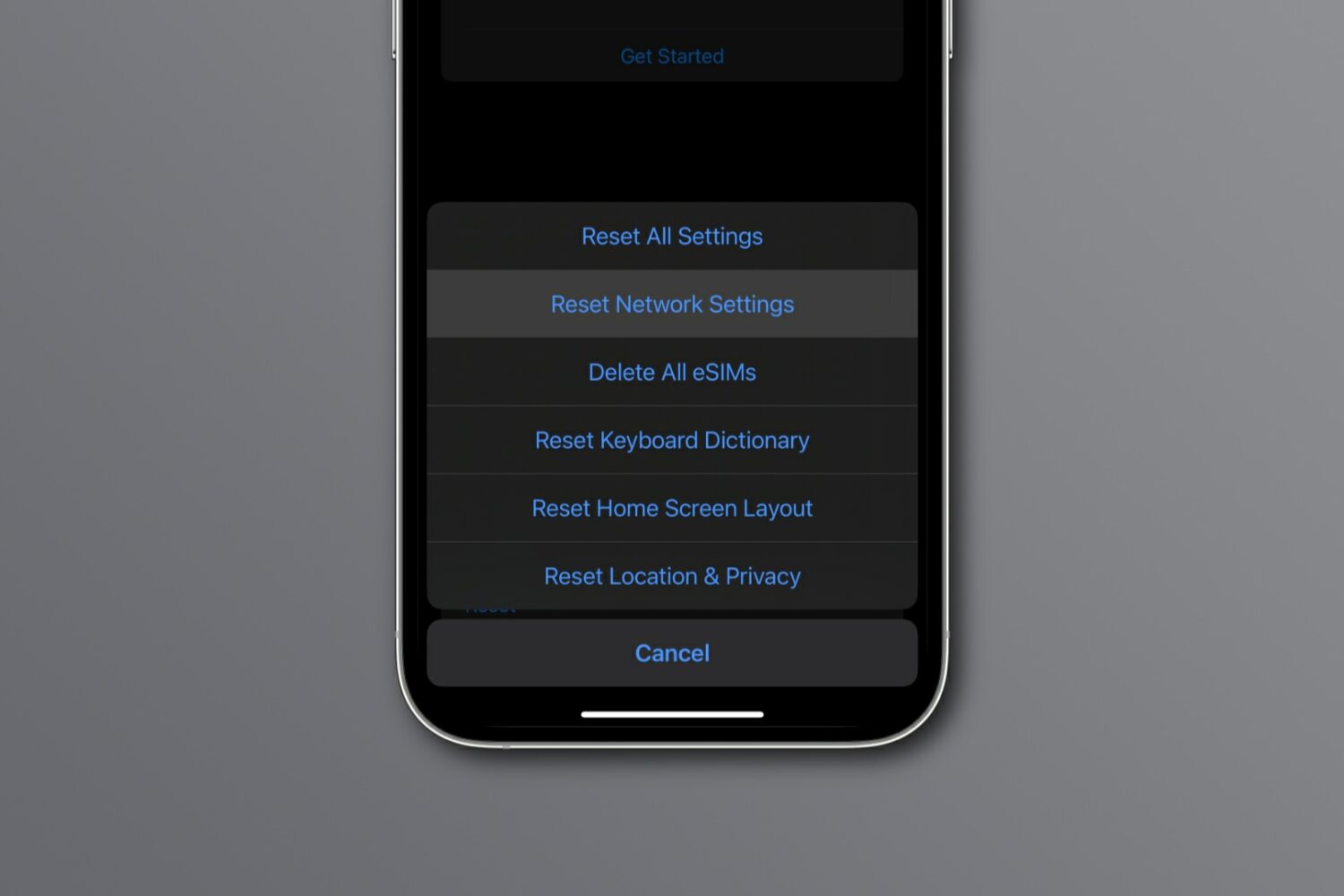
Reset network settings on your iPhone, iPad, Mac, Apple Watch, or Apple TV to resolve common Wi-Fi issues, network glitches, and internet connectivity problems.