Learn how to insert emojis into your text via voice using Dictation or Siri so you can be more expressive without having to switch to the emoji pane of the on-screen keyboard.
How to insert emoji using Siri or Dictation on iPhone
Learn how to insert emojis into your text via voice using Dictation or Siri so you can be more expressive without having to switch to the emoji pane of the on-screen keyboard.
Now that I've had ample time to get used to my iPhone 14 Pro Always-On display, I have a few thoughts and feelings about how Apple could make a few simple software tweaks in order to make the overall user experience better.
Learn how to show link previews by converting plain URLs into rich links in the Apple Mail app on iPhone, iPad, and Mac.
Watch our AirPods Pro 2 video tips explaining how to set up your earbuds, adjust touch controls, locate a lost charging case with Find My, charge it and more.
An exclusive version of NBA 2K23 is hitting Apple Arcade in October featuring a brand-new Career mode letting you challenge some of the best all-time players.
iOS 16 is now available for all iPhone users who have an iPhone 8 or later. In most cases, the update should download and install within minutes.
However, when updating an iPhone to iOS 16 or one of its incremental versions, such as iOS 16.0.2 or 16.1, you may face problems such as your iPhone staying stuck on the Apple logo, or the screen turning black/blue/white with no progress bar. It's also possible that your iPhone keeps rebooting more than it should, ultimately leading to a failed iOS 16 update.
To get you out of these situations, PhoneRescue by iMobie can be a helpful companion! It's a piece of software for your Mac and Windows PC that can fix most iOS 16 update issues.
So, if you're unable to update your iPhone from iOS 15 to iOS 16 or iOS 16 to one of its future versions, read along and learn how to fix this.
Testing the durability of the Apple Watch screen by repeatedly hitting its sapphire crystal cover glass with an iron hammer is one way to do it.
iPhone users take their battery drainage very seriously, and that’s one reason why iDB previously showed our readers a jailbreak tweak called DrainCheck by iOS developer Ginsu.
If you watch any ordinary video in the YouTube app, then a progress bar appears at the bottom of the video player to display your progress in the video in real time. For some reason, the same isn’t true about YouTube Shorts.
A YouTuber has put together a comparison video showcasing all three Apple Watch Ultra bands for extreme athletes, highlighting their features and differences.
The Dynamic Island has been met with both fanfare and skepticism. Fans of the new hardware and software feature praise Apple for yet again blending the functionality of the two paradigms. Meanwhile skeptics liken the design to the MacBook Touch Bar, which Apple has now quietly removed from newer machines.
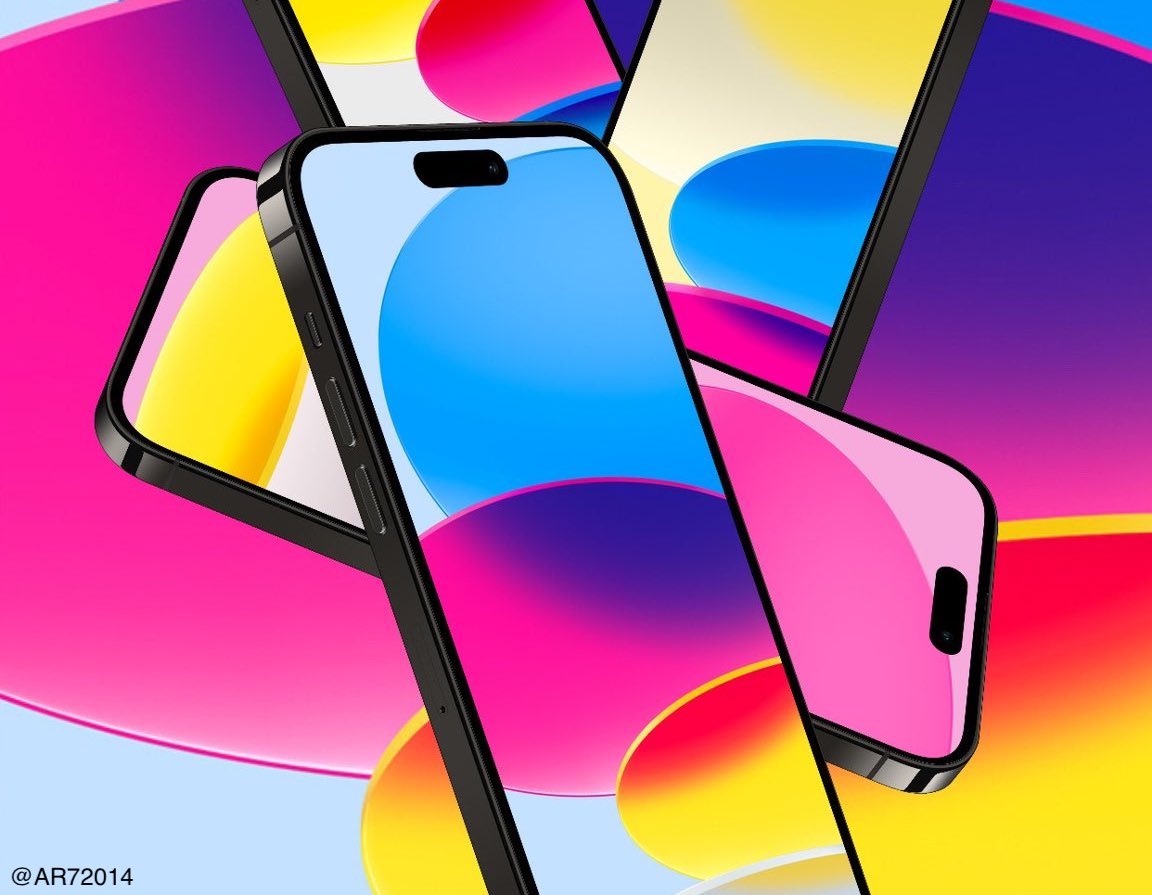
Regardless of your opinion, it is something Apple seems proud to showcase in their own marketing wallpapers. Download these custom wallpapers that enhance the Dynamic Island... they still look good on a "notch."
Jailbreaking gives iPhone and iPad users a lot of different reasons to get excited. For instance, you can add new features and customizability to a device that stock handset owners could only dream of.