Learn how to assign any ringtone, text tone, or vibration pattern to a specific contact so that you can tell who’s calling without looking.
How to set special ringtones and vibrations for iPhone contacts
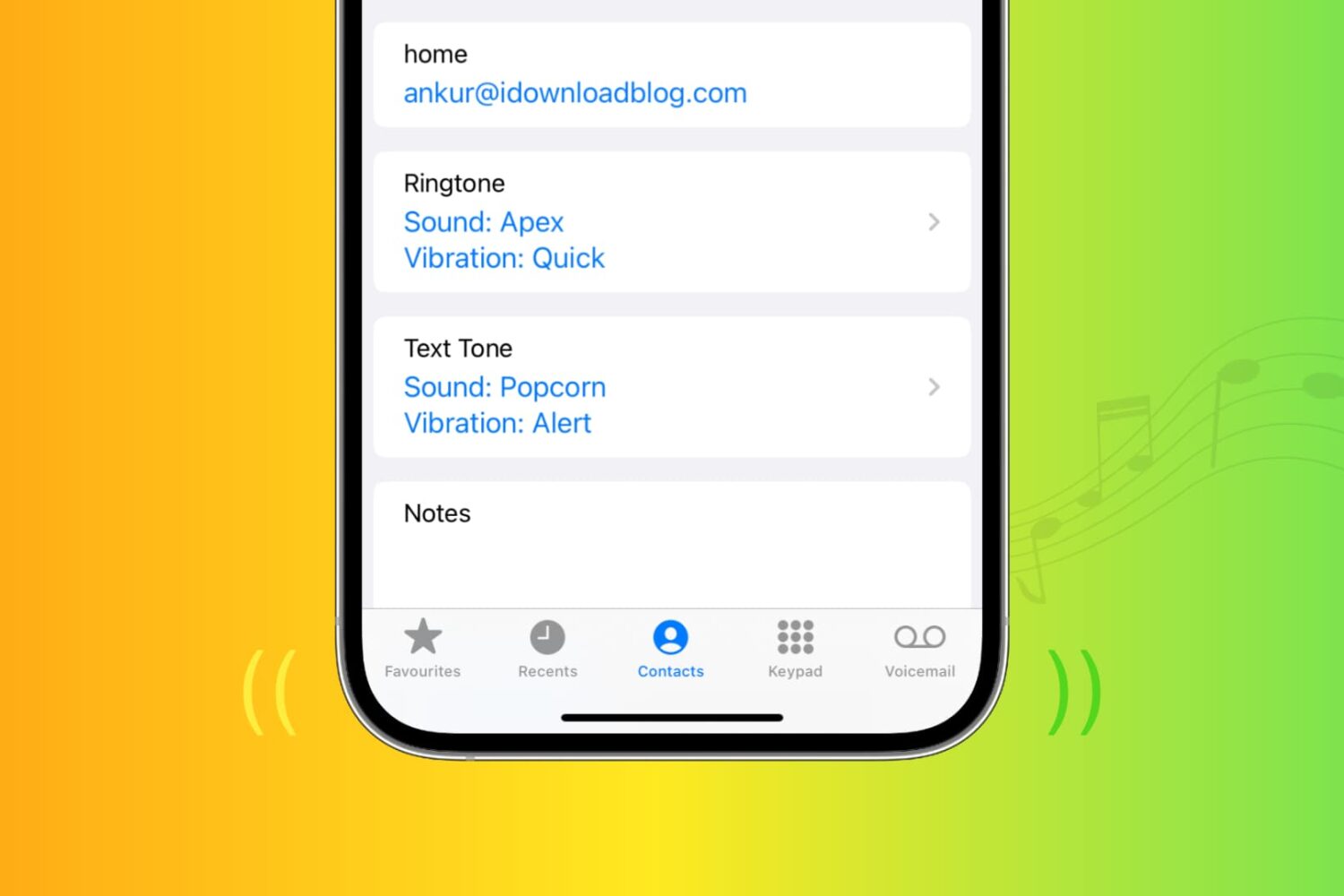
Learn how to assign any ringtone, text tone, or vibration pattern to a specific contact so that you can tell who’s calling without looking.
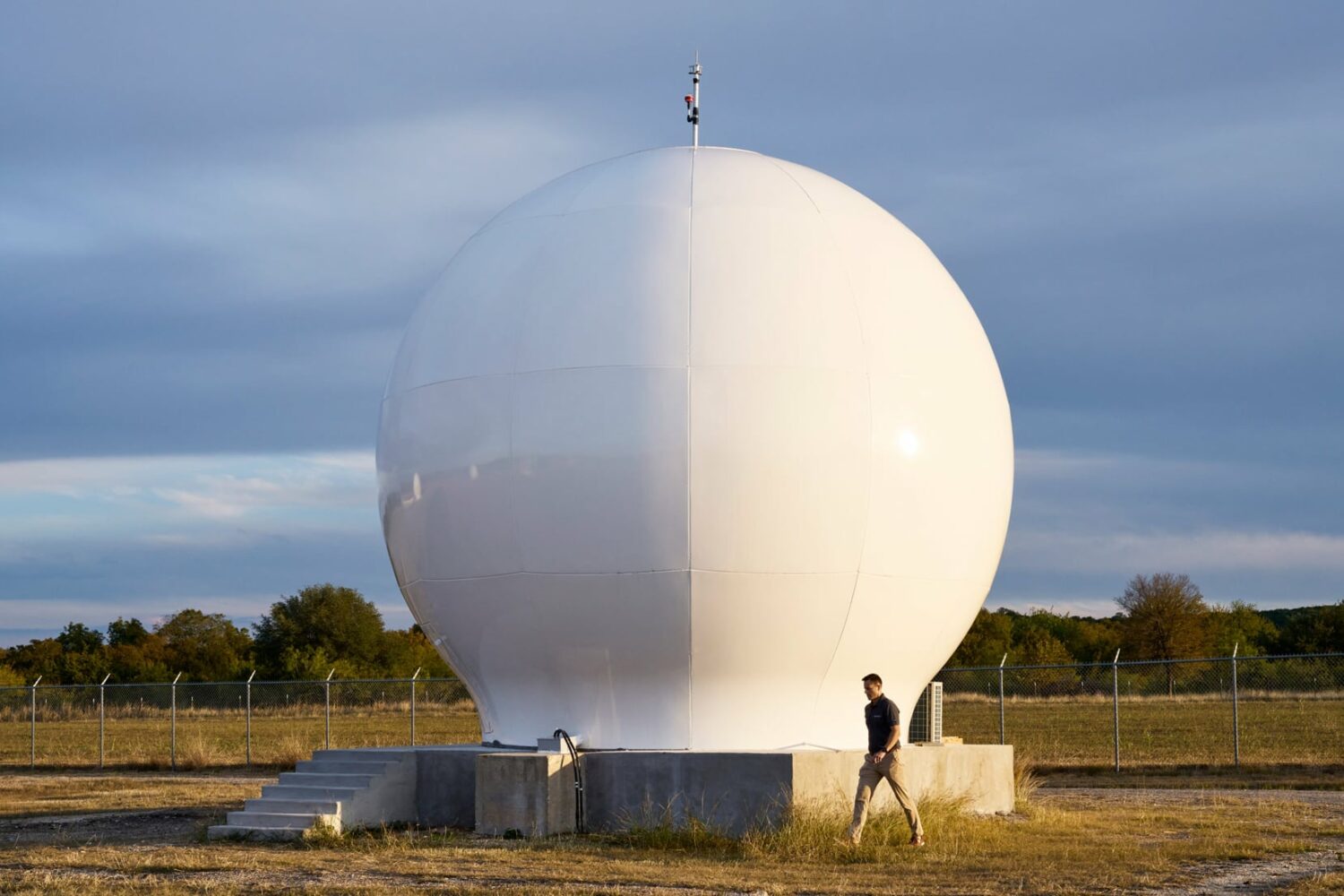
Emergency SOS via satellite on iPhone 14 and iPhone 14 Pro will officially become available to use beginning later in November 2022, Apple has confirmed.
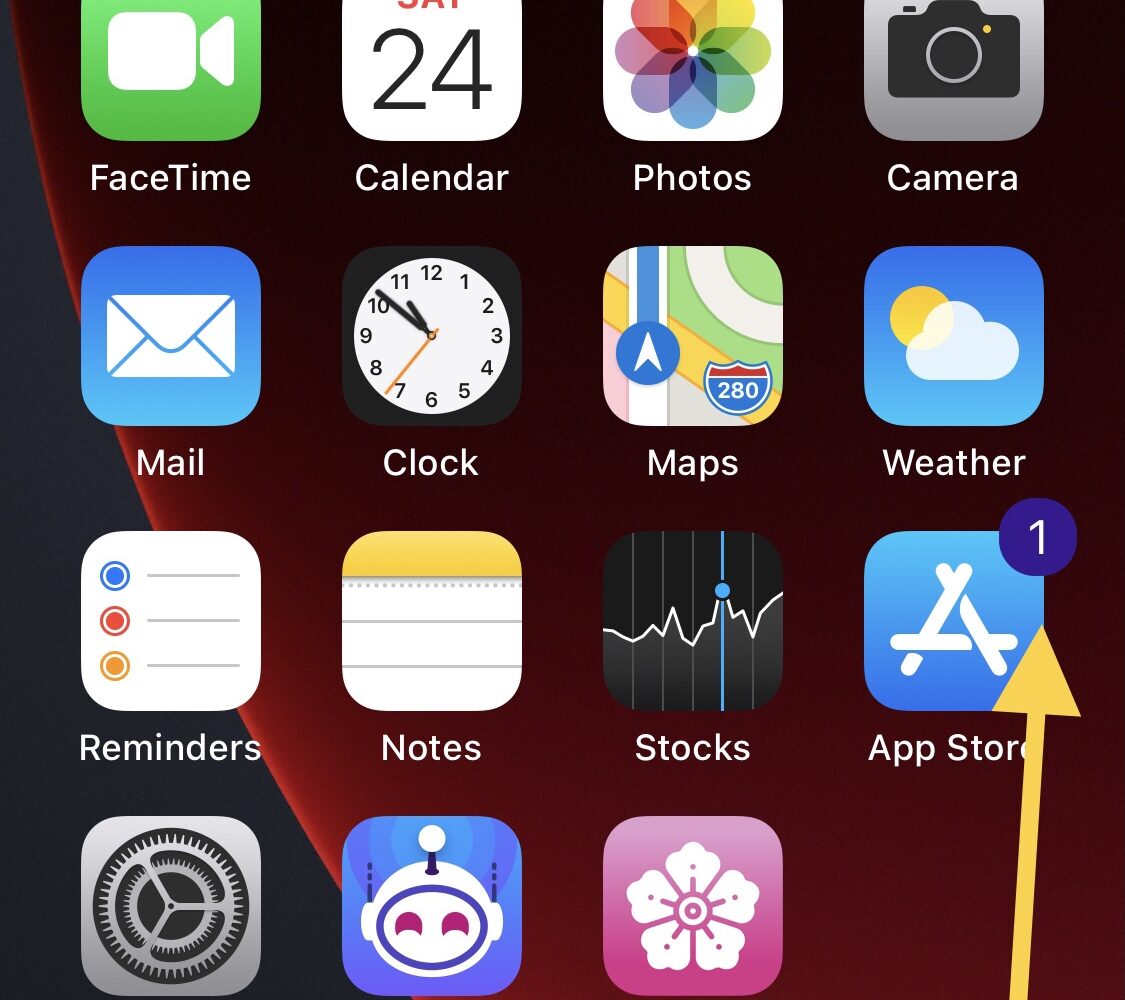
iOS developer Soongyu Kwon is out this Thursday with an updated version of Mugunghwa, a popular system customization app for TrollStore users whether they’re jailbroken or not.
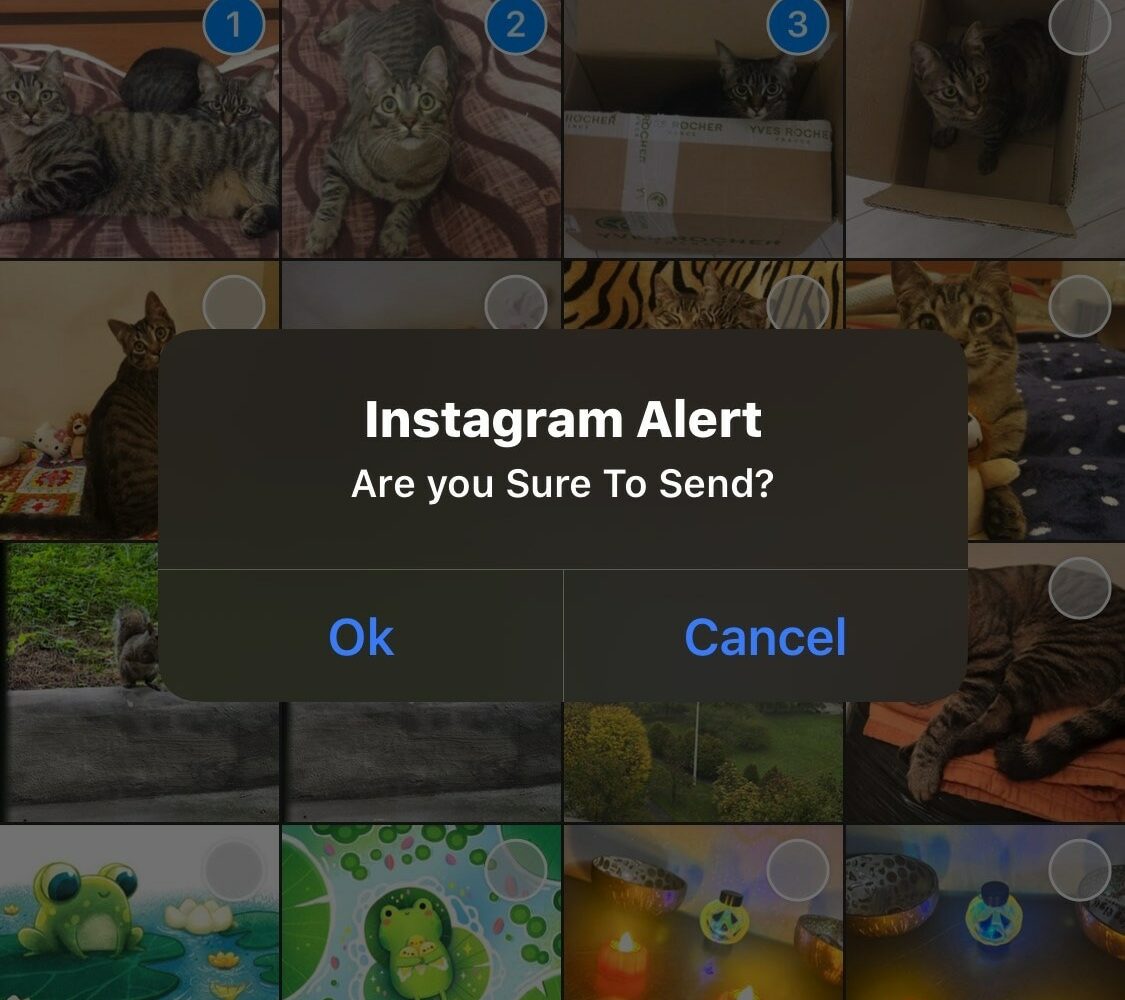
Jailbreakers who use the Instagram app to share media with others could benefit from a newly released and free jailbreak tweak called IGTidyMediaSend by iOS developer CydiaGeek.
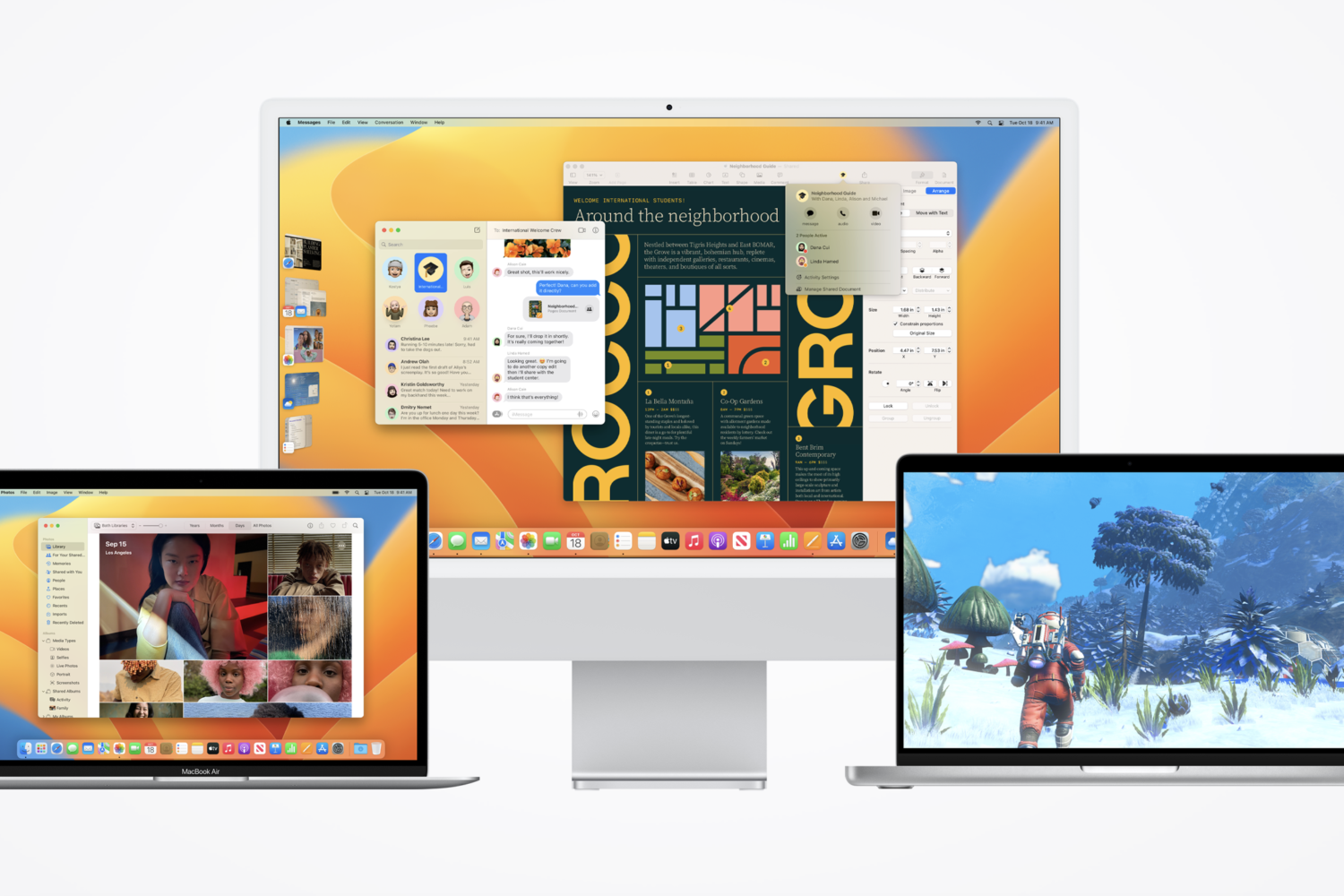
In addition to releasing iOS & iPadOS 16.1.1 Wednesday afternoon, Apple rolled out macOS Ventura 13.0.1 as a minor software update for the company’s lineup of Mac computers.
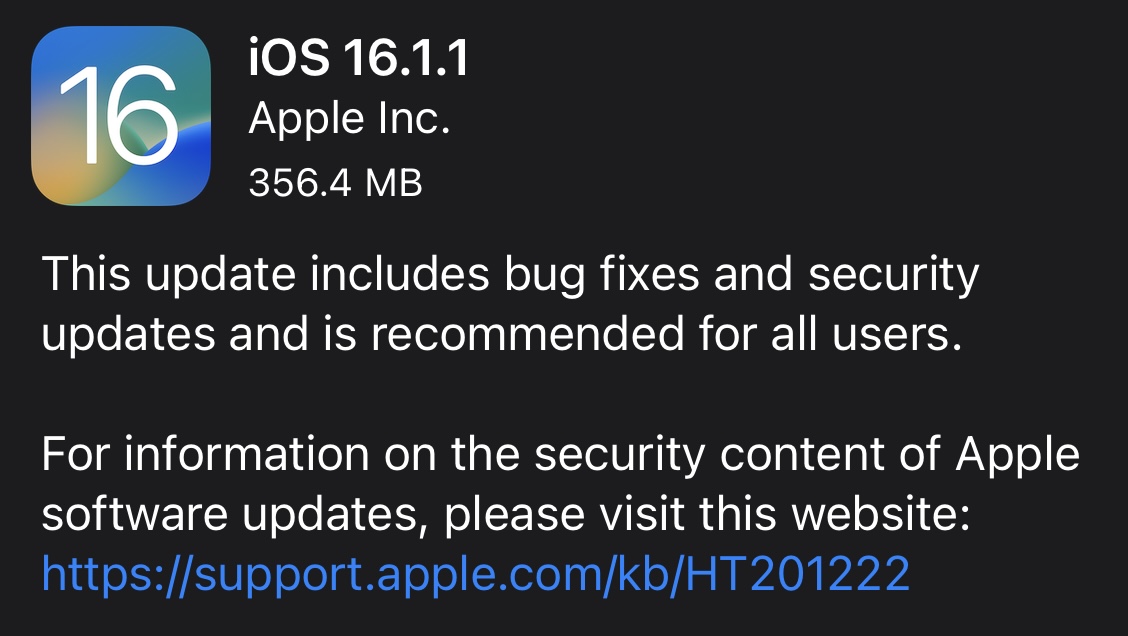
Apple released iOS & iPadOS 16.1.1 on Wednesday as a small firmware update for iPhones and iPads alike.
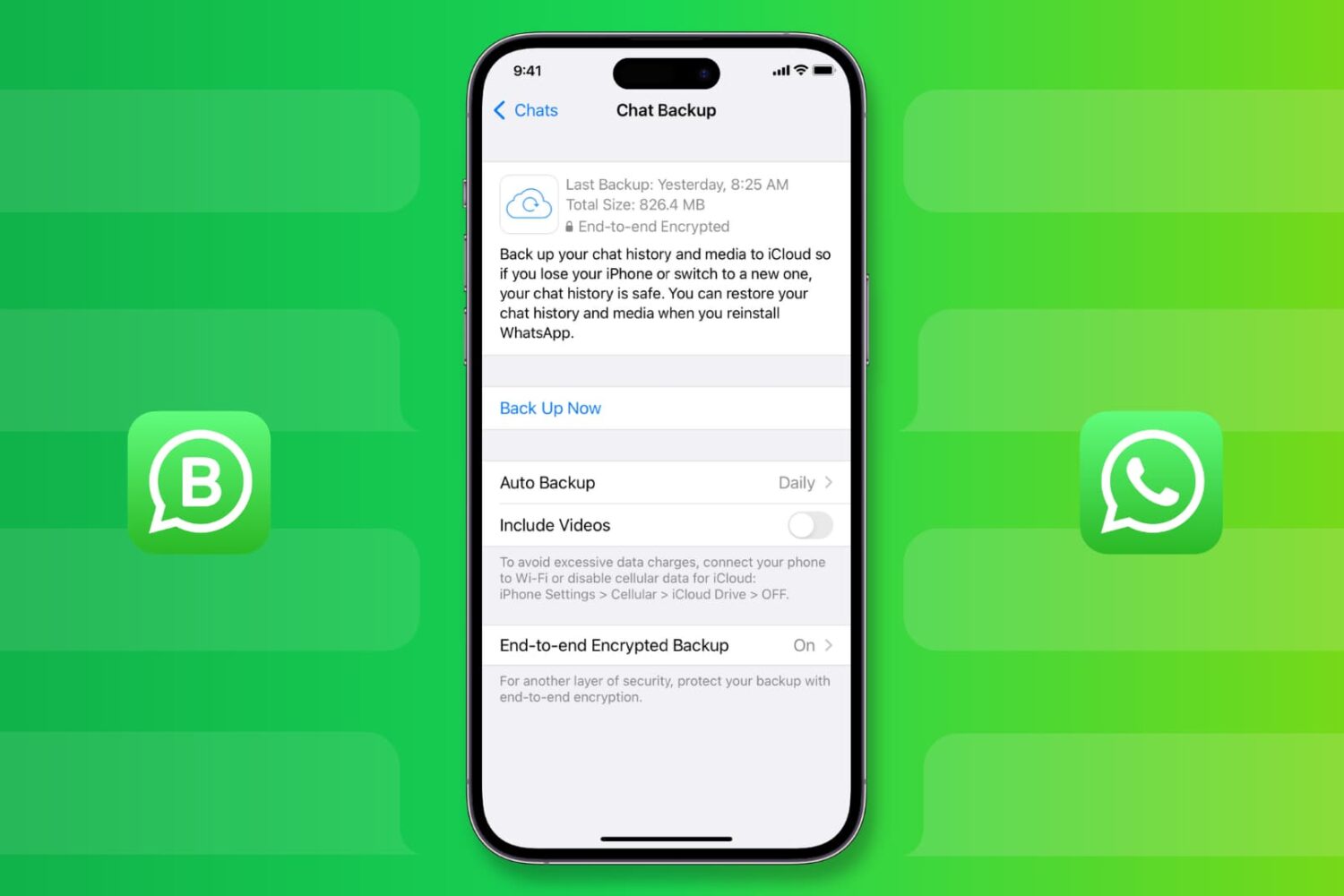
Learn how to back up your WhatsApp messages, photos, videos, and attachments on iPhone, and restore them to a new or erased phone, if necessary.
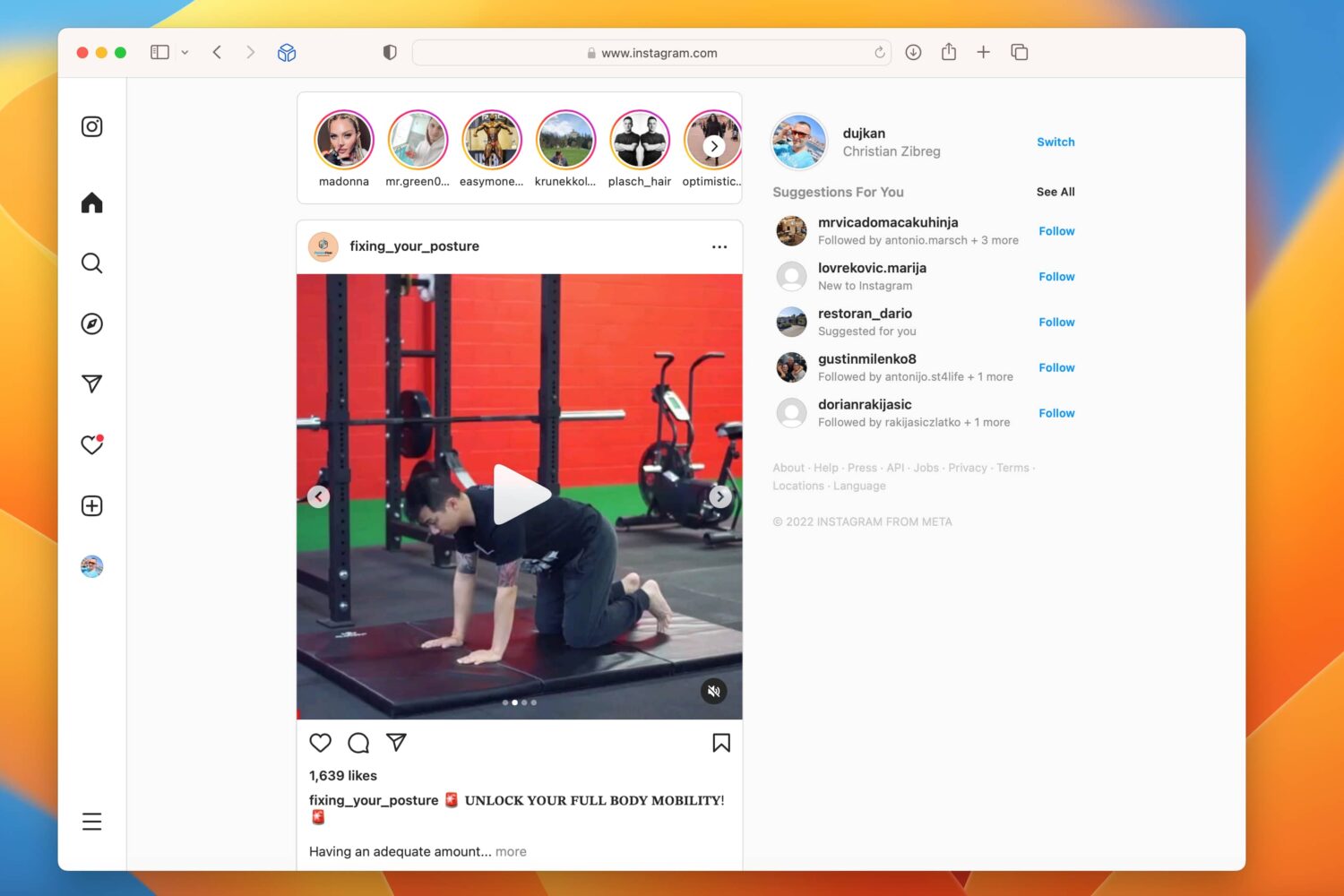
The refreshed Instagram web app takes advantage of larger screens like your laptop instead of looking like a larger version of the mobile app.

One of the perks of having a jailbroken iPhone at your disposal is that you can do things with it that ordinary users can’t. This frequently means that you might be asked how you can do that when using a unique jailbreak-based feature.
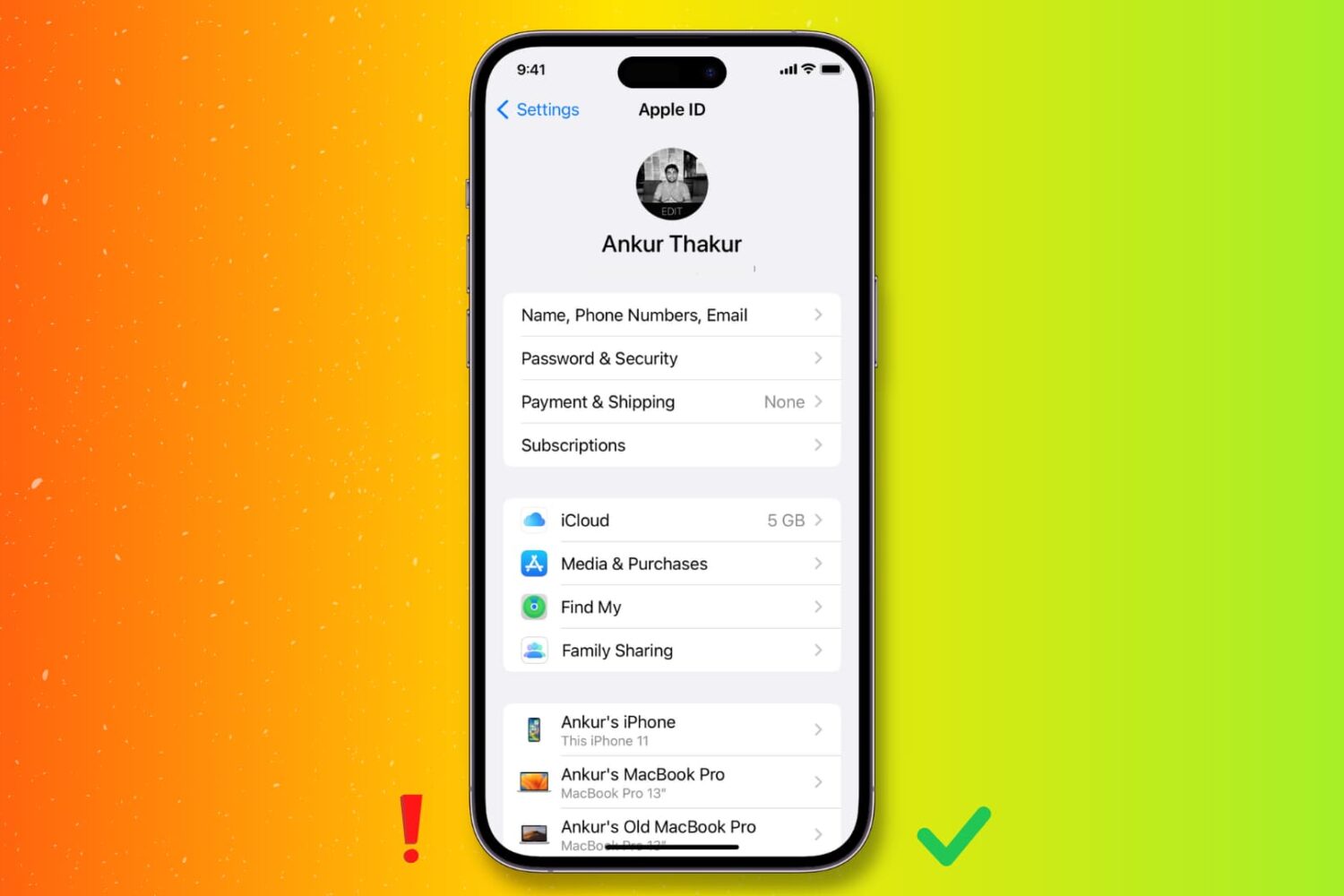
Check out these important tips to keep your Apple Account secure and prevent scams and unauthorized access to your personal data.
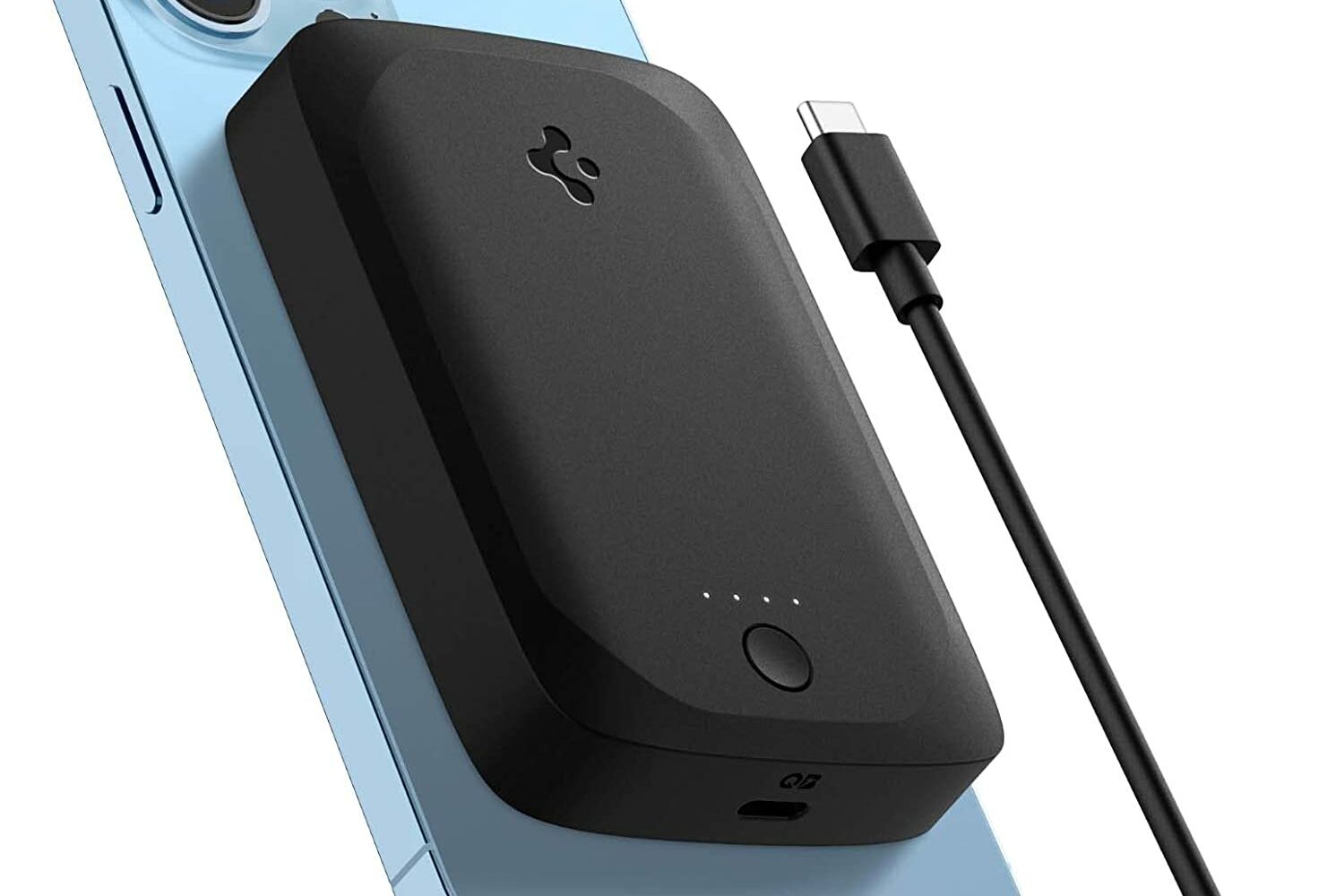
Spigen's ArcHybrid magnetic battery pack is very similar to Apple's MagSafe Battery Pack. It attaches magnetically to the back of your MagSafe-compatible phone, and wirelessly charges it. Only Apple's battery costs $100, and for a limited time you can pick up this one from Spigen for just $34.
Aside from fixing iPhone's Wi-Fi randomly disconnecting, iOS 16.1.1 could address slow Spotlight search and officially bring Emergency SOS via satellite into orbit.