Learn what the 'Trust This Computer' alert on your iPhone or iPad means and how to revoke access for previously trusted Macs and PCs.
What the ‘Trust This Computer’ alert on iPhone or iPad means, and how to untrust previously allowed Macs and PCs
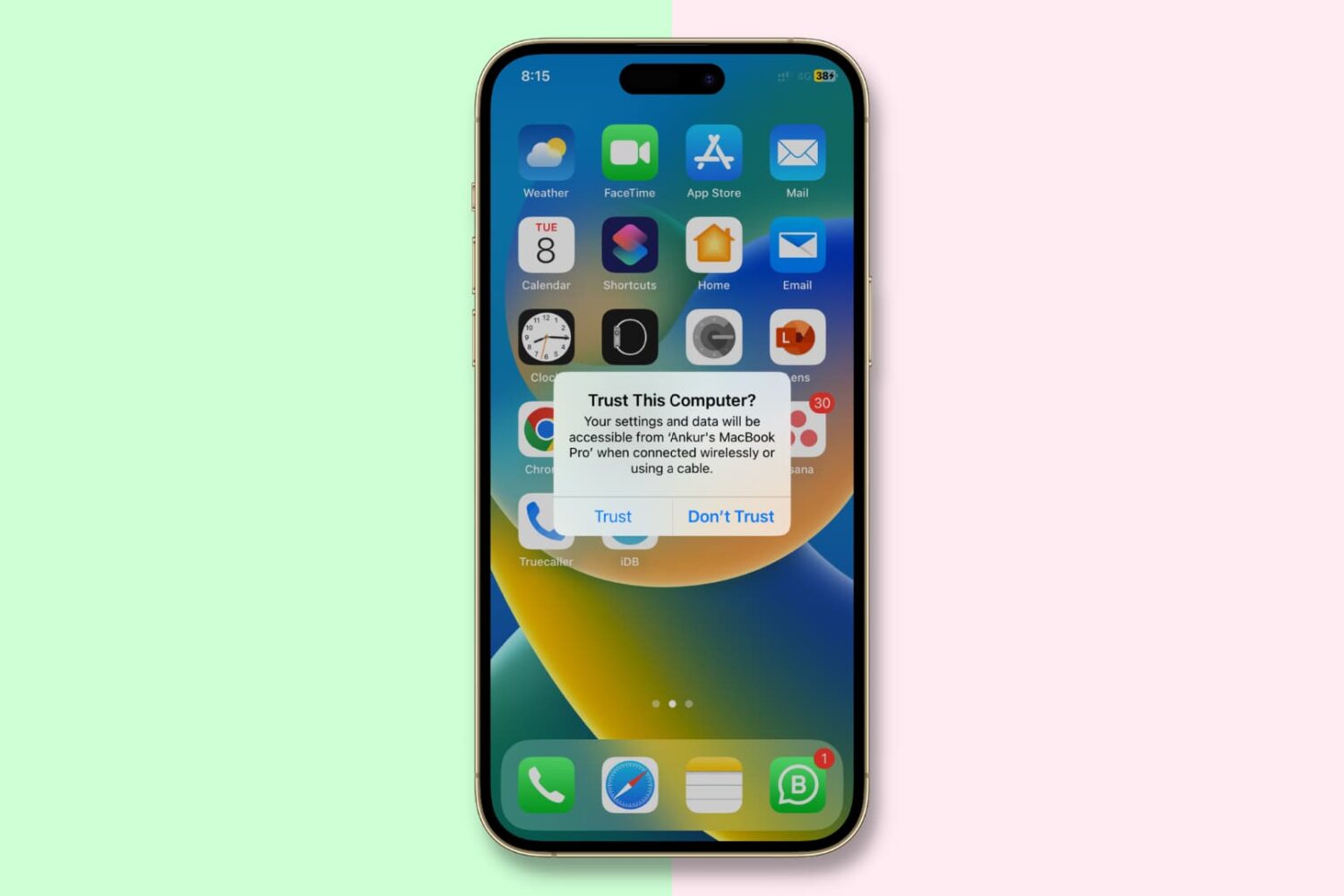
Learn what the 'Trust This Computer' alert on your iPhone or iPad means and how to revoke access for previously trusted Macs and PCs.

'Tis the season to be streaming! Right now you can get Roku's 4K Streaming Stick at a 50% discount. The device plugs into any TV set (with HDMI port) and instantly makes it smarter with access to all of your favorite streaming apps, voice control, and free live TV. And right now it's just $25.
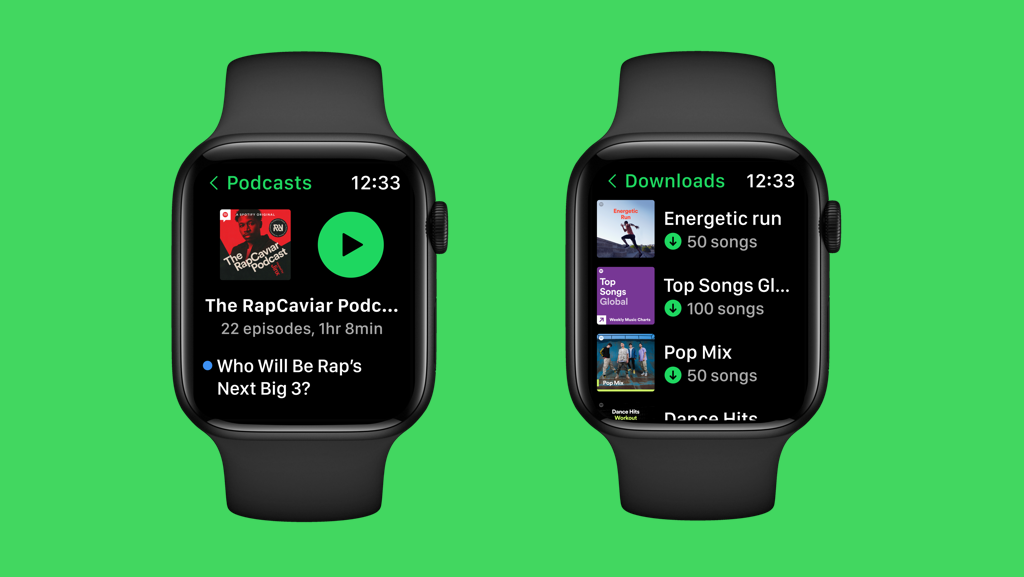
Spotify for Apple Watch now lets you download individual songs, whole albums and playlists for offline listening without using your iPhone.
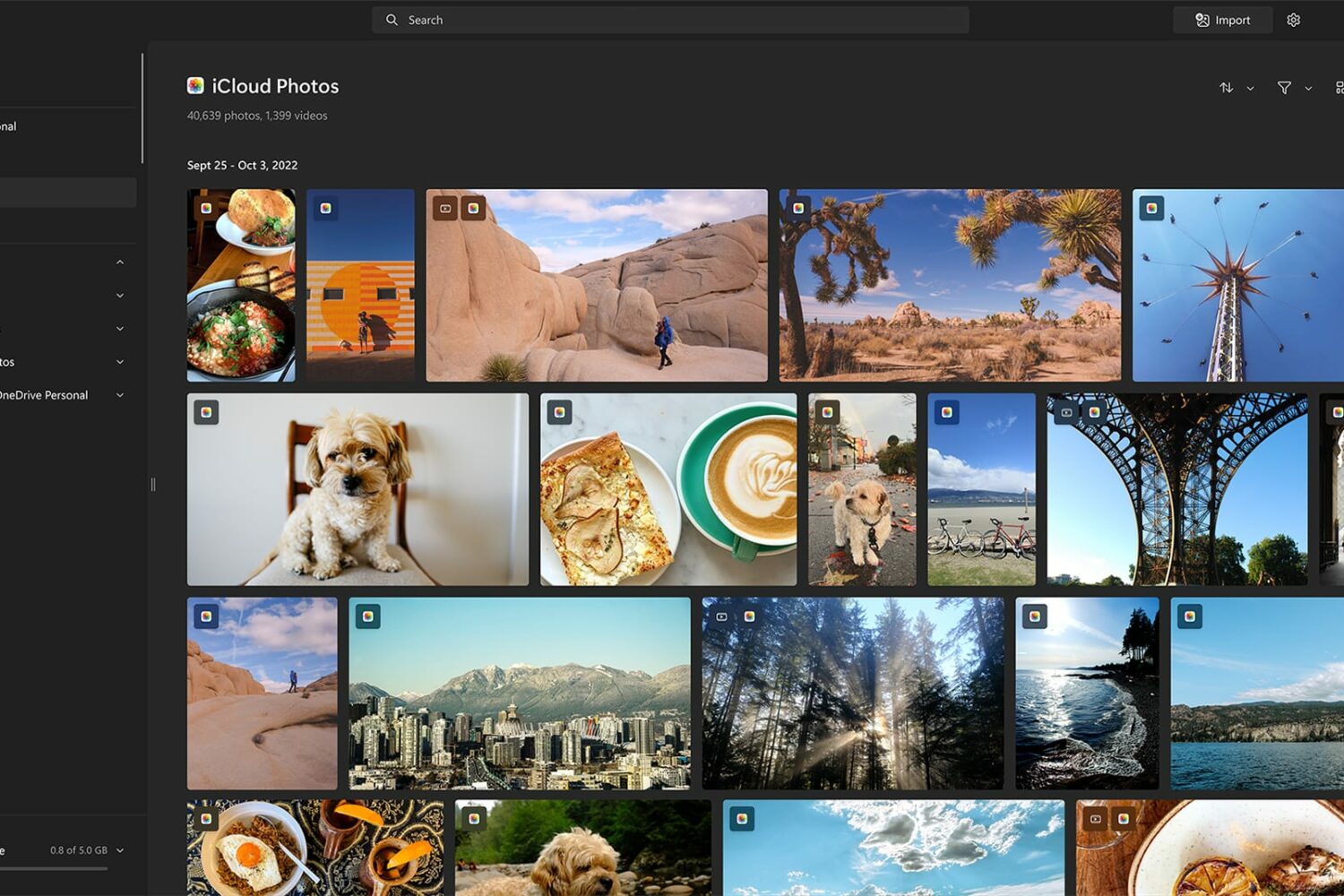
Microsoft has begun rolling out a new feature that enables customers to browse and edit iCloud Photos directly in the company's Windows 11 Photos app.
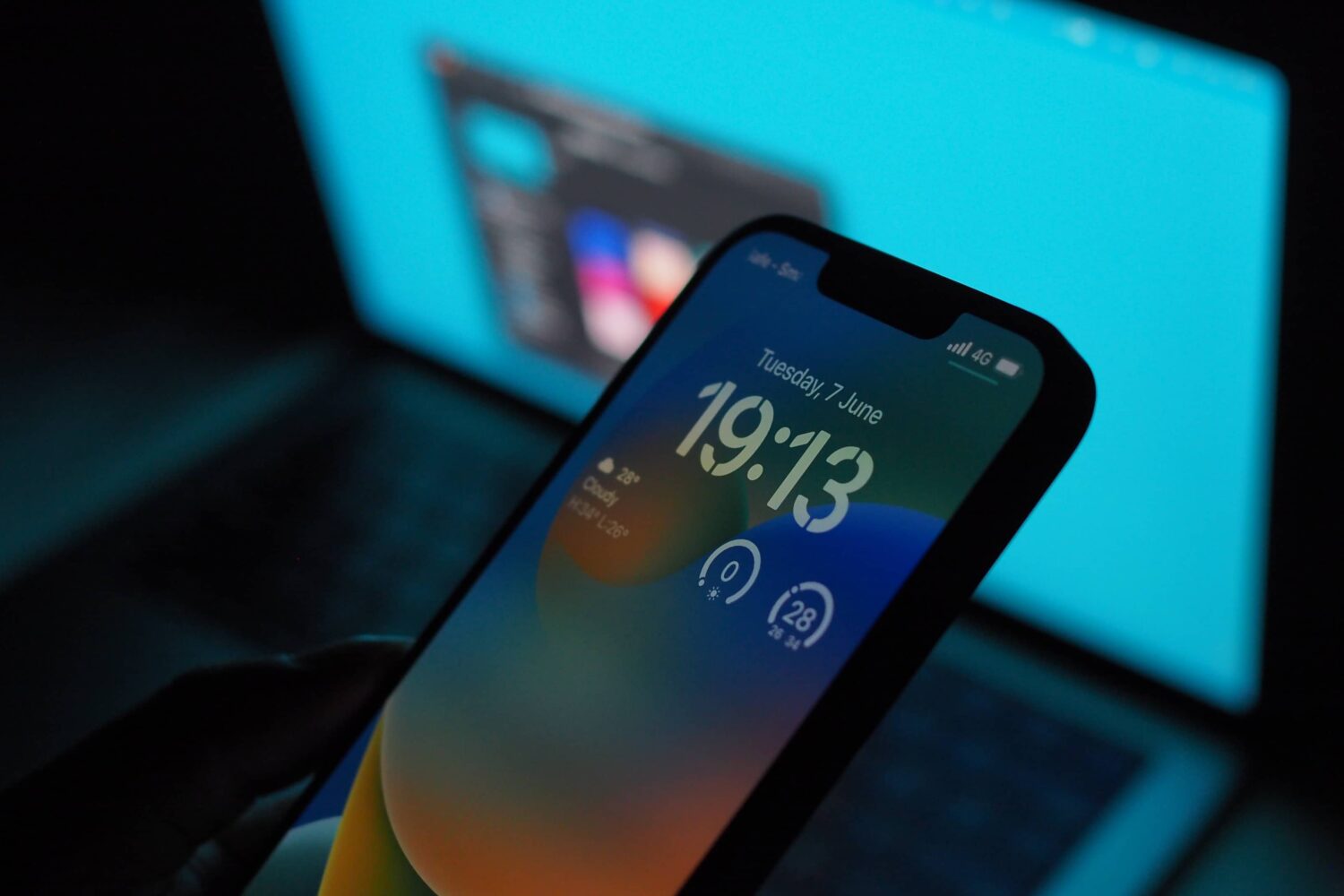
iOS 16.1.1's time restriction for receiving AirDrop transfers from non-contacts will arrive to all users globally in 2023, Apple has confirmed.
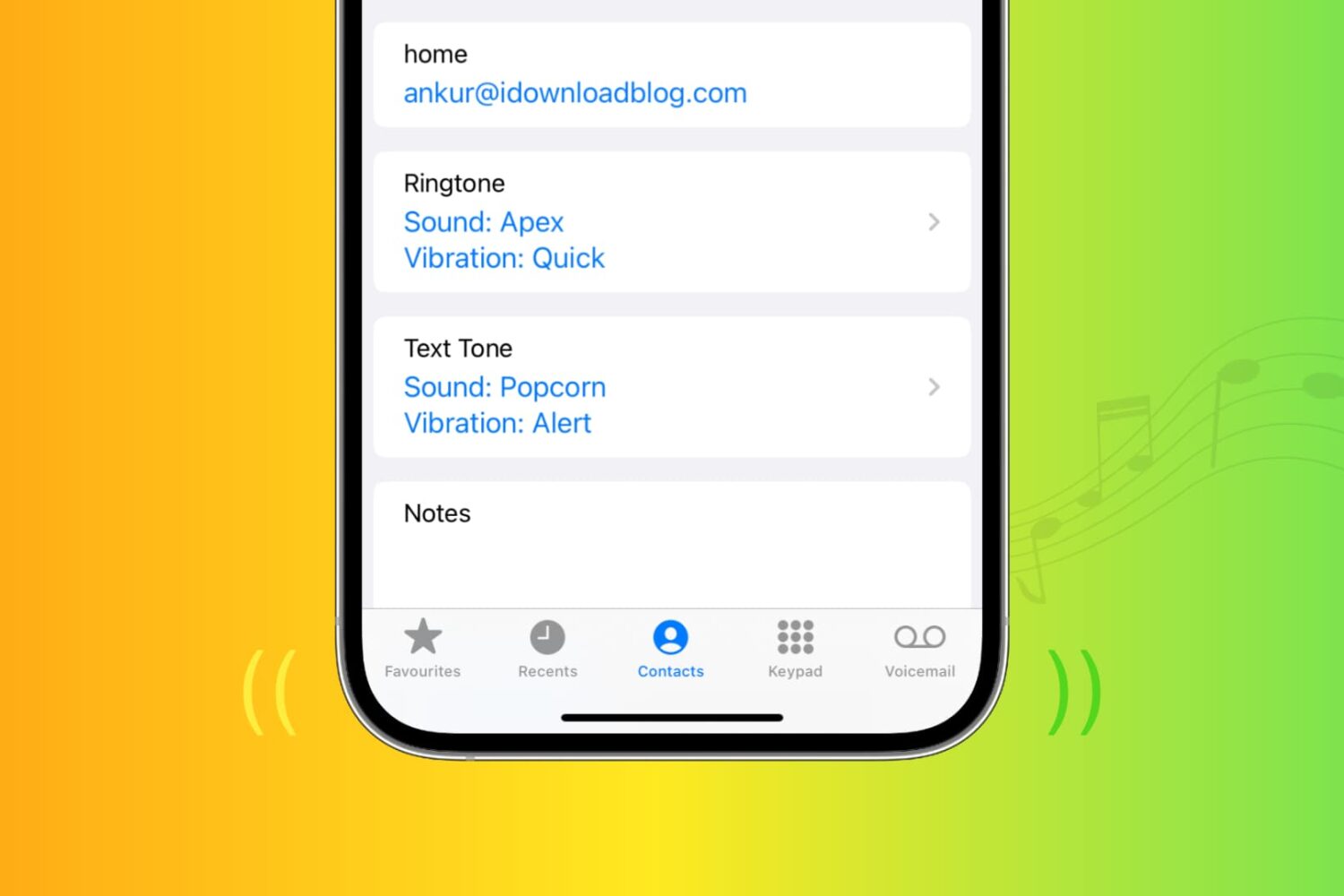
This tutorial shows you how to assign any ringtone, text tone, or vibration pattern to a specific contact so that you can tell who's calling without looking.

Emergency SOS via satellite on iPhone 14 and iPhone 14 Pro will officially become available to use beginning later in November 2022, Apple has confirmed.
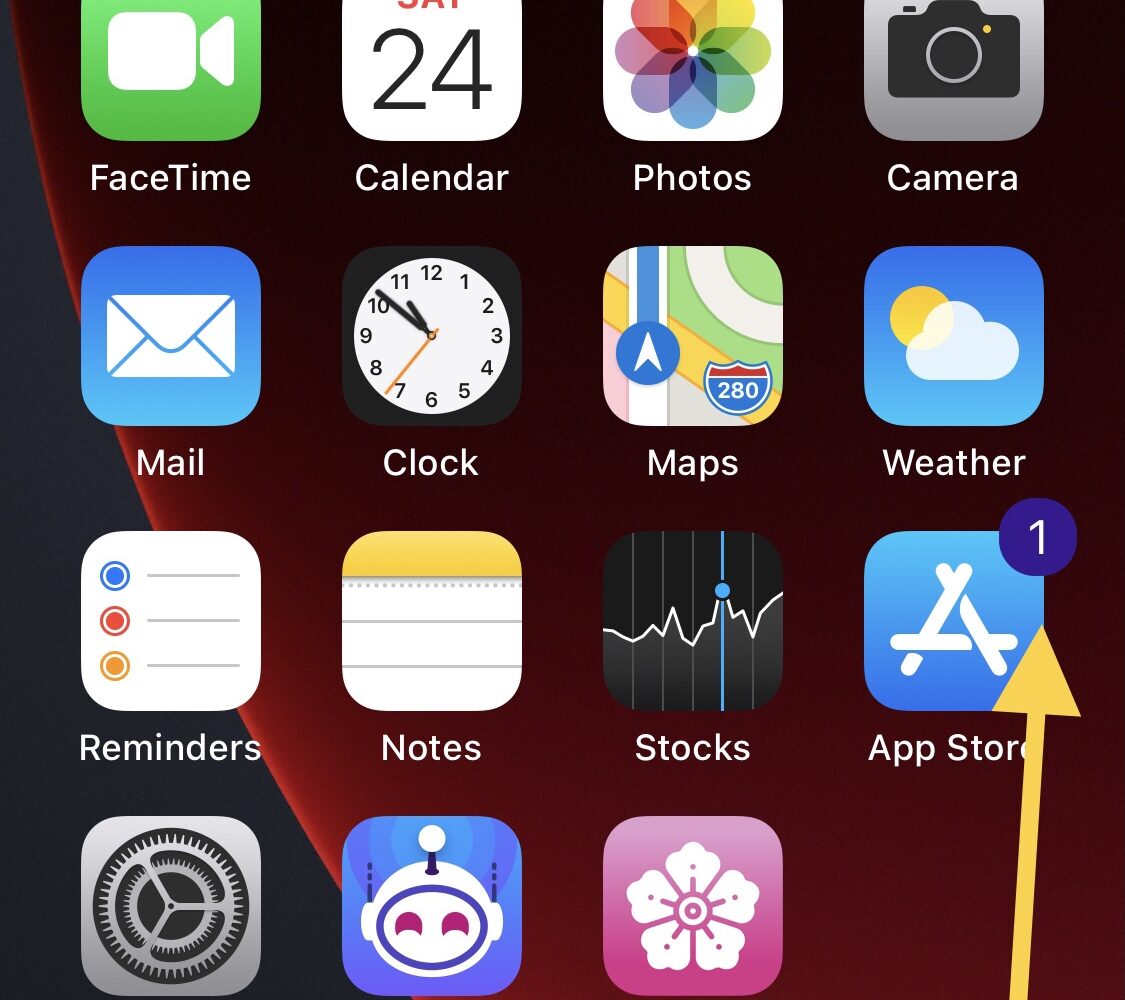
iOS developer Soongyu Kwon is out this Thursday with an updated version of Mugunghwa, a popular system customization app for TrollStore users whether they’re jailbroken or not.
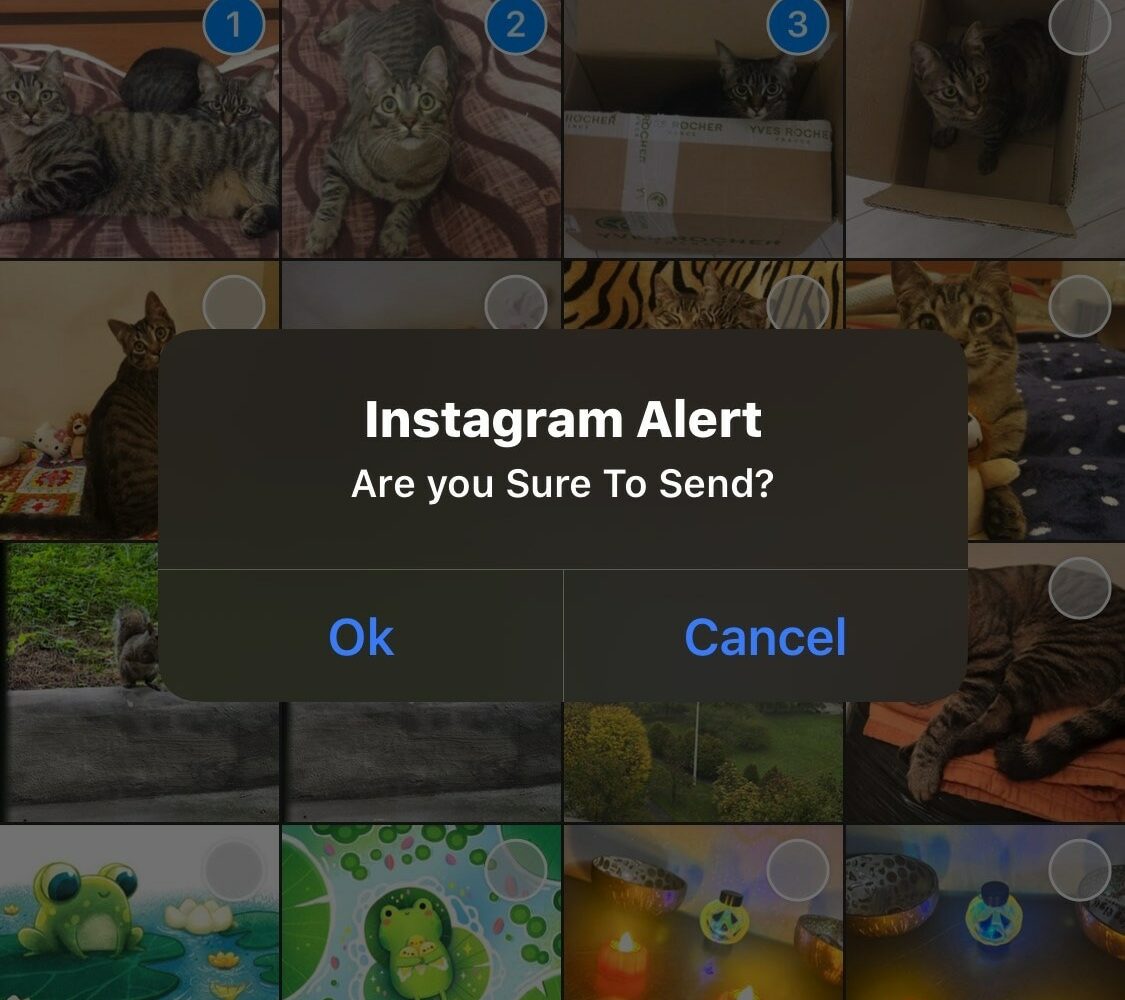
Jailbreakers who use the Instagram app to share media with others could benefit from a newly released and free jailbreak tweak called IGTidyMediaSend by iOS developer CydiaGeek.
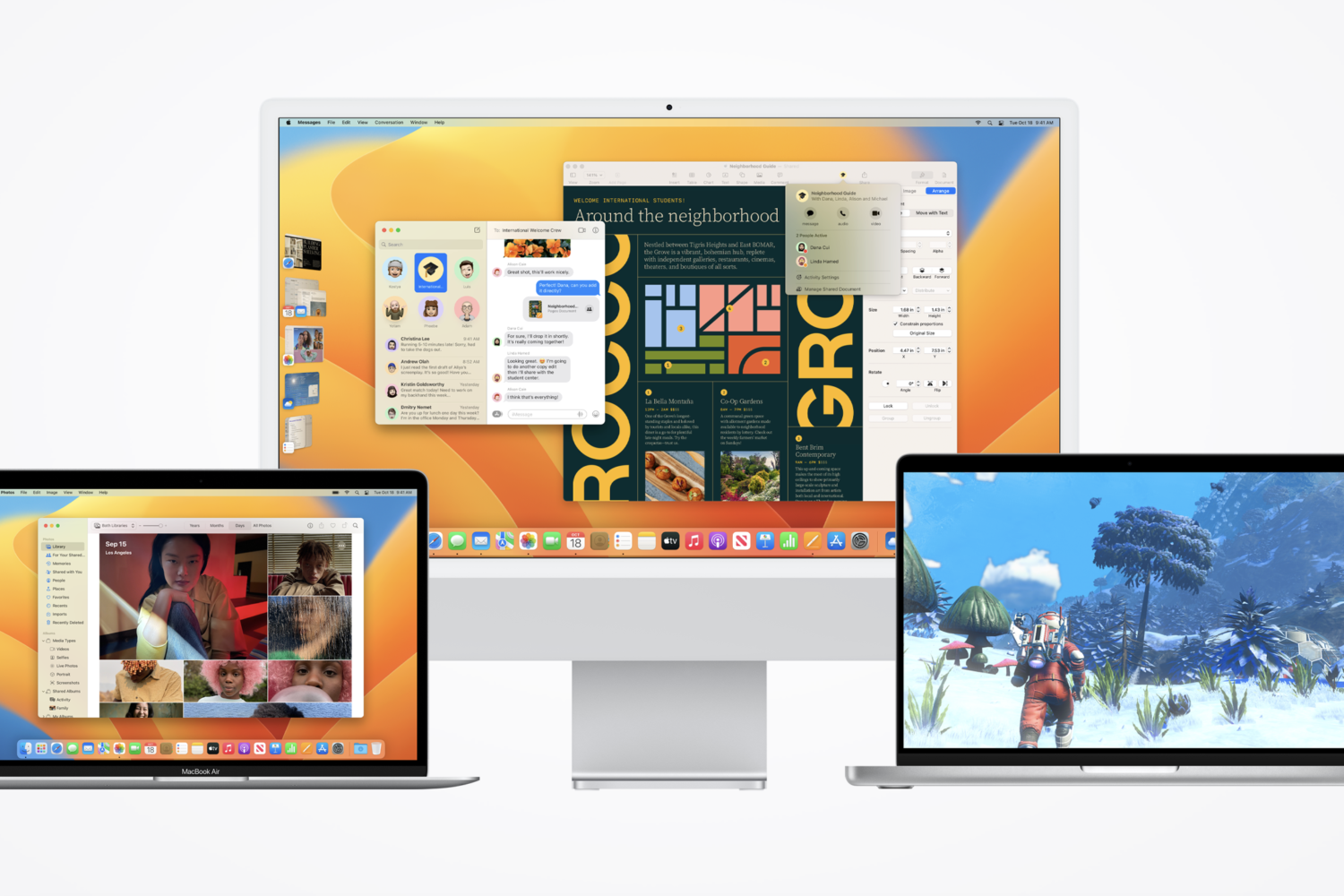
In addition to releasing iOS & iPadOS 16.1.1 Wednesday afternoon, Apple rolled out macOS Ventura 13.0.1 as a minor software update for the company’s lineup of Mac computers.
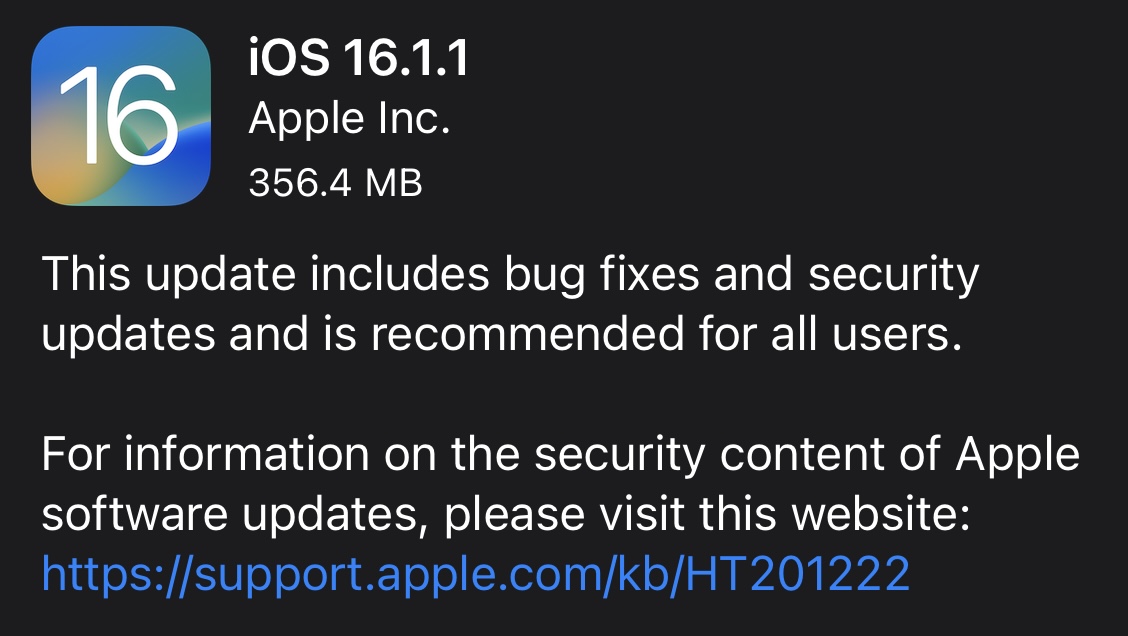
Apple released iOS & iPadOS 16.1.1 on Wednesday as a small firmware update for iPhones and iPads alike.
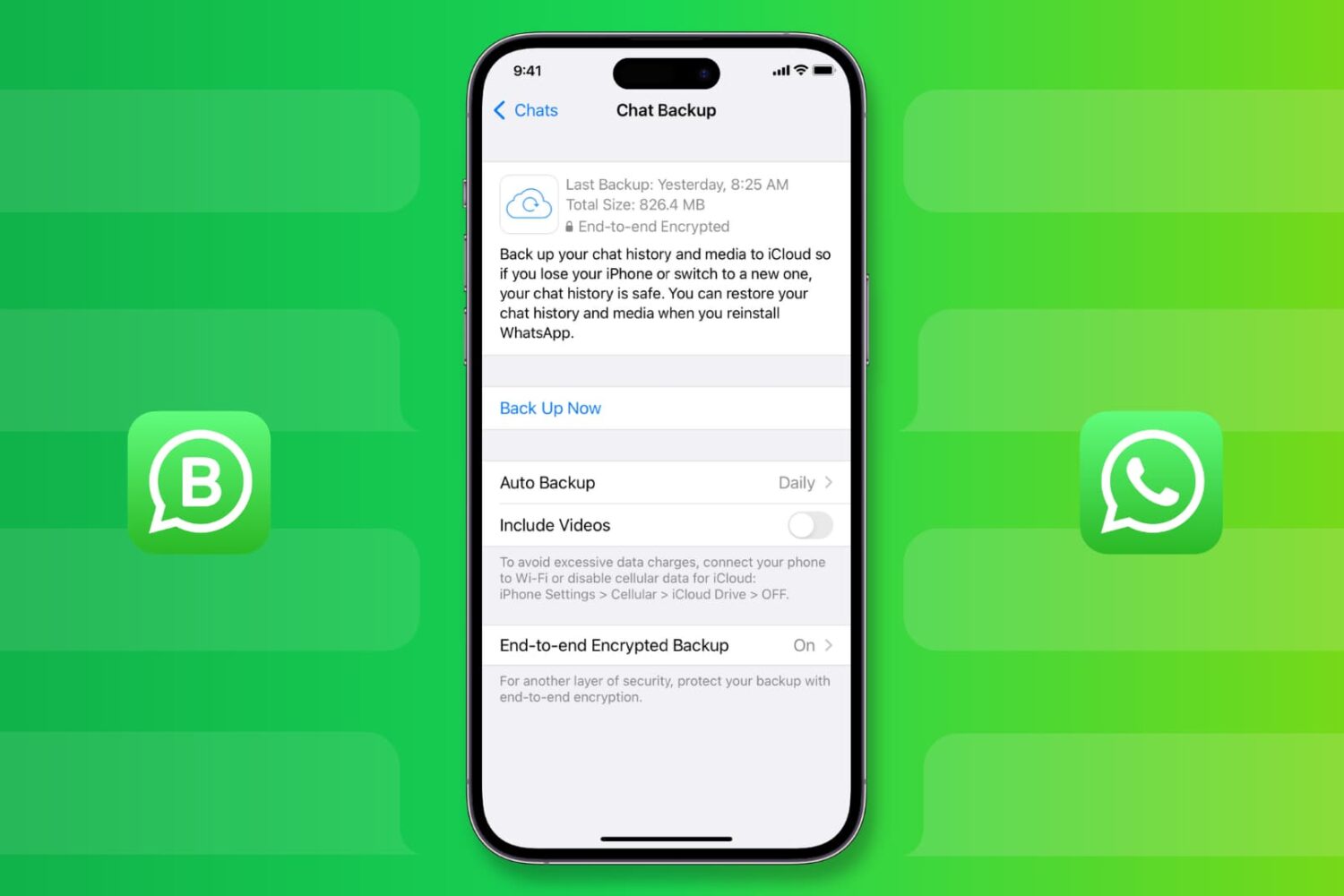
Learn how to back up your WhatsApp messages, photos, videos, and attachments on iPhone, and restore them to a new or erased phone, if necessary.