OpenOnSearch makes Spotlight a little more useful

I don't use Spotlight much. The page, which sits to the left of the main Home screen in iOS, lets you do some really useful things like search for stuff on your device and the web. But honestly, most of the time I forget it's there.

But jailbreak developers are looking to change that. We've seen a number of tweaks designed to enhance the Spotlight page, like SpotEnhancer and SLEnhancerSearch, and today we've got a new one to show you. Here's OpenOnSearch...

Apple looking to add new AirDrop file sharing feature in iOS 7

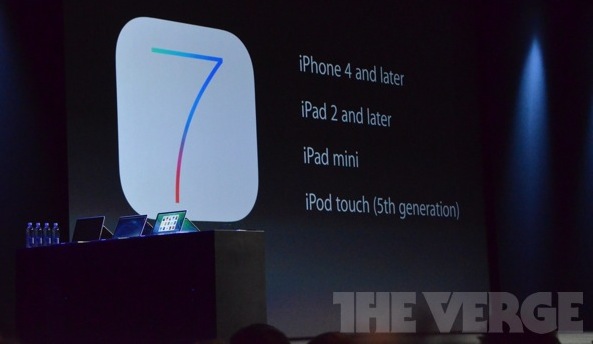
Everything we've heard regarding iOS 7 up to this point suggests that the update will be rather significant in terms of UI changes. Icons and several other elements have been reportedly redesigned to give the software a more modern look. But what about new features?

According to a new report, in addition to improved in-car behavior for Siri and Maps, and system-level integration of Vimeo and Flickr, Apple is also working on AirDrop for iOS. The feature, which is already available on OS X, will make it easier than ever to share files with other iOS devices...

What some iOS 7 stock app icons might look like

Much has been said about Apple's management shakeup that happened last October. If Scott Forstall's departure came out as a bombshell, the fact that Jony Ive, Senior Vice President of Industrial Design, was made the head of the newly created Human Interface group was less of surprise.

Now in charge of everything design, Ive has been expected to give iOS a facelift by getting rid of, or at least by minimizing all use of skeuomorphism in Apple's mobile operating system. But it doesn't stop here!

Something we've been hearing for a while when talking about Ive's possible take on an iOS makeover is the word "flat". Not flat as in boring. Flat as in simpler. This was confirmed last week when 9to5Mac reported that according to their sources, iOS 7 might be black, white, and flat all over.

What does that mean for parts of the UI such as app icons? Our friend Sonny Dickson got his hands on a blurry screenshot showing the Home screen of an iPhone running iOS 7. The image quality is terrible, but with the help of talented designer Surenix, we were able to reproduce some of these icons to give you an exclusive look at what some stock app icons on iOS 7 might look like.

If we had to describe the changes in one word, that would be: unified...

LockToggle adds handy settings toggles to your Lock screen

Folks who have yet to find a Lock screen-settings-toggle tweak that suits their needs will be happy to know that another one has been added to the pile this weekend. LockToggle, by developer Haifisch, gives you quick, one-touch access to some of the most common iOS settings, without you having to unlock your device...

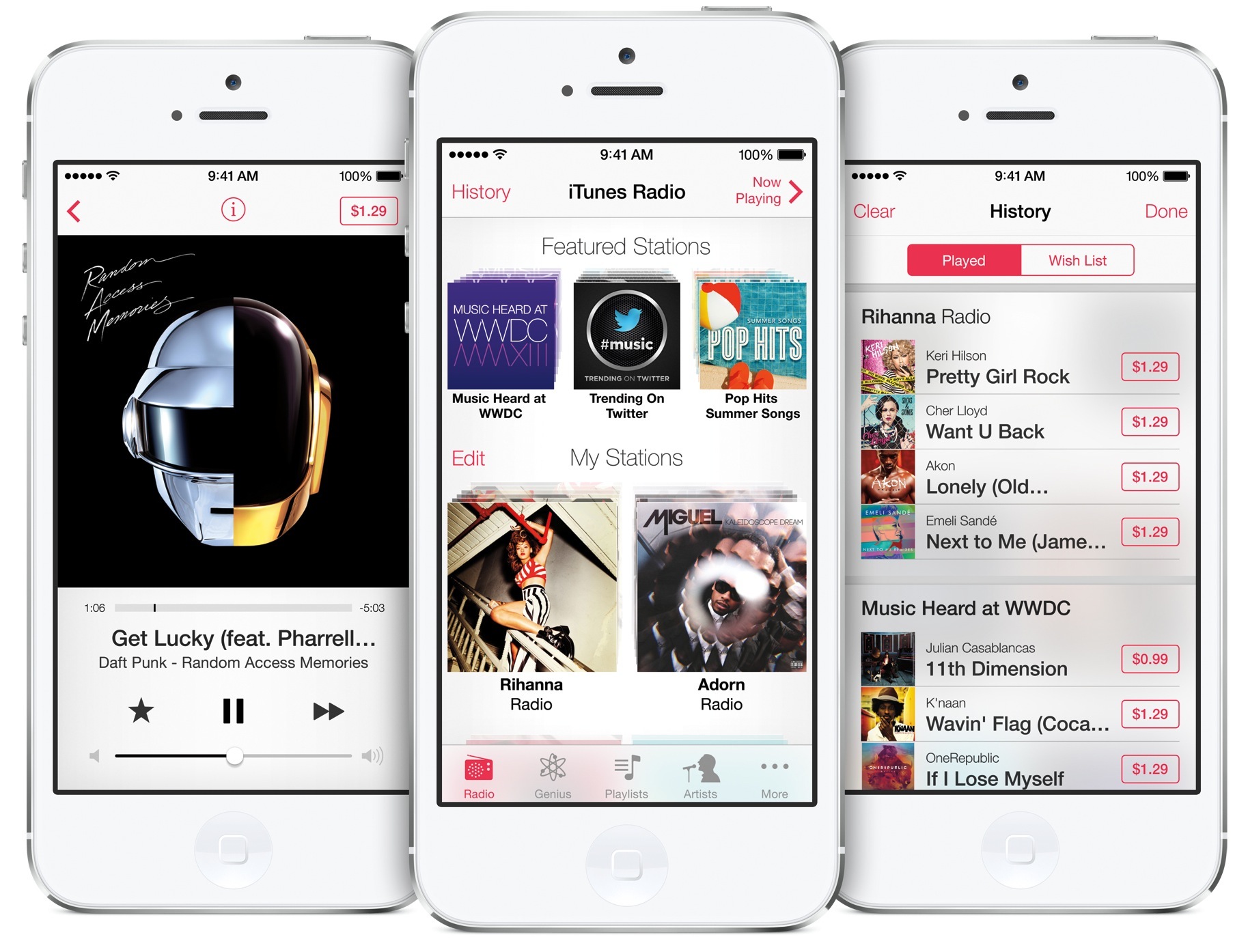
NYT: Apple rushing to close deals for iRadio launch at WWDC

Last we heard, Apple and record labels couldn't agree on song skipping terms, with sources in the know telling CNET that tough licensing negotiations between Apple and Sony Music have been stalling iRadio talks. Today, The New York Times weighs in on the situation with its own tidbits.

The iPhone maker is apparently rushing to close the necessary licensing deals with music companies so it can formally reveal the service "as early as next week." And with just eight days until Apple's WWDC keynote, it's not that far of a stretch to believe the company is pushing hard to announce iRadio at its summer developers conference...

Tim Cook talks importance of collaboration at Duke’s Fuqua School of Business

It seems like Tim Cook's been everywhere lately. Two weeks ago the CEO was in Washington D.C. testifying in a Senate hearing on Apple's offshore tax practices, last week he gave a high-profile interview at the D11 conference, and now this.

Duke has uploaded a number of video clips from a talk Cook gave at its Fuqua School of Business back in April for his 25-year reunion. During the hour-long discussion, he talked about a wide range of topics including what he thinks it takes to foster collaboration in a large company...

Airmail may be the next big thing for Mac email clients

Mac users, celebrate. A new and classy email client has just hit the Mac App Store. If you are tired of the native Mail app on OS X, or are a recovering Sparrow victim, you now have more choices.

Airmail is an OS X email client that offers a clean, attractive look, plus all of the features you’d like to see in a mail client. Not only can you have multiple accounts from different mail services, but you can also individually adjust the settings on each account. Your email experience may never be the same again…

The iDownloadBlog top news stories of the week – June 2, 2013 edition

Like every Sunday, we bring you the stories that were the most popular on iDB during this past week. Whether it is a news piece, an editorial, a tutorial, a new jailbreak tweak, or an accessory review, we sum it all up in one convenient place.

If you like what you're reading, please make sure to spread the love by sharing our posts on your favorite social network.

We're usually hanging out a lot on Twitter and Facebook, more rarely on Google+.

Tim Cook talks iTV, iWatch, iOS 7 and more at D11 conference Tim Cook says Apple will open iOS up more for third party developers Apple launches new 16GB iPod touch without iSight camera for $229 Don’t expect new iPhones or iPads at WWDC Background Manager brings true backgrounding back to Cydia How to nest App Store preferences and Cydia preferences into separate folders How to customize your app icons without jailbreaking Pics show iPad mini prototype with 2 microphones The best weather apps for the iPhone Give your iPhone’s UI a reboot with Motif Apple Web OS: a theme that mimics Apple’s online store WhiteLine HD: a gorgeous minimal theme for your iPhone New iOS 7 concept features panoramic wallpaper, quick reply and more Make sure you check out these apps this weekend Leading lines: powerful tools for your iPhone photography compositions

Of course, don't forget to listen to the latest episode of our podcast, Let's Talk Jailbreak:

We’re social! Find iDB on Twitter, Facebook, Google+, App.net, YouTube, and in your RSS reader. Also make sure to subscribe to our new podcast!

Teardown of 16GB iPod touch reveals few internal changes

Earlier this week, Apple released a new version of its fifth generation iPod touch. It features 16GB of storage space, and no rear iSight camera or lanyard hook. But other than that, and a few minor cosmetic details, it looks fairly similar to its larger siblings.

And it turns out, the new touch looks familiar on the inside as well. The repair experts over at iFixit just finished up their usual new device teardown ritual, and found very few notable internal changes...

Chicago Sun-Times fires photo staff, now training reporters in iPhoneography

You've probably noticed that we have been talking a lot about iPhoneography here on iDB lately. It's a popular topic with a lot of folks. It seems like the better the iPhone's camera gets, the more people are willing to ditch their standalone shooters.

And perhaps there's no better example of that than what's going on right now over at the Chicago Sun-Times. Just a day after it fired its entire photo staff, the newspaper has reportedly begun training its reporters in the basics of iPhone photography...

How I created my clean iPhone 5 Home and Lock screens

It seems like every time I post a screenshot of my Lock or Home screen, I'm inundated with tweets, Facebook messages and even the odd Google+ message asking how I created the minimalist, clean effect. It looks very different to the stock iOS experience, and offers some features that Apple refuses to offer, and I rather like it!

After the most recent flurry of questions I thought it best to put together a short blog post together detailing what apps or tweaks I used, along with the important settings required to recreate my Home or Lock screen.

So, without further delay, let's get started...

Leading lines: powerful tools for your iPhone photography compositions

In the past we have talked about ways to capture our viewer's attention and imagination in our photographs. We've talked about compositional rules, focus effects and exposure techniques. One thing we haven't talked about is "leading lines". If your goal is to draw our viewer into your image, there's no better way to do it than by providing them a path to follow.

A "leading line" is just that. It is line that leads the viewer's eye from one point in the photograph to another. The age old classic is railroad tracks. Sure, it's a bit cliche but it's a perfect example of the concept...