Pixelmator 3.0 FX now available with Layer Styles, Liquify Tools and new Mavericks features

My favorite Photoshop Mac replacement, Pixelmator, has just received a massive 3.0 update. Now rechristened as Pixelmator FX to reflect the newly acquired capabilities, it brings the much needed Layer Styles and Liguify Tools, both building on top of the recent 2.2 update which dates back as recently as two weeks ago.

Pixelmator 3.0 also supports new features introduced in OS X Mavericks (a free upgrade) and introduces a new image editing engine which the team claims make Pixelmator "a top-quality, full-featured image editing app for the Mac”...
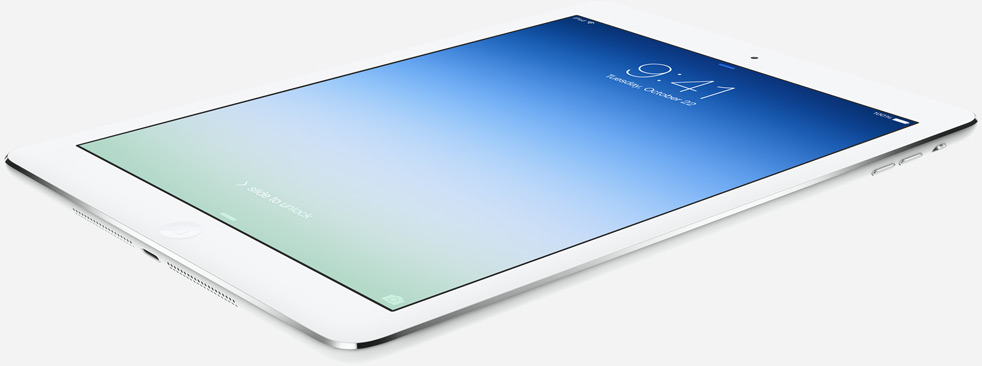
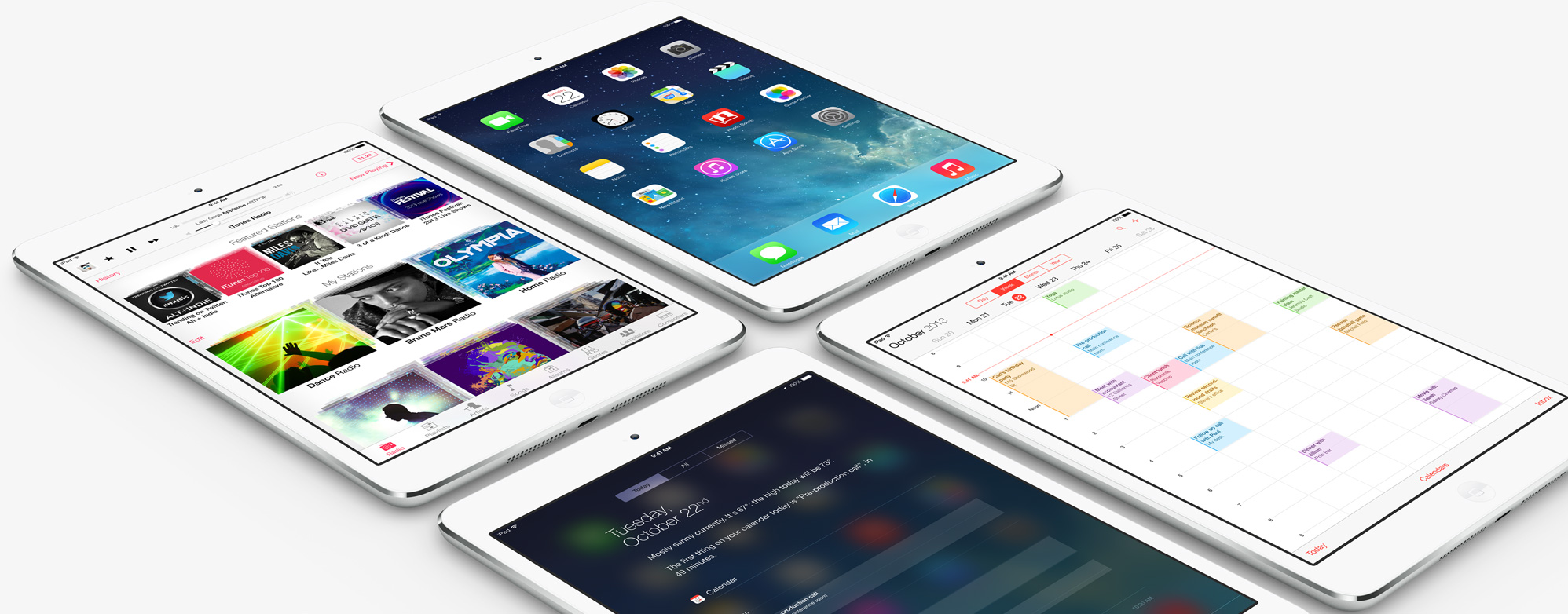
iPad Air wallpaper for iPhone and iPad

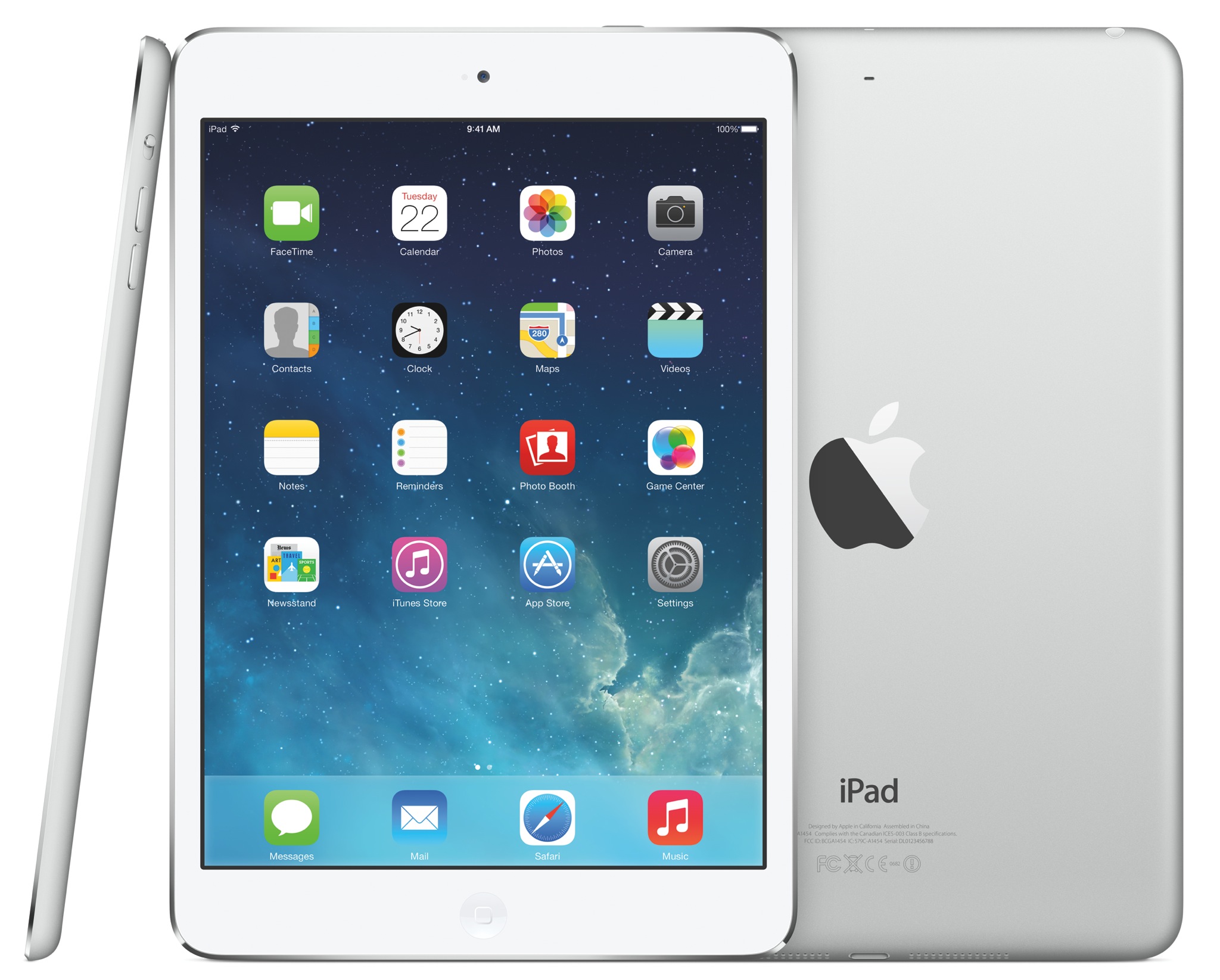
Since Apple unveiled the all-new iPad Air yesterday, one of the most popular questions we've been asked has been: "where can I download that blue-green gradient wallpaper shown in some of the iPad Air promo shots?"

We're not sure where the exact wallpaper is—it doesn't seem to exist in iOS 7. But we happen to have the next best thing. Designer Adriano Mendez has recreated the beautiful background for both the iPhone and the iPad...

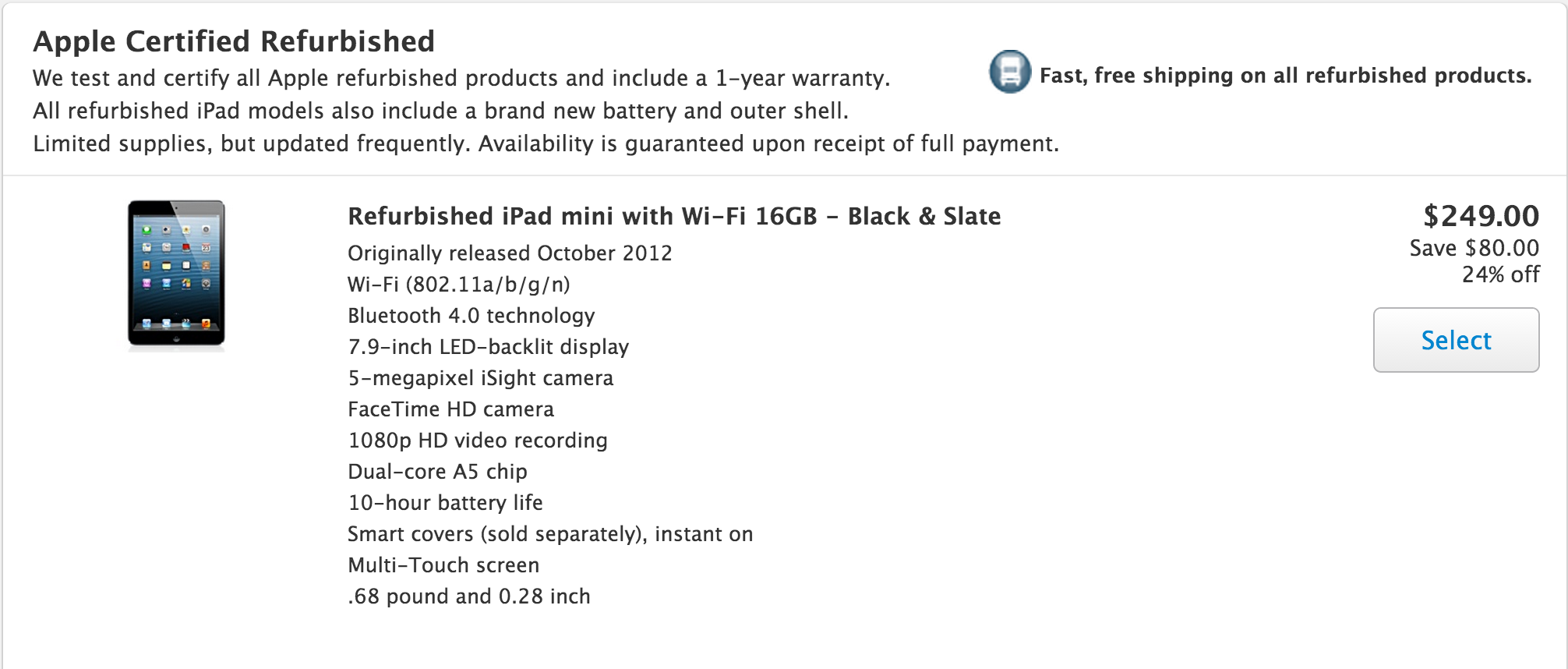
Apple drops refurbished iPad mini entry price to $249, iPad 4 to $379

After introducing of the new iPad Air and iPad mini with Retina display yesterday, Apple lowered the prices of its refurbished iPads across the board. The entry-level (first-gen) iPad mini, for example is now just $249.

That's down $30 from where it was before the new iPad announcements, and $50 less than a new one, which Apple dropped down to $299 yesterday. And don't worry, Apple has discounted its full-sized tablets as well...

Redesigned, re-engineered and 64-bit optimized iLife suite now available on iOS and Mac

After showing off the new versions of iPhoto, iMovie and GarageBand for the iPhone and iPad at its keynote earlier today, Apple's made the updated iOS and Mac editions of these apps available for download on the App Store and Mac App Store.

The apps come with a revamped user interface, iOS 7 style app icons and a host of new features and capabilities, including AirDrop sharing and 64-bit support which makes browsing and editing "faster and smoother than ever". Jump past the fold for the download links and release notes...

Everything you need to know about today’s iPad event

Well, that’s all folks. Apple's highly anticipated iPad event has come, and gone. All announcements have been made, all software has been released, and we now know what the future of the popular tablet line looks like.

A lot has transpired over the past 10 hours or so, and we understand that it might have been a bit difficult to keep track of it all. So we’ve put together this awesome roundup of everything important that happened today…

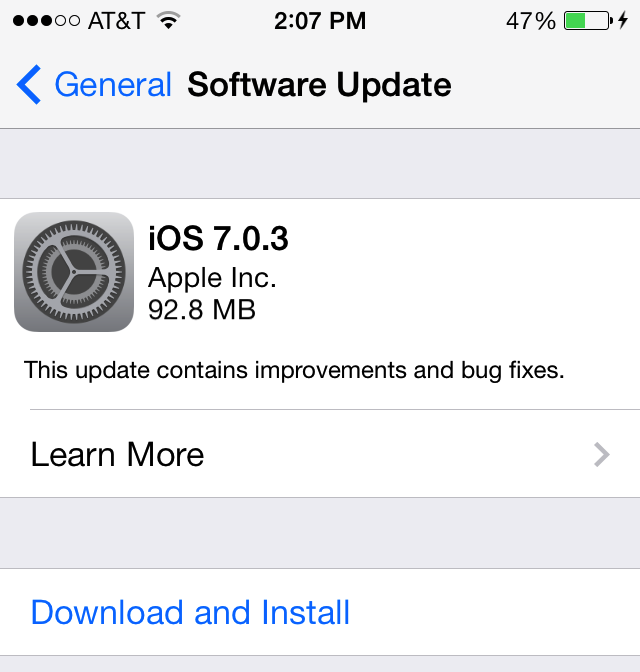
iOS 7.0.3 is out with iCloud Keychain, iMessage fixes and more

Though there was no mention of it during the iPad event this morning, Apple has just released a new version of iOS. The update, which brings the firmware to 7.0.3, brings about a number of improvements.

On the new feature front, Apple has re-added in support for iCloud Keychain. And as for bug fixes, there are several of them, including ones for iMessage, iPhone 5s sensor calibration issues, and much more...

Apple launches iPad Air, the lightest iPad ever

Apple thus far has shared some interesting business stats (such as 1 million apps on the App Store, 60 billion app downloads and 64 percent of iOS devices on iOS 7, to mention just a few), announced that OS X Mavericks will be launching later today as a free download, confirmed that the new Mac Pro pro desktop is due in December starting at $2,999, shown off the new 64-bit versions of iWork and iLife apps for the Mac and iOS with full file compatibility across these platforms and refreshed the new 13 and 15-inch Retina MacBook Pros with faster PCIe storage, Thunderbolt 2 I/O, fourth-generation Intel chips, both also available today at more affordable prices than ever.

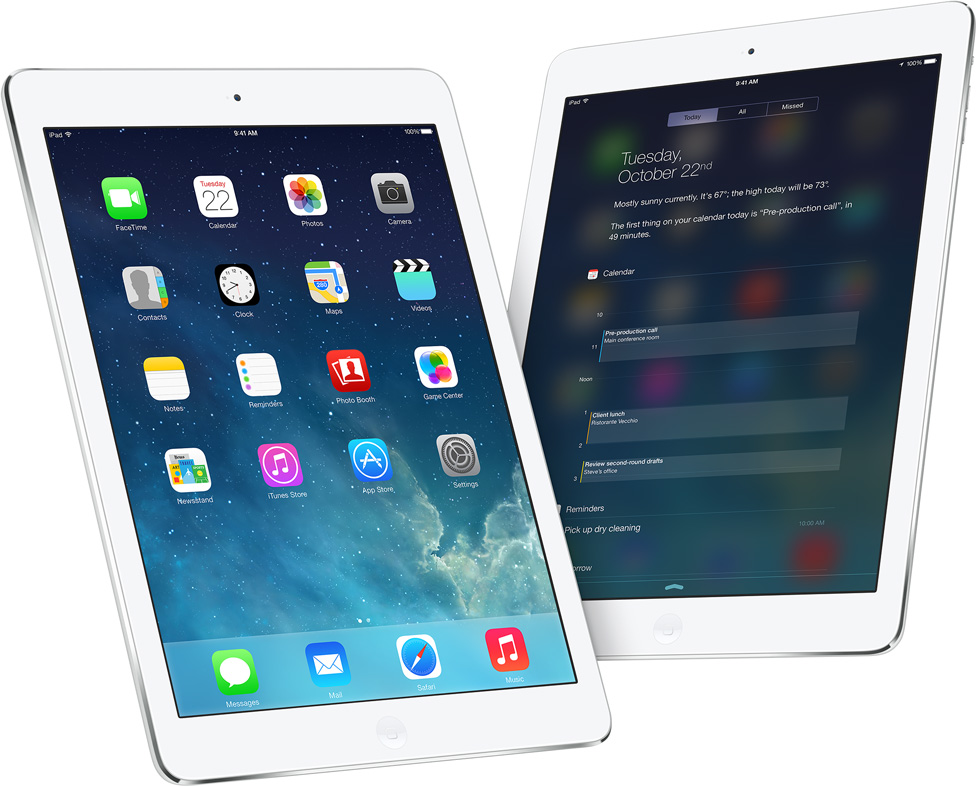
And now onto the main thing - the new iPads. Say hello to iPad Air.

Apple unveils new iPad mini with Retina display, A7 processor

Now that he's finished up his staggering 'iPad Air' announcement, Apple's Phil Schiller has turned his focus to the smaller iPad mini. It too is getting a big refresh today, with the long-awaited display bump.

As expected, Apple has managed to squeeze its Retina screen in the tiny tablet, giving it the same 2048 x 1536 resolution as its larger sibling. And it's also added its 64-bit A7 processor, and other goodies...

Free OS X Mavericks update now available in the Mac App Store

Earlier today, Apple announced that this year's OS X update would be free for the first time ever to current Mac users. That's right, as long as you have a compatible Mac computer, you're eligible to get OS X Mavericks for free.

The update is a big one, bringing about several UI changes, new applications like Maps and iBooks, and a number of new features like Finder tabs and tags and quick reply for messages. And it's now available for download...

Apple quietly brings new iMovie Theater channel to Apple TV

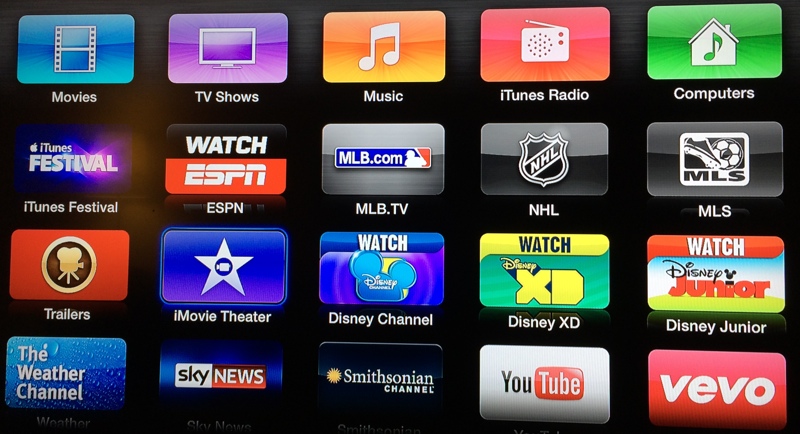
As part of today's iPad keynote, Apple has unveiled long-expected updates to iLife and iWork apps, with the iMovie for the iPhone and iPad containing a new feature called iMovie Theater. What this does is sync all of your iMovie projects, movies and trailers across your devices through the power of iCloud.

If you own an Apple TV, you should now start seeing the new iMovie Theater icon on your main menu...

Safari 6.1 is out, brings Shared Links, Power Saver, Sidebar and more to Mountain Lion

In addition to a host of updates to its various iOS apps, Apple following today's iPad keynote has released the Safari 6.1 update, bringing some of the features that are part of the free OS X Mavericks update to Mountain Lion Macs. These include the Shared Links feature, the new Sidebar and Power Saver which improves battery performance when browsing plug-in heavy web pages on notebook systems...

What to do if you’re running Mavericks GM, and you can’t download the final version

A little while ago, I encountered a very frustrating issue that had me pulling my hair out for a while. That is, until I finally stumbled upon the fix for the issue.

As a registered developer, I've been testing out Mavericks since Developer Preview 3, and I made it a habit of installing every release up until the GM version. The nice thing about the Mavericks betas is that you can grab the updates directly from the Mac App Store without having to completely reinstall the OS once a new beta ships.

That all changed when Apple released a stealth (13A603) GM update a few days ago, which didn't feature an update in the Mac App Store. Either you needed to completely reinstall with the new GM build, or just deal with the outdated (13A598) GM build until hopefully OS X 10.9.1 places you back on the correct upgrade path.

Sure this was annoying, but it didn't sound like a huge deal to me until I wanted to download Mavericks this evening in order to make a USB install key, and was continuously met with an error message.