In this post, we’ll show you how to configure both stock apps and third-party apps to send or not send notifications to your Apple Watch.
How to choose which notifications are sent to Apple Watch

In this post, we’ll show you how to configure both stock apps and third-party apps to send or not send notifications to your Apple Watch.
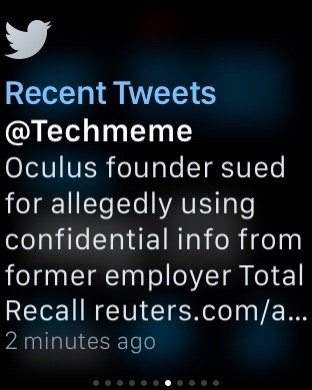
Glances are the quick information summaries of apps that are accessible by swiping up from the bottom of the watch face on your Apple Watch. In a previous post we told you all about glances, how to use configure them and how to use them.
But there's an additional thing that you should know about glances that is proving to be extremely useful for Apple Watch users. You see, a glance can be used as a direct shortcut to the app that it represents.
In this post, which is a part of our larger Apple Watch guide, we'll show you how to use glances as app shortcuts on your Apple Watch.
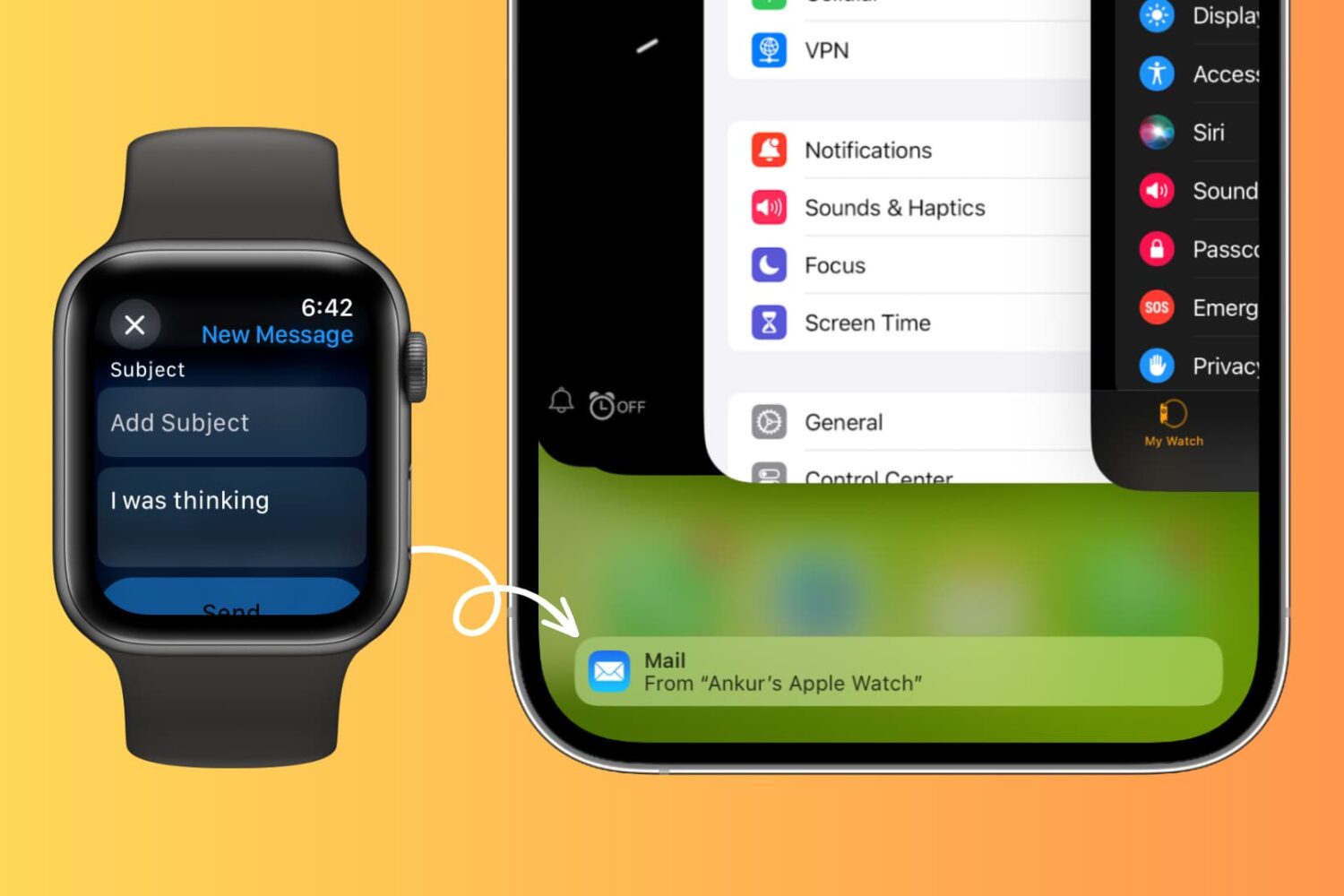
Learn how to use Handoff on your Apple Watch to move what you’re doing on your wrist to the bigger screen of your iPhone, iPad, or Mac.
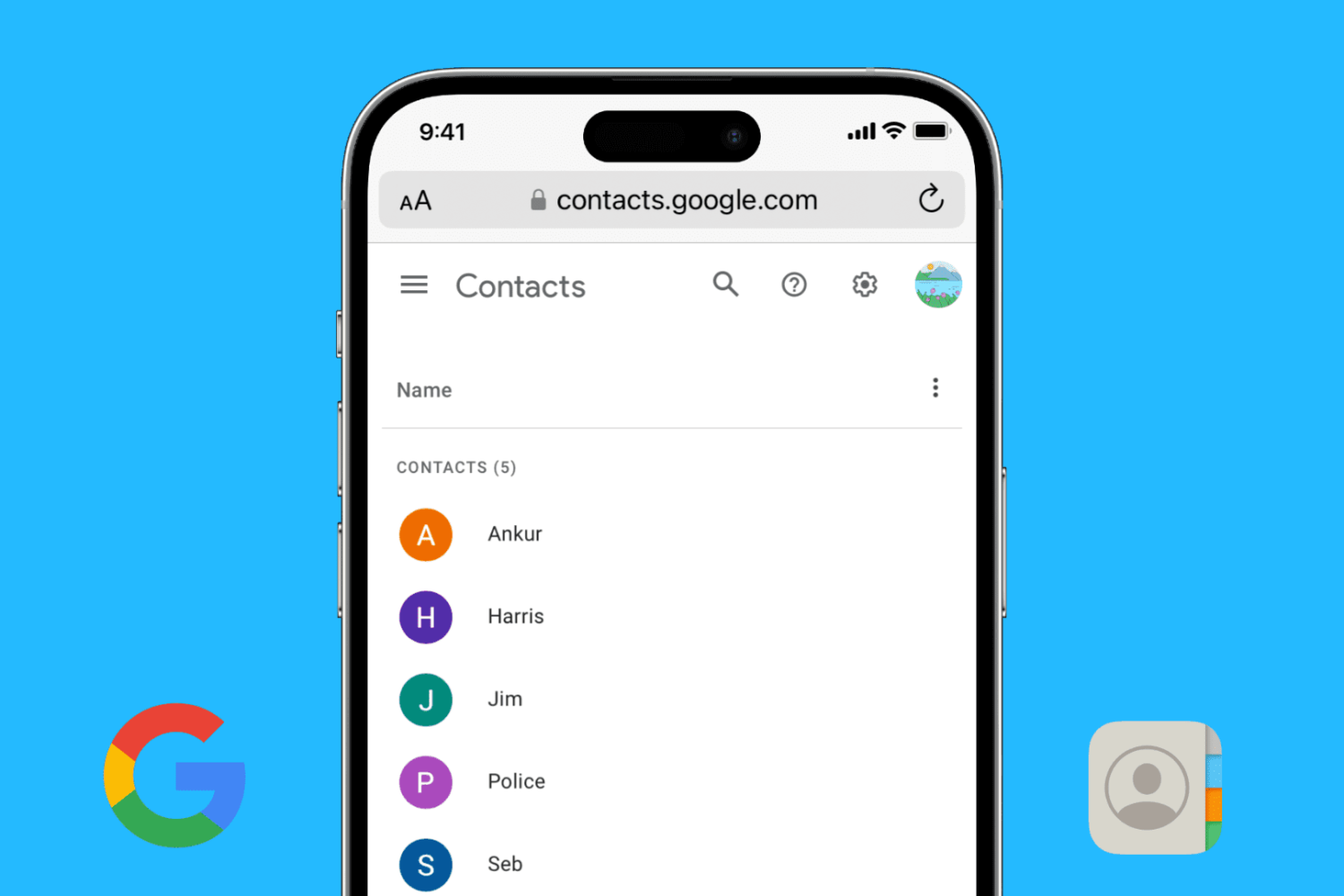
Find out how to add your Google account to your iPhone or iPad and sync your Google contacts with the iOS Phone and Contacts apps.

When your iPhone is buried under sheets, left in another room, or out of sight, the obvious thing to do to locate it is to call your iPhone using another phone. However, this may not be helpful if your iPhone is in silent mode, Do Not Disturb, or has an active Focus mode.
In these situations, or if you don’t have a second phone around, you can use your Apple Watch to play a loud alarm sound on your iPhone or trigger its camera LED to blink.
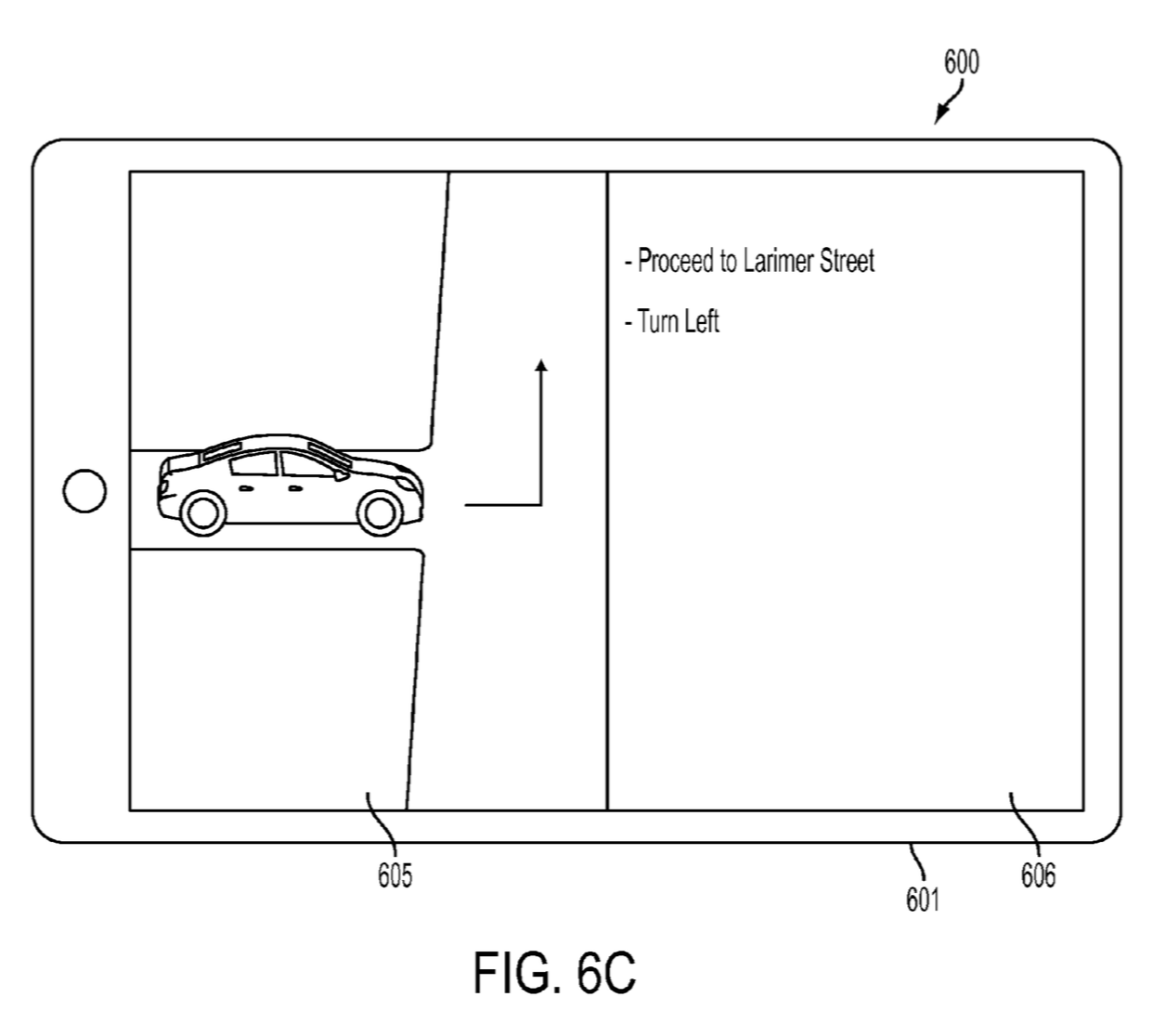
The U.S. Patent and Trademark Office published a new Apple patent application on Thursday entitled "Spatially interactive computing device." The filing describes an advanced display system that can output both 2D and 3D images at the same time, without the need for specialized glasses.
More specifically, the display uses multiple layers to provide differing output to a viewer’s left and right eyes, as well as adaptive eye-tracking courtesy of a built-in image sensor. These technologies allow the display to produce 3D images to one user, or multiple images to different users, simultaneously.
Apple posted an update on Thursday for its Apple Store app, bringing the app to version 3.3. The update brings about at least two significant improvements: support for Touch ID and Apple ID two-step verification.
Folks checking their Apple Watch orders frequently using the app will be happy to hear that you no longer have to input your password. You can now use Touch ID to access orders, Easy Pay receipts and reservations.

Managing contacts on your iPhone or iPad can be a tedious task, especially when you need to delete multiple contacts at once. In this tutorial, we will show you two ways to select and delete several contacts simultaneously on your iOS device, so you can clean up your address book quickly and efficiently.
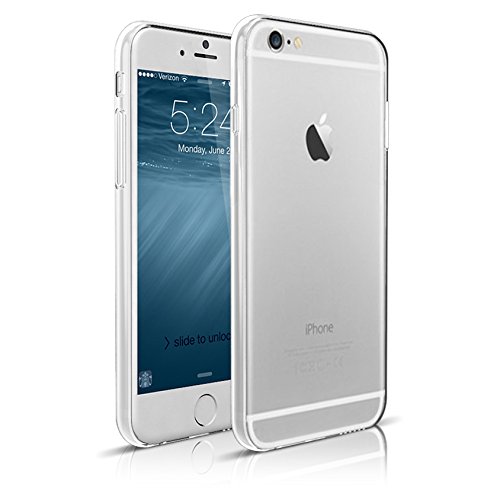
The iPhone 6 may have the largest screen of any past model, but it is also the thinnest so far. If you prefer keeping your device as thin as possible, while still providing scratch resistance on the back, ultrathin cases are just what you need.
The Maxboost Liquid Skin is an ultrathin case for iPhone 6. It is so slim that the company claims it is the "World's thinnest" iPhone case, but Spigen makes the same claim. What is sure, is that Liquid Skin is practically as thin as paper.

Apple has just named “Magnetized” its App of the Week for this week. This means that from now through next Thursday, you’ll be able to download the abstract physics puzzler for both iPhone and iPad for free—an awesome savings of $2.99.
In Magnetized, you are tasked with navigating a moving ball through a series of neon mazes using magnetic control points. It sounds simple at first, but the mazes get increasingly difficult, forcing you to try and master momentum and direction.
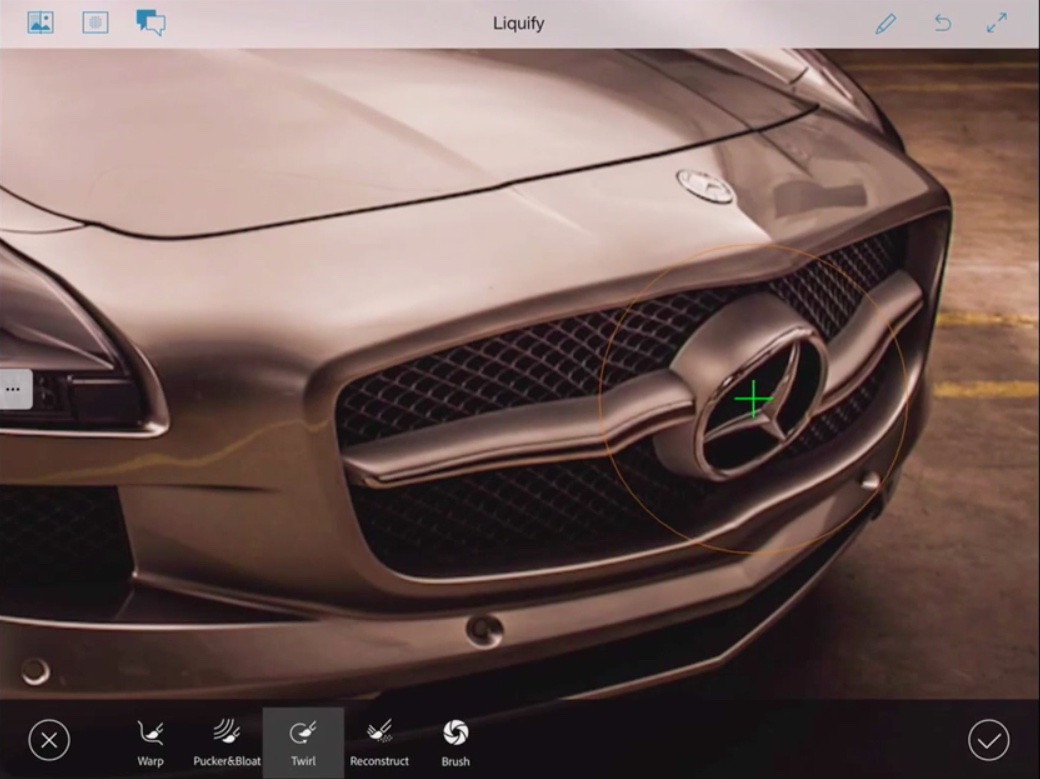
Photoshop maker Adobe said today it will be pulling Photoshop Touch apps for the iPhone and iPad from the App Store and other mobile platforms next Thursday, May 28. At the same time the company gave a sneak peek of its forthcoming new retouching solution for mobile, Rigel, which should be available later this year.
Adobe said it will sharpen focus on Creative Cloud mobile apps like Photoshop Mix, Photoshop Sketch, Adobe Comp CC, Adobe Shape CC, Adobe Brush CC and Adobe Color CC.

In honor of Global Accessibility Awareness Day, Apple has begun highlighting apps with specialized accessibility features. The curated section features apps such as Instapaper, which offers text-to-speech, and Workflow, which can automate complex tasks, and is featured on the front page of the App Store.
Apple has long been praised for the accessibility features in iOS. Grammy Award-winning artist, who has been blind for most of his life, famously took time out of a concert to thank Steve Jobs and company for their work, saying "there’s nothing on the iPhone or the iPad that you can do, that I can’t do."