Video: life, death and black-market reincarnation of an iPhone, seen from its point of view

Most smartphones are built to last until a user's two-year contract expires, and that's just a fact of life. True, iPhones tend to last markedly longer than the industry average but even their life expectancy isn't particularly long either.

To capture the essence of what being an iPhone is like, filmmaker Paul Trillo set out to create a smart and funny movie depicting what the world's most popular handset typically goes through in just twelve months before it's replaced with a newer, sexier model.

Apple lays out why it relented to compensate artists during free Apple Music trial

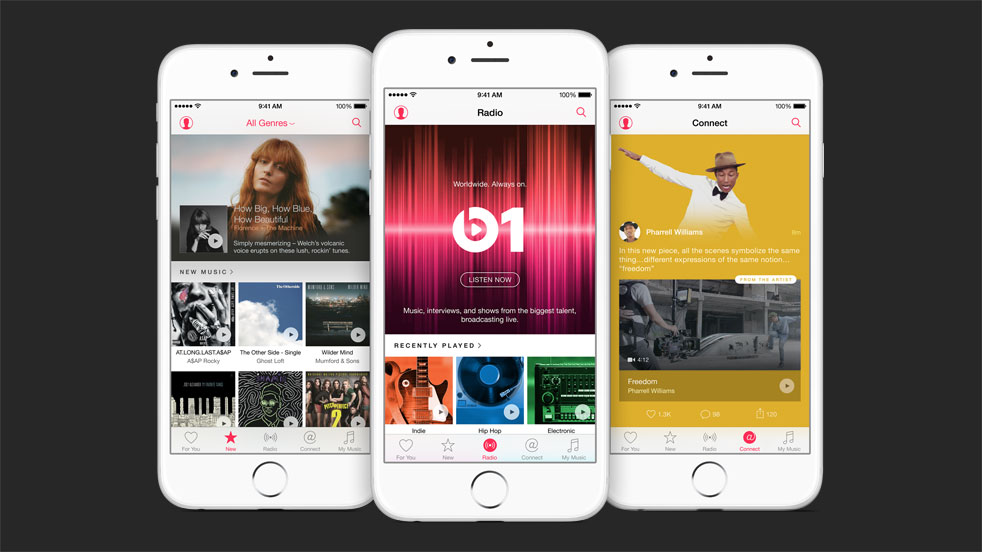
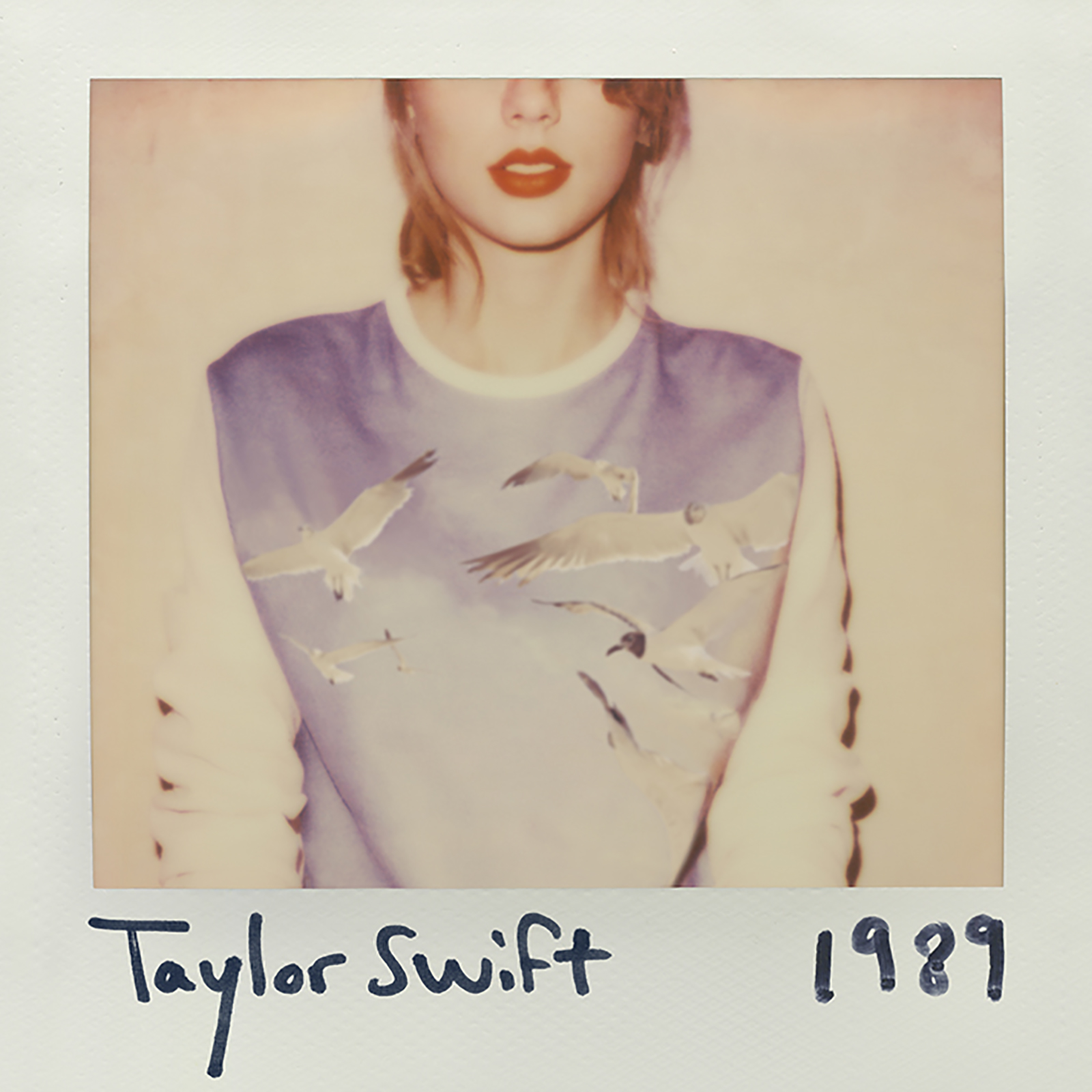
Apple is in full-on PR damage control mode with a sudden change of heart after pop artist Taylor Swift posted her strongly worded editorial on the controversial and much maligned decision to not pay musicians during Apple Music's free of charge three-month trial period. Eddy Cue, Apple's Senior Vice President of Internet Software and Services, took to Billboard to discuss what prompted this decision.

Apple to eliminate Home button by integrating Touch ID fingerprint scanning into iPhone screen

In addition to getting rid of the unsightly bands on their back, future iPhones could create more room for the screen without enlarging the whole device by putting a virtual Home button along with Touch ID sensors right into its screen.

Not only would such a solution eliminate a “chin” at the iPhone's bottom but the Cupertino firm has already developed necessary technologies in-house, claimed a report Monday by Taiwanese trade publication DigiTimes.

Future iPhones could get rid of unsightly antenna bands as Apple invents a new metallic material

In addition to a protruding camera, those antenna bands represent the most controversial design feature of the iPhone 6 and iPhone 6 Plus. Blame the unsightly bands on the law of physics.

Though iPhones and cellular iPads and iPods would have decidedly looked sleeker without the bands, the radio waves cannot penetrate metal so an all-metal iPhone would be quite useless despite a stunningly seamless appearance.

But if a patent application Apple filed with the United States Patent & Trademark Office is an indication, future iPhones could easily get rid of the antenna bands on the back as Apple has apparently invented a metallic looking material that doesn't interfere with the functioning of RF antennas.

Apple issues Mac App Store patch for XARA exploits as additional fixes are ‘in progress’

A cross application resource attack (XARA) that researchers at Indiana University, Georgia Tech and China’s Peking University publicized last week seems to have been partially addressed as Apple issued a server-side fix on the Mac App Store to block malicious apps and secure app data.

Additional fixes are in the works for the XARA exploits on both iOS and OS X, a company spokesperson told iMore. XARA exploits allow malicious apps to steal iCloud credentials of a user, access private data in apps like 1Password and Evernote, hijack their iCloud Keychain passwords and more.

Initial developer interest in Apple Watch higher than in early iPhones and iPads, Cook says

During his China tour last month that took him to the eastern city of Hangzhou, home to the largest Apple Store worldwide, CEO Tim Cook said the Apple Watch has attracted greater adoption by developers than the earliest iPhones and iPads had, according to an interview published Monday by the Chinese language edition of Bloomberg Businessweek.

He said developers have been working on more than 3,500 apps for the watch, a data point Cook reiterated during the WWDC keynote earlier this month. By comparison, the App Store launched with 500 iPhone apps back in the summer of 2008 and there were about a thousand apps available for the first iPad in 2010.

Apple will pay artists for streaming their songs during Apple Music free trial after all

Apple's senior vice president of Internet Software and Services Eddy Cue put an end Sunday night to several days of controversy by saying that Apple will pay artist for streaming their songs during the customer's free trial period of its new Apple Music service.

In a series of tweets representing a change of stance for the company, Cue clarified that Apple will always make sure that artists are paid.

Airplane wallpapers for iPhone

The Wallpapers of the Week section continues to grown in popularity. In particular, wallpapers for WWDC 15, Apple Watch-inspired images, and new Macbook versions.

One trend in the section is having images that are chronologically relevant. Having just the right image on your device for just the right time of year seems harmonious in some way. Currently, it is travel season, at least in the northern hemisphere. People are taking time away from work to vacation or holiday. It is time to fly.

The jailbreak tweaks of the week

In what seems to be the most uneventful week we've had in a long time, we saw the release of only a handful of tweaks, and nothing to really call home about.

Columba was the talk of the town, but those who tried it quickly came to the conclusion it doesn't hold a candle to biteSMS, a tweak it claims to be a replacement for.

Browsing through the new jailbreak apps and tweaks of this week won't take you long...

App Watch: Dash, MindNode, WeatherBug

One of the tasks for which Apple Watch is best suited is displaying information. Whether it be an upcoming calendar event, an incoming text, or simply the date and time, having this information a wrist raise away is what makes Apple Watch so invaluable.

This week, we have some apps that excel at displaying information on your wrist without requiring or even allowing much user interaction at all. These apps conform to the idea of using Apple Watch for very short amounts at a time, making the experience more natural.

How to install beta software on a separate partition

Itching to run the latest macOS beta, but don't want to upgrade your primary Mac installation with a beta release? You'd be wise to carefully consider the prospects of running a beta release as a daily driver. That said, it is possible to run beta software on your primary machine without compromising your current installation.

By creating a small test partition on your primary drive, you can create a great landing space for the beta. Read and watch our walkthrough to see how easy it is.

How to set up Time Machine on Mac OS X

Time Machine is a Mac utility that allows you to automate hourly, daily, and weekly backups on an external drive that's connected directly to your Mac or via a local network. It's seen as the first line of defense against data loss, and features simple setup.

Setting up Time Machine, in its most basic configuration, is extremely easy. All you need to do is launch the Time Machine preferences, turn on Time Machine, select a Backup Disk, and you're pretty much set.

Of course, there's much more to Time Machine than just the initial setup, but in this first post in our Time Machine tutorial series for OS X, we'll cover some of the basic set up options.