How to increase privacy in Safari for iPhone and iPad

Safari on iPhone and iPad

Most of you who use an iOS device probably use Safari as your main and default web browser despite the vast number of third-party alternatives like Chrome, Firefox, Brave, Opera, etc., available in the App Store. But how often do you think about the privacy of your information when you're using it?

Apple gives you several privacy options for using Safari on your iPhone or iPad to keep your information safe. In this tutorial, we aim to make you more familiar with them and talk about how to use them to make Safari secure and private.

f.lux responds to Apple’s inclusion of Night Shift in iOS 9.3

The creators of f.lux, the Mac and iOS utility that makes it easier to use bright screens in dark settings, have responded to Apple's inclusion of Night Shift mode in iOS 9.3—a feature that duplicates f.lux's primary feature.

In the Apple world, we refer to this as being Sherlocked—a term that's used when Apple provides OS-level functionality that seemingly makes a popular third-party application redundant. Curious as to what f.lux has to say about the situation? Have a look.

Apple working on magnetic Watch band that doubles as stand, protective case

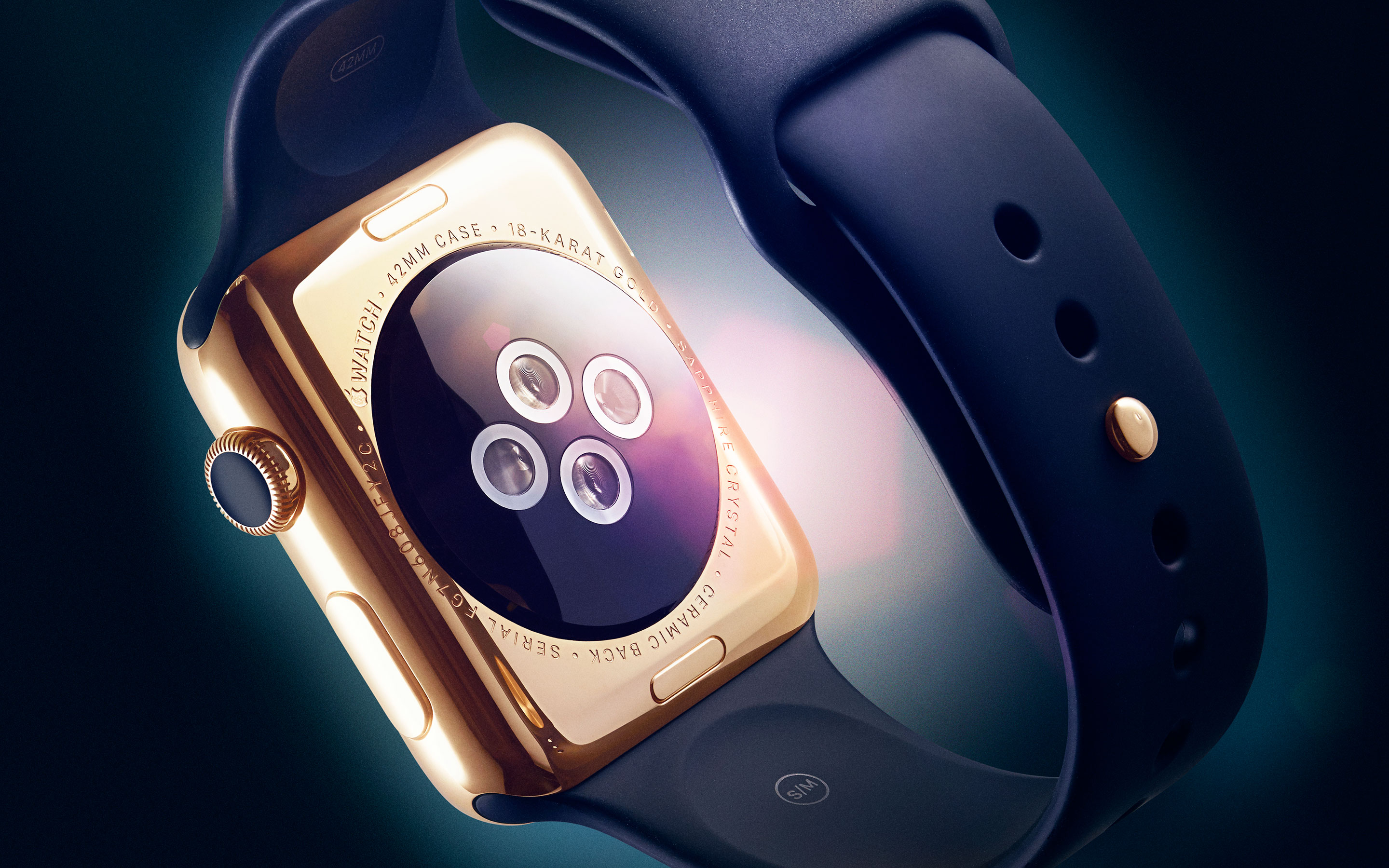
Apple is working on a new magnetic band for its Apple Watch that could transform into a stand, or protective case. The project, first spotted by AppleInsider, was brought to light in a patent application published by the United States Patent and Trademark Office on Thursday.

Aptly-named the "Magnetic Wristband," the invention calls for a Milanese-style band consisting of two straps made from malleable material. These straps feature a series of magnets embedded in various polarity patterns that allow them to interact in unusual, but useful ways.

Text-based adventure Lifeline is Apple’s new Free App of the Week

Lifeline, the first in a series of groundbreaking text adventures from developer 3 Minute Games, is as of today listed as Apple's new free app of the week in the App Store. The 99-cent game is available at no charge to everyone until next Thursday.

Lifeline, which made its App Store debut in April of 2015, is completely text-based but don't let that put you off, the game is actually fun and addictive—especially if you own an Apple Watch.

Apple seeds OS X 10.11.4 beta 1 to public testers

In addition to iOS 9.3, Apple also seeded the first beta of OS X 10.11.4 to public beta testers on Thursday. If you are a member of Apple's public testing program, or would like more information, you can find the latest releases and details here.

Today's releases follow developer seeds of iOS 9.3 and OS X 10.11.4 on Monday. While 9.3 includes a number of major additions, the 10.11.4 features just a handful of changes, such as support for Live Photos in Messages and passwords in Notes.

Apple seeds iOS 9.3 beta 1.1 to developers

Apple has seeded an updated version of iOS 9.3 beta 1 to developers. The new update, which appears as iOS 9.3 beta 1.1 in the OTA Software Update on iOS, contains bug fixes and improvements. All developers are recommended to update to this latest version of the iOS 9.3 beta.

If you've yet to install the beta, you'll find the updated version available on Apple's developer member center. The updated version, seeded today, comes with a build number of 13E5181f. You can also take advantage of the new configuration profile feature to get directly on the developer seed path without needing iTunes.

Apple releases iOS 9.3 for public beta testers

A few days after seeding iOS 9.3 beta 1 to developers, Apple has released iOS 9.3 Public Beta 1 to beta testers as a part of its public beta program. As we mentioned in our in-depth preview of iOS 9.3 beta 1, this release is filled to the brim with new features like the f.lux-inspired Night Shift mode, additional 3D Touch Quick Actions, and much more.

If you’re already a member of Apple's public beta program, or if you’d like to join, simply head over to Apple’s beta website using your iOS device to get going. Remember, you'll need to log in to the public beta website and enroll your device if you have not done so already.

How to subscribe to websites with Safari’s Shared Links

Apple's Safari browser has a little known yet very useful feature called Shared Links, which basically saves in one central place links to articles that your Twitter followers and LinkedIn contacts post, and those published as RSS feeds.

Most websites, iDownloadBlog included, offer a series of regularly published articles in the form of RSS feeds that can be subscribed to in Safari so that they appear within your Shared Links section.

In this tutorial, you will learn how to subscribe to articles from websites using the Shared Links feature in Safari for the iPhone, iPod touch, iPad and Mac.

New in iOS 9.3: Peek and Pop within App Store

The forthcoming iOS 9.3 software update expands the number of 3D Touch shortcuts available on the Home screen for Apple's stock apps, and it also brings shortcuts for the first time to legacy apps such as Compass and Stocks.

iPhone 6s owners will appreciate a pair of new Home screen shortcuts for the App Store that are self-explanatory: Update All and Purchased. But as it turns out, that's not all: iOS 9.3 also enables Peek and Pop gestures to apps within the App Store.

Rumor: Samsung pouring $7+ billion into flexible OLED production for iPhones

Korean outlet ET News said Thursday that a contract between Samsung and Apple on supplying flexible OLED screens for future iPhones has practically been agreed upon, with the South Korean conglomerate committing to a whopping $7.4 billion in capital expenditure over the next couple of years to buy OLED manufacturing equipment needed to produce about 30,000 to 45,000 OLED sheets per month.

Although Apple is said to have secured agreements with other panel makers for OLED technology, the size of the investment suggests that Samsung is about to become Apple’s biggest flexible OLED provider.