BatteryBox Mini keeps your iPhone (and much more) powered while on the go

Because I'm always out and about, and my iPhone can always use a good charge when I'm away from an outlet, external battery accessories are always of great interest to me. BatteryBox, which you may remember made it to both my top 5 accessories for iPhone and top 5 accessories for Mac lists, has long filled that void for me.

Nevertheless, I've been looking for something a little easier to carry around with me when I leave the house or leave the car, and something I can use a little more easily while walking around and while not carrying a backpack.

One solution I've found to work quite well for this need is BatteryBox's little brother, dubbed BatteryBox Mini, which can be had on the BatteryBox website for less than $35. In this review, we'll take you through the features of BatteryBox Mini and show you whether it's a good investment for your needs.

10+ things to do if your Mac won’t switch on

MacBook powering on and showing the Apple logo with a progress bar below it

Most of the time, when you want to use your Mac, you can just press the power button or lift the MacBook screen, hear a startup sound, and your computer will begin booting, so you can use it.

Sometimes, however, you don’t get so lucky. There may be a time when you go to use your Mac, and it doesn’t turn on at all.

As reliable as Macs can be, they can hiccup occasionally. In this piece, we talk about what you can do to troubleshoot if your Mac won’t power on after you press the power button.

How to reveal and use tvOS’s hidden remote diagnostics mode on your Apple TV

Nearly five years ago, Apple started taking advantage of a new feature that lets customers send diagnostic data to an Apple advisor to help troubleshoot any problems they might be having, without having to take their device to an Apple Store Genius.

This remote diagnostic mode, which has since been implemented across all iPhone, iPod touch and iPad devices, is also available on the fourth-generation Apple TV. In this quick tutorial, you're going to learn how to access and take advantage of tvOS's hidden Diagnostics screen on your Apple TV.

3D Touch tips and tricks for the stock Videos app

In this day and age of YouTube streaming and on-demand video, the stock Videos app feels a little outdated and way too limited in terms of features though it gets the job done.

With the Videos app, you can watch movies, televisions shows and music videos that you bought or rented from the iTunes Store, as well as enjoy your personal clips synchronized from iTunes on your computer.

On the iPhone 6s and iPhone 6s Plus, using the Videos app is a little more engaging thanks to 3D Touch. In this tutorial, we'll let you in on 3D Touch shortcuts and gestures that are available  in the Videos app.

Apple releases new Apple TV ad starring Lakers player Kobe Bryant and actor Michael B. Jordan

Apple on Sunday released a brand new commercial for the fourth-generation Apple TV, titled 'Father Time' and available on YouTube.

The 60-second ad features LA Laker's star Kobe Bryant and actor Michael B. Jordan and focuses on using tvOS's Siri features in conjunction with the Siri Remote to “make it easier than ever to find and enjoy whatever you’re looking for.”

The two men are sitting on the couch in a trailer and Jordan picks up his Siri Remote to ask the personal digital assistant to open the official NBA app.

Then, they start arguing over... Well, just watch the ad.

Wallpapers of the week: abstract portraits

Every Sunday, iDownloadBlog brings you a fresh set of iOS device wallpapers for the Wallpapers of the Week section. One of the quickest and easiest, non-jailbreak, ways to change the look and mood of your device, is to keep an ever changing library of fresh images ready for the moment.

The section contains images from a myriad of places around the web, including user submissions and original pieces. Today's images focus on abstract portraits, modern images that are not solely focused on the subject, but the environment they portray. 

Jailbreak tweaks of the week: Edge, SlideMe, & more…

It's Sunday again, and that means we'll be sharing a list of all the jailbreak tweaks that were released in Cydia this week.

Although Cydia isn't quite as busy as it is when there's a fresh jailbreak out and about for the latest iOS firmware, Cydia is still kicking with some interesting releases.

In this roundup, we'll show you our favorite jailbreak tweak releases of the week first, and then we'll get to showing you the rest.

The top stories of the week on iDB

Like every Sunday, we get to take a look at some of the most popular posts that were published on iDB during the week that just ended. Whether it is a news item, a new jailbreak tweak, a tutorial, or an app review, we sum it all up in one convenient place for you.

As always, if you like what you're reading, please feel free to spread the love by sharing our posts on your favorite social network.

We're usually hanging out a lot on Twitter and Facebook, more rarely on Google+.

Don't forget to listen to the latest episode of our new podcast, Let's Talk iOS:

Subscribe on iTunes

And of course, make sure to catch up with the new episode of Let's Talk Jailbreak:

Want to support iDB? Visit our Deals Store and buy something from us.

This tweak keeps you from accidentally deleting your Messages app conversations

A problem that has happened to me more than once is I've accidentally deleted a really important SMS or iMessage conversation in my Messages app, and had no way to get that stuff back again.

A new free jailbreak tweak called MessagesDeleteConfirmer has just hit the Cydia store and ensures you won't be deleting conversations by accident in your Messages app any time soon.

In this review, we'll show you how it works and explain why it can be a life-saver.

Brevis lets you customize your 3D Touch Quick Action menus

If something looks a little different to you in the 3D Touch Quick Actions menu examples above, that's because you are seeing the effects of a new jailbreak tweak called Brevis, which is available now in Cydia for $1.00.

What this tweak will allow you to do is customize the look and feel of your Quick Action menus on your 3D Touch-enabled iPhone.

We will be showing you how the tweak works and what it's capable of in this piece, and you might just want to pick it up yourself!

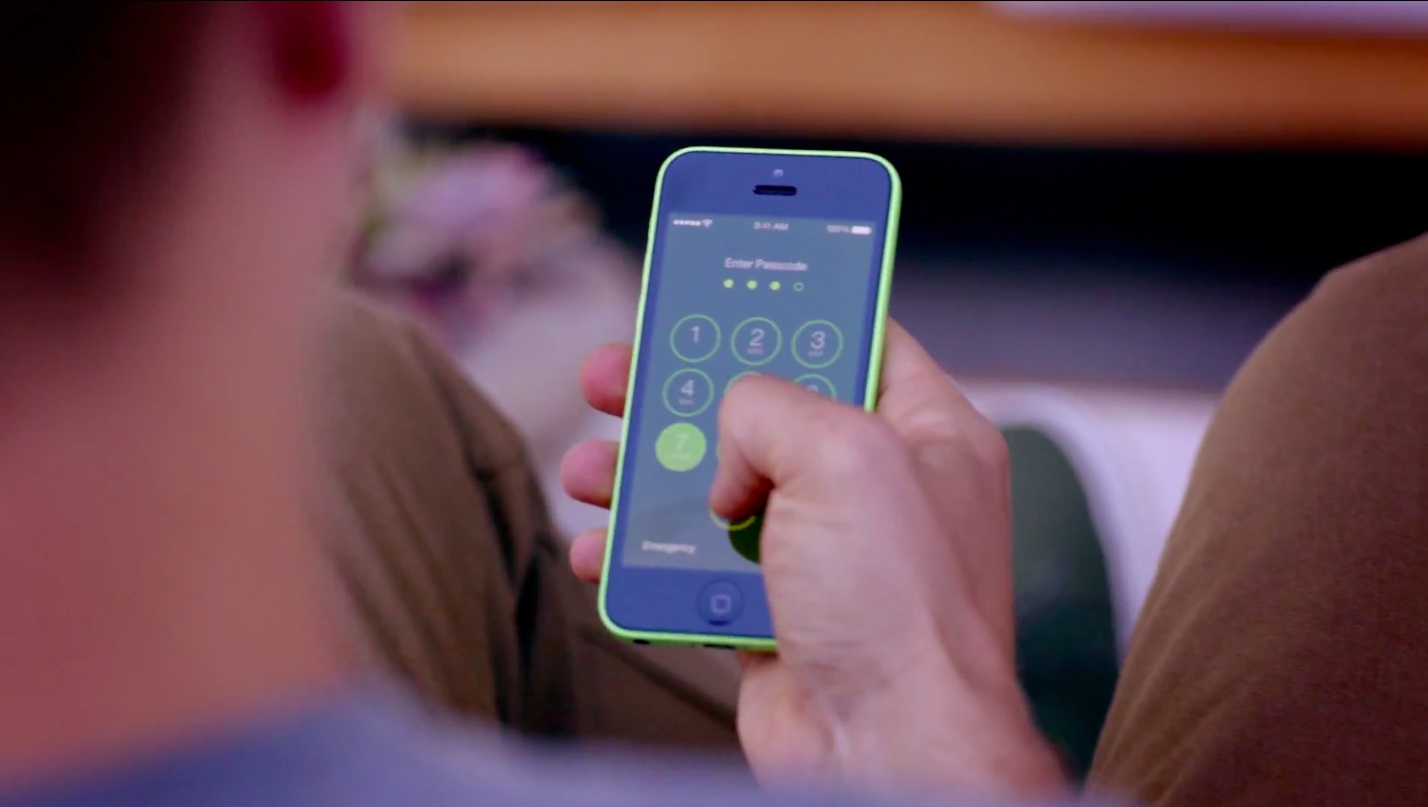
Callisto lets you use the current time as a passcode on your iOS 9 device

You may have heard that the best security is something that lays in plain sight. In some instances, this can be right, because people tend to over-think things.

A jailbreak tweak called Callisto is now available in Cydia's BigBoss repository for $1.49 that lets you use the current time for a passcode instead of something you set for yourself.

In this review, we'll walk you through how it works and show you all of the settings it comes with to make life more comfortable for passcode input.

Upmind, Tweetcat and other apps to check out this weekend

Looking for some new apps and games to try out this weekend? iDB has you covered with our latest Apps of the Week post. This week's list includes some great titles such as the language-learning app Upmind, and Espresso Chat, which offers a new take on group messaging. We also have two new games that you won't want to miss.