Hide the date from the Today page with No Date Today

Some might consider the date information in the Today page unnecessary because the date appears in several other places on your devices. If you agree, then a new free jailbreak tweak called No Date Today by TheComputerWhisperer could be useful to you.

This tweak removes the double-line date from the Today page and makes more vertical room for cramming additional Today widgets into a single screen; the benefit being that you won't have to scroll down as much to see their information.

This tweak forces Safari to load web pages in Reader or full screen mode

While browsing the web in Safari, two bars typically appear in the app: the navigation bar (top) and the toolbar (bottom). As you scroll through a page, on the other hand, the toolbar disappears and the navigation bar shrinks to conserve vertical space.

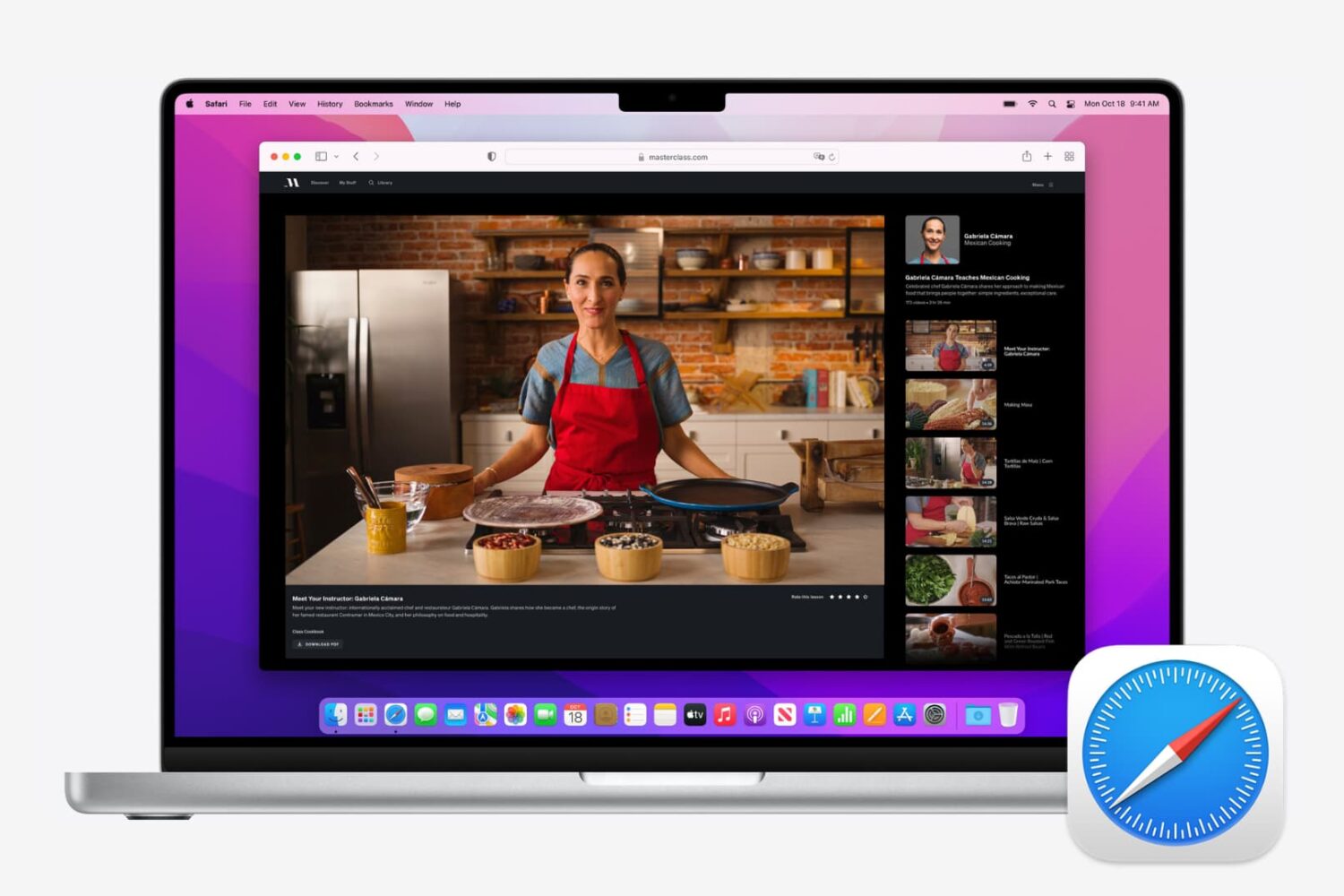
There are other modes you can use in Safari to complement the web browsing experience, such as full screen mode in landscape orientation and Reader mode in either orientation, but if you’ve ever wished Safari would just use either mode automatically for every page you visit, then you’re going to love using a new free jailbreak tweak called SafaReaderFullScroll by CydiaGeek.

How to use Extender Installer to automatically re-sign your jailbreak app

Update: As of the 0.3.2 update, the app is now called Extender: Reloaded, search for that in Cydia instead of Extender Installer.

Now that Extender: Reloaded has been released for Cydia Extender on jailbroken devices, we've had a few requests for a quick guide on how to use it. Look no further! Follow our how-to below to ensure your jailbreak app never needs sideloading from a computer again. At last, your semi-untethered jailbreak is truly semi-untethered.

How to open your iTunes playlists in separate windows

In older versions of iTunes, you could easily open a playlist in a separate window. It was both a great time-saver and a boon to your productivity, especially on large screens.

For reasons unknown, Apple has removed that functionality from the iTunes 12 update which was overhauled around a single-window workflow.

Thankfully, the company has reinstated the ability to open playlists in new windows with iTunes 12.6. Here's how to open your playlists in their separate windows using iTunes for Mac.

How to open your playlist in a new iTunes window

1) Launch iTunes on your Mac.

2) Choose Music from the menu near the upper-left corner, then click the Library tab.

3) In the lefthand column, right-click or Control (⌃)-click your playlist underneath the All Playlists heading, then select the option Open In New Window from the popup menu.

This will open a new iTunes window containing the selected playlist, as shown top of post.

You can drag songs at will between the playlist windows and open as many playlists in separate windows as you like. I don't have that many playlists created in iTunes so I was able to open “only” four playlist windows, but it worked like a charm.

How to open an Apple Music playlist in a new window

Playlists on Apple Music cannot be opened in their separate windows unless they're in your iTunes library. To do so, follow the steps below:

1) Launch iTunes on your Mac.

2) Choose Music from the popup menu near the upper-left corner of the window, then click either the Library or the For You tab.

3) Find a playlist on Apple Music and click the three dots in the lower-right corner of playlist graphics to bring up the contextual menu, then choose the option Add to Library.

4) With the selected Apple Music playlist now in your iTunes library, switch to the Library tab, right-click it underneath the Apple Music Playlists heading in the lefthand column, then select the Open in New Window command.

Just like that, the selected Apple Music playlist from your library opens in a new window.

iTunes playlists windows and Split View

Sadly, playlists windows in iTunes don't support macOS's useful Split View feature.

If iTunes supported Split View properly, it could have been a great multitasking feature. In other words, you cannot browse your iTunes library in the main window and have your favorite playlist in its separate window in macOS's Split View mode.

And that's it, boys and girls!

Pass along this article to other Mac users you support and don’t forget we accept your submissions regarding future coverage ideas via tips@iDownloadBlog.com.

If you have any questions, please post a comment below.

No more 7-day signing woes: use Extender Installer

Update: the tool is now entitled Extender: Reloaded, not Extender Installer. Amend your Cydia search accordingly.

Since the release of Yalu for iOS 10, many users have been faced with a new annoyance: the 7-day signing period for their jailbreak app. Without a paid Apple developer account they are forced to connect their devices to their computers once a week to sideload their jailbreak app again.

Whilst this has technically been true for all semi-(un)tethered jailbreaks, it was never an issue with Pangu 9.2-9.3.3 because it came with a one-year certificate, and later a re-jailbreaking website. It was with mach_portal and Yalu102 that the problem became evident.

Smart light bulbs you can control with your iPhone

If you're looking to dip your toes in the smart home pool, there's perhaps no easier or less-expensive way than with smart light bulbs. Simply install them into the appropriate light sockets, pair them with their mobile app, and you're ready to go.

As with most electronics, there are a lot of choices out there, and some are much better than others. So to help you separate the good from the bad, we decided to compile a list of some of the best smart bulbs you can can control with you iPhone.

Survey ranks Apple as #1 wearables maker

In a report issued Thursday market research firm Strategy Analytics said that Apple has overtaken Fitbit to become the world's leading vendor of devices worn on one's body, capturing sixteen percent of the global market for wearables in the March quarter.

Apple sold an estimated 3.5 million watches during the three-month period ending in March, a 59 percent increase over the 2.2 million Apple Watch units sold in the year-ago quarter.

According to Strategy Analytics data, rival Fitbit shipped 2.9 million units in March, marking a significant 36 percent drop from the 4.5 million Fitbits shipped in the year-ago quarter.

Strategy Analytics stated:

Fitbit has lost its wearables leadership to Apple, due to slowing demand for its fitnessbands and a late entry to the emerging smartwatch market.

Fitbit’s shipments, revenue, pricing and profit are all shrinking at the moment and they have a major fight on their hands to recover this year.

The new Apple Watch Series 2 is selling “relatively well” in the US, UK and elsewhere, due to “enhanced styling, intensive marketing and a good retail presence,” said the research firm.

https://www.youtube.com/watch?v=4NAj6A_noZI

Subscribe to iDownloadBlog on YouTube

Chinese startup Xiaomi shipped 3.4 million wearable units, good for a cool fifteen percent marketshare worldwide. Demand for Xiaomi's popular Mi Band fitness range was broadly flat across its core markets of Asia.

Fitbit thus far has mostly focused on fitness bands and related accessories.

That could change soon as the company is expected to add smartwatches to its portfolio. However, if an image leaked earlier this week (above) is anything to go by, Fitbit's upcoming smartwatch slated for release this fall won't win any beauty contest.

Fitbit also plans on releasing a pair of Bluetooth earbuds, codenamed “Parkside” internally, alongside the smartwatch, according to two of Yahoo Finance’s sources. A photo of the upcoming $150 earbuds (below) was leaked to Yahoo Finance earlier this week.

Last December, Fitibit acquired software assets of the struggling smartwatch maker Pebble for a mere $40 million. Following the acquisition, Fitbit put the last nail in Pebble's coffin by cancelling all new hardware that Pebble had in the pipeline.

Global wearables shipments reached 22 million units during the March quarter, marking a 21 percent increase year-over-year from 18.2 million in the year-ago quarter. Stronger demand for new smartwatch models in North America, Western Europe and Asia drove the uptick, said Strategy Analytics.

The full Wearables Market Data repot is available on the Strategy Analytics website.

Amazon may launch its video streaming app for Apple TV in the summer

After pulling all Apple TV hardware from Amazon.com in December 2015 because it didn't “interact well” with its video-subscription service, online retail giant Amazon has at long last warmed up to the idea of permitting owners of Apple's set-top box to use its service.

Recode reported Friday that the two companies are “close to an agreement” that would bring Amazon's Video app to Apple TV in the third quarter of the year, possibly coinciding with the introduction of a next-generation Apple TV with support for 4K video streaming and more.

“It’s unclear what got the two companies to reach an agreement, though some industry observers suggest that any pact would have been worked out, at a high level, by CEOs Tim Cook and Jeff Bezos,” said Recode.

That app would let Amazon Prime Video subscribers watch TV shows and movies directly on their Apple TV set-top box without having to use AirPlay.

It's unclear if Apple TV hardware will be returning to Amazon.com anytime soon and whether or not the two tech giants might have settled other disputes involving their rival video ambitions.

Last year, Amazon CEO Jeff Bezos said why they stopped selling Apple TVs:

We want our player, our Prime Video player, to be on the device, and we want it to be on the device with acceptable business terms. And so, you can always get the player on the device; the question is can you do so with acceptable business terms.

And if you can’t, then we don't want to sell it to our customers, because they’re going to be buying it thinking they can watch Prime Video and then they’re going to be disappointed. And they’re going to return it.

Currently, Apple TV owners and Prime members must use AirPlay to wirelessly send movies and TV shows to their Apple TV via Amazon's pretty limited Prime Video app for iOS, which still won't let you buy or rent individual programs without visiting Amazon.com first.

https://www.youtube.com/watch?v=Io8NU6iTto0

Subscribe to iDownloadBlog on YouTube

“As we have already succeeded in developing an app for iPhone and iPad, we hope to make an app separately for the Apple TV,” said the online retailer a year and a half ago.

The app was supposed to release before the end of 2015, but negotiations between the two tech giants obviously took a lot longer than expected.

Earlier this year, Apple hired Amazon's former Fire TV chief to head up its Apple TV business.

Meanwhile, Amazon’s shopping app is available on the fourth-generation Apple TV with purchasing support for Prime members and other features.

Bosch wins orders for iPhone 8 motion sensors

German engineering and electronics company Robert Bosch GmbH has reportedly landed orders to manufacture motion sensors for Apple's upcoming iPhone 8. According to a report Friday by Bloomberg citing a person familiar with the deal, the German firm could build as much as half of the motion sensors in upcoming iPhones, with InvenSense supplying the rest.

InvenSense counts Apple as its client and files as the primary supplier of the smartphone motion-sensing components, with the iPhone maker accounting for an estimated 60 percent of InvenSense's revenue. In that regard, the Apple-Bosch deal could be a major blow to Invense, shares of which declined more than five percent in extended trading Thursday.

InvenSense is currently seeking to complete its $1.3 billion sale to TDK Corp. The deal is partly aimed at boosting the Japanese company’s business with Apple. Apple was already one of TDK’s biggest customers before the Japanese firm agreed to buy InvenSense in December.

“We aim to become a strong player in the sensor business with InvenSense as our perfect partner,” TDK CEO Shigenao Ishiguro said at the time.

Bosch did supply gyroscopes and accelerometers for Apple in the past and it currently supplies barometric pressure sensors for iPhones. Before iPhone 5s came out, STmicroelectronics used to supply gyroscope sensors for iPhones.

Since iPhone 5s, Bosch has been supplying gyroscopes and accelerometers for iPhone 6 models, with California-based InvenSense providing the gyroscopes and accelerometers in iPhone SE, iPhone 6s, and iPhone 7 on an exclusive basis.

The first Bosch microelectromechanical systems to make its way inside any iPhone was their Sensortech BMA220 unit in iPhone 5s, which initially suffered from inaccuracies that were later fixed via a firmware update.

The iPhone 6 series uses a three-axis accelerometer sensor built by Bosch and InvenSense’s six-axis MPU-6700 accelerometer. Relying on accelerometers from two different vendors helps increase power efficiency.

The Bosch accelerometer has a significantly faster cold start up time than the InvenSense—3ms vs. 30ms, respectively—meaning users see less of a delay.

For games and other apps that require sophisticated inertial sensing capabilities, iPhone 6 uses the InvenSense sensor. For simpler tasks, such as tracking footsteps and rotating the screen to match the device's orientation, the device uses the Bosch sensor.

Photo: Bosch's Sensortech BMA220 accelerometer in iPhone 5s, via Chipworks.

ExxonMobil expands Apple Pay support to Speedpass+ for Apple Watch app

Oil giant ExxonMobil introduced basic Apple Pay support within its mobile Speedpass+ app in March 2016, allowing customers to pay for fuel at approximately 6,000 gas stations nationwide. Yesterday, the company announced that customers can now pay for fuel and car washes using their Apple Watch and Apple Pay at over 10,000 Exxon and Mobil refueling stations across the United States.

Users must launch the Speedpass+ app on their watch and select the pump they're at to authorize it for payment. Next, press the Side button twice to invoke Apple Pay and approve the payment. You can start fueling up your vehicle.

Other new features available within the app include support for Touch ID app protection and Ford vehicles equipped with SYNC 3 technology to easily authorize payments, making it the first fuel payment connected car app in the United States.

Ford owners can additionally use the Speedpass+ app to check how much fuel is left in the tank when they are away from their car. Customers even have the option to apply for an ExxonMobil-branded credit card issued by Citibank from inside the app.

Once your application has been approved, the card will be automatically added as a payment option within the app, and you can start using it right away. For a limited time, new accounts shall receive a savings of 20 cents per gallon for the first two months, then six cents on every gallon after that, the company said.

ExxonMobil's app now supports several payment methods, including major credit cards, debit cards, ExxonMobil Smart Cards, Apple Pay and Samsung Pay.

ExxonMobile Speedpass+ for iOS is available for free on App Store.