The best cases for the iPhone XS Max

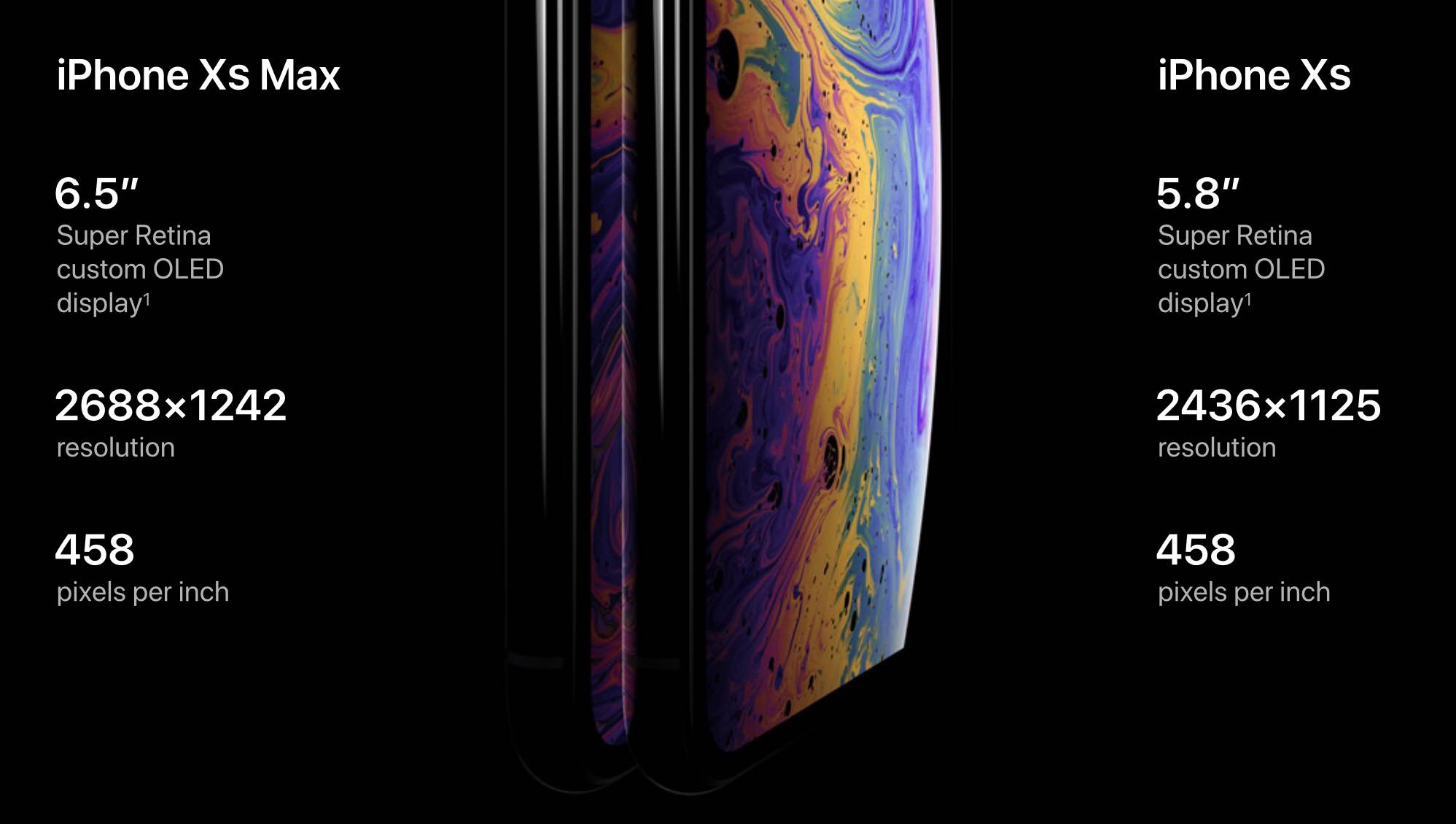
If you've pre-ordered an iPhone XS Max, or are planning to pick one up at some point, you're going to want to strongly consider picking up a case. I don't care how good the phone looks without one, you're talking about a $1,100+ gadget that is completely covered in glass. The good news is, there are plenty of case options available for Apple's new 6.5-inch handset, and we've done the hard work so you don't have to. Below is our roundup of the best iPhone XS Max cases, with options for just about everyone's taste, lifestyle and budget.

How to use all the new watchOS 5 features on Apple Watch

watchOS features

In this article, you'll learn how to install the update and take advantage of the watchOS 5 features, including Walkie-Talkie, activity competitions, and more.

First announced in June, watchOS 5 brings significant new features to the table, including Walkie-Talkie, Activity Competitions, Podcasts, among others. There is also an expanded Siri watch face and four new watch faces.

Apple brings tvOS 12 to Apple TV

It's official. Apple has released the tvOS 12 update for Apple TV. The release is mostly minor, although it does offer one important new feature for film aficionados, the introduction of Dolby Atmos support.

The new update, with a build number of 16J364, includes:

Dolby Atmos

Along with support for Dolby Atmos, Apple promises to add the most extensive collection of Dolby Atmos-supported movies beginning this fall.

Once tvOS 12 has been installed, you can set up Dolby Atmos on your Apple TV by going into the Settings app under Video & Audio.

Other new features

TvOS 12 also introduces new aerial screensavers in partnership with the International Space Station. Additionally, existing screensavers now include location information to let you know where each has been captured.

You can download and install tvOS 12 by visiting the Settings app on your device.

1) On Apple TV 4K or Apple TV (4th generation), go to Settings > System > Software Updates and select Update Software.

2)  Select Download and Install. Wait for your Apple TV to download the update. Don't disconnect or unplug your Apple TV until the upgrade completes.

3) Wait for the update to install.

Are you excited about seeing tvOS 12? Let us know below.