The top stories of the week on iDB

Like every Sunday, we get to take a look at some of the most popular posts that were published on iDB during the week that just ended. Whether it is a news item, a new jailbreak tweak, a tutorial, or an app review, we sum it all up in one convenient place for you. 

NavAway intelligently hides the navigation bar relative to scrolling direction

Upon refreshing your Cydia sources this week, you should take note of a new free jailbreak tweak called NavAway by iOS developer Wh0ba.

Just as the tweak’s name suggests, NavAway makes your iPhone’s navigation bar magically disappear as you scroll down in specific scrollable applications. When you begin scrolling back up in the app, NavAway intelligently reveals the navigation bar again for your convenience.

Everything to know about the new, rich Apple Watch complications on Series 4

Complications—small elements rendered on the Apple Watch face that provide quick access to frequently-used data—have received a boost on Series 4: all-new templates now let brand new elements, such as full-color images, text and gauges, follow curvature of the display.

Complications are a great way to connect users to their favorite apps with every wrist raise and keep them informed throughout their day. Tapping a complication launches its underlying app.

Complications are available for Apple's own and third-party apps.

Complications put glanceable information snippets on the watch face

In an app called Dexcom, the complication allows for continuous glucose monitoring. Another example: the Streaks complication shows daily progress on tasks on the watch face.

With Series 4, Apple's added improvements to its underlying APIs to let app makers create full-color complications for the new Infograph and the Infograph Modular faces on Series 4.

These dense new Series 4 complications are informative and way more precise. With support for the larger Series 4 screen, new templates let third-party makers offer a more detailed view of their apps from the watch face.

ClockKit gets a major boost

Apple Watch complications are realized through ClockKit.

ClockKit is a software framework in watchOS 2.0 and higher designed to support displaying apps data on your watch face. In watchmaking, these things are called complications.

ClockKit now supports enriched Series 4 complications so app makers can write compilations that take full advantage of the rounded display.

The new Series 4 complications work on the Infograph and Infograph Modular faces

ClockKit includes templates for laying out complication styles on the watch face that support custom arrangements of text, images, completion rings and other elements. Coupled with data providers, these templates let complications visualize formatted content on a small segment of the watch face.

In other words, data providers bring the data to the complication to display on the watch face while templates format the data appropriately for the different watch face designs.

Modular faces

As mentioned, the new and enhanced complication families available on Series 4 are only available through either the Infograph or the Infograph Modular face. Other watch faces can display old school complication styles, but not new ones like curly gauges.

Rounded complications are exclusive to Series 4 watches

In addition to the seven existing complication types—Modular Small, Modular Large, Utilitarian Small, Utilitarian Small Flat, Utilitarian Large, Circular Small and Extra Large—Series 4 adds four new families that determine how information is displayed onscreen:

Graphic Corner Graphic Circular Graphic Bezel Graphic Rectangular

thanks to the updated system-provided templates on Series 4, these new complications now support features like extending into the corners of the display, presenting information in full color, using images in the middle of the watch face and so forth. Conveniently, ClockKit has gained a few new data providers that support the new complication families with modern new elements like gauges, images and so forth.

Colorful gauges

Gauges are progress bars used for illustrating progress completed or a value within a range. A time-interval gauge, such as that in the Timer complication, would automatically animate the values as they change.

Gauges can be single-color or use a custom gradient.

The system uses your values and ranges to render the gradients

Either way, color can be set to fill the gauge as the data progresses. If the data is a range, it uses a ring to indicate the value. This is useful for illustrating progress on complications focused on weather, fitness, health and more.

Full-color images & text

Series 4 complications can also display full-color images on the watch face, which ups the visuals a few notches. On older models, complications were limited to monochrome images.

And with text providers, complications can display several text-based elements, including the current date and time, as well as time ranges and automatic count-downs/ups between two dates/times. Multiple text providers can be chained together easily, and each can have its own tint color.

Text data can be formatted with color

This is useful for creating differently-colored strings that a complication might want to use for branding purposes (i.e. to display the precise numerical values of your Activity rings).

Putting it all to work

It's time we illustrate some of the creative possibilities afforded by the new system templates.

Graphic Corner

Available on the Infograph face, this one curves along the corners of the display, allowing for way more content while making stunning use of the rounded Series 4 display.

New Series 4 complications account for the round display corners

Graphic Circular

Available on both the Infograph and Infograph Modular watch faces, this template gives a complication the ability to combine gauges and text. It typically shows gauges at the bottom of the display, with handy values at the end of the range included in the gauge.

Open gauges can have text, values or images at their bottom

As the image right below attest, a closed gauge is also possible. These gauges can use full-color images or text in the middle, or even an image across the entire complication area.

Closed gauges can be styled with text, images and so forth

Graphic Bezel

Available only on the Infograph watch face, this template does something clever: it wraps a custom UPPERCASE text within the time bezel. Seeing text information like weather forecast curved along the time bezel looks really neat, as evidenced by the screenshot.

Complication text can fill 180 degrees of the time bezel before it's truncated

Graphic Rectangular

Lastly, the Graphic Rectangular template allows you to use highly visual, full-color images in the center of the watch face. These can be used for anything from displaying bio images of the user's favorite contacts to showing a more detailed heart rate graph and beyond.

The main image can be coupled with gauges and text for added effect.

This template is available exclusively on the Infograph Modular watch face.

Wrapping it all up

These new Series 4 complications available on the Infograph and Infograph Modular watch faces are updated with the same frequency as your old complications on previous watches, meaning 50 guaranteed push updates every 24 hours.

If the app containing a complication uses the Background App Refresh feature (managed through My Watch → General → Background App Refresh in the companion Watch app), or is in your recently-used list in the Dock, it can update the complication once every hour.

The only potential downside of the new complications on Series 4: the system templates that allow for image-heavy or curly layouts, like Graphic Circular or Graphic Rectangular, may tax the CPU and affect battery life.

As a result, and this is pure speculation on our part, stuffing your watch face with a bunch of curly complications in the corners might affect battery life.

And last but certainly not least—in appeasing visually-impaired users, Apple has permitted developers to boost their complications with VoiceOver. This is especially important if a complication only uses an image and no accompanying text that VoiceOver could read.

To learn more about how the new Infograph and Infograph Modular watch faces on Series 4 allow for all new ways to create engaging, full-color complications, be sure to watch Apple's Tech Talks developer video, titled “Developing Complications for Apple Watch Series 4”.

Complicated?

We are very eager to hear your opinion.

These new complications with their assorted templates really do take the best advantage of that gorgeous OLED screen on Series 4, coming alive with color, curves and images.

To reiterate, only the new Infograph and Infograph Modular watch faces support the new complication families brought by Apple Watch Series 4. You cannot get them on older watches as they lack bigger screens to support Series 4's much denser complications.

Tick-tock, hit us in comments!

The best Apple TV educational apps for adults to continue learning

Knowledge is Power chalkboard

We have many reasons for wanting to continue our education as adults. We might want to learn new skills to change our career path. We may want to hone our existing skills for our current job. Or, we might just want to learn more about a topic of interest. Whatever the reason, there are ways to find the classes we want or need, and one convenient way is on Apple TV.

With video lessons in a variety of subjects, you can learn at your own pace right from your living room. Here are some of the best educational apps for adults on Apple TV.

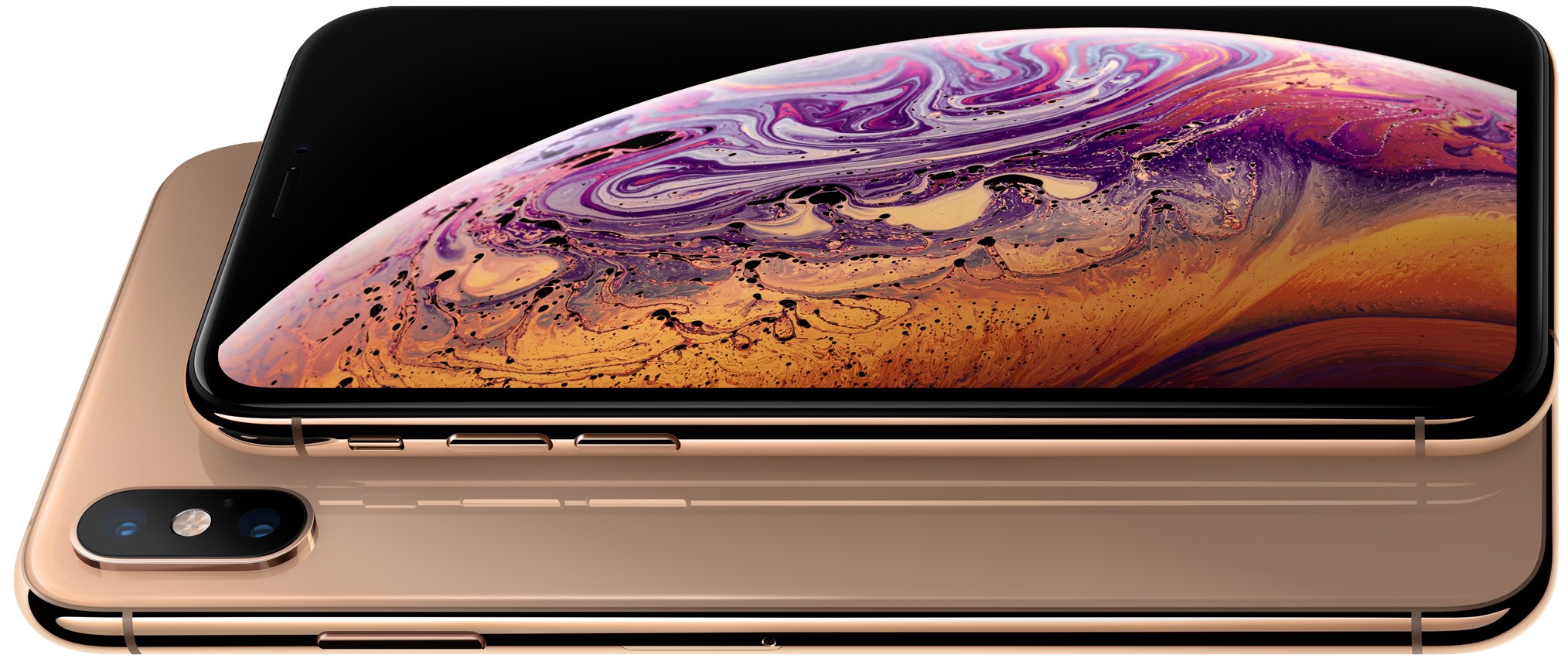
Upgrading to iPhone Xs via Apple’s Upgrade Program? Here is what you need to know

This will be my first year upgrading to the new iPhone as a member of Apple's iPhone Upgrade Program. Say what you want about the poor economics of the 'leasing' model, but with no need to list my old phone on eBay or fork over $1,000+, this may be one of my most stress-free iPhone upgrades ever. That being said, there are a few things worth noting if you're planning to upgrade to the new iPhone Xs or Xs Max using Apple's Upgrade Program. 

Apple Watch Series 4’s electrocardiogram sensor has the FDA’S clearance, not approval

Perhaps the most important new feature on the Apple Watch Series 4 is the introduction of an electrocardiogram sensor that will allow the device to monitor your heart to identify potential problems. When the wearable device was announced, Apple said it was granted a "de novo classification by the FDA." This isn't an approval, however, which we will explain here.