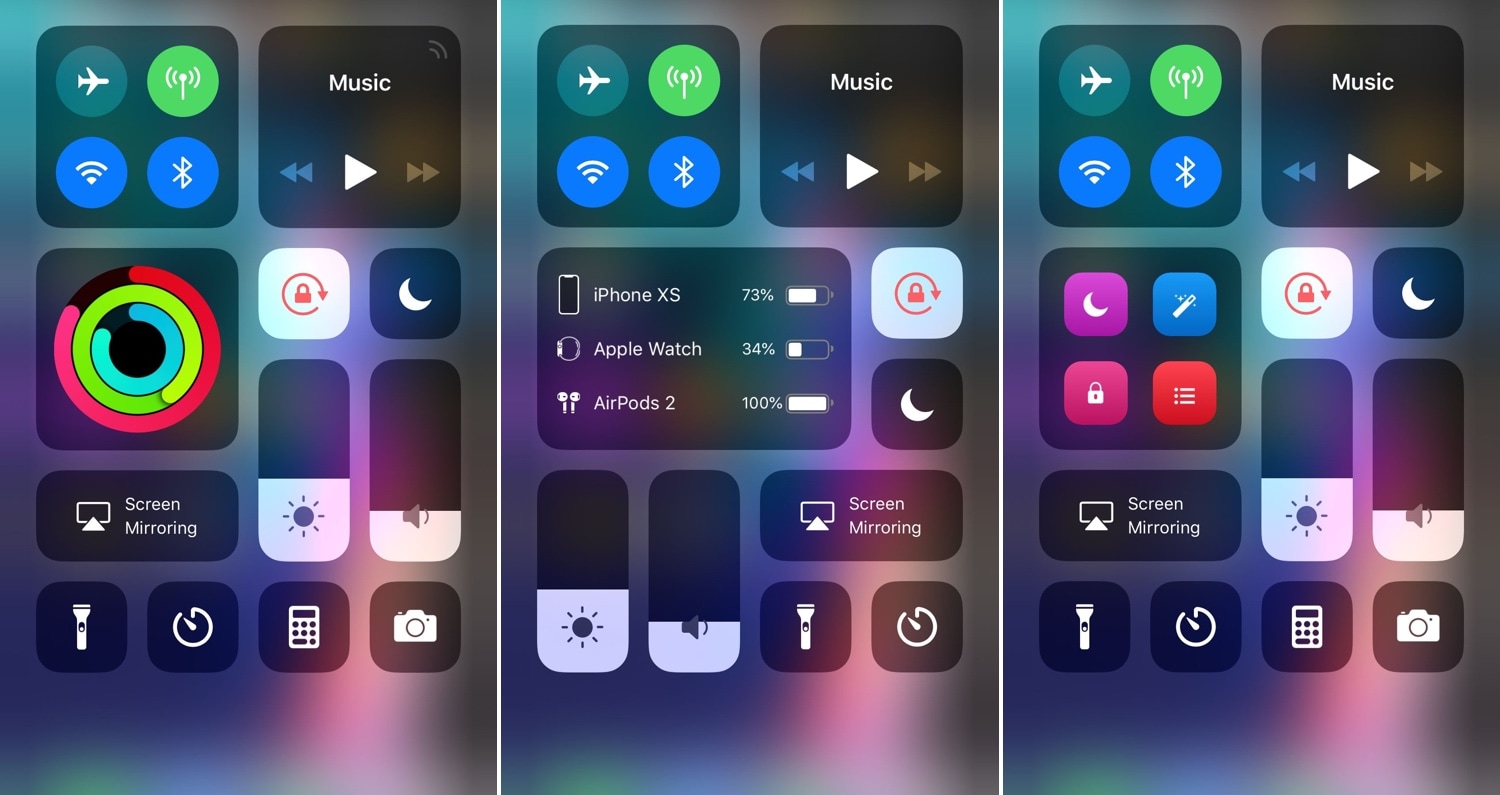
Modulus brings a slew of useful new modules to Control Center

Making the Control Center interface modular was perhaps one of the greatest things Apple ever did to improve the iOS experience. On the other hand, Apple left a few things out of the interface from the start and hasn’t yet opened the platform to third-party developers for custom toggles and shortcuts. With that in mind, it certainly pays off to have a jailbreak.

A new jailbreak tweak called Modulus by iOS developer LaughingQuoll brings a slew of new third-party modules to the Control Center interface, and at first glance, each of the new modules seem to be rather impressive.

SnoozeX provides a more intuitive firing alarm interface for iOS

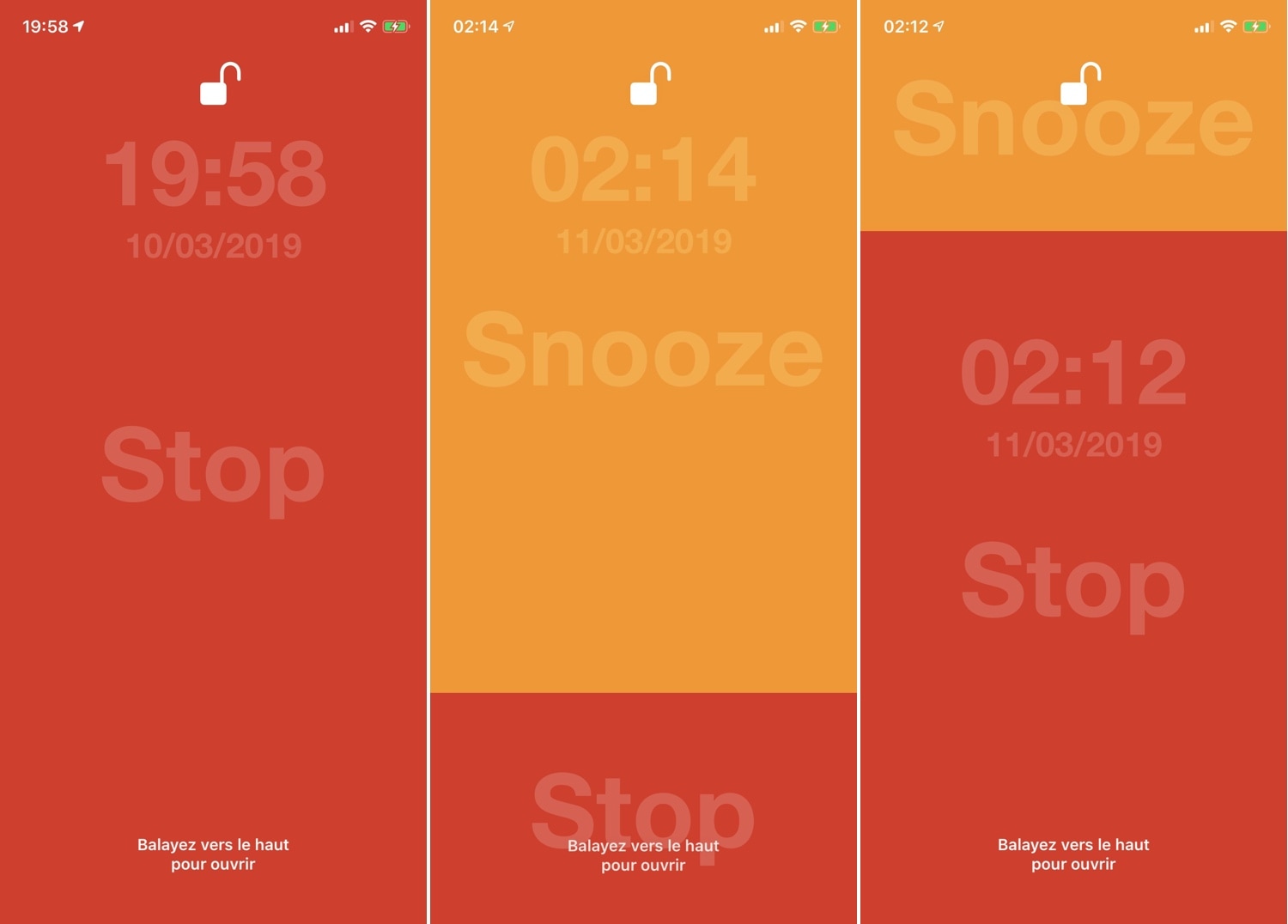
Whenever one of your iPhone’s alarm fires, you’re presented with an interface where you can either snooze or stop the alarm indefinitely. Many have expressed their dissatisfaction with iOS’ native alarm firing interface, and with that in mind, iOS developer VincentMDIM came out with a jailbreak tweak called SnoozeX to address that.

SnoozeX makes the iOS’ alarm firing interface more intuitive, especially for those who have trouble waking up early in the morning after their alarm goes off. As depicted by the screenshot examples above, SnoozeX makes the alarm firing interface easier to interact with, which will be appreciated by folks who are still half asleep when the alarm sounds.

LockDock lets you access your Dock from the Lock screen

When I first started jailbreaking many years ago, you were the cool kid on the block if you had access to application shortcuts on your iPhone’s Lock screen. For whatever reason, application shortcut add-ons have all but disappeared in recent memory, but a new jailbreak tweak called LockDock by iOS developer Blake Boxberger appears to revive this once popular concept.

LockDock takes advantage of an application launcher that already exists on the iOS platform – the Home screen’s application Dock – and makes it accessible from the Lock screen in addition to the Home screen, as shown above.

$30 Logitech Harmony smart remote and other tech deals

In this weekend edition of our tech deals roundup, we have the Logitech Harmony smart remote at just $30. This matches its lowest price ever and is a tremendous value for the money. We also have several deals still available from this week, so be sure to check out the full roundup! Just make sure you hurry, these deals won't be around forever!

The best free iPhone weather widgets

Best Weather Widgets iPhone - Weather Underground

Your iPhone and iPad both come with a handy weather app for getting your current conditions and upcoming forecast. And you can use the widget for that app in your Today View. But what if you want something more or just a little different?

Instead of searching the App Store and trying tons of weather widgets, we’ve compiled a list for you. Here are the best free iPhone weather widgets for your Today View.

Sync iPhone data to Mac without iTunes errors – MacX MediaTrans license + AirPods giveaway [sponsor]

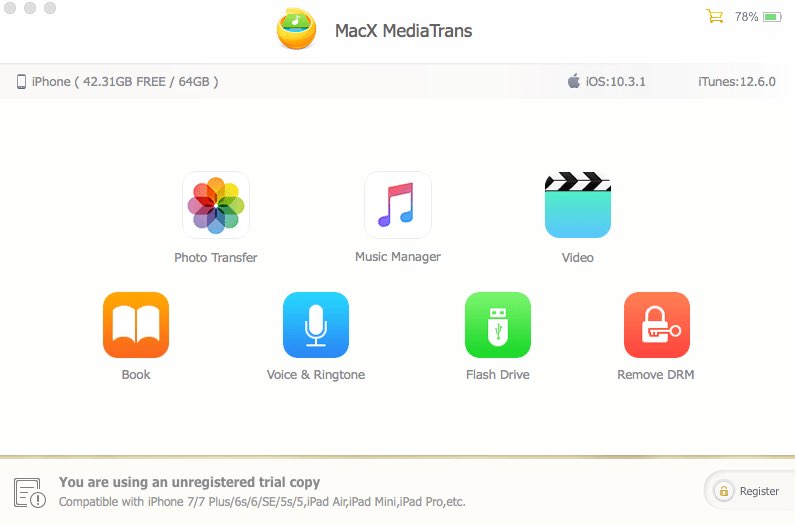
Transferring your iPhone data to a Mac or Windows PC isn't a hassle-free affair due to various iTunes syncing errors that can quite often result in duplicate files, syncing inconsistencies and even data loss. One viable option is MacX MediaTrans by developer Digiarty Software, a versatile iTunes alternative for your Mac that resolves iTunes syncing errors.

NCGrabberInfo: An actually useful Notification Center grabber for jailbroken devices

A lot of times when playing full-screen games on my iPhone, I wonder what time it is or how much battery life I have left. It’s inconvenient to pause my game to peek at Control Center or swipe out of the app to glance at the Status Bar, and so I was particularly excited when I saw a new free jailbreak tweak called NCGrabberInfo by iOS developer Antique.

With this tweak, you can grab a peek at both the time and your handset’s remaining battery life even when you’re enjoying a full-screen game; and the best part is, you don’t need to stop playing or leave the app to do it.