Learn how to use Schooltime on Apple Watch to minimize distractions and stay focused during school hours with our step-by-step guide.
How to use Schooltime on Apple Watch to eliminate distractions
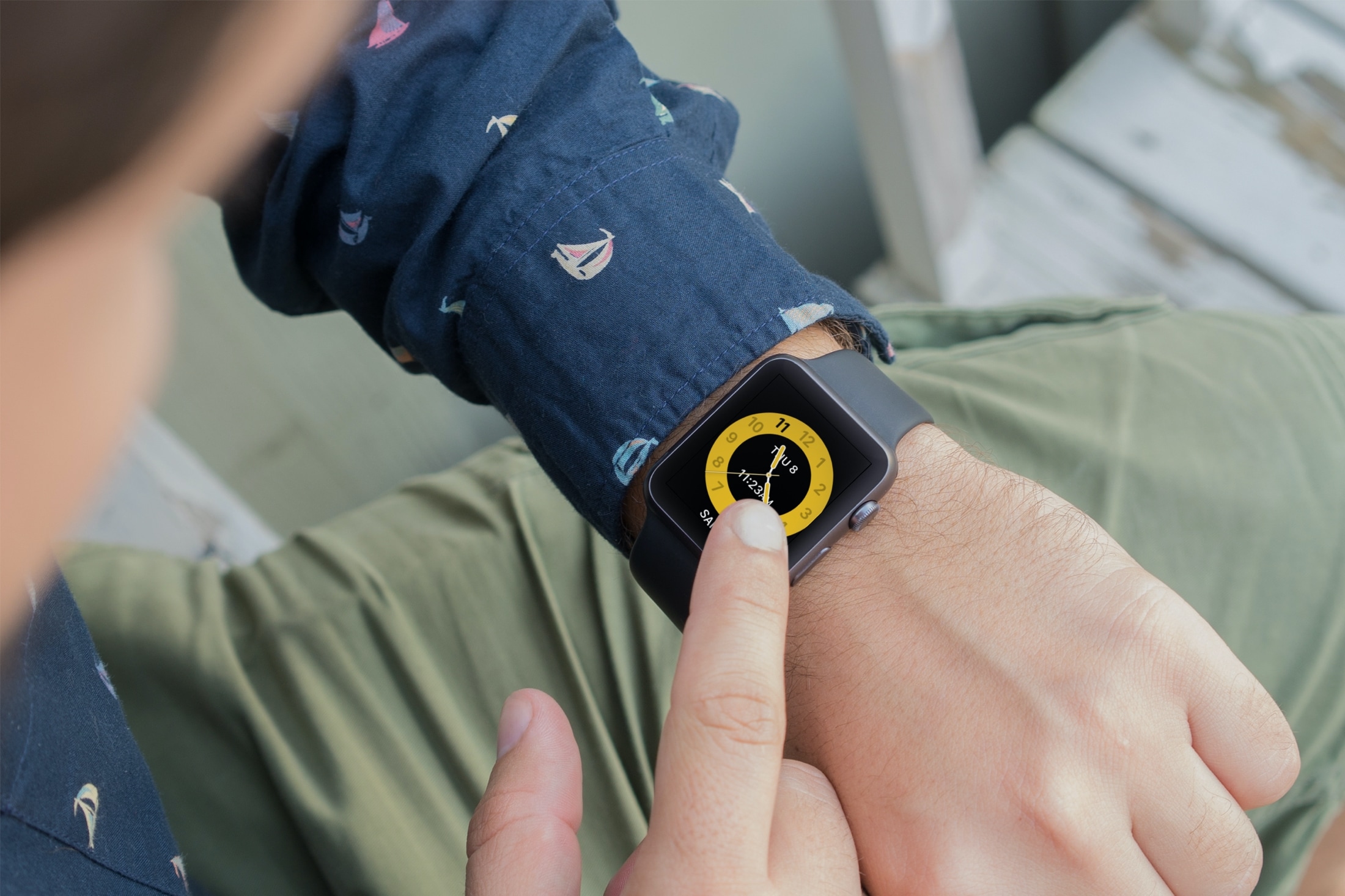
Learn how to use Schooltime on Apple Watch to minimize distractions and stay focused during school hours with our step-by-step guide.

One of the things that makes the brand new and upcoming iPhone 12 & 12 Pro lineup unique is the addition of support for MagSafe accessories. Apple touts MagSafe for iPhone as a larger version of the Apple Watch charger that attaches magnetically to the rear of the handset and charges the device at up to twice the speed of any Qi-enabled wireless charger. As you might come to expect, MagSafe even includes a charging animation unique to itself, as shown above.
It wasn’t long after the introduction of MagSafe that avid jailbreakers began asking whether it’d be possible to have a similar charging animation on their existing pwned devices… and the short answer would be yes. The longer answer is yes, and that a duo of new and free jailbreak tweaks dubbed Lock Screen Battery – MagSafe by Tomasz Poliszuk and MagSafe by iOS developers Ethan Whited and MTAC are already available and make this possible for various devices.
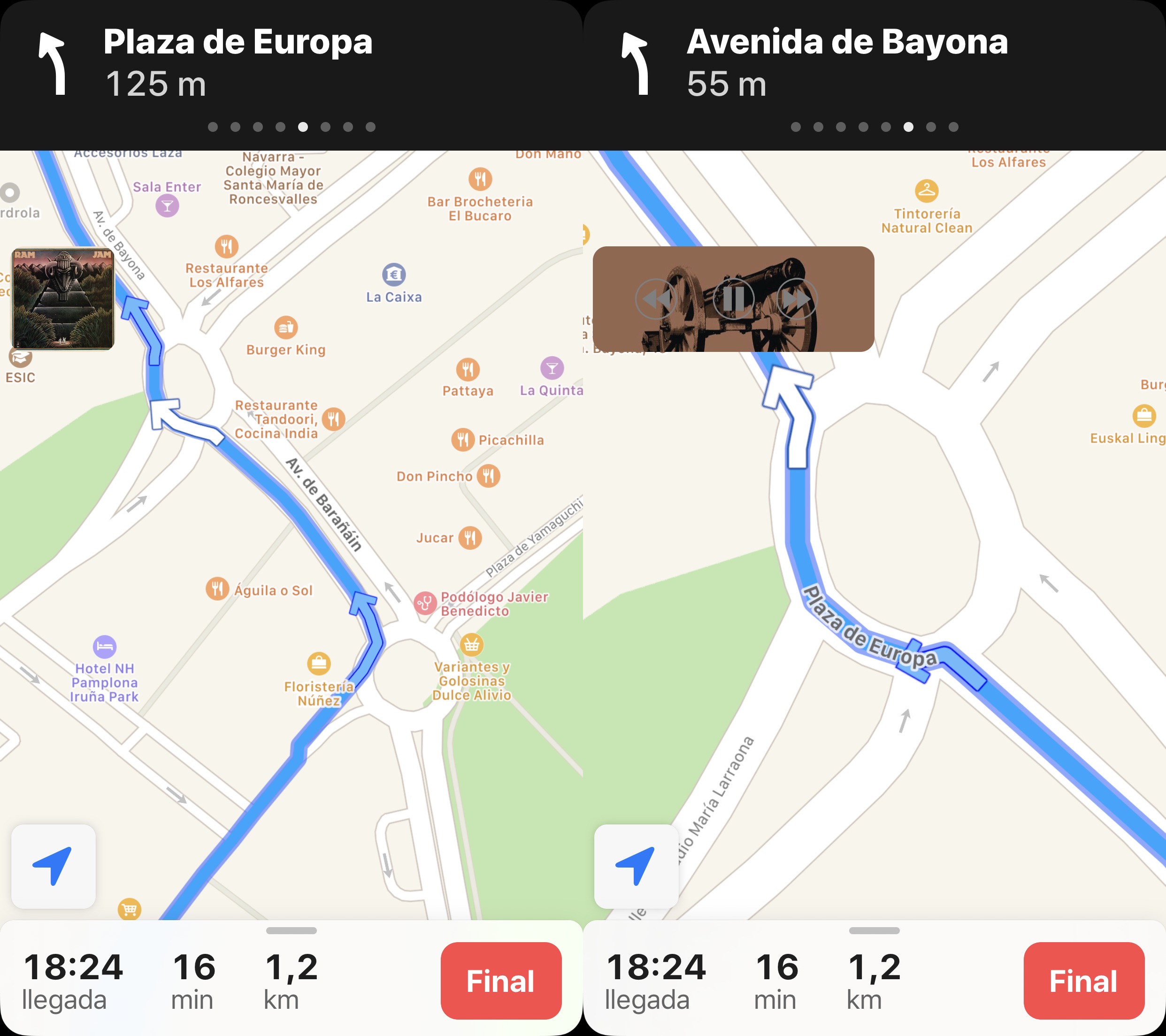
It’s fairly common for drivers to listen to music as they cruise around, and with CarPlay and Bluetooth accessories becoming more popular in modern cars, it becomes more and more likely that drivers will stream their music from their smartphone as opposed to the radio. Another thing drivers often use is their handset’s built-in navigation feature, and unfortunately, directions from the Maps app have a tendency to announce directions at all the worst times…
Enter SilentMaps13, a newly released jailbreak tweak by iOS developer Greg0109 that helps prevent the Maps app from announcing directions right as the beat of your favorite song drops. The tweak offers user-configurable alternatives to having Siri’s voice interrupt your track, and it’s sure to offer an augmented user experience when used in a navigation-esque setting while listening to music in the car.
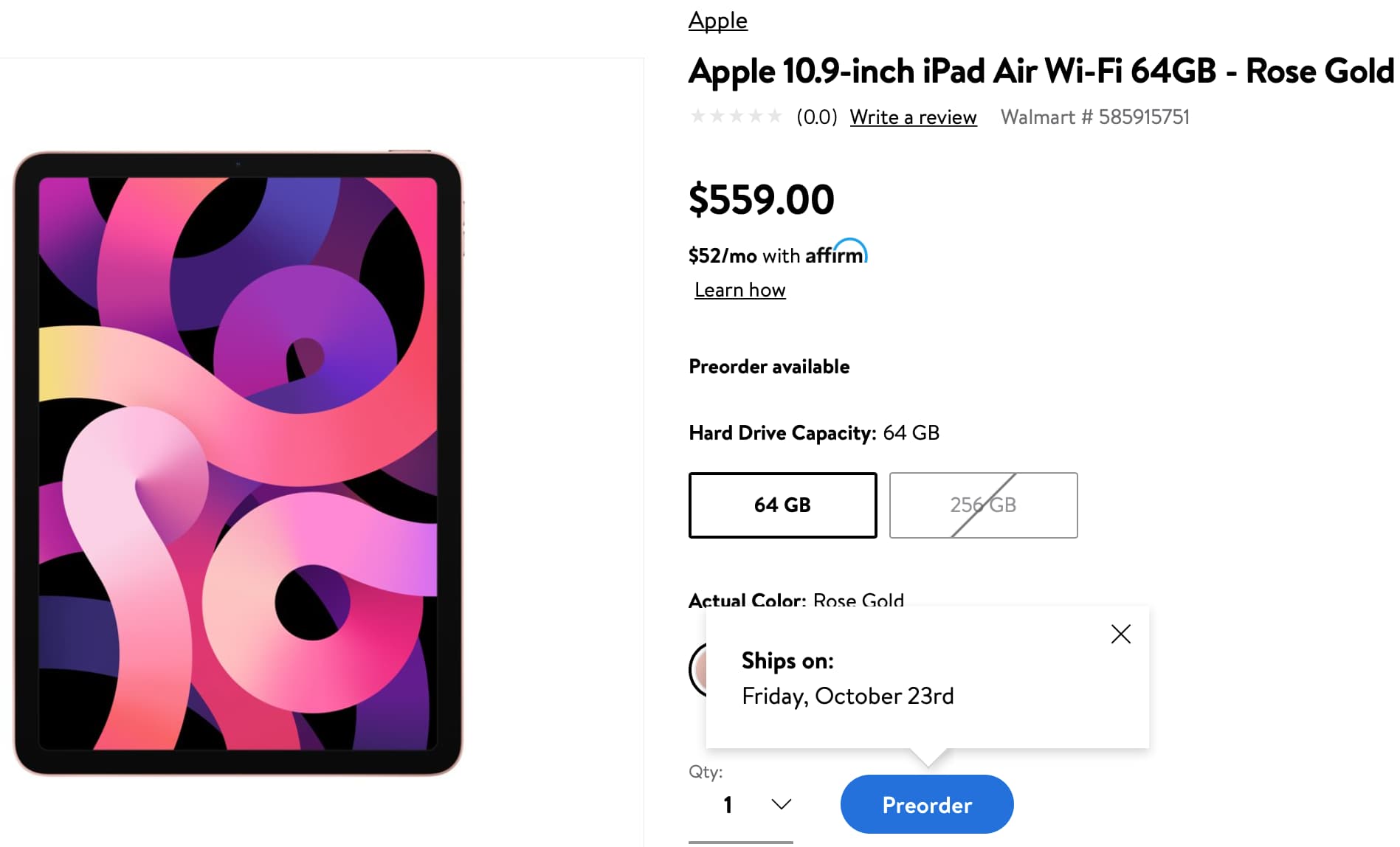
There have been rumors that Apple would launch the new iPad Air very soon, with a launch projected for October 23. And Walmart has confirmed as much.
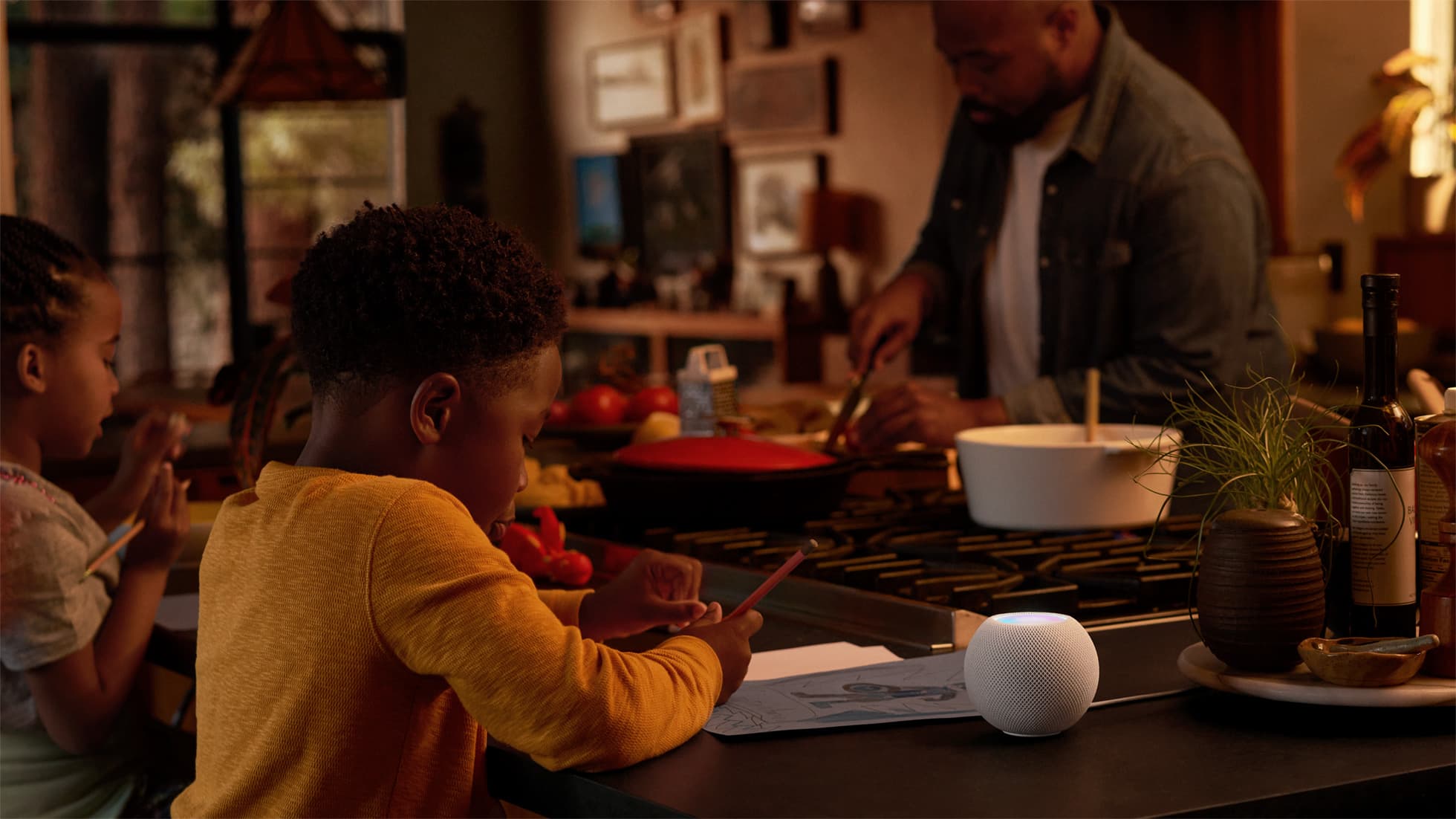
The HomePod mini is finally official. So how does it compare to its larger sibling, the HomePod?
Did you know that there are smartphones out there that support 5G, and they were on the market before the iPhone 12 lineup was announced? Well, Samsung's not afraid to remind you.
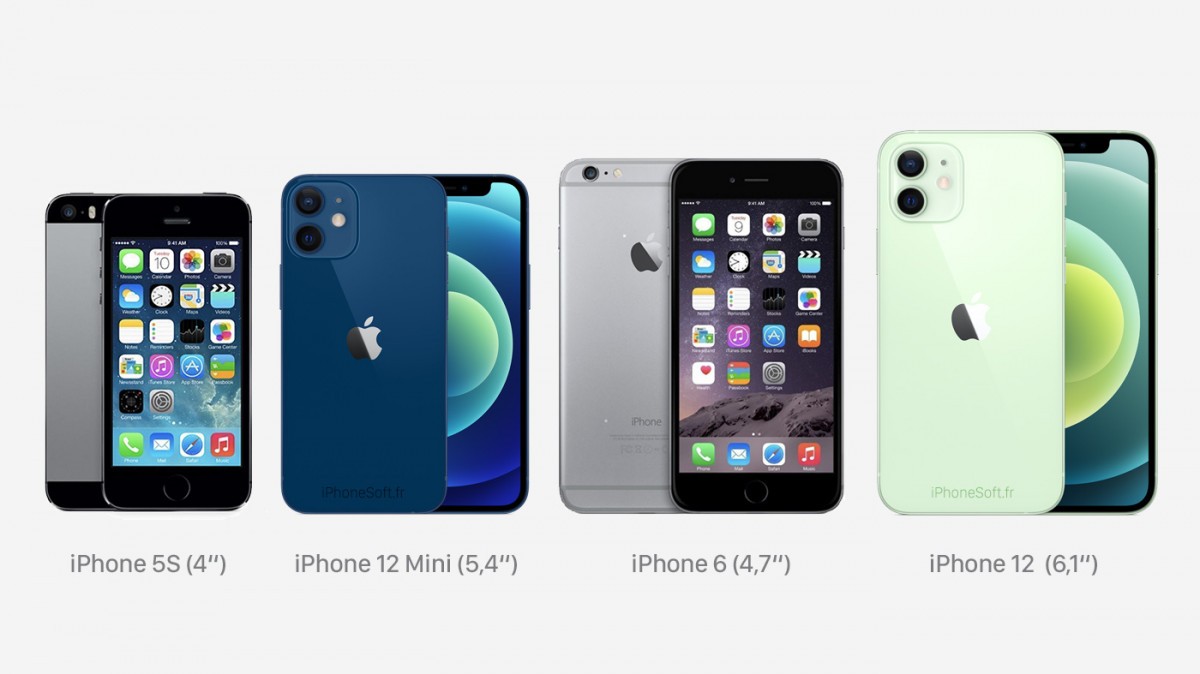
The iPhone 12 mini fits the branding well, despite the fact it offers a 5.4-inch OLED display.
If you've been wanting to use your Sony camera as a webcam instead of your built-in Mac camera, the wait is finally over.
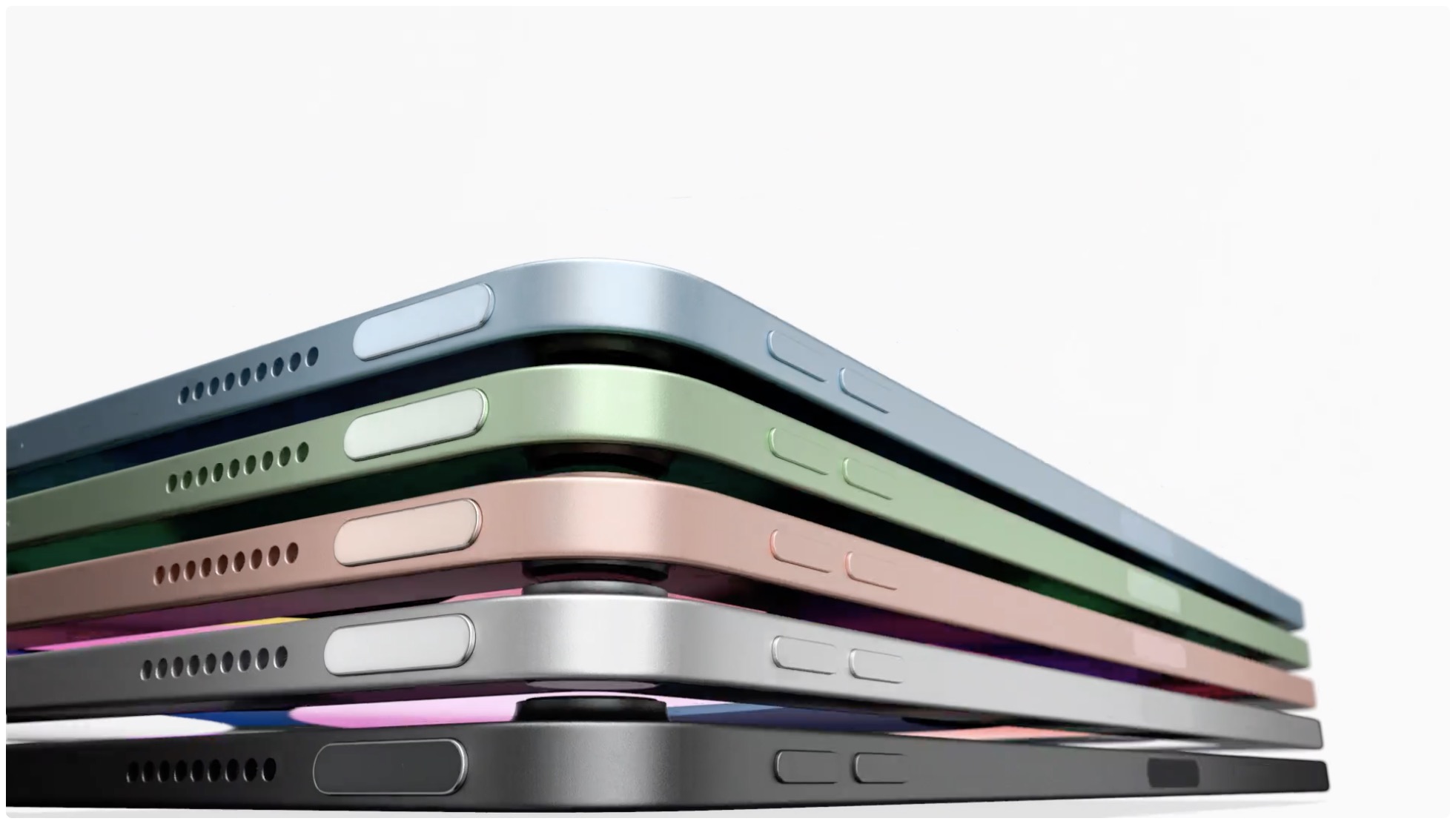
It has been a month since Apple introduced the new iPad Air with its edge-to-edge display design. and we may finally know when it's going to launch.
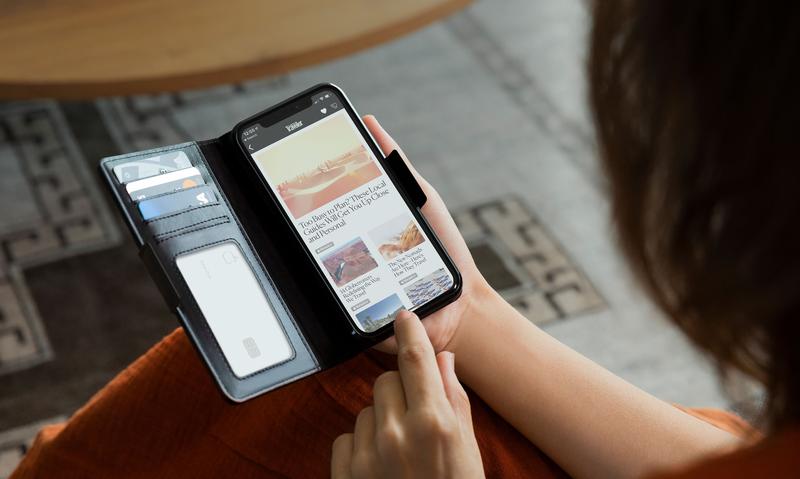
Twelve South introduced the second volume of its BookBook case, one of its most popular options, not too long ago. And now it'll cover the iPhone 12, too.
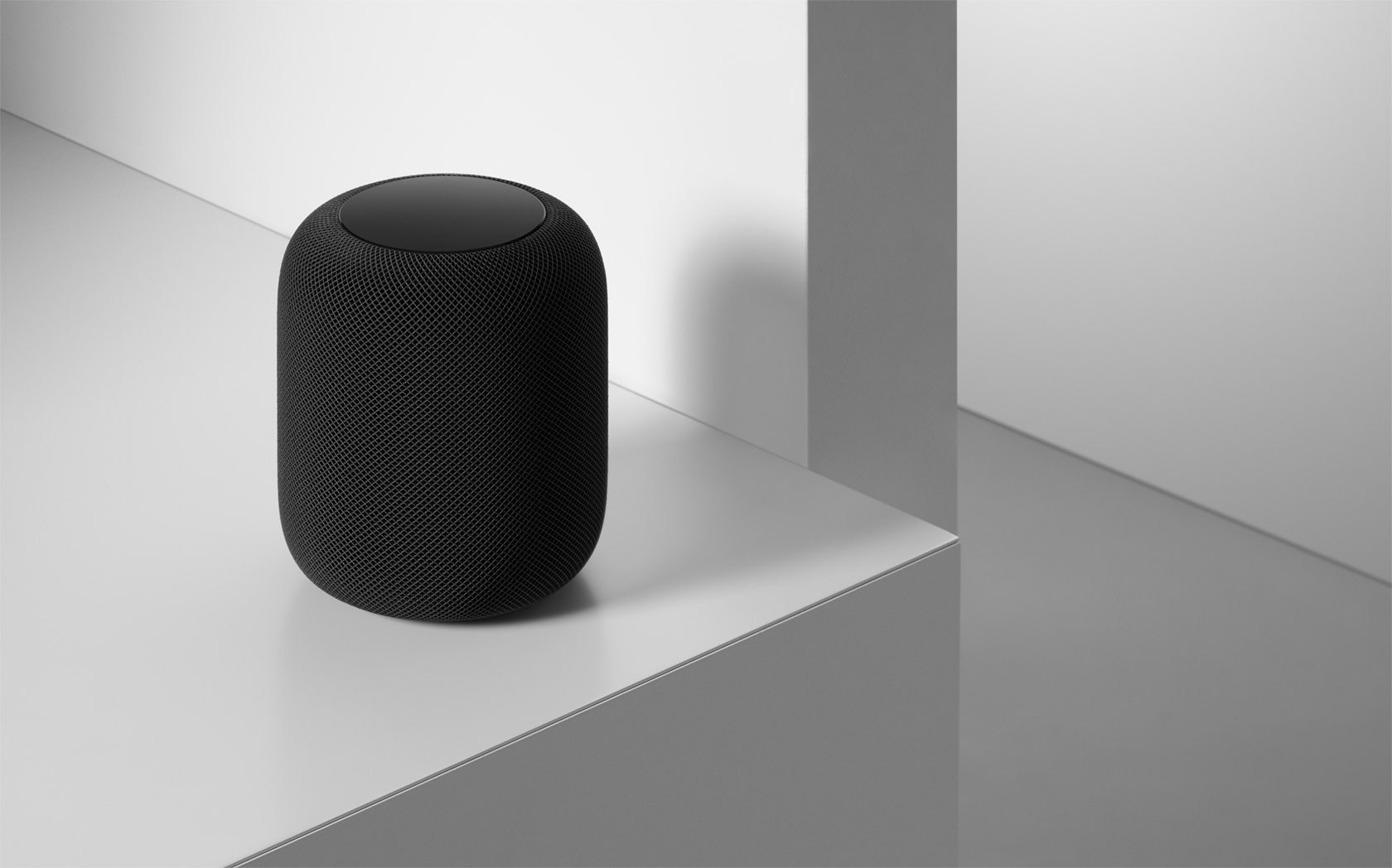
The HomePod is getting a worthwhile update, hot on the heels of Apple announcing a smaller, less expensive smart speaker in the HomePod mini.
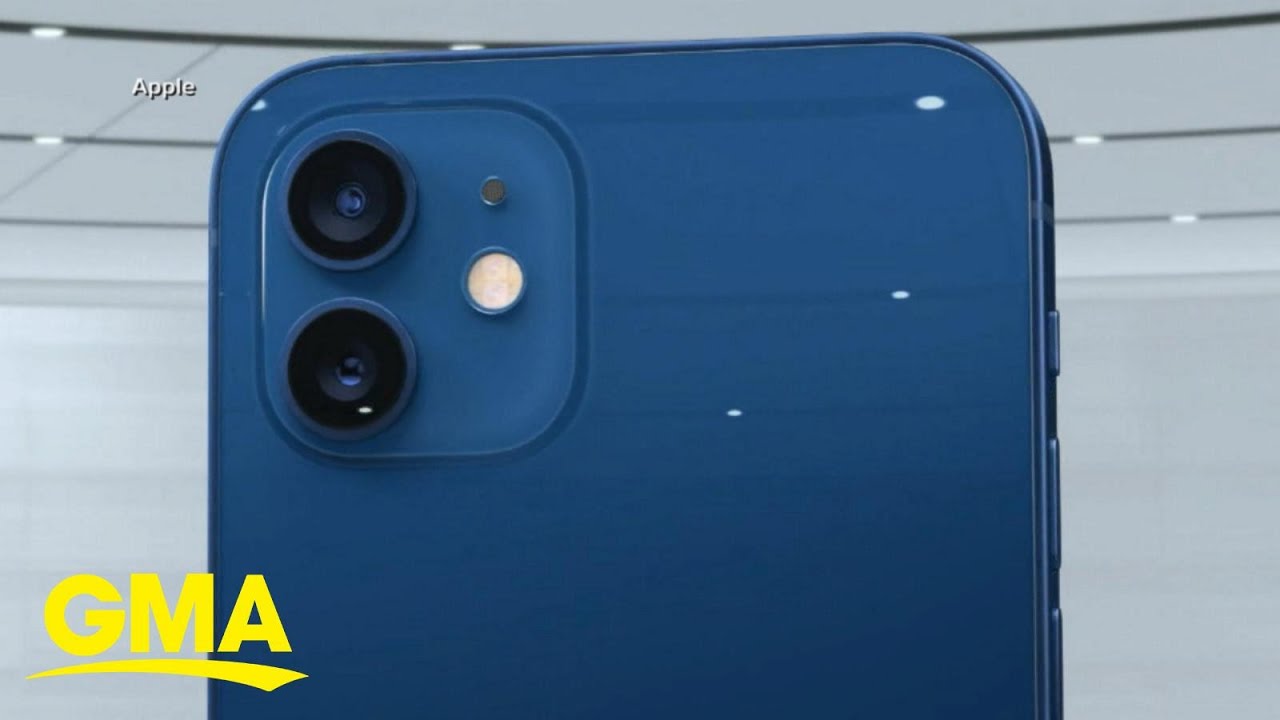
Earlier this week, Apple announced the iPhone 12 lineup at its "Hi, Speed" event. Now, with pre-orders so close to kicking off (for two of the four handsets), the media showcases are beginning.