News

The best birthday reminder apps for iPhone

Happy Birthday Card hip iPhone

With the offerings from technology, there’s really no reason to forget someone’s birthday these days. Even Facebook makes a point to notify you when a friend’s special day has arrived. But, if you want an easier way to receive birthday reminders wherever you are, check out an app for your iPhone instead.

These are some of the best birthday reminder apps for iPhone that have just the features you need so that you never forget a birthday.

Content restrictions in iOS 12 still need some work

limit kids' screen time

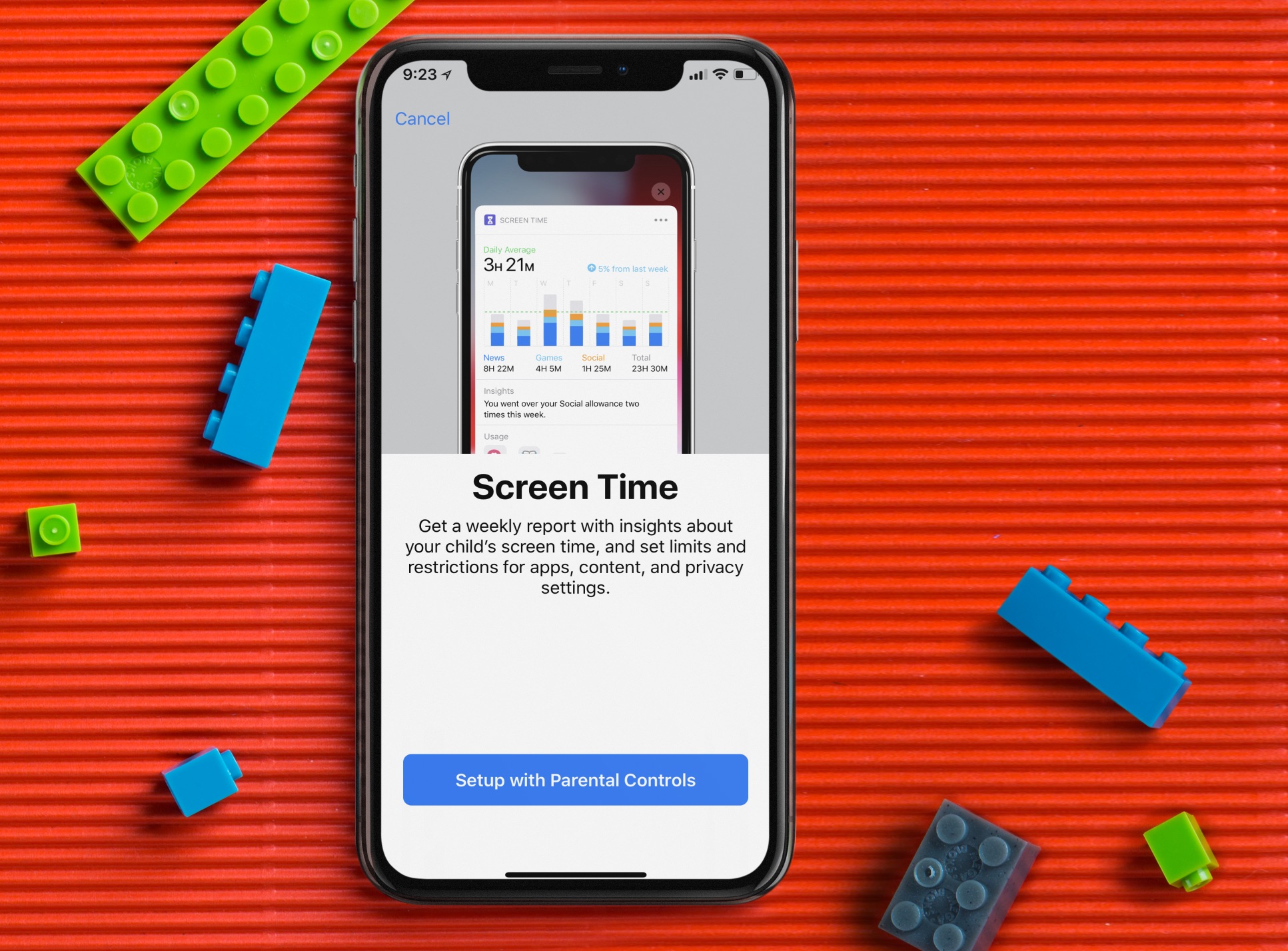
Less than two months after it was first introduced, Apple's Screen Time continues to catch flack for what it does and doesn't do. First, kids figured out a way around the tool's time limitations. Then, it was accused of draining iPhone batteries too quickly. Now, the tool's parental controls are being criticized for blocking (or allowing) the wrong content. 

Best Wi-Fi mesh network systems for your home

Best Wi-Fi mesh network

Unlike traditional routers, a Wi-Fi mesh network uses multiple access points or nodes that are placed at different spots around your home. Based on the setup of your home, mesh network systems automatically guide your devices to the node that's ideally suited at the time. In doing so, Wi-Fi dead zones are removed.

Here are the best Wi-Fi mesh network systems you can buy for your home and the reasons to buy them.

As promised, Ian Beer publicizes iOS 11.4-11.4.1-centric exploits

Matrix code hacked iPhone.

About a month ago, renowned security researcher Ian Beer announced plans to publicly release iOS 11.4-11.4.1-centric exploits as hacking focus shifted over to Apple’s newer iOS 12 release. It’s been near-radio silence since then, but as of today, those exploits are officially public.

As it would seem, Beer’s latest batch of iOS security exploits encompass the following:

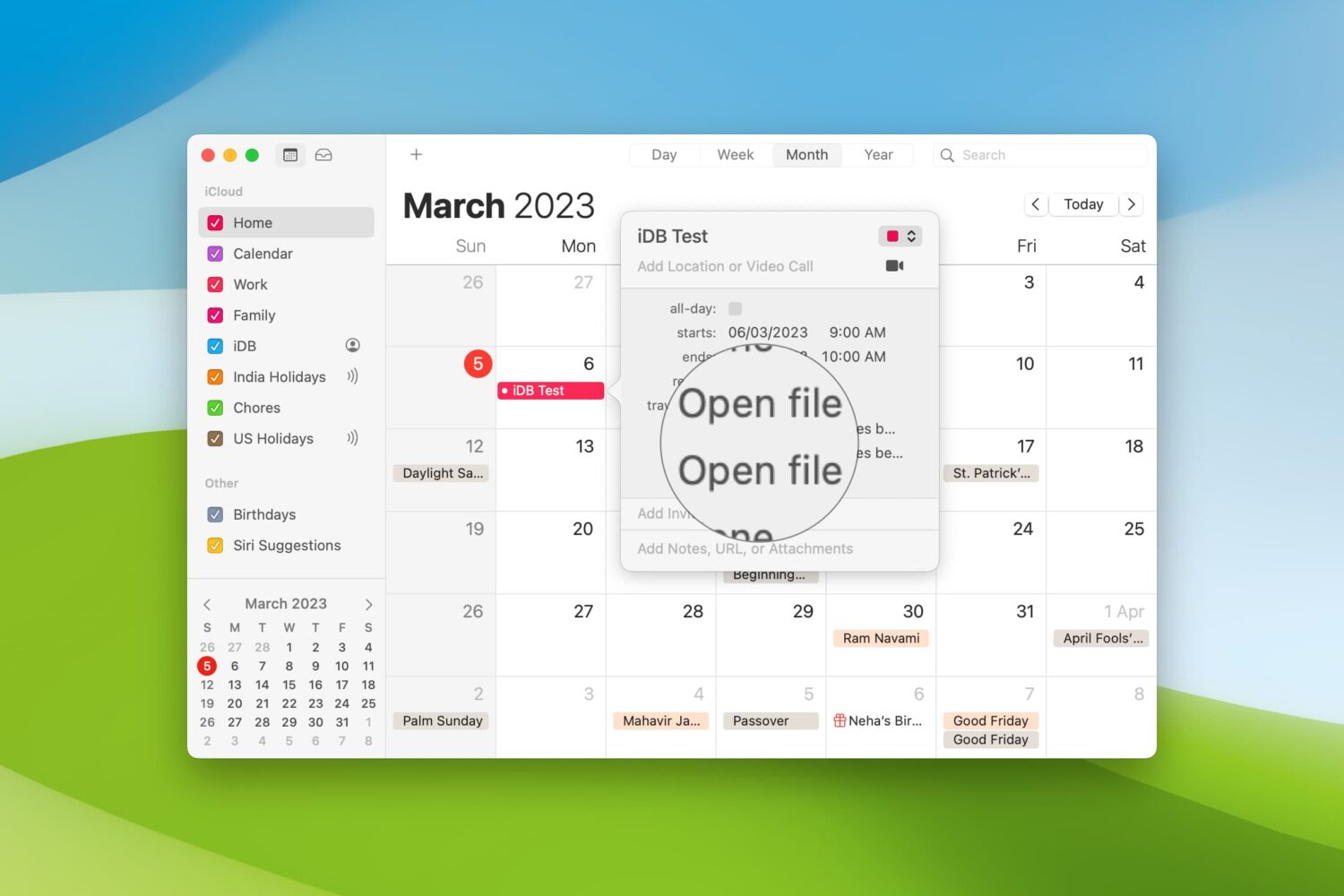
How to set your Mac Calendar to automatically open a file right before a meeting

Automatically open files before a Calendar meeting on Mac

When you’re getting ready to join a meeting, whether it’s a web conference, conference call, or in-person meeting, you often have at least one file you need for it.

One way to ensure you don’t forget that important document is by including it with the event on your Calendar. This can help ensure you have all the necessary documents or notes in front of you and minimize the chance of forgetting something important.

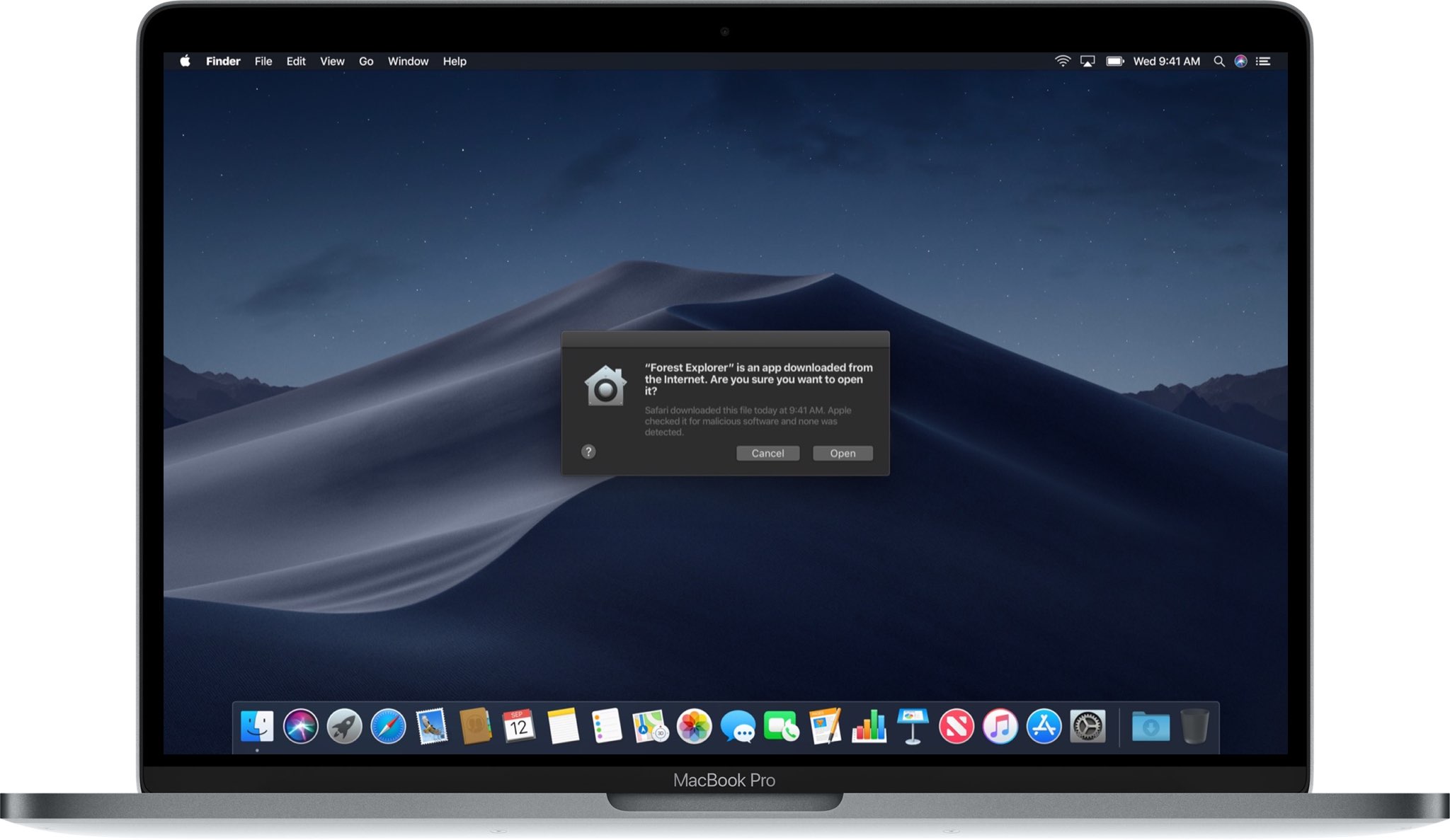
Here’s how to set your Mac Calendar app to open that file right before your meeting.