Jailbreak

This tweak automatically pauses music playback when muting your device

iOS has one of the best music listening experiences you can get on a mobile platform, but one of the biggest pet peeves I have with it is how the operating system continues to play my song even after I mute my handset's volume.

Fortunately, a new jailbreak tweak called AutoPause11 by iOS developer Pa1n fixes this problem on Apple’s latest iOS versions, and it’s available as a free download from Cydia as of this writing.

SnapColor, TintIconLabels, and more jailbreak tweaks to try this weekend

Jailbreak Tweaks to check out

There’s been a hiatus in jailbreak tweak development during the spans of time that the community patiently awaited an iOS 11.2-11.3.1 jailbreak tool, but that wait is finally over after the Electra Team delivered Electra1131 to the public on Friday.

Despite how slow of a week it’s been, we’re dedicated to showing you everything new in Cydia since our previous weekly jailbreak tweak roundup. So without further ado…

How to jailbreak iOS 11.0-11.4.1 with Electra

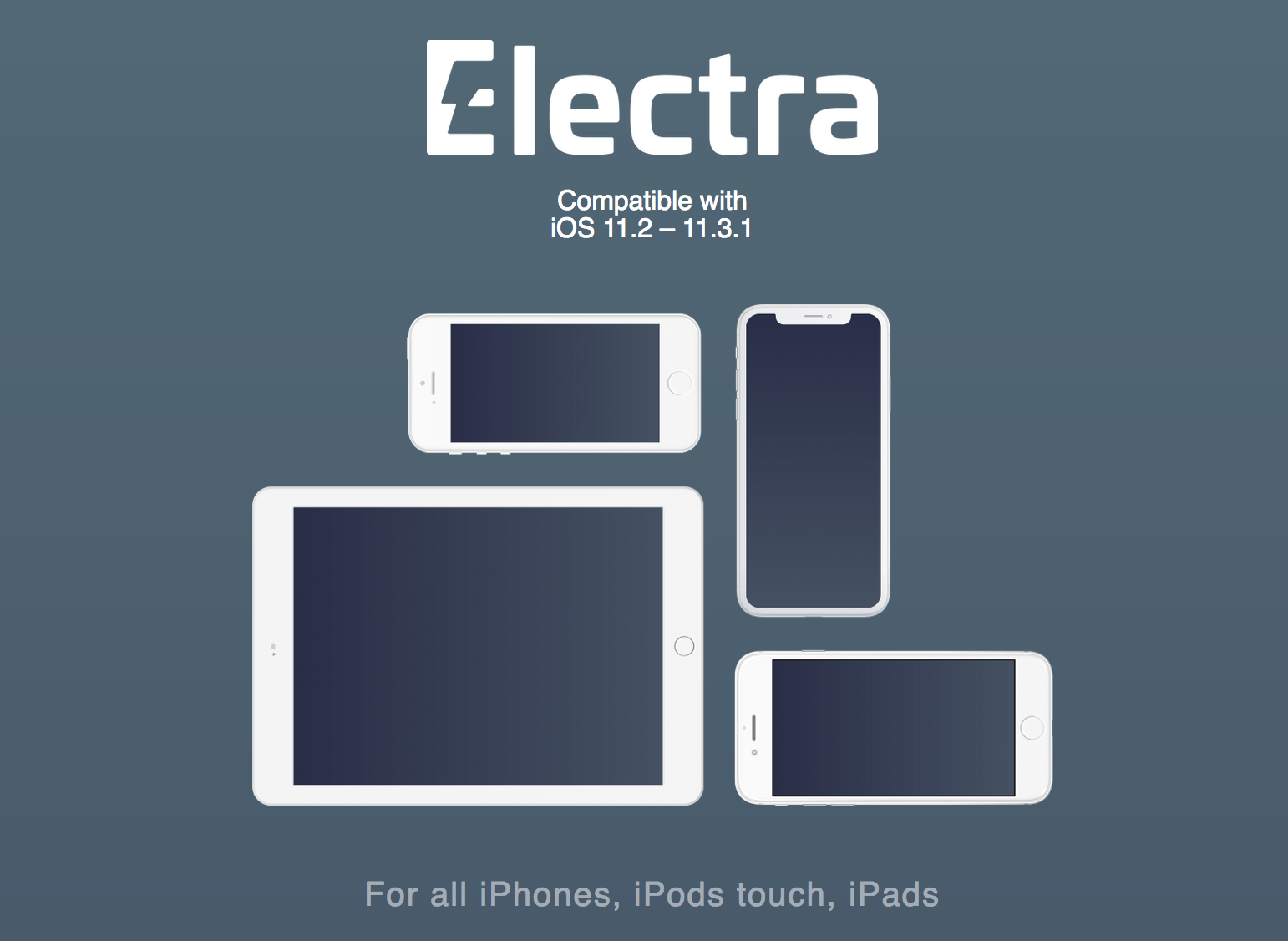
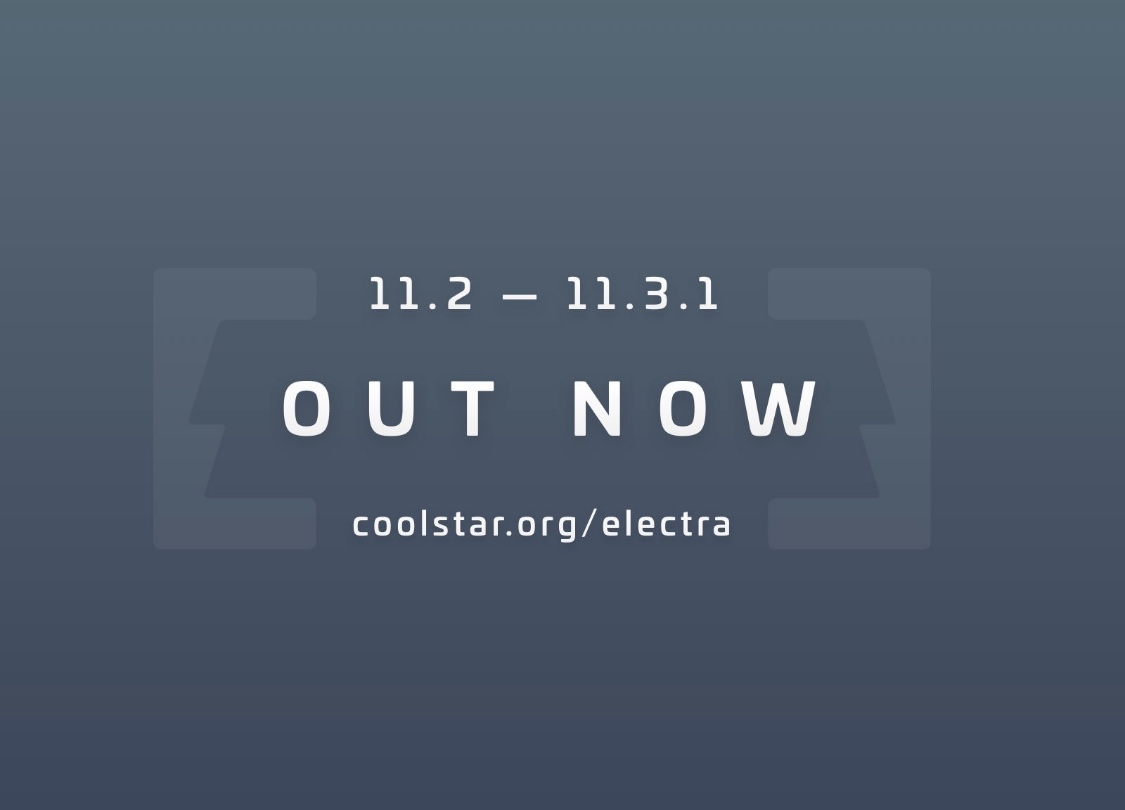
The Electra Team delivered on their promise to release an iOS 11.2-11.3.1 jailbreak, and you can now download Electra1131 from the team’s official website to pwn your device.

In this tutorial, we’ll show you how to jailbreak iOS 11.2-11.4.1 using Electra. When you’re ready to move forward with the jailbreak process, simply follow these steps:

Electra1131 released for jailbreaking iOS 11.2-11.3.1

Electra Team member Pwn20wnd announced via Twitter on Friday that the team’s iOS 11.2-11.3.1 jailbreak tool would be coming “really soon,” and soon after, the official Electra web page received a notable revamp with download links.

As we can see, there are two versions of the Electra1131 jailbreak tool: 1) a developer version that uses a multipath tcp exploit and requires a developer account to be used, and 2) a regular version that uses a vcf exploit and doesn’t require a developer account.

Electra Team: iOS 11.2-11.3.1 jailbreak tool “will be dropping within a few days”

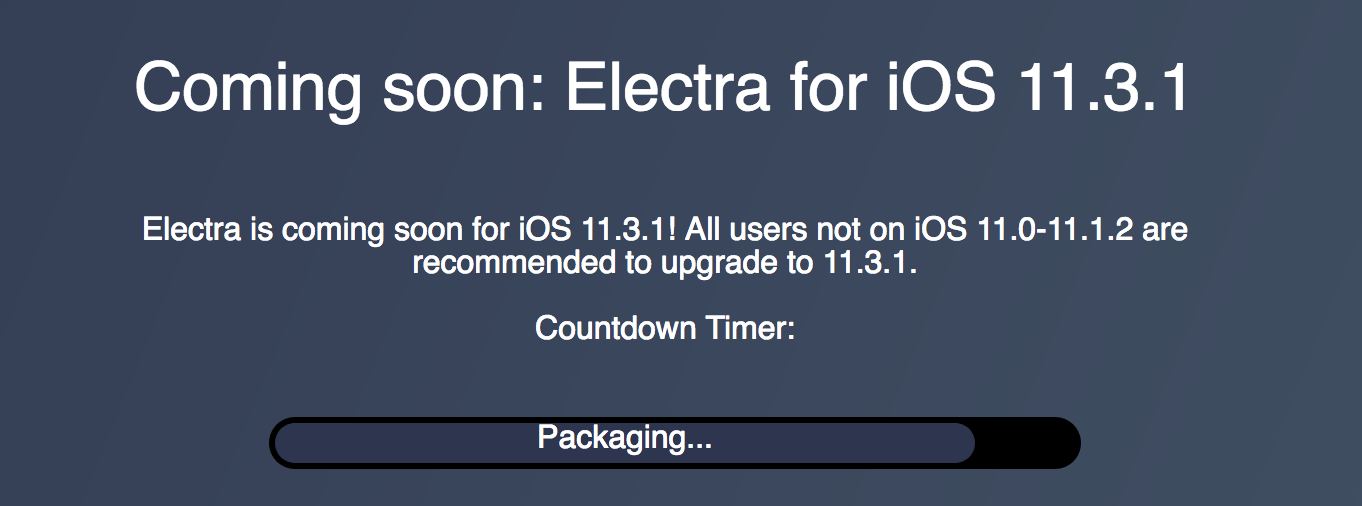
Good news on Wednesday for those who’ve been eagerly awaiting a jailbreak for iOS 11.3.1: the Electra Team announced that their upcoming jailbreak tool would be released in coming days.

As it would seem, the Electra Team will use an in-house APFS bypass to solve the remount issue that was delaying the tool’s release. Now all that appears to be left is a bit of packaging and polishing before Electra 11.3.1 becomes readily available to the public.

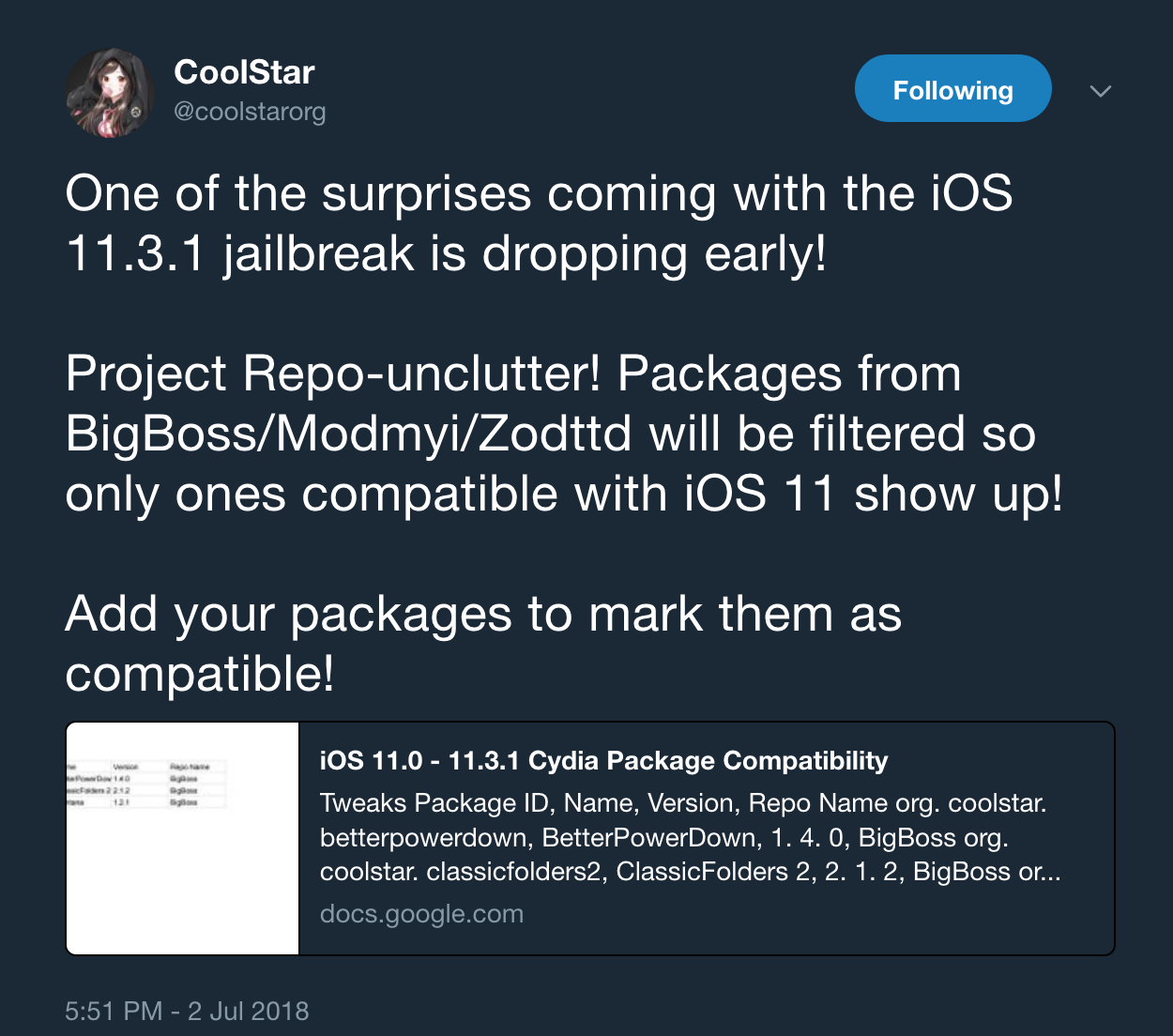
CoolStar: Electra 11.3.1 to filter incompatible tweaks from Cydia’s default repositories

While the Electra Team works hard to produce a working jailbreak tool for iOS 11.3.1 amid unexpected delays, team member CoolStar took to Twitter on Monday to announce a rather attention-grabbing update.

As it would seem, Electra 11.3.1 will incorporate a feature called “Project Repo Unclutter” that automatically filters incompatible jailbreak tweaks from appearing in Cydia’s default repositories (BigBoss, ModMyi, and ZodTTD).

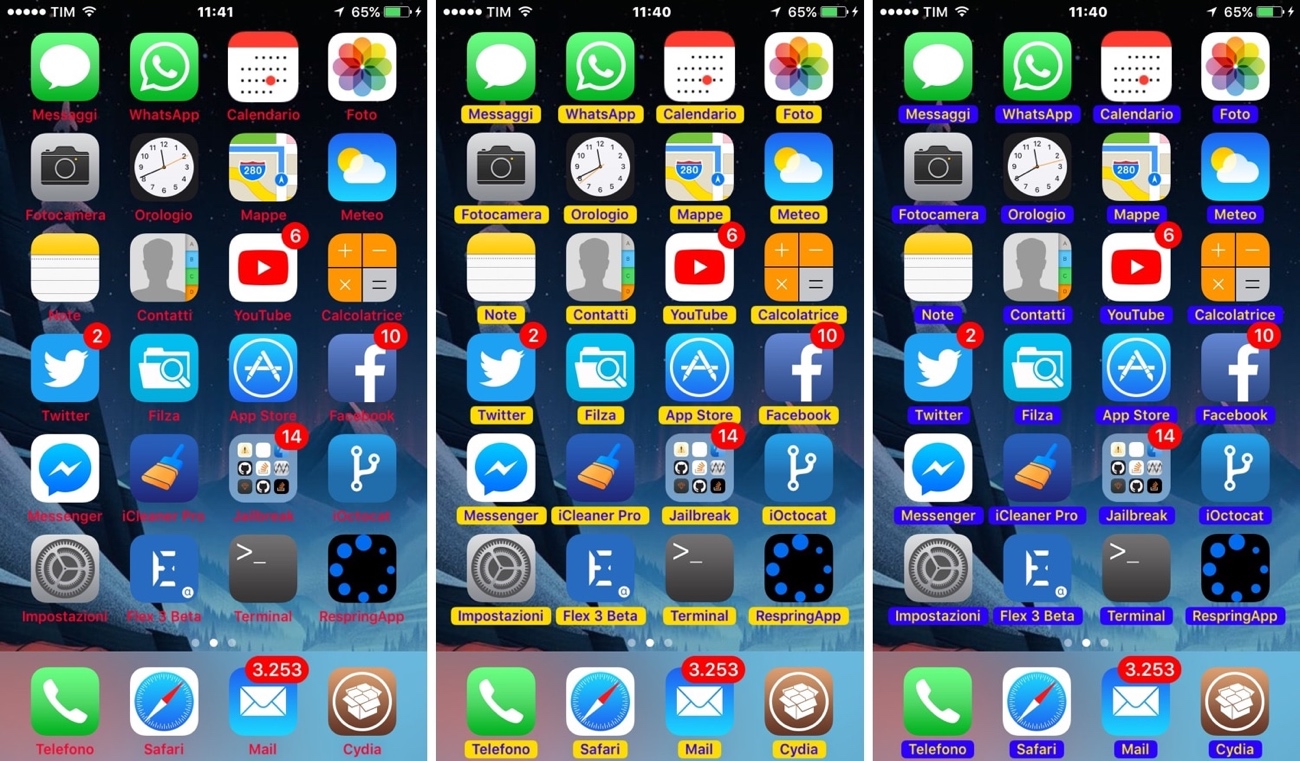
TintIconLabels lets you colorize your Home screen’s app icon labels

Apple designed the Home screen’s icon labels to be legible against most wallpapers out of the box, but some exceptions exist, especially when using third-party alternatives to the stock offerings. In other situations, users simply want something more expressive than just plain-Jane black or white.

Whatever the case may be, a new free jailbreak tweak called TintIconLabels by iOS developer CydiaGeek is here to help. Just as the name implies, TintIconLabels lets you adjust the appearance of your application icon labels.

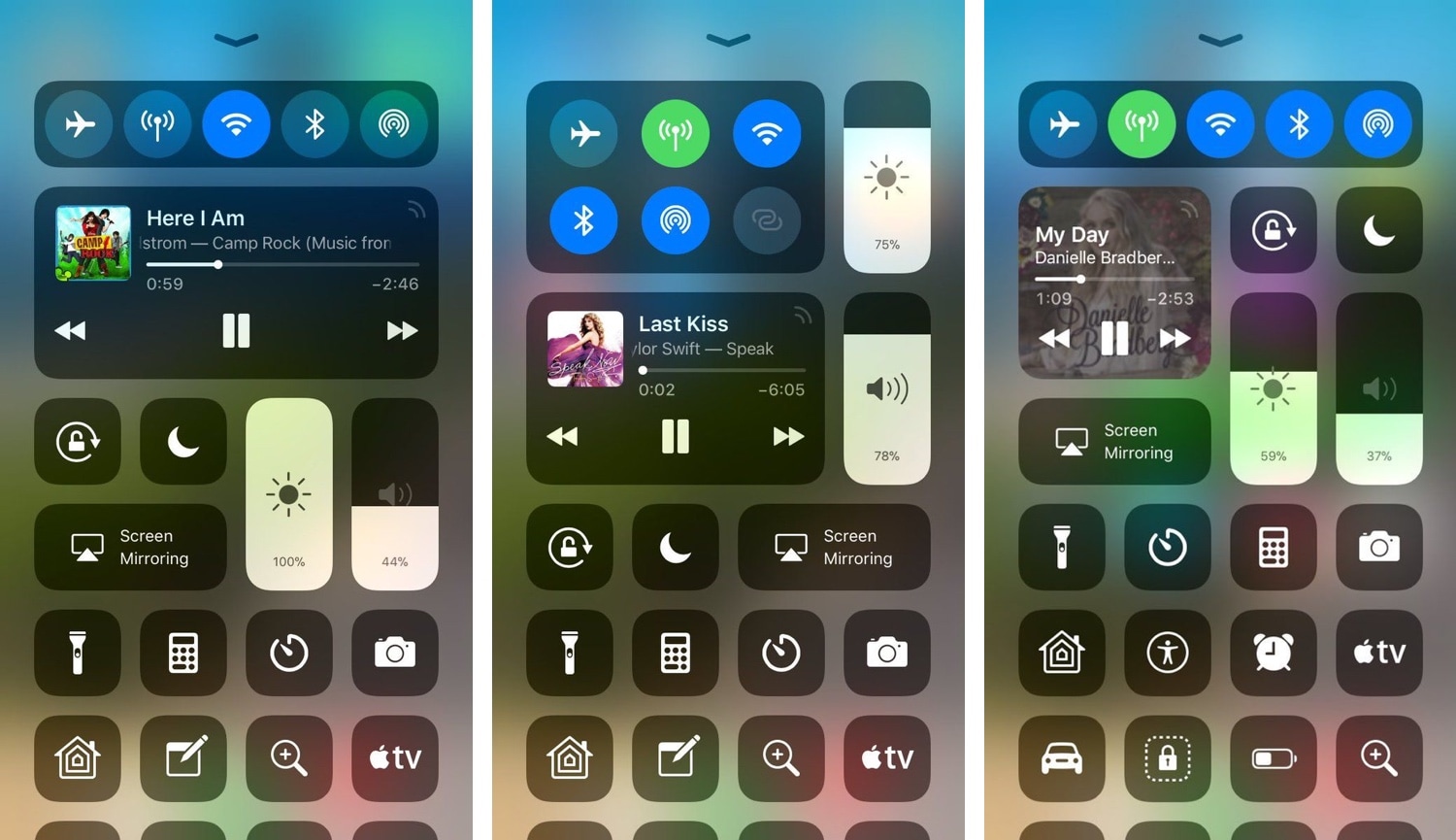
BetterCCXI, Nine, PokeCall, and other jailbreak tweaks to try this weekend

Jailbreak Tweaks to check out

Although the jailbreak community is still eagerly awaiting a public jailbreak for iOS 11.3.1 amid Ian Beer's latest exploit releases, there have been some rather interesting jailbreak tweak releases that may hold you over in the meantime.

In this roundup, we’ll discuss all the jailbreak tweaks released in Cydia this week. As usual, we’ll begin by showcasing our favorites and then outline the rest of them afterward.