Learn how to install and use WhatsApp on your iPad to text from the big screen and stay connected with your friends and family.
How to officially set up and use WhatsApp on iPad
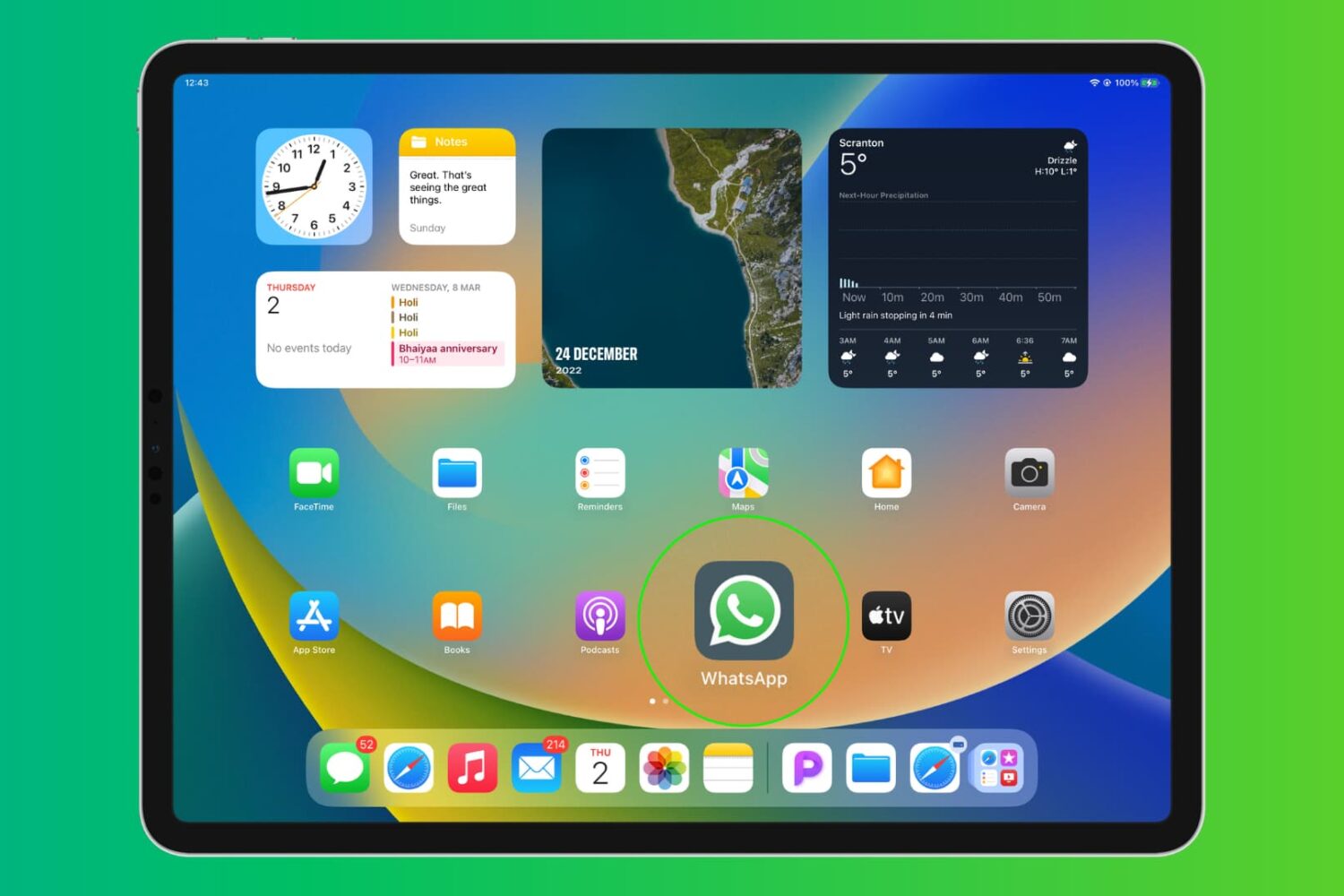
Learn how to install and use WhatsApp on your iPad to text from the big screen and stay connected with your friends and family.
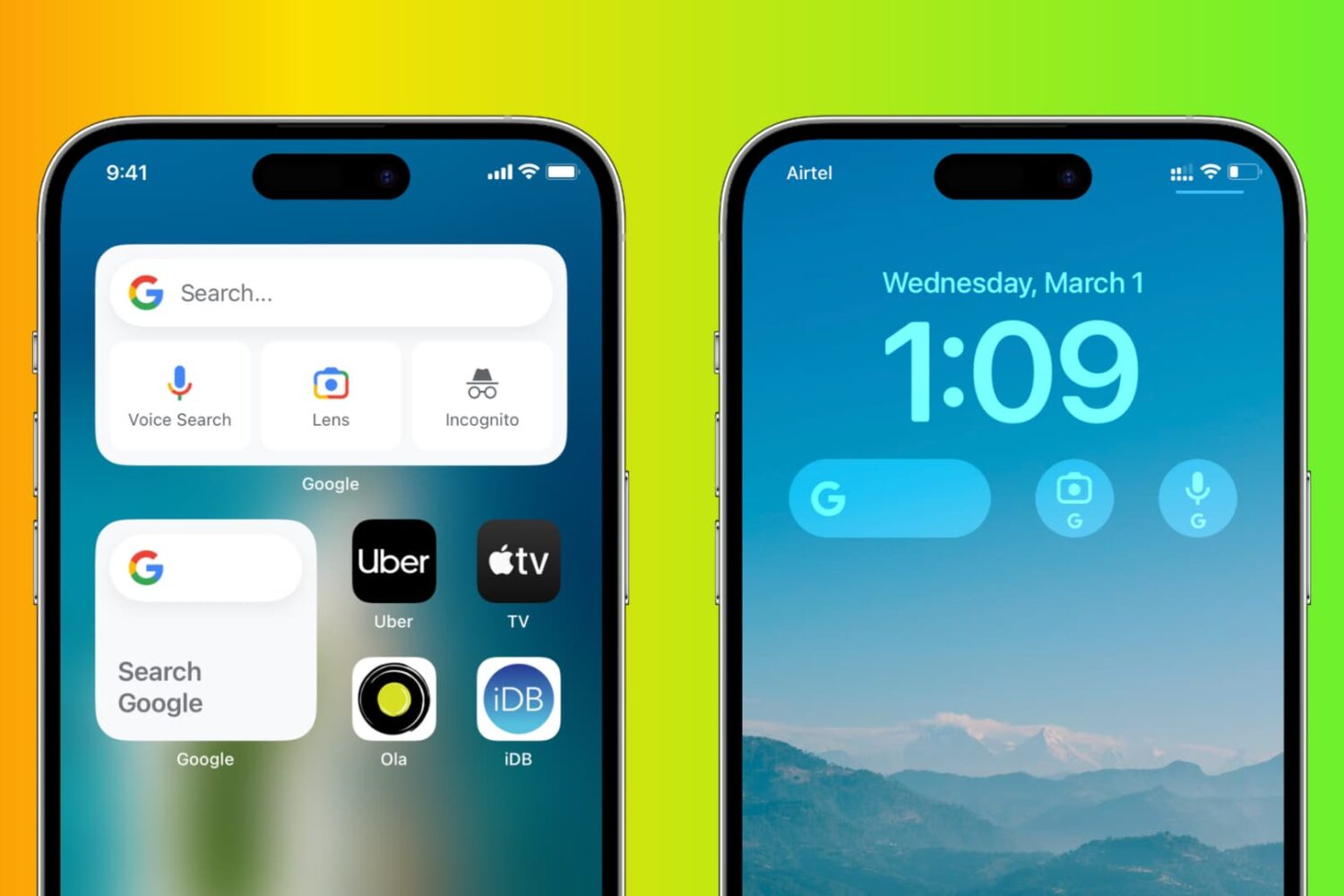
Bring some Android flavor to your iPhone by adding Google Search and Google Lens widgets to your Home Screen and Lock Screen for quicker access to these tools.
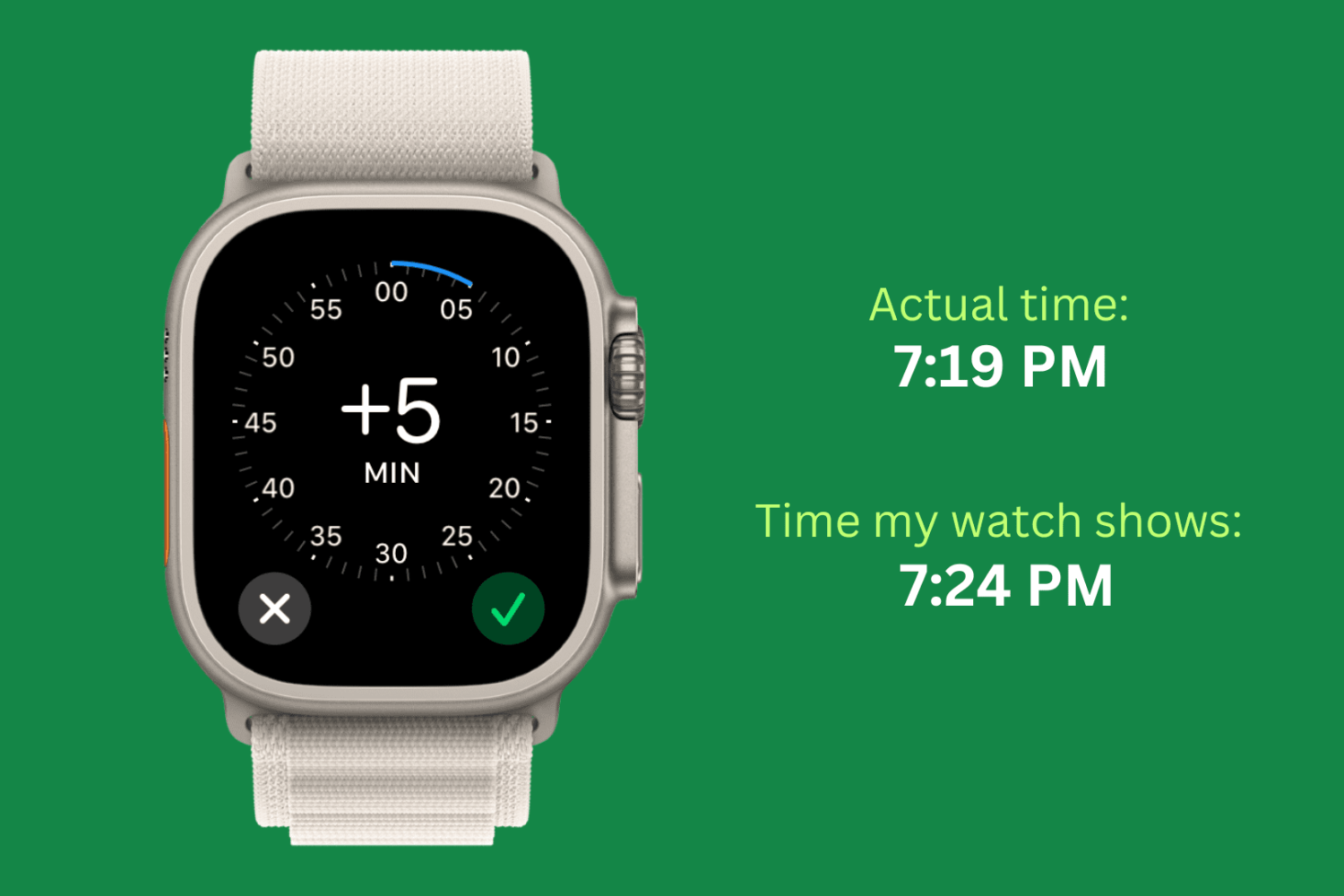
Check out this simple guide on setting the time ahead by a few minutes on your Apple Watch to always stay ahead of schedule!
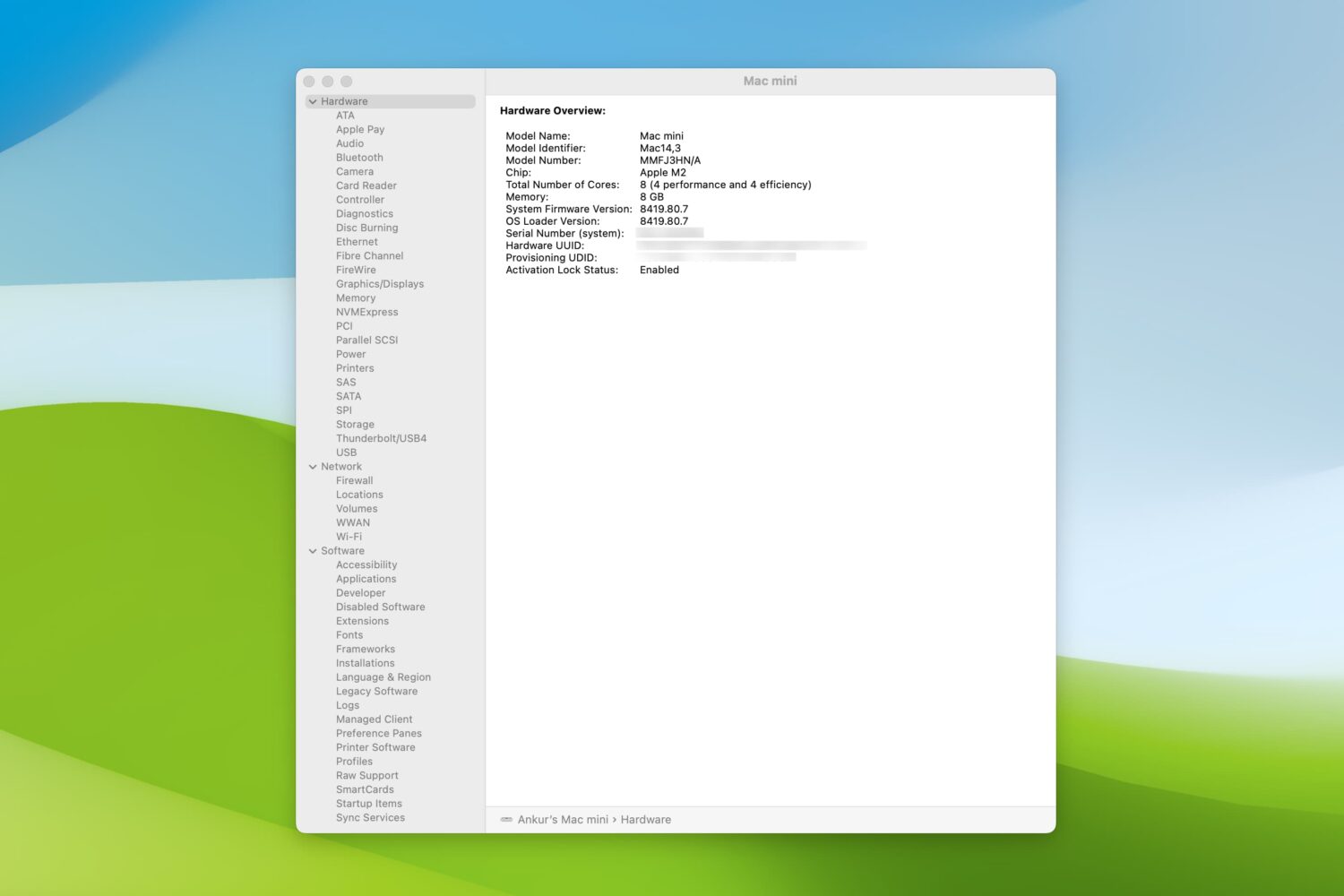
Check out these 5 simple ways to view the system report on your Mac to learn more about your computer or gather useful troubleshooting information.
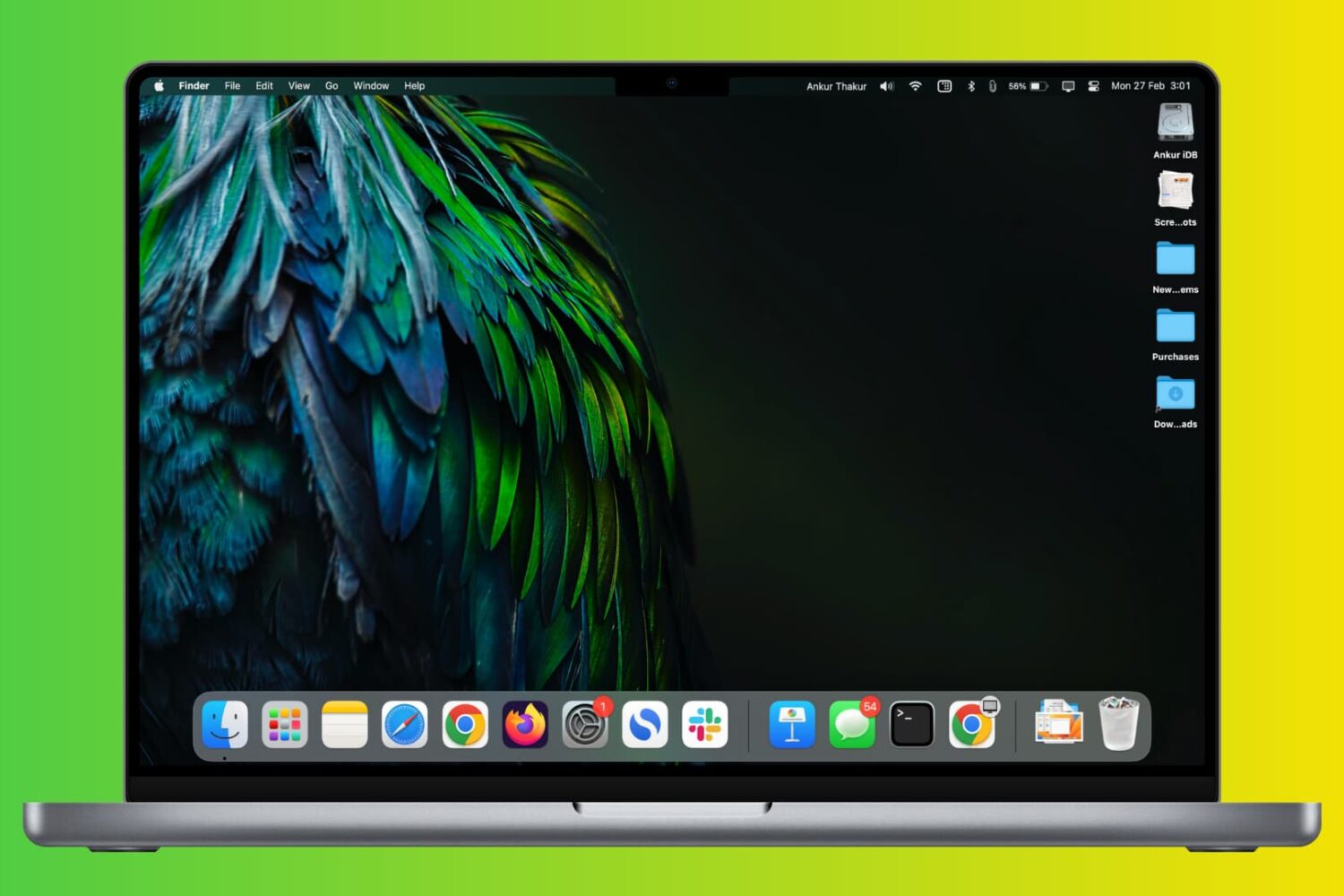
Learn how to prevent your MacBook Air, MacBook Pro, MacBook Neo, iMac, or external Apple Studio Display from randomly dimming or increasing the screen brightness.

Learn how to manage and customize Telegram's Power Saving Mode on your Mac, including setting the battery threshold to automate the feature.

Find out how to transfer data between the internal storage of your Nintendo Switch and a microSD memory card.
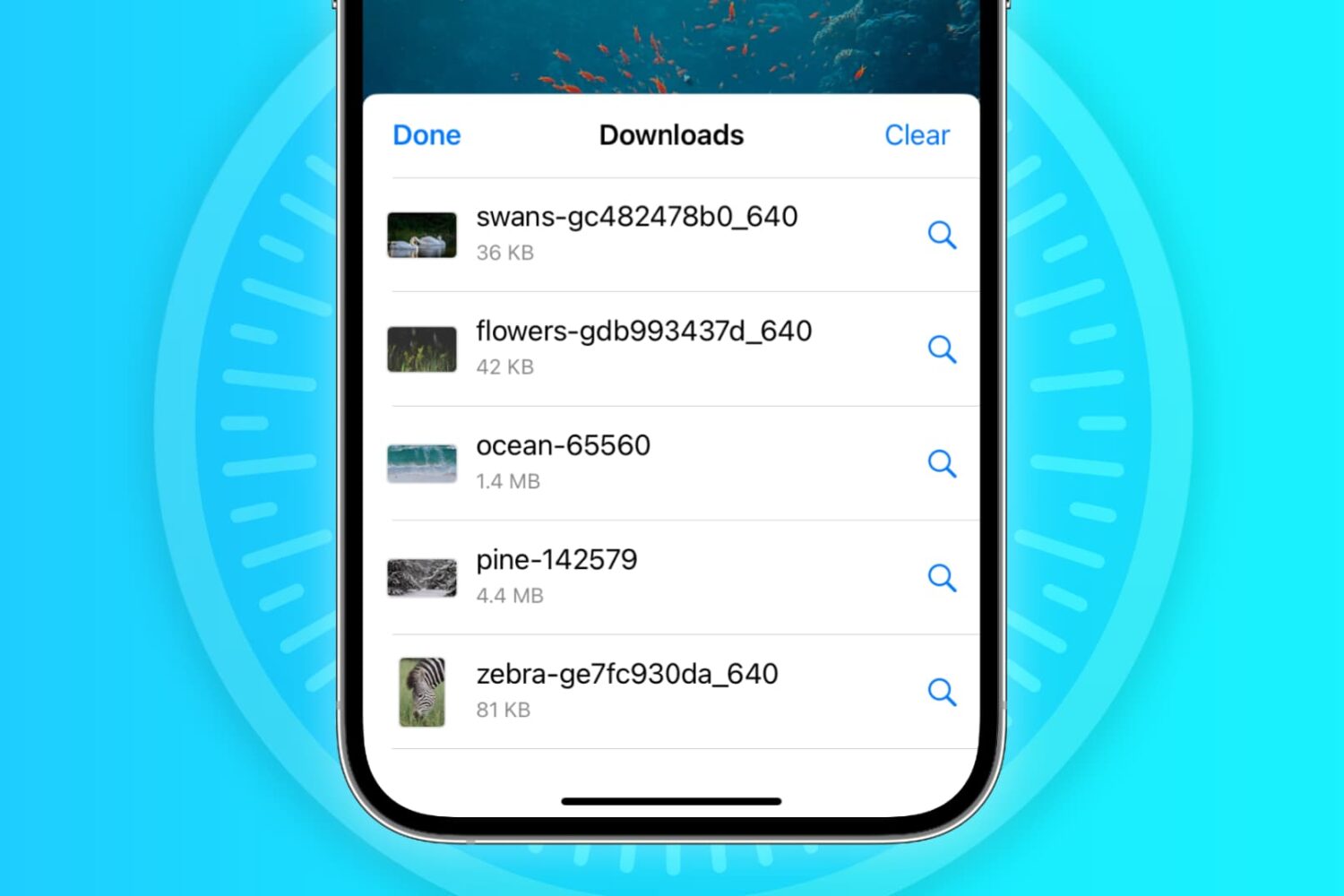
In this troubleshooting guide, we'll explore common reasons why Safari may not be downloading files on your iPhone, iPad, or Mac and provide solutions to help you resume downloading with ease.
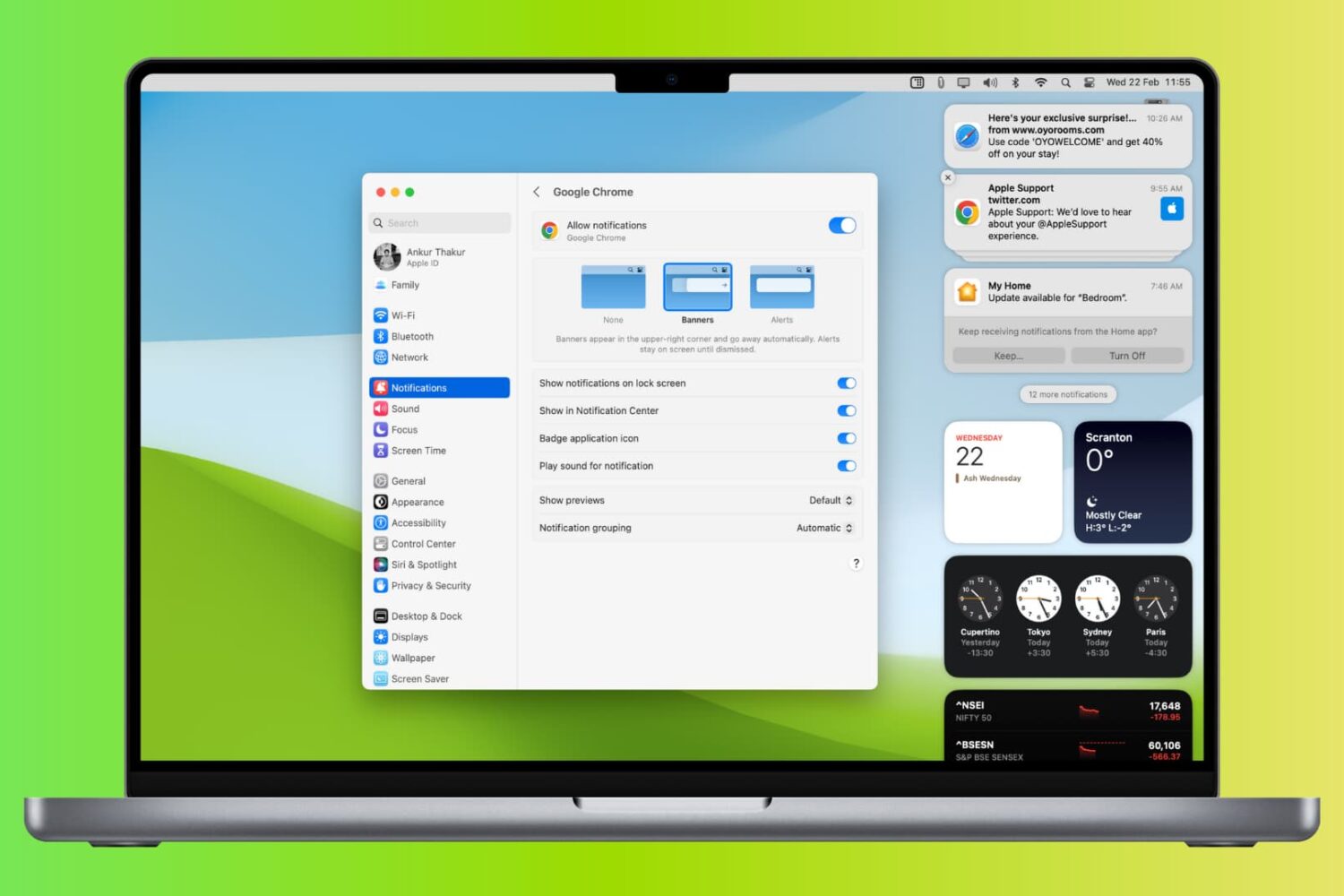
Learn what to do if you’re not receiving new notification banners or sounds on your Mac for all or specific apps and websites.
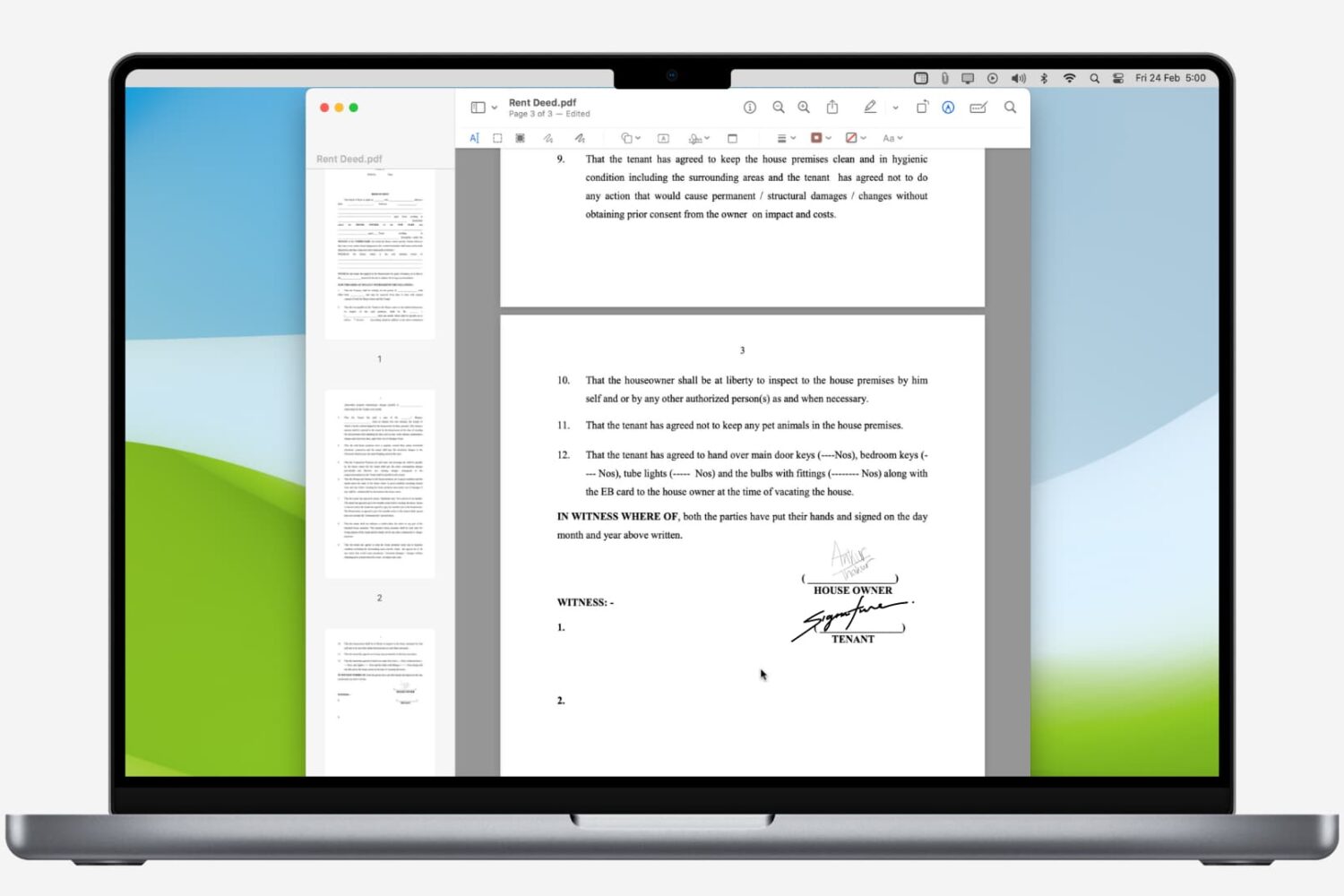
Learn how to digitally sign a PDF on your Mac using built-in apps, and never waste time with printing and scanning again.
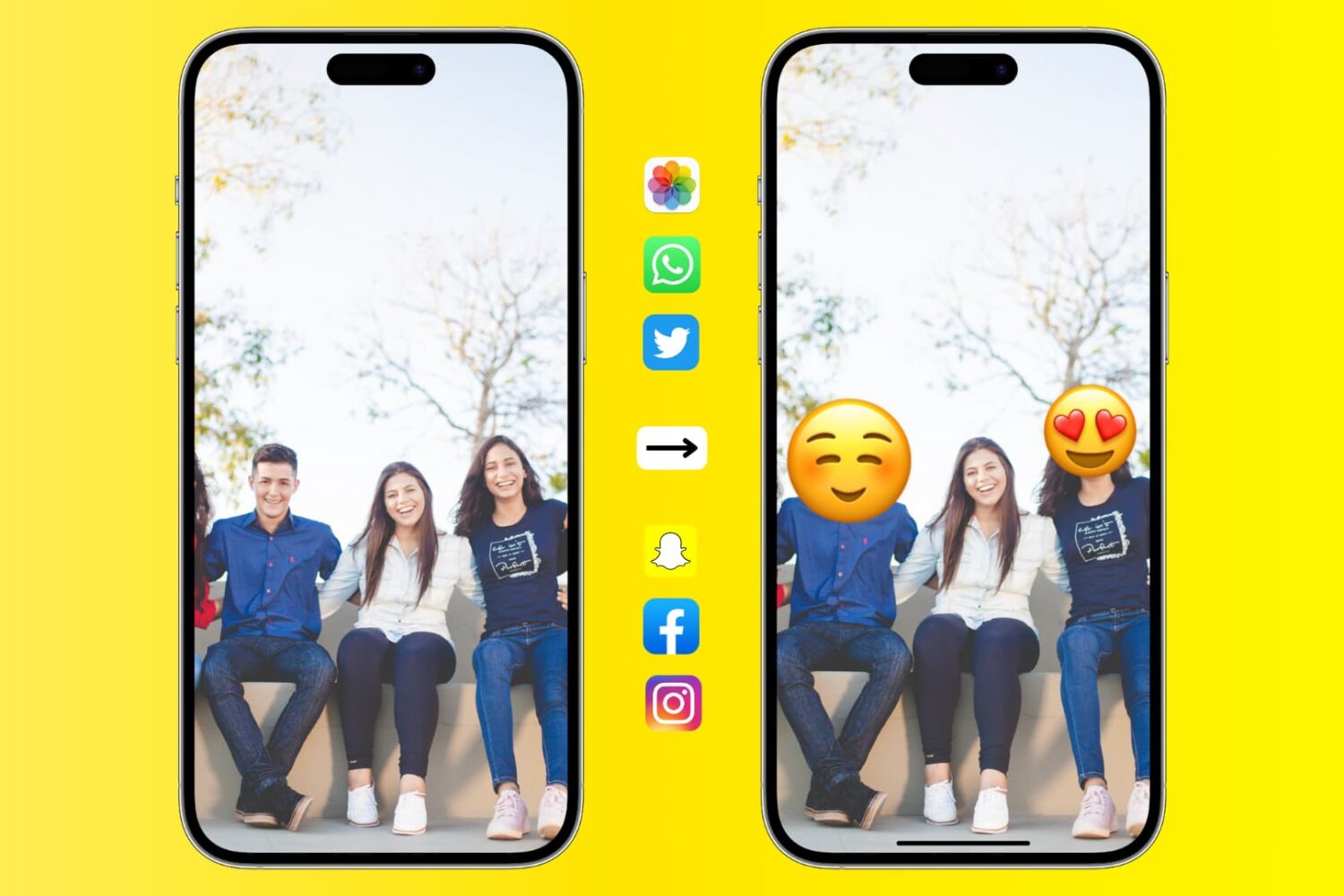
Learn how to add emojis to your photos on iPhone, iPad, and Mac to protect your privacy or creatively enhance your social media presence.
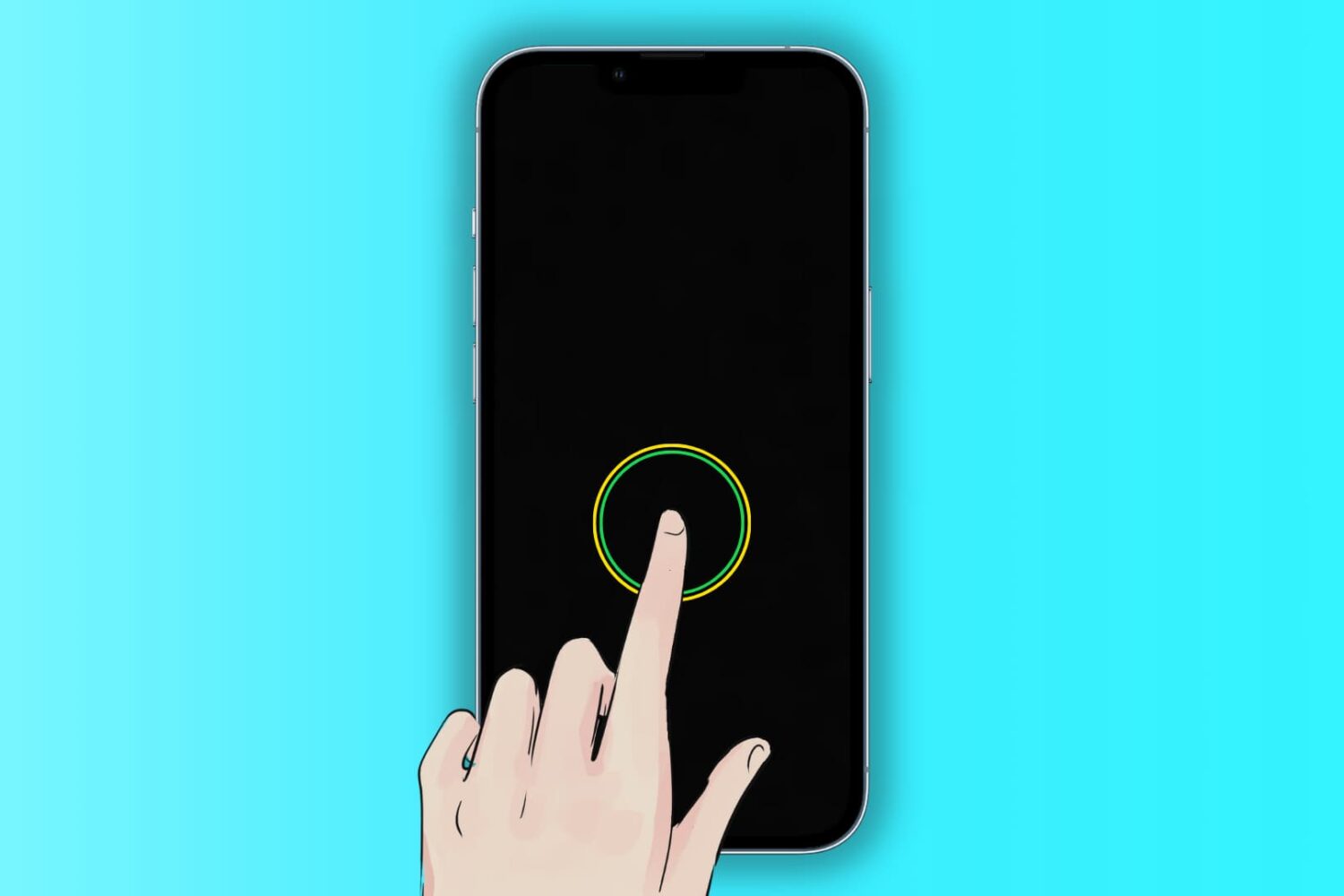
The Tap to Wake feature lets you wake the iPhone and iPad screen with a single tap. When the screen lights up, it triggers Face ID unlock and also enables you to see what’s on your Lock Screen, like date & time, new notifications, missed calls, widgets, texts, etc.
Go through these solutions if Tap to Wake isn’t working for you.