Learn how to add an email address to your Apple account for iMessage and FaceTime on your iPhone, iPad, and Mac, and use it instead of or in addition to your phone number.
How to add a new email address to iMessage and FaceTime

Learn how to add an email address to your Apple account for iMessage and FaceTime on your iPhone, iPad, and Mac, and use it instead of or in addition to your phone number.

Learn how to change the email address that’s used to start new iMessages conversations on your iPhone, iPad, or Mac for privacy and other reasons.

If you have an old iPhone, iPad, or iPod touch laying around that is just collecting dust, why not put it to work by turning it into an affordable home monitoring camera? We're not talking about a full-featured surveillance system here, but just a simple setup that can live stream anything happening in your house, and send motion alerts directly to you should it detect activity.
In this post we'll be showing you how to convert your spare iOS device, whether it is an iPhone, iPad, or iPod touch, into a video monitoring camera. The best part is, it's completely free and you should be up and running in just a few minutes.
Many of us still have the same email address associated with our Apple ID that we made years and years ago when we got our first device. We use it to sign into each and every one of our devices when we buy one new from the store or restore an existing one to factory settings.
On the other hand, times change. Sometimes you may get new email addresses, and sometimes you want to use something new to log in with rather than your high school email address. Perhaps you've made one that is a little more professional looking and seek to use it instead.
Apple provides a way to change your Apple ID email address so you can use something different to sign into everything you use. In this tutorial, we'll show you how that's done.

If you're done using PayPal as your go-to online payments solution, why not close your account? With Apple Pay hitting new countries and points of sale on a regular basis, more and more people can choose to pay for their purchases with Apple Pay.
Aside from Apple Pay, a number of other payment solutions are available, such as Square. PayPal accounts are usually closed for a variety of other reasons as well.
For instance, if you’re moving abroad or want to change your street address to another country, you’ll need to close your existing account and open a new one in your new country of residence. In this step-by-step tutorial, we'll take you through the process of closing your PayPal account.

The succession of vulnerabilities found in Adobe's Flash Player shows no signs of dying down: not a month goes by without Adobe releasing another yet emergency update for Flash to patch a bunch of newly discovered vulnerabilities (measuring in the dozens).
Some of them can be pretty nasty as they introduce new attack vectors for spyware, ransomware, trojans and other malicious applications that you don't want anywhere near your computer.
A few years ago, Flash Player was impossible to avoid because a bulk of web video was encoded in Adobe's proprietary Flash format, but not anymore: YouTube, Vimeo, Facebook and many other popular web services now use HTML5-based video players that work in any modern browser.
While Apple does block older, vulnerable versions of Flash in the Safari browser on macOS, you should do yourself a favor and remove Flash Player from your Mac using step-by-step instructions provided in this tutorial.

Size mismatch errors are something that seem to plague me every once in a blue moon when I try to install a jailbreak tweak right after an update is released, or after Cydia refreshes its sources.
The issue can occur when Cydia tries to fully refresh its sources at the time of a repository sync, and I'm sure some of you have probably stumbled upon this same error one time or another.
If you ever do get a size mismatch error in Cydia, we'll be explaining in this short tutorial how you can fix the problem and install the jailbreak tweak you want to download once and for all.

macOS users can take advantage of Automatic Downloads, which allows your Mac to automatically download apps, movies, music, and other media that were downloaded on other Apple devices you own.
Unfortunately, some users may not want this. Some apps and media take up a lot of storage space, and there's no reason to sop up all of your individual devices' storage space to keep home to one specific app.
In this tutorial, we'll show you how you can configure automatic downloads on your Mac so you have better control over the content that is downloaded to your machine.

There come times when you need to know not only what version of macOS that you're running, but also where you may want to know the actual build number.
This information usually comes mostly in handy when you're running betas, but sometimes when filing bug reports with Apple, they might ask you to provide them with what version of macOS you are running on your Mac and the build number it shows.
In this tutorial, we'll show you not only how to find out what version of macOS you're running, but also where to find the build number of the version of macOS you have installed.

Find out how to remove the location from an existing Instagram post and stop the Instagram app from accessing your location.

The slow but inevitable fraying of the cable TV bundle continues unabated. One major network after the other is relenting and finally appeasing cord-cutters with online-only streaming packages that don't require a cable subscription.
As a result, the modern customer today is faced with an ever increasing number of options. If you've arrived at the conclusion that Netflix no longer offers the biggest bang for your buck and want to cancel your streaming plan, you've come to the right place.
In this step-by-step tutorial, we'll take you through the process of cancelling your Netflix membership and closing your account, regardless of whether you signed up for the service through the website or on your Apple TV or iOS device. As a bonus, we'll also lay out how to easily rejoin Netflix later on.
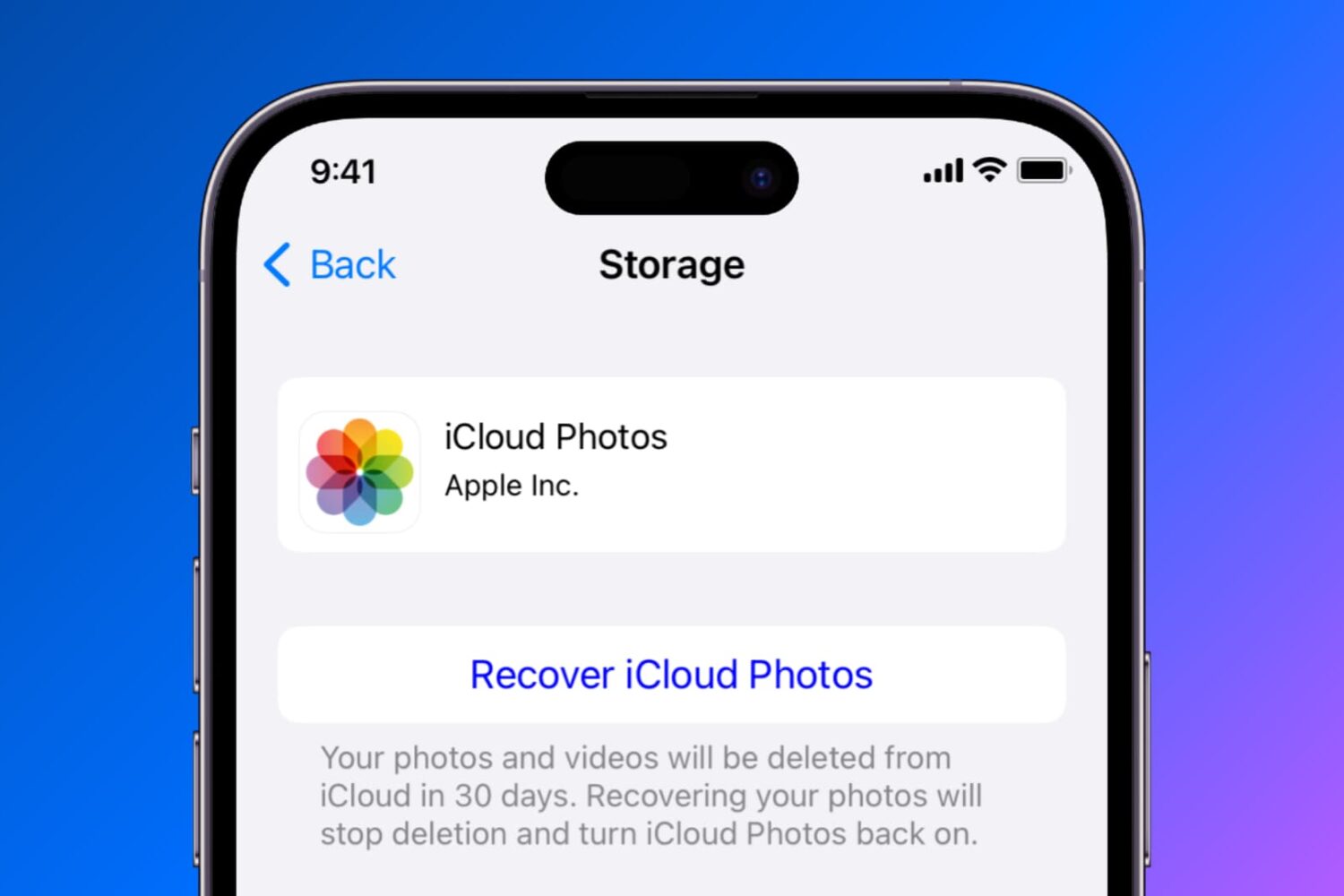
Find out how to temporarily disable or permanently delete iCloud Photos on your iPhone, iPad, Mac, Apple TV, and Windows PC if you no longer want to back up your pictures and videos to Apple’s cloud storage.