When it comes to using your Mac for day-to-day activities, you may want to set up a printer with it so you can print documents, shipping labels, photos, and other important pieces of information.
How to add a new printer to your Mac

When it comes to using your Mac for day-to-day activities, you may want to set up a printer with it so you can print documents, shipping labels, photos, and other important pieces of information.

Learn how to fix iPhone or iPad apps stuck on “Installing…” so you can get your downloads working again.
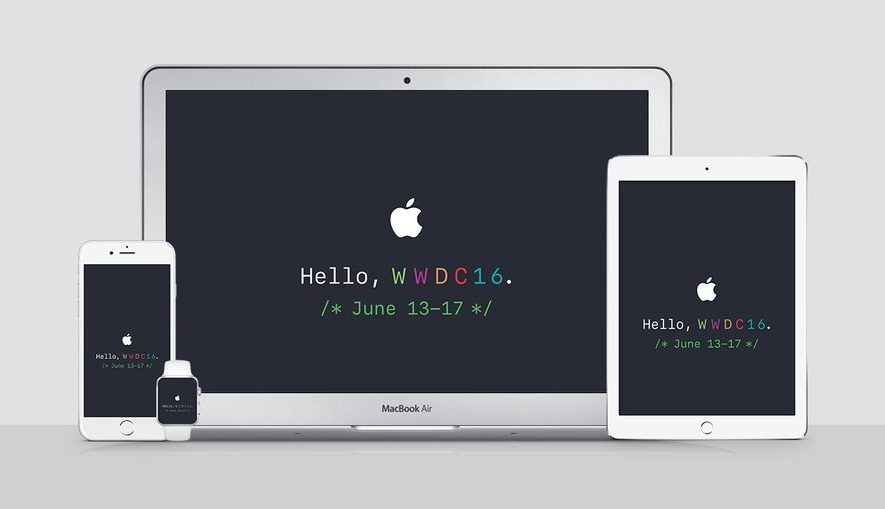
Apple is going to be streaming their WWDC 2016 event live on their website today, and die-hard Apple fans will be tuning into the event from their devices to see what's new.
Whether you've got a Mac or a PC, or are using your mobile device to stream the media, you can watch it live whether you're at home or on the go. There are, however, some requirements you will have to meet to be able to do so.
Here's everything you need to know about how to stream the WWDC 2016 event live on your devices today.

What happens when a jailbreak tweak bugs out on your device and ends up in a boot loop? Do you try to reboot the device to no avail? Do you take to the internet to ask how to fix it?
How about this: try booting into a form of booting up that Saurik calls 'No Substrate Mode,' then uninstall the faulty tweak.
In this piece, we'll talk about how you can use No Substrate Mode, an under-used feature of jailbroken iPhone or iPad that can truly save you from losing your precious jailbreak when you're unable to turn on your device.

Lots of times you may want to print something, only to find that you have no printer ink or that you aren't near a printer. Your Mac comes with a useful function in the macOS printing menu that lets you save anything you want to print as a PDF file to print or share later. We'll show you how you can make a PDF out of anything you intend to print in this tutorial.

Sometimes when emptying the Trash on your Mac, you may get error messages that tell you files you're trying to delete are in use. When you're looking to delete everything that's in your Trash to free up some storage space, error messages are going to be the last thing you want to see.
In this piece, we'll talk about why you're getting these messages and how to get your Mac to free up the file so you can delete it safely.

There is a ton of VNC software options out there, but Screens by Edovia has by far been my favorite for a number of years because it looks and feels like software Apple could have created themselves.
In this tutorial, I'll show you how you can use the Screens app from your iPhone, iPod touch, or iPad, in combination with Edovia's free Screens Connect software for Mac, to access your Mac remotely.
Although your Mac comes with a Calculator app, you will find that it only supports basic, scientific, and programmer modes.
Unfortunately for those who are in advanced math courses in school, be it grade school or college, or for those that just need a hand in tutoring their children, the Calculator app doesn't come with graphing functionality and it leaves you to fend for yourself.
A little known feature of your Mac, directly out of the box, is that it does have graphing functionality built into its default software, and in this tutorial, we'll show you how to unleash it.

SIM eject tools are useful for getting SIM cards out of iPhones and iPads, and honestly, I would recommend everyone who owns one of these devices carry at least one of them at all times, whether in your wallet or on a key ring.
Of course, there are always those times when you're out and about and don't have a SIM eject tool with you when you really need one. So what alternatives can you use instead?
In this piece, we'll talk about five alternatives to a SIM eject tool you can use to get the SIM card out of your iPhone, iPad, or Android phone.

Last week, we showed you how you could customize the toolbar on your Mac's Finder window to better suit your needs, but there are other apps throughout the macOS operating system that come with toolbar-editing capabilities as well.
In this tutorial, we'll show you how you can customize the toolbar in the Safari web browser to make your web surfing experience the best it can be for your specific needs.

Siri is an amazing piece of software and Apple has tried so hard to make it capable of pronouncing everyone's names right, but there are just too many names in the world for Siri to be perfect and pronouncing all of them.
On the other hand, if you're sick of Siri not being able to pronounce your name correctly, there is a way to train her so she will pronounce it right going forward.
We'll show you how this is done in this quick tutorial.
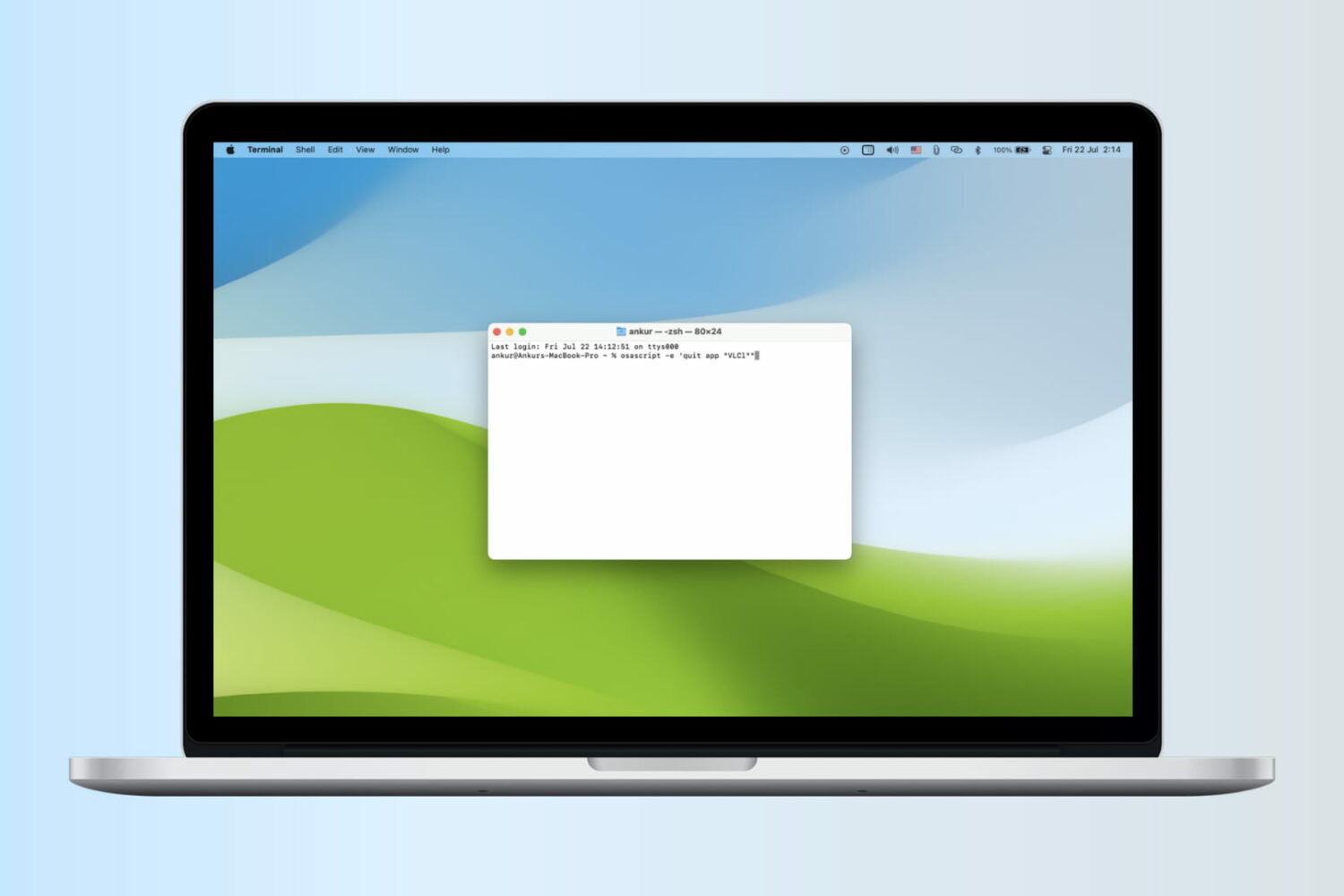
Check out seven quick ways to quit or close apps on your Mac. Experiment with all methods and see which one suits you best.