Is your Apple TV acting up and not working properly or do you want to give it a fresh start? In this tutorial, we will show you how to reset and erase your Apple TV to its default factory settings.
How to restore your Apple TV

Is your Apple TV acting up and not working properly or do you want to give it a fresh start? In this tutorial, we will show you how to reset and erase your Apple TV to its default factory settings.

We recently covered the release of Luca Todesco's first build of yalu102. This tool will eventually allow all 64-bit devices to jailbreak iOS 10. iPhone 7 and iPhone 7 Plus will be able to use it on iOS 10.0-10.1.1, all other 64-bit devices will be able to use it on iOS 10.0-10.2.
As the signing window for iOS 10.2 could close at any time, the pressure is on to downgrade to iOS 10.2 if you are currently on a higher firmware. Some people on a lower firmware should also upgrade to iOS 10.2, but not everyone. In this guide, we'll talk you through how to upgrade/downgrade to iOS 10.2 from a lower/higher firmware, if you are one of the people who should be there.

In this post, we’ll show you how to find out which firmware version your AirPods and charging case are currently on.

Luca Todesco just announced the first beta build of his Yalu jailbreak for iOS 10.0-10.2. In this guide, I'll walk you through how to use the tool, should you want to try out the beta.
Bear in mind, this tool is first release and is not necessarily stable. It also does not support all devices yet. Whilst Todesco has said that it should already be more stable than the betas of Yalu for 10.0-10.1.1, a first build is a first build. Proceed at your own risk.
What with the release of iOS 10.2.1 and the soon-to-be-closed signing window for iOS 10.2, many people are wondering what the best strategy is for their device. Should they stick with a jailbroken firmware or jump to iOS 10? If they're already without a jailbreak, which iOS version do they need to be on to make sure they get one? What do they need to do to be able to upgrade to iOS 10.2 later, and keep their jailbreak for now?
In this article, we'll quickly go through what we consider the smartest options for each device and iOS version, so that you can (hopefully) make an informed decision.
Extensively updated to reflect beta release of Yalu for 10.2.
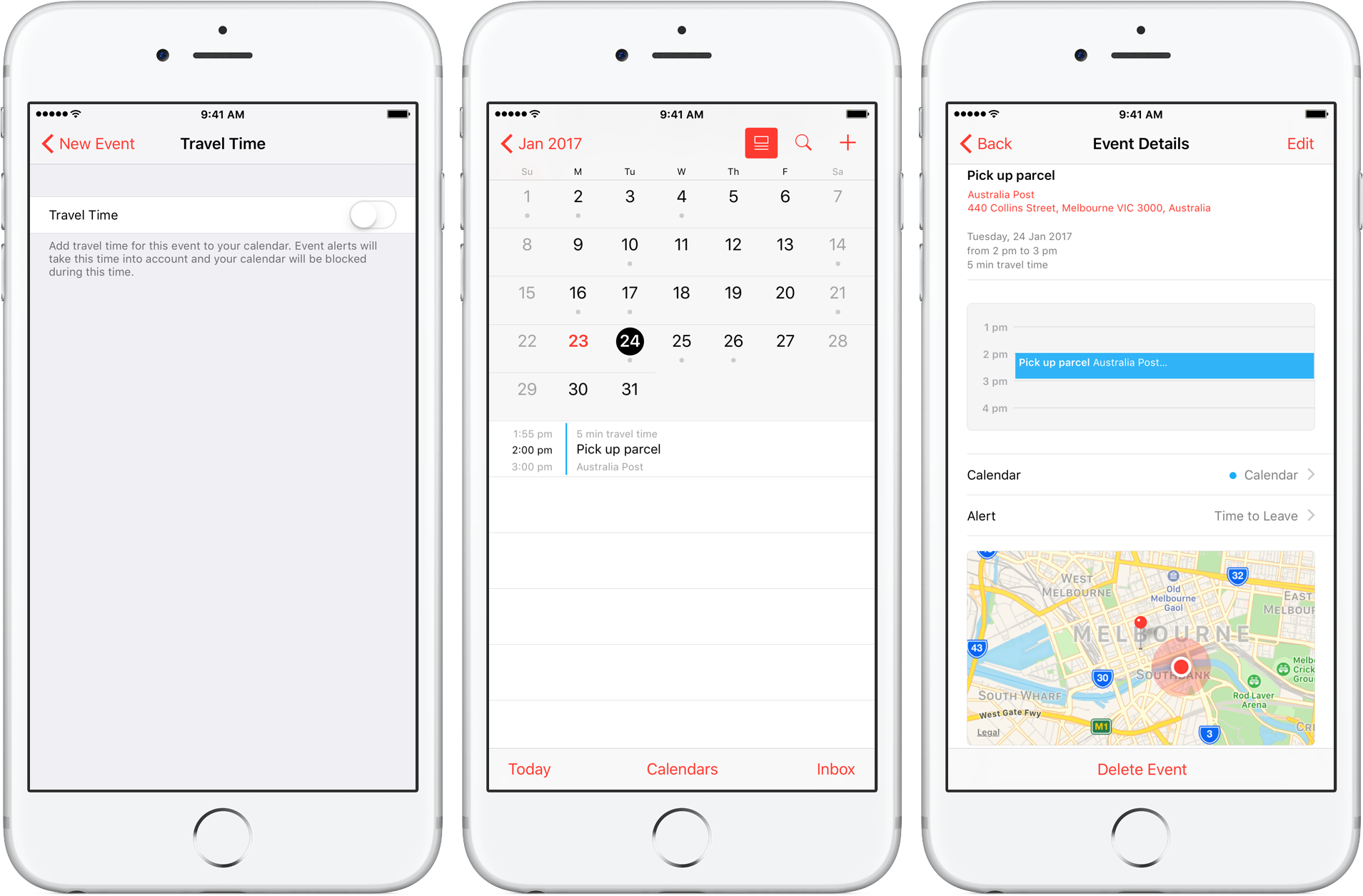
Travel Time is a nifty addition to Apple’s Calendar app, capable of precisely estimating the duration of your upcoming trip based on parameters such as milage and traffic. Used properly, it can notably ease some of your daily scheduling woes, but paradoxically, a large contingent of regular Calendar users still routinely overlook the feature.
Formerly introduced as frequent locations and traffic conditions widgets, the service has only slowly gained traction amongst users. Travel Time today however has come of age and is now neatly integrated into one of the most popular productivity applications both on iOS and macOS. So if you didn’t get the memo on the virtues of Travel Time in Calendar, here’s what you need to know.

In this tutorial, we'll show you how you can remove your credit card or other payment method information from Safari, Apple ID, and Apple Pay on your iPhone or iPad.

If you only have a small SSD in your Mac or Hackintosh, then storage space can be at a premium. For most users, by far the largest thing saved on their boot drive is the User folder, which contains their user account. If your user folder is filling up your SSD and you want to keep that high-speed storage for the operating system and applications, then this guide is for you.
It is possible to move your entire user account onto another drive, completely separate from your macOS boot drive. This will free up space on the boot drive and allow large media folders like Music, Movies, and Downloads to reside on a larger capacity drive.
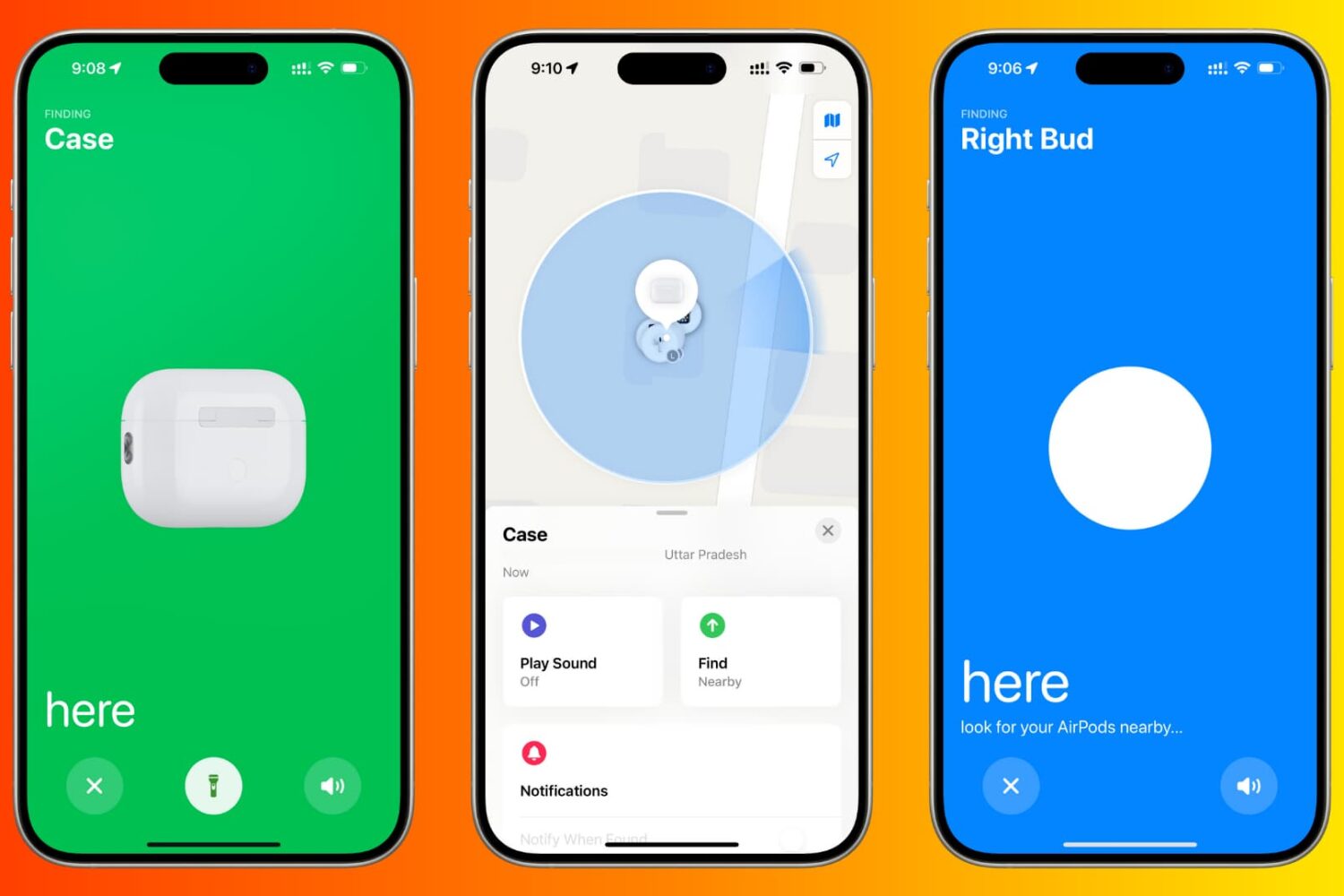
Learn how to use the Find My app or iCloud on your iPhone, iPad, or Mac to locate your lost AirPods. We’ll also show you how to make your AirPods play a high-pitched sound or use AirTag-like precision tracking to find them and their charging case.

Enable Guided Access to limit what someone else can do on your iOS device by keeping them locked to a single app on the screen. You can also use Guided Access to block touch access to selected parts of the iPhone or iPad screen.
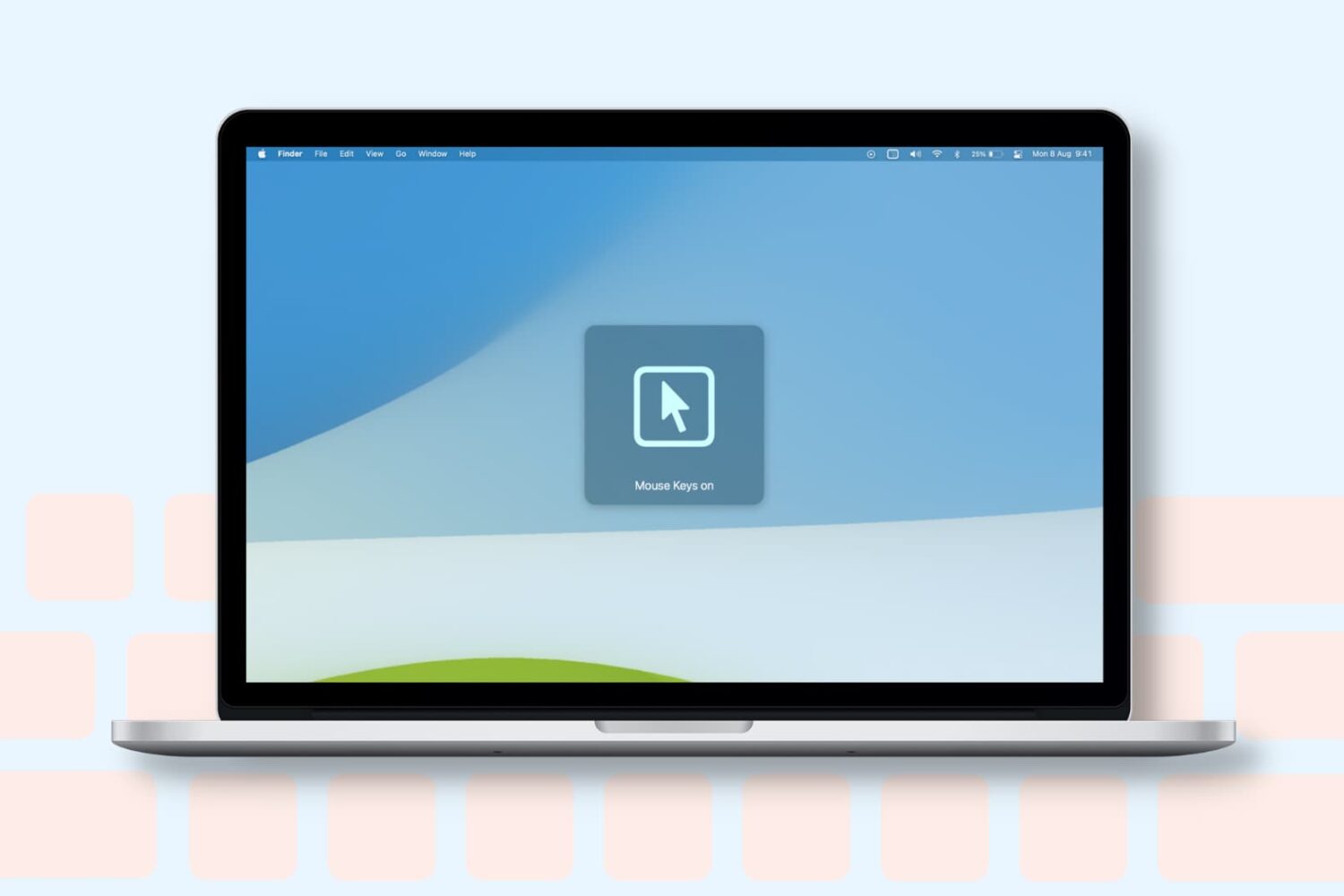
Learn how to turn on the Mouse Keys feature on your Mac to control the mouse pointer with the keyboard or numeric keypad.
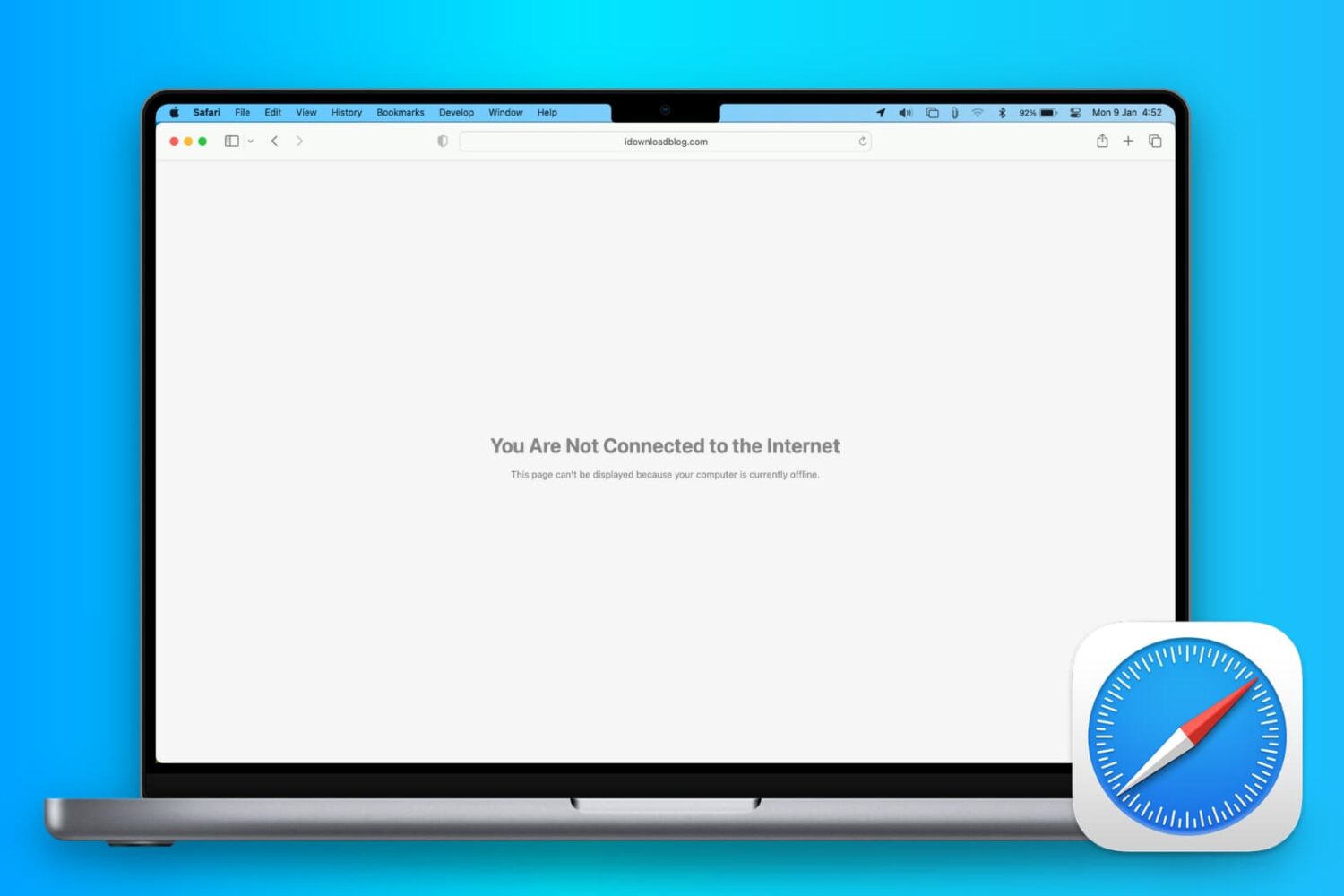
In this comprehensive troubleshooting guide, we list 24 solutions to fix all or specific websites not loading in Safari on your iPhone, iPad, and Mac.