In older versions of iTunes, you could easily open a playlist in a separate window. It was both a great time-saver and a boon to your productivity, especially on large screens.
For reasons unknown, Apple has removed that functionality from the iTunes 12 update which was overhauled around a single-window workflow.
Thankfully, the company has reinstated the ability to open playlists in new windows with iTunes 12.6. Here's how to open your playlists in their separate windows using iTunes for Mac.
How to open your playlist in a new iTunes window
1) Launch iTunes on your Mac.
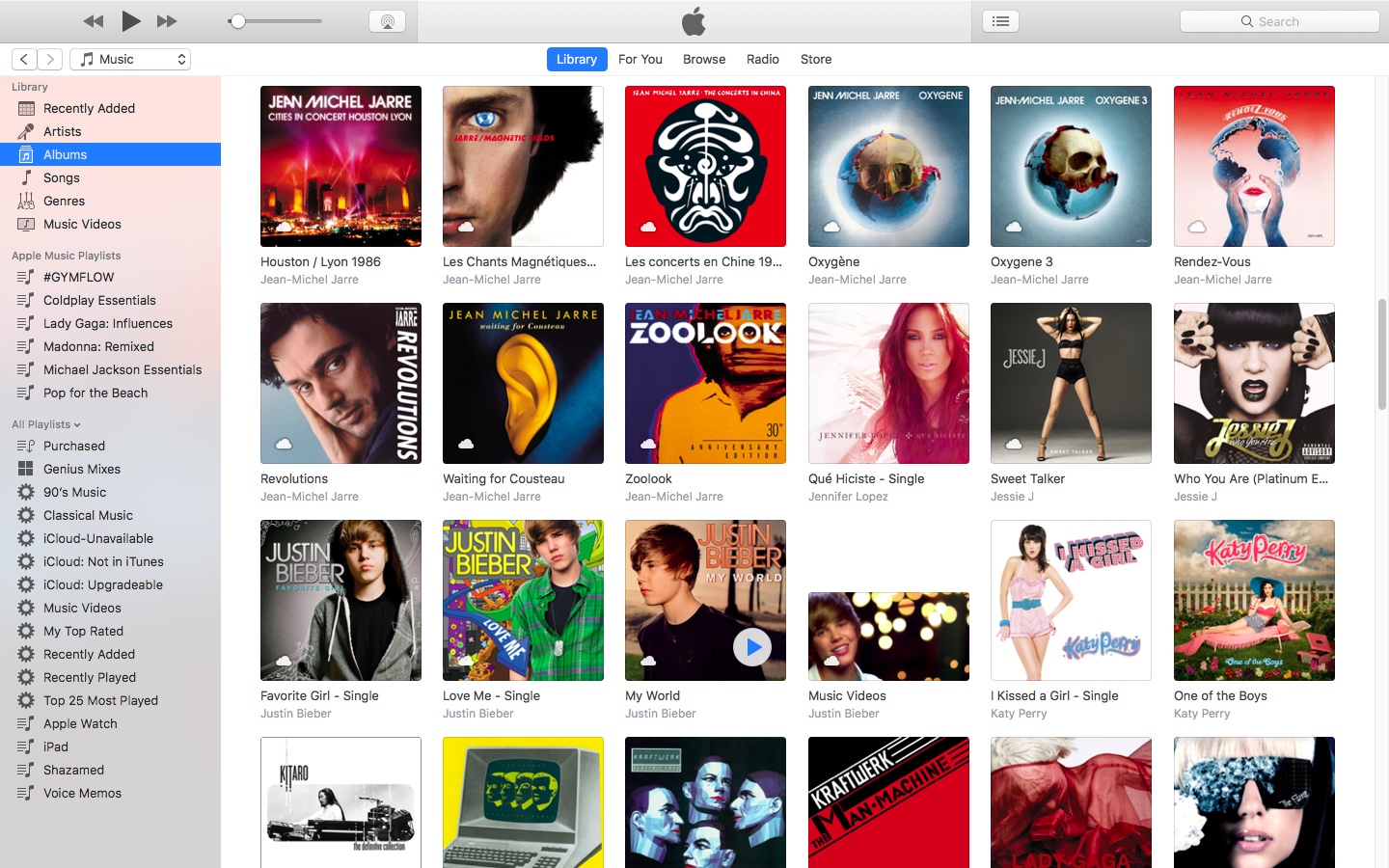
2) Choose Music from the menu near the upper-left corner, then click the Library tab.
3) In the lefthand column, right-click or Control (⌃)-click your playlist underneath the All Playlists heading, then select the option Open In New Window from the popup menu.
This will open a new iTunes window containing the selected playlist, as shown top of post.
You can drag songs at will between the playlist windows and open as many playlists in separate windows as you like. I don't have that many playlists created in iTunes so I was able to open “only” four playlist windows, but it worked like a charm.
How to open an Apple Music playlist in a new window
Playlists on Apple Music cannot be opened in their separate windows unless they're in your iTunes library. To do so, follow the steps below:
1) Launch iTunes on your Mac.
2) Choose Music from the popup menu near the upper-left corner of the window, then click either the Library or the For You tab.
3) Find a playlist on Apple Music and click the three dots in the lower-right corner of playlist graphics to bring up the contextual menu, then choose the option Add to Library.
4) With the selected Apple Music playlist now in your iTunes library, switch to the Library tab, right-click it underneath the Apple Music Playlists heading in the lefthand column, then select the Open in New Window command.
Just like that, the selected Apple Music playlist from your library opens in a new window.
iTunes playlists windows and Split View
Sadly, playlists windows in iTunes don't support macOS's useful Split View feature.
If iTunes supported Split View properly, it could have been a great multitasking feature. In other words, you cannot browse your iTunes library in the main window and have your favorite playlist in its separate window in macOS's Split View mode.
And that's it, boys and girls!
Pass along this article to other Mac users you support and don’t forget we accept your submissions regarding future coverage ideas via tips@iDownloadBlog.com.
If you have any questions, please post a comment below.