Learn how to set up and use your iPhone or iPad as your Apple TV remote, whether as a backup remote or simply for convenience.
How to use your iPhone or iPad as Apple TV remote
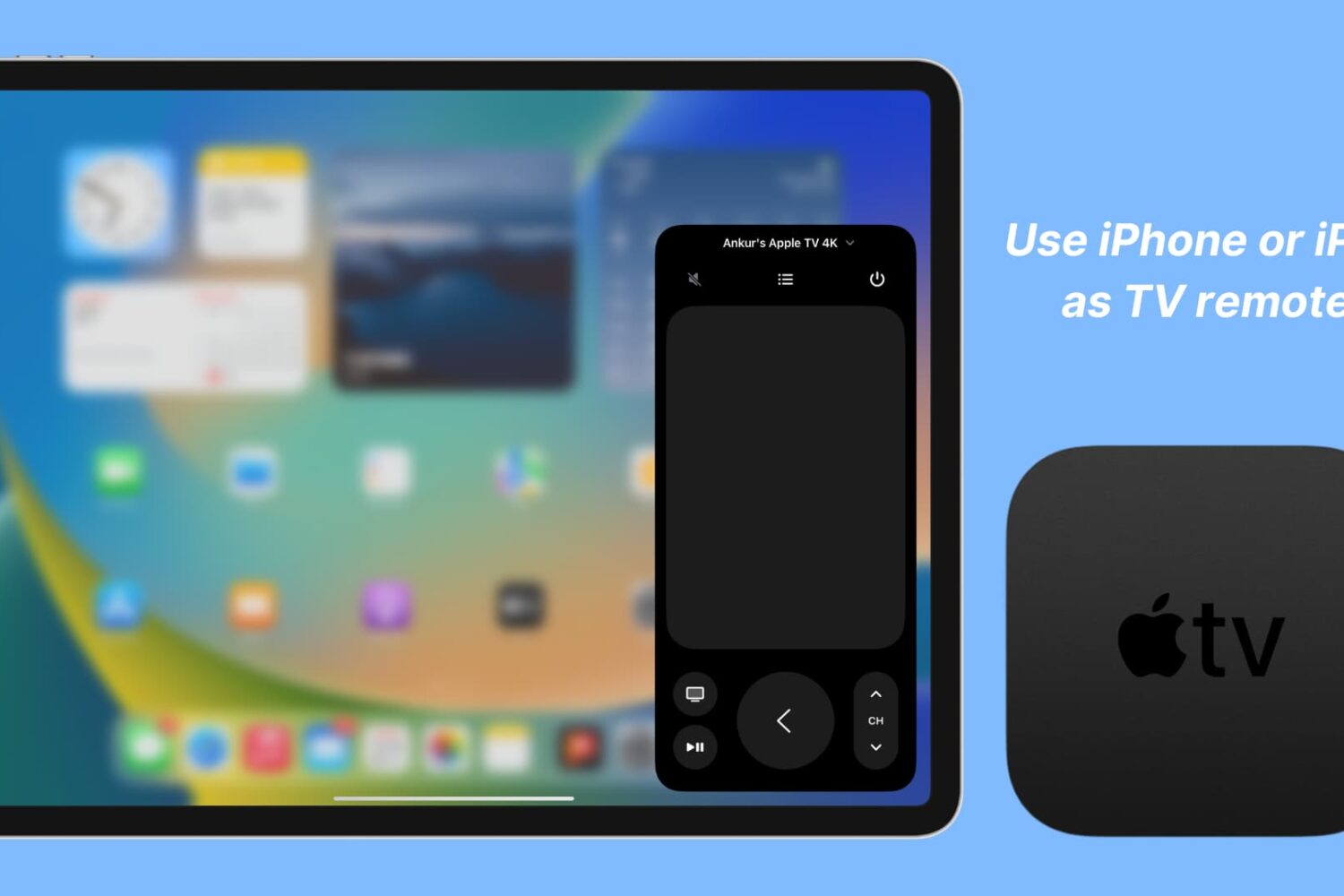
Learn how to set up and use your iPhone or iPad as your Apple TV remote, whether as a backup remote or simply for convenience.

One of the least publicized features on both iPhone and Apple TV is the ability to watch sports and get live scores in Apple's TV app. Here's how you can catch up with your favorite sports and teams 365 days a year.
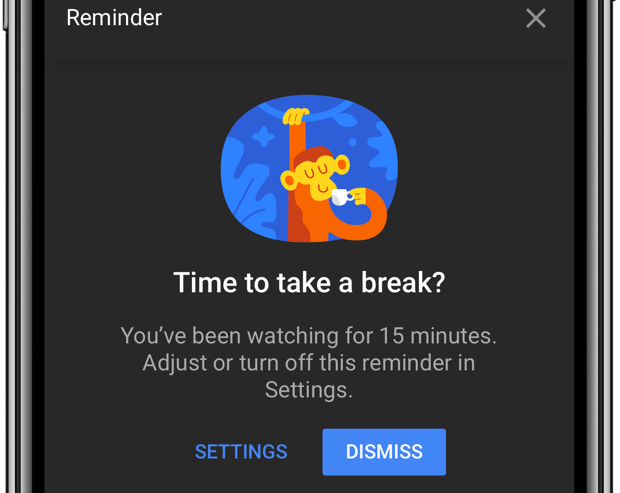
Do you lack self-control? Then you're not surprised that YouTube is a major time-suck.
It's perfectly fine to go down YouTube's rabbit hole every now and then. The world's most-trafficked video site, once a clearinghouse for kitten videos, has become both a cultural phenomenon and a go-to platform for the next-generation of truly innovative video creators.
And with its ever-improving recommendation engine, it’s all too easy to waste precious time on related videos that you didn’t really mean to watch but deemed too interesting to pass on. YouTube's app features custom reminders for when you'd like to take a break from watching.
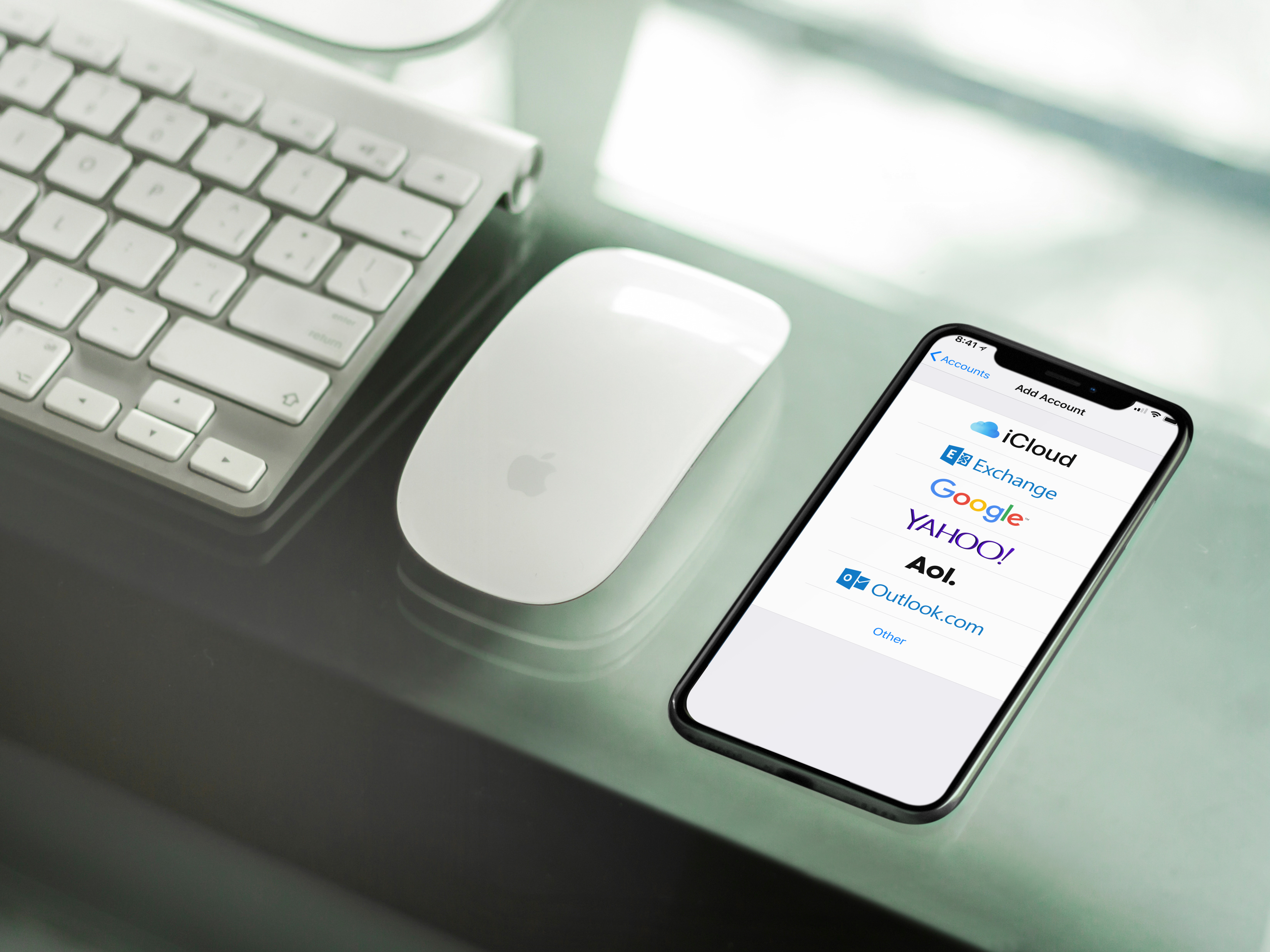
Here's how to protect yourself from the EFAIL vulnerability in Apple Mail on both iOS and macOS. These temporary fixes come after the new vulnerability was discovered that allows hackers to derive decrypted plaintext from encrypted emails. For the attack to work, the third party must be in possession of your encrypted S/MIME or PGP emails.
Learn how to watch YouTube videos in High Dynamic Range (HDR) on your iPhone or iPad to get more realistic colors than standard video.

As most of you are probably aware of by now, Amazon Prime is going up in price this week. On Friday, Amazon is raising the subscription price of its popular Prime service from $99/year to $119/year. That's not a huge bump, but for those wondering how to avoid the hike, iDB has you covered.
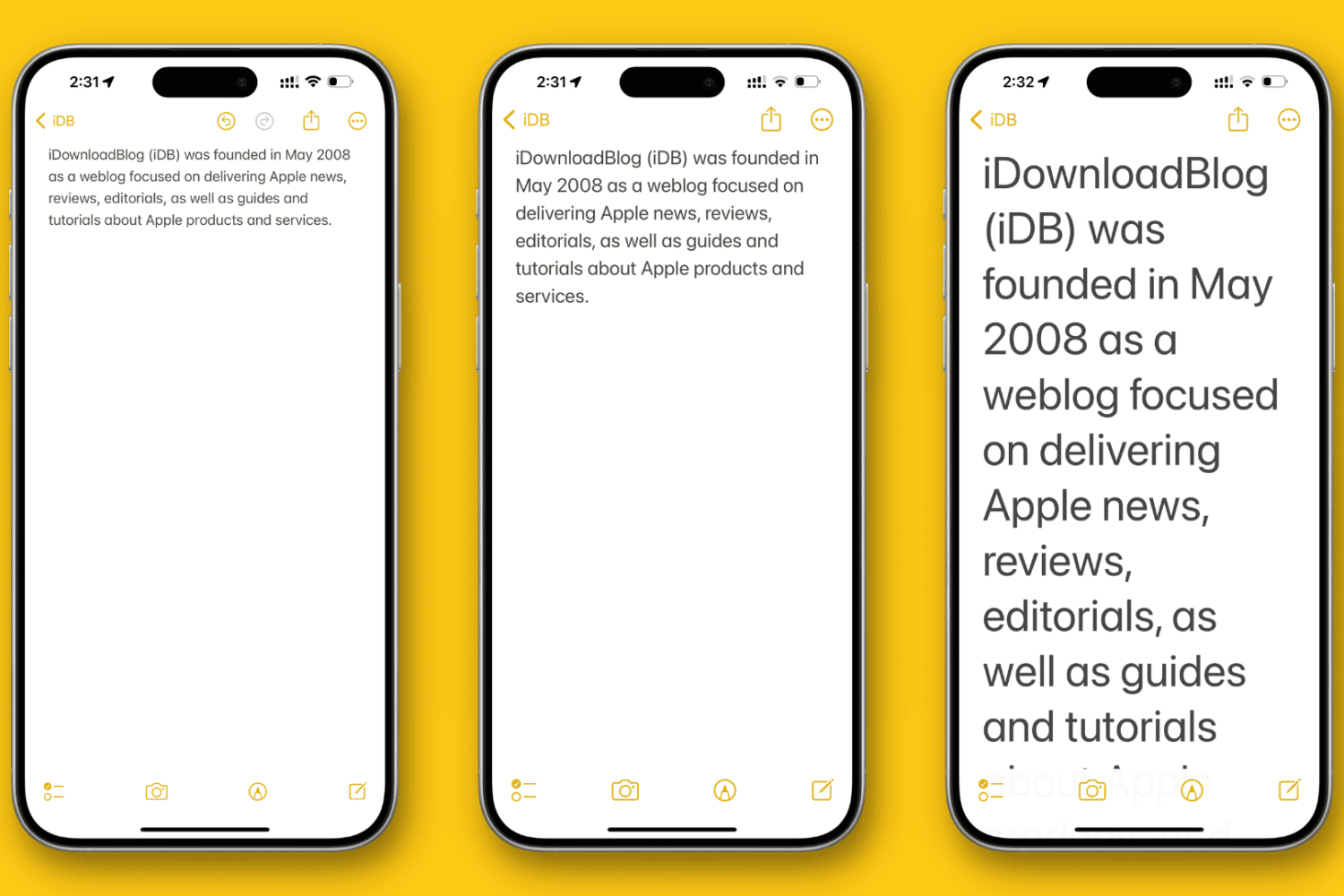
In this tutorial, we’ll show you how to change the overall text size to a level that makes it comfortable to view the contents on your iPhone or iPad screen.
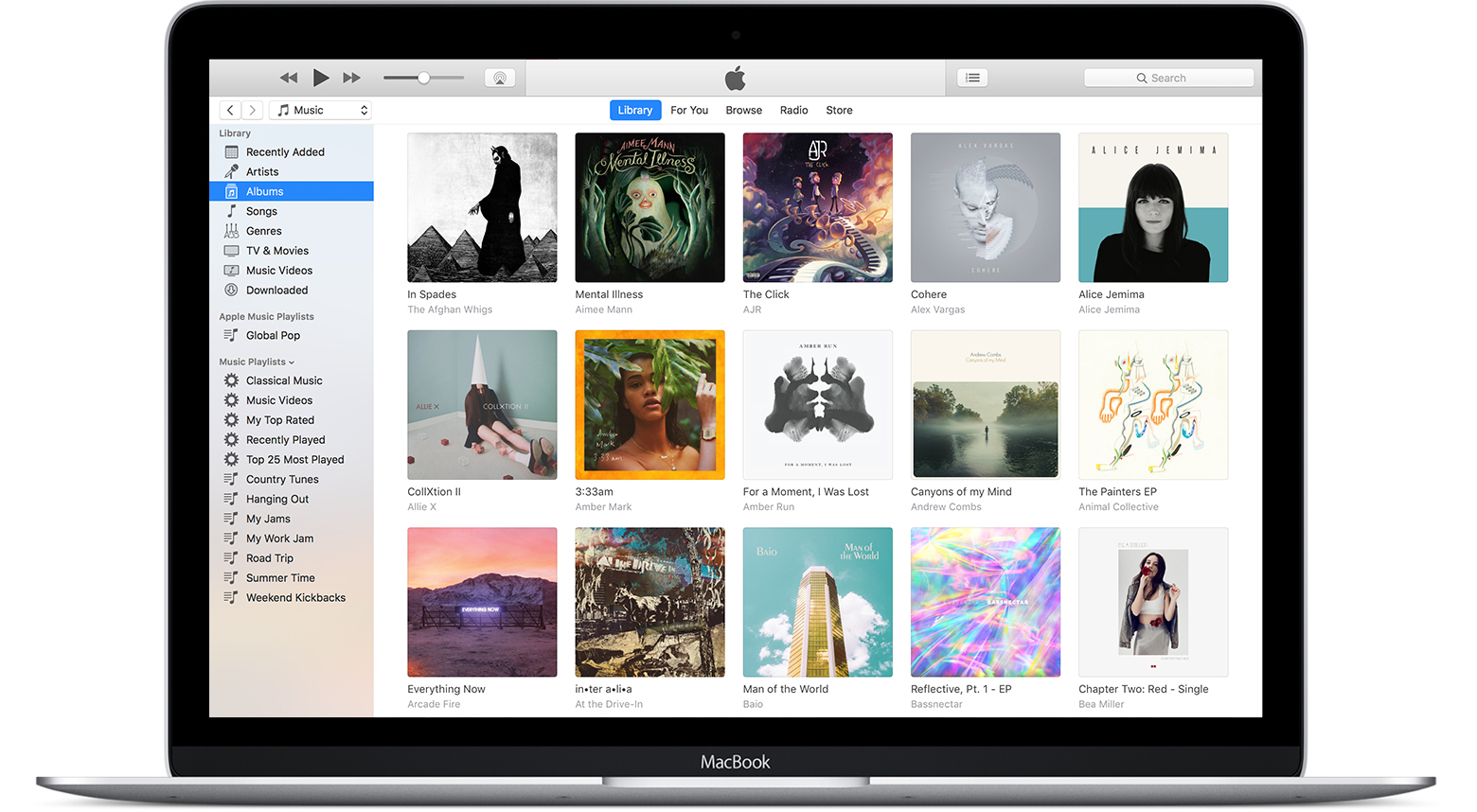
In this tutorial, we’ll show you how to use the referenced Music library feature to stop the app from creating duplicate copies of your media and help save local space on your Mac or Windows PC.
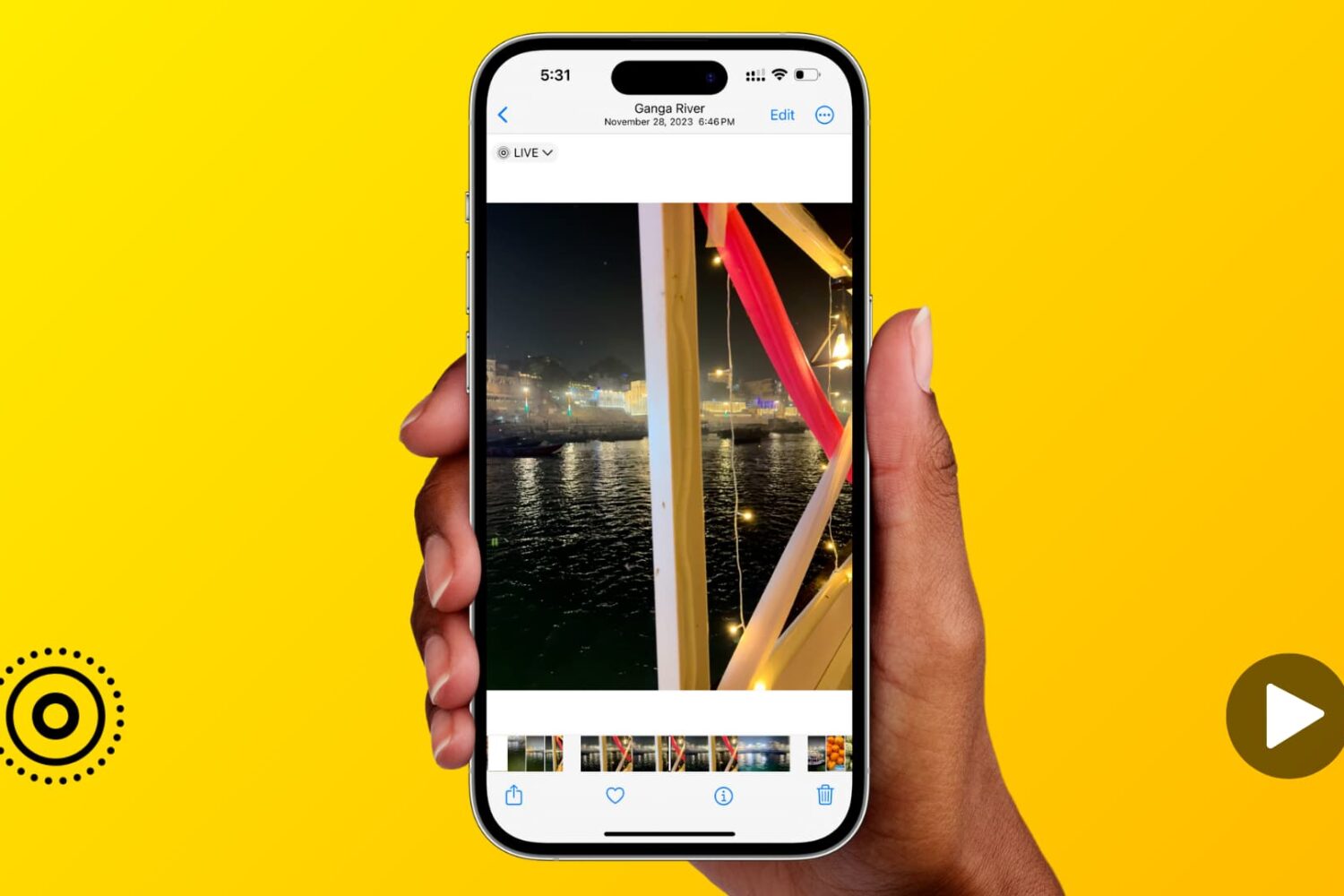
Learn how to expand the image scrubber into a handy video timeline when viewing a Live Photo in the Photos app on your iPhone or iPad.
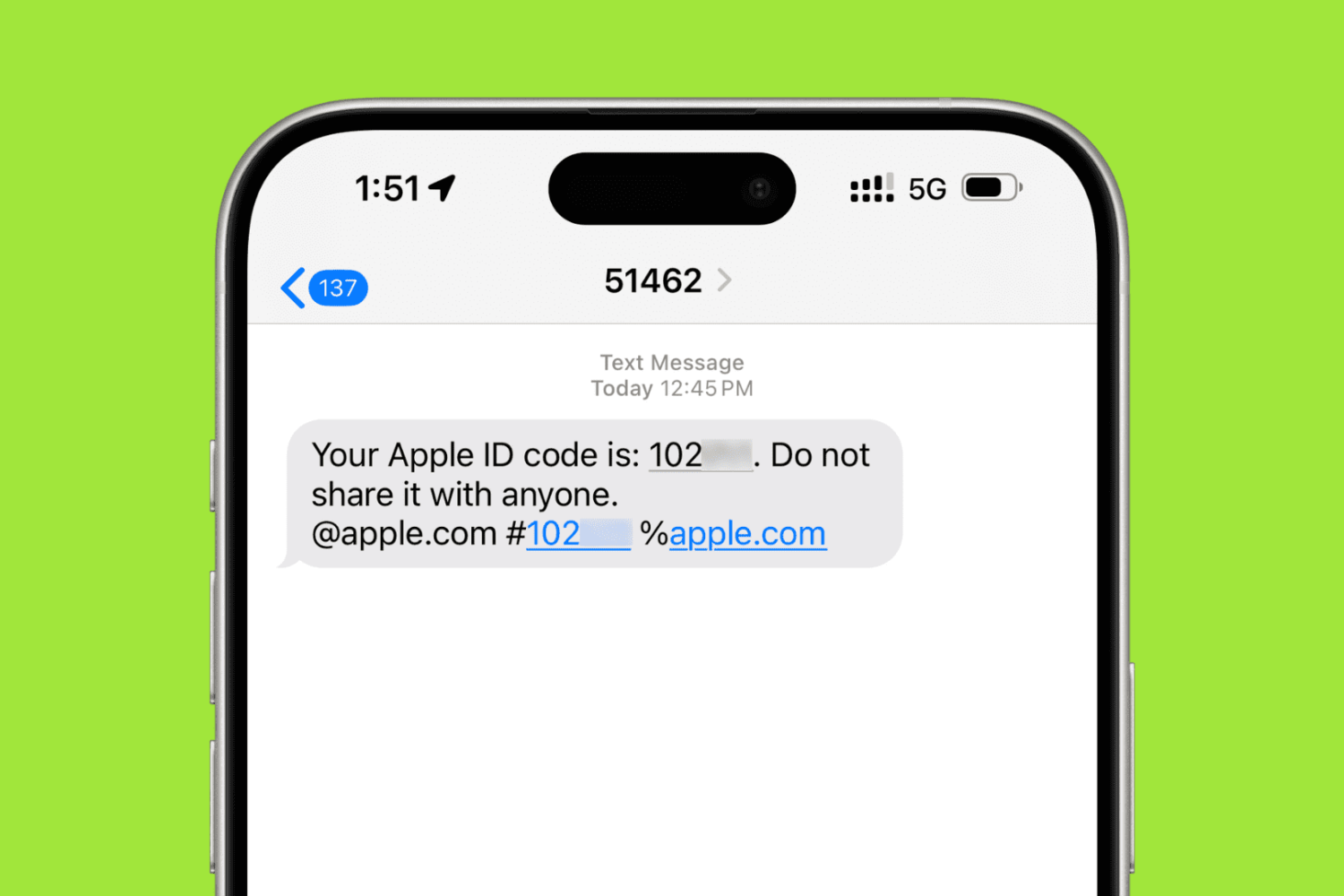
In this step-by-step tutorial, we’ll show you how to add a trusted phone number to your Apple Account for two-factor authentication (2FA) purposes. These steps will also help if you want to remove an existing phone number and stop it from receiving 2FA login codes.
In today's day and age, there are chances that your various passwords can be compromised. This can happen even if you have taken just about every precaution possible.
One of the most prevalent and popular precautions has been the introduction of two-factor authentication (2FA). For the unaware, 2FA requires a second input from the user whenever signing into your account.
Thankfully, Apple has joined the movement in recent years in an effort to keep Apple ID's protected. However, there are sometimes where you forget your password, don't have your device handy, and are locked out.
We are going to take a look at what you can do in the event that you are locked out and can’t sign in or reset your Apple ID password.
In this step-by-step tutorial, we'll show you how to download an archive of your Instagram account, including the photos and videos you've uploaded to the service, any archived Stories, comments on your posts, instant messages, and other data.