Learn how to increase text size in the Messages app on your iPhone, iPad, and Mac to stop squinting your eyes if you struggle to read small words.
How to increase text size of Messages app on iPhone, iPad, Mac
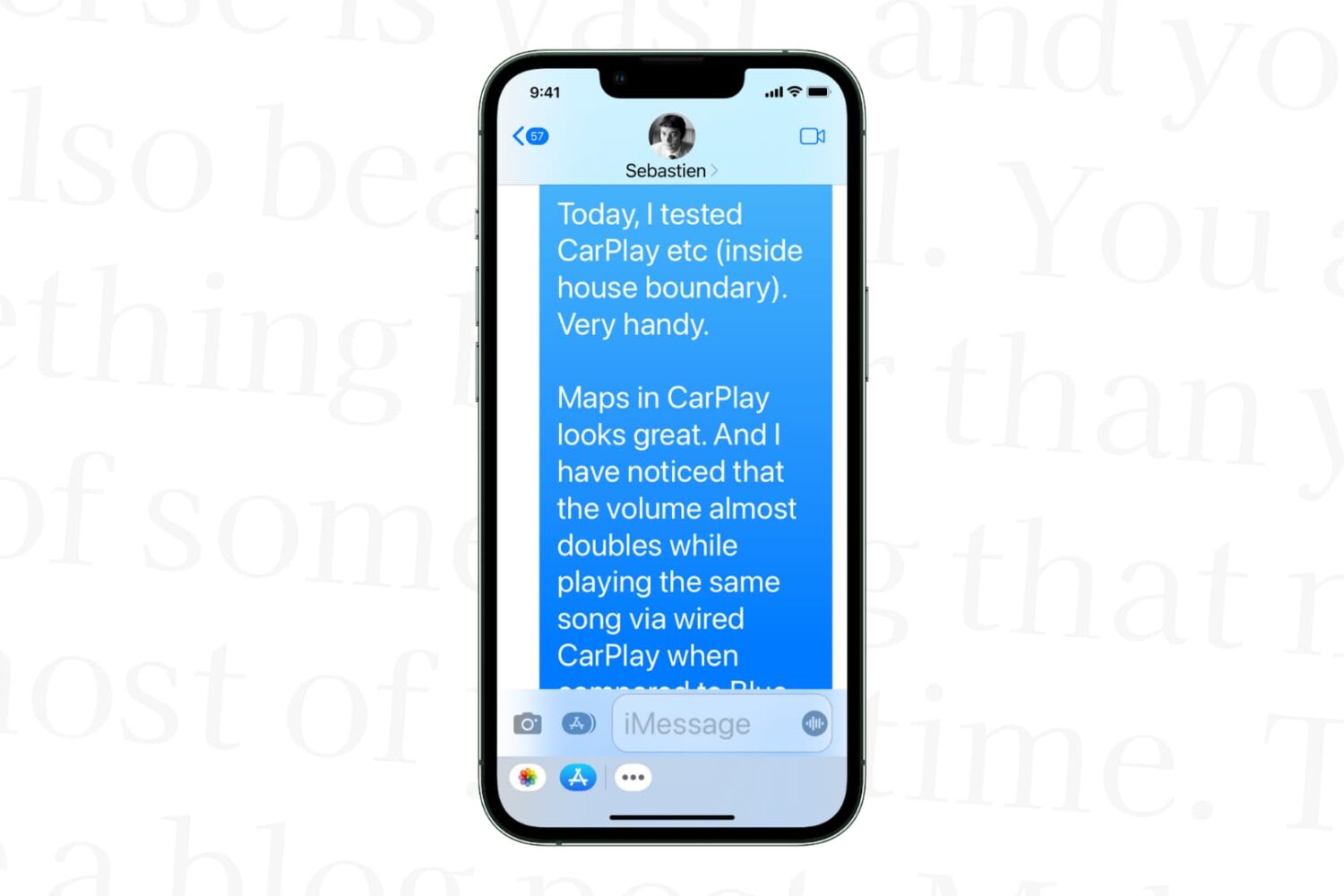
Learn how to increase text size in the Messages app on your iPhone, iPad, and Mac to stop squinting your eyes if you struggle to read small words.
Today, the Electra Team released the first publicly available jailbreak for iOS 11.4.x (excluding iOS beta versions), beating the unc0ver release by a matter of hours.
Whilst we recommend using the unc0ver tool for iOS 11.4.x due to its use of the original Cydia Substrate over Substitute and its greater support, we still dived in on a test device to give you a peek at the first past the post. If you really can't wait a moment longer and have a device sitting on iOS 11.4-11.4.x, then read on to jailbreak it.
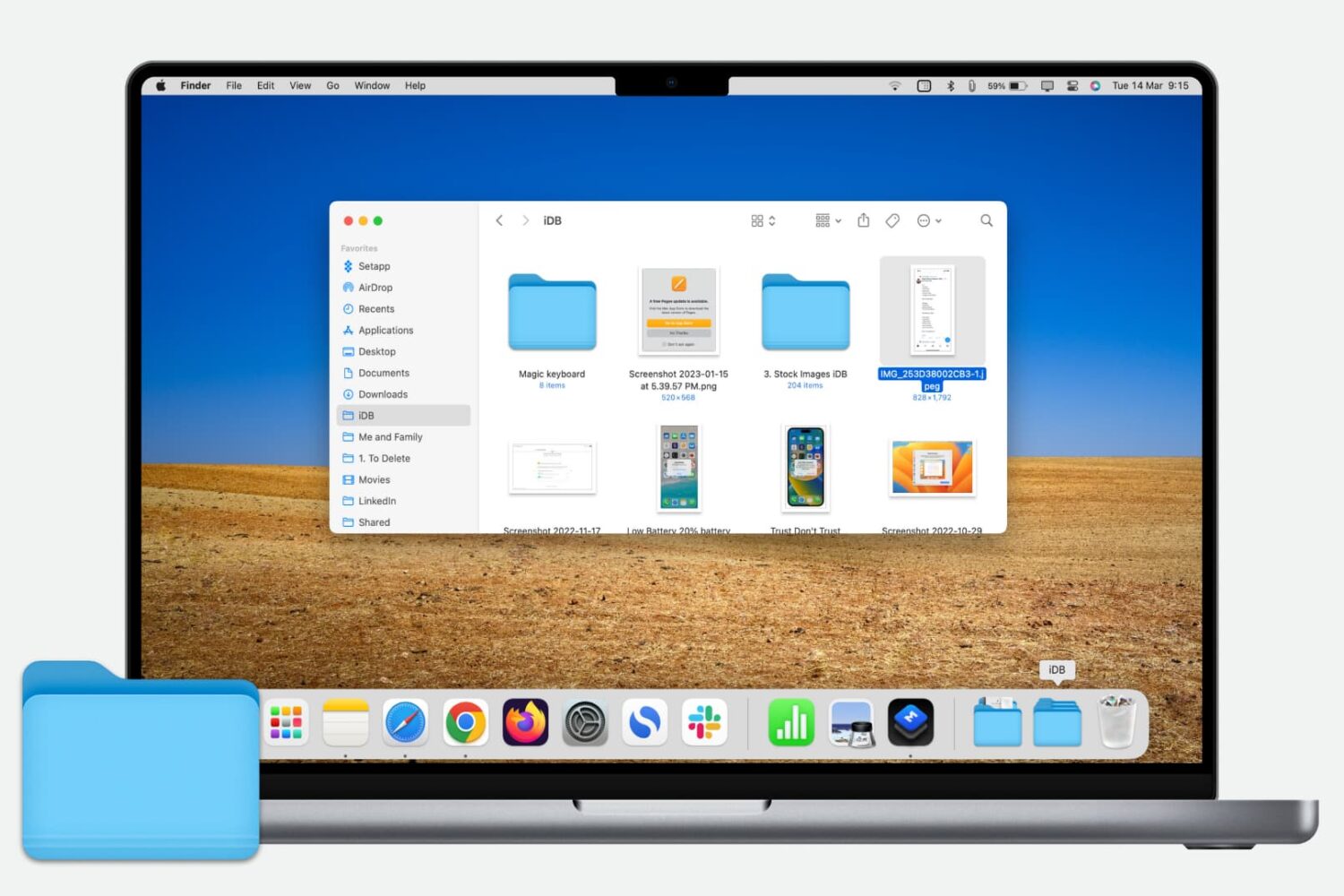
Learn how to quickly add a folder from your Finder’s Sidebar to the Dock on your Mac for even faster and easier access to those folder files.
You’ve received a Photoshop file (.PSD) that you need to look at, but you don’t have Photoshop. Here are three free ways you can view PSD files on Mac.

Learn how to forward your iCloud emails to Gmail, Outlook, or any other account to keep all your messages in one inbox and improve your email management.

The Mac and Windows app VideoProc by multimedia software developer Digiarty is among the most comprehensive video converters out there. Not only does it transcode foreign video formats including MKV, DIVX, FLV and WMV to iOS-friendly formats, but also lets you convert videos in the High Efficiency Video Coding (H.265) format captured with your iPhone to the more compatible H.264 codec, which lets you play them back on older devices.
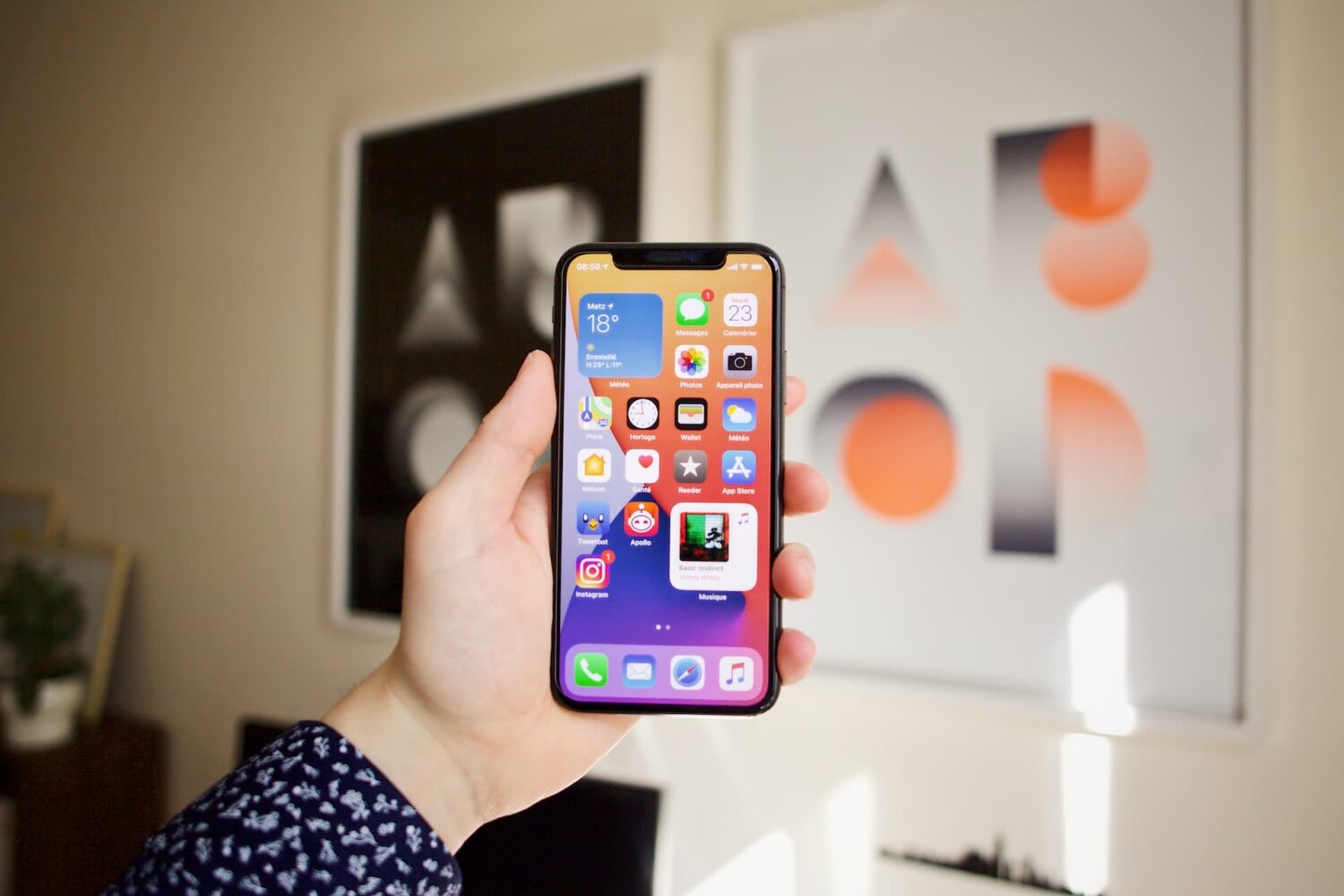
Learn how to turn off iPhone and iPad animations if you don’t like them or are sensitive to motion, which can cause sickness and headaches.

Learn how to stop people from logging into macOS using a guest account, which will protect your privacy and prevent unauthorized access to your Mac computer.
Every Mac owner should peruse this list comprising 50 super useful keyboard shortcuts in macOS that let them do things faster, increasing productivity.
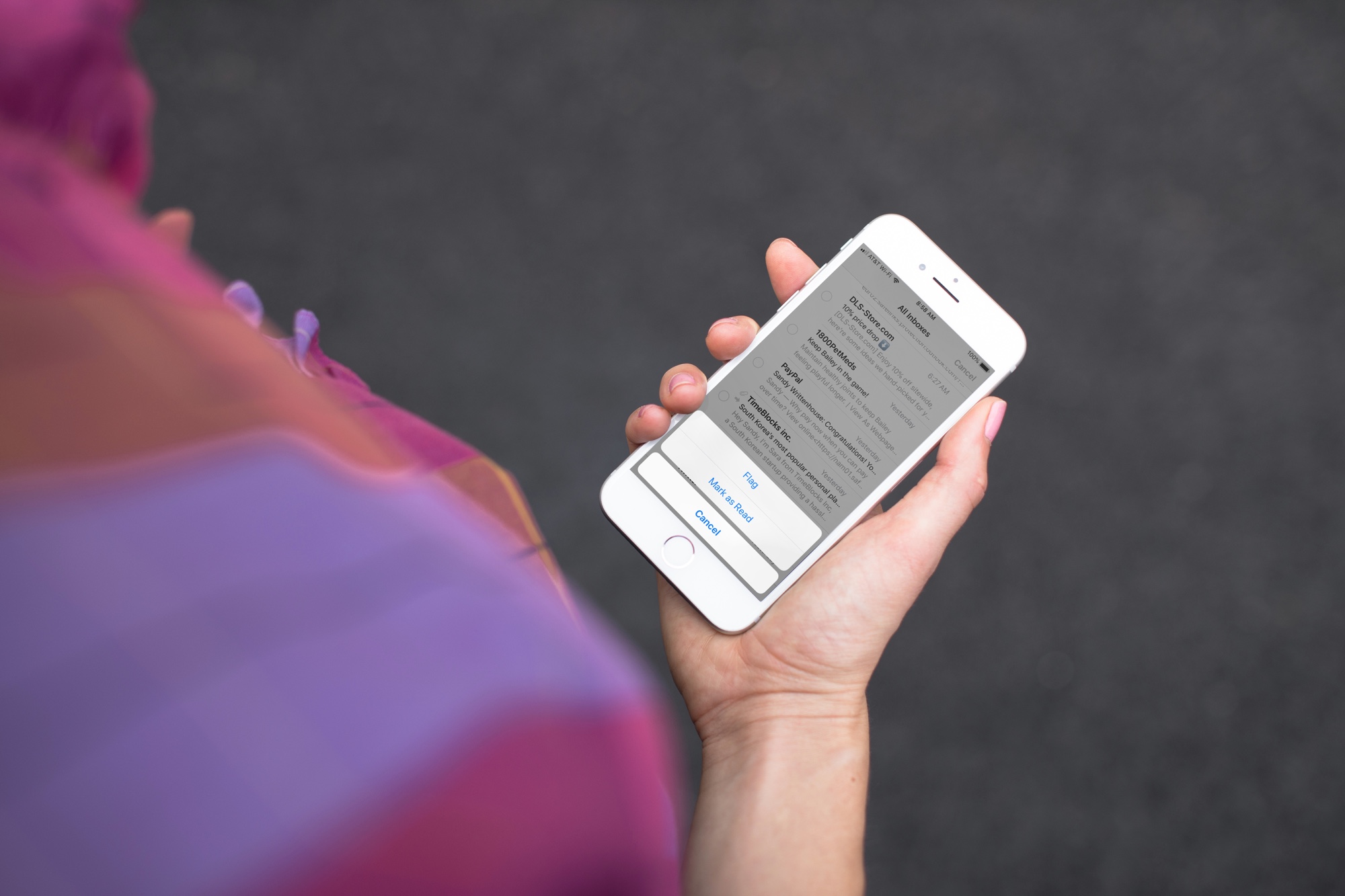
Quickly mark all unopened emails as “read” in the Apple Mail app on iPhone, iPad, and Mac to clear the unread messages in your inbox.
Learn how to protect your Apple Pages, Numbers and Keynote documents with a password on the iPhone, iPad and Mac to keep your files secure and private.
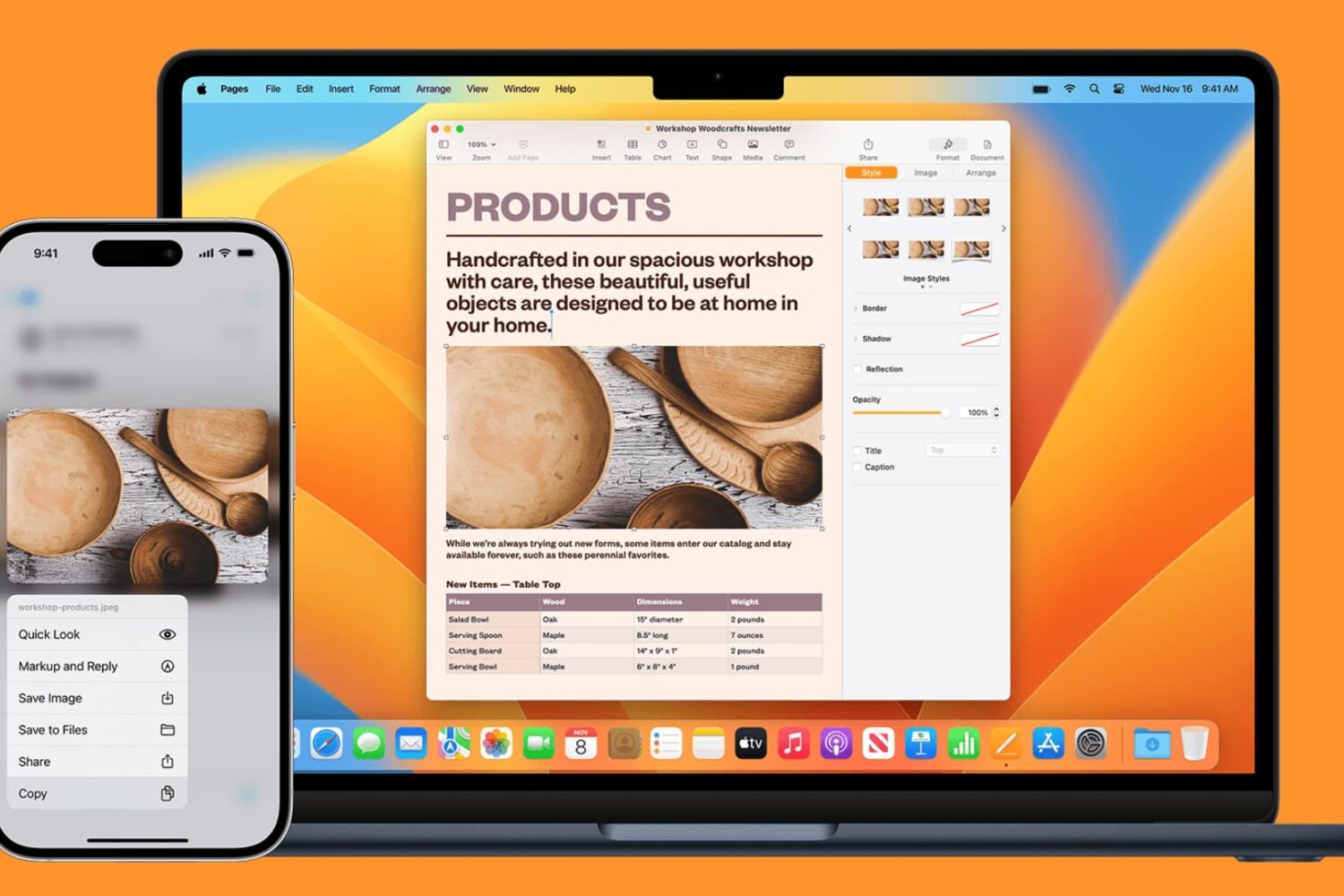
Learn how to seamlessly copy and paste text, images, links, and files across your iPhone, iPad, and Mac using Universal Clipboard.