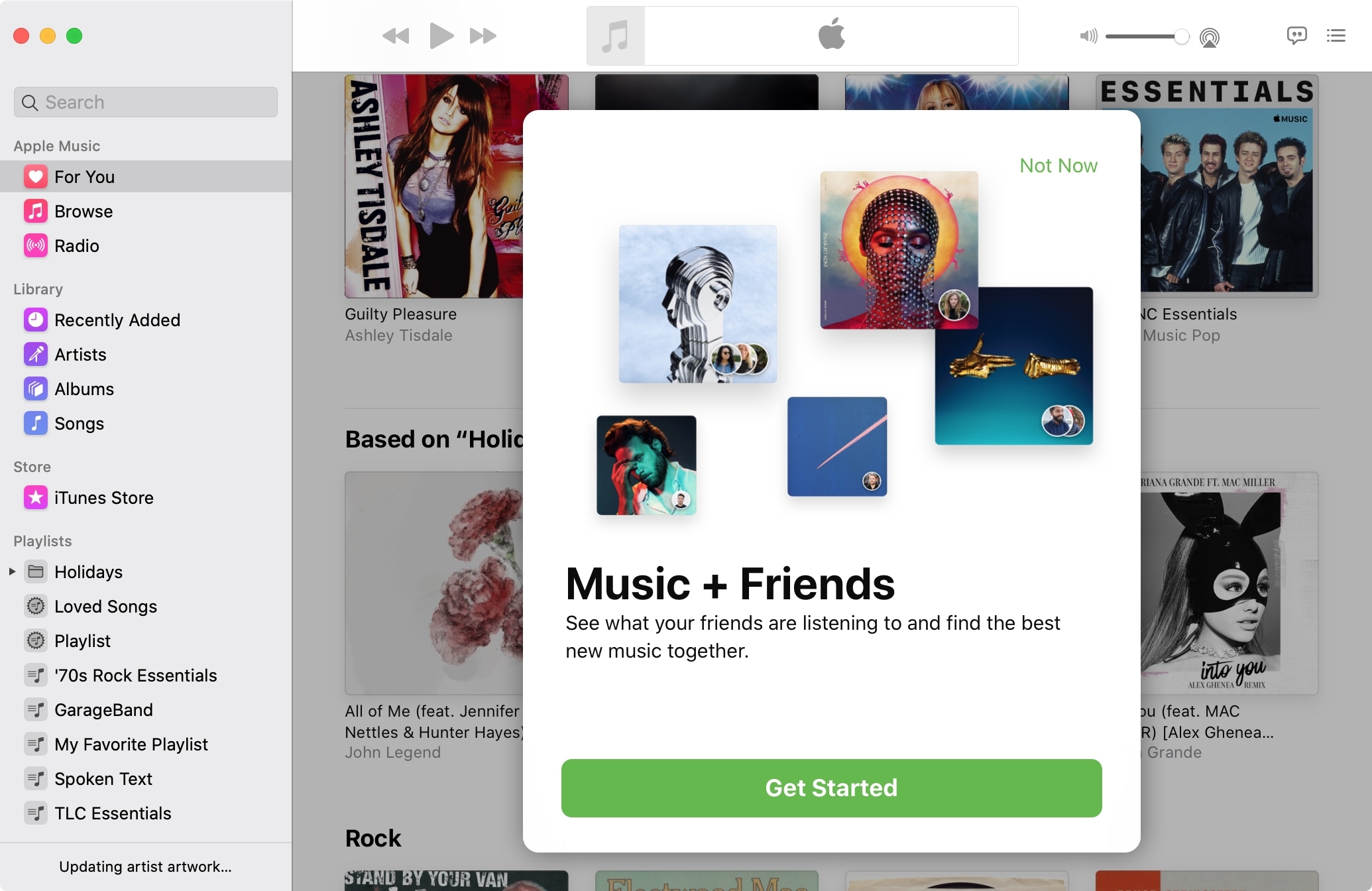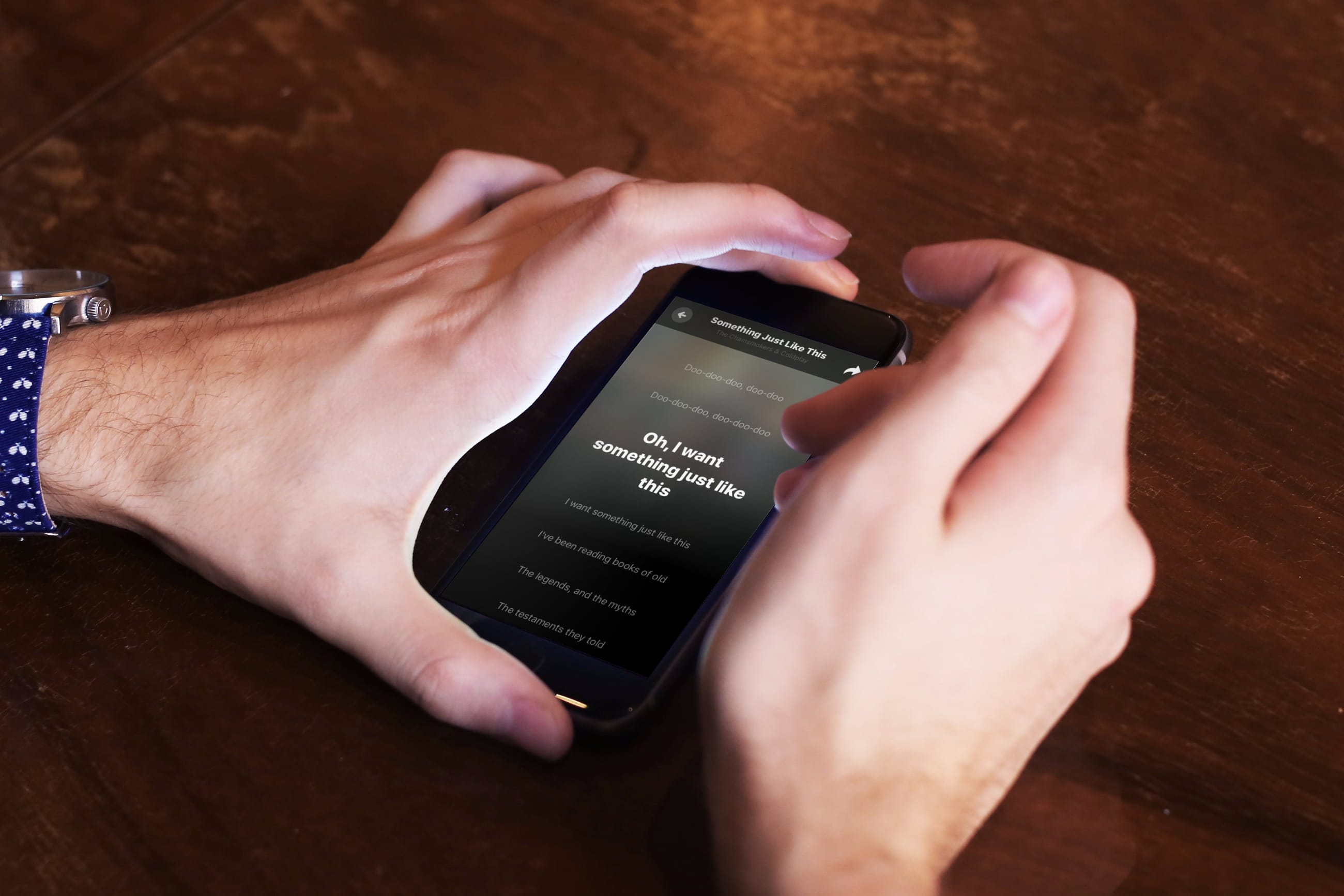
Through New Year's Eve, you can get a six month subscription to Apple Music for free when using Apple's Shazam app. Apple's running a special promotion for Shazam users in the US, UK, and Canada - and they're even giving an incentive for folks with lapsed Apple Music memberships. Here's how the deal works.
Shazam is the app that identifies what music you're hearing. It's great for figuring out which tracks are playing in movies, advertising or when you're out and about and you hear a song you really love. Apple announced plans to acquire Shazam in 2017. Since then the software's been updated with new features and even went ad-free.
As reported by Macworld UK, this isn't the first time Apple's used Shazam to promote Apple Music - in fact, this promotion is similar to one that Apple offered over Black Friday. And just like then, if you've had an Apple Music subscription but you let it lapse, you can resubscribe and get three free months.
How to get six free months of Apple Music1) Download and install Shazam from the App Store.
2) Tap on Shazam to open it.
3) Tap on the Library icon in the upper left hand corner.
4) Look in Recent Shazams for "Limited Time Only: Get up to 6 months free of Apple Music."
5) Tap on the Try Now button and sign up.
6) Tap on Try It Free. Tap on Confirm.
Bear in mind that you won't see the promotion if you're already an Apple Music subscriber, so if you're currently using Apple Music and you don't see this in your Recent Shazams library or anywhere else in the app, it's because Apple already knows you subscribe to Apple Music.
There's a loophole, however: If you cancel your subscription and then fire up Shazam, you should see the promotion, and then be eligible for the three-month restart deal. It's worth a try if you'd like to save yourself almost $30.
After the promotional period, Apple Music returns to its regular price: $9.99 per month, or $14.99 per month for a family subscription.
So did you get the free deal? Is it incentive enough for you to restart Apple Music after letting lapse? Sound off in the comments and let me know what you think.