Google's video-calling FaceTime competitor, Duo, now supports iPads natively.
Google Duo picks up iPad support
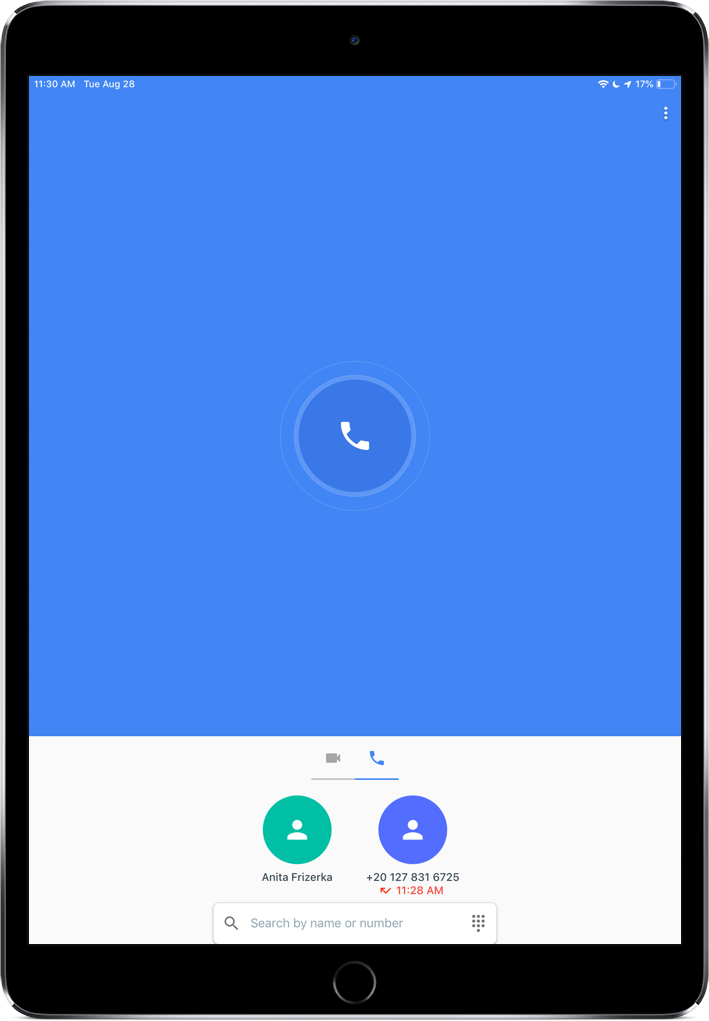
Google's video-calling FaceTime competitor, Duo, now supports iPads natively.
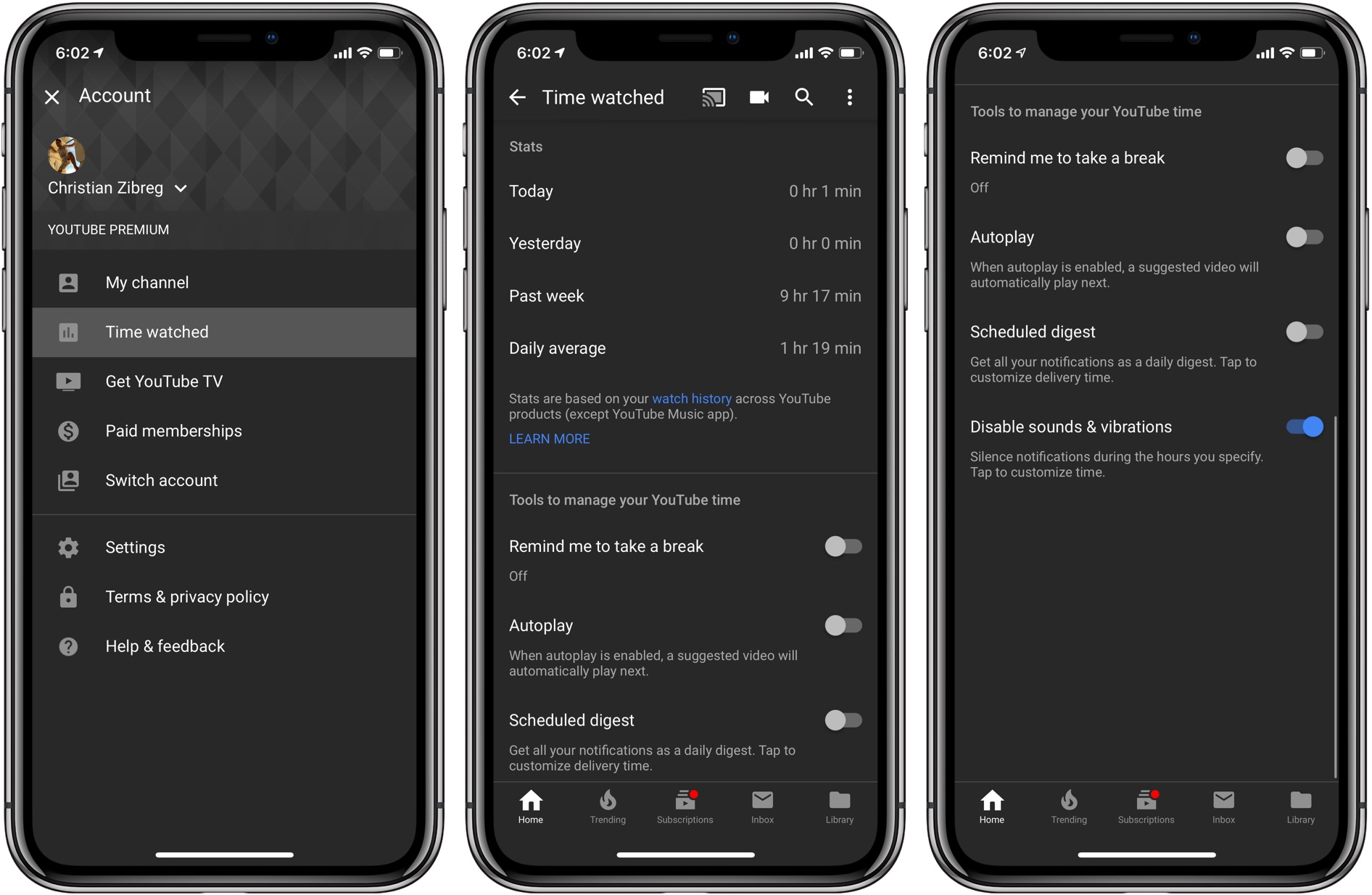
Google-owned YouTube on Monday announced availability of a new set of digital wellbeing tools, Called Time Watched. Available through YouTube for iPhone and iPad, this new section lets you keep your YouTube time under control.
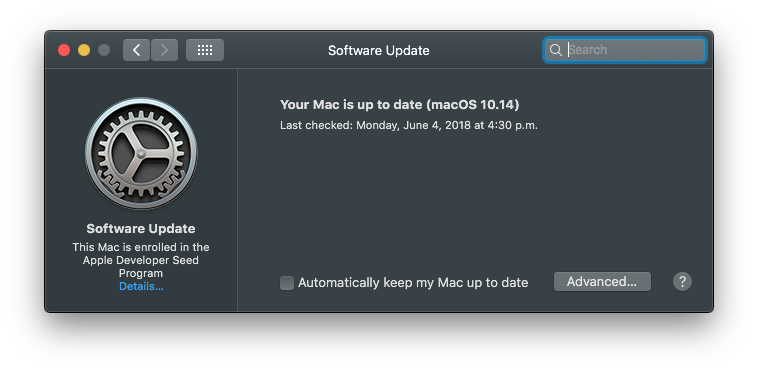
macOS Mojave 10.14 has changed the way customers update the operating system software on their Mac. No longer do new over-the-air updates available for your computer appear listed underneath the Updates tab on Mac App Store. Instead, the Software Update mechanism now lives in its own place as a standalone preferences pane. This step-by-step tutorial will teach you how to update the macOS operating system on your Mac in macOS Mojave.

This week's edition of our Apps of the Week roundup includes an app for throwing and finding parties, a photo editor with an ink-resting twist, and an app for taking short, looping videos. And as always, we've selected two great new games for you to check out.

Many developers are seeing sense in adding dark themes to their warez. Not only do darkened interfaces look stunning, they also help conserve power on iPhones that utilize OLED technology. Having previously explained using black themes in desktop and mobile apps like iMazing, Bear, Outlook.com, Mail, YouTube, Apollo and others, this step-by-step tutorial will now teach you to turn on Wikipedia Dark Mode on iPhone and iPad.

Being a student is tough at any age. You have a lot to keep track of and tons to do. This is when a student planner can come in super handy. Track classes, assignments, exams, schedules, and more, all in one spot.
These are some of the best student planners for iPhone to keep you organized on-the-go.

If you and your team use Slack to communicate, then you already know that it’s a flexible tool with great features. So, when it comes to customizations, it’s no surprise that you have a variety of options.
From how to view notifications to marking messages as read to the sidebar appearance, here are the customization options for the Slack app on your Mac.
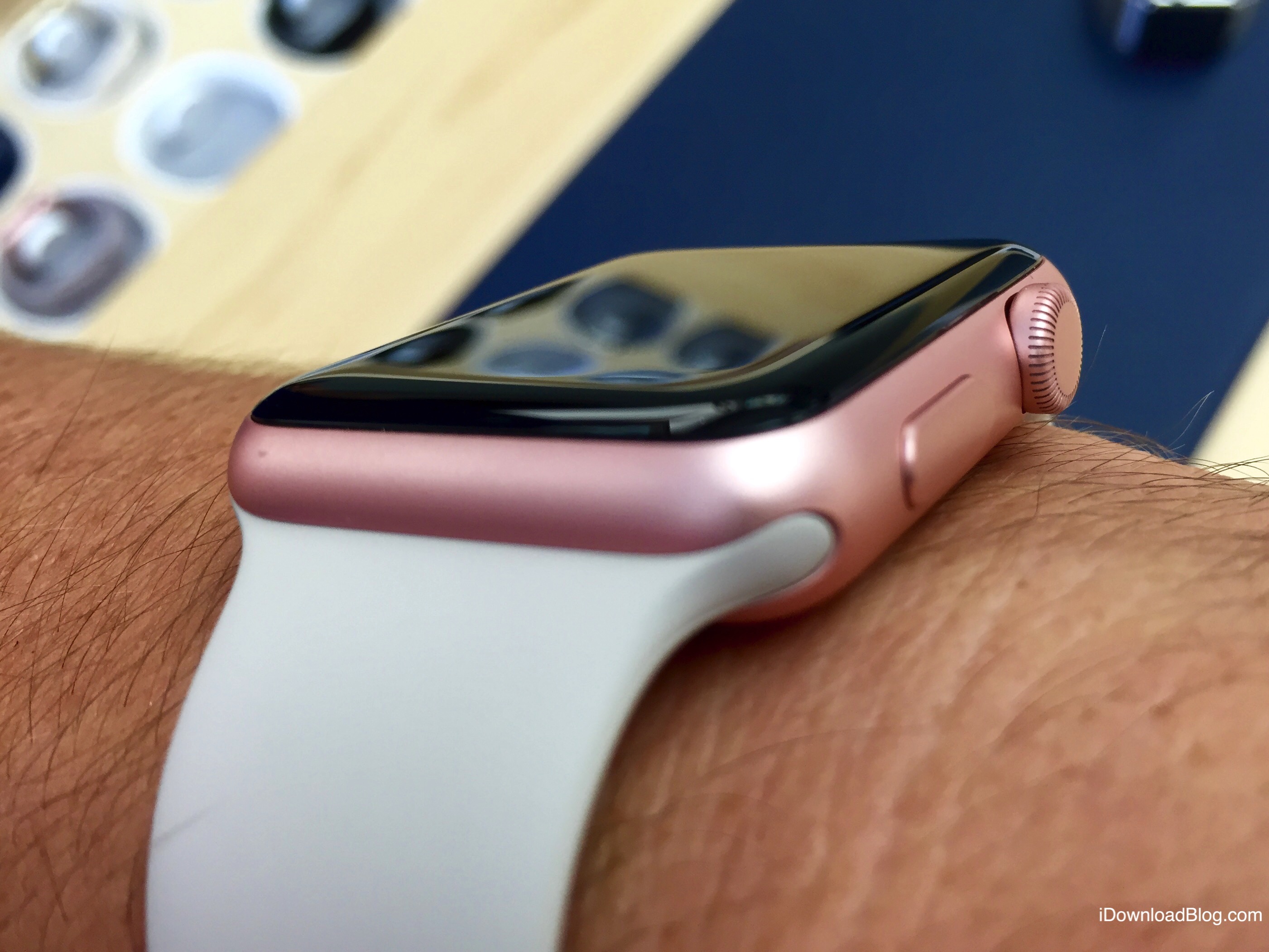
In this tutorial, we will share how you can personalize the Maps app turn-by-turn navigation alerts on your Apple Watch when you're driving, using CarPlay, walking, or cycling.

Twitter yesterday quietly bumped its iPhone and iPad app on App Store to version 7.3. Aside from a pair of user improvements, the update has removed support for iPhone, iPad and iPod touch devices powered by the iOS 9 software or older.

The freemium Bear app remains one of the most popular writing apps for iOS and macOS thanks to its ease-of-use, customization tools, and flexibility. One of Bear's most impressive features has always been its use and availability of themes, which can change the mood and color of the app's text, styling, and background. In this article, you'll learn how to set Bear's different themes on both iOS and macOS.
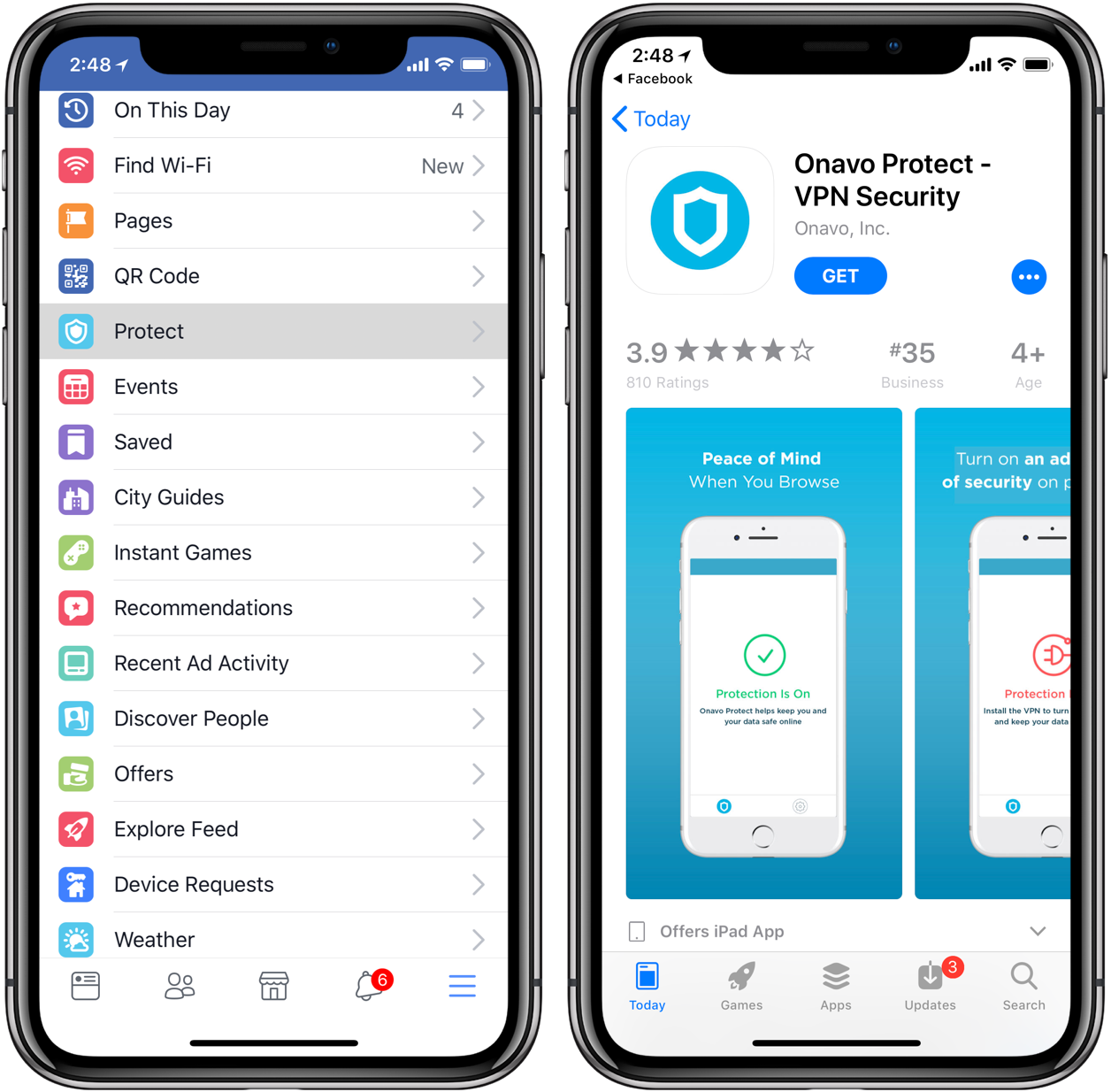
Facebook has pulled Onavo Protect from App Store, its virtual private networking (VPN) client for iPhone, iPad and iPod touch. According to the Wall Street Journal, Apple repeatedly told the social network that the app violated its data collection policies by using spyware-like practices.
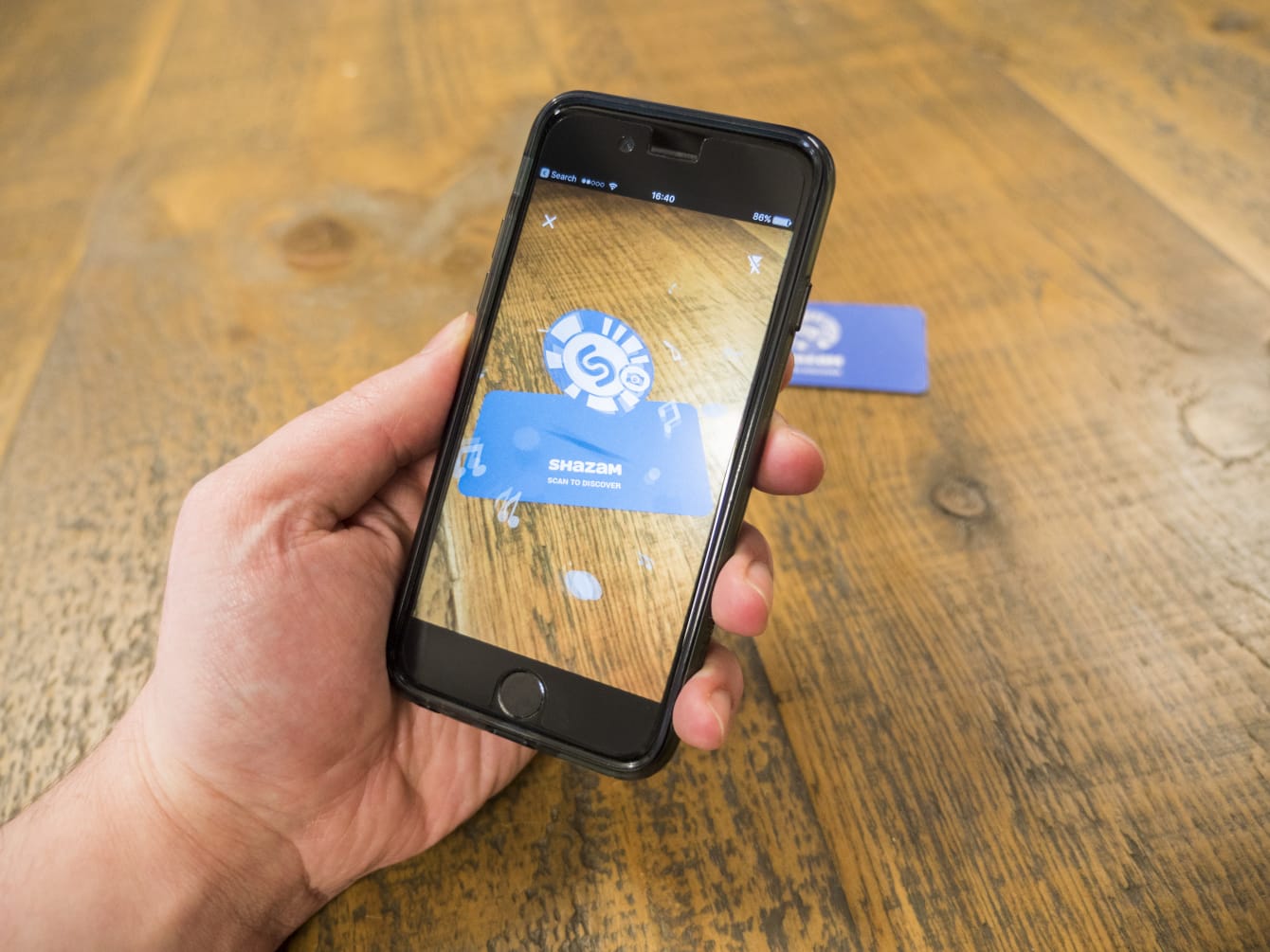
Apple's acquisition of the British music identification service Shazam should be approved by the European Commission antitrust regulators after all, a new report has alleged.