Sandy Writtenhouse

With her BS in Information Technology, Sandy worked for many years in the IT industry as a Project Manager, Department Manager, and PMO Lead. She then decided to follow her dream and now writes about technology full-time.

The best iPhone emoji keyboard apps

Best emoji keyboards for iPhone - FancyKey

These days, using emojis when sending text messages is the norm. You can say about anything with an emoji instead of text from “I love you” to “Let’s grab a burger.” And your iPhone is packed with tons of them to use. But there are apps that take these handy little smileys to another level.

You can send emojis that are arranged in a picture, those that you edit yourself, and many that you won’t find on your iPhone by default. If you want to step it up with your emojis, here are the best iPhone emoji keyboard apps.
How to organize your Apple Notes with folders on Mac

Apple Notes app icon

Just like using folders on your Mac can keep your files organized, you can use folders in the Notes app to keep everything nice and neat. Rather than just having lists of notes, you can create folders and subfolders to keep related notes together. This makes finding the notes you need much easier.

Here’s how to organize your Apple Notes with folders on Mac.

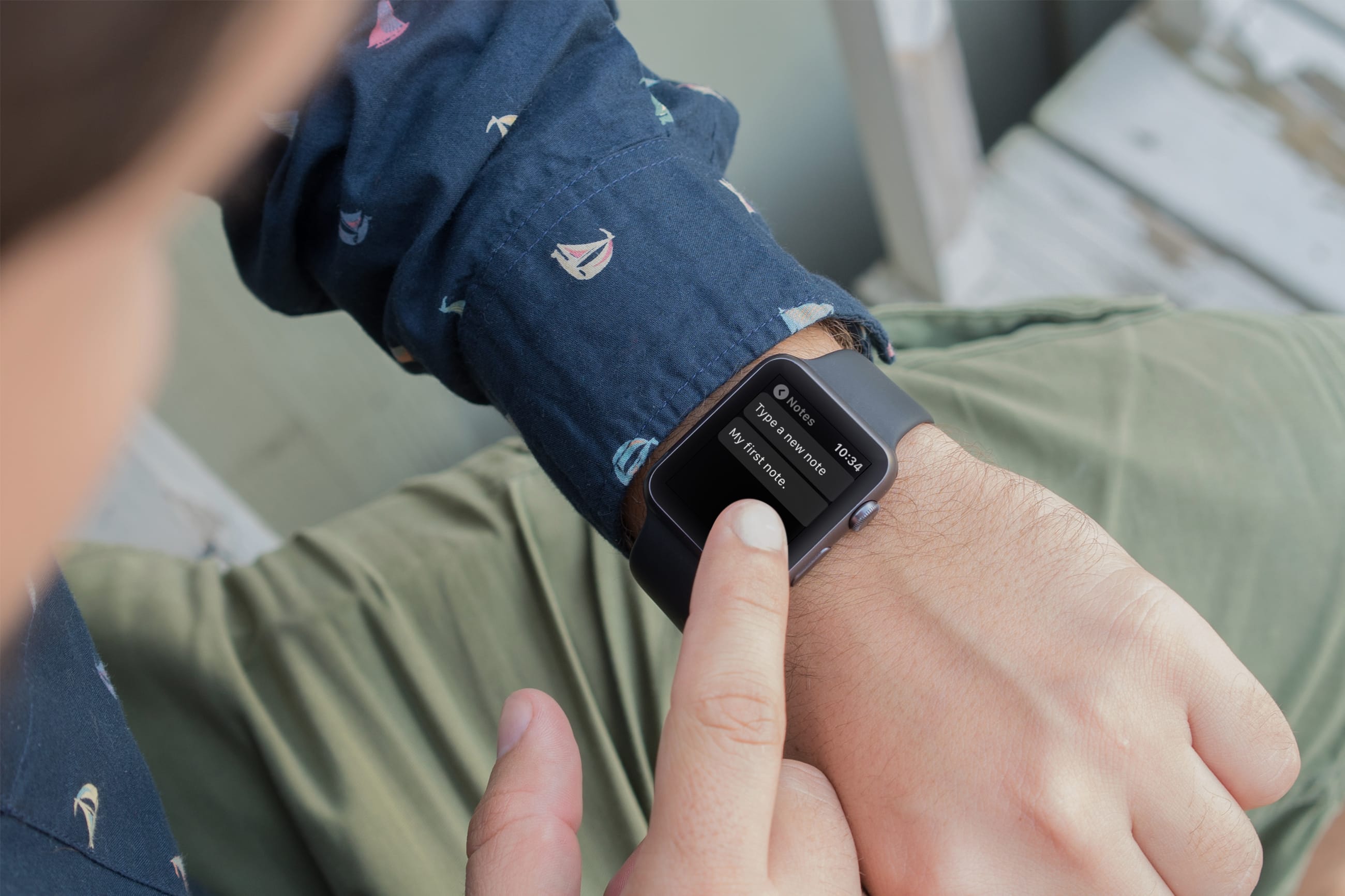
The 6 best free apps to take notes on Apple Watch

Best Apps for Taking Notes on Apple Watch

Using your Apple Watch to take notes makes perfect sense because it’s right on your wrist. You might jot down something you need when you get to the office or just want to capture an idea on the go.

For those who want to create and view notes anytime, anywhere, right from their wrist, this list is for you. Here are the six best free note-taking apps for Apple Watch.